


Video Editor & Maker- My Movie

Hot Novels




Install Tips
Mobile safety & integrity report for the latest package. We provide verifiable checksums and a timestamped scan summary. Latest package Video Editor & Maker- My Movie 14.13.2 scanned by multiple engines; no threats detectedas of Tue, 28 Jul 2026 12:15:31 GMT.
After downloading, use a system or third-party checksum tool to calculate the SHA256 and ensure it matches the value provided on this page (case-sensitive, without spaces).
Each engine uses different signature databases and heuristics, so results may vary slightly. We provide a timestamp and checksum to allow you to independently verify the package.
Video Editor & Maker- My Movie Review
MyMovie is an easy-to-use video editor and fun video creator with music. The simple multi-track timeline helps you cut, mix, and edit videos quickly.
MyMovie lets you mix photos and videos, trim clips, and edit vlog, Noizz Video. No time limit on video import or export. You can also remove watermark for free. It’s a powerful full screen video editing and video creator free app.
Features:
Free Video Editor & Video Merger
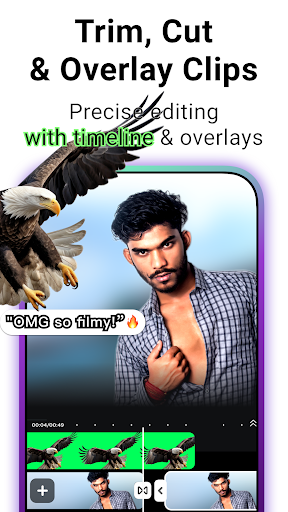
Free video cutter and merger with multi-layer timeline. Cut, trim, and join video or photo clips. Simple tools for all video makers and editors. Supports in shot video editor and clips video editor needs.
Intuitive Multi-Track Video Editor
● Video Cutter: Zoom in to cut or trim accurately. Drag, drop, and edit with music.
● Quick Cut Tool: Fast access to play, cut, and jump buttons.
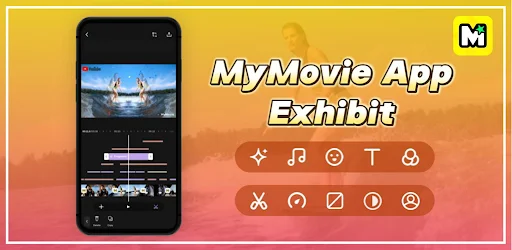
● Full Clip View: See all clips on the timeline to edit timing, layers, and music.
● Three Tracks: Separate tracks for music, picture-in-picture, and effects. Clean layout for editors.
● Zoom Editing: Zoom both timeline and video preview like a gallery. Great for reel editors and Instagram Reels video editor with trending music.
Add Music, Sound Effects & Voice
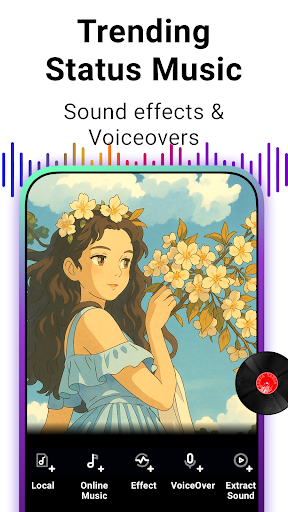
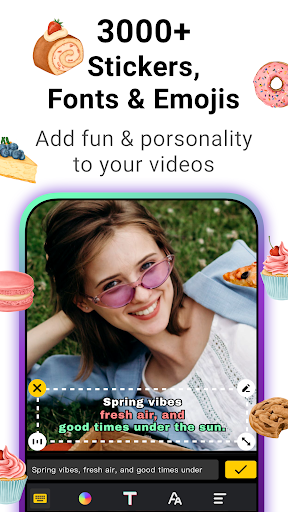
Add background music, sound effects, or voiceovers. Use local or royalty-free online music. Extract audio from video. Adjust volume, fade in/out. A strong video editor with music and voice-over recording support. Also works as subtitle tool.
Photo Slideshow Maker
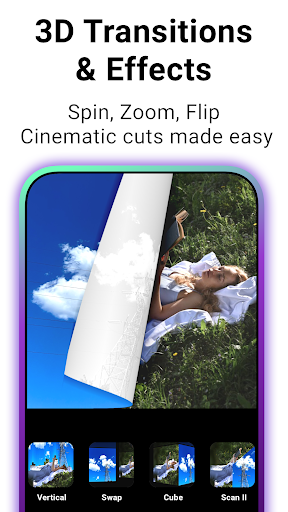
Easy slideshow maker with music. Turn photos into videos with transitions and filters. Just select pictures and songs. No editing skills needed. Great photo video maker and story maker tool.
Video Speed Control
Adjust speed from -3× to 3×. Create fast or slow motion videos. Includes video speed control tools for reels, shorts, and vlogs.
AI Video Editor
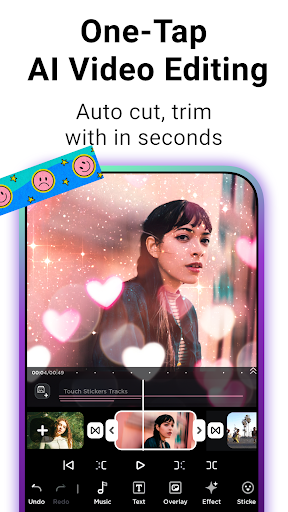
• AI Auto Cut: Remove silent parts. Keep highlights for reels, vlogs, shorts, and YouTube.
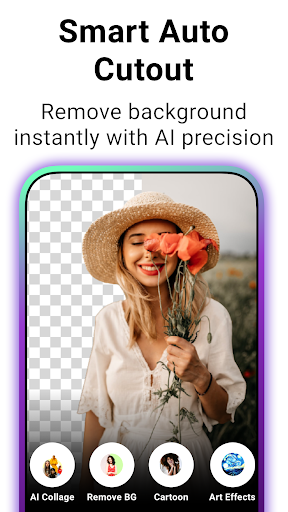
• AI Background Remover: One tap to erase backgrounds. Use as video background editor.
• AI Cartoon & Art: Turn clips or images into cartoons or pic art.
Meme Maker & Video Templates
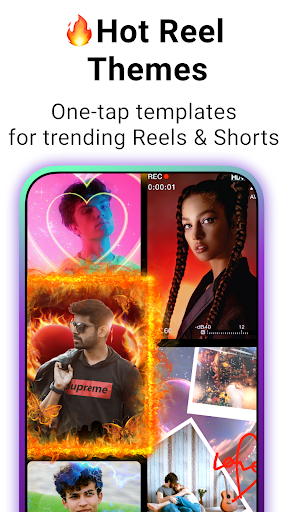
Make memes with text and stickers. Use ready-made templates for music videos, noizz, stories, vlogs or funny edits. Includes Instagram templates, Instagram post maker tools, photo frames, and video frames.
Photo Collage Editor
Combine photos into aesthetic collages with flexible layouts and creative stickers. Ideal for photo editor fans, meme maker tools, or creating YouTube thumbnails and video covers. Add text, adjust frames, and design stylish grids to make your pictures pop.
Background Video Saving
No need to stay on the MyMovie export screen! Once you hit save, MyMovie continues exporting your video in the background while you use other apps or work on other tasks. Progress will be shown in your notification bar. This frees up your phone—a key advantage that makes us stand out.
Save Drafts Anytime
Save unlimited drafts. No project limits. Undo/redo freely. Edits are auto-saved. Ideal for vloggers, short video editors, and pros.
Share Video
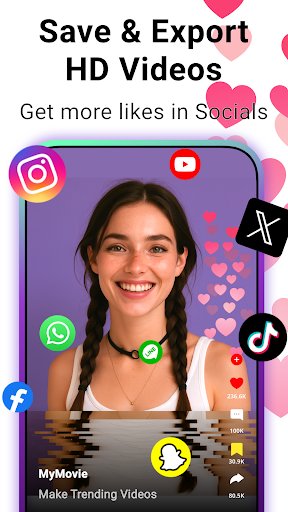
Export video in HD or 4K, up to 60 FPS. Customize resolution, bitrate, frame rate. Compress without quality loss. Share to YouTube, TikTok, Instagram social platform.
Easily crop, trim, or split your videos, and combine clips into a smooth story. Add text, apply stylish filters and effects, blur backgrounds, or use green screen. Adjust playback speed, change video aspect ratio, and turn photos into engaging photo play videos.
Download MyMovie — a free and easy video editor to make movies, create slideshows, and edit short videos for analysis or sharing.
Contact: charmernewapps@gmail.com
Changelog
MyMovie Update Highlights:
🎃 Spook-tacular Halloween effects to make your videos festive and fun
✨ Bug fixes and small improvements for a smoother editing experience
Create creepy-cool videos with music, Reels, or short clips using MyMovie – your go-to free video editor!
Additional information
Screenshots
Reviews
Recommend Article






Similar Apps

Enjoy millions of videos, music with PlayTube - Video, Mp3 Player app

Play HD videos, manage files, and cast content seamlessly.

Edit viral videos, join live streams, shop trends and connect with friends.

Connects you with family through real-time video and audio anytime and anywhere

Advanced VFX editor with cutting-edge features.

Gorgeous 3D effect Gallery, easy managing and sharing your pictures.