


MX Player

Hot Novels






Install Tips
Mobile safety & integrity report for the latest package. We provide verifiable checksums and a timestamped scan summary. Latest package MX Player 2.3.0 scanned by multiple engines; no threats detectedas of Tue, 28 Jul 2026 12:07:54 GMT.
After downloading, use a system or third-party checksum tool to calculate the SHA256 and ensure it matches the value provided on this page (case-sensitive, without spaces).
Each engine uses different signature databases and heuristics, so results may vary slightly. We provide a timestamp and checksum to allow you to independently verify the package.
MX Player Review

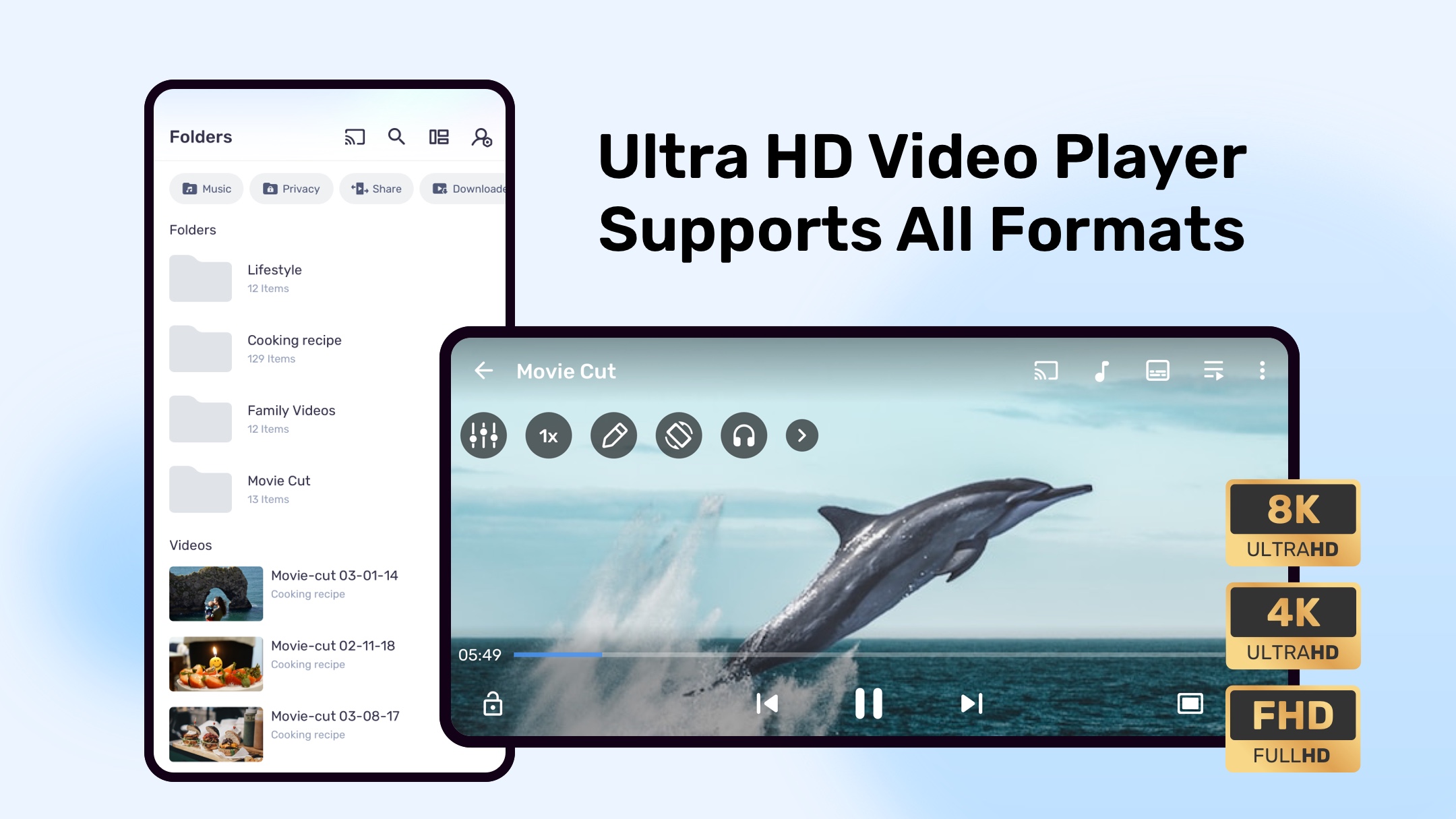
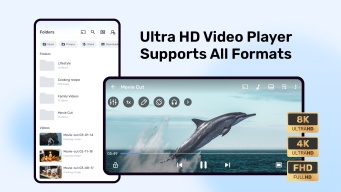
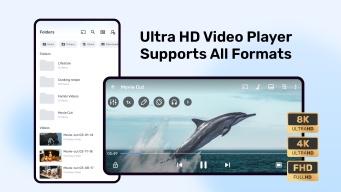
MX Player is a powerful video and music player offering advanced hardware acceleration, multi-core decoding, and extensive subtitle support. Designed for smooth playback and high performance, it delivers the ultimate multimedia experience for Android users.
Advanced Playback Features
Hardware Acceleration
Experience seamless playback with MX Player’s HW+ decoder, enabling hardware acceleration for more videos than ever before.
Multi-Core Decoding
MX Player is the first Android video player supporting multi-core decoding, providing up to 70% better performance on multi-core devices compared to single-core ones.
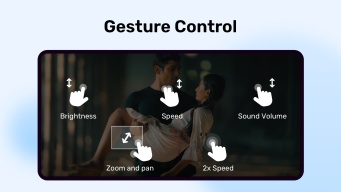
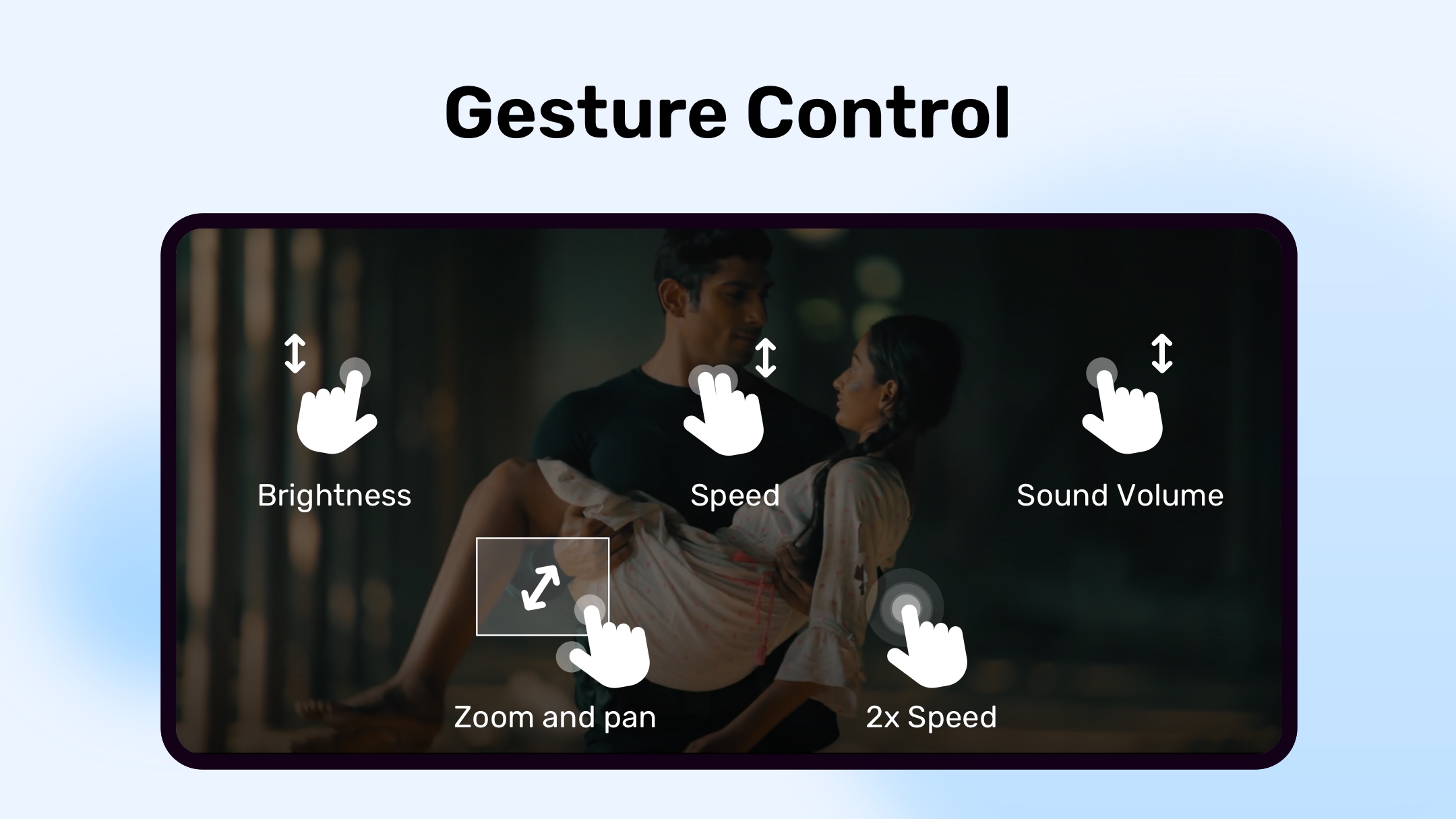
Pinch to Zoom, Zoom & Pan
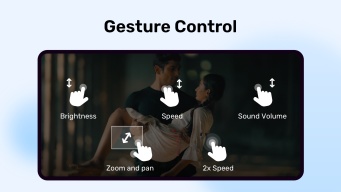
Easily zoom in or out by pinching or swiping across the screen. The app also offers manual zoom and pan options for a flexible viewing experience.
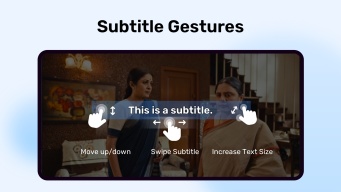
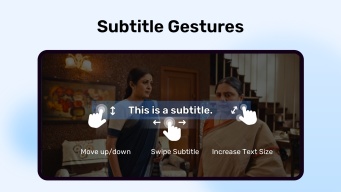
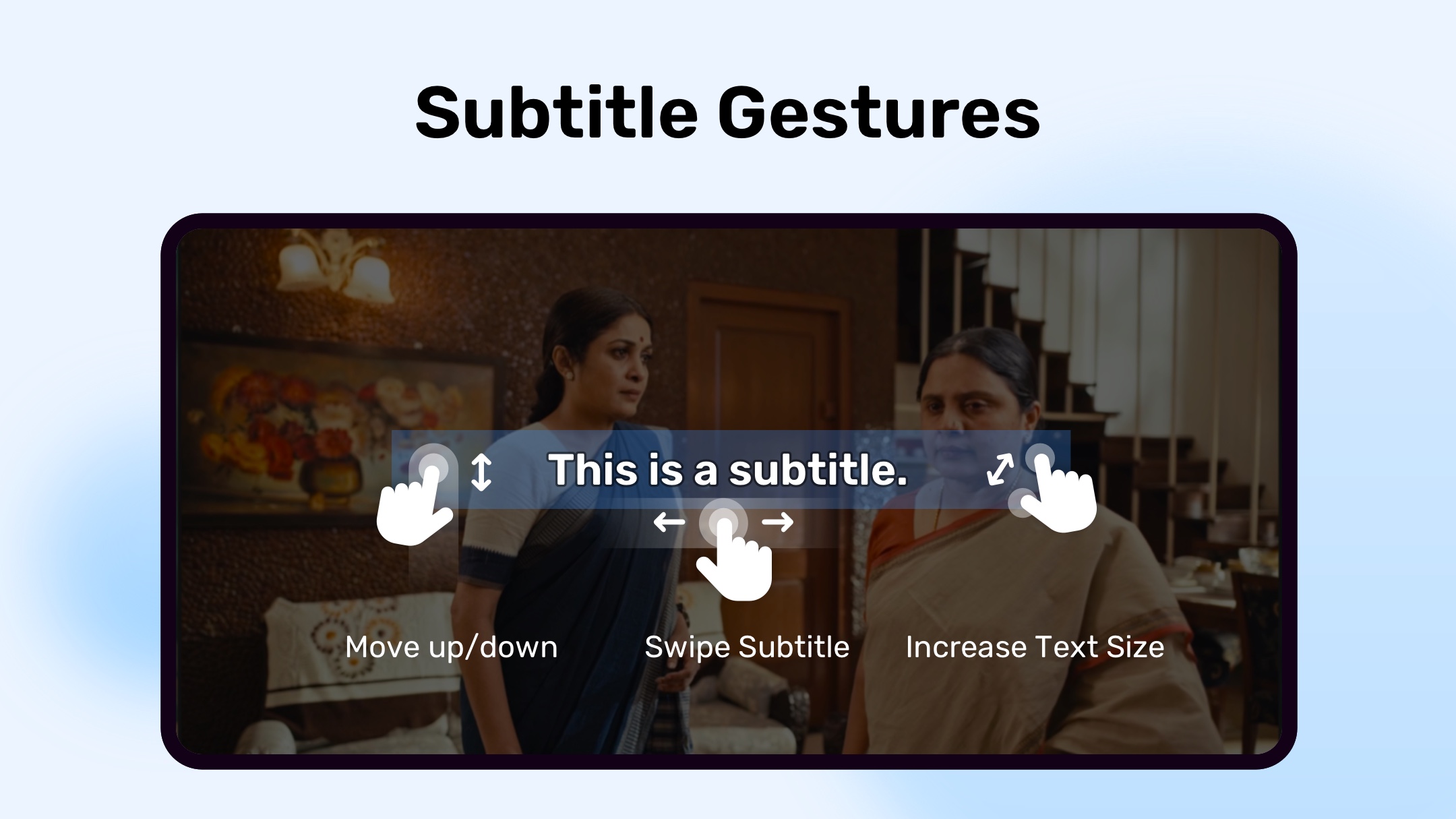
Subtitle Gestures
Control subtitles effortlessly:
Swipe forward/backward to skip between texts.
Move subtitles up/down to adjust their position.
Pinch in/out to change subtitle size.
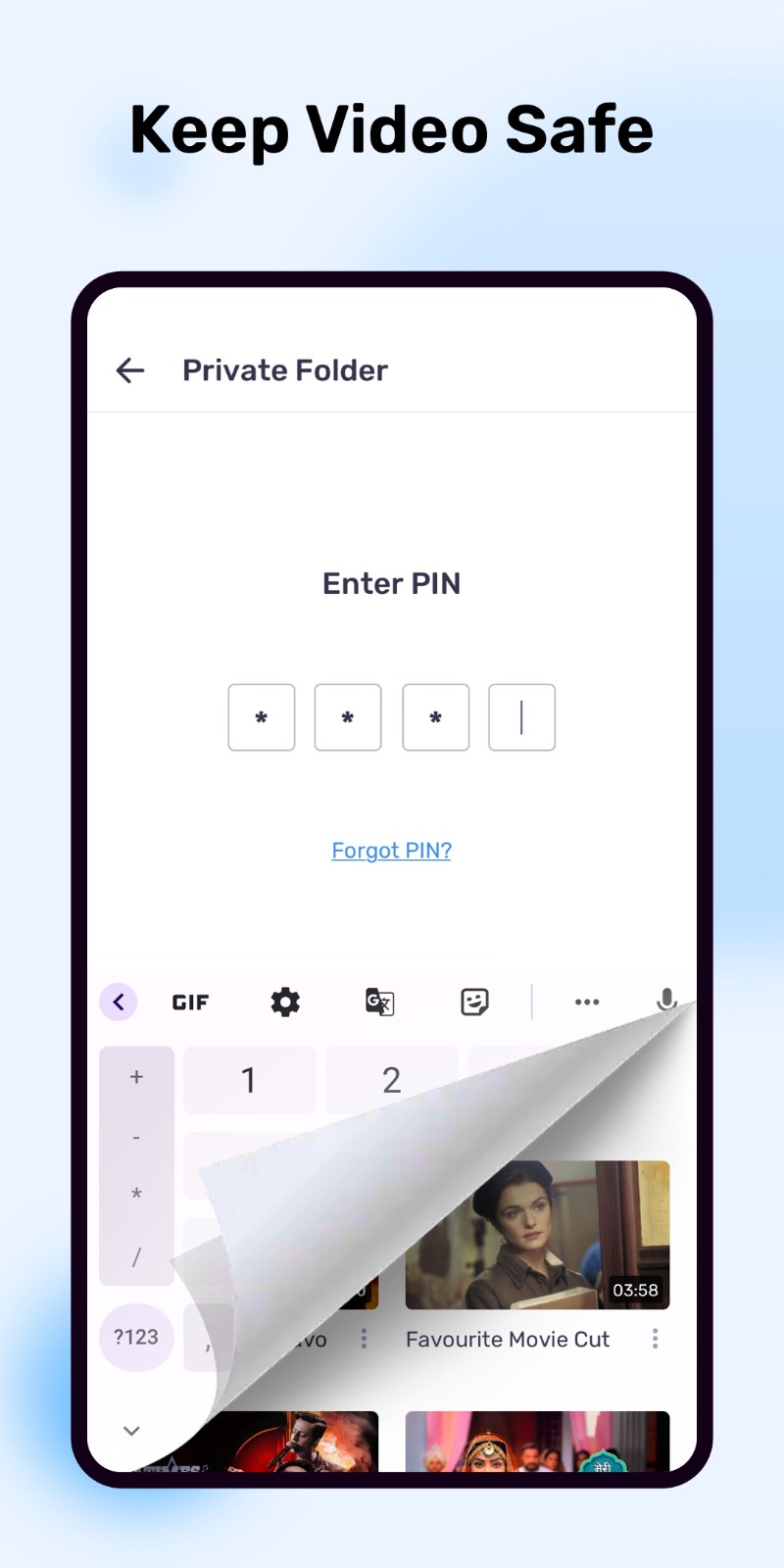
Privacy Folder
Protect your private videos in a secure privacy folder, ensuring your content remains confidential.
Kids Lock
Keep your children safely entertained without accidental app exits or unwanted actions — Kids Lock disables system buttons and calls during playback.
Supported Subtitle Formats
MX Player supports a wide range of subtitle file types, including:
SSA/ASS, SMI, SRT, SUB, IDX, MPL2, TXT, PJS, VTT, and more.
Permissions Overview
Storage: Access and manage media files.
Location: Find nearby friends.
Network/Wi-Fi: Check status for updates and licensing.
Bluetooth: Improve AV sync with Bluetooth headsets.
Camera: Scan QR codes.
Internet: Stream online content.
Vibration/Wake Lock: Maintain uninterrupted playback.
System Access: Enable Kids Lock and background process management.
For installation issues like “package file is invalid,” reinstall directly from the official website: https://mx.j2inter.com/download
.
For help or feedback, visit:
Facebook: facebook.com/MXPlayer
XDA Forum: forum.xda-developers.com/apps/mx-player
Some visuals are used under Creative Commons licenses from Blender Foundation.
Changelog
Experience a smoother, faster, and more reliable application with our latest update. We've squashed bugs and optimized performance to ensure you have the best possible experience.
FAQ
Additional information
Screenshots


Reviews
Recommend Article











Similar Apps

Try latest video editor single click features that help you to edit your video

Explore the largest library of free GIFs, Stickers & Memes - or create your own!

Photo Video Maker create video from photos, with music, effect, frame, slideshow

Transform your ideas into videos with talking avatars using Generative AI.

This is a portable media player, also a DLNA Control Point, Proxy & DMR.

AI Captions, AutoCut & Retouch