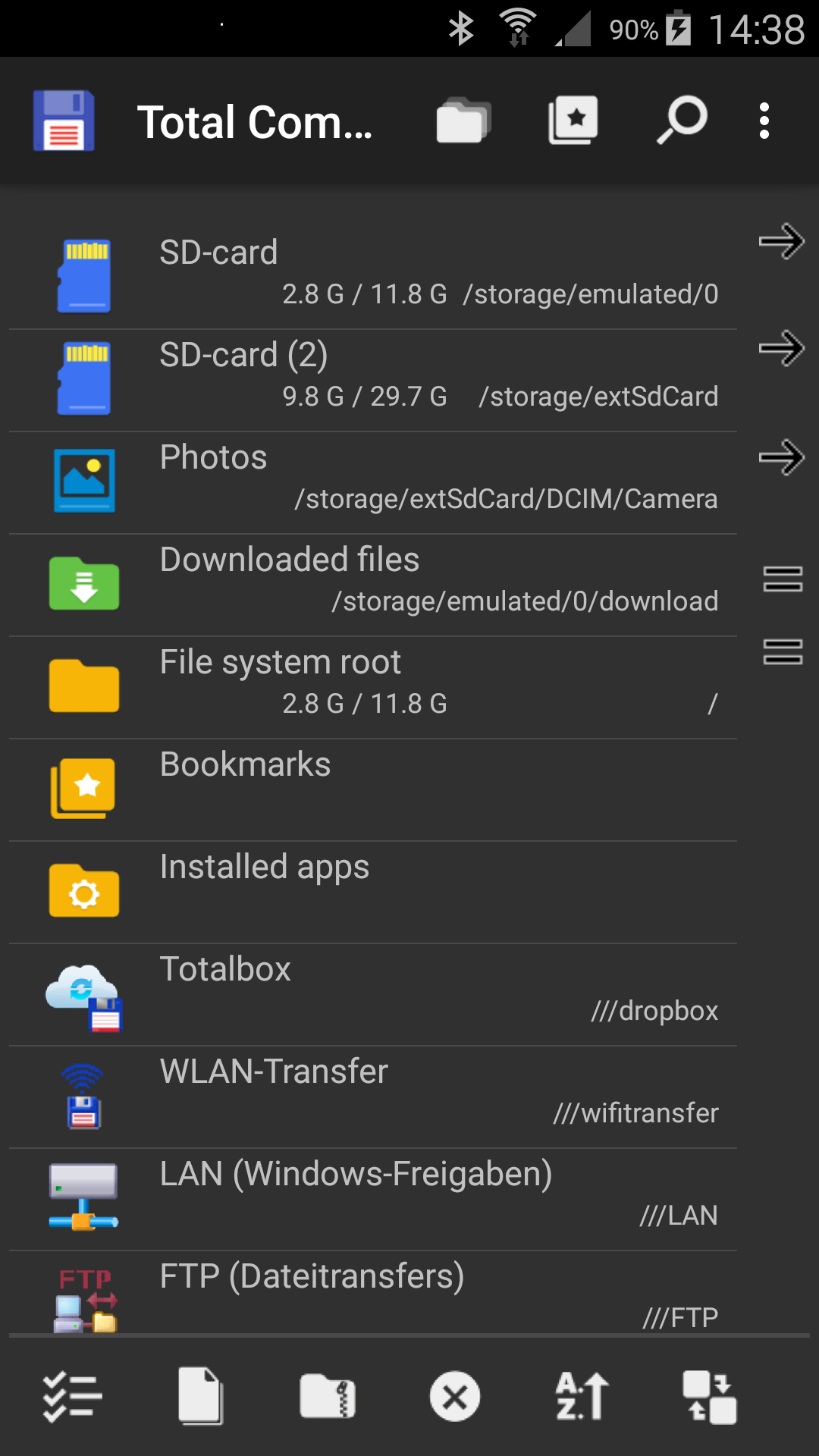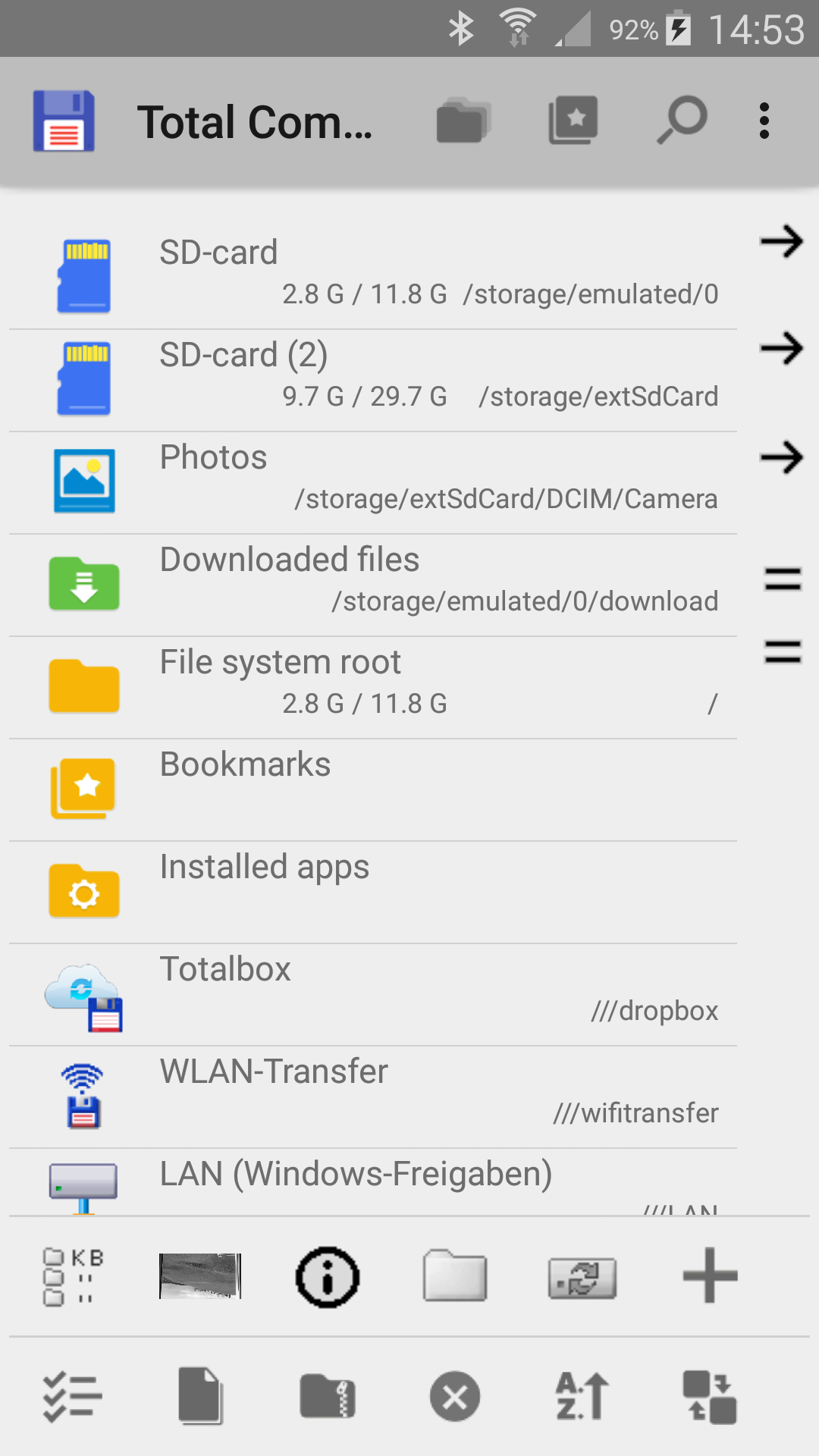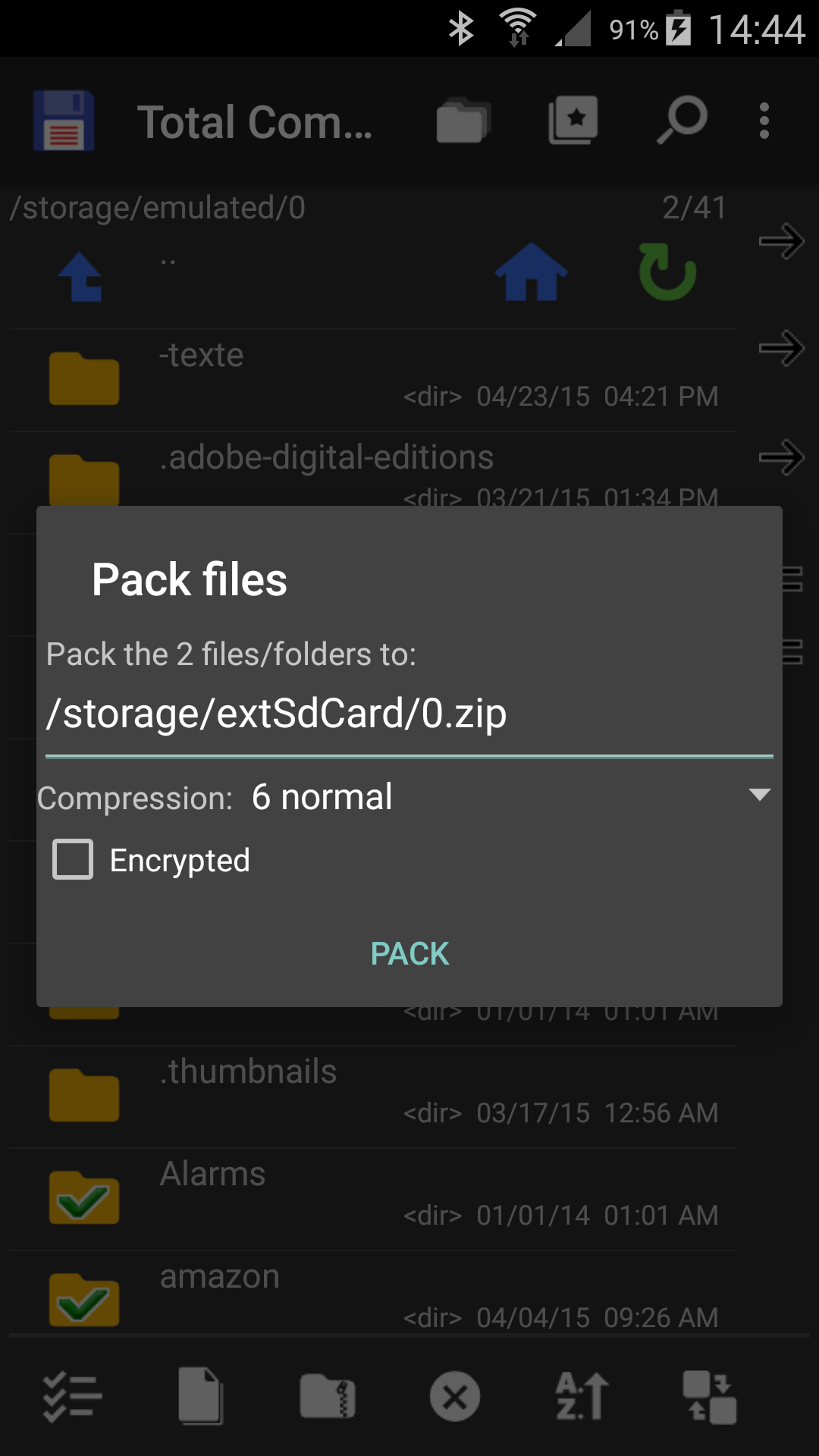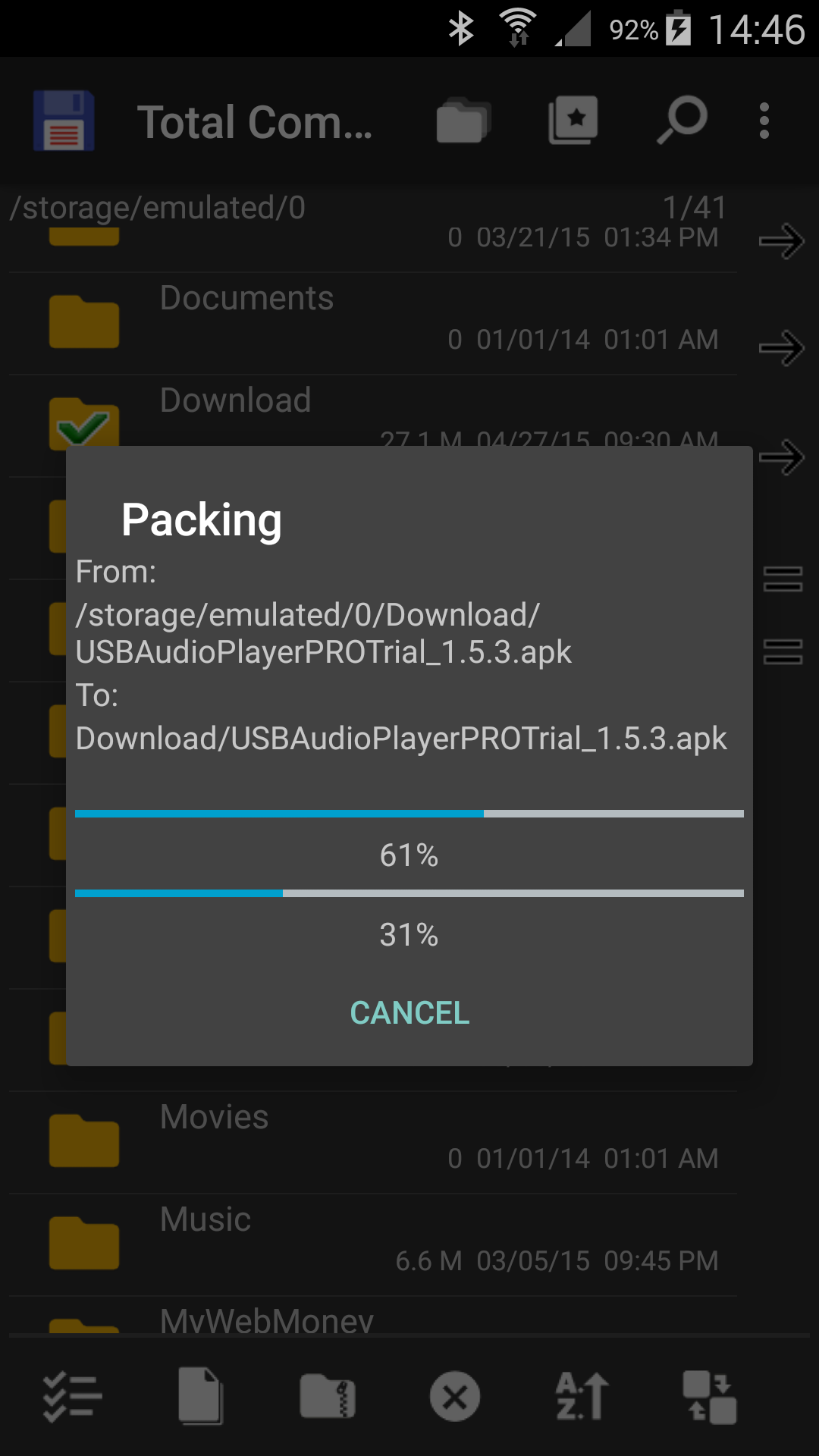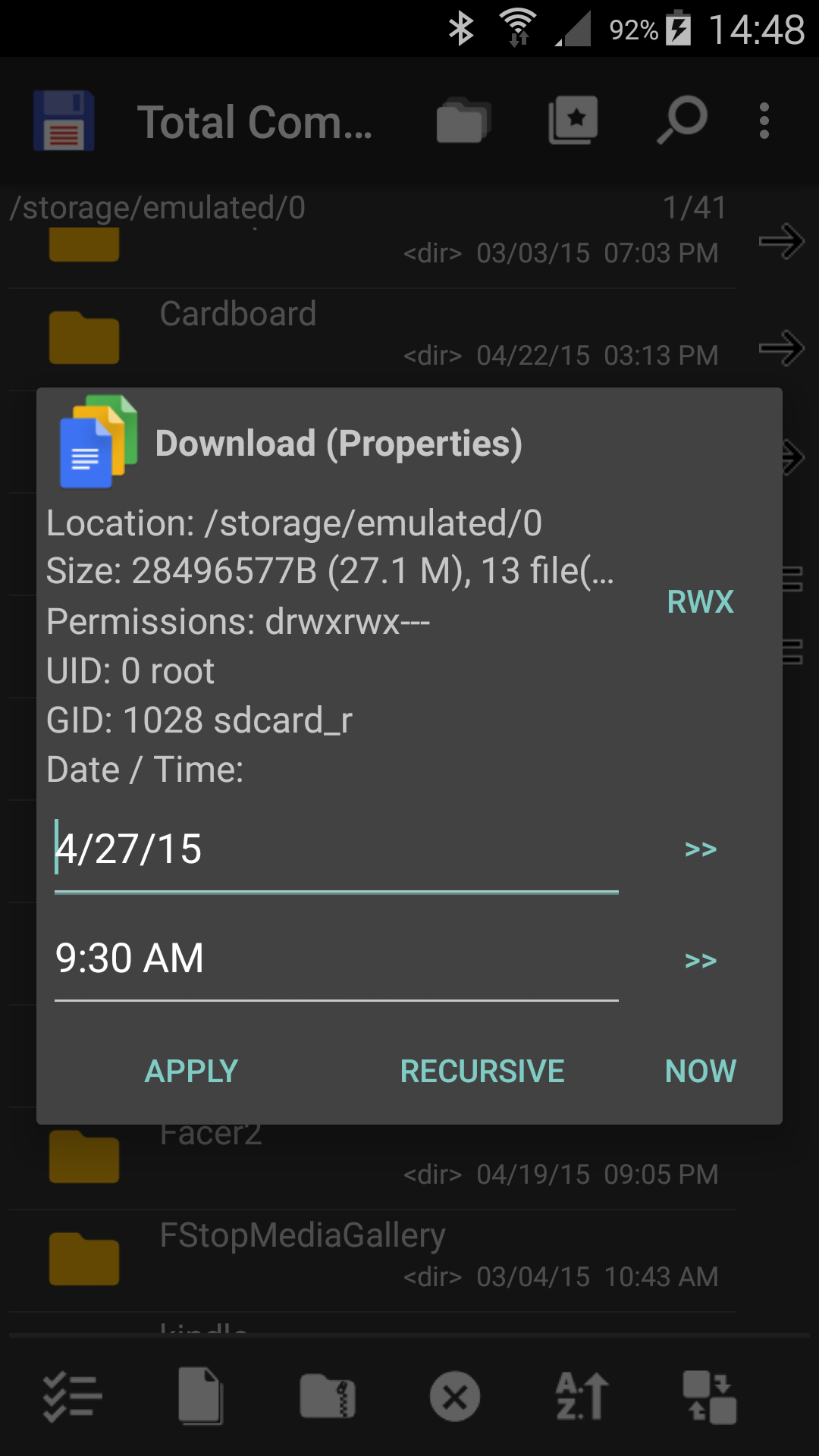







Total Commander is a powerful dual-pane file manager app designed to streamline file navigation and management on Android devices. Users can seamlessly move, copy, rename, delete, and compress files, even across different folders. The two-panel interface ensures an efficient workflow, making it an ideal choice for multitasking.
Advanced Features for Power Users
One of Total Commander's standout features is its support for root access. This capability allows users to manage system files on rooted devices with ease. You can write to protected partitions such as /system or /data while being informed of any necessary actions beforehand. Additionally, the app includes plugins for accessing cloud services like Google Drive, Dropbox, and OneDrive, as well as network drives through FTP, SFTP, and WebDAV protocols.
Versatile Functionality Across Formats
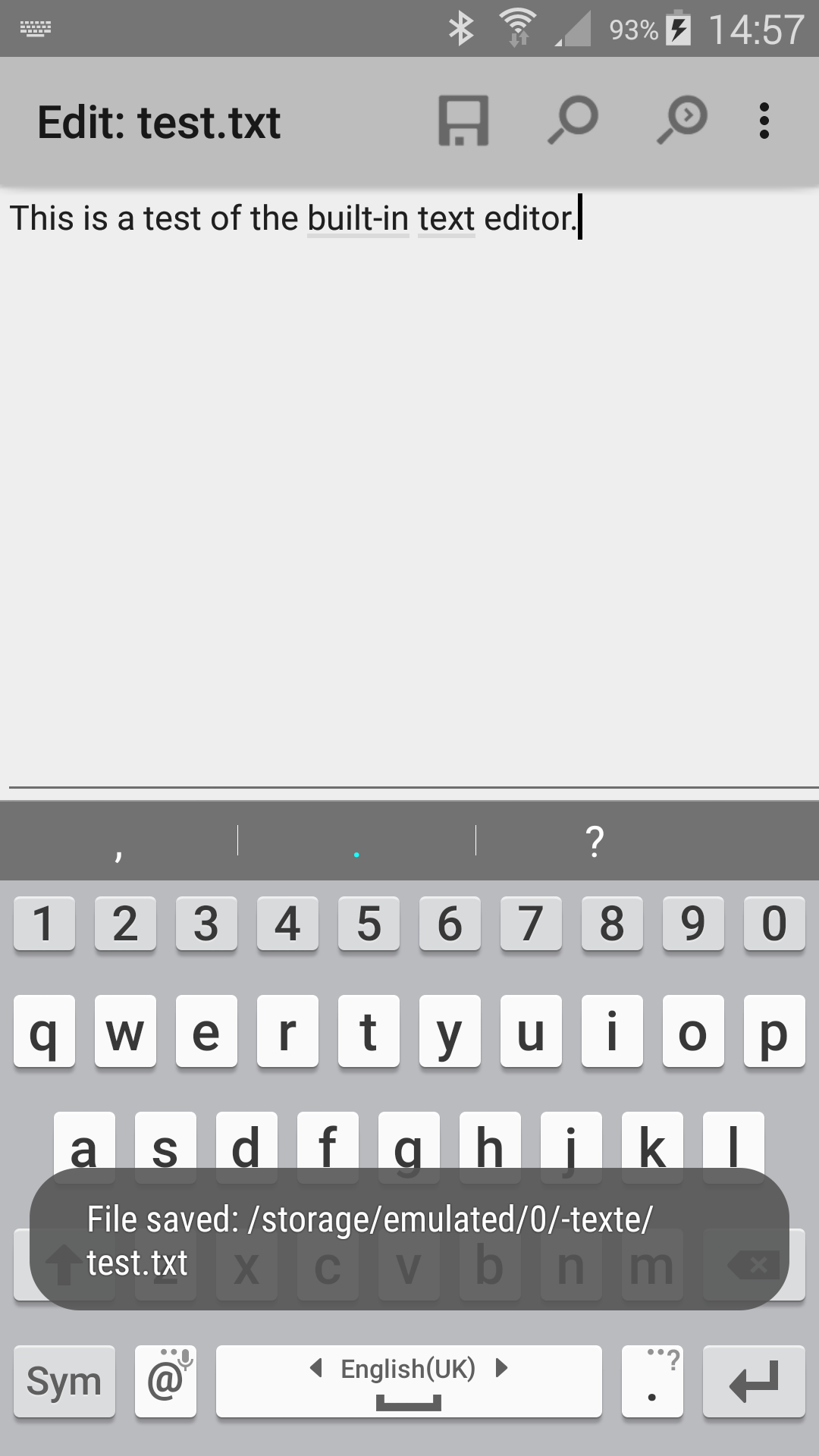
Total Commander excels in handling various file formats and storage types. It supports ZIP and RAR archive management and integrates with Storage Access Framework (SAF) to access external SD cards and other storage devices. The built-in search function enables users to locate duplicate files or specific text within documents quickly.
Accessibility and Multilingual Support
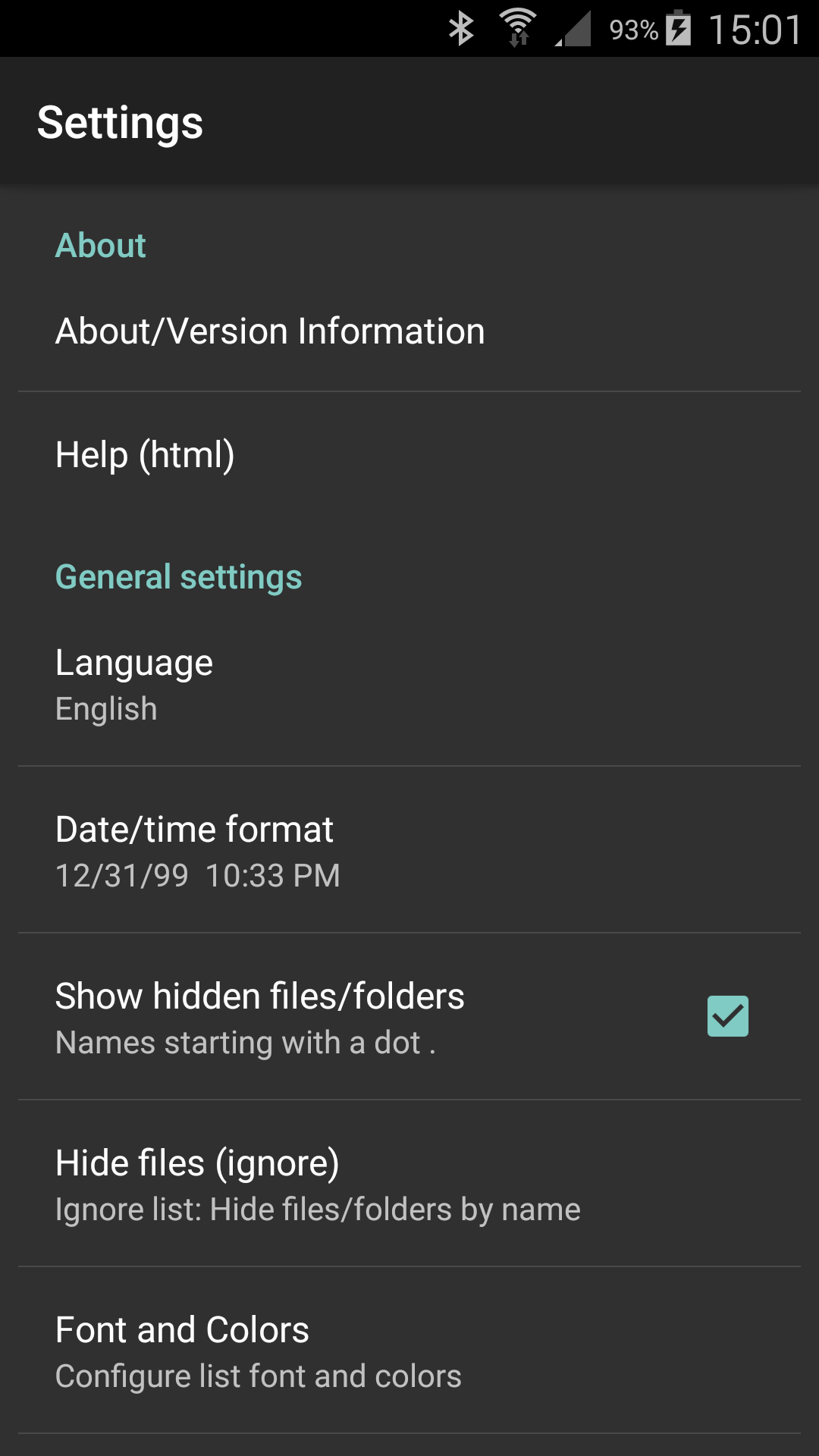
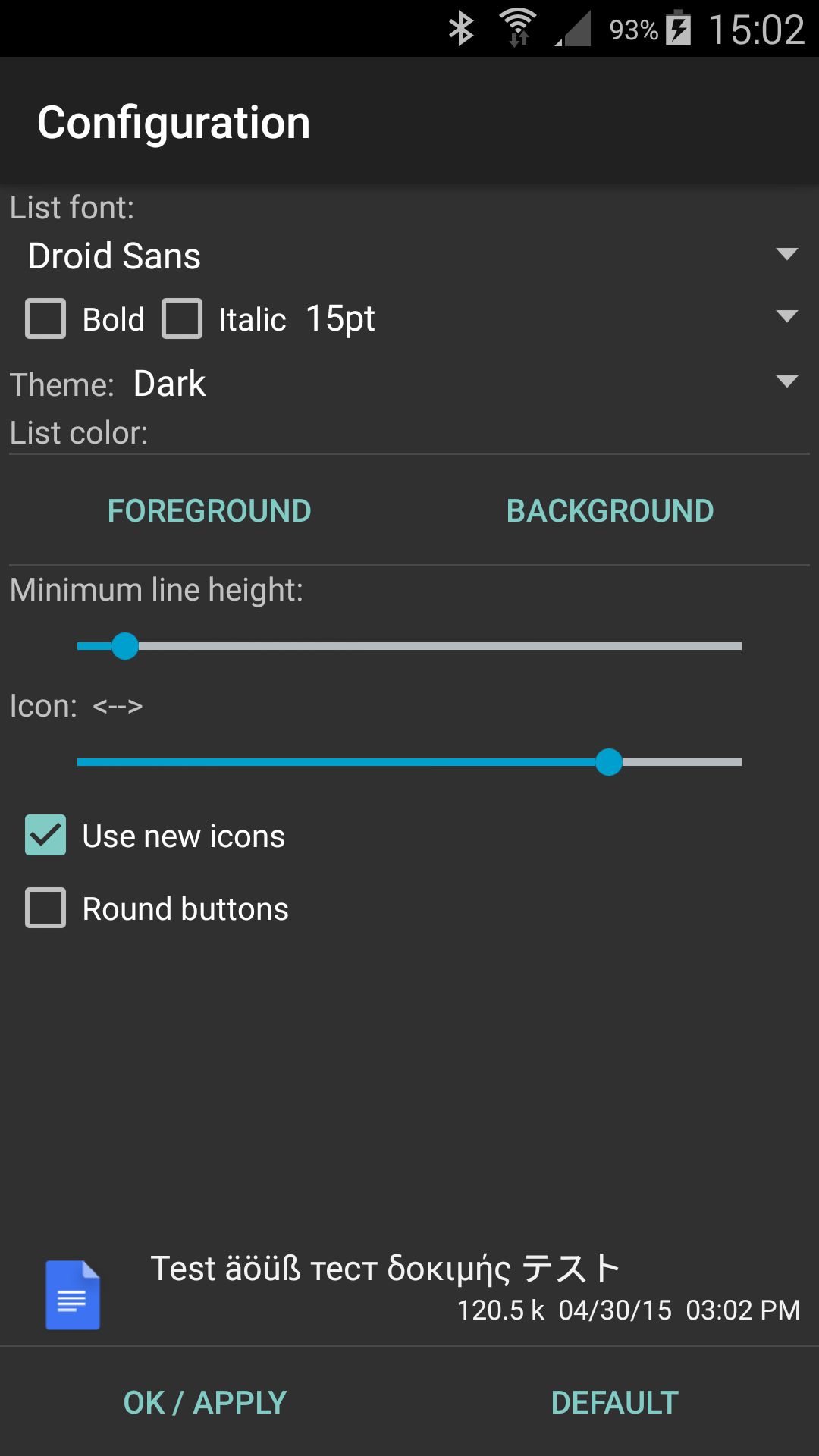
This app is optimized for visually impaired users by providing text-based icons. It also offers support for over 20 languages through public translations available at Crowdin.net. A simple help function is included in multiple languages, ensuring accessibility for a global user base.
A Trusted Tool Without Ads
Developed by C. Ghisler using Delphi programming language, Total Commander boasts reliability and efficiency. Notably, it is free to use and contains no advertisements—providing a distraction-free environment for professional-grade file management tasks.
Experience seamless file organization on your Android device!