

Sketchware

Hot Novels






Install Tips
Mobile safety & integrity report for the latest package. We provide verifiable checksums and a timestamped scan summary. Latest package Sketchware 3.9.9 scanned by multiple engines; no threats detectedas of Tue, 28 Jul 2026 12:12:11 GMT.
After downloading, use a system or third-party checksum tool to calculate the SHA256 and ensure it matches the value provided on this page (case-sensitive, without spaces).
Each engine uses different signature databases and heuristics, so results may vary slightly. We provide a timestamp and checksum to allow you to independently verify the package.
Sketchware Review
Create native Android apps on your smartphone.
Main Features:
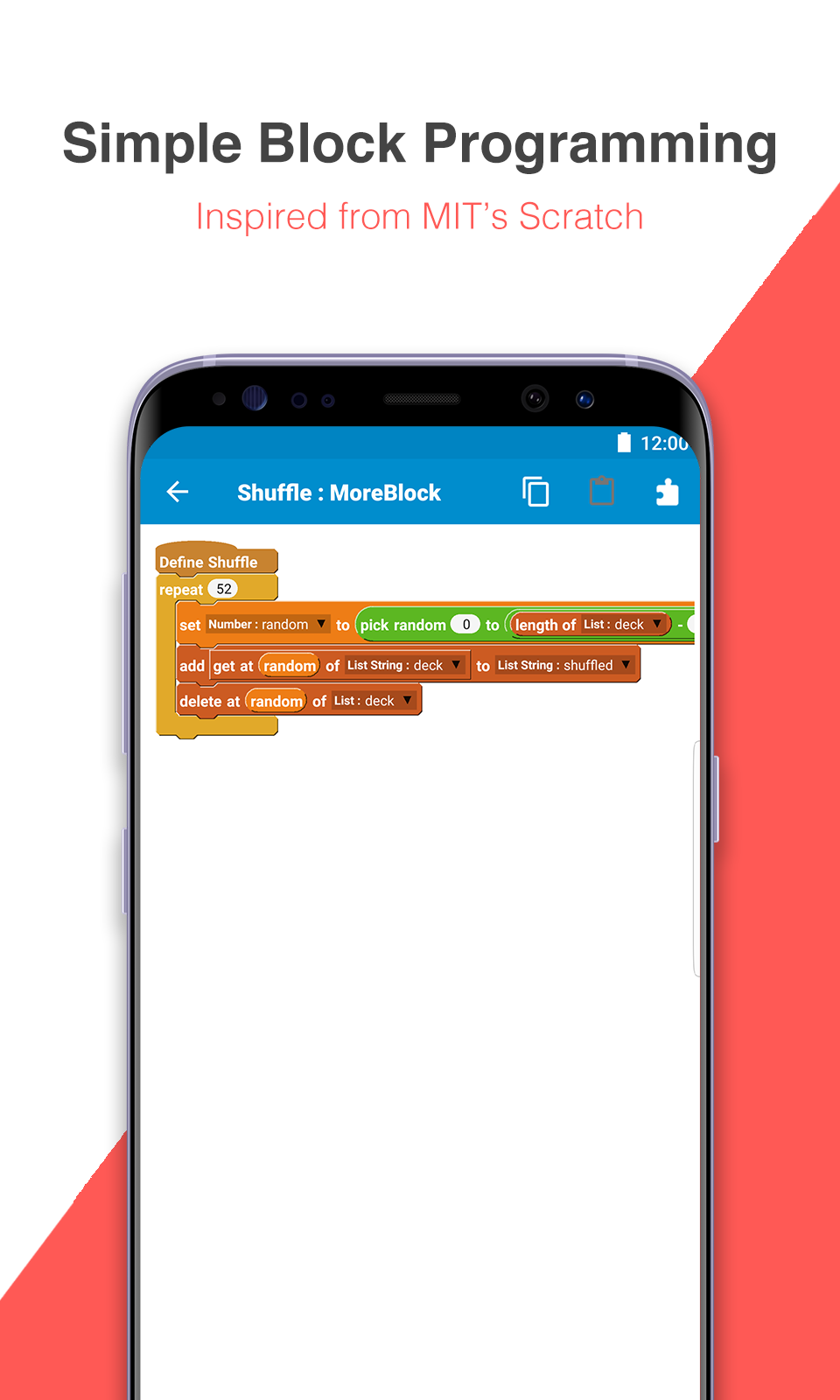
- Block programming similar to Scratch from MIT
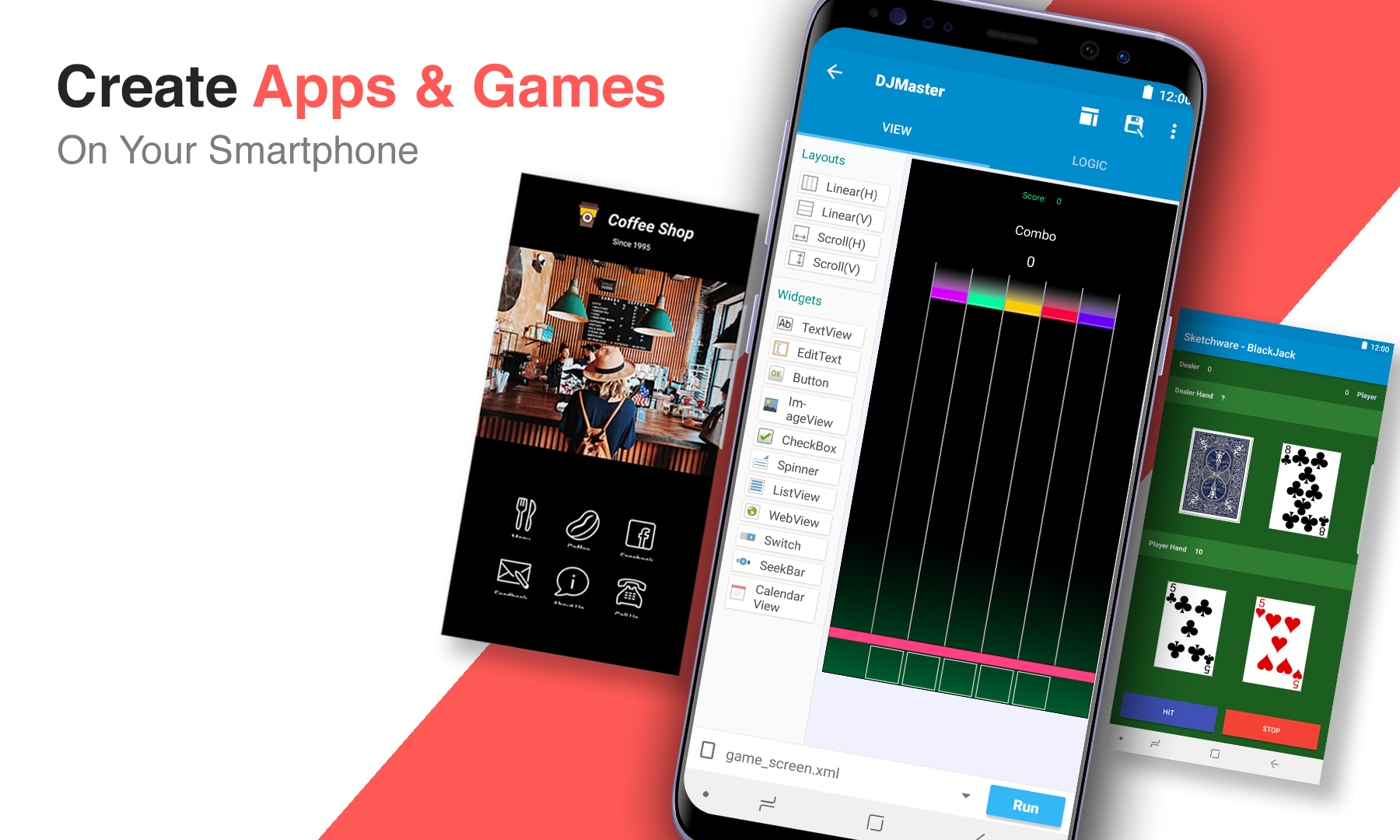
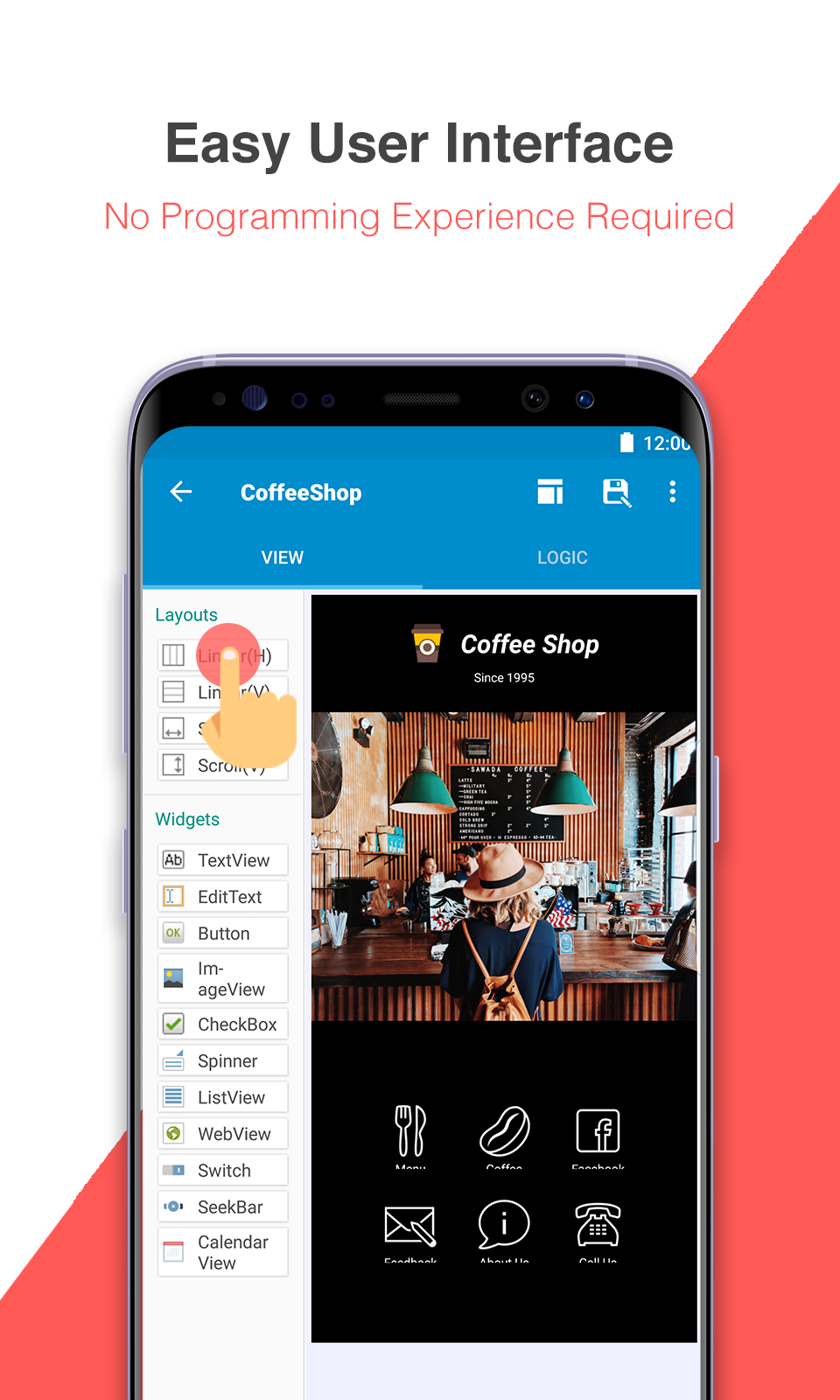
- Visual Drag & Drop Integrated development environment (IDE)
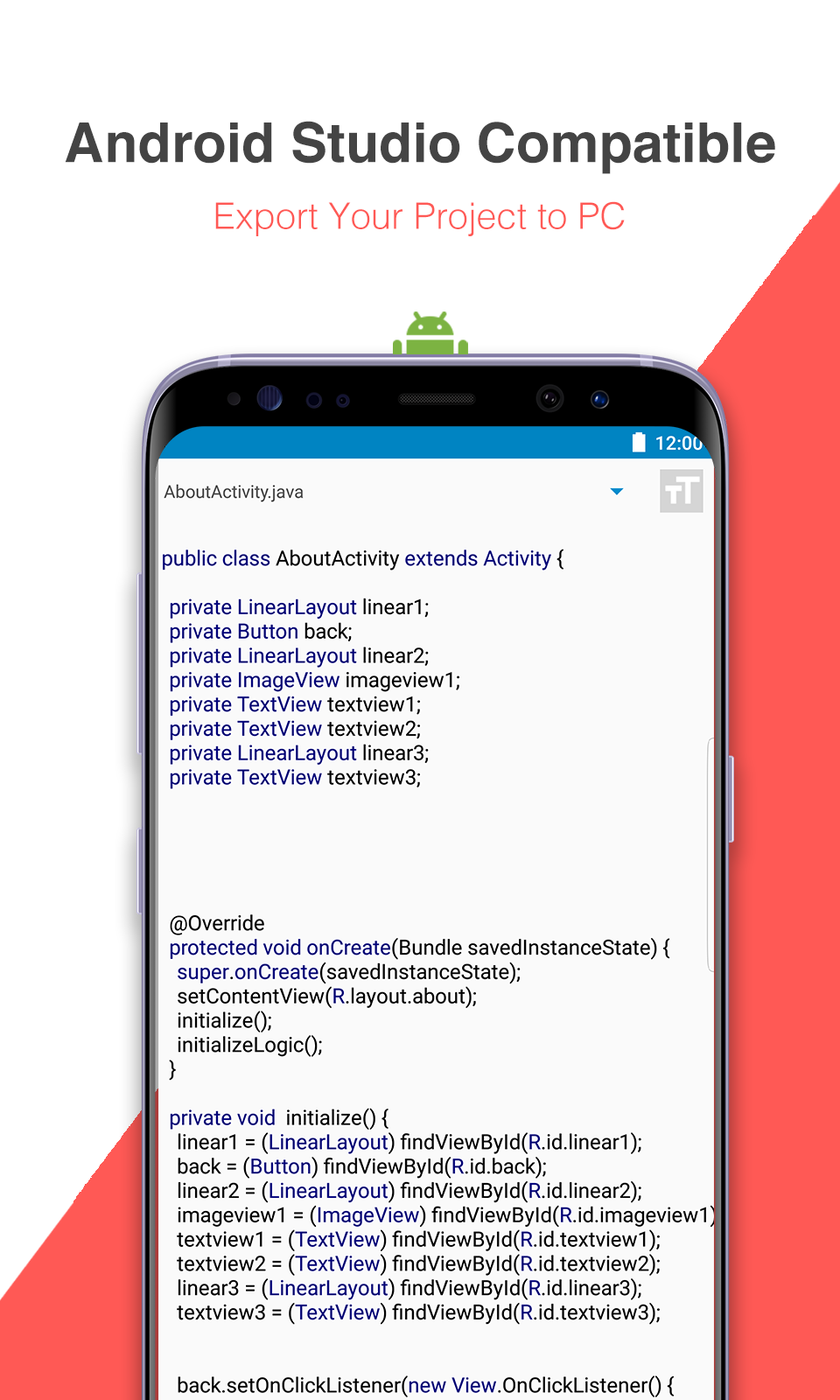
- Automatically translated source code (Java and XML)
- Compile and build install files on your phone (APK file)
- Fully Compatible with Android Studio
Sketchware is a block programming based integrated development environment (IDE) for developing mobile Android apps.
It's okay if you do not know anything about developing Android apps. Sketchware is an IDE that uses block language that transforms the complex language of text-based coding into visual, drag-and-drop building blocks.
Sketchware provides documentations you can follow to become an expert at block programming and Android app development. Each example contains programming concepts you can understand by completing the project.
Visually design and develop apps, then simply run your app with a single click to build and install directly on your Android device. The projects are fully compatible with Android Studio, an IDE used on a PC, so you can export your finished project and continue working on Android Studio, or your favorite editor.
Required Permissions:
- WRITE_EXTERNAL_STORAGE / READ_EXTERNAL_STORAGE: This permission is required to save and run projects.
- GET_ACCOUNTS : This permission is required to login with Google Account.
Disclaimer: This app was developed independently of the MIT Scratch Team, which produces the Scratch programming language and online community. The Scratch name and Scratch cat are trademarks of MIT.
Additional information
Screenshots
Reviews
Recommend Article


![ReEnable Screenshot [XPOSED] apk](https://img.apkdock.com/image/app_icon/reenable-screenshot-xposed_icon.webp?imageMogr2/thumbnail/128x128)






Similar Apps

talabat rider app - Deliver more, earn more. Pick your shifts and start!

Fastest VPN for calling and unblocking any site

Optimized web browsing for Android TV with privacy features.

Cass, a young cowboy, wanders the Lands of the Drought.

Secure surfing internet using tunnel VPN Client with custom http request header

File manager to access files or folders in your device