


HTTP Custom

Hot Novels






Install Tips
Mobile safety & integrity report for the latest package. We provide verifiable checksums and a timestamped scan summary. Latest package HTTP Custom 6.9.20-RC93(740) scanned by multiple engines; no threats detectedas of Tue, 28 Jul 2026 12:01:42 GMT.
After downloading, use a system or third-party checksum tool to calculate the SHA256 and ensure it matches the value provided on this page (case-sensitive, without spaces).
Each engine uses different signature databases and heuristics, so results may vary slightly. We provide a timestamp and checksum to allow you to independently verify the package.
HTTP Custom Review
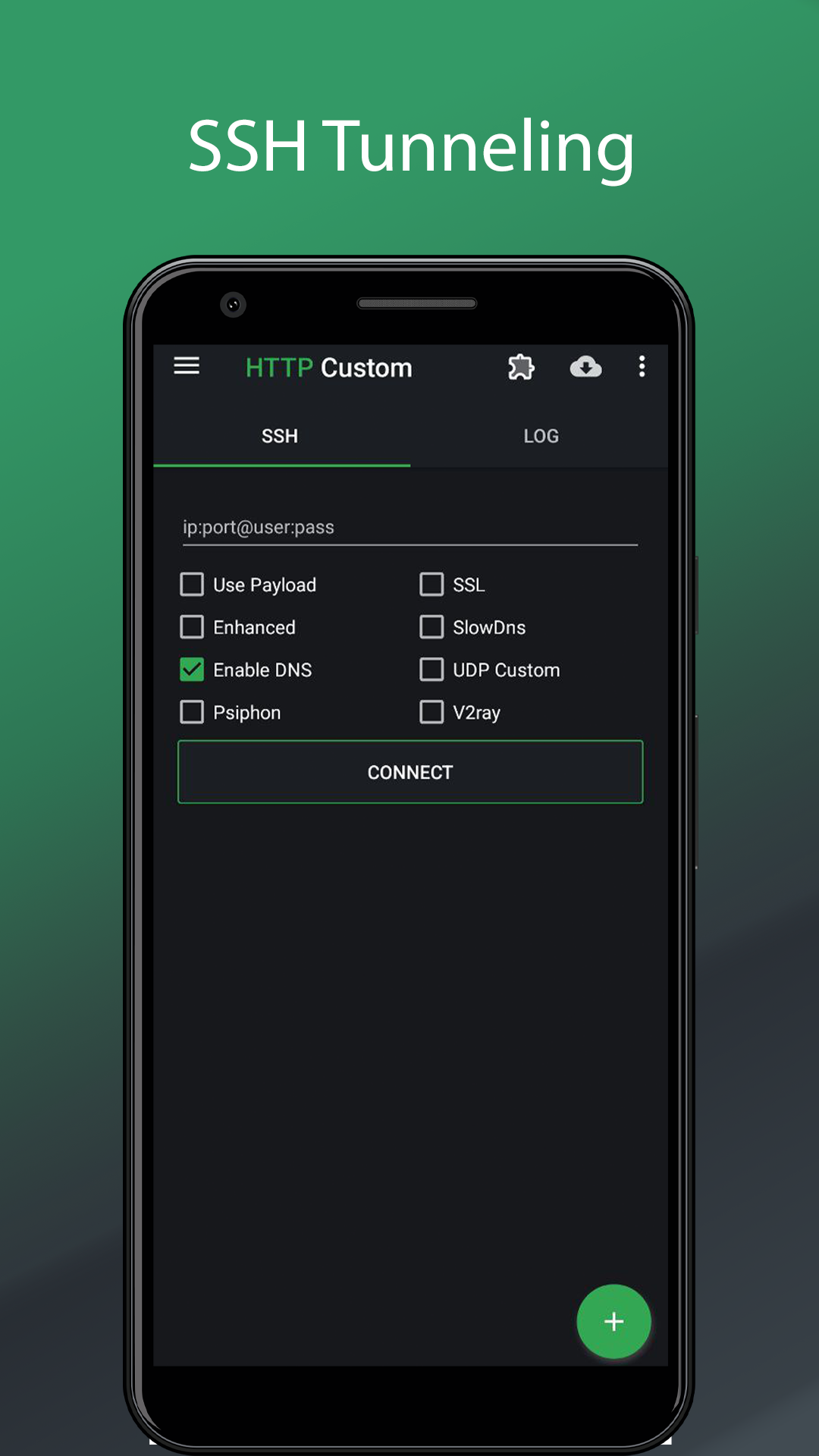
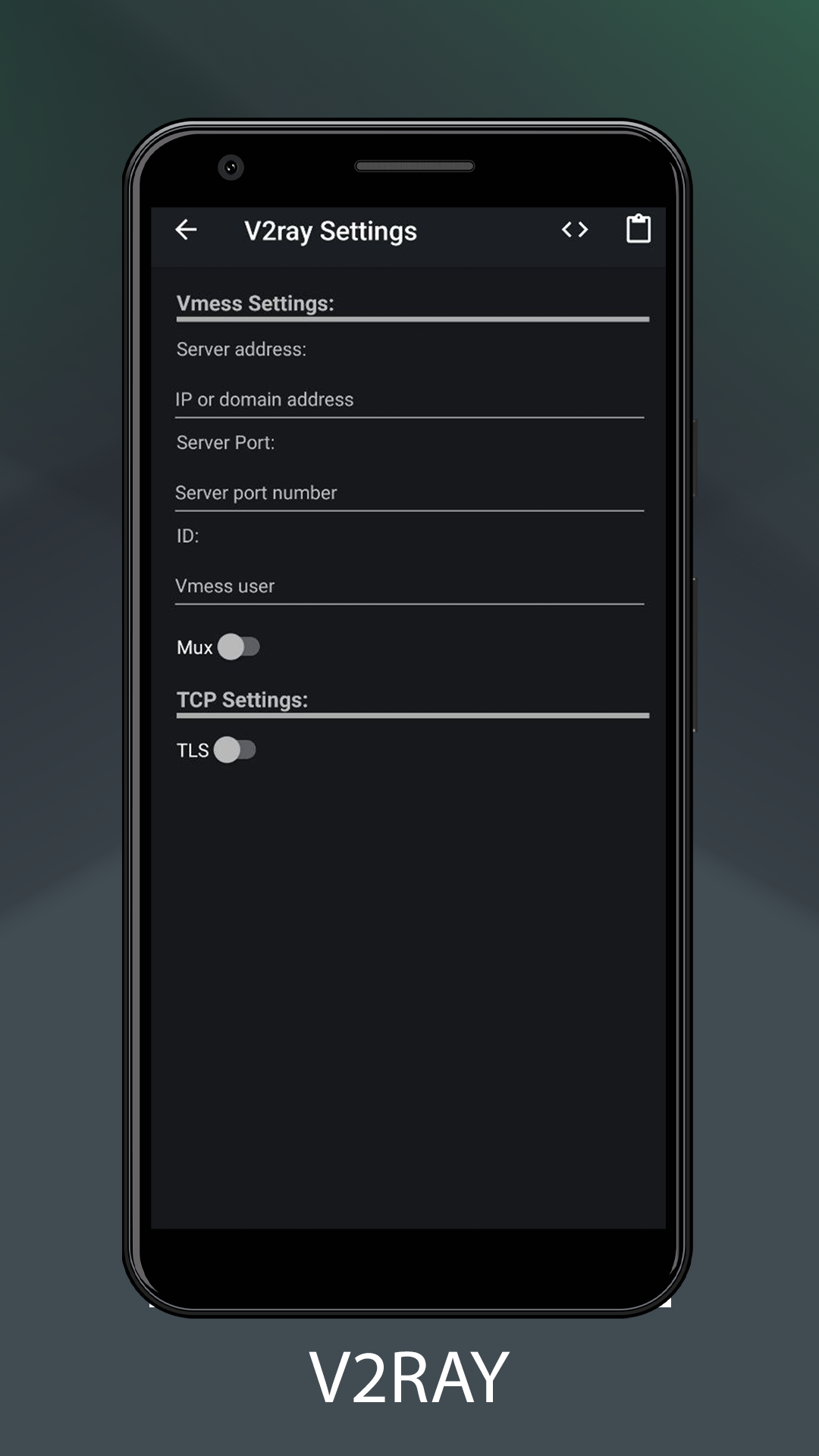
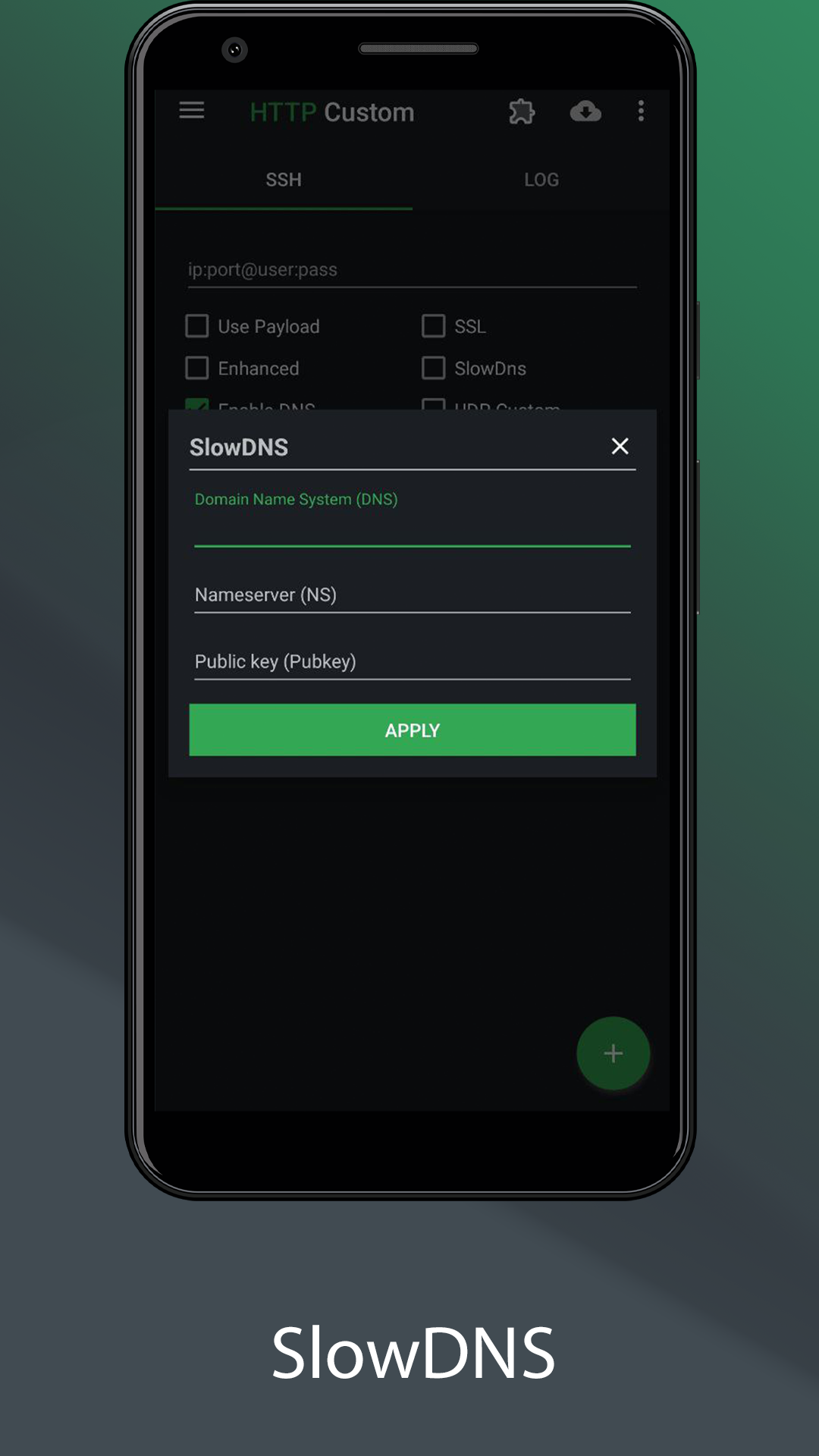
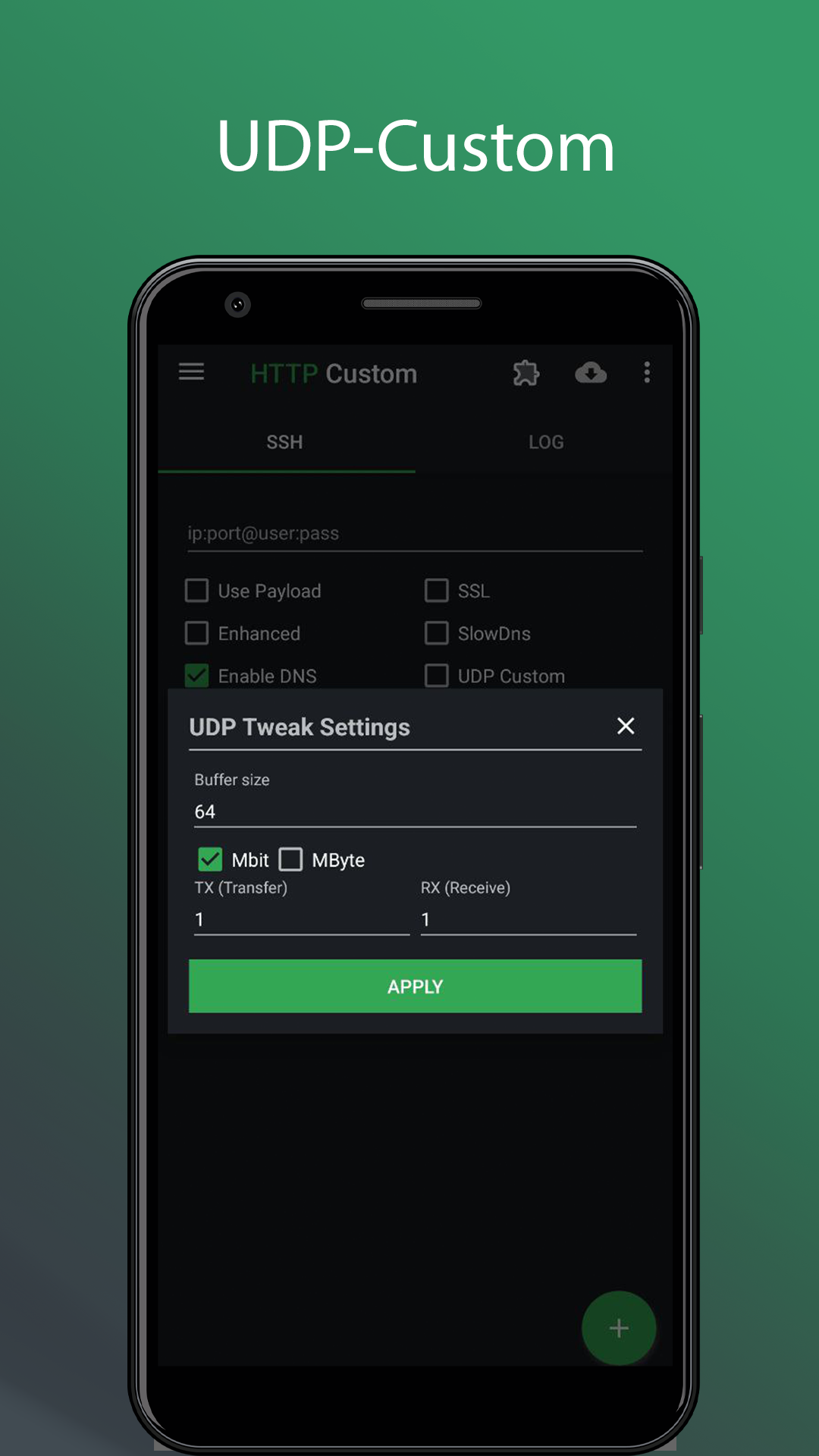
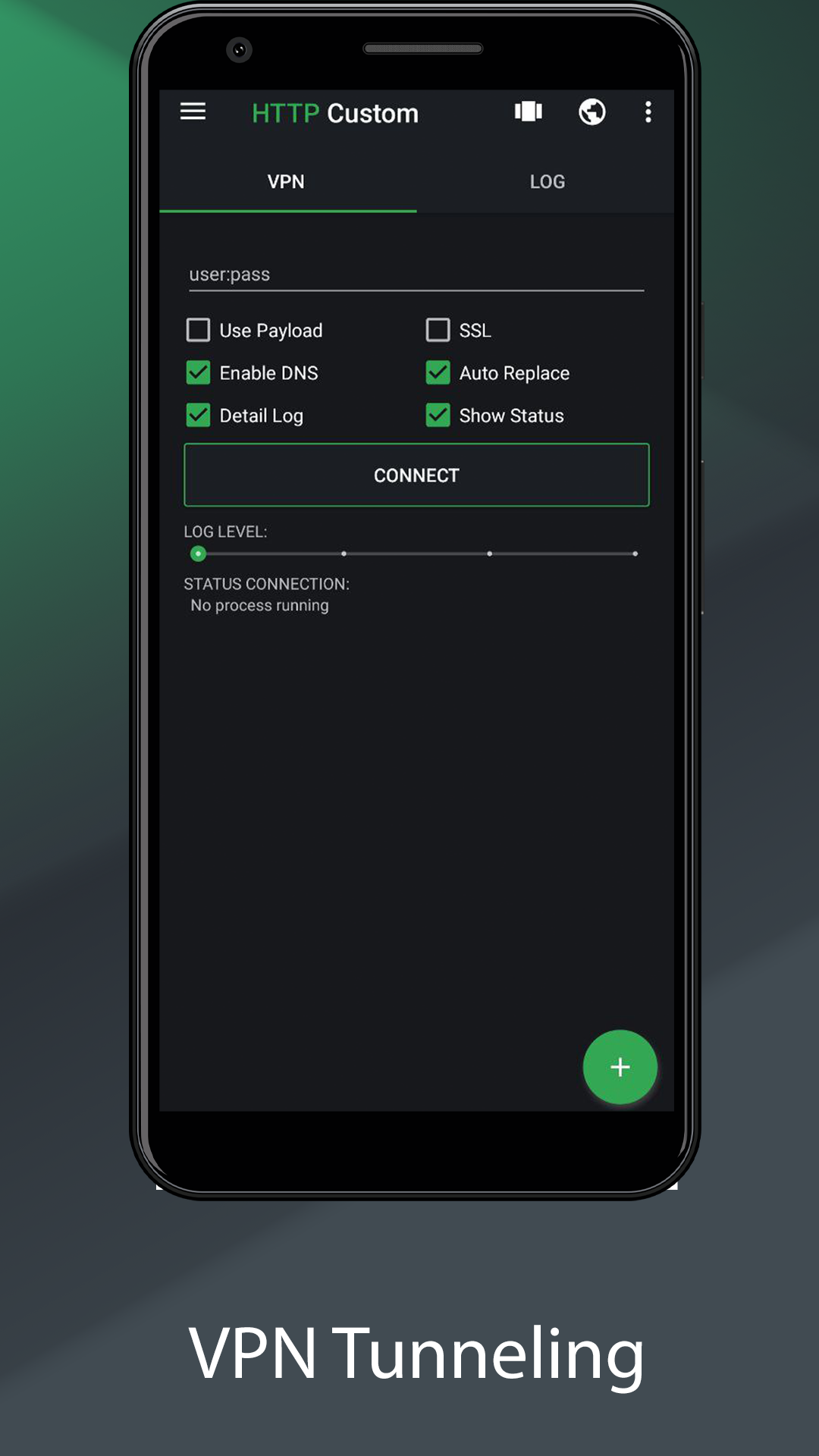
HTTP Custom is a AIO (All in One) tunnel VPN client with custom HTTP request header to secure surfing
📢 PLEASE READ BEFORE YOU DOWNLOAD
Note:
- Can't disconnect vpn when it connecting, try use on/off data to force stop vpn.
Feature:
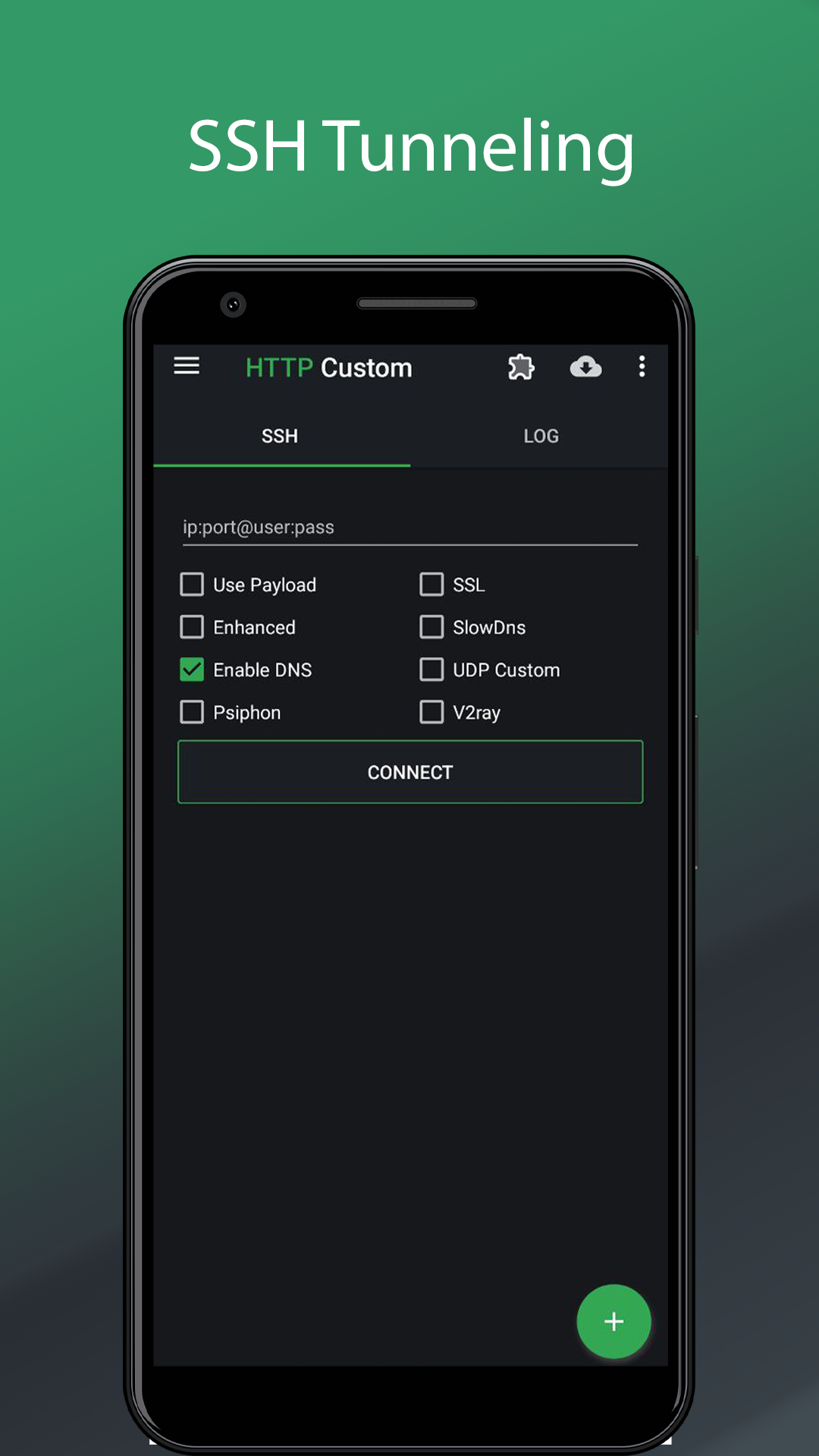
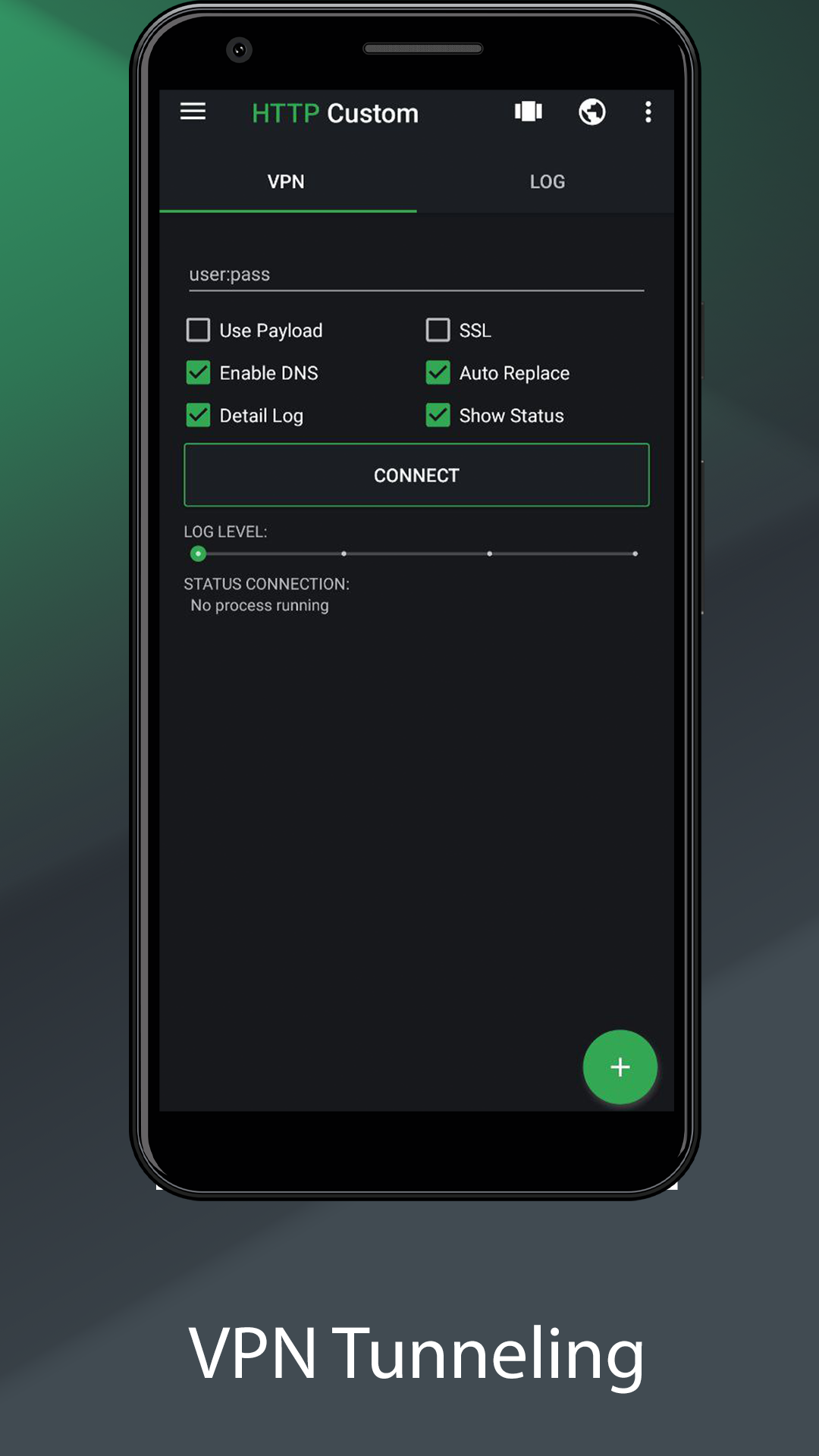
✔️ Secure surfing using SSH and VPN
✔️ Custom request header
✔️ Free VPN server
✔️ DNS Changer
✔️ Share your SSH/VPN connection (Hotspot or USB Tethering)
✔️ Export config
✔️ No root needed
Easy tool to modify requests and access blocked websites behind firewall with HTTP Custom. Get free unlimited vpn server without username, password, registration, and bandwidth limitation.
Why HTTP Custom:
☑️ User friendly
☑️ Free unlimited vpn server
☑️ Custom HTTP request header
☑️ AIO (All in One VPN Client)
☑️ SSH & VPN support SNI (Server Name Indication)
Permission:
🔘 Permission access photos, media and files
Give permission HTTP Custom read & write config
🔘 Permission make and manage phone cells
Give permission HTTP Custom to generate hwid and read isp card info
🔘 Permission access this device's location
Give permission HTTP Custom to read ssid, only for OS >= 8 (Oreo)
How to share connection tethering:
◾️ Start HTTP Custom until connected
◾️ Switch on hotspot/usb tethering
◾️ Check log it will show info tethering ip:port server as proxy, if not show default proxy for Hotspot 192.168.43.1 and USB Tether 192.168.42.129 port 7071
◾️ Client connect to hotstpot and set proxy client like log info from HTTP Custom (you can see image on top how to setup proxy from android, if you use desktop please use proxifier then set type proxy as HTTPS in proxifier)
Additional information
Screenshots
Reviews
Recommend Article











Similar Apps

The Ultimate Gamepad, Keyboard & Mouse Mapper

Streamline attendance and communication for workplace efficiency.

A useful tool for managing your PICO headsets

Helps you check Project Treble, A/B and Architecture for GSI installation

Download APK files easily, securely, and explore new apps.

Organize your calls, schedule, patients, service locations