


SetEdit SettingsDatabaseEditor

Hot Novels






Install Tips
Mobile safety & integrity report for the latest package. We provide verifiable checksums and a timestamped scan summary. Latest package SetEdit SettingsDatabaseEditor 2023.11.16(36) scanned by multiple engines; no threats detectedas of Tue, 28 Jul 2026 12:11:53 GMT.
After downloading, use a system or third-party checksum tool to calculate the SHA256 and ensure it matches the value provided on this page (case-sensitive, without spaces).
Each engine uses different signature databases and heuristics, so results may vary slightly. We provide a timestamp and checksum to allow you to independently verify the package.
SetEdit SettingsDatabaseEditor Review

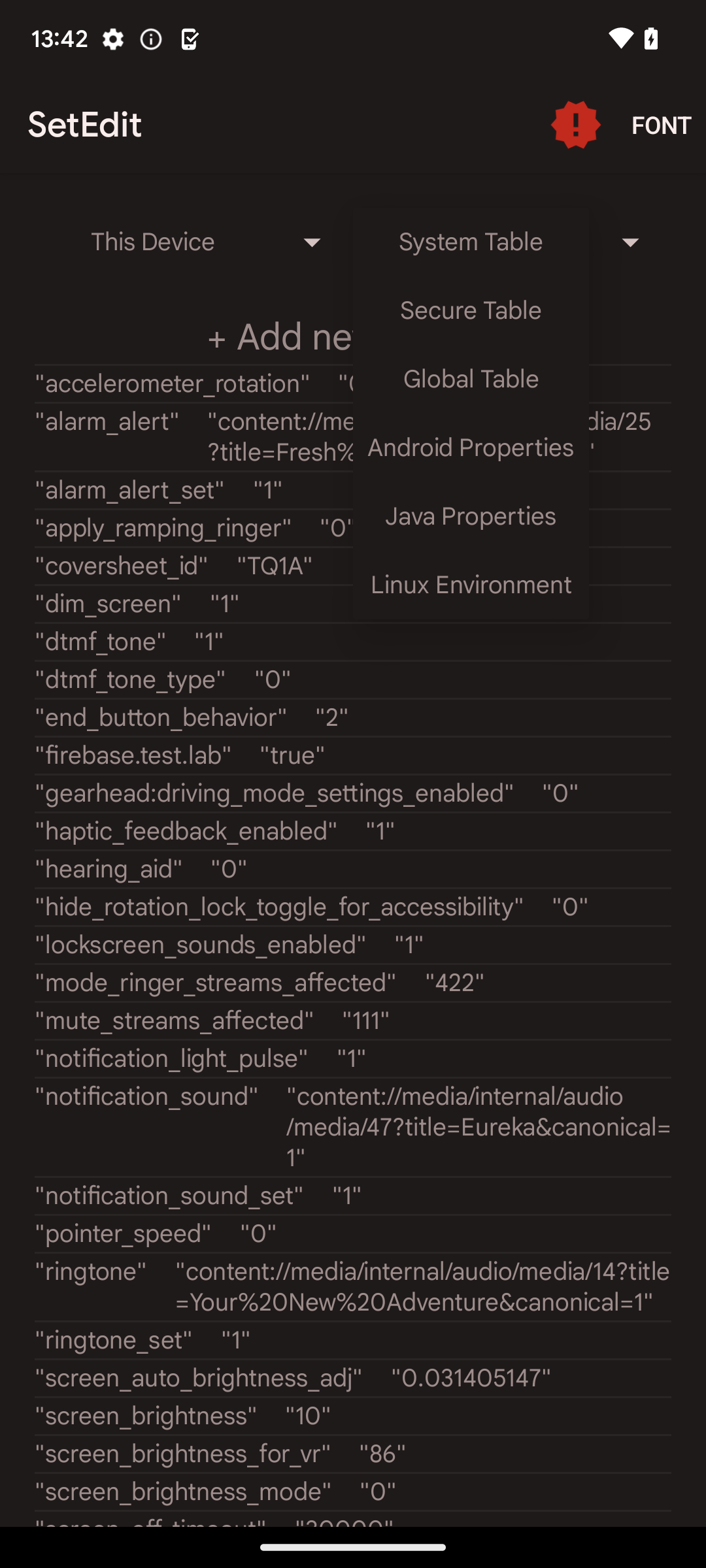
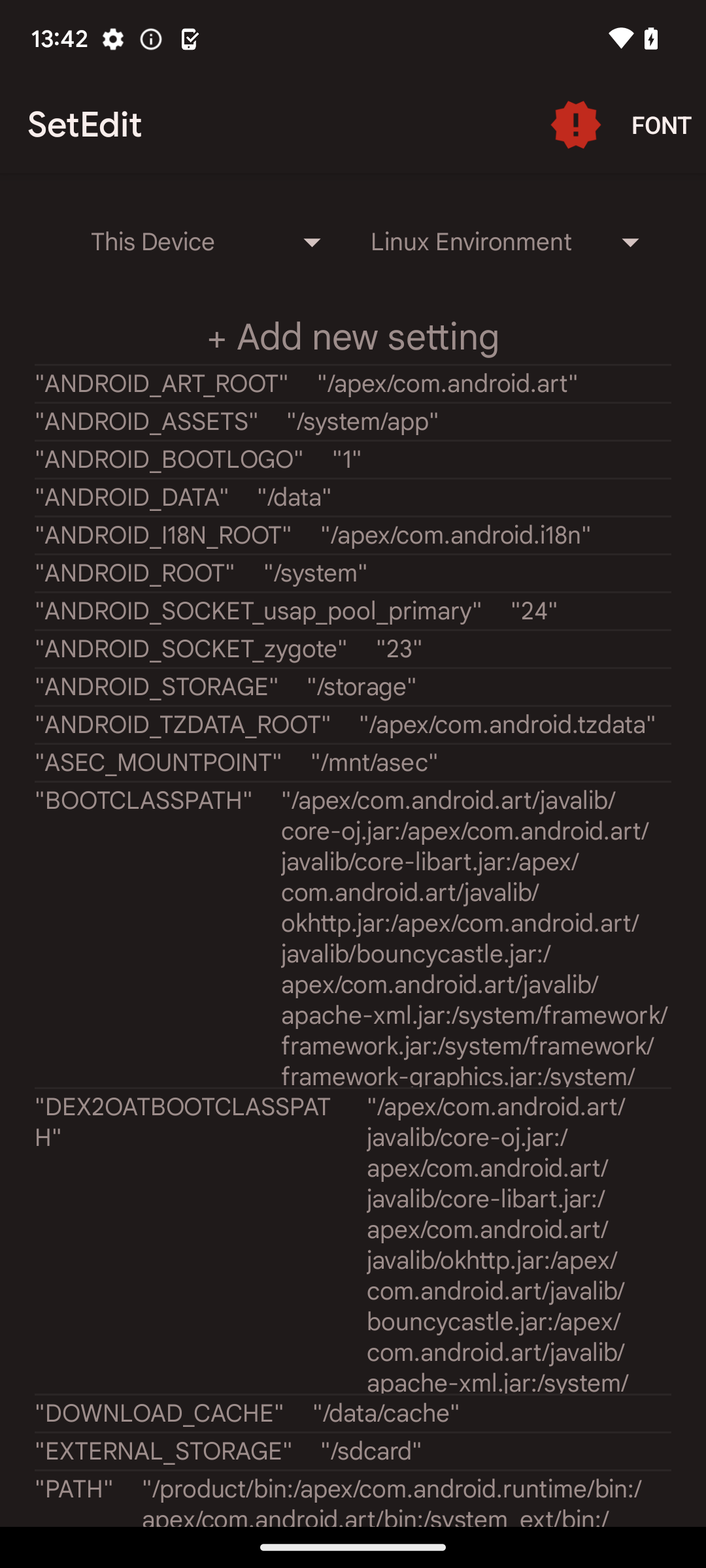
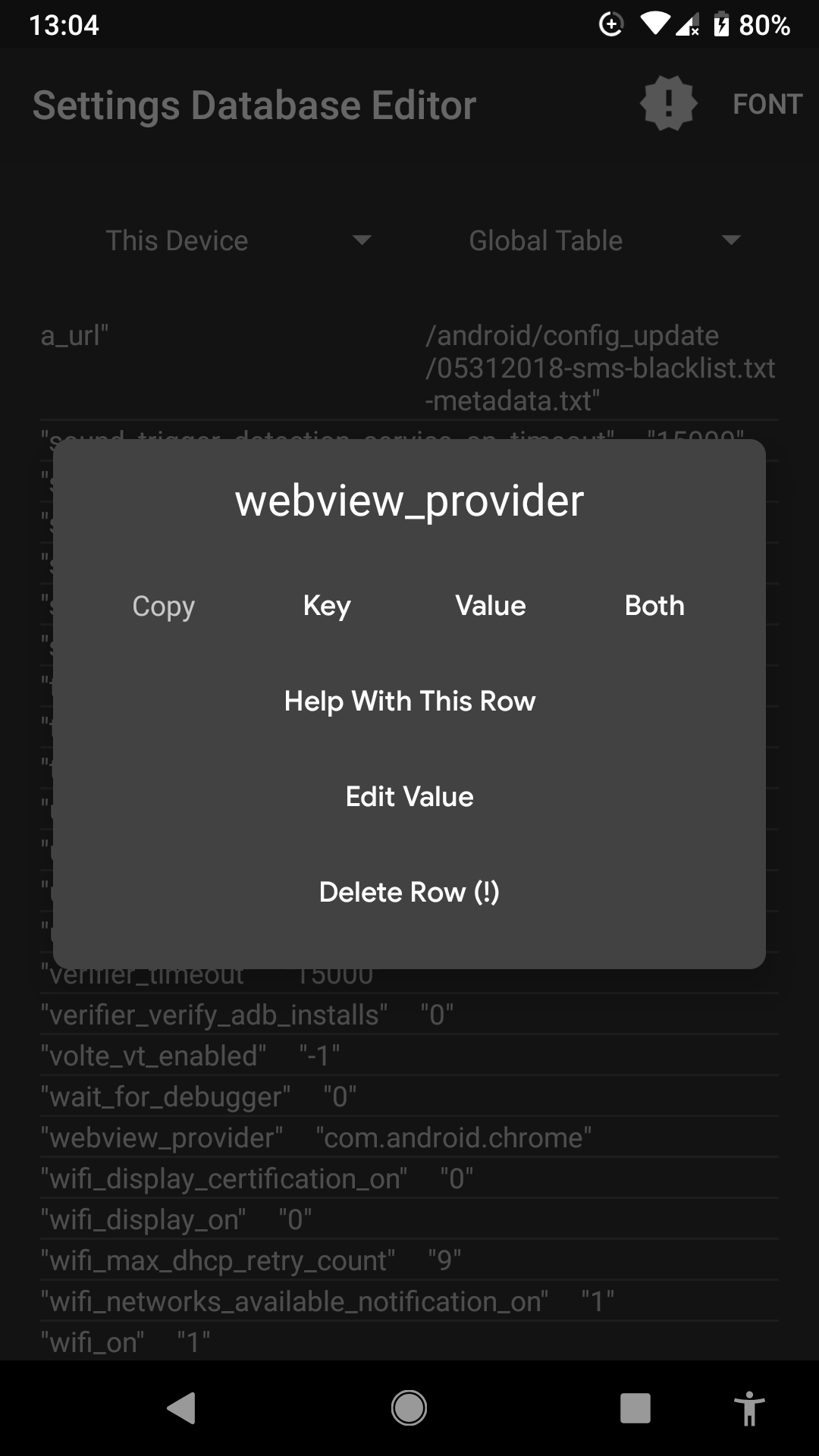
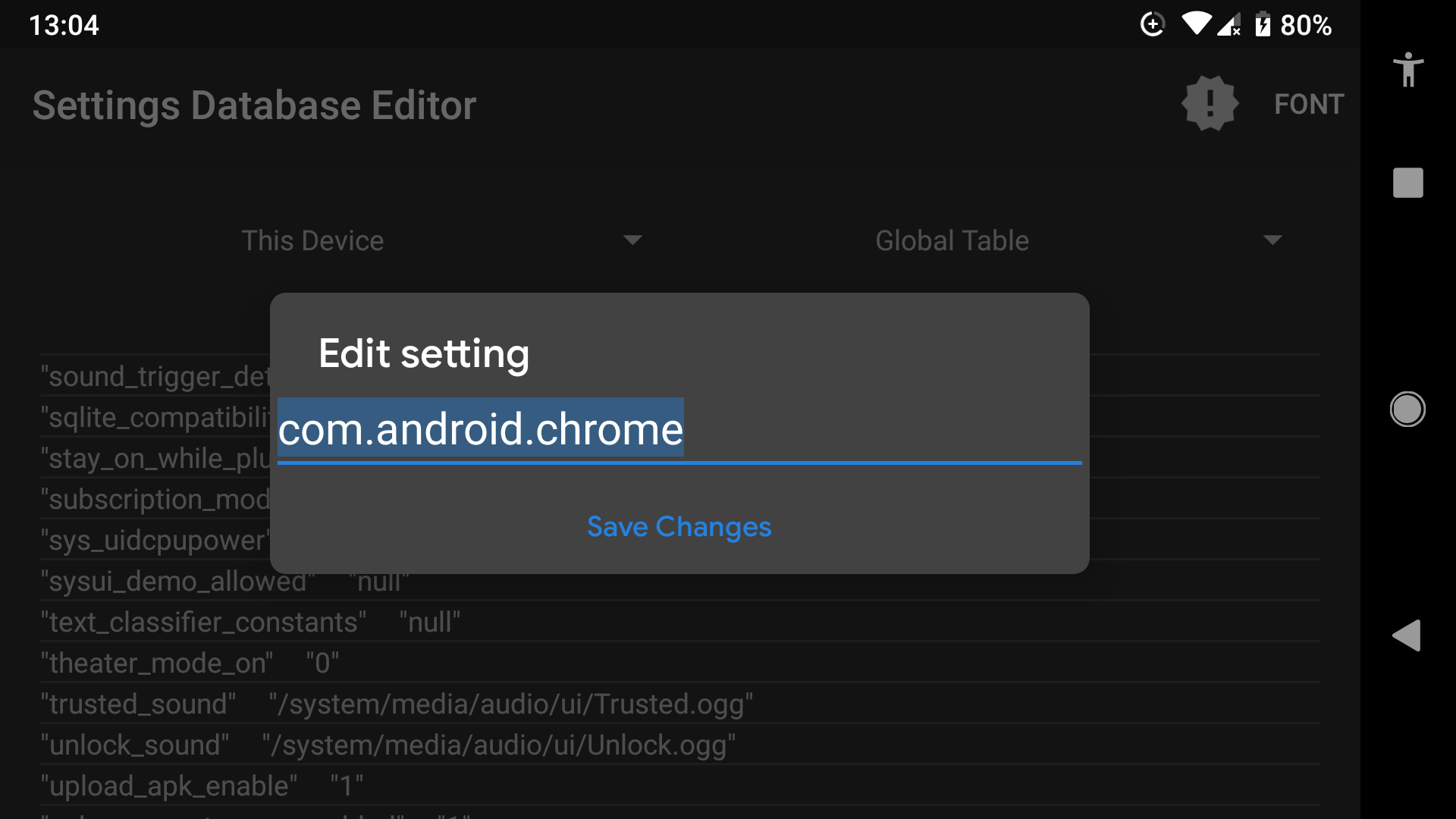
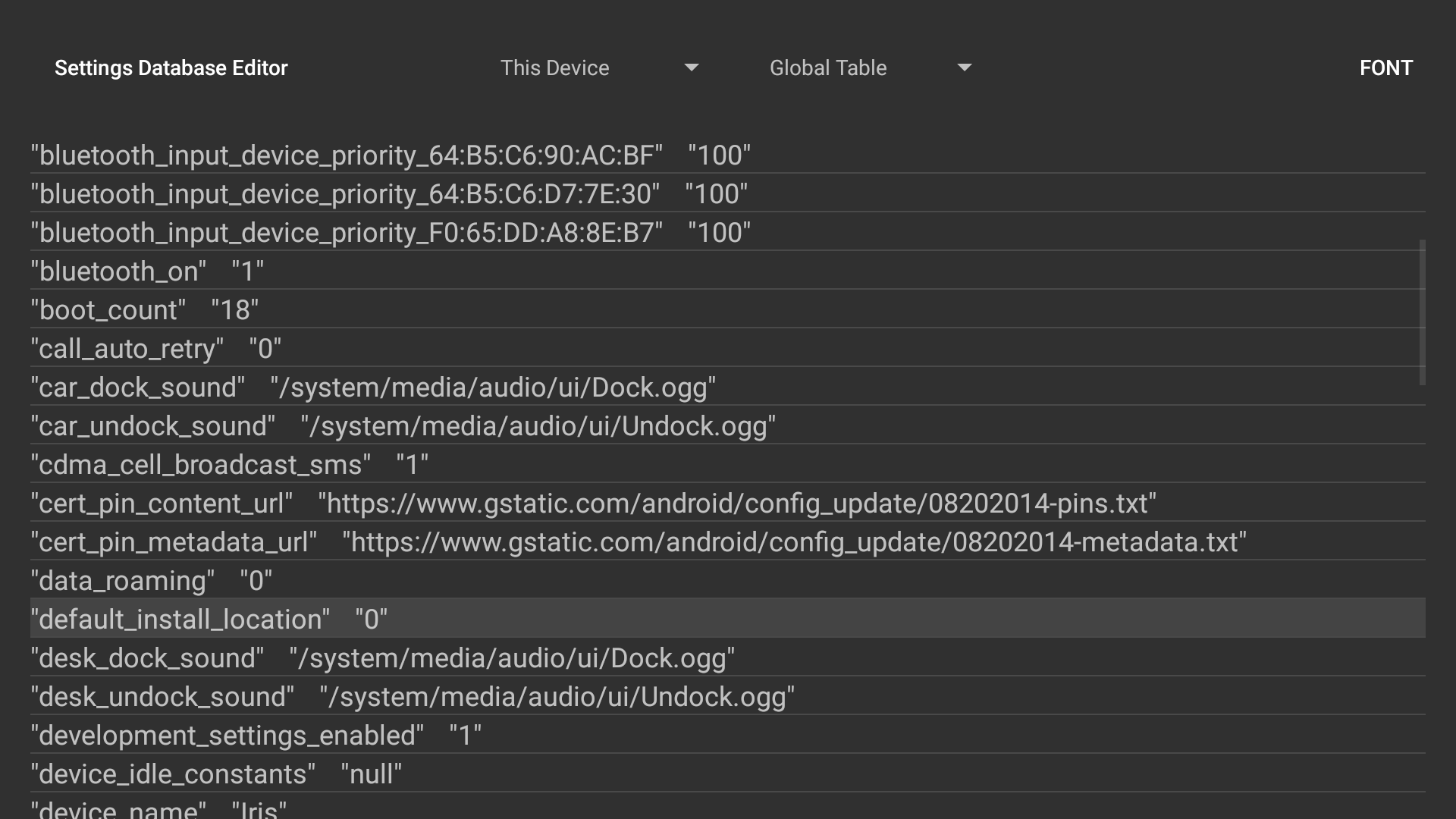
SetEdit SettingsDatabaseEditor is a powerful tool for users who want to personalize their Android device beyond standard options. With this app, you can directly access and modify the Android settings database to achieve advanced customization of system behavior and features.
Unlock Hidden Features with Precise Control
This app enables you to tweak hidden or inaccessible system settings that are otherwise unavailable through regular menus. From disabling vibration feedback to modifying fingerprint settings, SetEdit provides advanced users the flexibility they need. However, it’s crucial to exercise caution as improper edits may lead to system instability or unintended behavior.
Secure and Professional Editing Tools
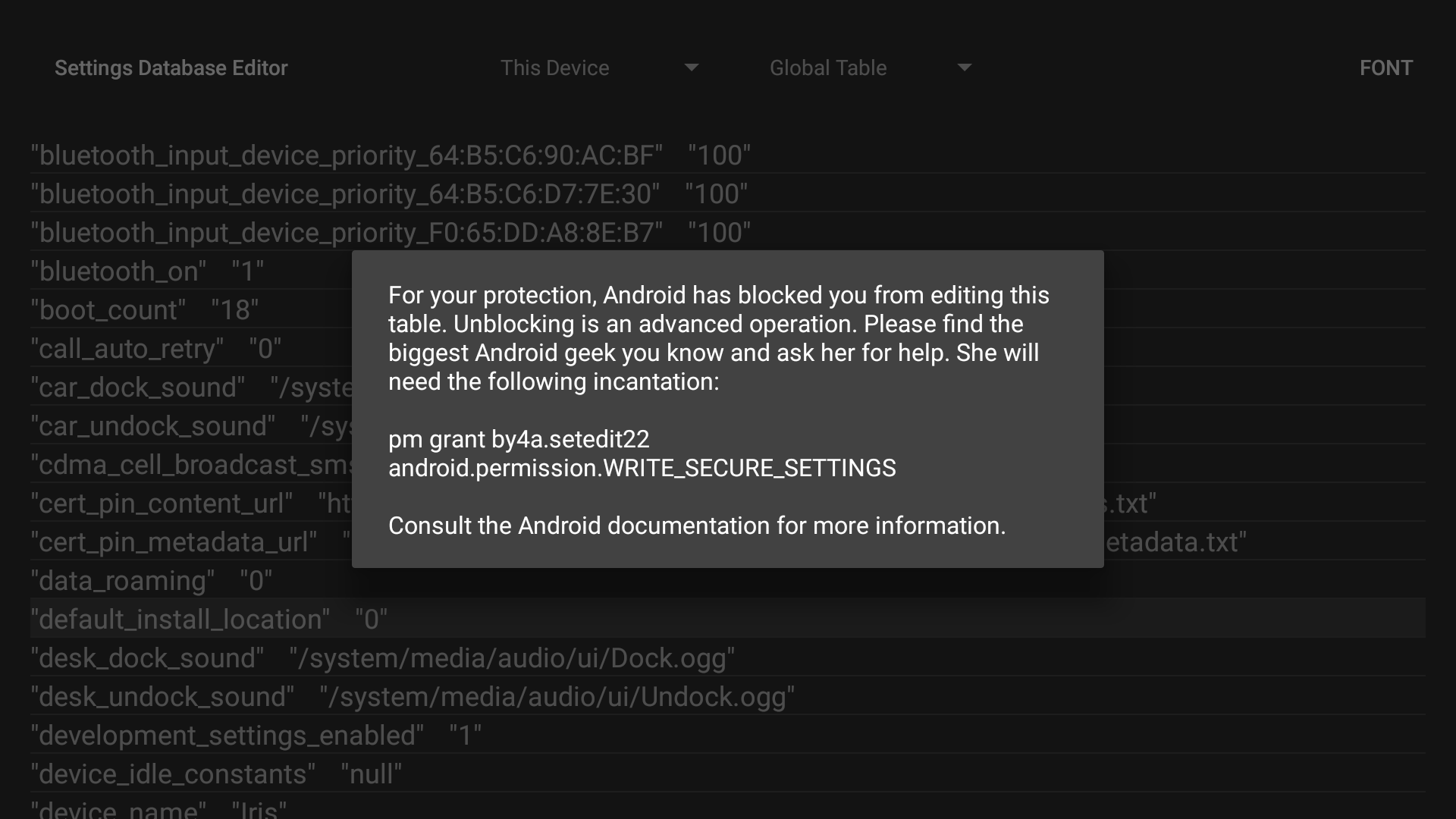
SetEdit requires specific permissions for full functionality, ensuring that only experienced users can make changes to protected tables like SECURE and GLOBAL. For devices running Android Jellybean or later, these restrictions can be removed using an ADB shell command. Rooted devices with earlier versions may require installation to the system partition.
Designed for Experienced Users
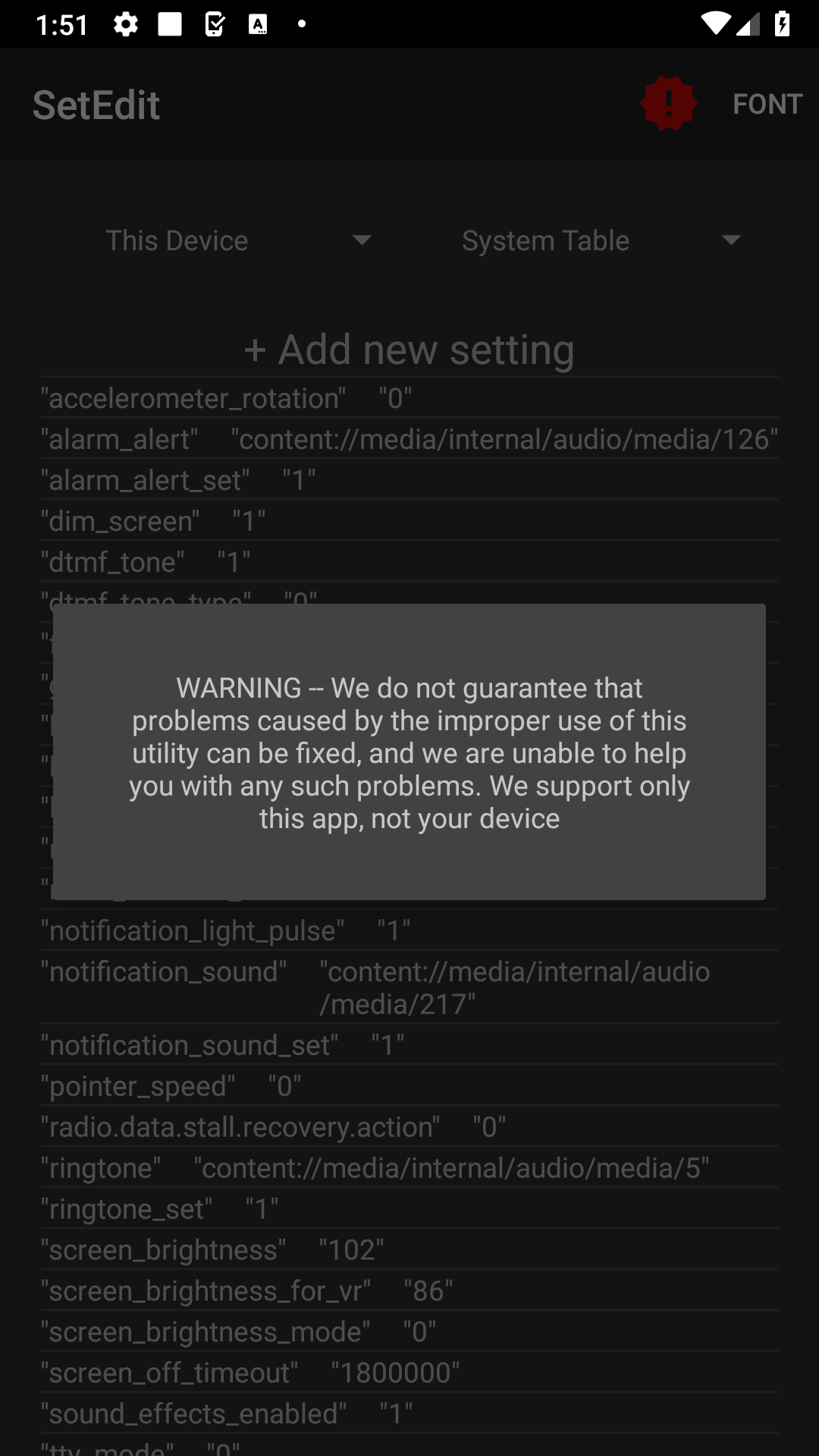
SetEdit is ideal for developers, testers, and tech-savvy users who understand Android’s system architecture. Beginners should proceed cautiously, as unsupported modifications could lead to irreversible issues. The app supports its own functionality but does not guarantee fixes for problems caused by improper use.
Downloading SetEdit SettingsDatabaseEditor lets you explore your device’s potential while maintaining control over its performance. Available for Android 4.0+ systems, this tool opens up endless customization possibilities when used responsibly.
Changelog
Sep 2, 2024
Customize your Android device settings to your preferences. Download the latest version of SetEdit SettingsDatabaseEditor 2023.11.16 to enjoy new features and updates immediately!
v2023.11.16: Addressing issues with Android 14
FAQ
Additional information
Screenshots
Reviews
Recommend Article










Similar Apps

The easy 7zip app!

Easily install .xapk files on your device

Fast Connect VPN Auto Connect System and Full Security VPN

Discover the Ultimate Media Hub with ShareBox's Rich Playback Options

Support 32bit games.

Super VPN Proxy for Android