


Resolution Changer

Hot Novels






Install Tips
Mobile safety & integrity report for the latest package. We provide verifiable checksums and a timestamped scan summary. Latest package Resolution Changer 1.5(6) scanned by multiple engines; no threats detectedas of Tue, 28 Jul 2026 12:11:08 GMT.
After downloading, use a system or third-party checksum tool to calculate the SHA256 and ensure it matches the value provided on this page (case-sensitive, without spaces).
Each engine uses different signature databases and heuristics, so results may vary slightly. We provide a timestamp and checksum to allow you to independently verify the package.
Resolution Changer Review
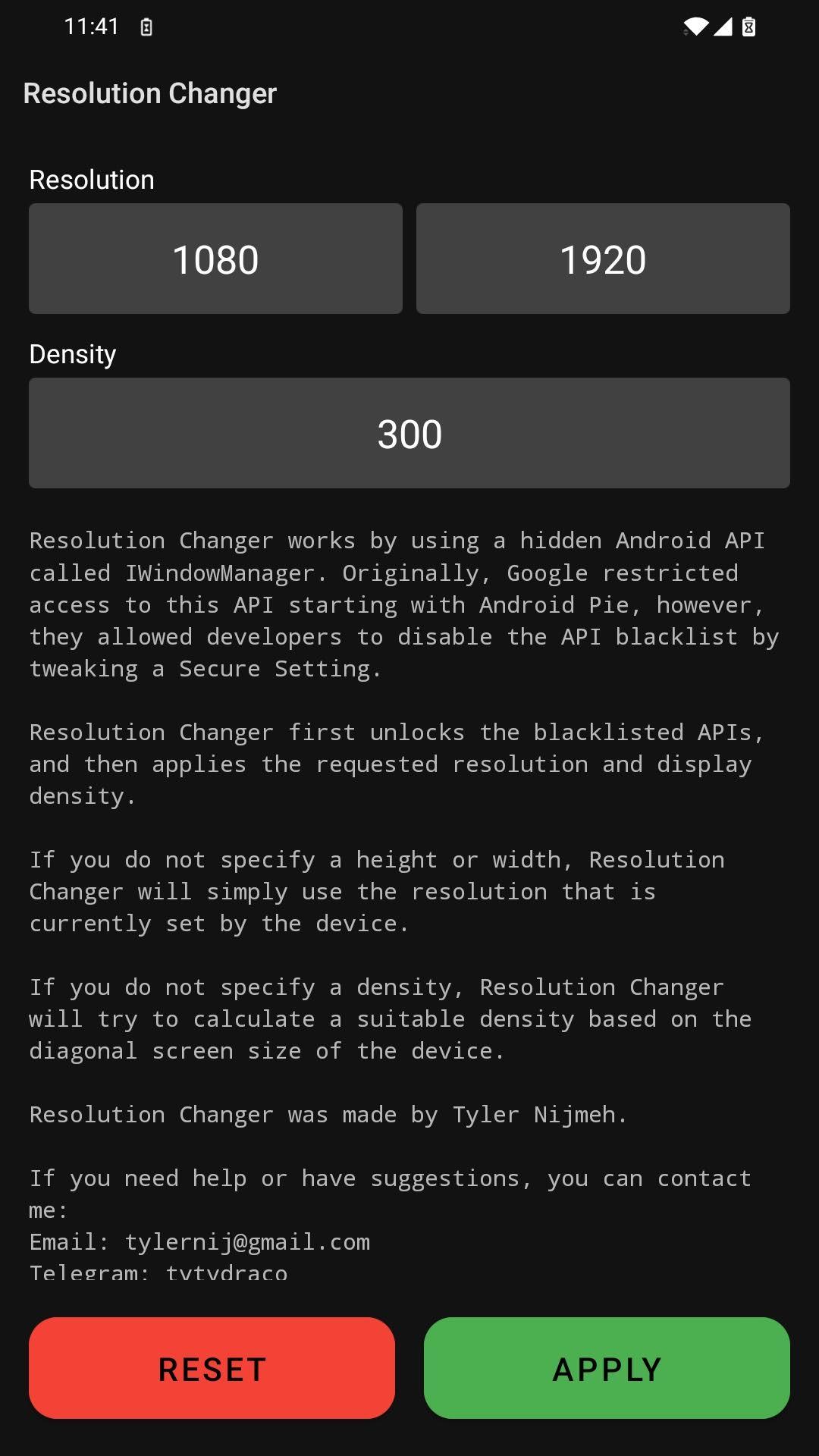
A simple resolution changer that uses ADB. You need a PC for the first step.
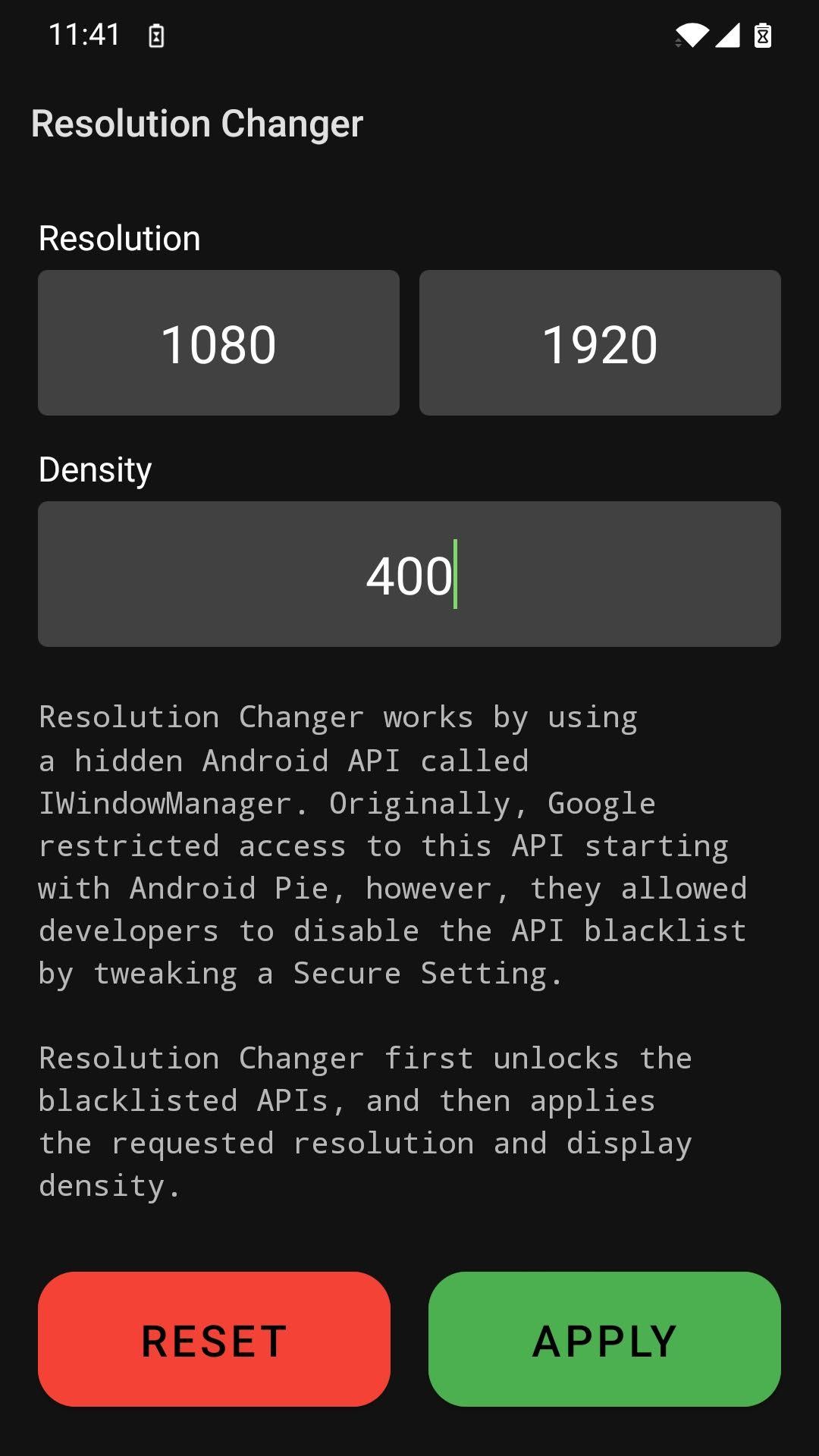
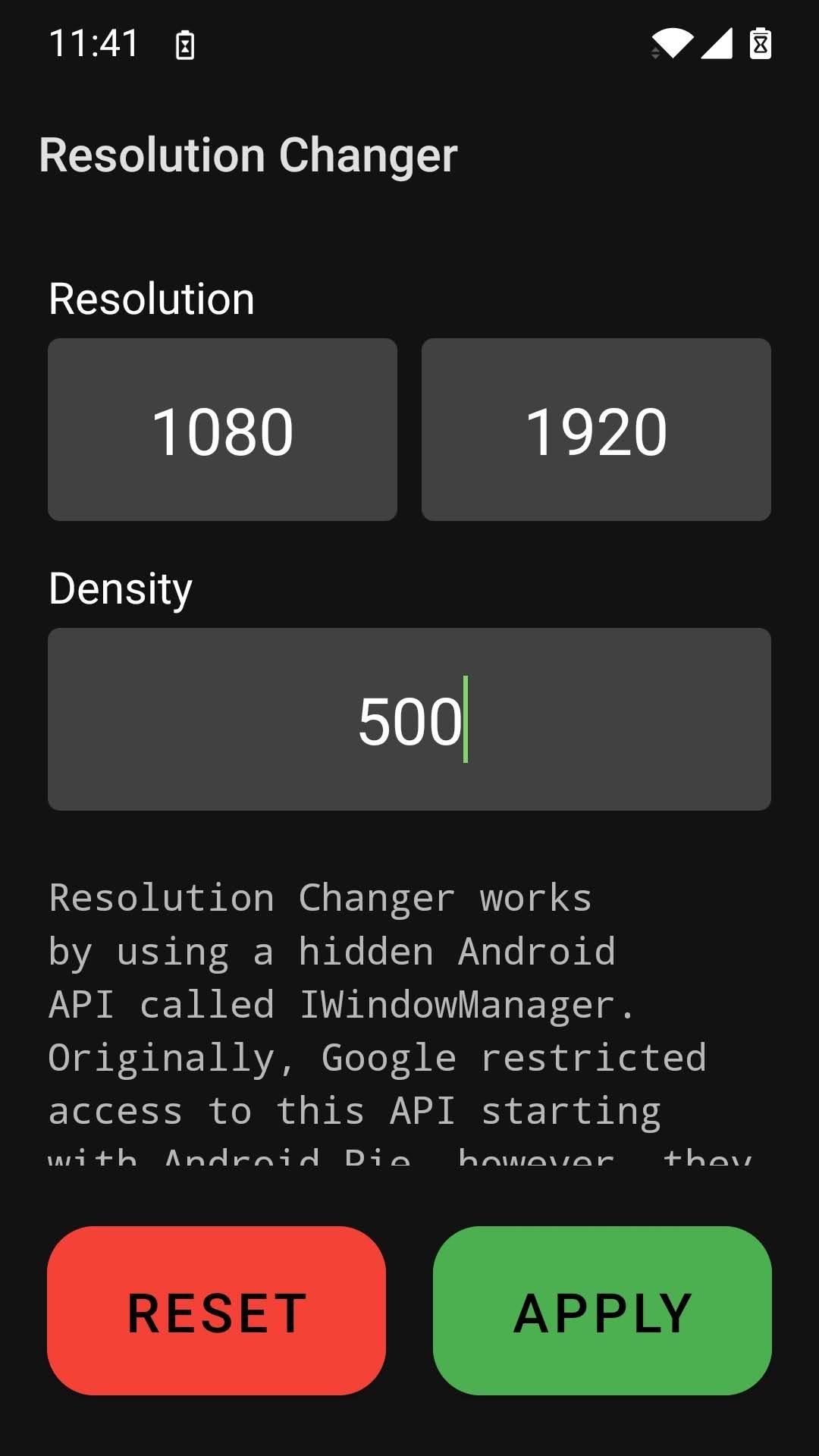
Resolution Changer is an intuitive tool designed for Android devices that facilitates the customization of screen resolution and display density using the Android Debug Bridge (ADB). This utility stands out for leveraging the IWindowManager, a once-restricted Android API, which has been made accessible to developers through a Secure Setting modification. Ideal for those who relish the ability to refine their visual experience, Resolution Changer offers both flexibility and control over how content is rendered on their devices.
Upon initializing the application, Resolution Changer commences by unlocking the blacklisted APIs. Post that, it proceeds to set the screen to the desired resolution and density. Users have the autonomy to alter these parameters as they wish; in the absence of explicit height or width inputs, Resolution Changer gracefully defaults to the present device settings. Moreover, when not provided with a density value, the software ingeniously calculates an optimal density that harmonizes with the device’s screen size for a natural viewing experience.
A word of caution—improper resolution settings can impair screen visibility. In such cases, the recovery process is straightforward but necessitates a PC. By connecting the Android device to the PC and inputting specific 'adb shell' commands into the command prompt or terminal, users can effortlessly reset to standard resolution and density settings, ensuring peace of mind when experimenting with different configurations.
Resolution Changer symbolizes the fusion of flexibility and user empowerment, serving as a testament to the continued evolution of user customization within the Android ecosystem.
Changelog
Jul 1, 2022
A simple resolution changer that uses ADB. You need a PC for the first step. Download the latest version of Resolution Changer — Uses ADB 1.5 to enjoy new features and updates immediately!
- Update libs and kotlin version - Warn if failed to apply with solution steps - Update resolution fetching API - Update target version Thanks to a tester named Pest for contacting me about a report for resolutions not applying!
Additional information
Screenshots
Reviews
Recommend Article











Similar Apps
![IMEI Changer pro [Xposed] icon](https://img.apkdock.com/image/app_icon/imei-changer-pro-xposed_icon.webp?imageMogr2/thumbnail/56x56)
!!! Check FREE version beforehand !!!

PHP & Web Editor

Secure browsing and access global content with Alan VPN APK.

A lightweight socks5 proxy client for Android

Pure media player - IPTV solution for Android TV

Download Better xCloud APK for Android - Free - Latest Version