


Notta-Transcribe Audio to Text

Hot Novels






Install Tips
Mobile safety & integrity report for the latest package. We provide verifiable checksums and a timestamped scan summary. Latest package Notta-Transcribe Audio to Text 6.58.12 scanned by multiple engines; no threats detectedas of Tue, 28 Jul 2026 12:08:38 GMT.
After downloading, use a system or third-party checksum tool to calculate the SHA256 and ensure it matches the value provided on this page (case-sensitive, without spaces).
Each engine uses different signature databases and heuristics, so results may vary slightly. We provide a timestamp and checksum to allow you to independently verify the package.
Notta-Transcribe Audio to Text Review

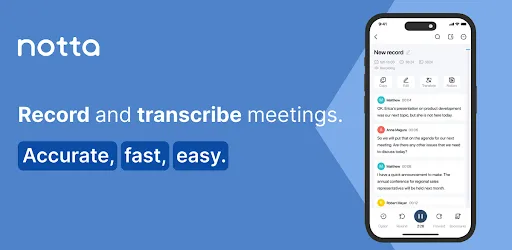
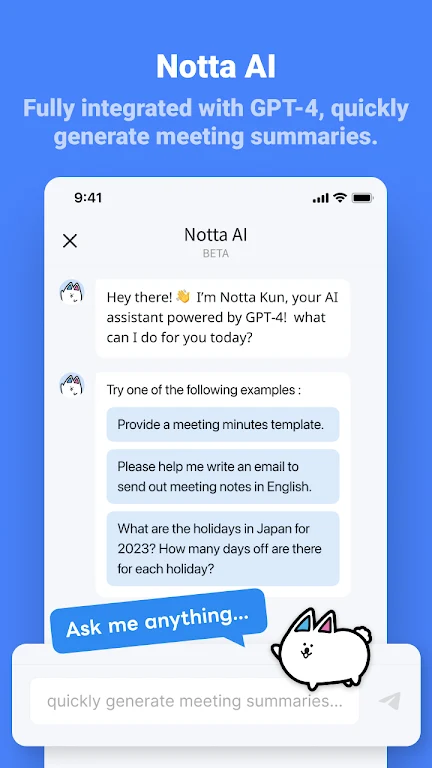
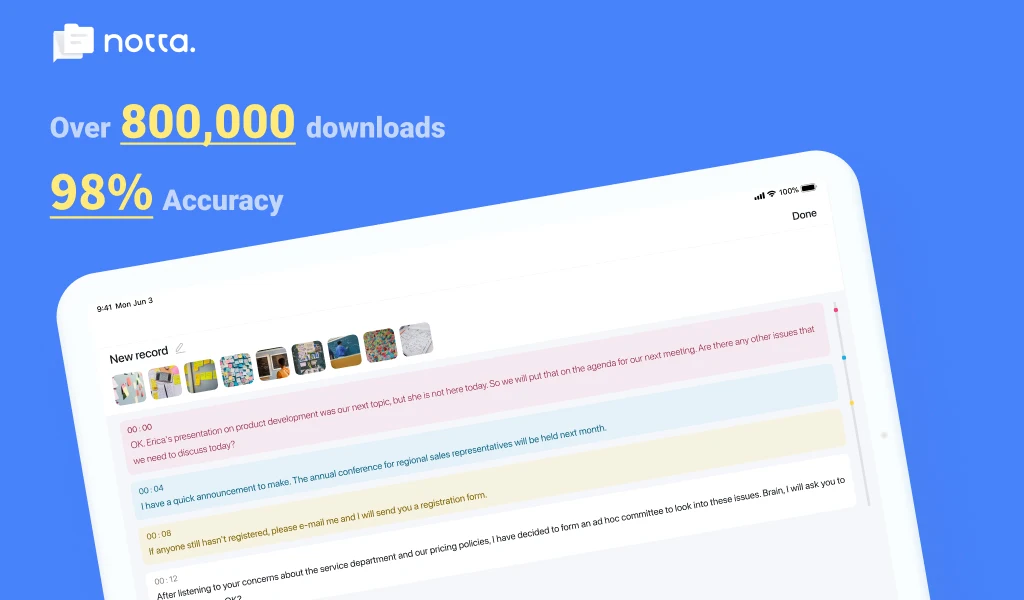
Notta is your intelligent AI assistant for effortless transcription, note-taking, and summarization. Convert speech into text with high accuracy, capture key meeting points instantly, and focus on conversations instead of manual note-taking. Ideal for professionals, students, and multilingual users, Notta simplifies your workflow and enhances productivity.
Smarter Transcription for Every Scenario
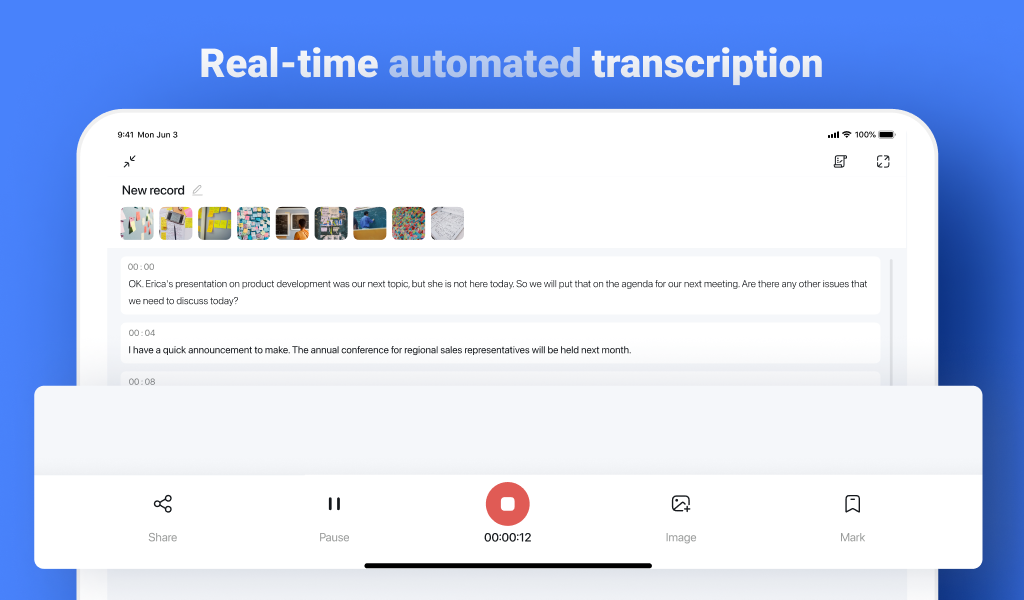
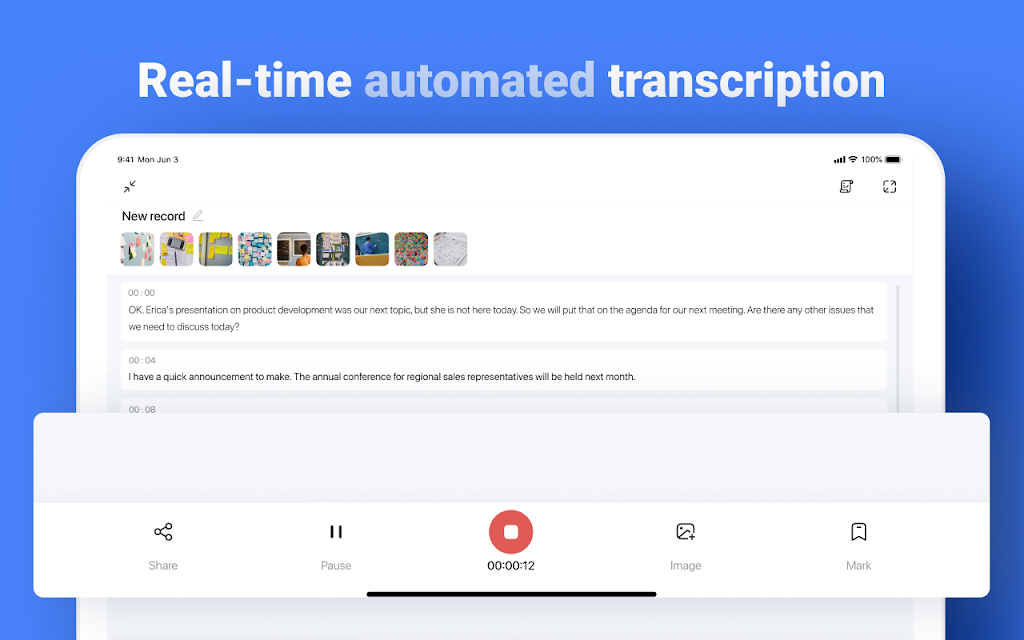
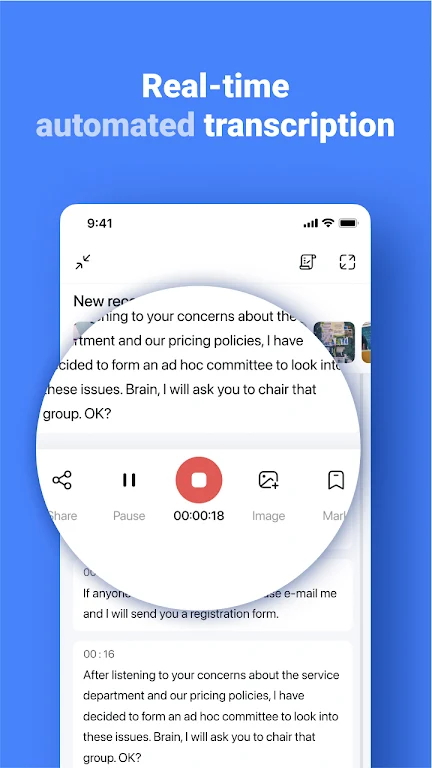
Real-Time AI Transcription:
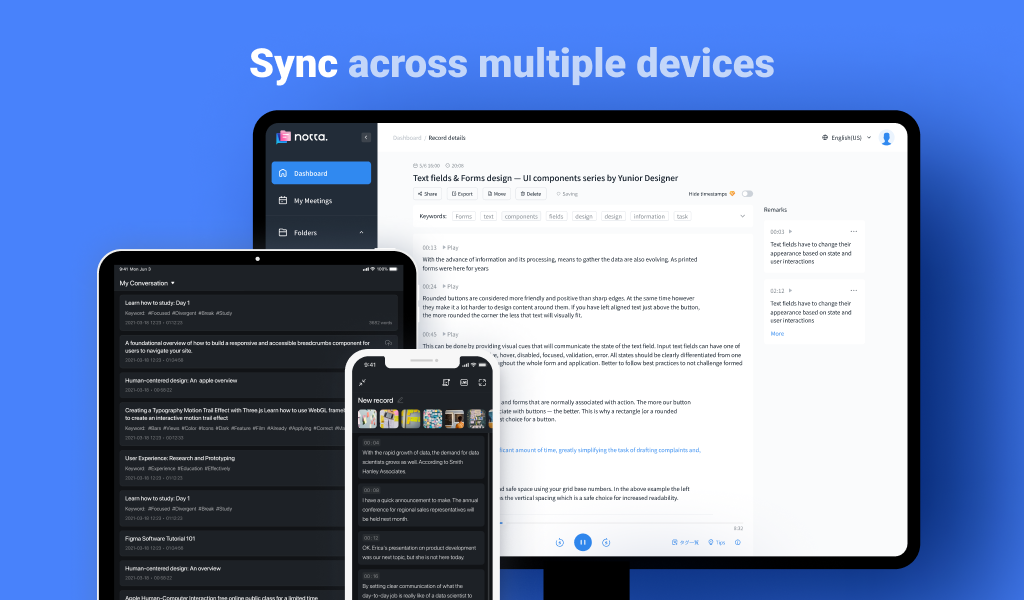
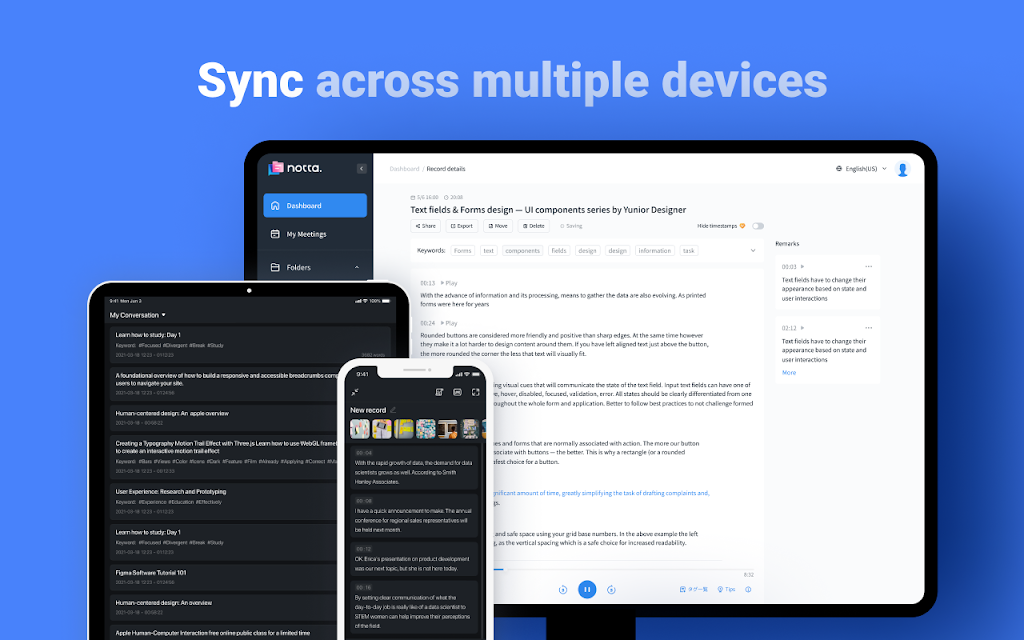
Convert spoken words into text instantly on PC, smartphone, or tablet.
AI-powered summarization highlights key points from meetings, interviews, or lectures.
High Accuracy and Multi-Language Support:
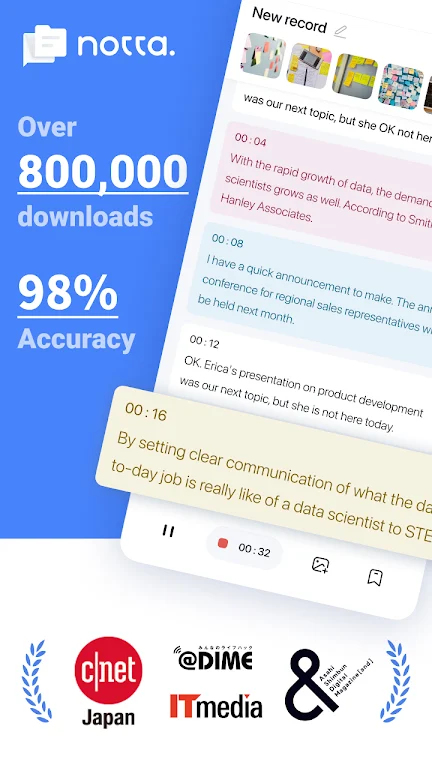
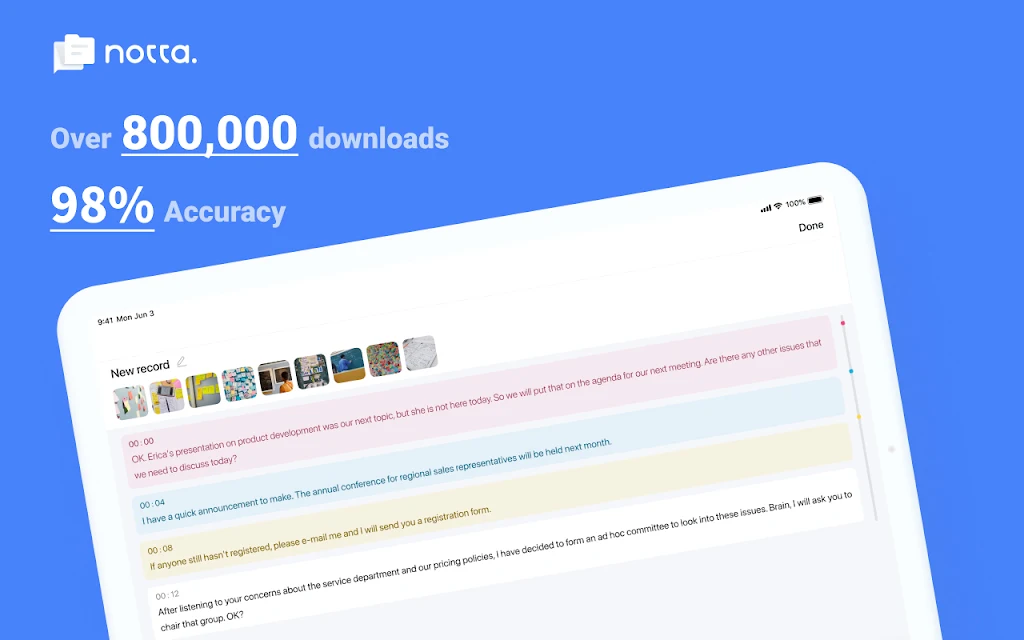
98.86% transcription accuracy.
Transcribe in 58 languages and translate into 42 languages for global meetings.
Noise-Free Audio Processing:
AI filters background noise to ensure clear, high-quality recordings.
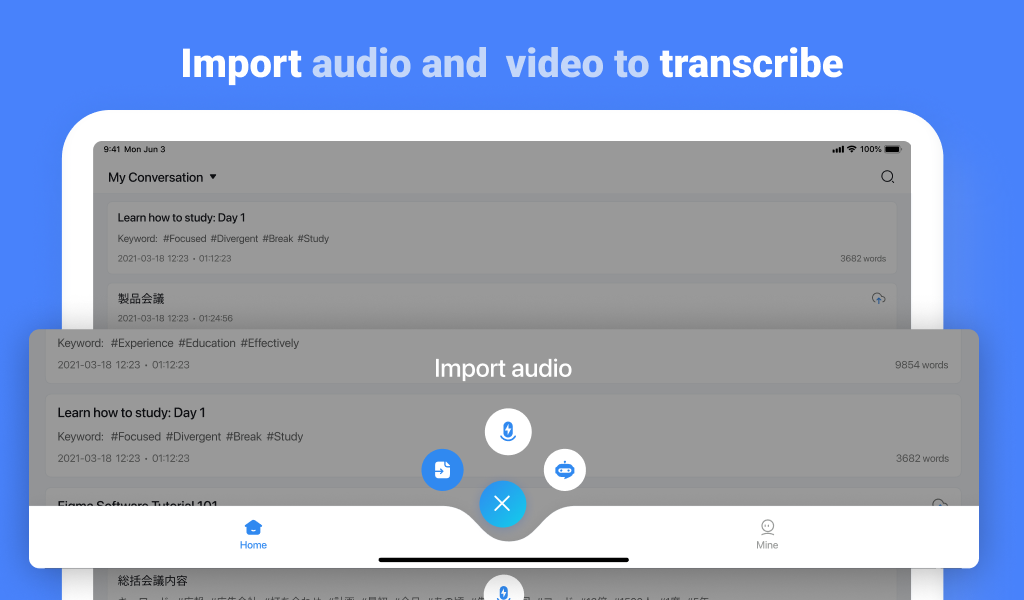
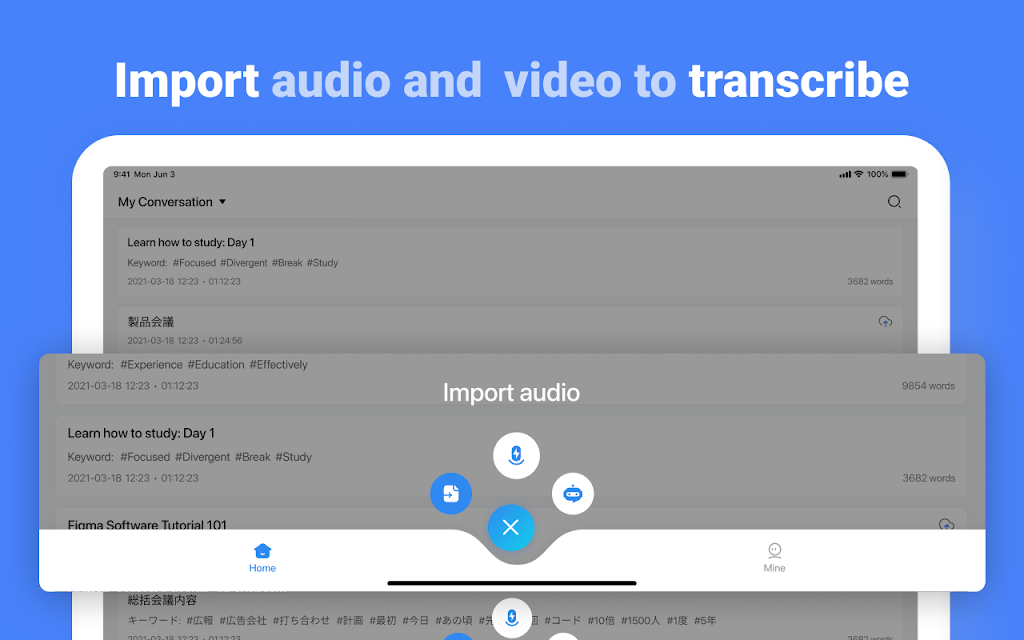
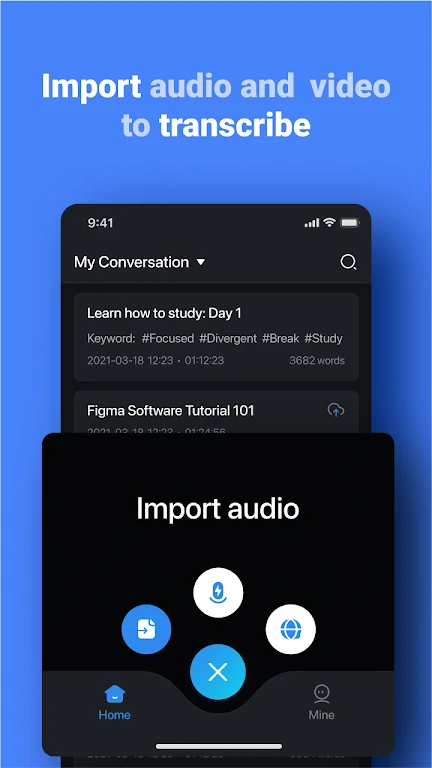
Compatible with various audio and video file formats.
Integration with Devices:
Pair with Notta Memo or Zenchord to record and summarize meetings, lectures, or interviews.
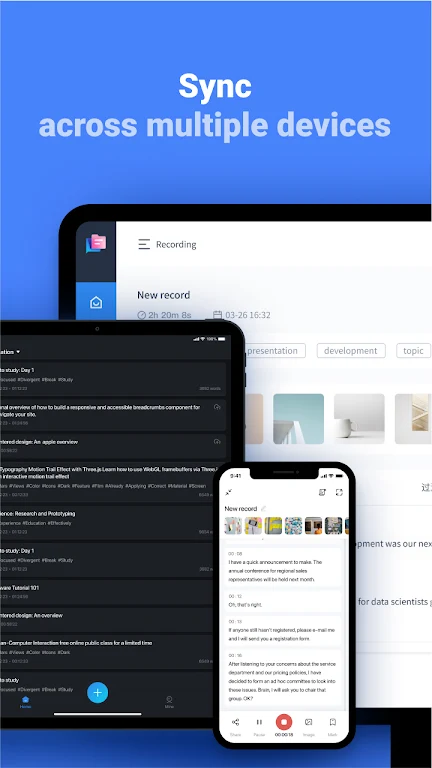
Record independently and sync audio with the Notta app automatically.
Flexible Transcription Options:
Live transcription or automatic transcription of pre-recorded files.
One-hour audio file can be transcribed in approximately five minutes.
Streamlined Editing and Sharing:
Add bookmarks to mark important statements during transcription.
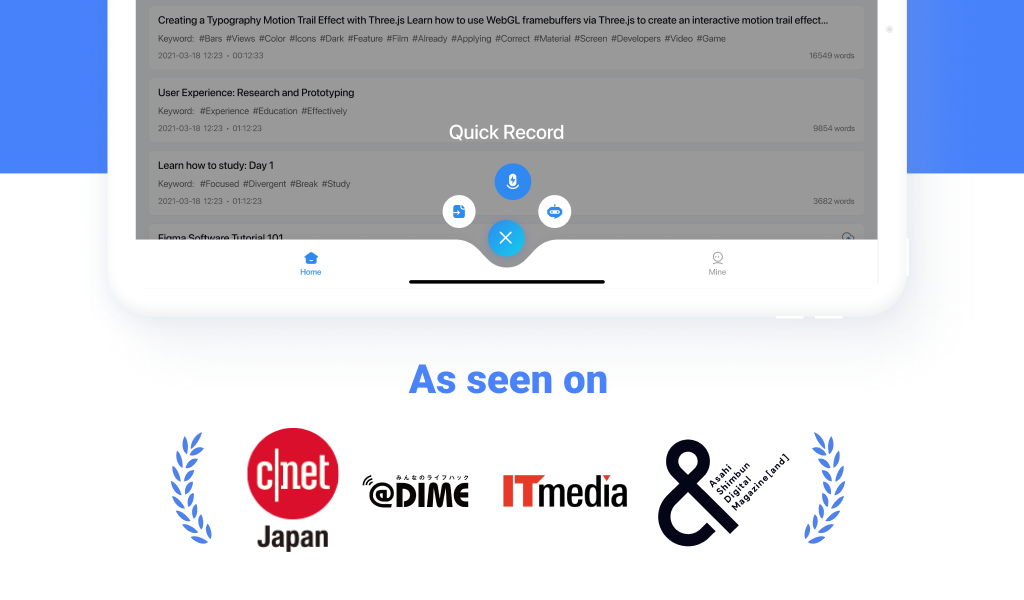
Search recordings easily with keywords.
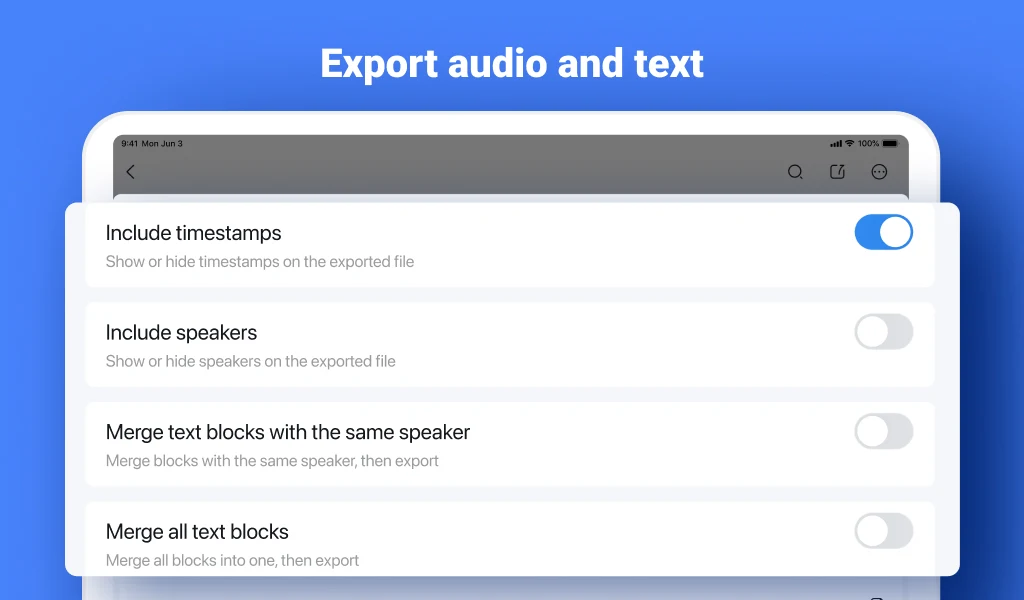
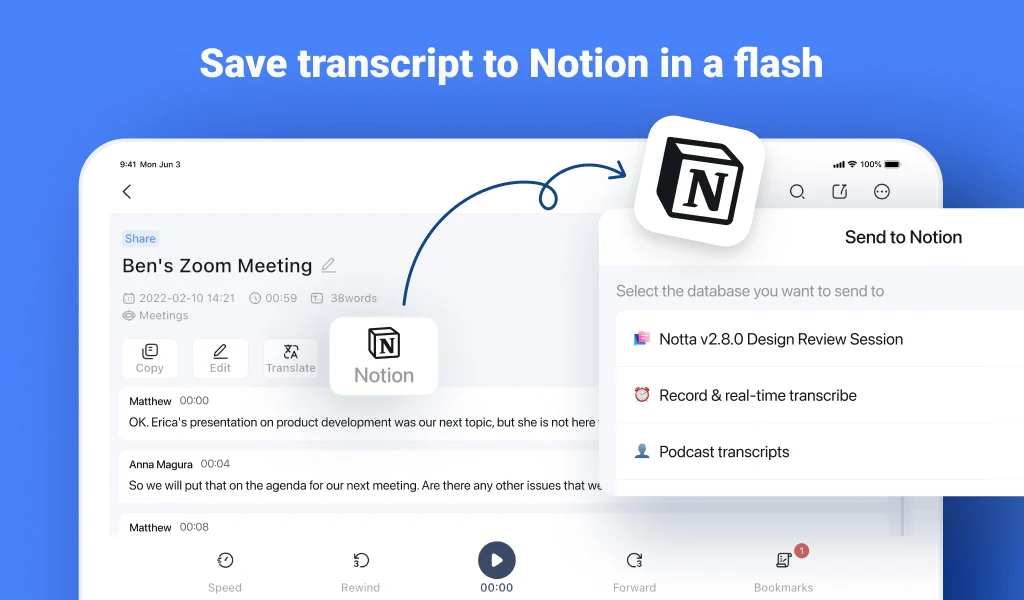
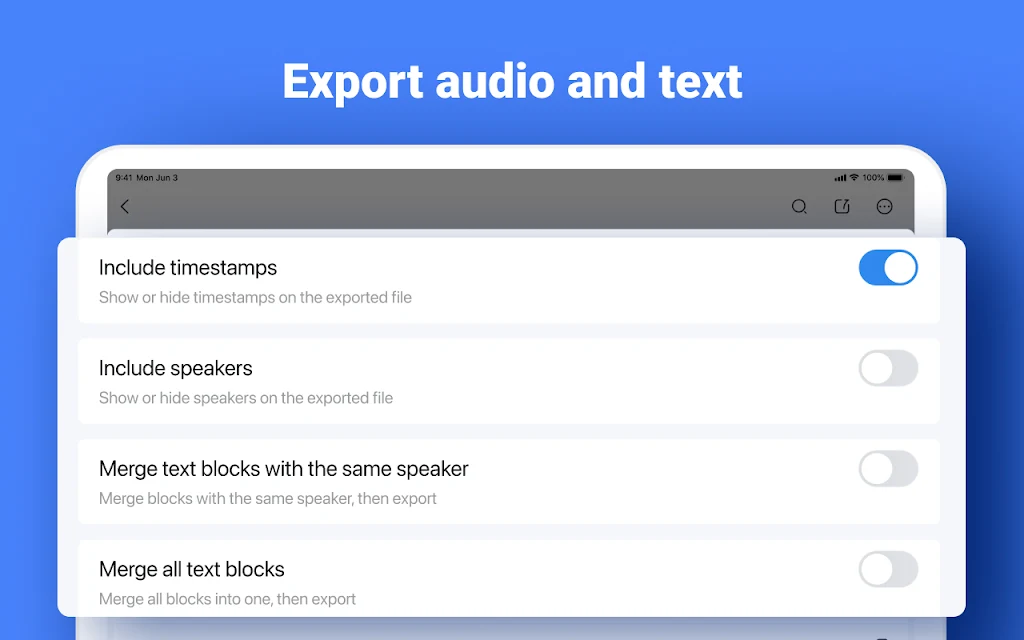
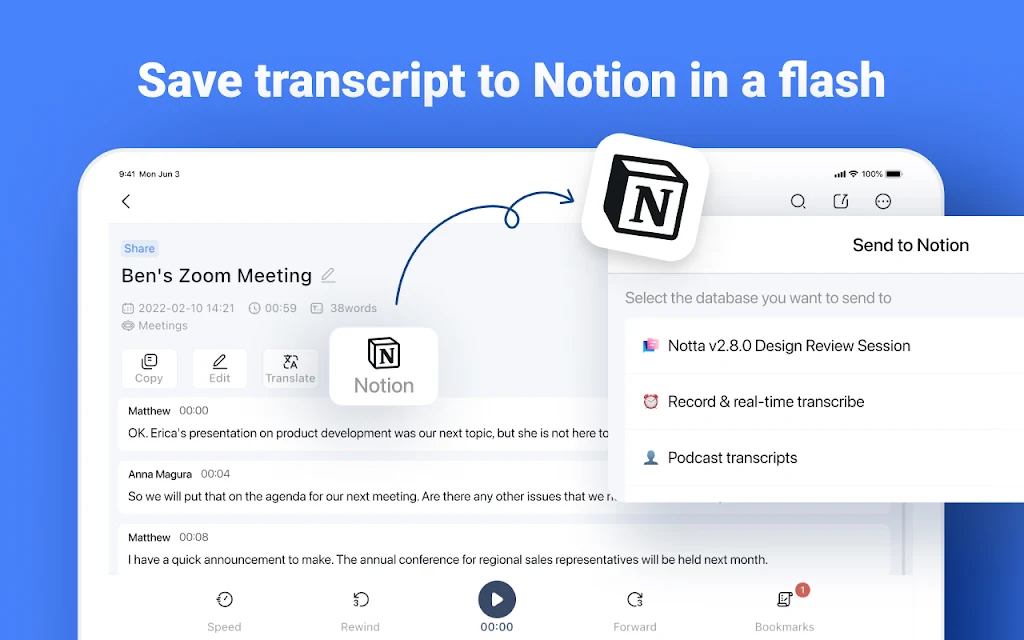
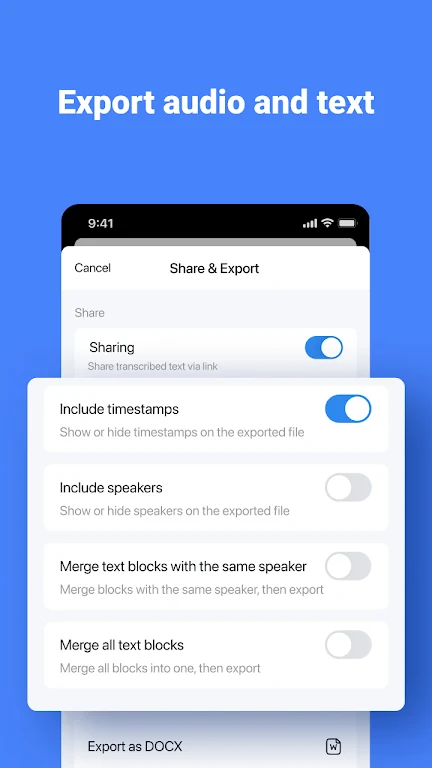
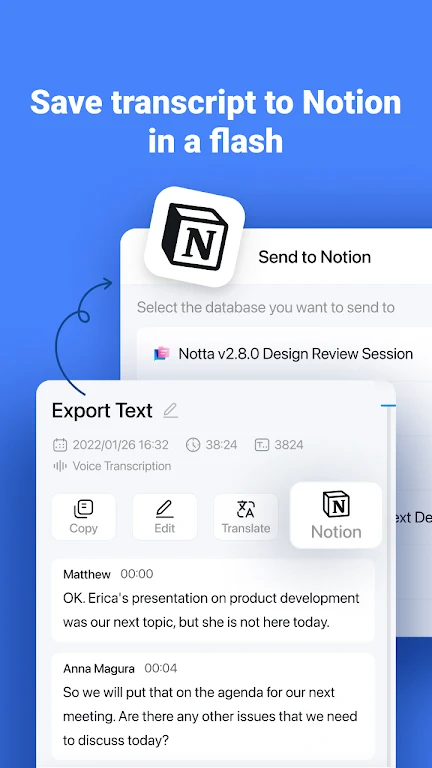
Export to txt, docx, excel, pdf, or srt with timestamps, or share via link.
Secure and Certified:
SOC 2 Type II certification.
ISO/IEC 27001:2013 certification ensures data security and reliability.
Who Should Use Notta?
Salespeople & Consultants: Capture meeting details effortlessly.
Remote Workers & Telecommuters: Stay productive without manual notes.
Journalists, Interviewers & Bloggers: Record and summarize interviews with speed and accuracy.
Multilingual Users & Students: Learn new languages and communicate effectively across languages.
Plans and Pricing
Free Plan:
Real-time transcription: 3 minutes per recording.
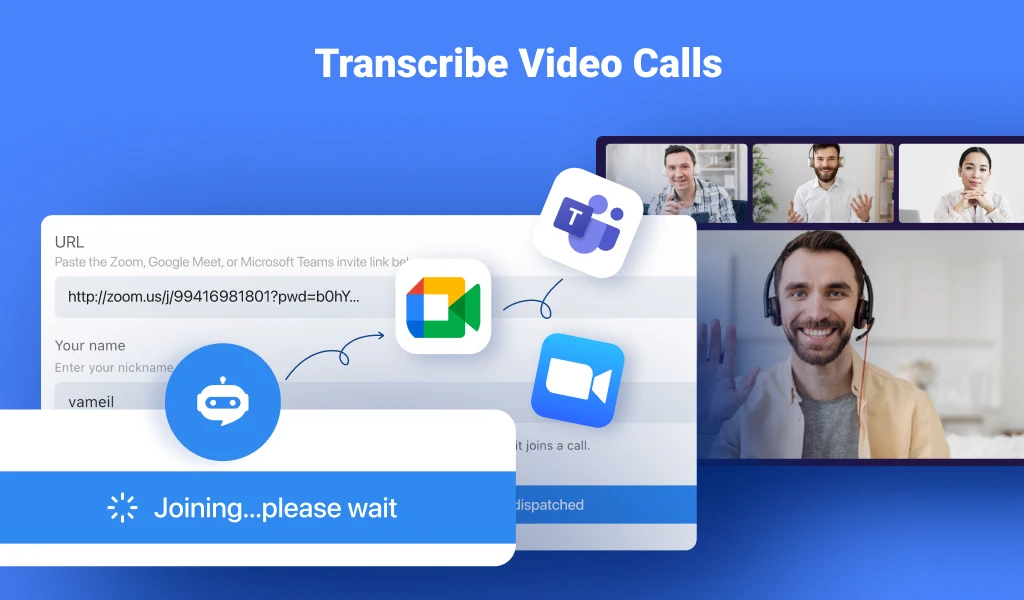
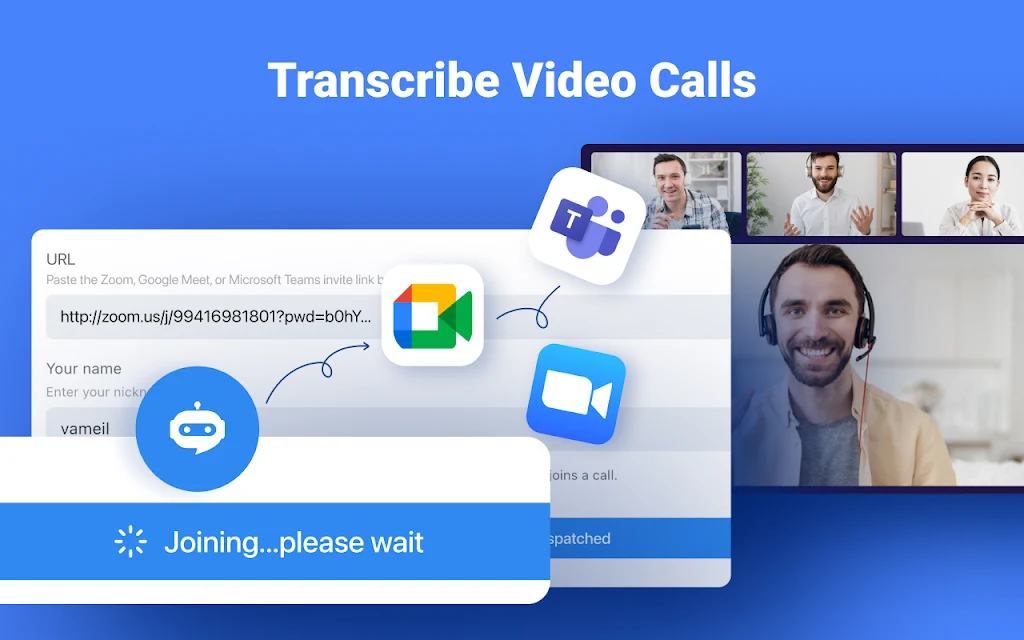
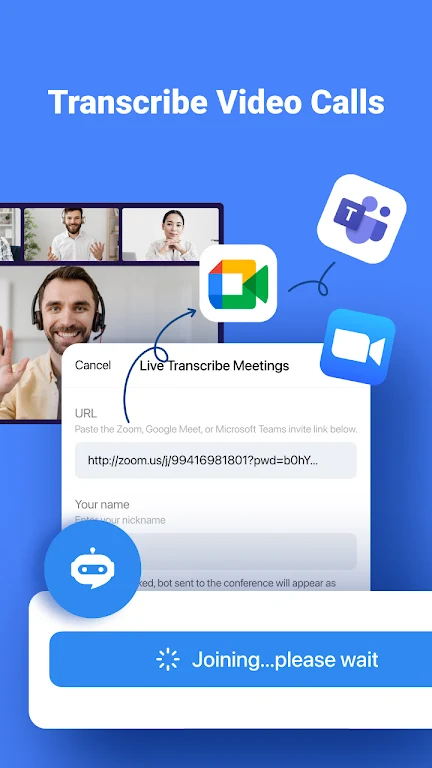
Auto-transcription of web meetings (Zoom, Teams, Google Meet, Webex): 3 minutes/session.
Import audio files and transcribe the first 3 minutes.
Dictionary: Add up to 3 custom terms.
Premium Plan:
1,800 minutes of transcription per month.
Real-time and file transcription.
Auto-transcription for web meetings.
Export transcription data in multiple formats.
Add up to 200 custom dictionary terms.
Translate into 42 languages, auto-proofreading, hide timestamps, speed up playback, and edit speaker names.
With Notta, streamline your workflow, save time, and make transcription and note-taking smarter than ever.
Terms of Service: https://www.notta.ai/en/terms
Privacy Policy: https://www.notta.ai/en/privacy
Support: support@notta.ai
FAQ
Additional information
Screenshots
Reviews
Recommend Article







Similar Apps

Keep organized with a daily planner: Set reminders, organize tasks with calendar
Protect your device from viruses & clean junk files with this antivirus app
Super VPN-Safer and turbo fast VPN proxy
Remove your private info from Google, and hundreds of data brokers

Forbidden Playground a fun interactive game that features gorgeous characters

View, edit, and manage PDFs effortlessly on Android.