


To Do List Schedule planner

Hot Novels






Install Tips
To Do List Schedule planner Review
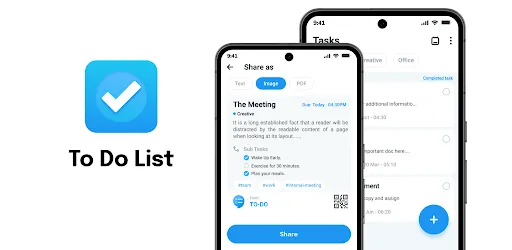
Organize your life and stay on top of your tasks with To Do List: Schedule Planner, the ultimate solution for all your planning needs. Whether you need a daily planner, a homework planner, or a task manager, our app combines the best features to help you manage your time effectively and achieve your goals.
Key Features:
To Do List:
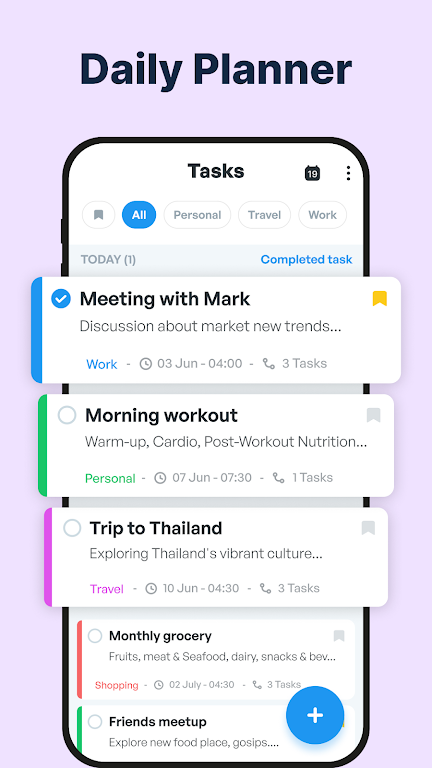
Create, manage, and prioritize your tasks with ease. Our to do list feature ensures that you never miss an important task again. Add tasks, set deadlines, and mark them as complete to stay organized and productive.
Schedule Planner:
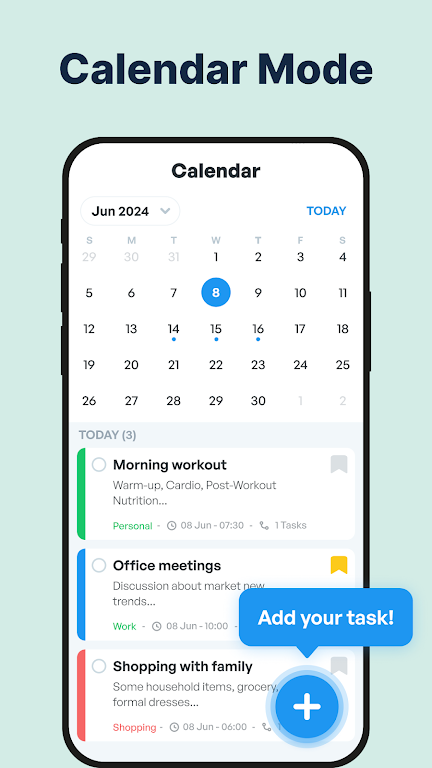
Plan your day, week, and month with our comprehensive schedule planner. Visualize your tasks and appointments in a calendar view to get a clear overview of your schedule. Our schedule planner helps you allocate time efficiently and stay on track.
Reminders:
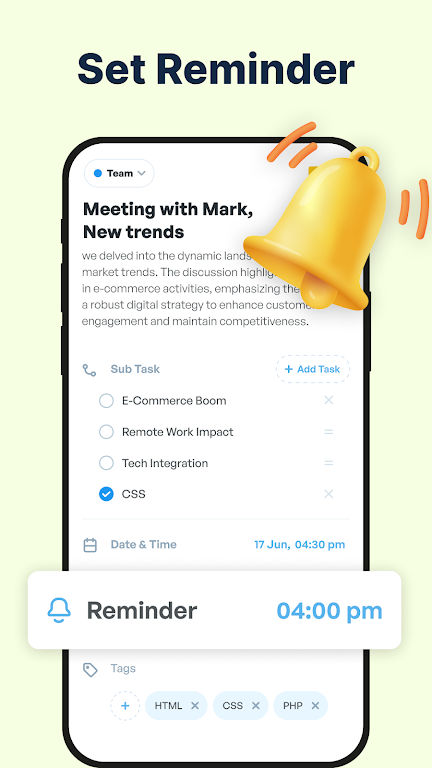
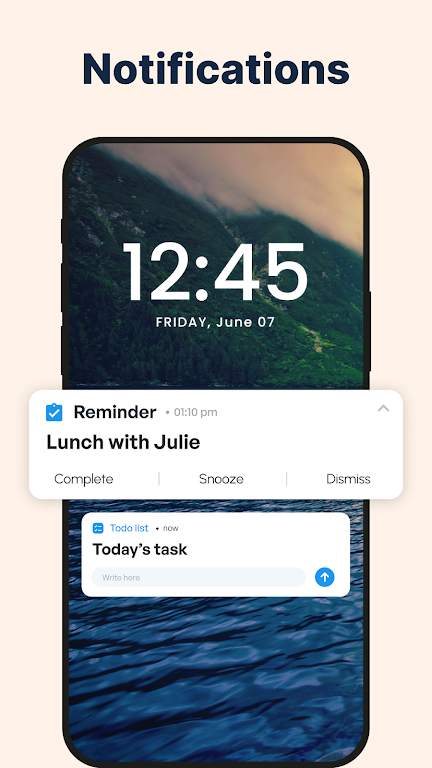
Set reminders for your tasks and appointments to ensure you never forget a deadline or important event. Our reminder app is designed to notify you at the right time, so you can focus on what matters most.
Checklist:
Create checklists for your projects, shopping, or any other activities. Our checklist feature helps you break down tasks into manageable steps and track your progress effortlessly.
Digital Planner:
Take your planning digital with our intuitive digital planner. Access your to do list, schedule planner, and reminders from any device, anywhere. Our digital planner is designed to sync seamlessly across all your devices for ultimate convenience.
Birthday Reminder:
Never miss a birthday again with our birthday reminder feature. Add birthdays to your calendar and receive timely reminders to wish your loved ones.
Homework Planner:
Keep track of your assignments and deadlines with our homework planner. Ideal for students, this feature ensures you stay organized and ahead of your academic responsibilities.
Task Manager:
Manage all your tasks efficiently with our task manager. Categorize tasks, set priorities, and track progress to boost your productivity.
Time Management:
Master time management with our app. Allocate time slots for tasks, set goals, and use our tools to optimize your schedule and improve your productivity.
Day Planner & Weekly Planner:
Plan your days and weeks in advance with our day planner and weekly planner. Organize your tasks and appointments to achieve a balanced and productive routine.
Agenda Planner:
Use our agenda planner to stay on top of your daily and weekly commitments. Plan meetings, events, and personal activities in one place.
Morning Routine:
Create and maintain a productive morning routine with our app. Plan your mornings to start your day on a positive note and set the tone for a successful day.
Routine Planner:
Develop and maintain healthy habits with our routine planner. Plan and track your daily routines to ensure you stay consistent and achieve your goals.
Monthly Planner:
Get a bird’s-eye view of your month with our monthly planner. Plan ahead and ensure you are prepared for upcoming tasks and events.
Task Tracker:
Keep track of your tasks and monitor your progress with our task tracker. Our intuitive interface makes it easy to see what you’ve accomplished and what still needs attention.
Work Schedule Planner:
Manage your work schedule efficiently with our work schedule planner. Plan your workdays, set goals, and stay on top of your professional responsibilities.
Additional information
Screenshots
Reviews
Recommend Article








Similar Apps

Qiwa platform is a platform for empowerment, localization and business continuity.

L’Bel Conmigo — the pocket workspace for L’Bel consultants
Copilot, Word, Excel, and More

When you Focus, your Bean will Focus in this cozy, gamified productivity timer

AI Agent, Chatbot, Deep Research, Image Generator, Math Solve, Writing Assistant

AI Chatbot - Pro is an all-in-one AI assistant powered by GPT-4o that helps you write, code, create visuals, and more.