


iPlay VR Player SBS 3D Video

Hot Novels






Install Tips
Mobile safety & integrity report for the latest package. We provide verifiable checksums and a timestamped scan summary. Latest package iPlay VR Player SBS 3D Video 7.1(34) scanned by multiple engines; no threats detectedas of Tue, 28 Jul 2026 12:02:12 GMT.
After downloading, use a system or third-party checksum tool to calculate the SHA256 and ensure it matches the value provided on this page (case-sensitive, without spaces).
Each engine uses different signature databases and heuristics, so results may vary slightly. We provide a timestamp and checksum to allow you to independently verify the package.
iPlay VR Player SBS 3D Video Review
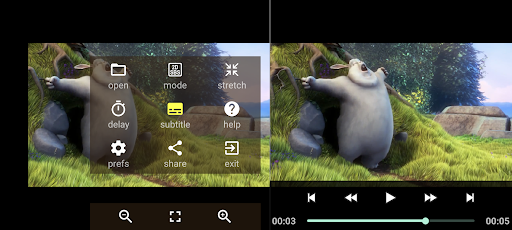
A simple, ad-free, tiny (only 0.2 MB!) video player that plays 2D and 3D videos suitable for Virtual Reality VR headsets that use mobile as the screen. It supports Side-by-Side (SBS) as well as Half Side-by-Side (HBS / HSBS) format videos. It works on any phone, limited only by the device's video capabilities.
FEATURES
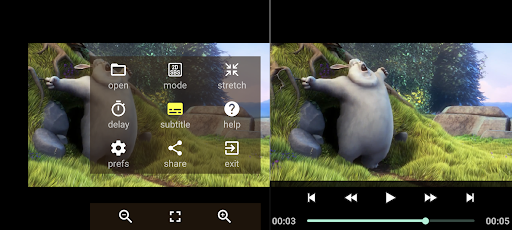
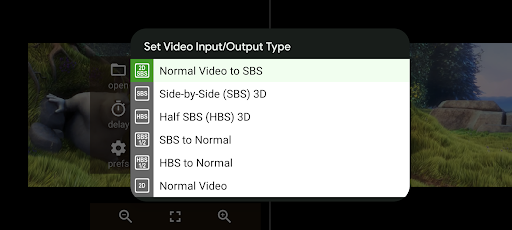
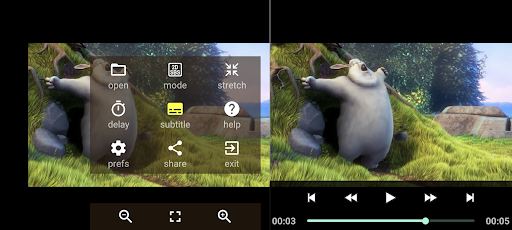
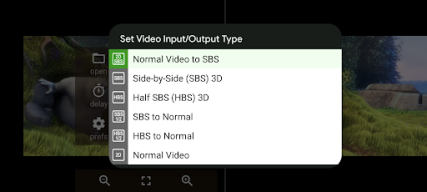
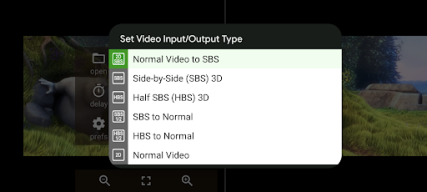
- View any video in SBS Mode for VR Headsets
- Plays SBS & HBS video with correct aspect ratio
- View SBS 3D & HBS 3D as a normal video
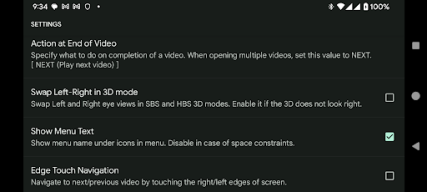
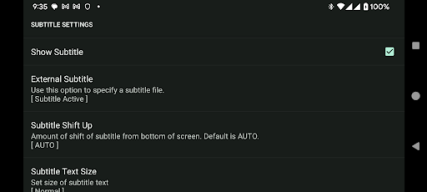
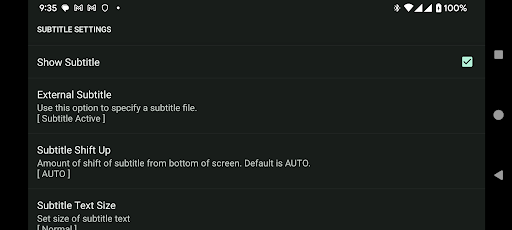
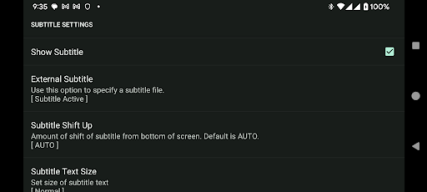
- Support for external SRT subtitles
- Can be accessed from your file manager
- Mode for normal, non-SBS video
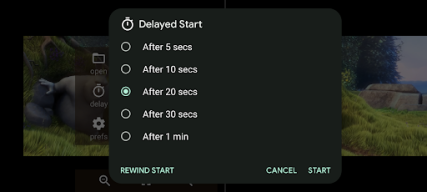
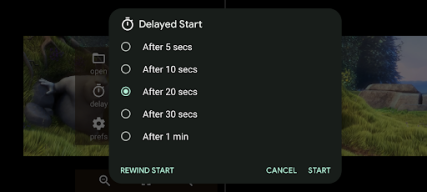
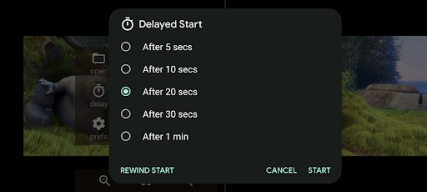
- Delayed start mode for time to insert mobile in headset
- Does not need gyroscope-enabled phones
- Lightweight, Ad-free, No unwanted permissions
A few points to note:
- It will play only video formats that are natively supported by your phone (more info below)
- It does not play web videos. Use our iWebVR app for that.
https://play.google.com/store/apps/details?id=com.panagola.app.iwebvrtrial
- It does not use the magnetic navigator controls, head tracking etc.
Use an OTG or Bluetooth mouse instead.
- It does not play 180 or 360 degree Full Virtual Reality videos.
- It is a player, not a converter. It cannot save converted files.
- The app does not include any media codecs due to its tiny size. It supports whatever the Android OS in your device supports.
Please mail us (support@panagola.com) in case of any doubts.
Additional information
Screenshots



Reviews
Recommend Article









Similar Apps

Video editor with photo and music. Easily edit video with text and effects.

Enjoy millions of videos, music with PlayTube - Video, Mp3 Player app

Video Browser & Downloader X to play the sexy videos from any website.

Tones of Video Templates. Save your time using Vidify - Reels & Stories Maker

Make your own Animations, Video and Photo Edits, Visual Effects, and more!

Play HD videos, manage files, and cast content seamlessly.