


Wikimedia Commons

Hot Novels






Install Tips
Mobile safety & integrity report for the latest package. We provide verifiable checksums and a timestamped scan summary. Latest package Wikimedia Commons 6.1.0 scanned by multiple engines; no threats detectedas of Tue, 28 Jul 2026 12:16:19 GMT.
After downloading, use a system or third-party checksum tool to calculate the SHA256 and ensure it matches the value provided on this page (case-sensitive, without spaces).
Each engine uses different signature databases and heuristics, so results may vary slightly. We provide a timestamp and checksum to allow you to independently verify the package.
Wikimedia Commons Review
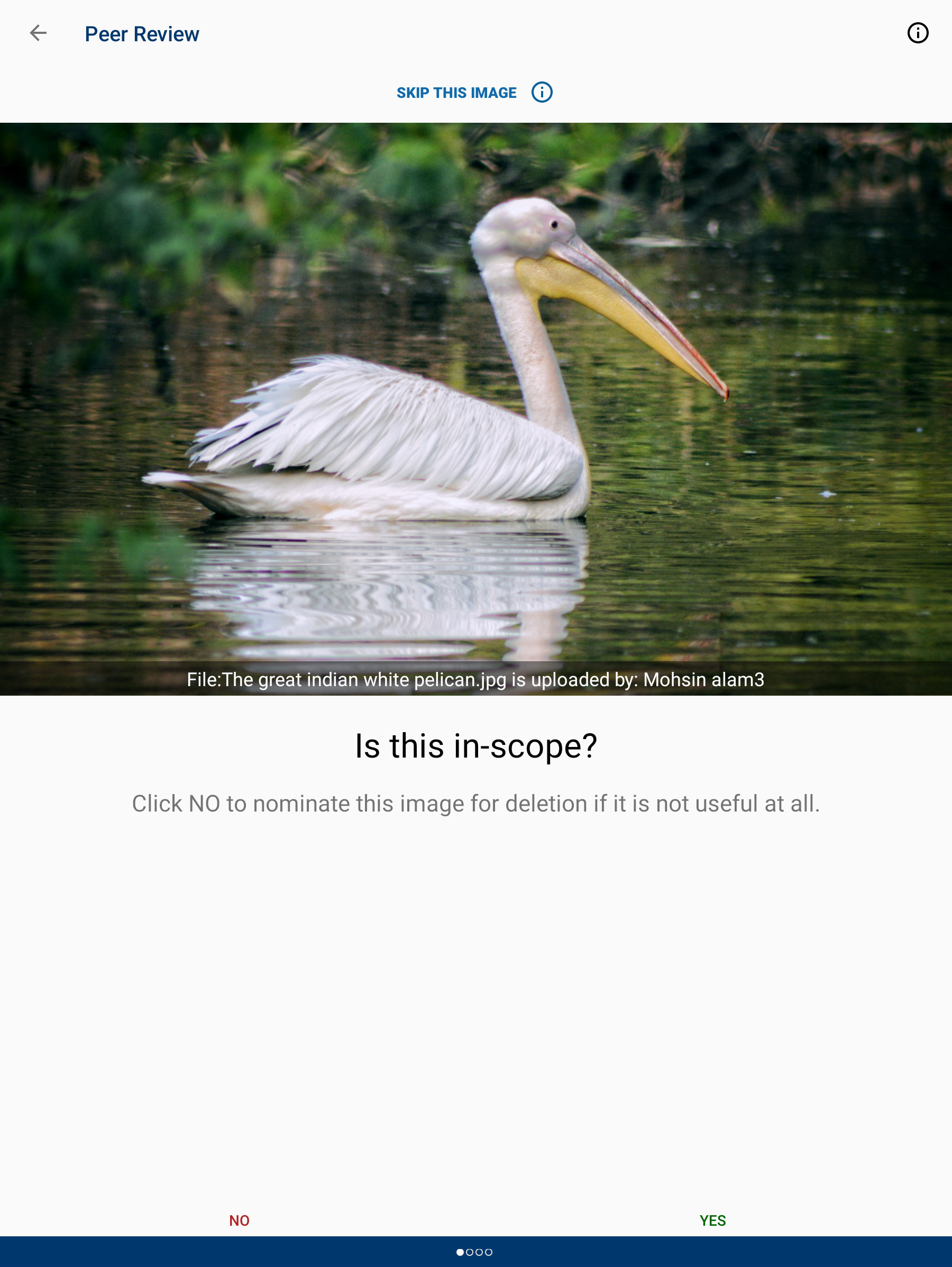
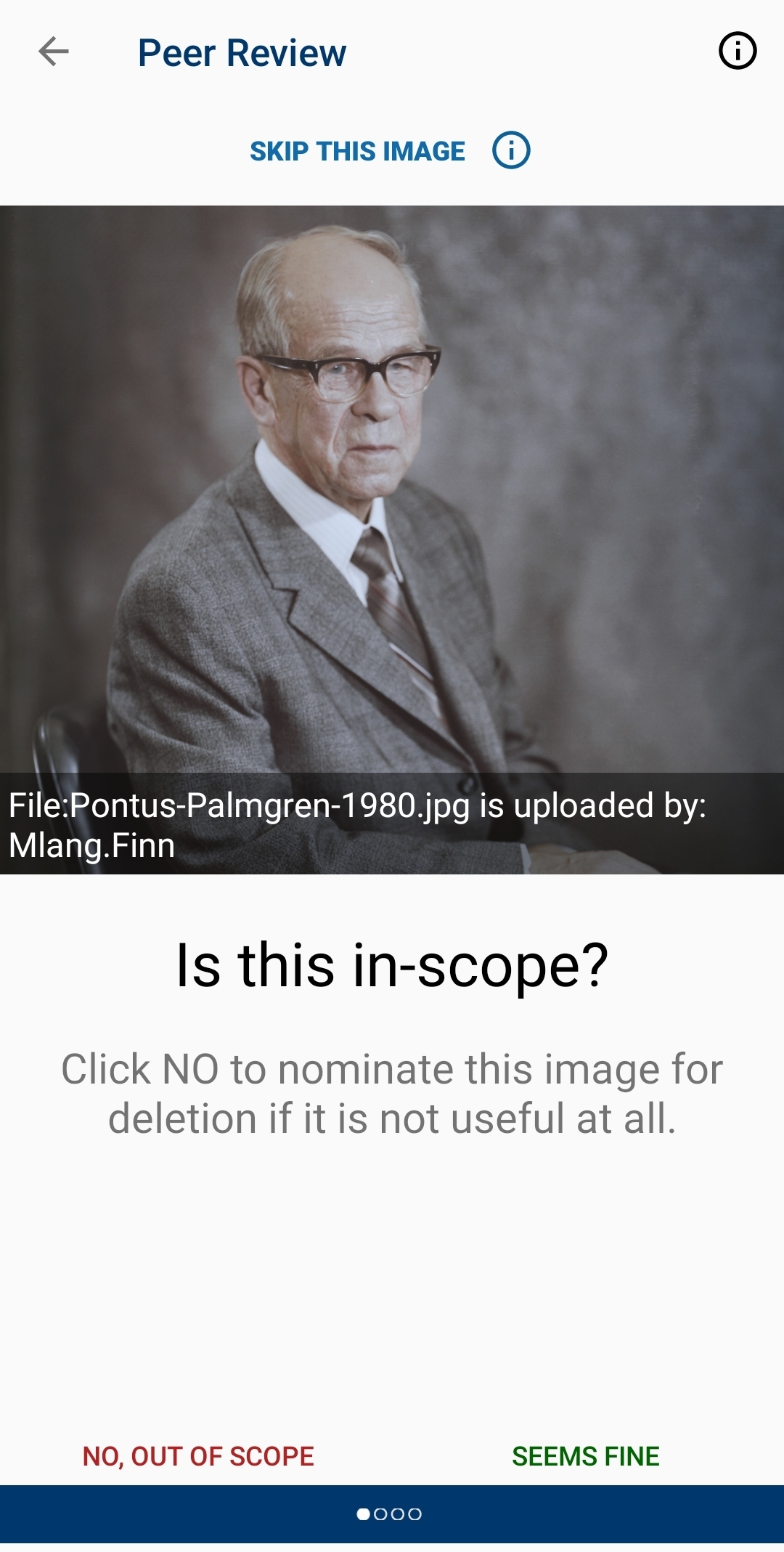
( March 2025 update: We have resolved the Play policy issue and Explore and Peer review are back with the latest v5.2.0. Kindly use this version and let us know in case of any feedback via our in app feedback option / issue tracker. )
Join one of the largest photo and multimedia communities in the world! Commons is not only the image repository for Wikipedia, but an independent project that seeks to document the world with photos, videos and recordings.
The Wikimedia Commons app is an open-source app created and maintained by grantees and volunteers of the Wikimedia community to allow the Wikimedia community to contribute content to Wikimedia Commons. Wikimedia Commons, along with the other Wikimedia projects, is hosted by the Wikimedia Foundation. The Wikimedia Foundation is pleased to support community developers by offering the app here, but the Foundation did not create and does not maintain this app. For more information about the app, including its privacy policy, see the information at the bottom of this page. For information about the Wikimedia Foundation, visit us at wikimediafoundation.org.
Features:
- Upload photos to Commons directly from your smartphone
- Categorize your photos to make them easier for other people to find
- Categories are automatically suggested based on photo location data and title
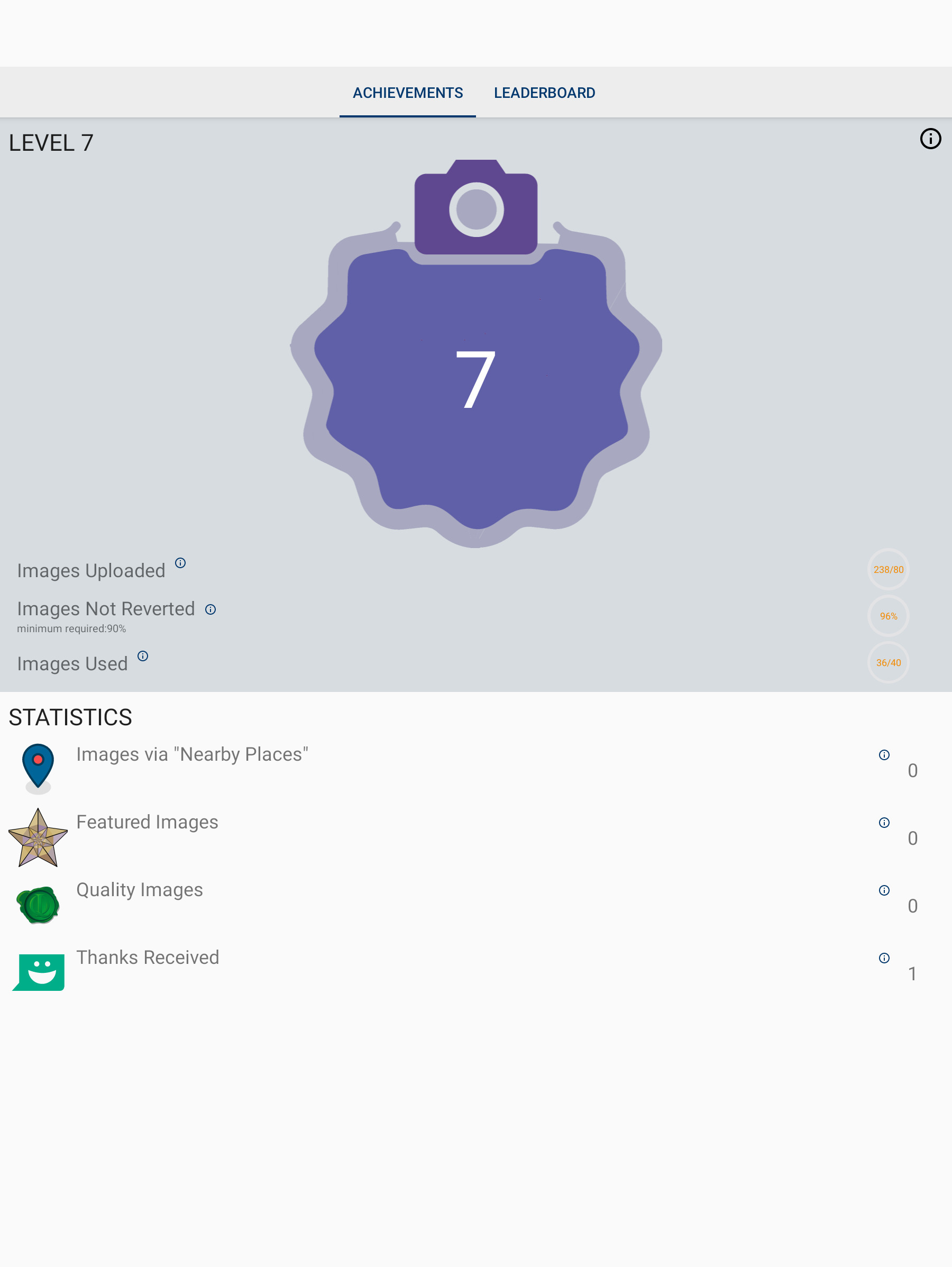
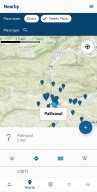
- View nearby missing images - this helps Wikipedia to have images for all articles, and you will discover beautiful places close to you
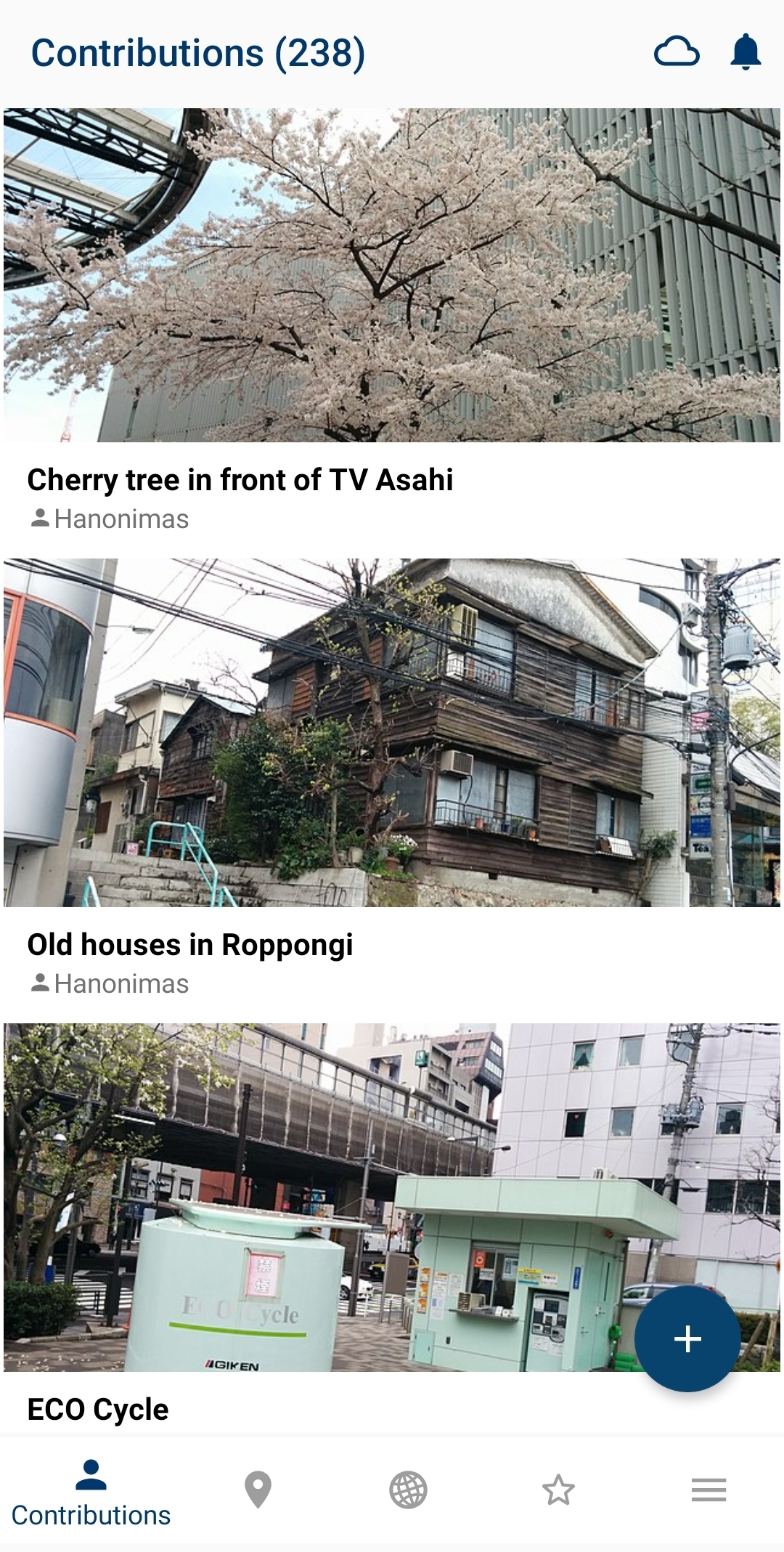
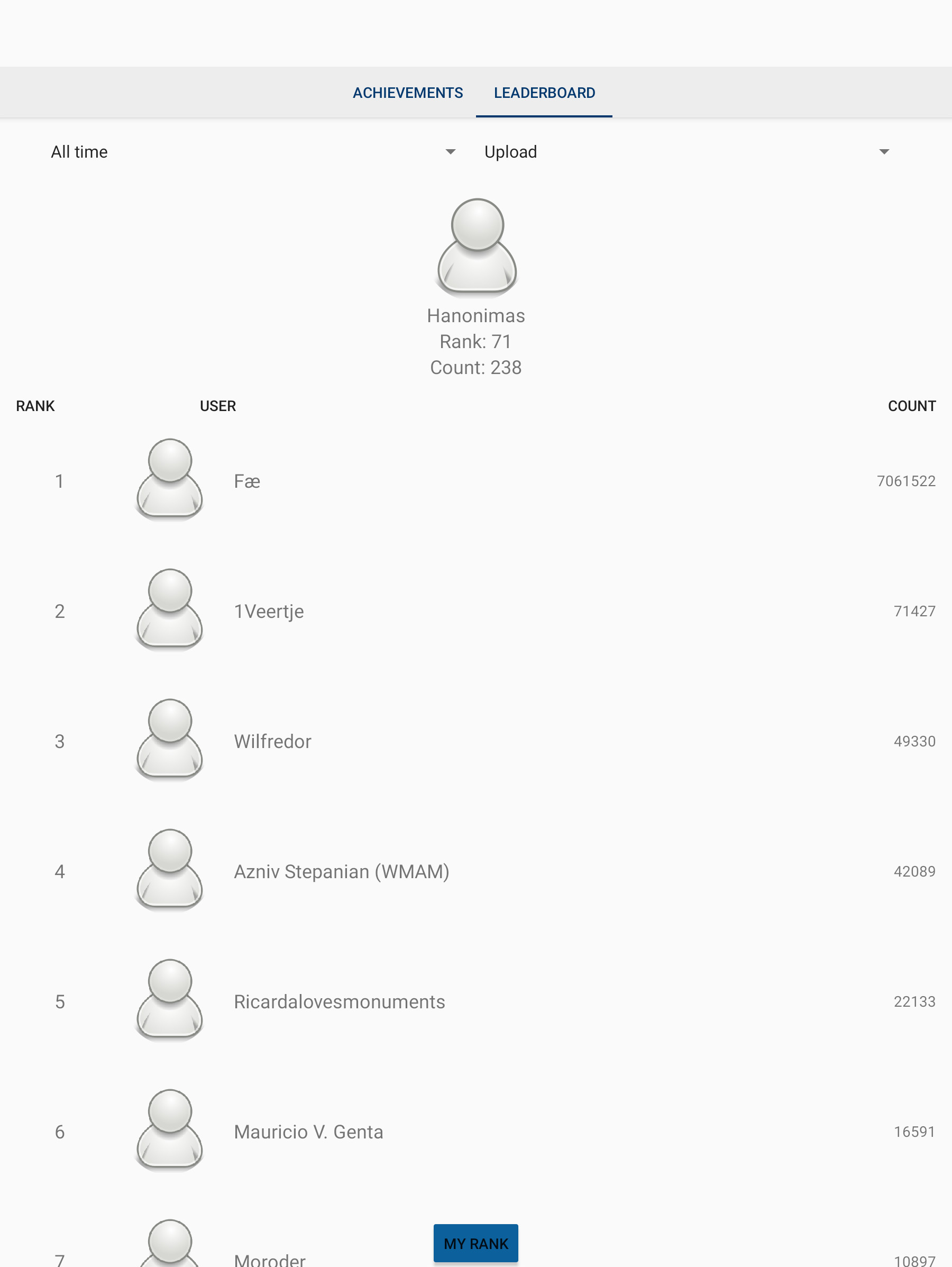
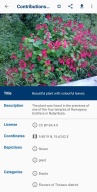
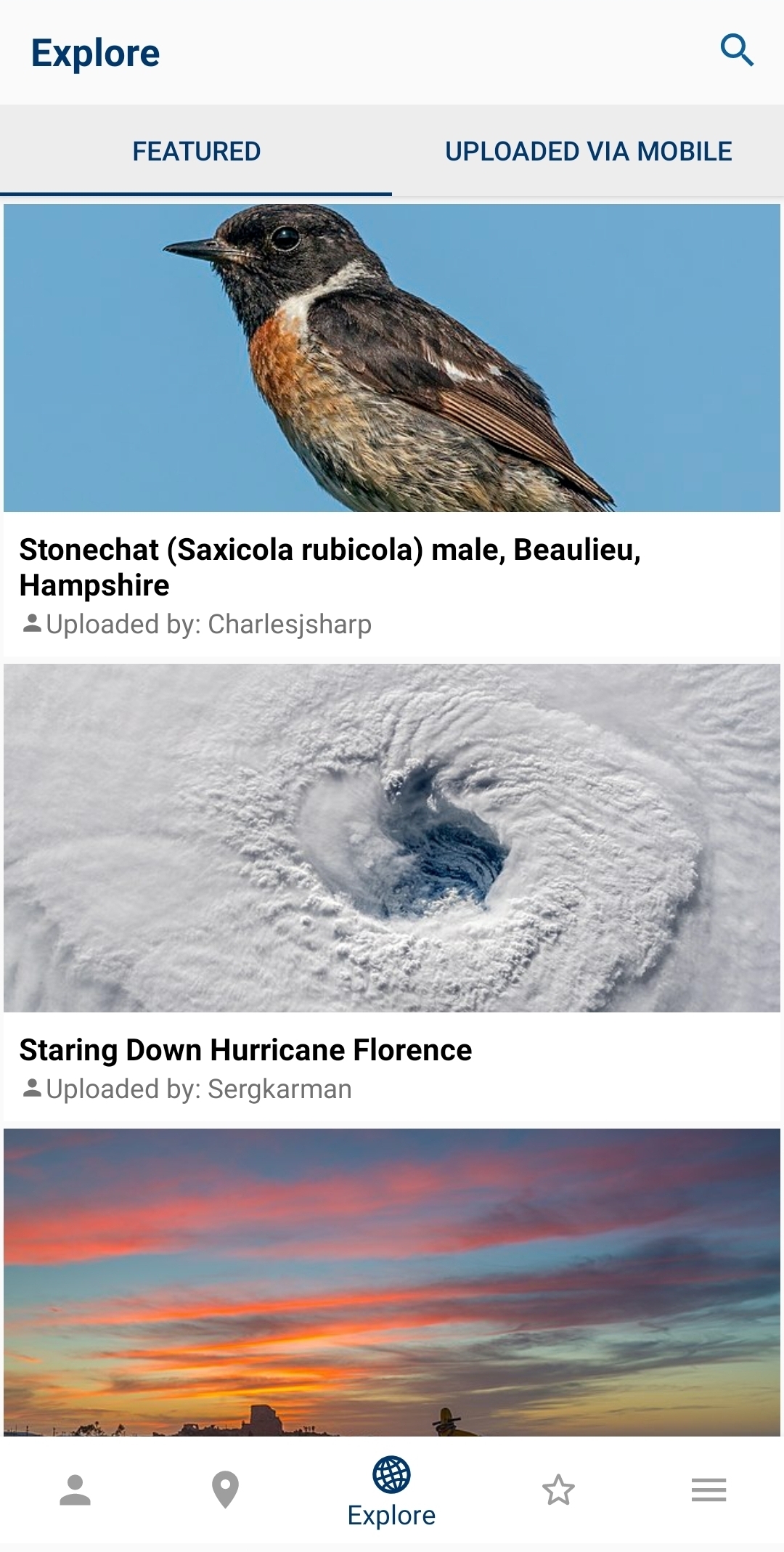
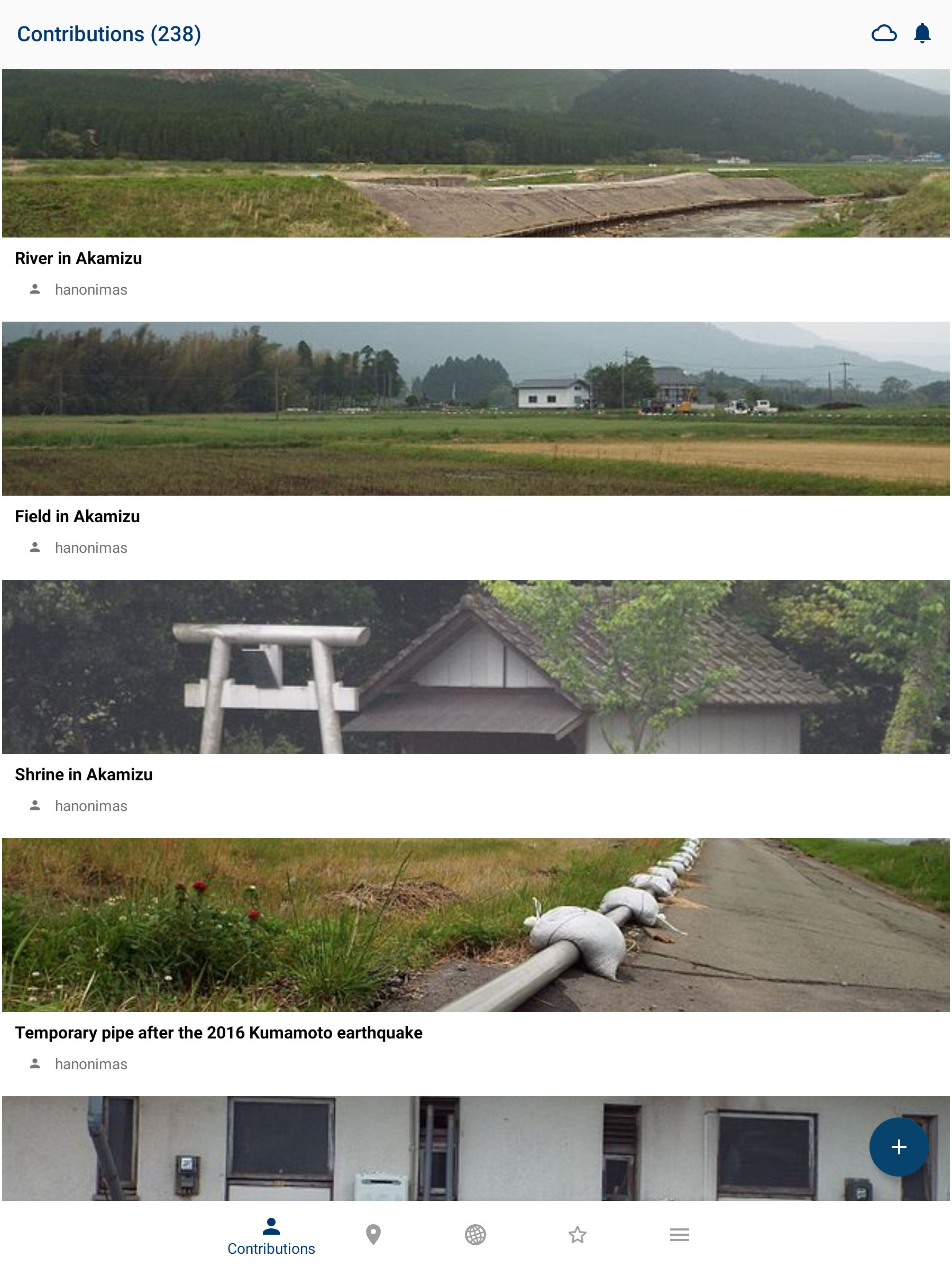
- View all the contributions you have made to Commons in one gallery
Using the app is easy:
- Install
- Log in to your Wikimedia account (if you don't have an account, create one for free at this step)
- Select 'From Gallery' (or the picture icon)
- Select the picture that you wish to upload to Commons
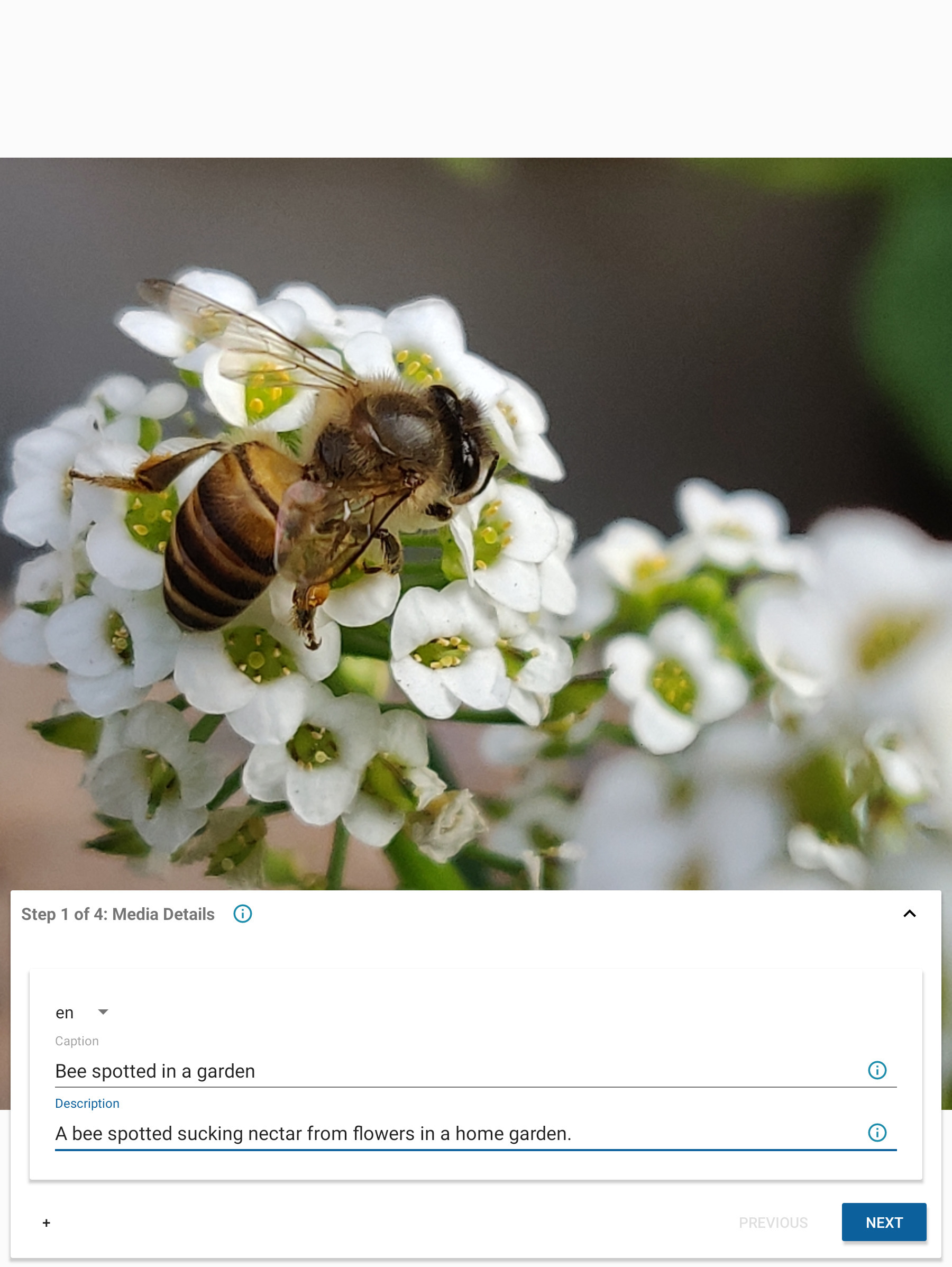
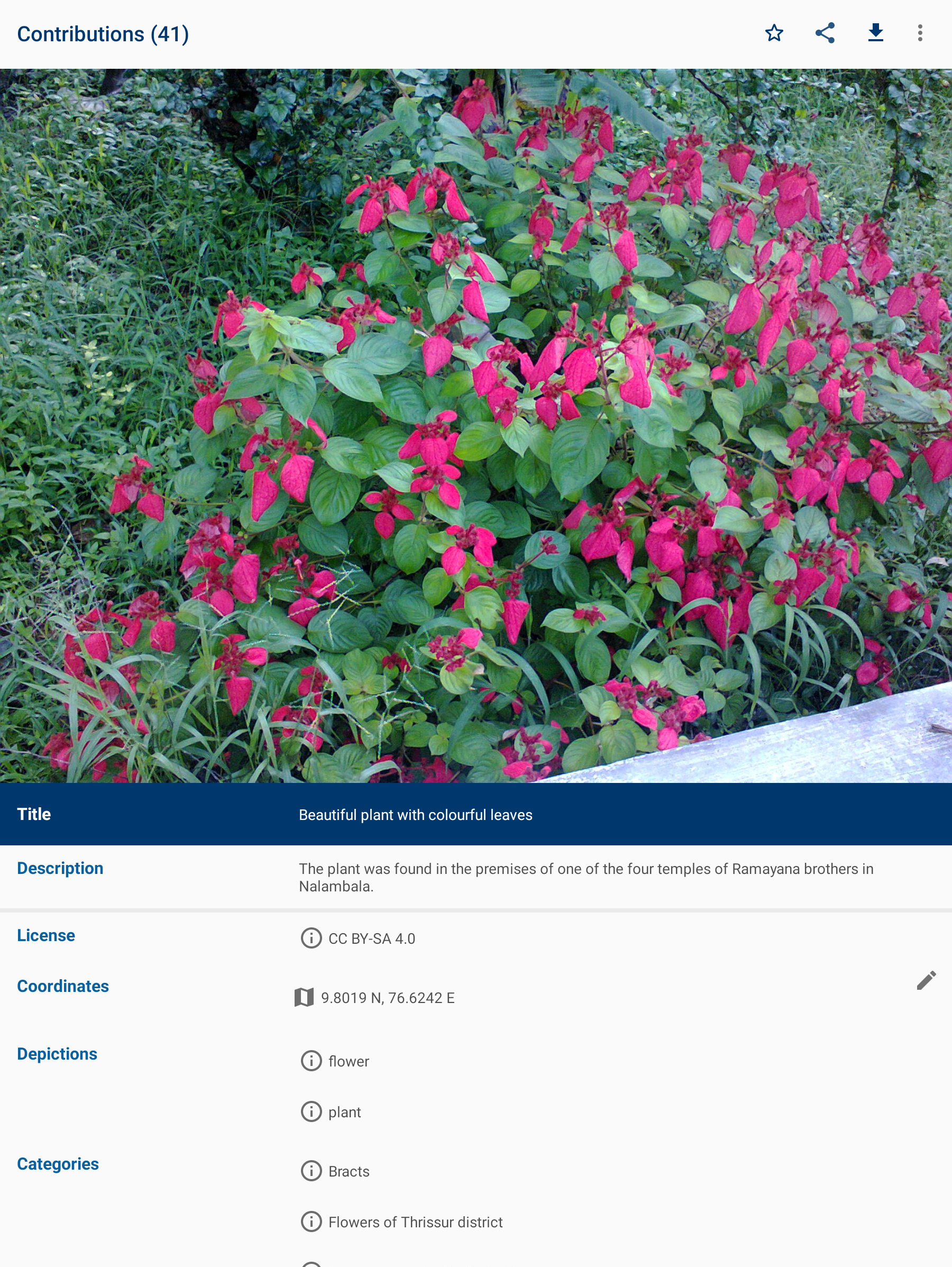
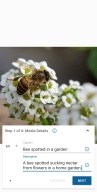
- Enter a title and description for the picture
- Select the license that you wish to release your picture under
- Enter as many relevant categories as possible
- Press Save
The following guidelines will help you to understand what photos the community is looking for:
✓ Photos that document the world around you - famous people, political events, festivals, monuments, landscapes, natural objects and animals, food, architecture, etc
✓ Photos of notable objects that you find in the Nearby List in the app
✖ Copyrighted pictures
✖ Photos of you or your friends. But if you are documenting an event it doesn't matter if they are in the picture
✖ Photos of poor quality. Make sure the things you are trying to document are visible on the picture
- Website: https://commons-app.github.io/
- Bug reports: https://github.com/commons-app/apps-android-commons/issues
- Discussion: https://commons.wikimedia.org/wiki/Commons_talk:Mobile_app & https://groups.google.com/forum/#!forum/commons-app-android
- Source code: https://github.com/commons-app/apps-android-commons
Changelog
* Addressed a bug that prevented the keyboard from appearing in various text fields, such as on the upload wizard
* Links in the "File usages" list are now clickable and will take you to the correct page.
* Titles for file usages are now clearer and easier to understand
* Bug fixes and stability improvements
Additional information
Screenshots

Reviews
Recommend Article








Similar Apps

Snap perfect selfies every time. AI Auto-beautification for that flawless look.

Cut and paste photo editor & eraser to customize photos easy and swap faces fun

Film Simulation Camera in a wide Panoramic format

Turn into celebrities, film characters, or a time traveler in just one tap!

Photo Pea Photo Editor is the all-in-one editor to fulfill photo editing needs.

Batch Photo Resizer ● Resolution Changer ● File Size Reducer ● Photo Size Editor