


R Download Shortcut

Hot Novels






Install Tips
Mobile safety & integrity report for the latest package. We provide verifiable checksums and a timestamped scan summary. Latest package R Download Shortcut 1.0.1(2) scanned by multiple engines; no threats detectedas of Tue, 28 Jul 2026 12:10:43 GMT.
After downloading, use a system or third-party checksum tool to calculate the SHA256 and ensure it matches the value provided on this page (case-sensitive, without spaces).
Each engine uses different signature databases and heuristics, so results may vary slightly. We provide a timestamp and checksum to allow you to independently verify the package.
R Download Shortcut Review

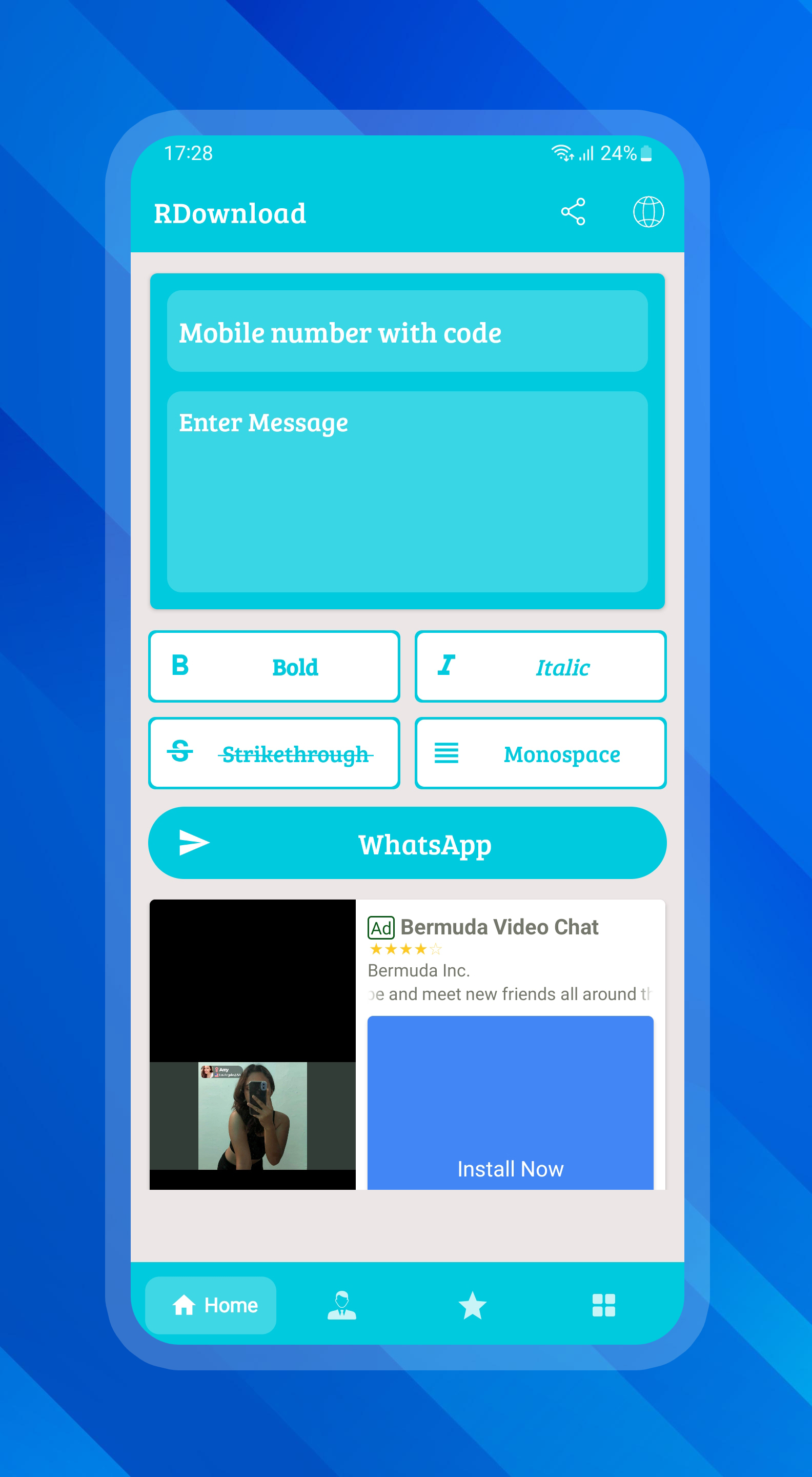
R Download Shortcut APK is a practical tool designed to help users easily download high-definition videos without watermarks. Whether you're saving content for offline viewing or archiving important clips, this app streamlines the entire process with just a few taps.
Key Features for Effortless Video Management
R Download Shortcut APK offers a range of features focused on improving your downloading experience:
- Watermark-Free Downloads: Save videos in their original quality without any distracting overlays.
- HD Resolution Support: Ensure every downloaded video retains its high-definition clarity.
- Fast Processing Speeds: Retrieve and save videos quickly, optimizing your time.
- User-Friendly Interface: Navigate through the app effortlessly, even if you're new to similar tools.
Who Can Benefit from R Download Shortcut APK?
This app is especially valuable for users who frequently save online videos for personal use, professional projects, or educational purposes. From students compiling study materials to content creators managing source material, the utility spans diverse needs.
Trusted Development and Compatibility
Developed by RDownload, this APK is compatible with Android devices running version 6.0 or later. It ensures reliability and security, making it a trusted choice for video downloads. The lightweight design minimizes resource usage, ensuring smooth performance even on older devices.
If you need an efficient solution for downloading watermark-free HD videos, R Download Shortcut APK offers the simplicity and speed you’re looking for.
DISCLAIMER:
R Download Shortcut is a third-party tool designed to help users download publicly available audio and video files for personal use. Users must ensure they have permission from the content owner before downloading or sharing any media. The app does not support downloading from YouTube or Facebook in accordance with Play Store policies. Downloading or distributing copyrighted material without authorization may violate copyright laws, and users are solely responsible for any misuse.
FAQ
Additional information
Screenshots

Reviews
Recommend Article










Similar Apps

Free, Easy, Fast to migrate your data to your new Huawei Smartphone

Access Database Settings Directly. SetEdit is the key solution to most issues.

Fast Convert all Zawgyi Contacts to Unicode

Guide kids with parental tools in Family Link.
![ReEnable Screenshot [XPOSED] icon](https://img.apkdock.com/image/app_icon/reenable-screenshot-xposed_icon.webp?imageMogr2/thumbnail/56x56)
Xposed module to enable screenshot
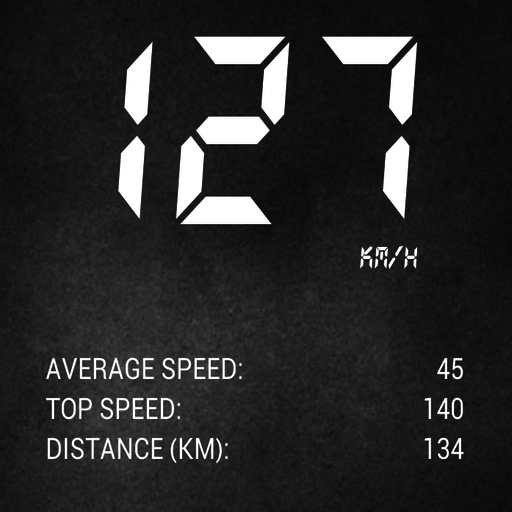
Speedometer Pro is an application that shows your current speed but also a product that can help you turn your car into a modern vehicle