


Publix Pharmacy

Hot Novels






Install Tips
Mobile safety & integrity report for the latest package. We provide verifiable checksums and a timestamped scan summary. Latest package Publix Pharmacy 3.1.12 scanned by multiple engines; no threats detectedas of Tue, 28 Jul 2026 12:10:32 GMT.
After downloading, use a system or third-party checksum tool to calculate the SHA256 and ensure it matches the value provided on this page (case-sensitive, without spaces).
Each engine uses different signature databases and heuristics, so results may vary slightly. We provide a timestamp and checksum to allow you to independently verify the package.
Publix Pharmacy Review
The Publix Pharmacy app makes it even easier to manage prescriptions. New time-saving features are just what the doctor ordered.
*Quick refills
*Easy account setup
*Multiple prescriptions/patient management
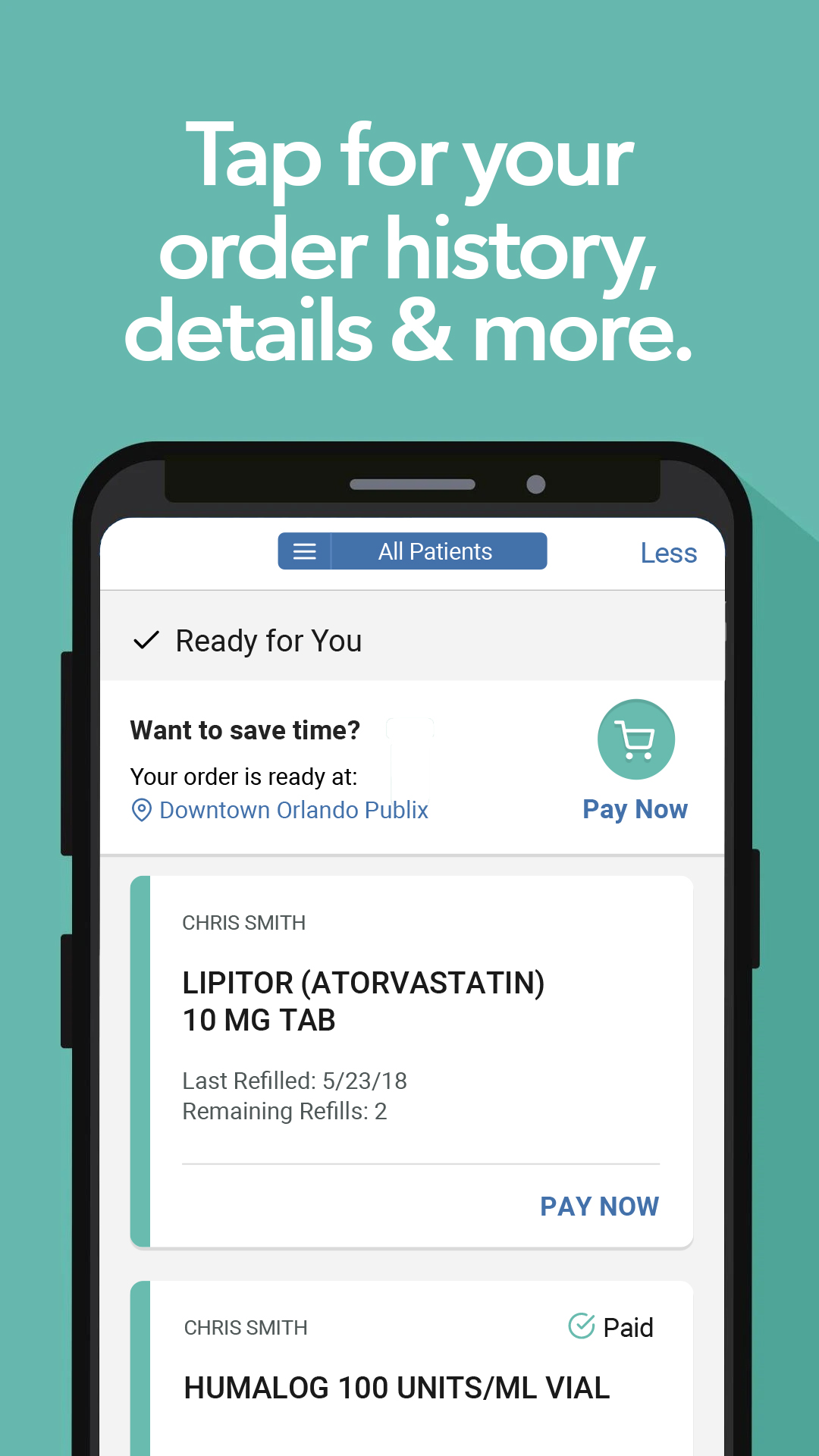
*Prescription status, order history & details
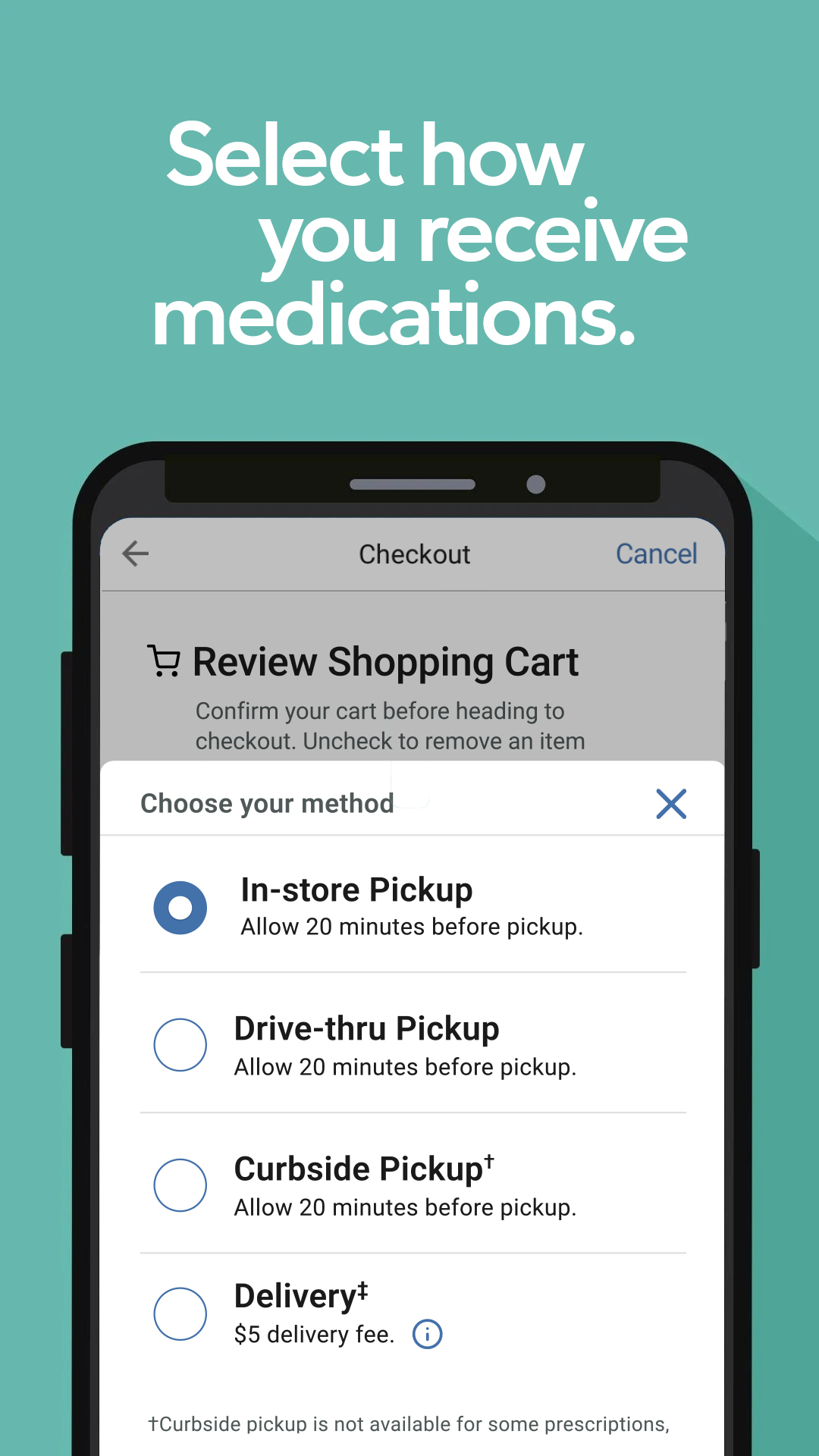
*Prepaid pickup & curbside pickup, delivery, and drive-thru at select locations
Scan to refill.
Use your camera to scan the bottle. Request refills in a snap.
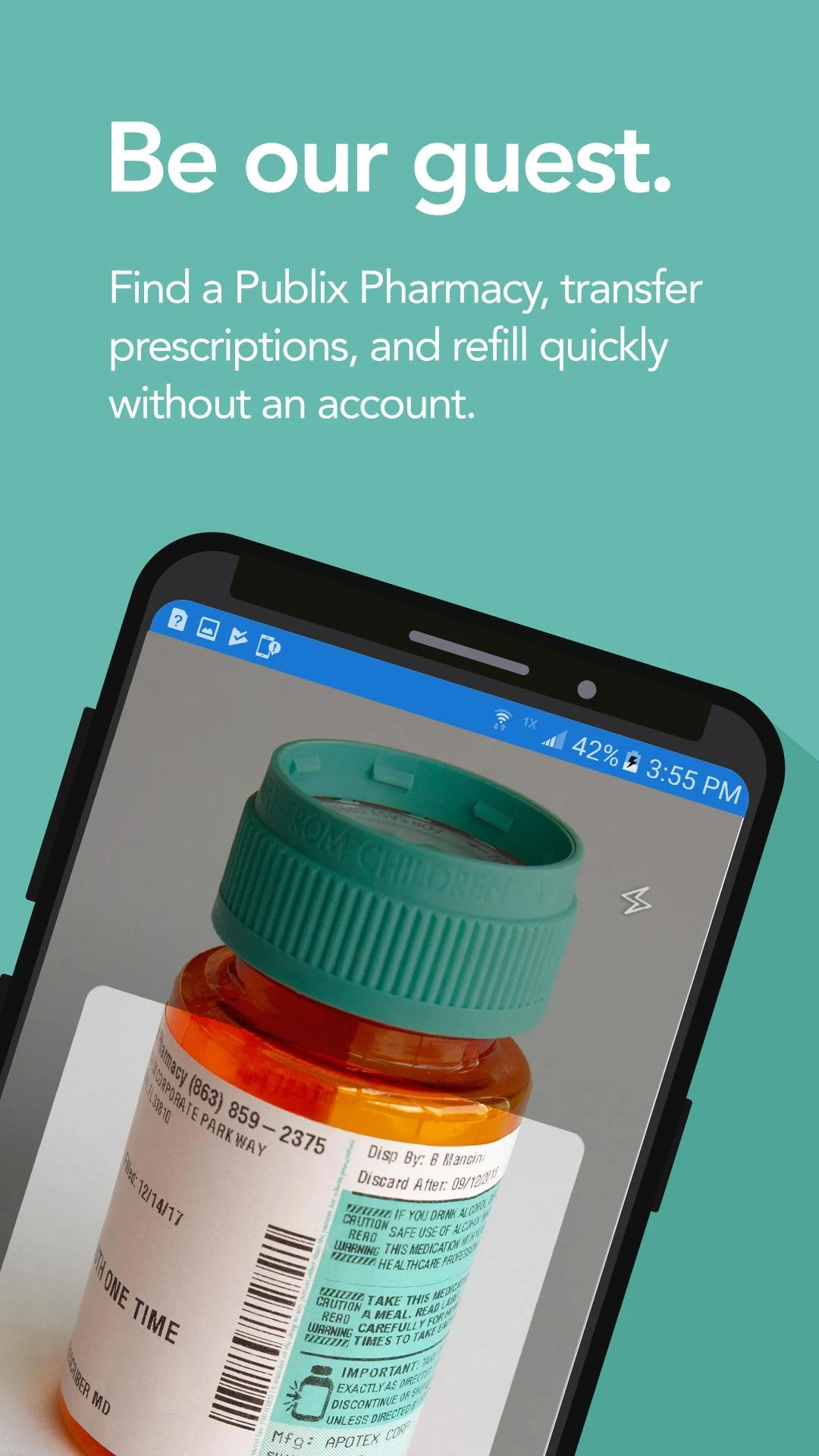
Be our guest.
Find a Publix Pharmacy, transfer prescriptions, and refill quickly without an account.
Switch it up.
Getting started with us is easy. Transfer all your existing prescriptions to a nearby Publix Pharmacy.
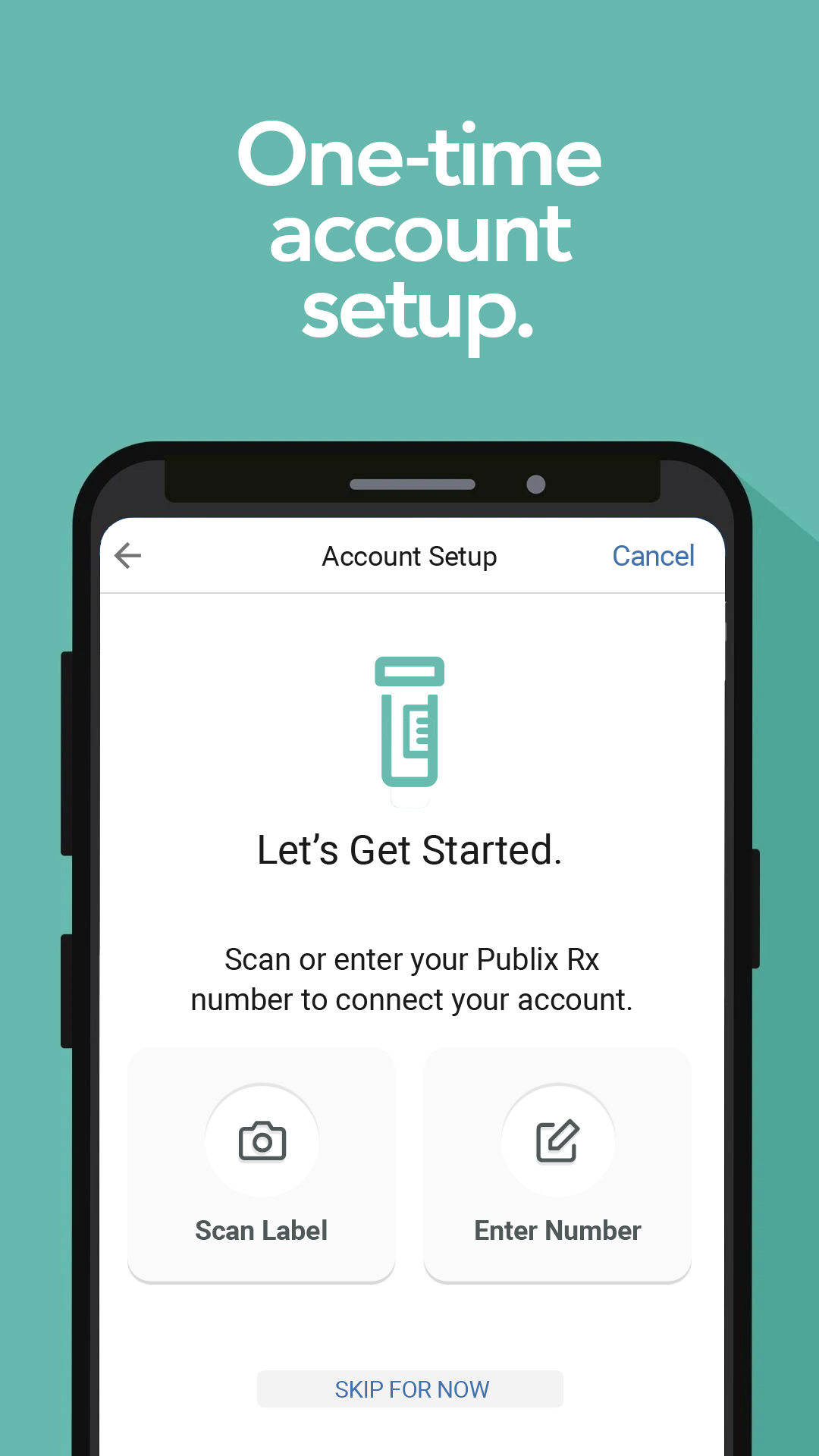
One-time easy account setup.
Just scan a recently filled Publix prescription bottle or enter the number from the label. We'll fill in your account details.
Log in to access more features.
When the doctor calls in your next prescription, it will automatically appear in your app. Just log in to your account to see important details, get helpful notifications, and set reminders.
Just a tap away.
Tap to view which prescriptions are ready for refill, in progress, or ready for pickup.
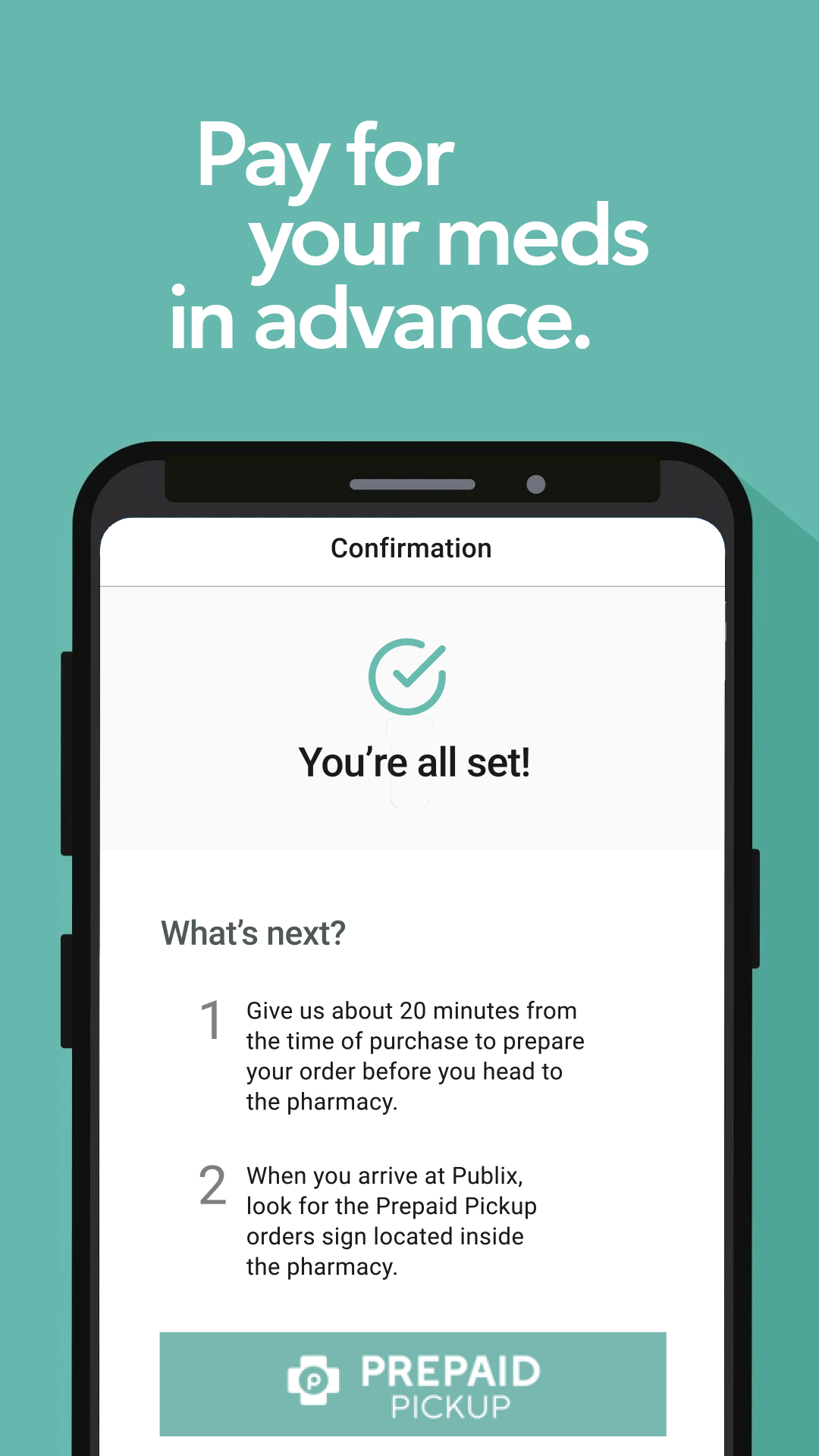
Pay in advance.
You’ll be notified when prescriptions are ready, then pick up and go.
More choices.
Receive medications from prepaid pickup & curbside pickup, delivery, or drive-thru at select locations.
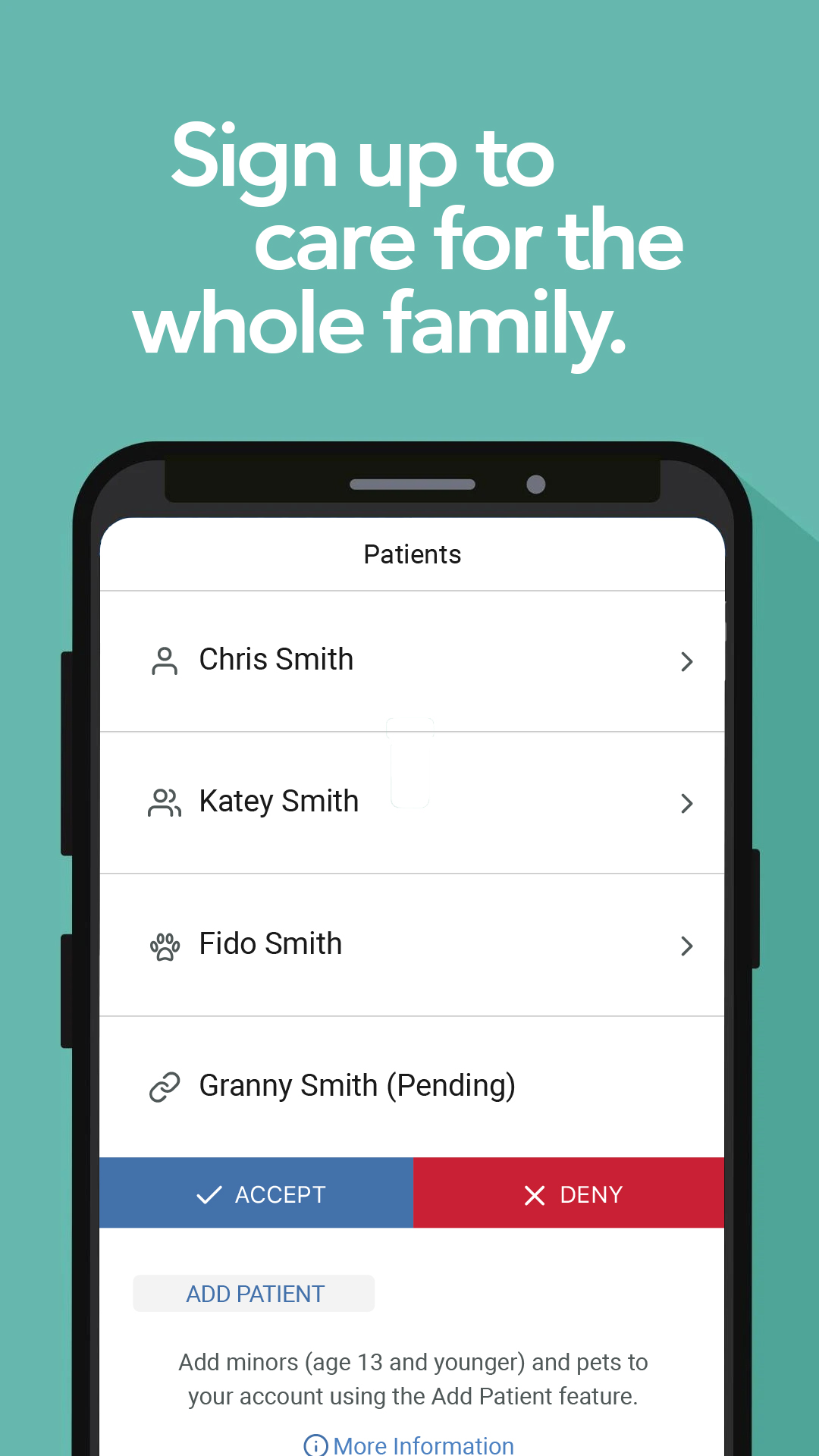
Care for the whole family.
Add minors under 13 to your profile, and pets too. Members can also share profiles with others to allow access to prescription details and order history.
The perks are endless.
All patients’ prescription cards are neatly organized in one place.
Your feedback matters to us. Please contact the Publix Customer Care team with questions, suggestions, or concerns.
Phone:
1.800.242.1227
Monday – Friday: 8 a.m. – 7 p.m. (EST)
Saturday: 9 a.m. – noon (EST)
Changelog
The Publix Pharmacy app has been updated with a new look and simpler navigation.
Additional information
Screenshots
Reviews
Recommend Article









Similar Apps
Eanjoy 200%+ volume booster with smart amplification and headphone supported.

Molina Members: My Molina. Manage your health anytime, anywhere!

SNAP Resupply allows patients to address all their resupply needs.

Your health first: book a visit or chat with your specialists

Manage prescriptions and pharmacy benefits with OptumRx APK.

Track Migraine Symptoms And Triggers With A Migraine & Headache Tracking App!