


PlayEdge

Hot Novels






Install Tips
Mobile safety & integrity report for the latest package. We provide verifiable checksums and a timestamped scan summary. Latest package PlayEdge 1.4.3(27) scanned by multiple engines; no threats detectedas of Tue, 28 Jul 2026 12:09:58 GMT.
After downloading, use a system or third-party checksum tool to calculate the SHA256 and ensure it matches the value provided on this page (case-sensitive, without spaces).
Each engine uses different signature databases and heuristics, so results may vary slightly. We provide a timestamp and checksum to allow you to independently verify the package.
PlayEdge Review

PlayEdge is a high-performance video application built for native playback and seamless video management. Designed for users who value speed, convenience, and control, PlayEdge delivers a personalized experience for watching, managing, and organizing your videos effortlessly.
Key Features and Advantages
1. Effortless Video Import
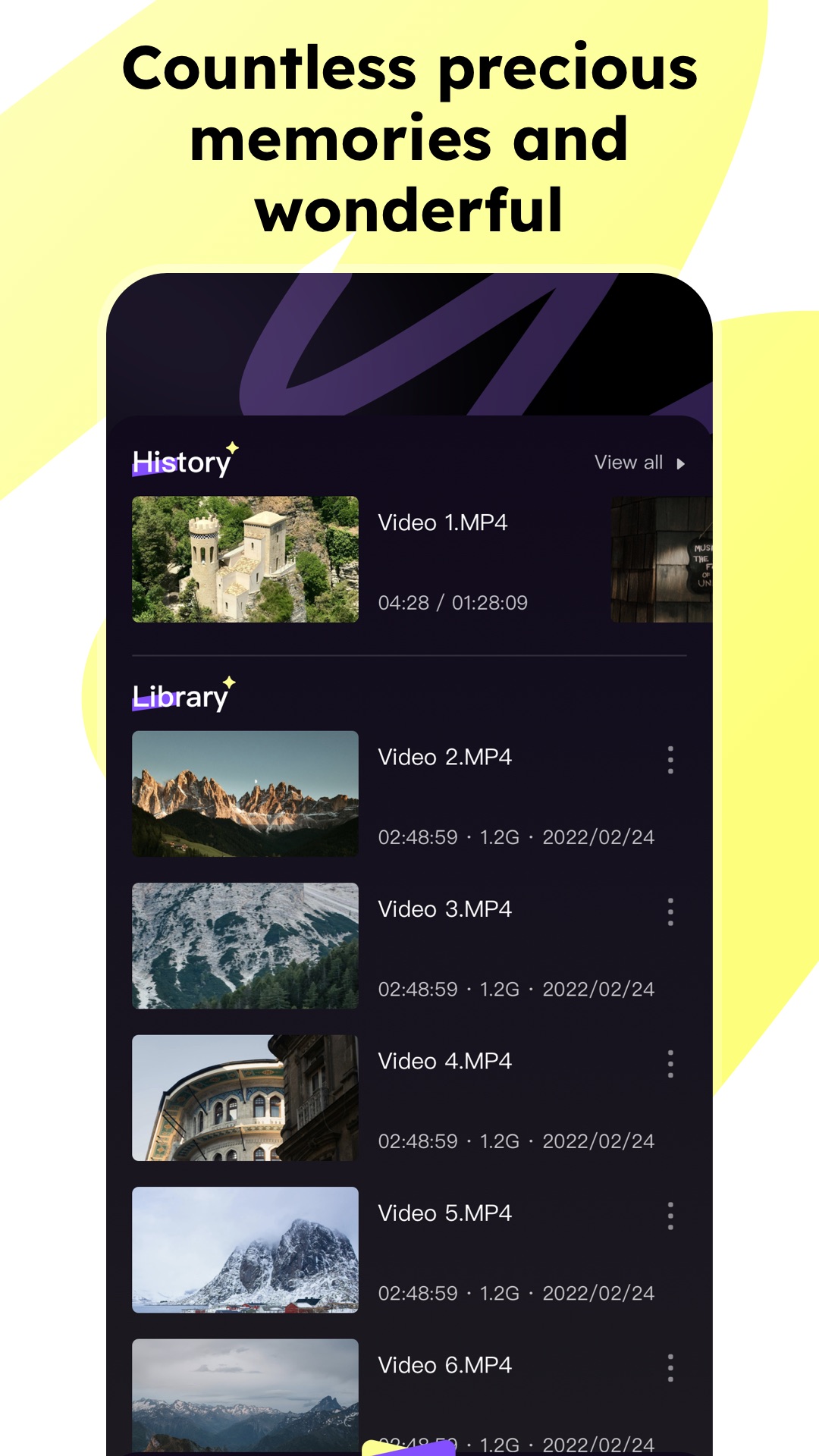
Importing videos is simple and fast. PlayEdge lets you access local files directly via the system file manager and add them to the app with just one click. Organize your content instantly without complicated steps.
2. High-Definition Playback
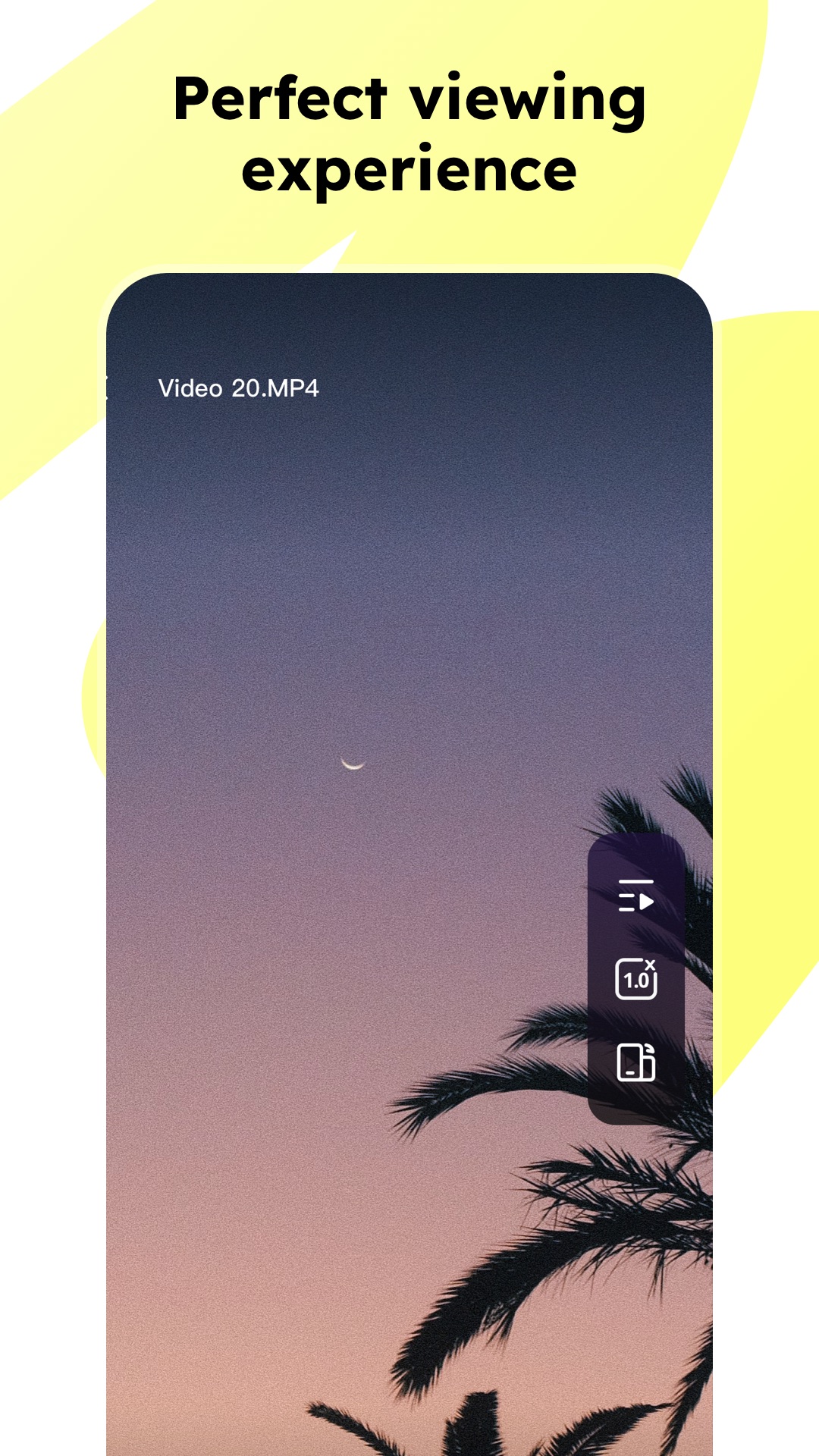
Experience HD, 4K, and higher-resolution video playback with PlayEdge’s optimized player engine. No matter the video size, bit rate, or device, PlayEdge ensures smooth and stable playback. The intuitive interface supports:
Fast forward and rewind
Playback speed adjustment (0.5× to 2×)
Screen brightness and volume controls
Whether you’re on a short commute or relaxing at home, PlayEdge guarantees a seamless viewing experience, letting you control every moment with precision.
3. Personalized Video Management
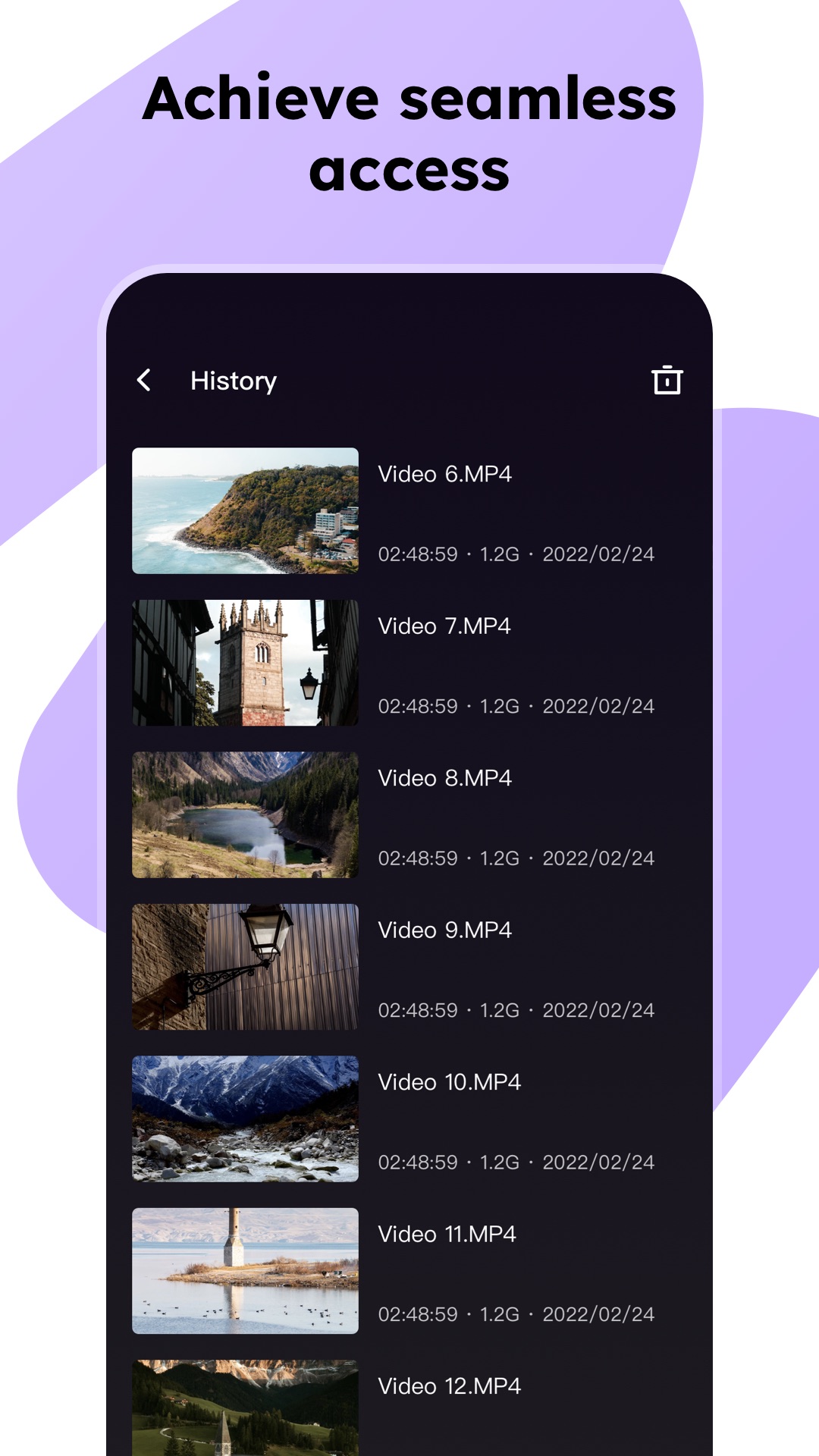
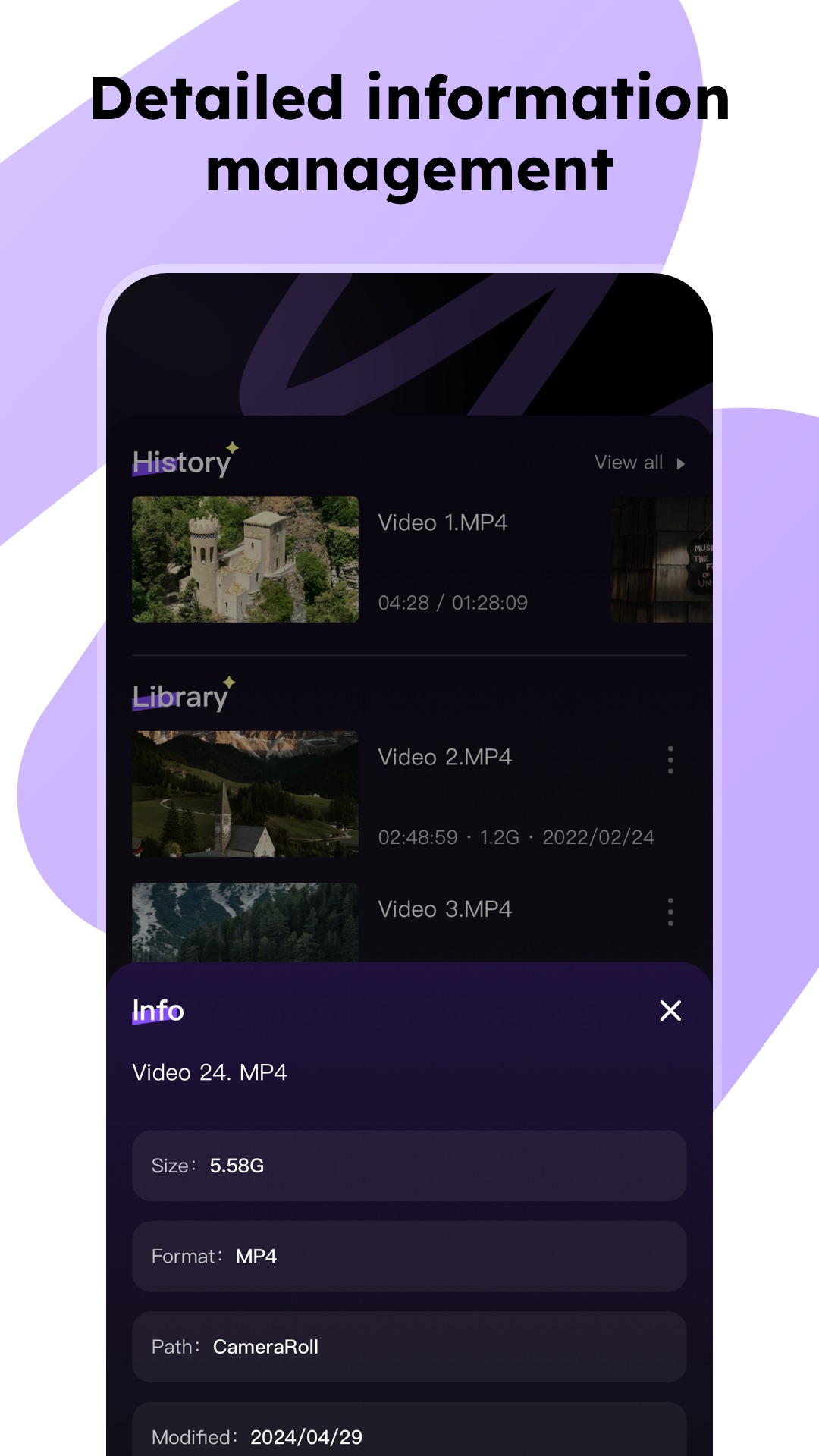
PlayEdge makes managing your video library efficient and intuitive. Users can easily rename, delete, or move files, keeping their collection organized and accessible. Smart management tools help you find and enjoy your videos faster than ever.
Why Choose PlayEdge?
Smooth and responsive playback for any video format
Full HD and 4K support for modern screens
Customizable playback controls to match your preferences
Smart library organization for effortless video management
User-friendly interface designed for speed and convenience
Download PlayEdge now and experience a premium video world with ultimate convenience, fluid performance, and full control over your media.
Changelog
Jul 28, 2025
Feel the most convenient and smooth Download the latest version of PlayEdge-Efficient player 1.4.0 to enjoy new features and updates immediately!
This update only optimizes details and some logic.
FAQ
Additional information
Screenshots
Reviews
Recommend Article









Similar Apps

Widgets & Launcher & Wallpaper

minishorts is a lightweight, user-friendly currency converter tool designed to simplify your international travel and financial needs.

hero vpn - VPN to protect your online data
Love Spouse-Remote control" is an extremely groundbreaking application.
Photograph, encrypt and share your documents

Play simple game with friends