


O'Reilly Pro

Hot Novels






Install Tips
Mobile safety & integrity report for the latest package. We provide verifiable checksums and a timestamped scan summary. Latest package O'Reilly Pro 1.13.0 scanned by multiple engines; no threats detectedas of Tue, 28 Jul 2026 12:08:45 GMT.
After downloading, use a system or third-party checksum tool to calculate the SHA256 and ensure it matches the value provided on this page (case-sensitive, without spaces).
Each engine uses different signature databases and heuristics, so results may vary slightly. We provide a timestamp and checksum to allow you to independently verify the package.
O'Reilly Pro Review
Welcome to the O'Reilly Auto Parts Professional Mobile App, your ultimate tool for streamlining vehicle service and parts management from your mobile device. Whether you're an auto repair shop owner, a service writer, mechanic, or any automotive repair professional, our app is designed to enhance your efficiency and simplify your work day.
** If you don’t have an O’Reilly Auto Parts Professional Account, you can request access from the app login screen or contact your local O’Reilly Auto Parts store for more details and assistance. **
Features of the O'Reilly Auto Parts Professional Mobile App:
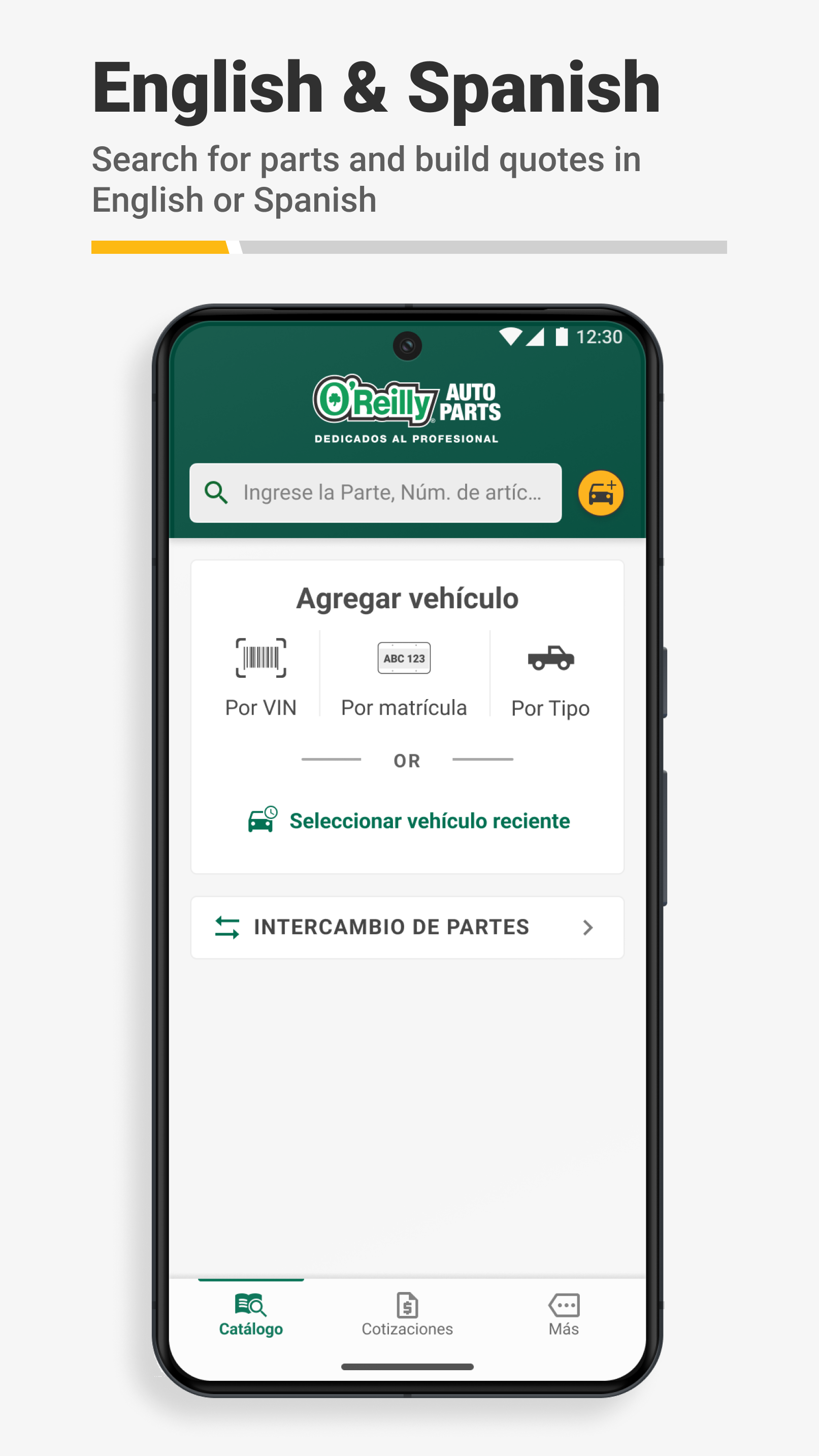
The O’Reilly Auto Parts Professional Mobile App supports both English and Spanish. If you already have your phone settings defaulted to Spanish, the app will automatically download content in Spanish. This can save you time while using the app and prevent you from having to toggle to the language you prefer to use on the app. Users can also toggle easily from English to Spanish using the language preferences in the “More” tab.
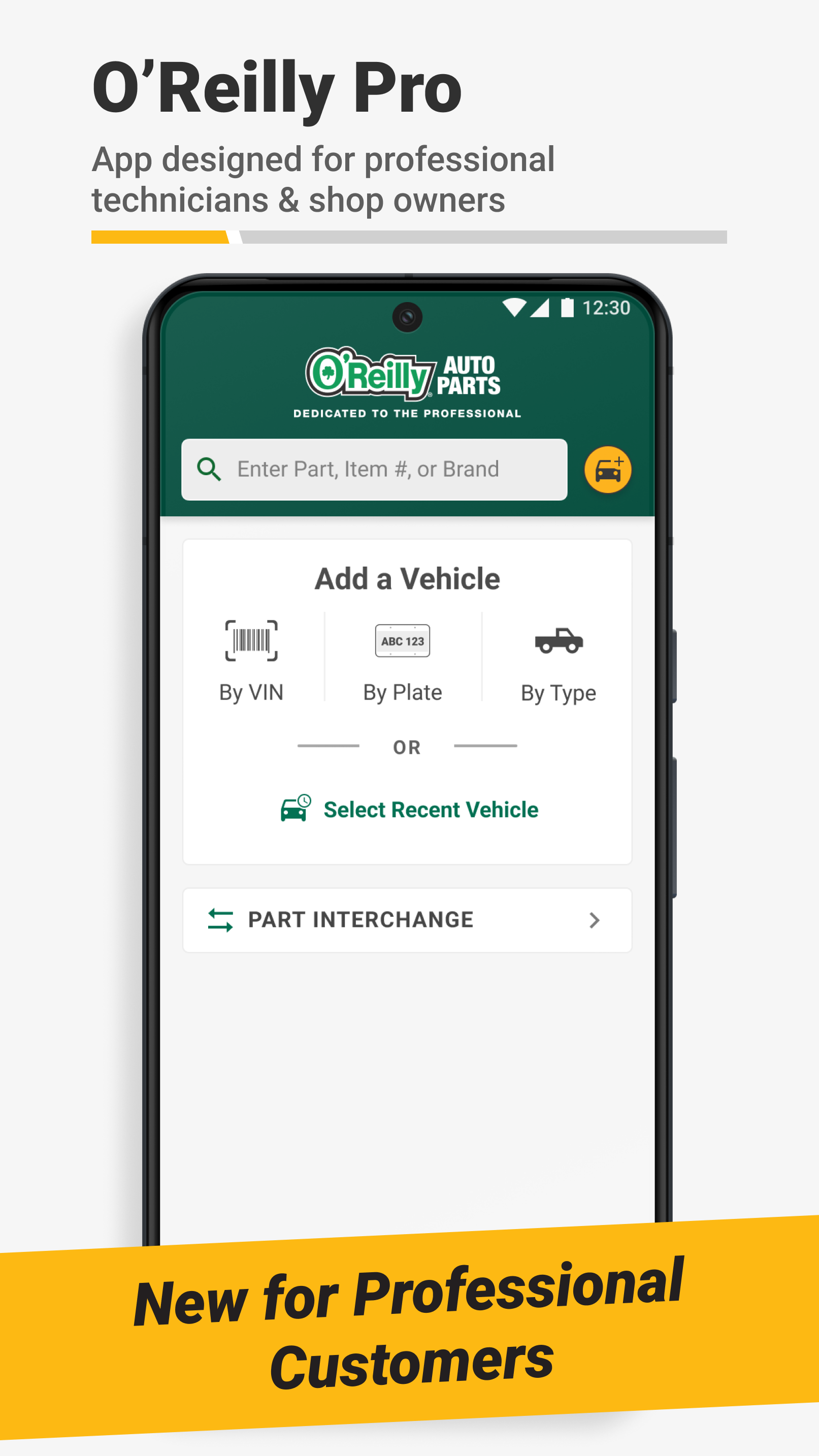
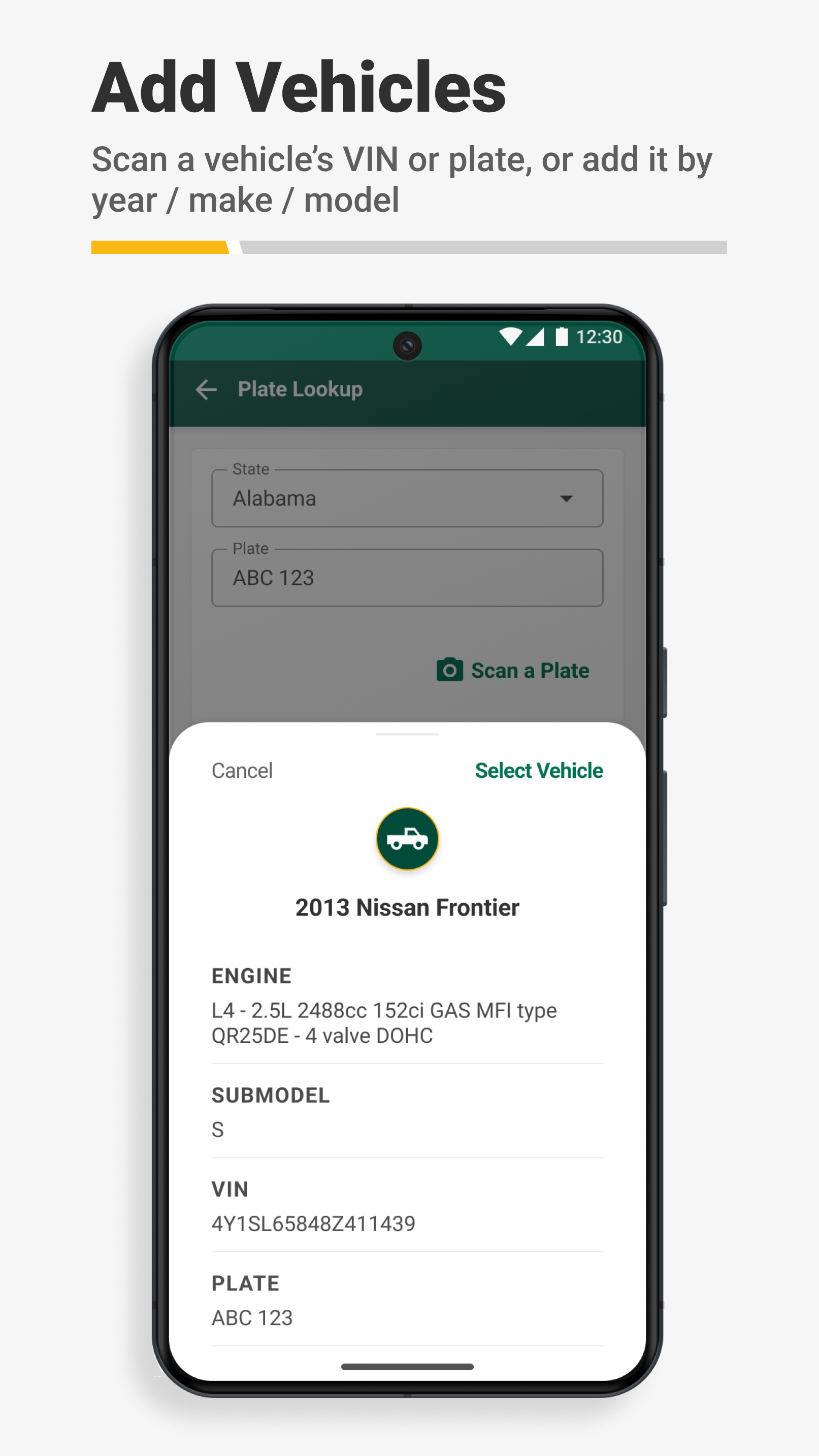
Efficient Vehicle Identification Our VIN scanner and license plate decoder tools make identifying vehicles simple and efficient. Quickly decode vehicle information, order parts, sync with your desktop, and manage your service needs more effectively using the tools available in the O’Reilly Auto Parts Professional Mobile App.
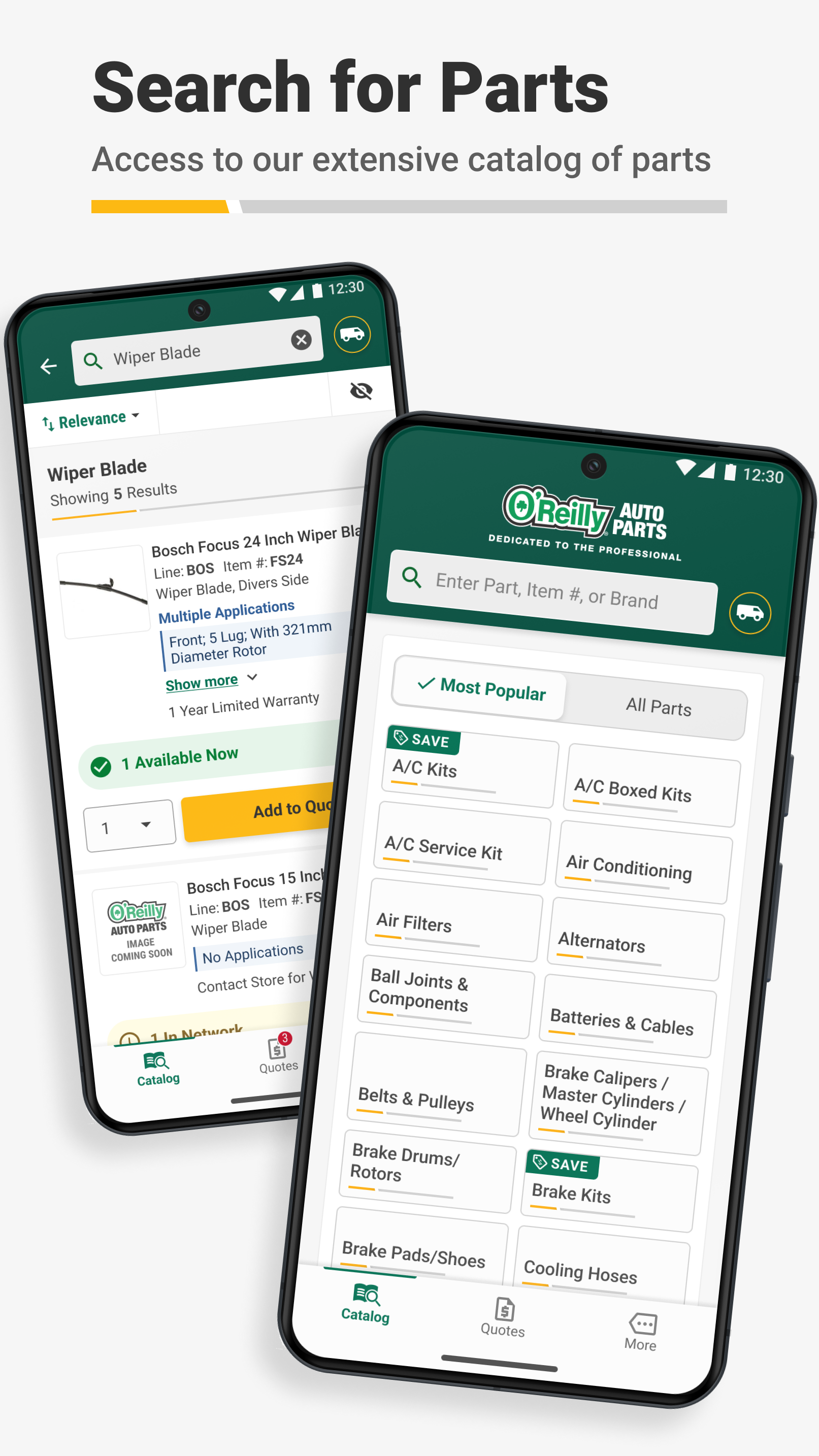
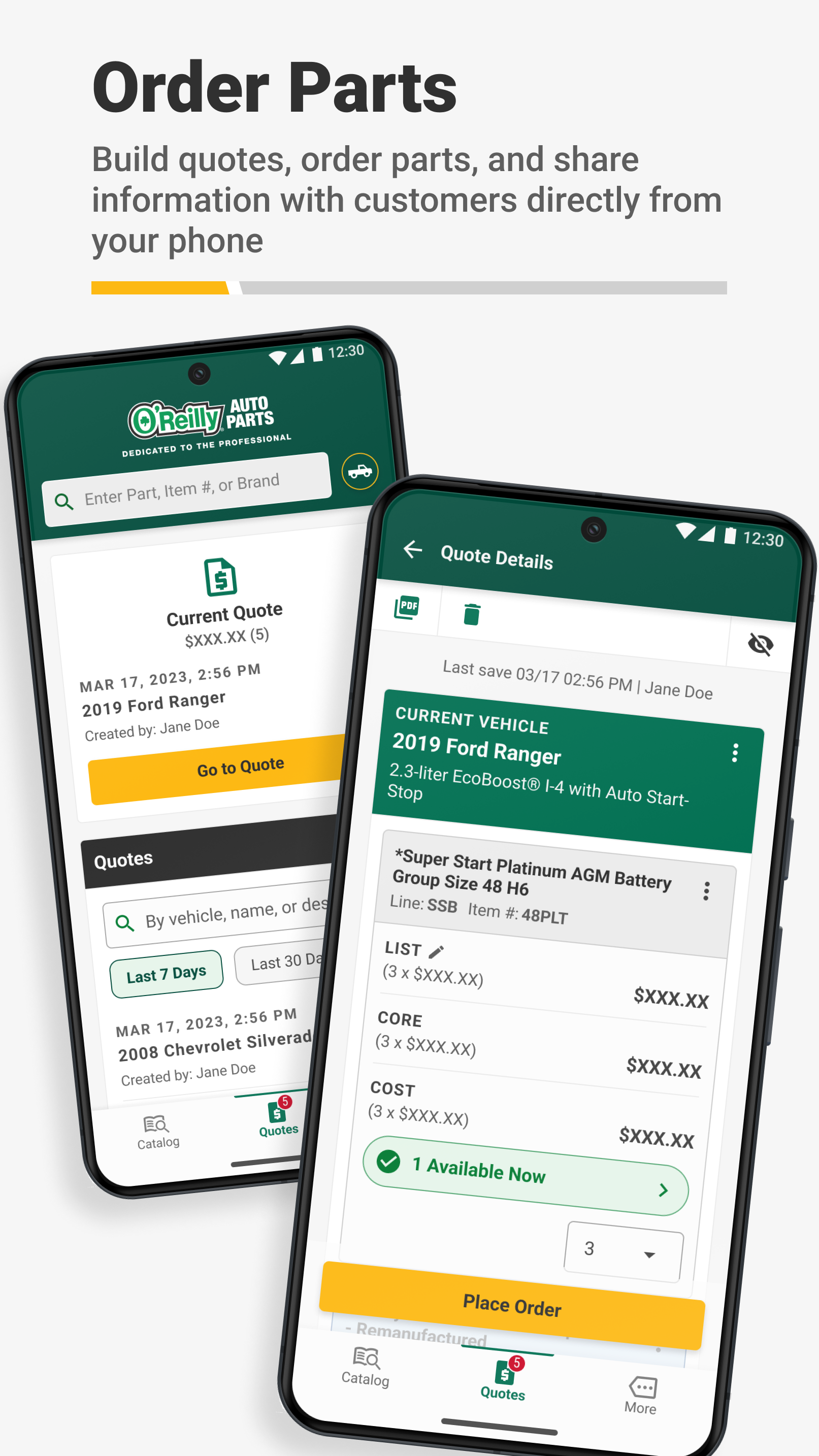
Seamless Parts Lookup and Ordering You can find the parts you need by searching using keywords, part numbers, and more, or by navigating with our simple catalog lookup. The O’Reilly Professional App provides instant access to our comprehensive catalog and real-time inventory, ensuring you get the right parts quickly and accurately – keeping you focused on your customers.
Interchange You can use interchange to cross-reference part numbers from original equipment manufacturers (OEMs), other brands, or even superseded part numbers to find the right part for the job every time.
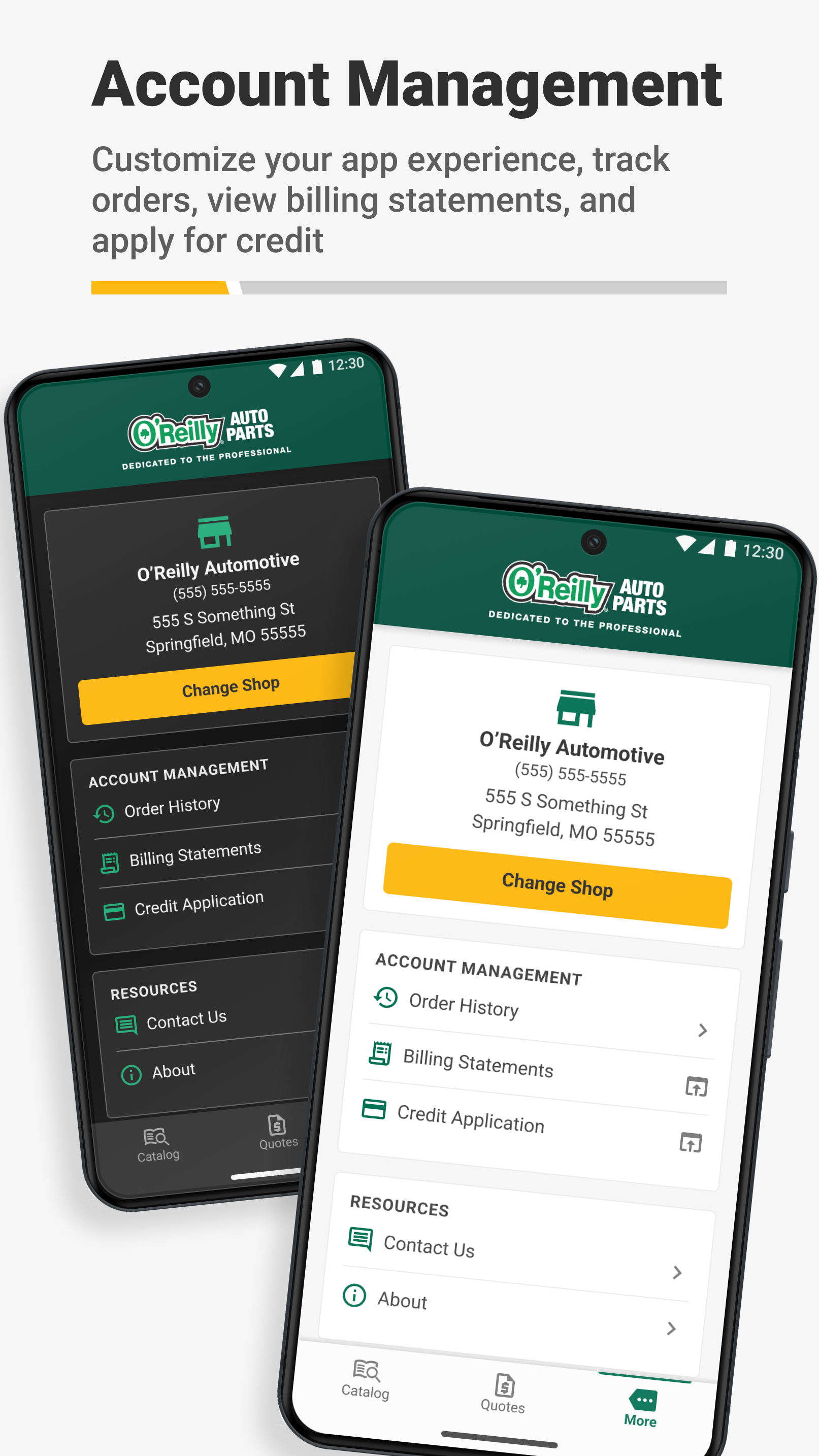
Place & Track orders Submit orders for delivery or pickup from your local O’Reilly Auto Parts store, see local store, hub, and DC availability and delivery times, and even track the status of your order or view previous orders in the order history and tracker view features.
Send Quotes to Customers Quickly and easily send quotes to your customers via text message or email to simplify their service and minimize wait times before beginning repairs.
Professional Support
- Need Assistance? Contact our support team for any questions or help with your account at OReillyProSupport@oreillyauto.com, or call us at (800) 934-2451.
Download and Get Started The O'Reilly Auto Parts Professional Mobile App is available for download now. Log in with your existing O'Reilly Professional account, or sign up through the app, to start enjoying these features now.
Additional information
Screenshots
Reviews
Recommend Article










Similar Apps

A app for REDTIGER brand dashcams

Android Auto - Your intelligent driving assistant. Navigation, entertainment & communication.

Read Suzuki DTCs using ELM327 for diagnostic insights.

Streamline Android Auto wirelessly using AAWireless companion app.

Convert BCM Out-Codes to PIN Codes Quickly.

Car mod for Minecraft PE will add more than 90 cars and motorcycles to the game