


My Invisalign - Official App

Hot Novels






Install Tips
Mobile safety & integrity report for the latest package. We provide verifiable checksums and a timestamped scan summary. Latest package My Invisalign - Official App 6.5.2(250515682) scanned by multiple engines; no threats detectedas of Tue, 28 Jul 2026 12:07:58 GMT.
After downloading, use a system or third-party checksum tool to calculate the SHA256 and ensure it matches the value provided on this page (case-sensitive, without spaces).
Each engine uses different signature databases and heuristics, so results may vary slightly. We provide a timestamp and checksum to allow you to independently verify the package.
My Invisalign - Official App Review
Looking to transform your smile with the most advanced clear aligner in the world? Already in treatment and need support? The My Invisalign app is a one-stop shop that helps deliver healthy, beautiful smiles.
Interested in Invisalign® treatment?
• Learn all about Invisalign clear aligners and what they can do for you.
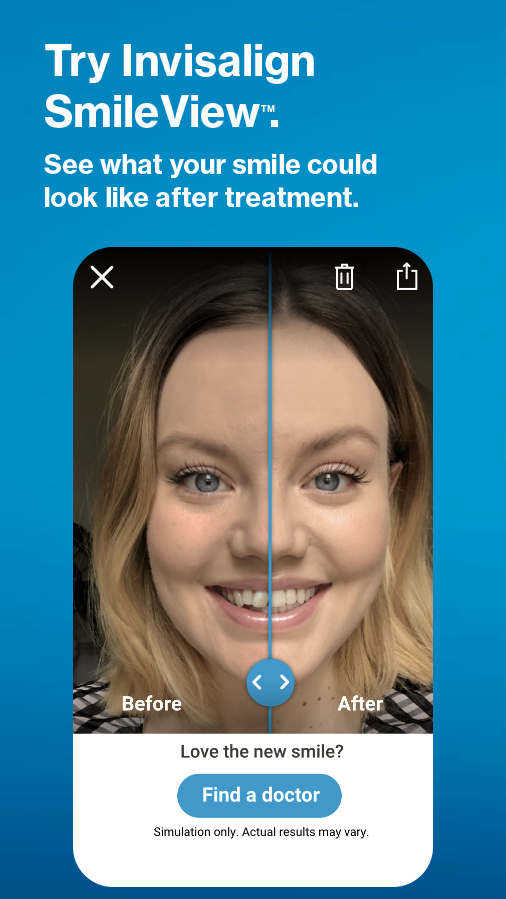
• Simulate your new smile with our SmileView™ simulation tool and share your results with friends and family.
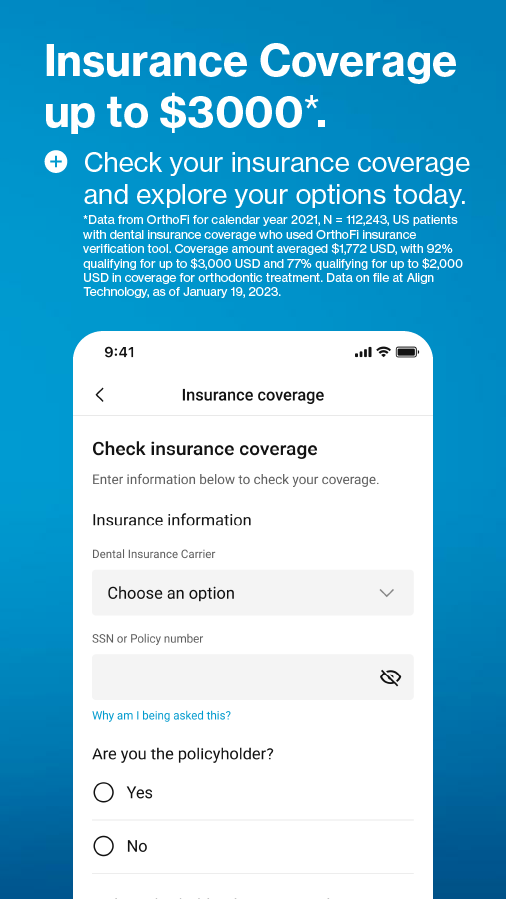
• Find a doctor near you and request a consultation. Your personal smile concierge representative will reach out to get your appointment scheduled and be there for you every step of the way.
Already an Invisalign patient?
• Refer a friend and get a $100 gift card when your friend signs up for treatment!
•View the ClinCheck® treatment plan shared by your doctor. This feature is available by doctor's invitation only.
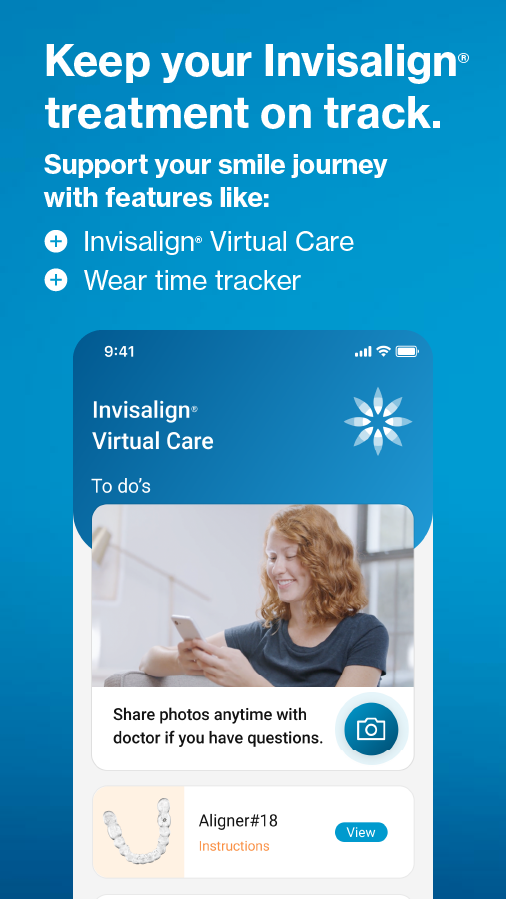
• Stay on track with your new smile by using Invisalign®Virtual Care to share photos and receive feedback from your doctor. This feature is available by doctor's invitation only.
• Monitor your wear-time progress with weekly, monthly, and yearly views.
• Personalize your treatment calendar to keep track of your appointments and other events!
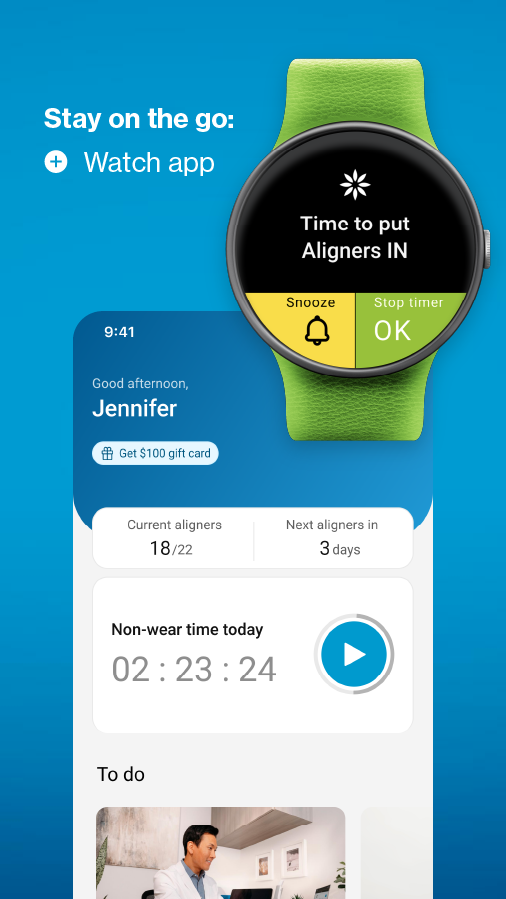
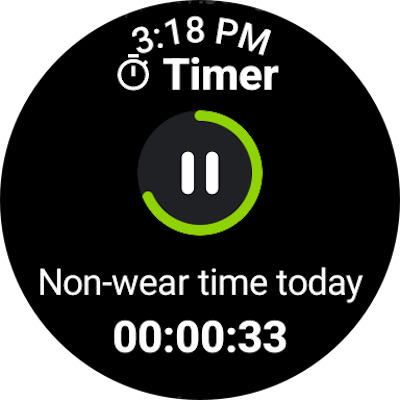
• Track your daily and historical aligner wearing time with a custom timer.
• Receive reminders and notifications when it’s time to change your aligners.
• View and share your progress video and before & after photos with friends and family.
• Provide rating and feedback on your experience with the app.
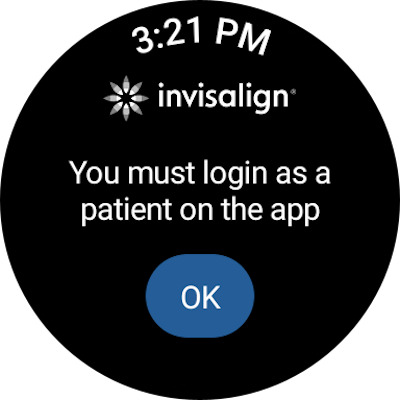
Connect your Wear OS to your phone to access the custom aligner tracker in the My Invisalign watch app.
For more information on Invisalign clear aligners, visit us at www.Invisalign.com.
Additional information
Screenshots
Reviews
Recommend Article









Similar Apps

Secure video appointments

Look up drug information, identify pills and manage your medications.

Convenient access to CHRISTUS Health
Eanjoy 200%+ volume booster with smart amplification and headphone supported.

The only FDA Cleared fertility & ovulation tracker for birth control & pregnancy

Want to make it easier to manage your health? We’re with you, wherever you are.