


Muzio Player

Hot Novels






Install Tips
Mobile safety & integrity report for the latest package. We provide verifiable checksums and a timestamped scan summary. Latest package Muzio Player 7.6.1 scanned by multiple engines; no threats detectedas of Tue, 28 Jul 2026 12:07:53 GMT.
After downloading, use a system or third-party checksum tool to calculate the SHA256 and ensure it matches the value provided on this page (case-sensitive, without spaces).
Each engine uses different signature databases and heuristics, so results may vary slightly. We provide a timestamp and checksum to allow you to independently verify the package.
Muzio Player Review

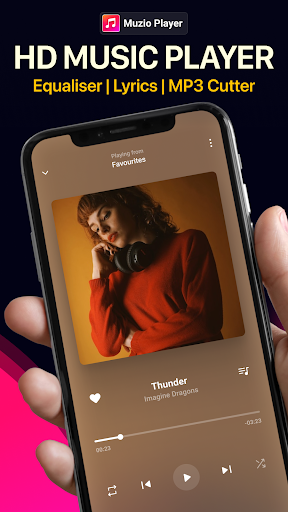
Play music with Muzio Player, the stylish, powerful, and lightning-fast music app designed for your offline listening experience. Muzio lets you browse, manage, and play all your local music files effortlessly—while taking minimal device memory.
With its elegant design, robust features, and battery-saving technology, Muzio Player is the ultimate offline music player for anyone who values quality sound and smooth performance.
Key Features
1. All Audio Formats Supported
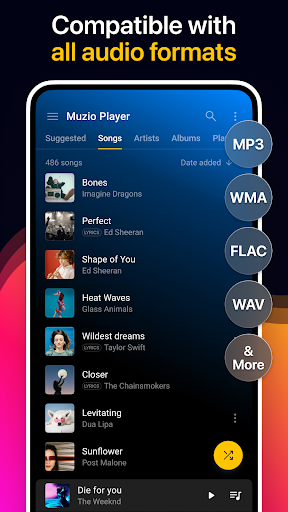
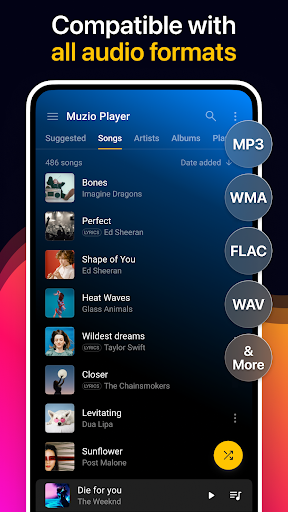
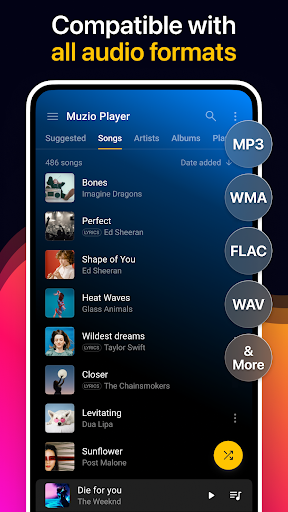
Muzio Player isn’t just another MP3 player. It supports a wide range of audio formats, including MP3, WMA, MIDI, WAV, FLAC, AAC, and APE, ensuring your music always plays seamlessly.
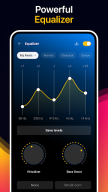
2. Advanced Equalizer
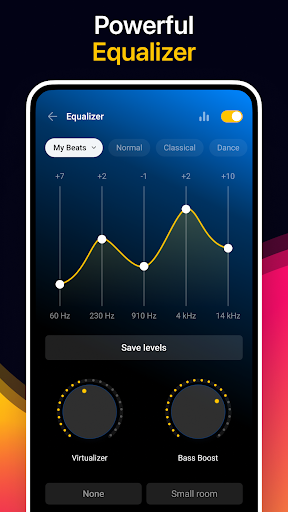
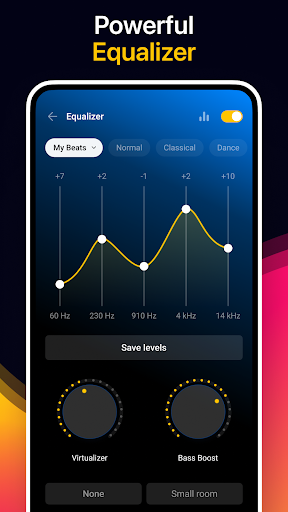
Elevate your sound with a 10-preset equalizer, 5 sound bands, bass boost, virtualizer, and 3D reverb effects. Customize your audio experience for any genre or mood.
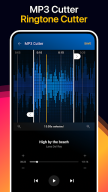
3. MP3 Cutter & Ringtone Maker
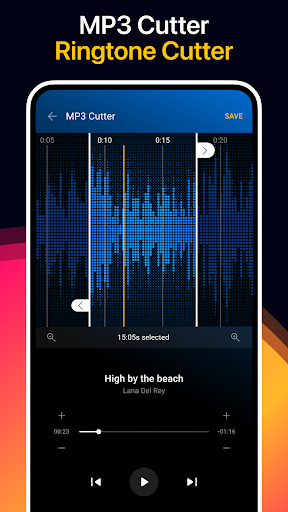
Create personalized ringtones by trimming your favorite parts of any song. Save your cuts as ringtones, alarms, or notifications directly within the app.
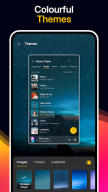
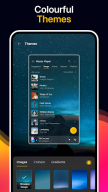
4. 30+ Stylish Themes
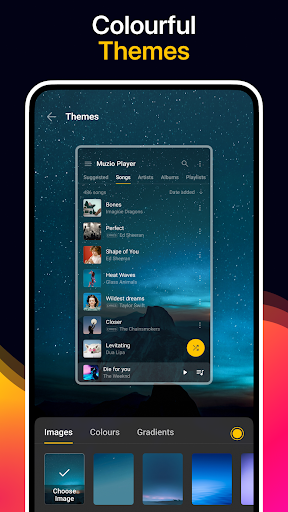
Customize the look and feel of your music app with over 30 themes and vibrant background skins. Personalize your listening experience with a design that matches your mood.
5. Smart Features for Effortless Listening
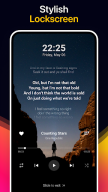
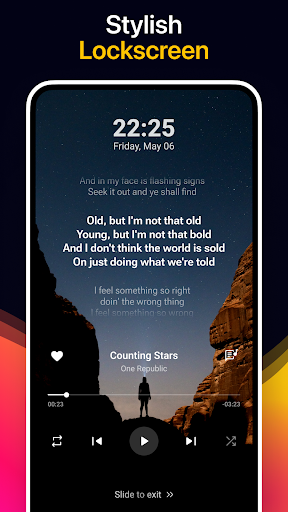
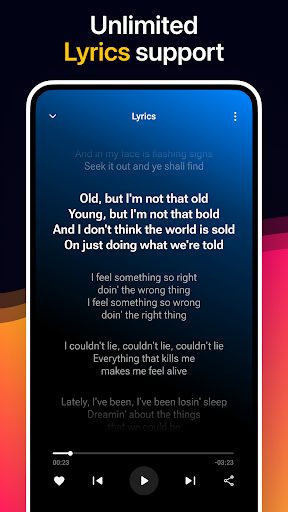
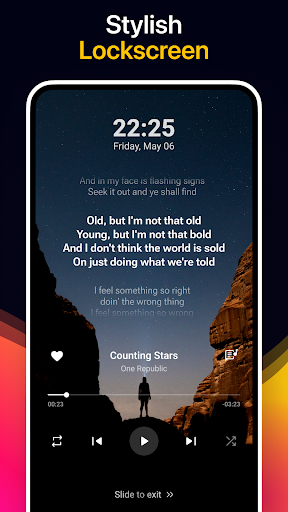
Built-in lyrics support, crossfade, sleep timer, and Android Auto compatibility.
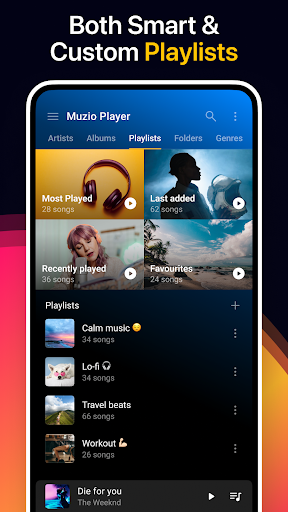
Browse your library easily by albums, artists, playlists, genres, and folders.
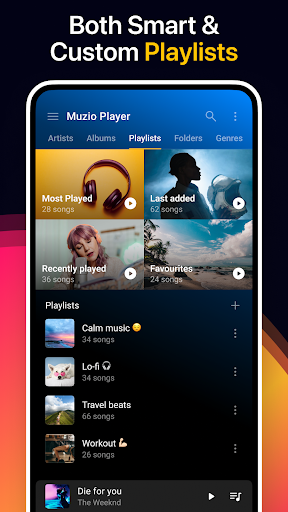
Create and manage smart and custom playlists with automatic backup and restore options.
Available in 40+ languages with keyword-based music search.
Includes stylish widgets (4x4, 4x2, 4x1) for quick access.
Built-in tag editor and music duration filter for advanced control.
Nearby Share support to share your music with others.
Integrated video player for a complete multimedia experience.
Why Choose Muzio Player?
With over 200 million music lovers enjoying Muzio worldwide, this app combines style, speed, and performance for the perfect offline music experience. Enjoy crisp sound, intuitive navigation, and every beat the way it was meant to be heard.
Muzio Player is a fully offline music player—no streaming or downloads required.
For feedback or support, contact: muzioplayerapp@gmail.com
FAQ
Additional information
Screenshots


Reviews
Recommend Article










Similar Apps

- Music player for Samsung Galaxy series- Supports for Android

The official app of Radio Record

Tune your guitar, ukulele or bass, adjust chords with chromatic tuner & play!

Large selection of high quality mp3 ringtones, easy and fun to use!

Start DJing on your phone. Mix songs from playlists anytime, anywhere.
Sound Meter - powerful in its simplicity and convenience of use.