

Microsoft PowerPoint

Hot Novels






Install Tips
Mobile safety & integrity report for the latest package. We provide verifiable checksums and a timestamped scan summary. Latest package Microsoft PowerPoint 16.0.19426.20104 scanned by multiple engines; no threats detectedas of Tue, 28 Jul 2026 12:07:00 GMT.
After downloading, use a system or third-party checksum tool to calculate the SHA256 and ensure it matches the value provided on this page (case-sensitive, without spaces).
Each engine uses different signature databases and heuristics, so results may vary slightly. We provide a timestamp and checksum to allow you to independently verify the package.
Microsoft PowerPoint Review
The presentation and slides app that you can carry with you wherever you go – Microsoft PowerPoint. Make a slideshow with music, graphics and charts. Templated PowerPoint slideshows help make your quarterly reports, yearly reports and more shine.
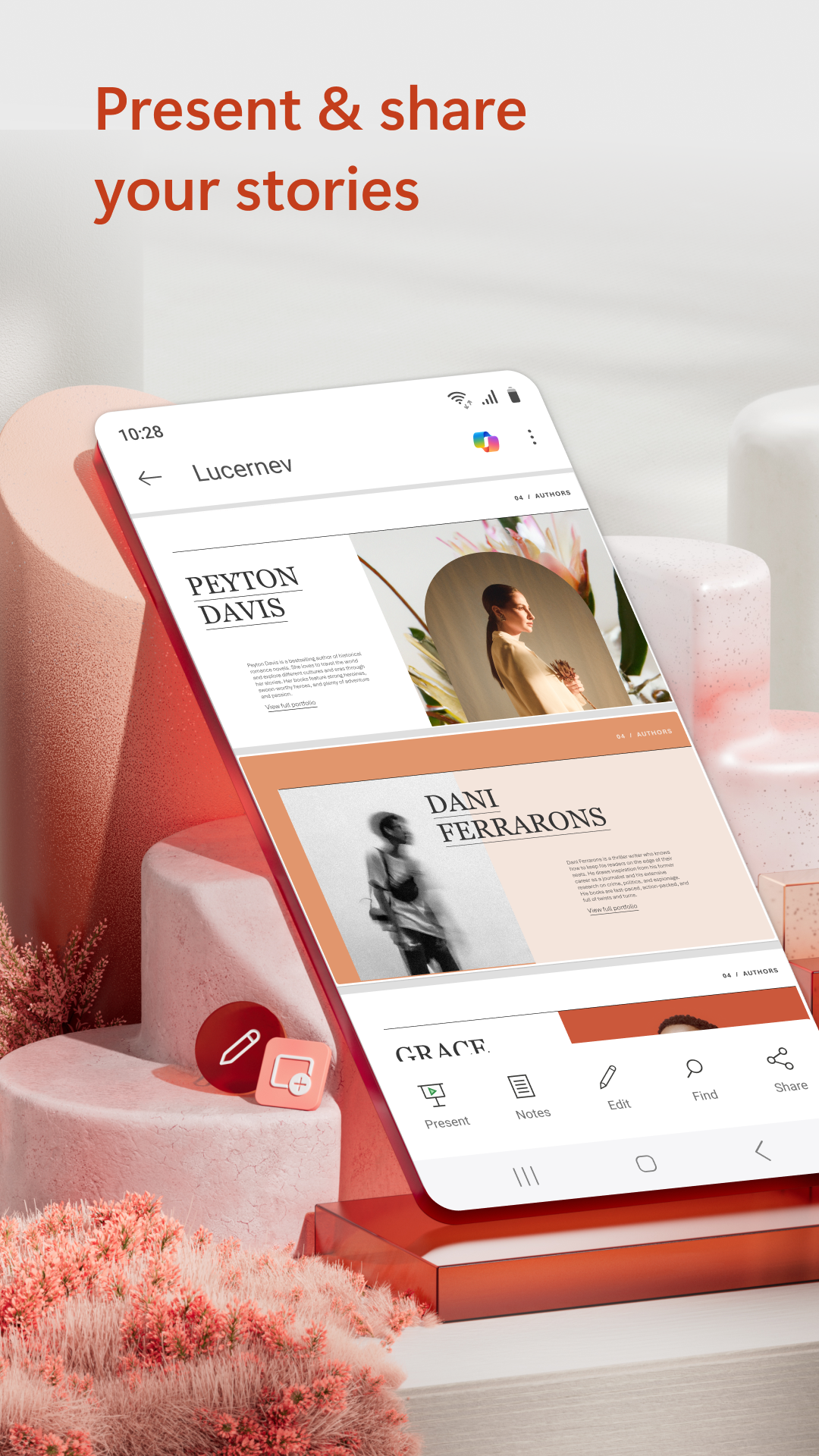
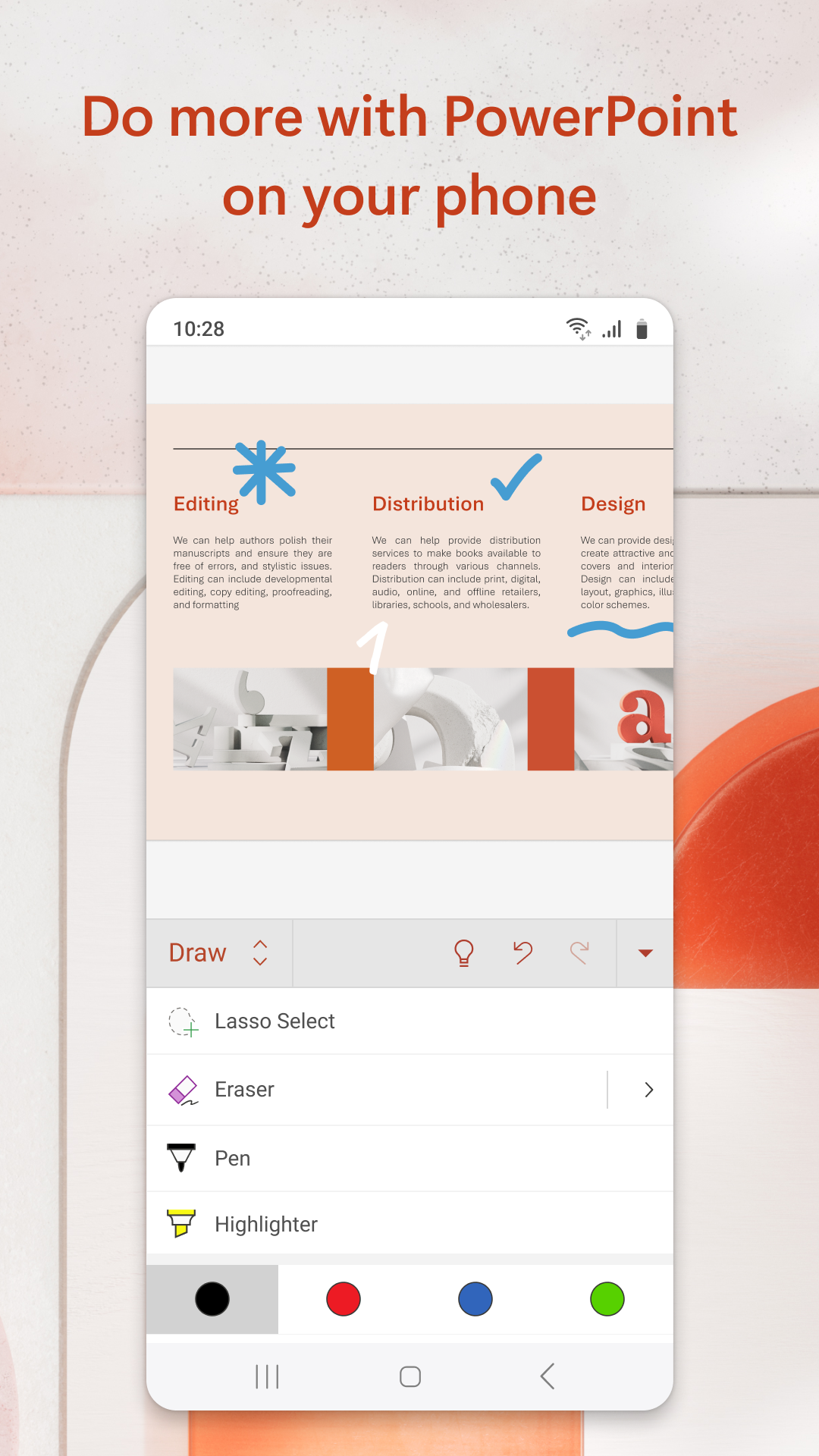
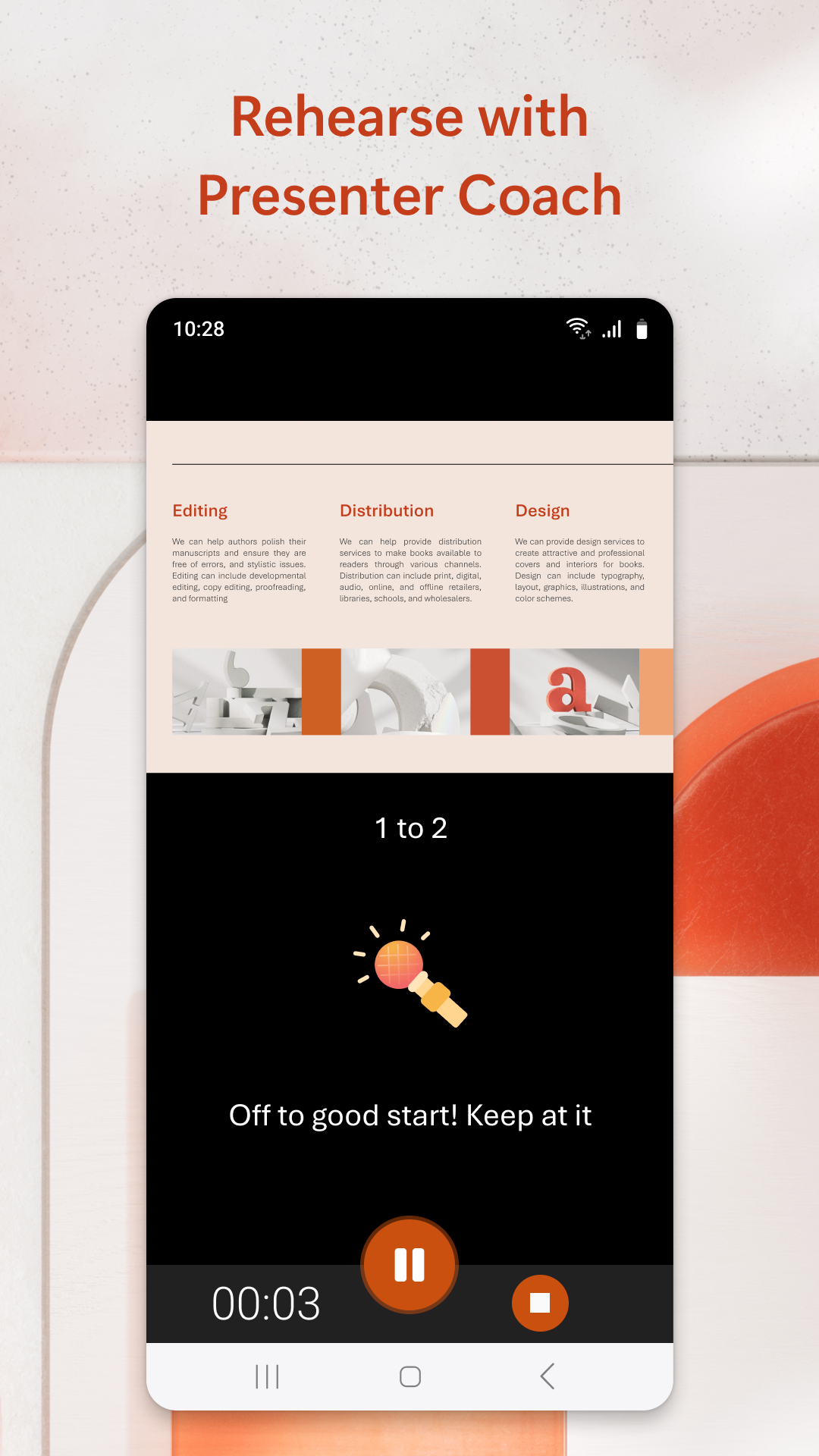
Get the familiar slideshow tool you know and love with the PowerPoint app. Create, edit, and view slideshows and present quickly and easily from anywhere. Present with confidence and refine your delivery, using Presenter Coach.
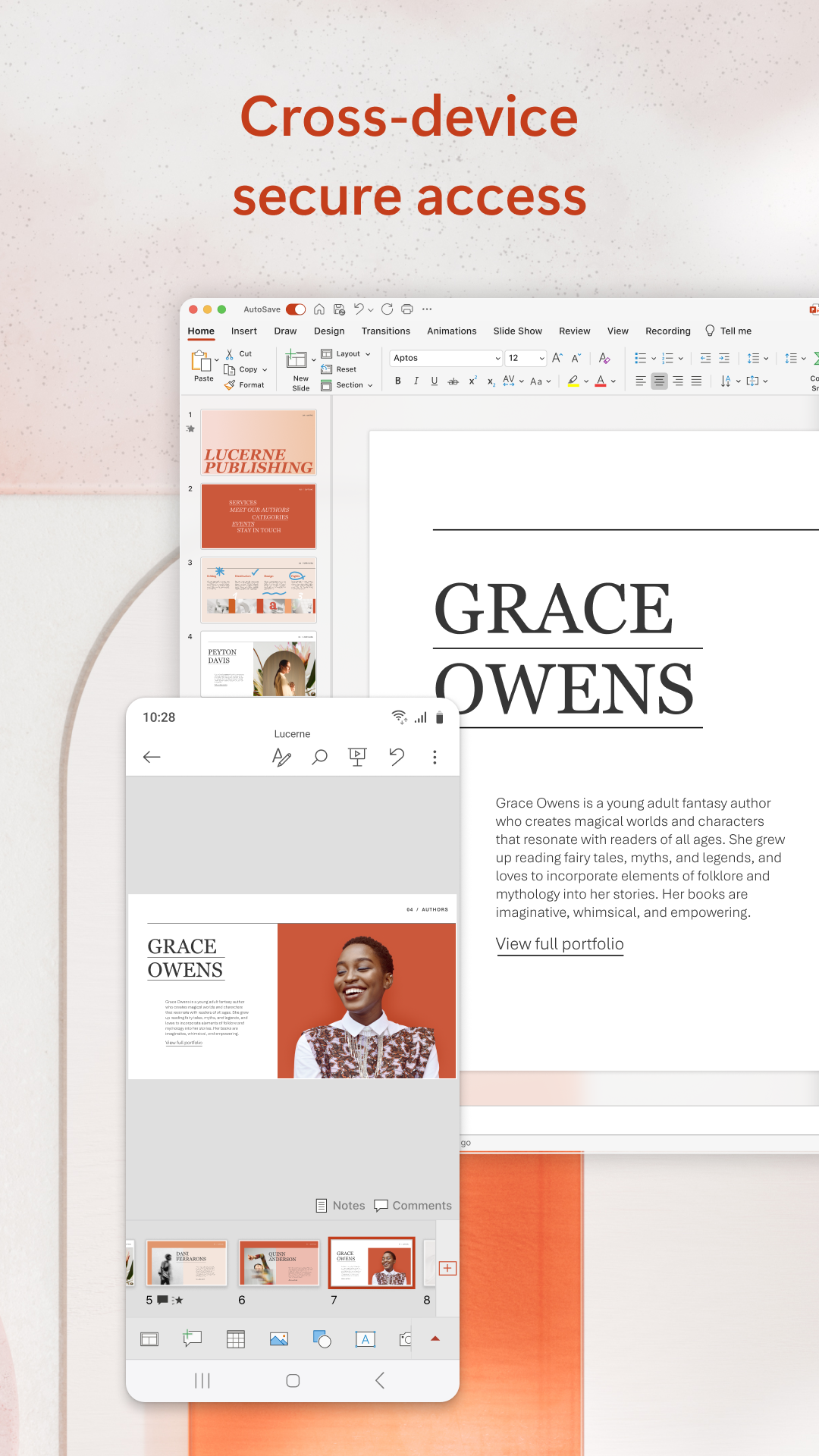
Present slideshows and access recently used PowerPoint files quickly while on the go. Presentations sync seamlessly across devices, so you won’t have to worry about multiple file versions when you work on PowerPoint mobile.
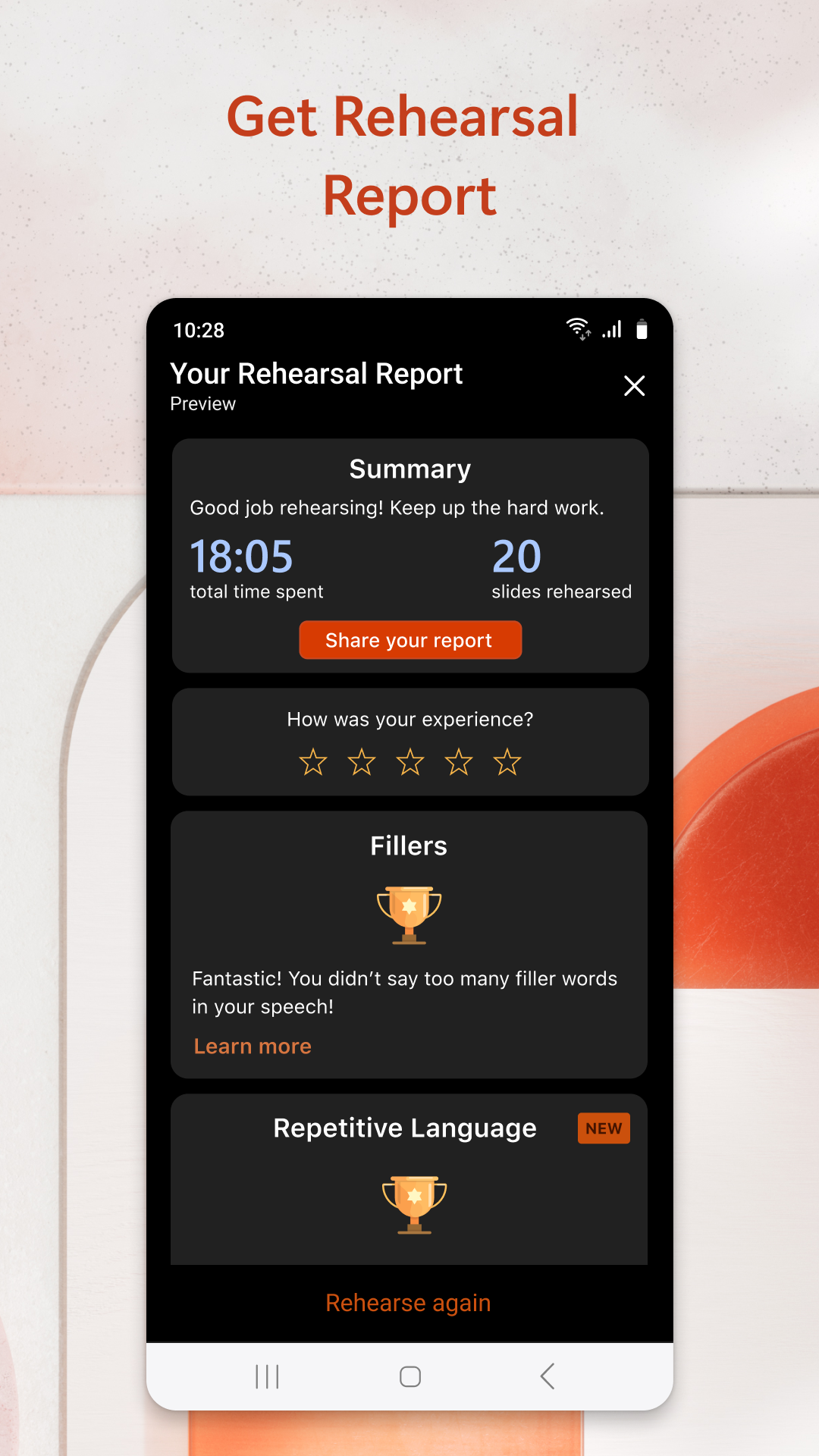
Give presentations with training from Presenter Coach, an AI tool designed to help with public speaking. Practice presentations on your own using a presentation timer with Presenter Coach. Presenter Practice presentations with real-time suggestions from Coach to help you adjust your pacing, avoid “umms” and speak confidently.
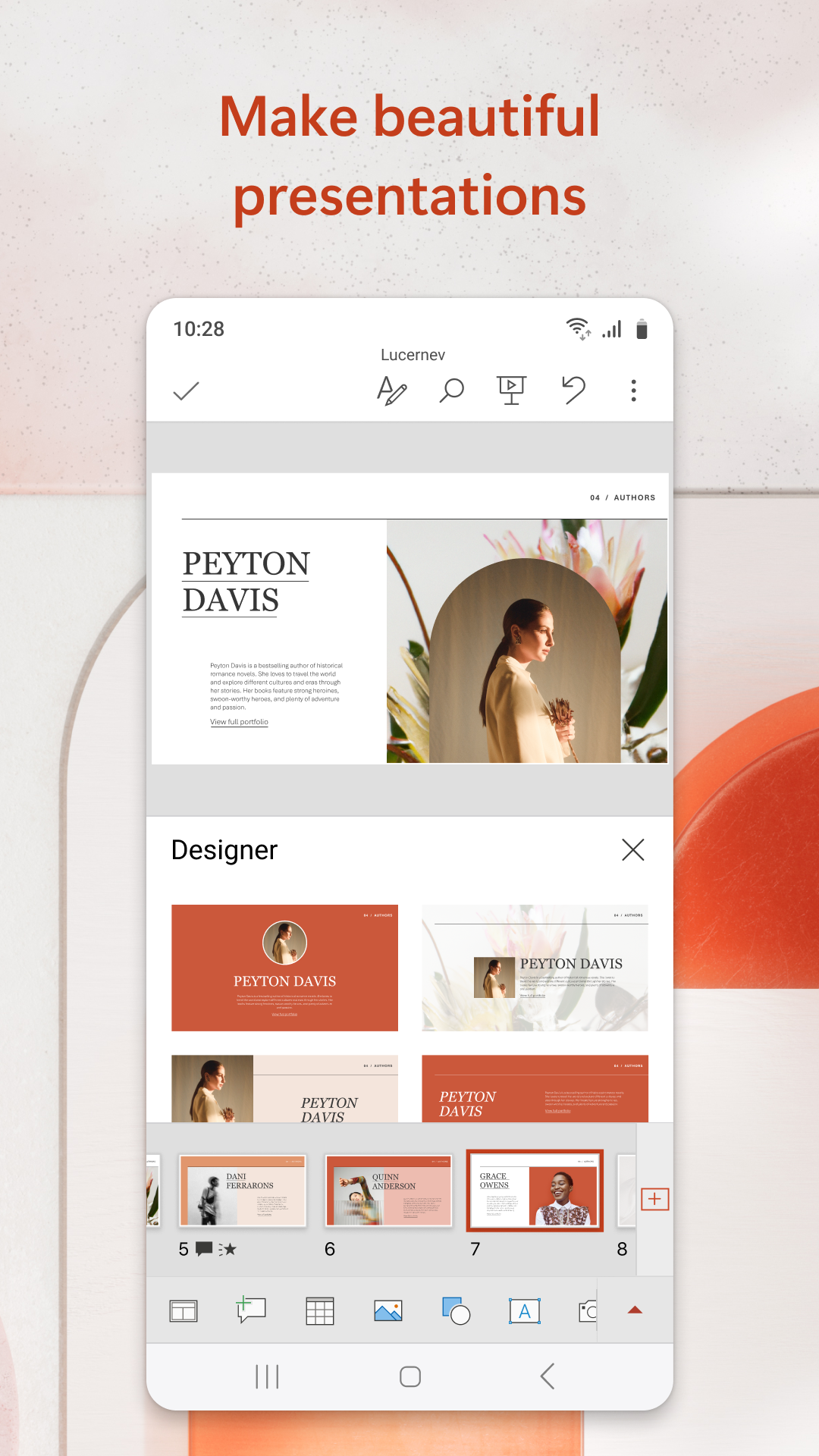
Make a slideshow with powerful and customizable presentations that make you stand out. Present and create slides from anywhere. Presentations made on PowerPoint help make an impact in the way you present and collaborate. With PowerPoint, you can collaborate and edit your ppt or pptx files in real time and customize it on the go.
Present Slideshows with Confidence
• Slideshows are easy to edit & present using PowerPoint mobile
• Present a slideshow free of errors with the help of Presenter Coach
• This presentation maker gives you the option to create presentations from scratch or work on pre-existing slides
• Make a slideshow & present your point clearly & confidently using presentation view on any device
• Practice slideshow presentations for your yearly reports with the Presenter Coach to master public speaking
Make Presentations That Leave a Lasting Impression
• An expertly crafted presentation is always a winner
• Presentation timer lets you deliver your slideshows & present information concisely
• Presentation maker: Take advantage of a slides app with highly customizable tools & present your slideshows with confidence
• Photo Slideshow: Add any photo or take one right from the app
• Slideshow video maker: Insert any video or record a new one right from your phone
Collaborate with Others Easily
• PowerPoint makes it easy for you to collaborate with others
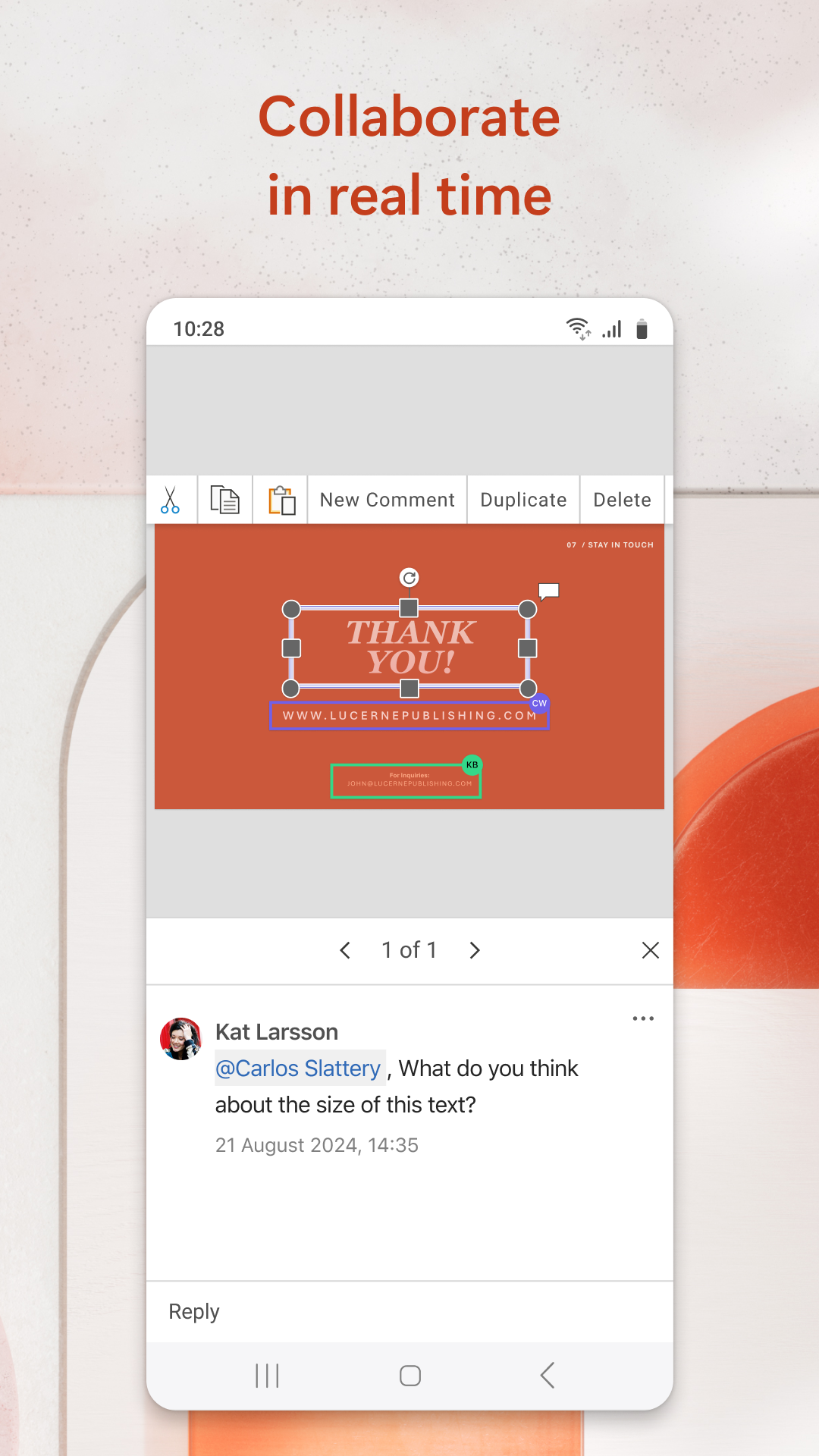
• Make a slideshow & share with your team to get feedback & edits
• View presentation permissions and see who’s working on which slides
• Slides can have integrated comments letting you stay on top of changes & feedback
REQUIREMENTS
1 GB RAM or above
Become a skilled presentation maker & take advantage of the slides app with highly customizable tools and present your slideshows with confidence
Unlock the full Microsoft 365 experience with a qualifying Microsoft 365 subscription for your phone, tablet, PC, and Mac.
Microsoft 365 subscriptions purchased from the app will be charged to your Play Store account and will automatically renew within 24 hours prior to the end of the current subscription period, unless auto-renewal is disabled beforehand. You can manage your subscriptions in your Play Store account settings. A subscription cannot be cancelled during the active subscription period.
This app is provided by either Microsoft or a third-party app publisher and is subject to a separate privacy statement and terms and conditions. Data provided through the use of this store and this app may be accessible to Microsoft or the third-party app publisher, as applicable, and transferred to, stored, and processed in the United States or any other country where Microsoft or the app publisher and their affiliates or service providers maintain facilities.
Please refer to Microsoft’s EULA for Terms of Service for Microsoft 365 on Android. By installing the app, you agree to these terms and conditions: http://aka.ms/eula
Additional information
Screenshots
Reviews
Recommend Article









Similar Apps

Secure VPN Proxy Tool, Great Surf Privacy Protector.

My Robi – A New Experience in Life

Transcribe, take notes with voice, or convert audio and video to text using AI.

All AI Models in One App. Chatbot, Smart Assistant, AI Text & Image Generator

Scan phone storage and manage mobile phone junk files easily

Forbidden Playground a fun interactive game that features gorgeous characters