


iTranslate Translator

Hot Novels






Install Tips
Mobile safety & integrity report for the latest package. We provide verifiable checksums and a timestamped scan summary. Latest package iTranslate Translator 7.1.0(1081) scanned by multiple engines; no threats detectedas of Tue, 28 Jul 2026 12:02:15 GMT.
After downloading, use a system or third-party checksum tool to calculate the SHA256 and ensure it matches the value provided on this page (case-sensitive, without spaces).
Each engine uses different signature databases and heuristics, so results may vary slightly. We provide a timestamp and checksum to allow you to independently verify the package.
iTranslate Translator Review
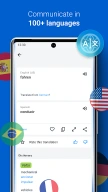
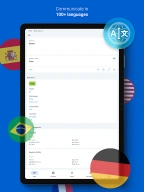
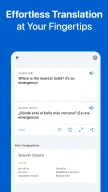
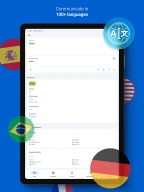
iTranslate Translator is a language translator app for text, voice, conversations, camera and photos. You can easily translate into over 100 languages by using this translator app anywhere you go.
Use new Offline Mode to translate while traveling abroad without paying expensive roaming charges.
iTranslate Translator enables travelers, students, business professionals, employers, and medical staff to read, write and speak in the desired languages and translate anywhere in the world. You can translate using your camera for photo translation, conducting offline translations, engaging in voice mode for speech translation, and more.
FEATURES
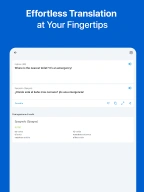
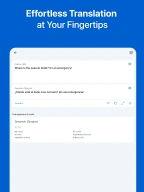
- Text translator: Get free translation for text in over 100 languages.
- Translate text to speech: Listen to translation in male or female voices.
- Switch between different dialects when you translate.
- Dictionary & Thesaurus for all languages.
- Transliteration, Sharing, Favorites, History, and much more.
PRO FEATURES
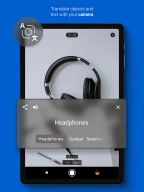
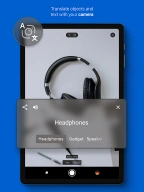
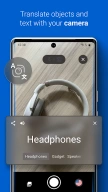
- Photo translator: With iTranslate's photo Lens Mode, you can use your camera to translate photos of menus, signs, and more instantly.
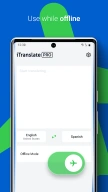
- Offline translation: Translate in over 40 languages without an Internet connection.
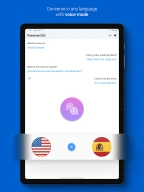
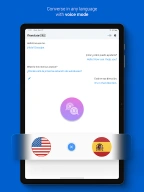
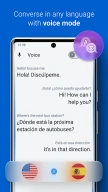
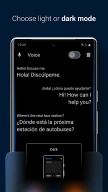
- Voice translator: Translate Voice-to-Voice conversation and speech. Just speak in your language and then play the translation aloud in another.
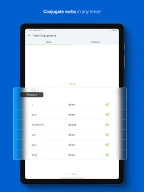
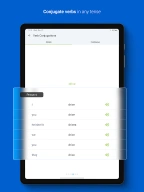
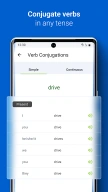
- Verb conjugations in different tenses.
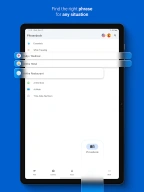
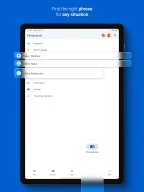
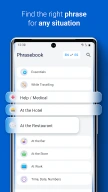
- Phrasebook with hundreds of useful translated phrases.
iTranslate Translator supports languages & dialects:
Arabic, Chinese (Simplified), Chinese (Traditional), English, Filipino, French, German, Hebrew, Hindi, Italian, Japanese, Korean, Portuguese, Russian, Spanish, Turkish, Vietnamese and more.
For a Complete Language Translation overview: https://itranslate.com/languages
LOVED AND TRUSTED BY MILLIONS
- 150 million downloads and over 250,000 reviews on our translator!
- Prominently featured Translator app on the Google Play Store
- Traductor español inglés, high quality Spanish translator
SUPPORT
Terms of Service:
https://www.itranslate.com/terms-of-service
Privacy Policy:
https://support.bendingspoons.com/privacy?app=4971999327220582090
An internet connection is required to use the app. To use the offline mode, you need to download language packs.
—
Download our app and get free translations for 100+ languages. Learn new languages through translations in a fun and easy way while traveling with the Dictionary & Conjugations feature.
Additional information
Screenshots


Reviews
Recommend Article








Similar Apps

Loud alarm clock for heavy sleepers: free alarm clock, clock app, alarm app

Sentio Desktop transforms Android into a full desktop experience

Manage emails, calendars, and tasks seamlessly in one app.

Take notes, create to-do lists, lock ideas, and customize with Notepad.

Noita: magical action roguelite in a world where pixels are physically simulated

Forbidden Playground a fun interactive game that features gorgeous characters