

HDrezka App

Hot Novels





Install Tips
Mobile safety & integrity report for the latest package. We provide verifiable checksums and a timestamped scan summary. Latest package HDrezka App 2.2.5(45) scanned by multiple engines; no threats detectedas of Tue, 28 Jul 2026 12:01:15 GMT.
After downloading, use a system or third-party checksum tool to calculate the SHA256 and ensure it matches the value provided on this page (case-sensitive, without spaces).
Each engine uses different signature databases and heuristics, so results may vary slightly. We provide a timestamp and checksum to allow you to independently verify the package.
HDrezka App Review
HDrezka App is a new official online cinema for watching films and TV series from the Rezka.ag website with an authorization system using your username and password.
Previously, when you first downloaded the application, you had to enter a working mirror yourself or get it by writing an email to: mirror@hdrezka.ag and in return you would receive a response with an up-to-date personal mirror. Now you don't need to do this. At startup, the mirror is automatically updated (depending on the region).
The application currently only has a Russian interface, and also requires an Android version of at least 6.0 Marshmallow installed on the device. Without advertising. Full support for Android TV and remote control.
Features of HDrezka App
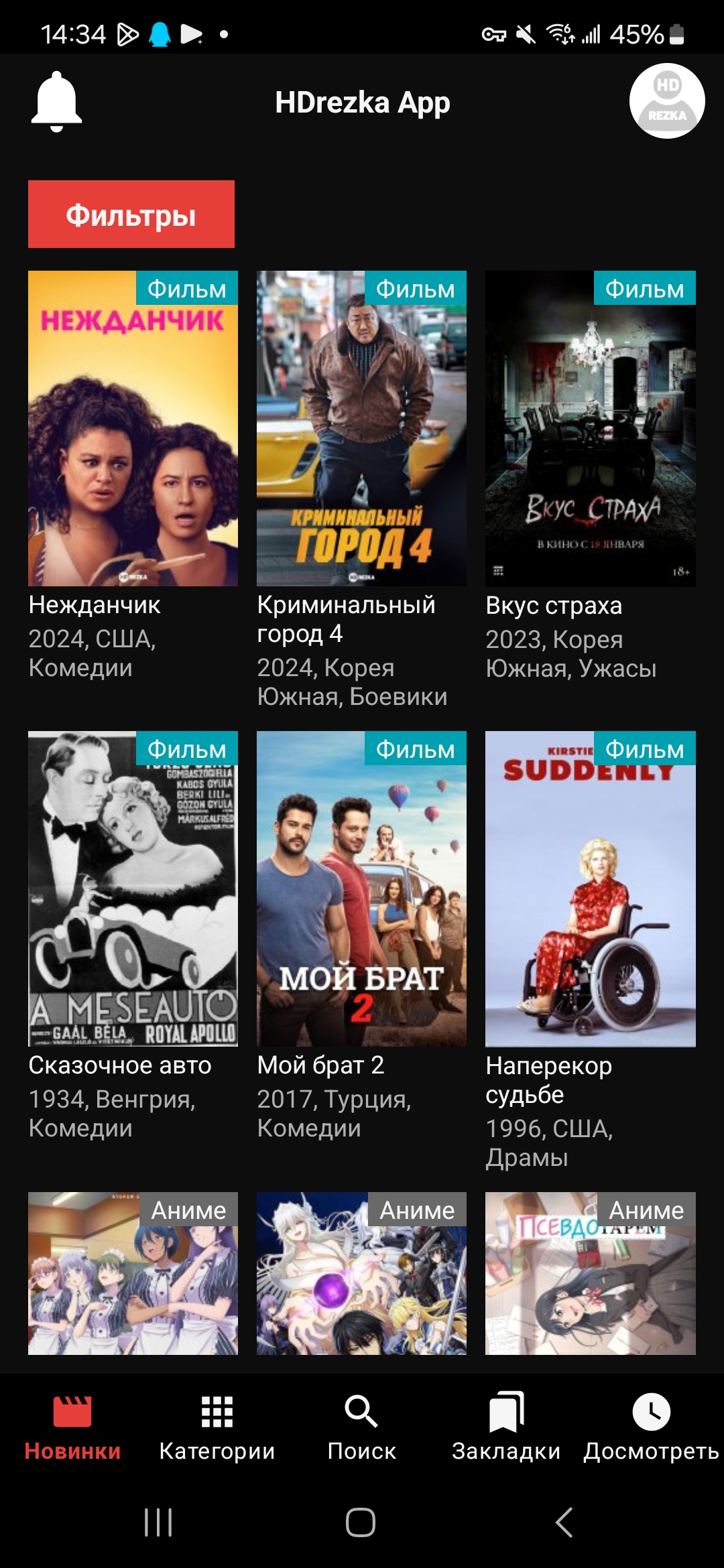
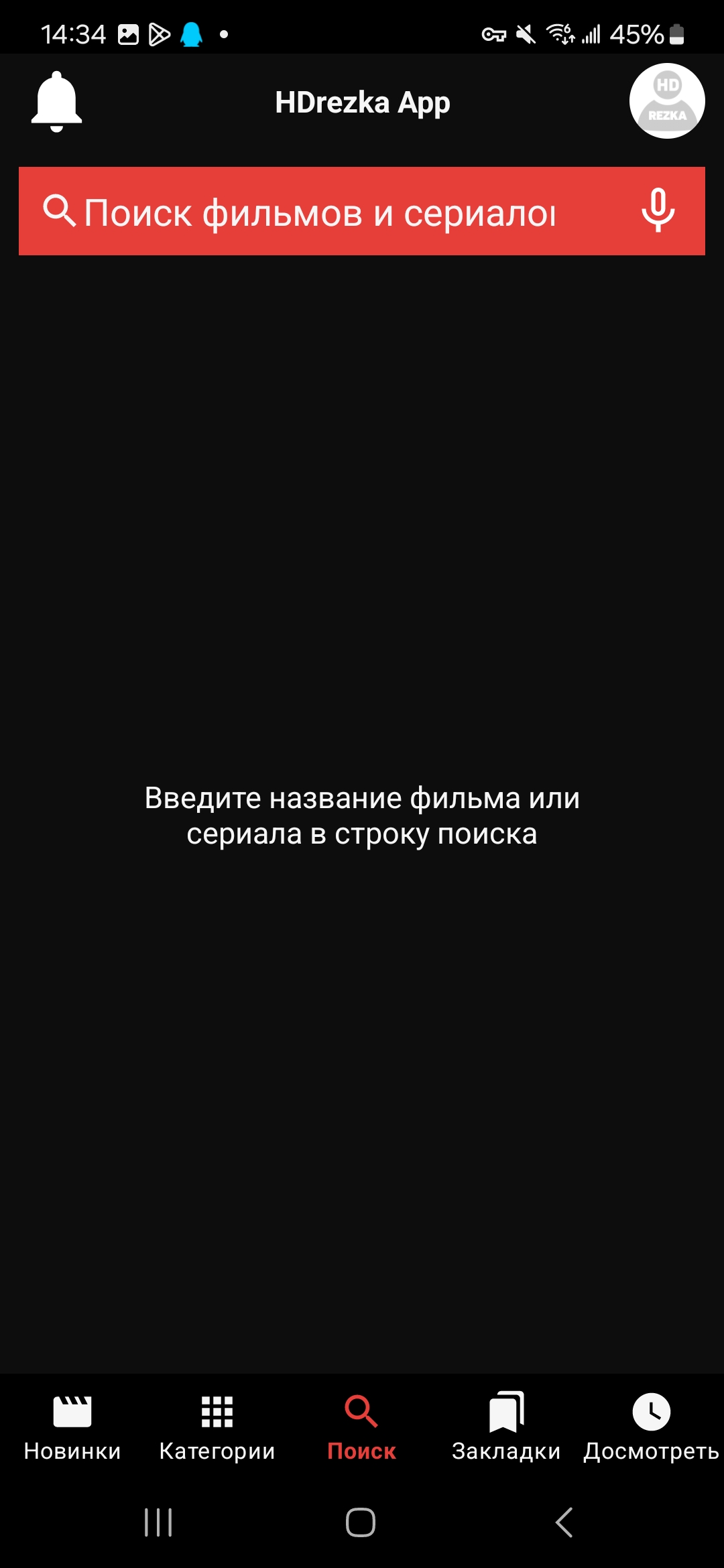
start tab of new products with filtering by country, genre or rating
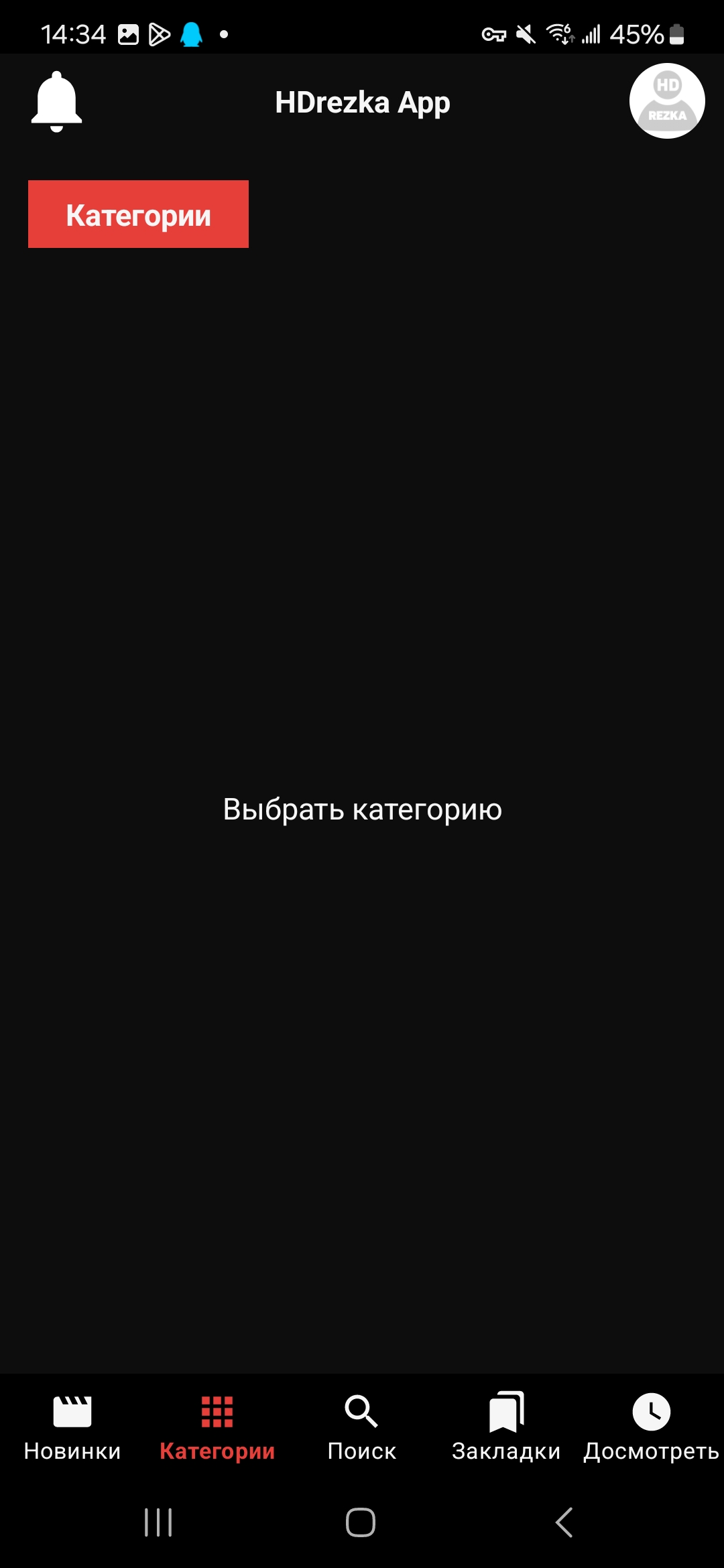
main categories sections: Movies, TV series, Anime and Cartoons
all available bookmarks from favorites are displayed from the user account
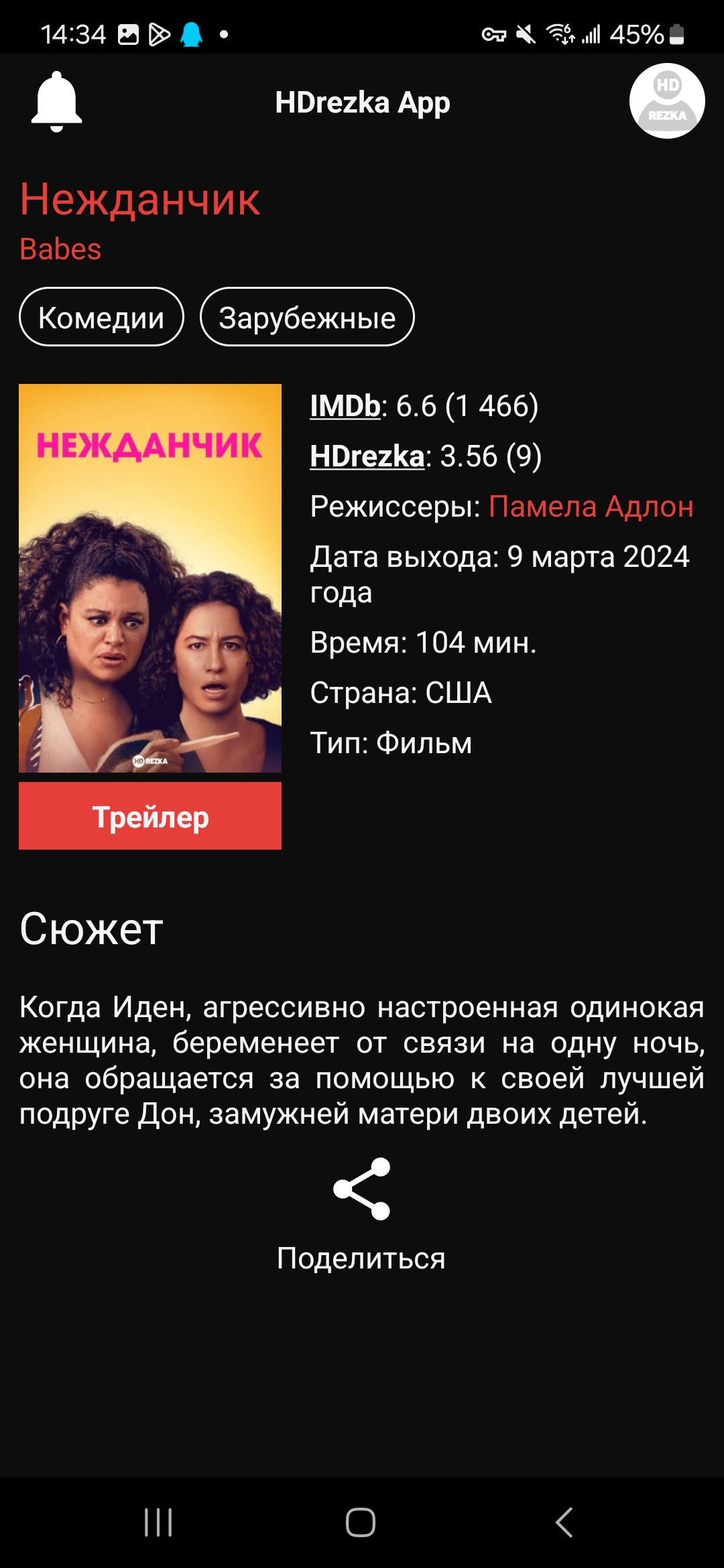
The movie tab displays all the information: release date, actors, reviews...
the ability to not only watch online, but also download movies in HD quality
Automatic transition to the next episode of the series is available on Android TV
the ability to leave comments on the video and set your film rating
The HDrezka App has a built-in official player from the Rezka website. Therefore, all its functionality, for example, skipping 5 seconds when pressing on the left/right sides is also available. But if you wish, you can use any external player.
The application also allows you to download content with a choice of quality. Among the shortcomings, it is worth noting the unstable operation, sometimes crashes. What also attracts attention is a large number of small graphic and spelling errors and inaccuracies (some have been corrected).
Changelog
Last updated on Jul 5, 2024
Download the latest version of HDrezka App 2.2.2 to enjoy new features and updates immediately!
Minor bug fixes and improvements. Install or update to the newest version to check it out!
Additional information
Screenshots
Reviews
Recommend Article


Similar Apps
Watch or download the latest BBC TV series, Sports or News coverage in one place
Experience your favorite TV Romania PLAY channels with the TV Romania MAX
Stream bite-sized romance, fantasy, and revenge dramas for free anytime with Melolo

Photo to Video, AI Twerking, Anime AI Filter & AI Face Swap,AI Dance in Seconds!
Toffee for Android TV offers seamless streaming of Bangladeshi and international content, live sports, and more—only in Bangladesh.
Storm Games Emulator brings console-level PC gaming to mobile devices with HD visuals, low latency, and cloud convenience.