


FiLMiC Pro

Hot Novels






Install Tips
Mobile safety & integrity report for the latest package. We provide verifiable checksums and a timestamped scan summary. Latest package FiLMiC Pro 7.6.4(2027) scanned by multiple engines; no threats detectedas of Tue, 28 Jul 2026 11:59:21 GMT.
After downloading, use a system or third-party checksum tool to calculate the SHA256 and ensure it matches the value provided on this page (case-sensitive, without spaces).
Each engine uses different signature databases and heuristics, so results may vary slightly. We provide a timestamp and checksum to allow you to independently verify the package.
FiLMiC Pro Review
*Download our free Filmic Pro Evaluator to view which app capabilities are supported by your device*
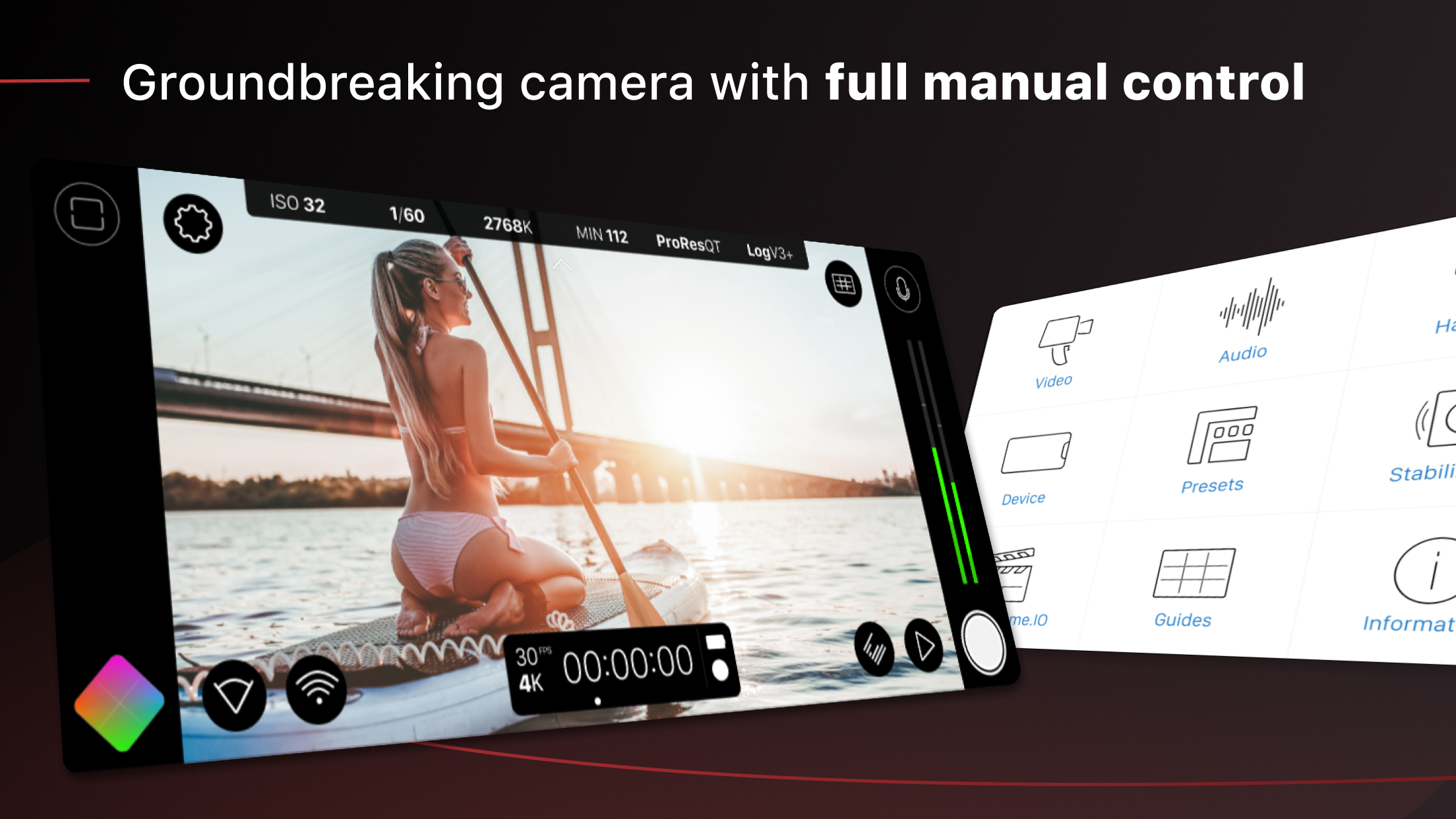
Filmic Pro v7 transforms your mobile device into a professional cinema camera, allowing you to capture the highest video quality possible on a smartphone or tablet, with the most intuitive capture experience — ever.
Filmic Pro has been used in more high profile video projects by award winning directors than any other app:
• A Good Night - John Legend music video
• Unsane & High Flying Bird - Steven Soderbergh
• Tangerine - Sean Baker
• Lose You to Love Me - Selena Gomez
• Stupid Love - Lady Gaga
Redesigned from the ground up, Filmic Pro v7 provides filmmakers, newscasters, teachers, vloggers, and social media content creators with the most powerful and intuitive camera experience available, with a full suite of advanced yet easy to use features.
| — V7 New Features — |
• Dedicated Focus/Exposure Mode selector, comprising three intuitive focus and exposure modes.
• Redesigned Manual Sliders for improved focus and exposure control:
— New Exposure/Zoom Slider provides discrete control over LV; ISO; shutter speed; and zoom.
— Improved pull points for automated rack focus and zoom moves.
• Quick Action Modals (QAMs) put key functionality at your fingertips front and center in the main interface, eliminating the need to dive into settings.
• Action Slider can be revealed to provide a real-time readout and control over key capture settings including ISO, shutter speed, white balance, and gamma curve. Tap a value to interact with its associated QAM for unrivaled control.
• Custom Function (Fn) Button now allows you to map one of dozens of available custom functions to the main UI, so your most used feature is only ever a tap away.
— — Headline Features — —
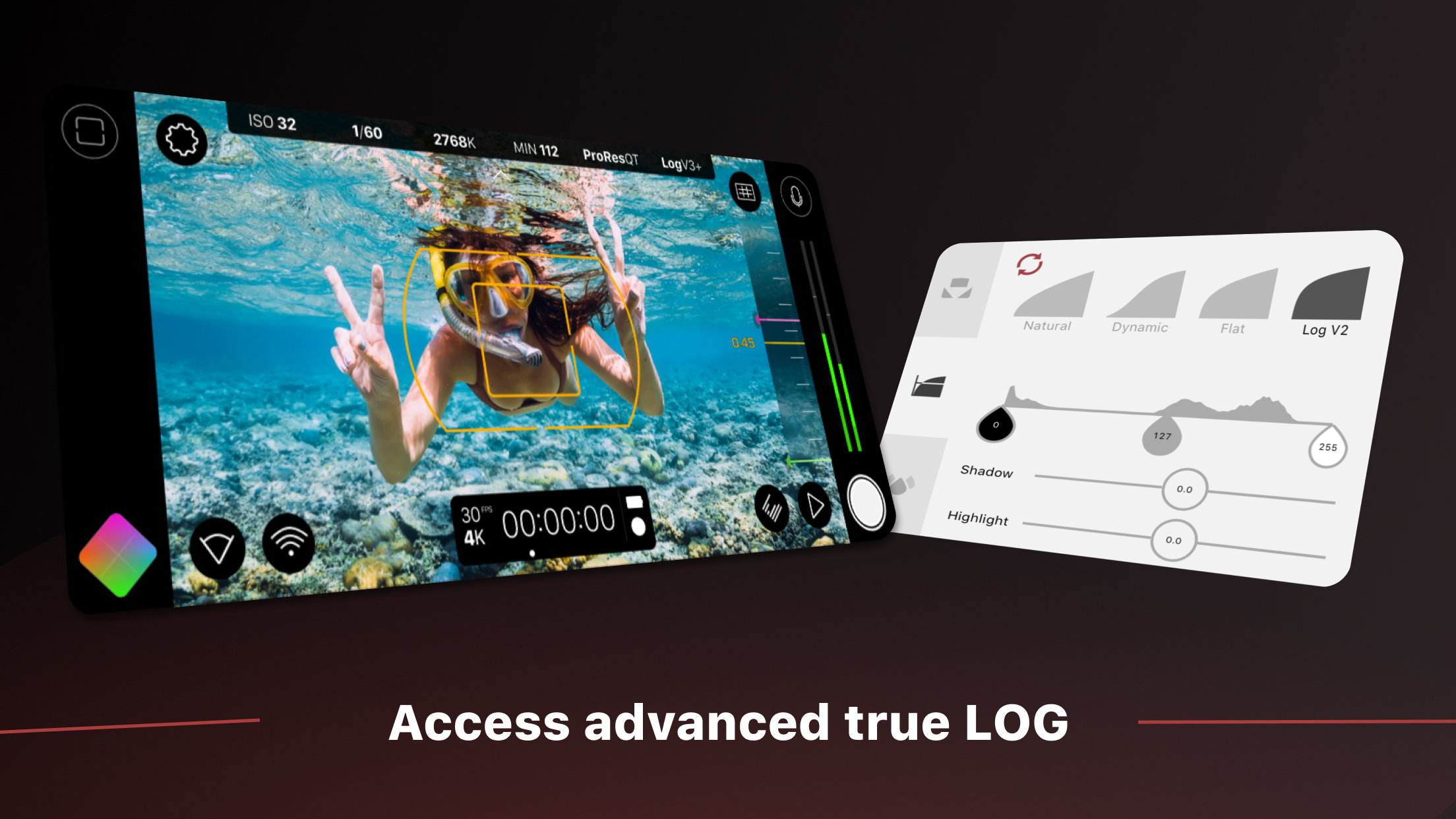
• Log and Flat gamma curves*
• Realtime Film Looks for cinematic results without the need for grading*
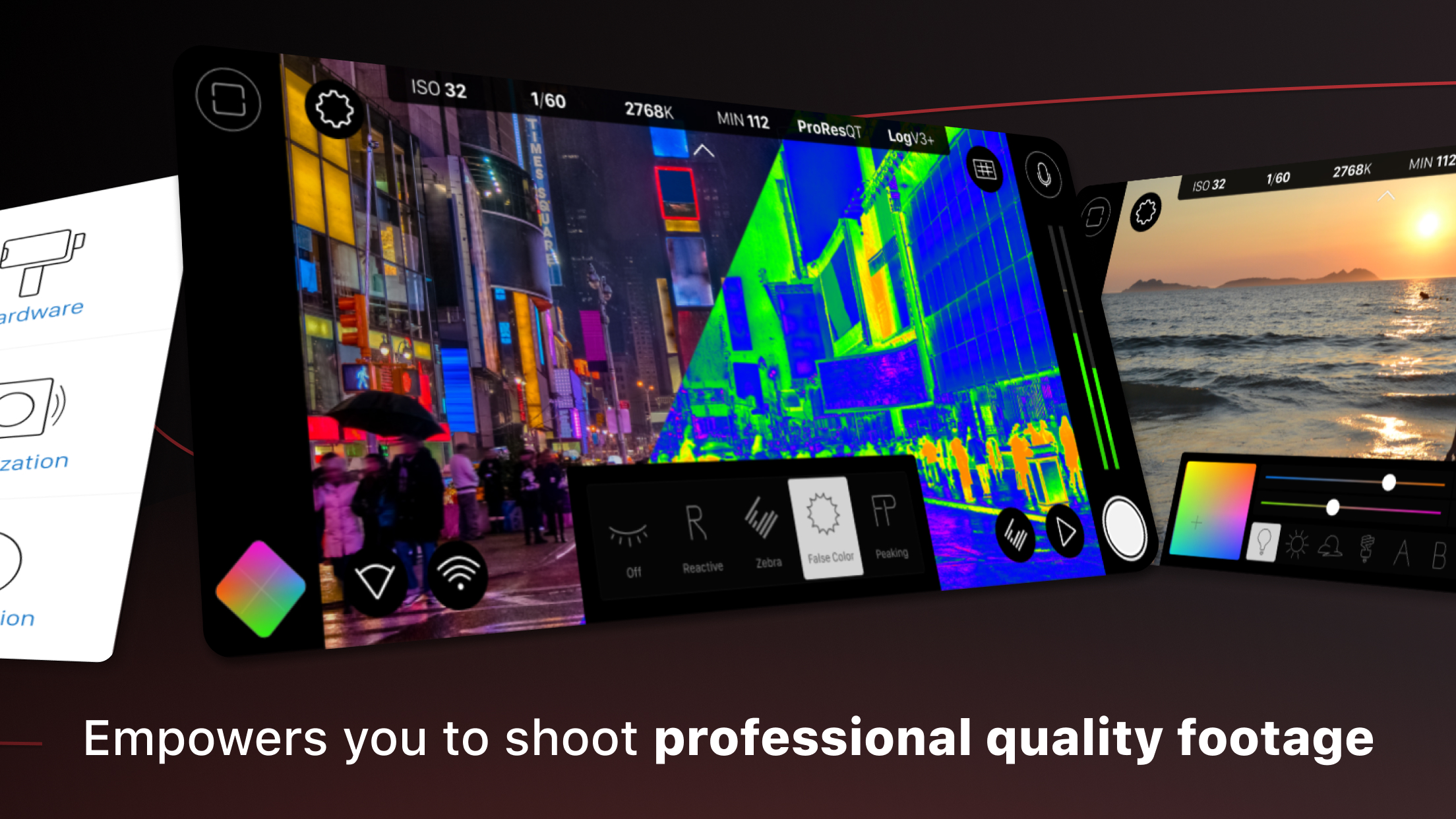
• Live Analytic suite including Zebras, False Color, Focus Peaking*
• Support for 10-bit HDR, and 8-bit HEVC and H264*
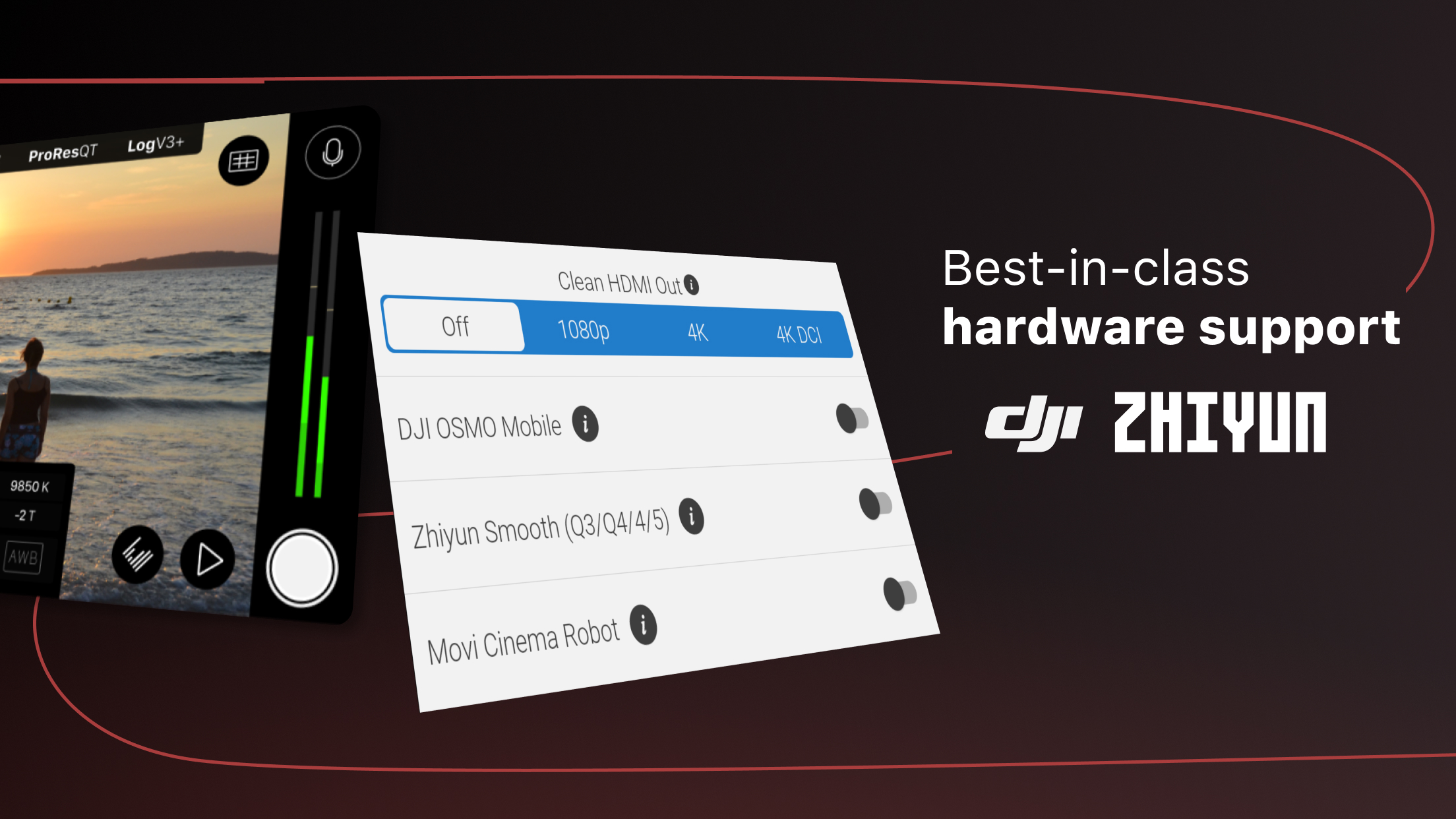
• Clean HDMI Out transforms your device into a pro level web cam
• Frame.io Camera to Cloud (C2C) support*
• Advanced Audio Controls for manual input gain
• CMS for industry standard clip naming conventions.
— Foundation Features —
• Manual control over every capture parameter
• Vertical and landscape support
• Sync audio frame rates of 24/25/30/48/50/60 fps*
• High speed frame rates of 60/120/240fps*
• Slow and fast motion FX
• Time lapse mode
• Histogram and waveform
• Downsample to lower resolutions
• Capture presets synced to the cloud
• Framing guide overlays
• Image stabilization*
• Support for FiLMiC Remote. Remote allows you to control an Android device running Filmic Pro with a second device running Remote.
• 8 aspect ratios including Widescreen (16:9); Ultra Panavision (2.76:1); Square (1:1).
• 5 encoding options for H264/HEVC to balance quality and file size:
— FiLMiC Ultra*
— FiLMiC Extreme
— FiLMiC Quality
— Standard
— Economy
• 3rd Party Hardware Support
— 1.33x and 1.55x anamorphic desqueeze
— 35mm lens adapters
— Horizontal flip
• Supported Gimbals
— Zhiyun Smooth 4/5/5s/Q3/Q4
— DJI OSMO Mobile 1/2/3/4/5
—Movi Cinema Robot
• Advanced Audio Features:
— Headphone monitoring
— manual input gain control
* Note: Not all features available on all devices. Use our free Filmic Evaluator to check what your device supports.
SUBSCRIPTION INFO
• Subscription length: weekly, yearly
• Payment will be charged as soon as you confirm your purchase
• Your subscription will renew automatically, unless you turn off auto-renew at least 24 hours before the end of the current period
• When canceling a subscription, your subscription will stay active until the end of the period. Auto-renewal will be disabled, but the current subscription will not be refunded.
• Any unused portion of a free trial period, if offered, will be forfeited when purchasing a subscription.
Changelog
* Bug fixes and performance improvements.
Additional information
Screenshots
Reviews
Recommend Article








![[명품사진 1장 10원] 찍스 – 사진인화 apk](https://img.apkdock.com/image/app_icon/ticks-photo-printing_icon.webp?imageMogr2/thumbnail/128x128)
Similar Apps

Arab Man Fashion Photo Suit has come with various Arab style costumes
Add date and time watermark to photos and videos

Anime AI Filter, Genius AI Dance Video, Cartoon Character & Photo Editor

AI Photo Retouch & Image Generation. Express Collage Design and Editing.

Auto cutout photos, remove & change background & create high-quality PNG images
Open Source Camera app.