

Draw With Me

Hot Novels






Install Tips
Draw With Me Review
Social drawing app where digital artists create and share art.
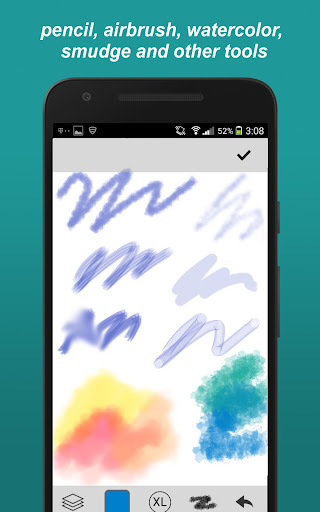
Drawing tools:
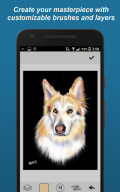
- Many brush styles: Paintbrush, pencil, Smudge (blur), felt-tip pen, eraser, etc.
- Custom brushes: adjust the parameters as you like
- Unlimited colors, configurable palette
- Zoom & pan
- Layers
- Move, rotate, mirror
- Eye dropper
- Multi-step undo/redo
Community features:
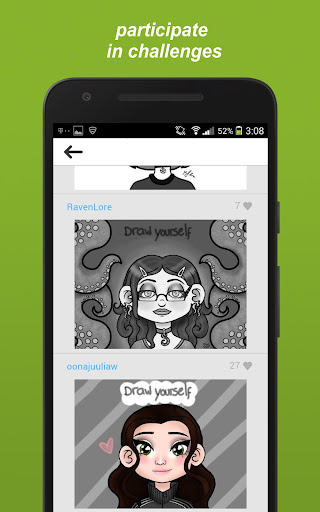
- Multiple styles of challenges:
-- Selfie drawings
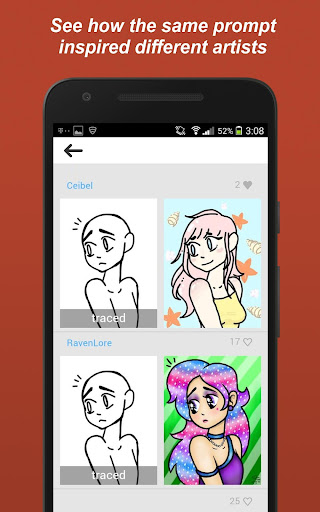
-- Finish the drawings started by others
-- Tracing
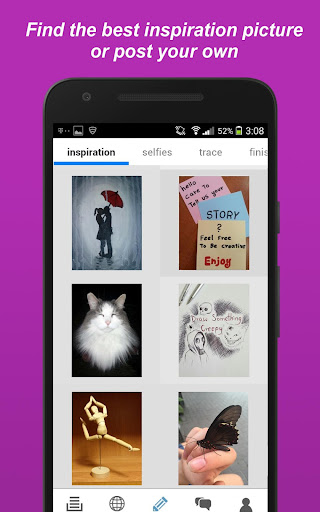
-- Inspiration pictures: photos, prompts
-- Free Draw
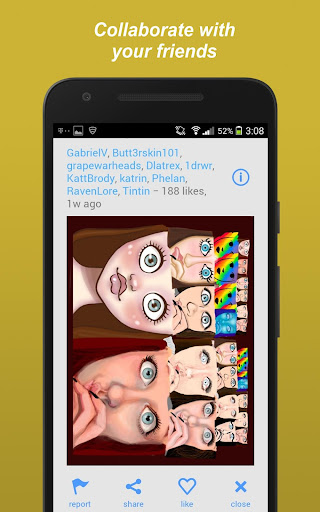
- Collaborations with friends
- Follow your favorit artists
- Add friends to share your drawings privately
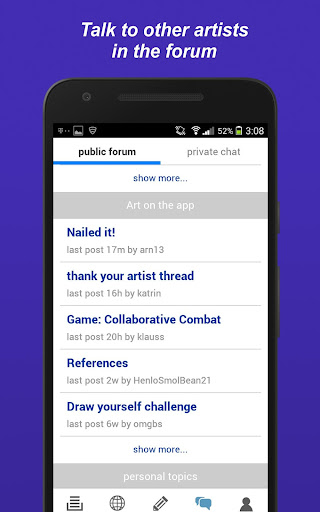
- Forum for public discussions
- Get likes for the art you share
Other features:
- Draft storage
- Syncing drafts online to your other devices
- Search for drawings by tags
Quick sketch or elaborate paintings; this app is the ideal drawing app for artists of any skill. Also a great place to learn how to draw.
Additional information
Screenshots
Reviews
Recommend Article









Similar Apps

Have endless fun caring for your anime doll today.

Arabic, English, animated, organized, free stickers for WhatsApp!

Poster Maker is creative graphic design app for Business Poster, Flyers, Banner
Floor Plan Creator lets you create, edit and share floor plans.

Have much fun with Joker face Photo Editor, Stickers and clown Mask.

Discover Stunning Fashion Sketches and Creative Illustration Ideas Today.