
Creating high-quality videos often requires hours of shooting, editing, and fine-tuning — not to mention the cost of cameras, microphones, lighting, and editing software.
But what if you could create professional-looking videos in just a few minutes, without any filming or technical editing?
That’s now possible with InVideo, an AI-powered video creation platform that allows you to turn text or ideas into ready-to-publish videos instantly.
In this guide, you’ll learn everything about InVideo, including what it is, how it works, and practical tips to help you create engaging, professional-quality videos faster than ever before.
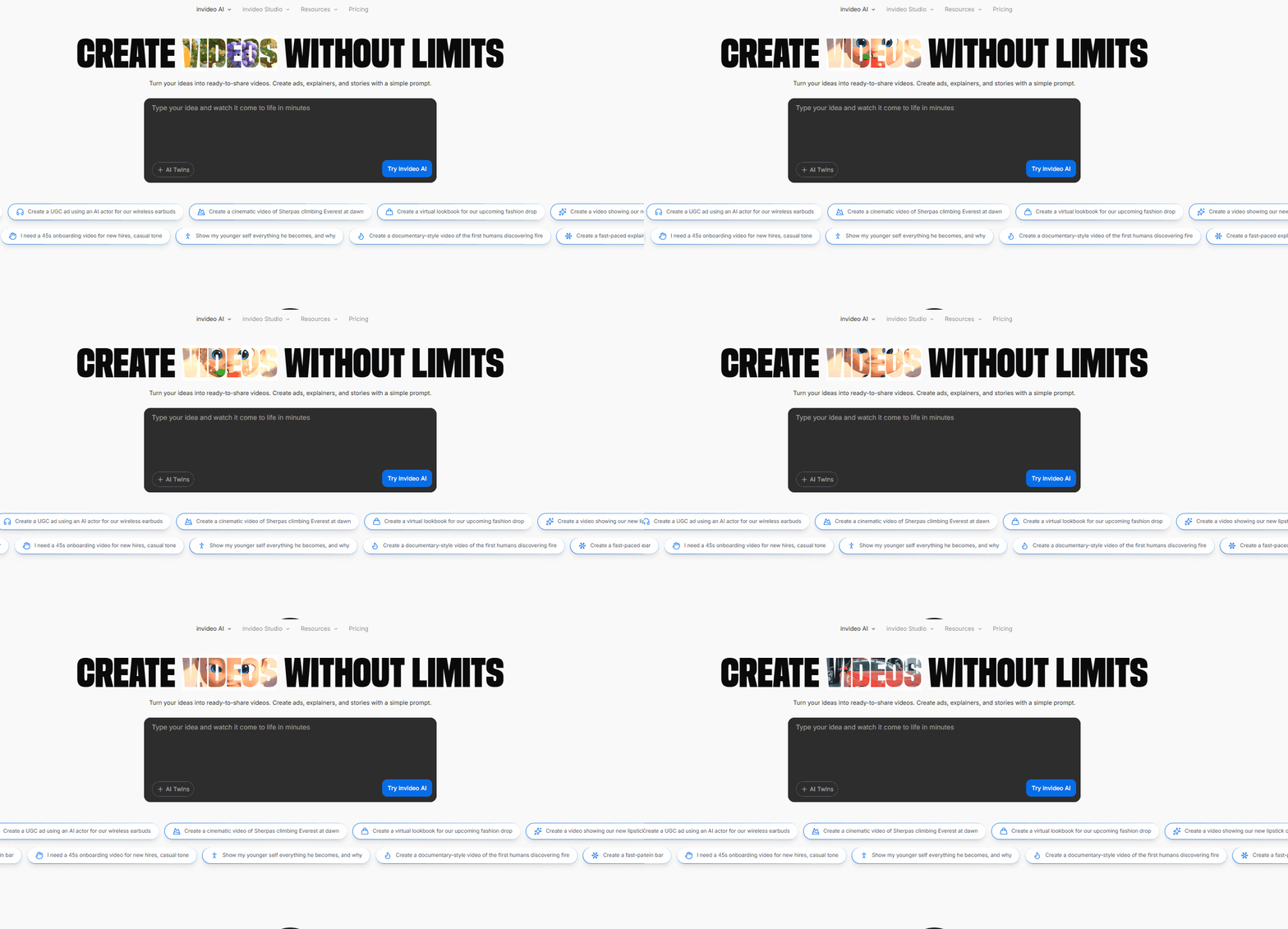
What Is InVideo?
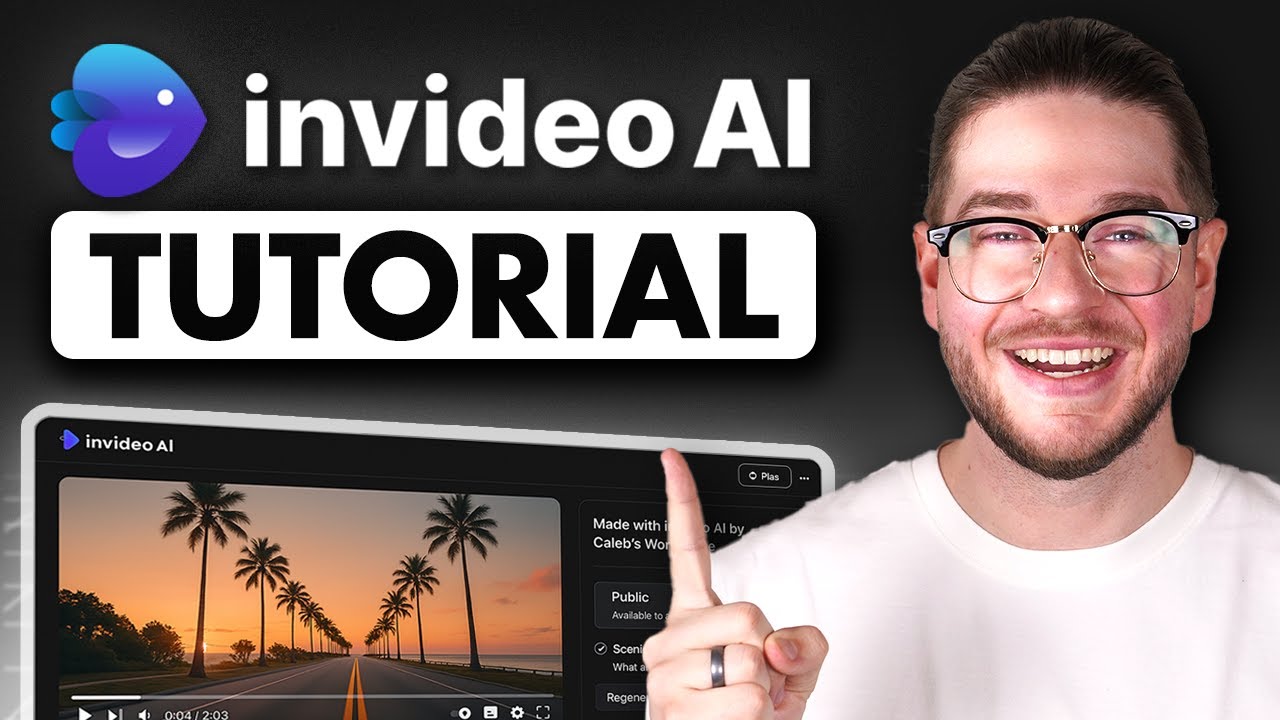
InVideo is an online video generator that uses artificial intelligence to help you create videos effortlessly. Whether you’re a marketer, educator, YouTuber, or small business owner, InVideo allows you to produce high-quality videos from:
● Text prompts (AI text-to-video)
● Pre-built templates
● Your own uploaded clips and images
With InVideo AI, you can generate entire videos—complete with visuals, background music, and voiceovers—just by providing a short description or script.
Why Choose InVideo?
InVideo simplifies every step of the video creation process while maintaining professional-level quality. Here are some of its key features:
1. Easy-to-Use Interface
You don’t need editing experience. Its drag-and-drop layout and AI automation make creating videos straightforward, even for beginners.
2. Massive Stock Library
Access over 16 million stock photos and video clips to enhance your visuals and tell your story effectively.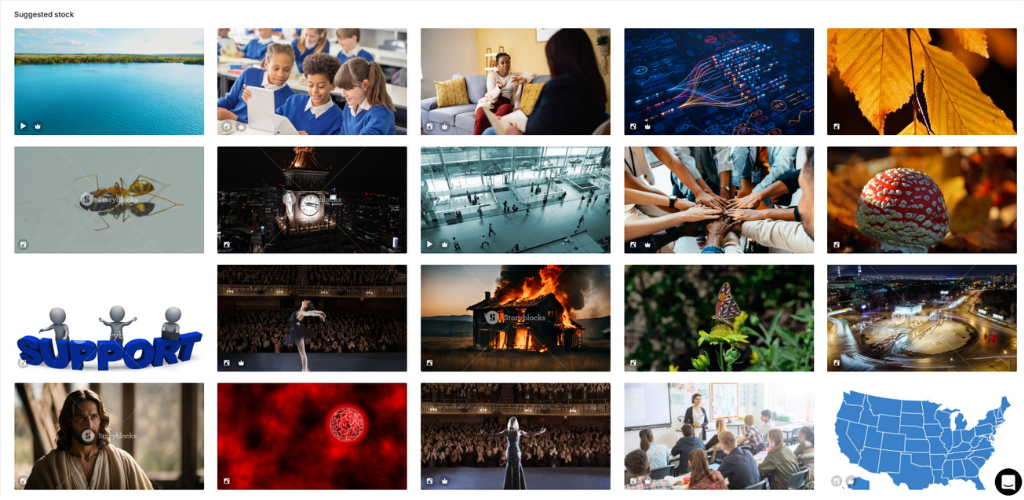
3. AI Voiceovers
Choose from a variety of human-like AI voices in multiple languages to narrate your videos naturally.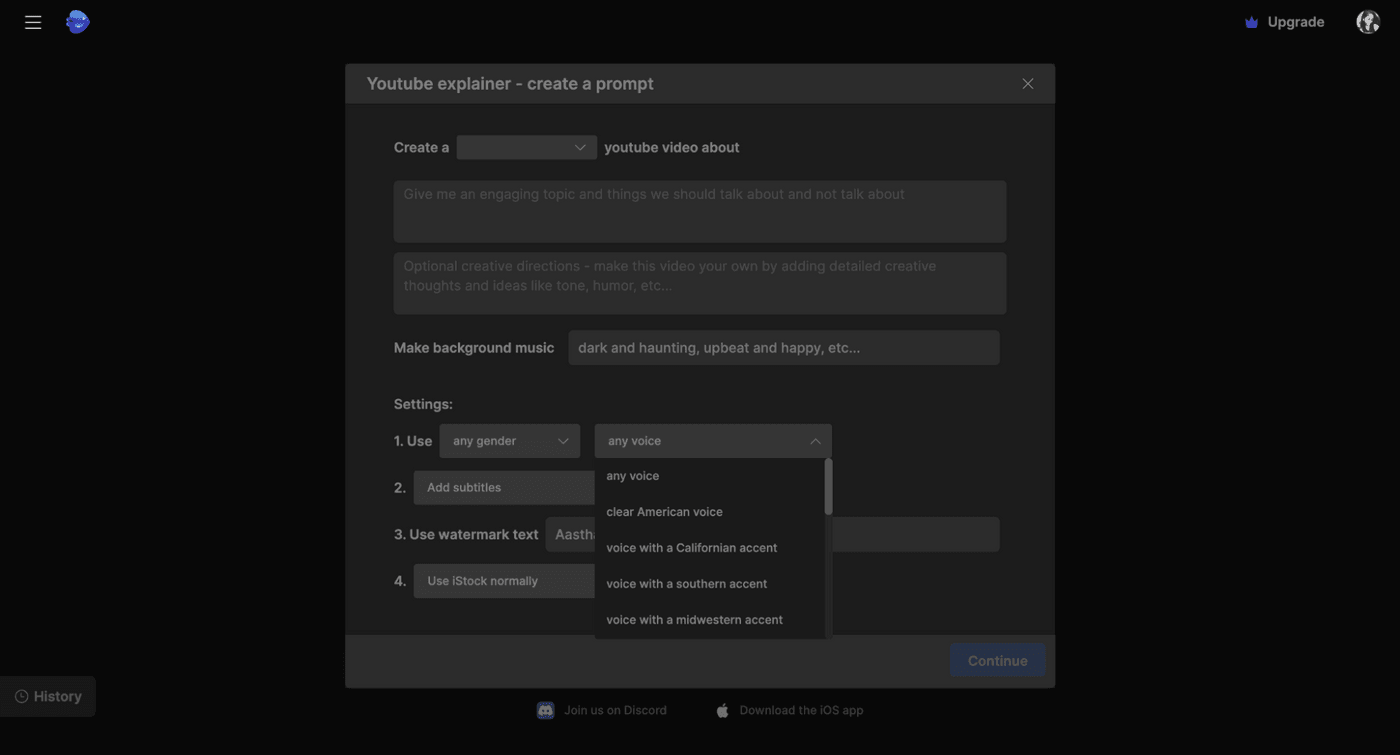
4. Templates for Every Purpose
From YouTube explainers to ads, social media reels, and tutorials, InVideo provides thousands of customizable templates for faster production.
5. Cloud-Based Editing
All editing happens online—no downloads or heavy software required. You can create and edit your videos directly from your browser.
How to Use InVideo: Step-by-Step Guide
Creating your first AI-generated video with InVideo takes just a few steps.
Step 1: Sign Up for a Free Account
Go to InVideo AI and create a free account using your email or Google login. Once you’re in, you’ll see options to start with text-to-video, a ready-made template, or a blank canvas.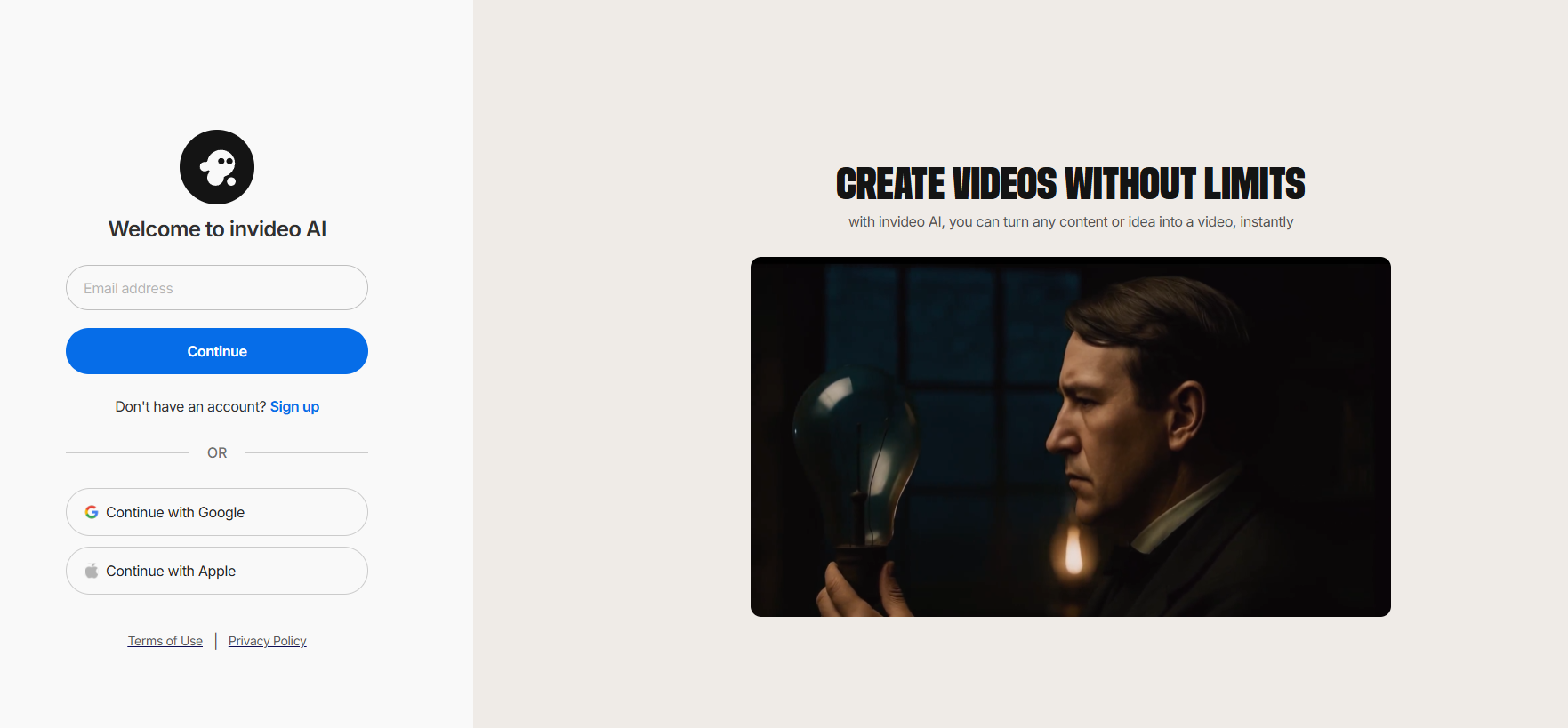
Step 2: Choose a Workflow
● Text-to-Video (AI Mode): Ideal for turning ideas or scripts into complete videos automatically.
● Pre-Made Templates: Choose a theme that fits your video style and edit it to match your needs.
● Blank Canvas: Upload your own clips and design the video manually.
Step 3: Define Your Video Format
Select the right aspect ratio depending on your publishing platform:
● 16:9 for YouTube and websites
● 9:16 for TikTok, Instagram Reels, or Shorts
● 1:1 for Facebook or Instagram posts
Step 4: Enter Your Prompt or Script
InVideo AI can generate videos from short prompts or full scripts. For example:
“Create a 40-second video about how AI is transforming education, with upbeat background music and a friendly voiceover.”
You can also paste a blog link or existing content to guide the video creation.
Step 5: Let InVideo Generate the Video
Once you submit your input, InVideo AI automatically creates a draft video by:
● Breaking down your script into scenes
● Selecting relevant visuals and clips
● Adding background music and AI narration
● Generating captions and transitions
This usually takes just a few minutes.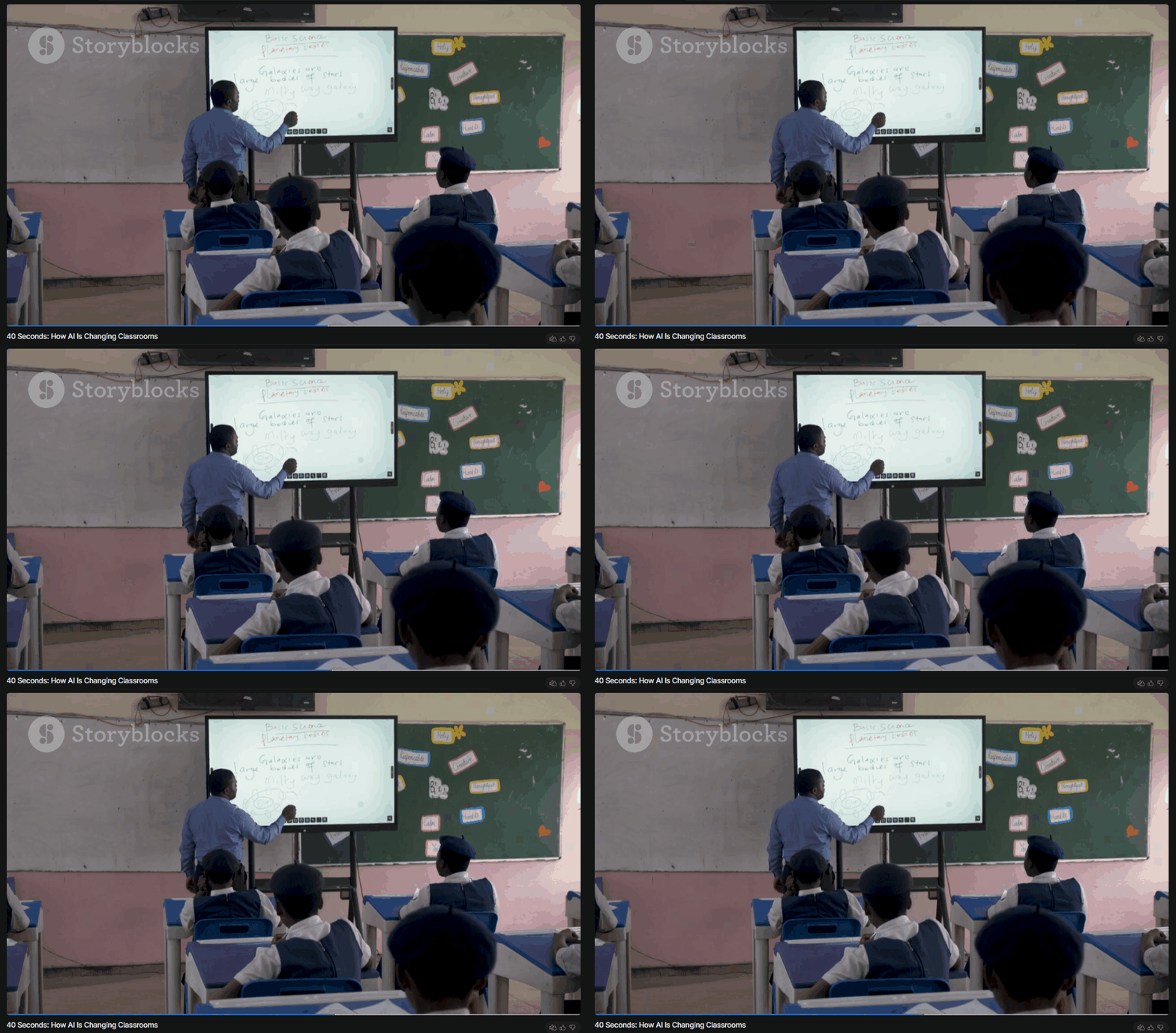 Step 6: Review and Edit
Use the built-in timeline editor to fine-tune your video:
● Replace or trim clips
● Adjust timing and pacing
● Modify text, colors, or transitions
● Upload your logo and add subtitles
● Change the voiceover or background music
Even though the AI generates a strong base, minor manual adjustments help make your video stand out.
Step 7: Export and Download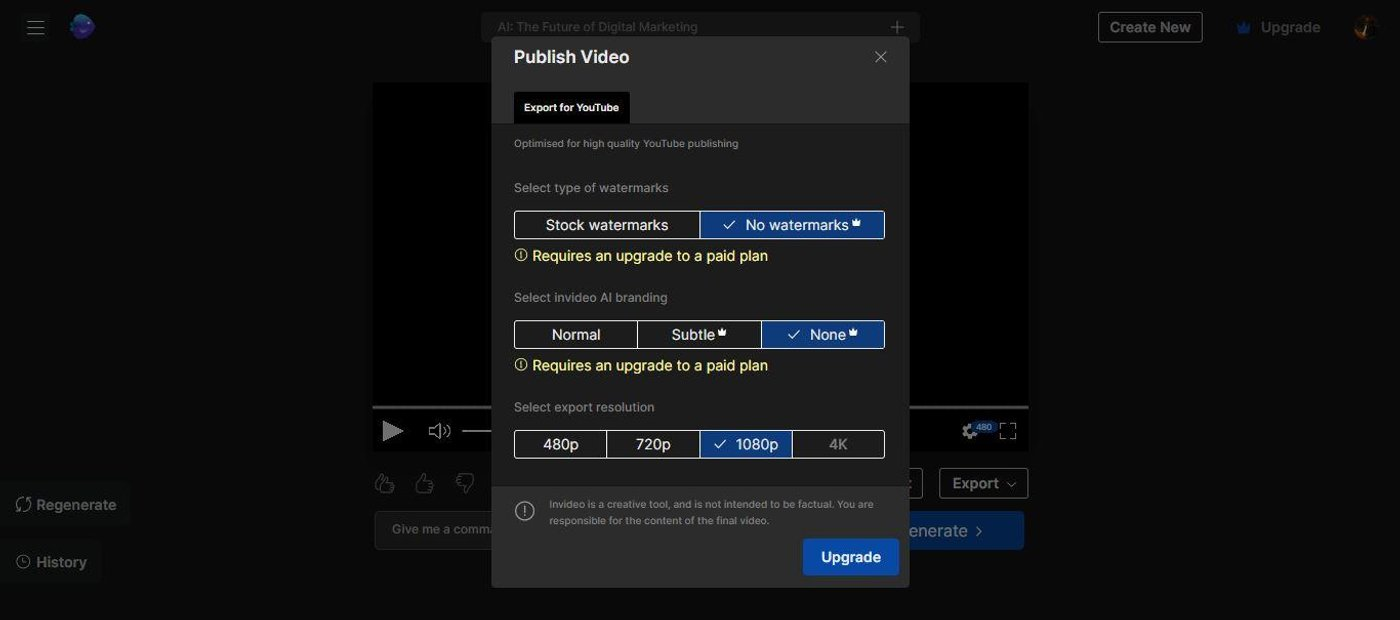
When satisfied, click Export to download your video.
The free plan lets you create videos with a watermark, while paid plans unlock HD quality, watermark removal, and access to premium media.
Pro Tips for Creating Better Videos with InVideo
Be Clear and Specific in Your Prompts
The more detailed your prompt, the better the results. Include tone, duration, and style.
Use Templates for Speed
Templates are ideal when you need to produce videos quickly or maintain a consistent format.
Maintain Brand Consistency
Upload your logo, brand colors, and fonts to create recognizable, professional-looking content.
Leverage Subtitles and Voiceovers
Many viewers watch videos without sound, so subtitles can help increase engagement.
Keep It Short and Impactful
For social media, aim for videos under one minute with clear, engaging messages.
Who Can Benefit from InVideo?
● YouTubers: Create faceless videos, tutorials, or explainers without filming yourself.
● Marketers: Produce ads, product videos, and social media content quickly.
● Educators: Turn lessons or blogs into instructional videos.
● Business Owners: Promote products and services with minimal cost and effort.
Limitations to Consider
While InVideo is highly efficient, it’s important to note a few limitations:
● The free version includes a watermark.
● AI-generated scenes might require light manual editing.
● Advanced effects like cinematic transitions or 3D animation are not included.
Conclusion
The future of video creation is here — and it’s powered by AI.
With InVideo, anyone can create professional-quality videos without expensive equipment or advanced editing skills. Whether you’re producing YouTube content, social media ads, or educational videos, InVideo makes the process faster, simpler, and more affordable.
Ready to try it yourself?
Visit InVideo today and start creating your first AI-generated video in minutes.