

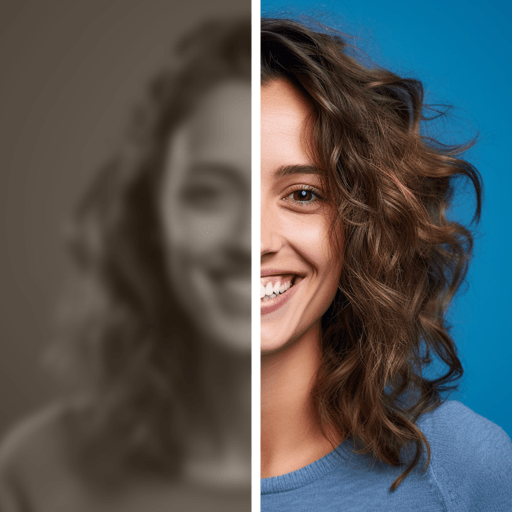
AI Photo Enhancer, AI Enhancer

Hot Novels






Install Tips
Mobile safety & integrity report for the latest package. We provide verifiable checksums and a timestamped scan summary. Latest package AI Photo Enhancer, AI Enhancer 1.1.5.5 scanned by multiple engines; no threats detectedas of Tue, 28 Jul 2026 11:52:37 GMT.
After downloading, use a system or third-party checksum tool to calculate the SHA256 and ensure it matches the value provided on this page (case-sensitive, without spaces).
Each engine uses different signature databases and heuristics, so results may vary slightly. We provide a timestamp and checksum to allow you to independently verify the package.
AI Photo Enhancer, AI Enhancer Review

Every photo is a memory. Over time, those memories fade—photos get blurry, scratched, or damaged. PixeLeap app is built to give those photos a second life. With advanced AI technology, PixeLeap doesn’t just fix images, it restores moments you thought were lost.
Restore Memories, Not Just Photos
Whether it’s a pixelated childhood picture, an old family portrait, or a faded album scan, PixeLeap repairs your photos with unmatched clarity. Blur fix, scratch repair, and colorizing tools make every image look sharp and vibrant again.
What Makes PixeLeap Different?
● Enhance & Unblur with One Tap
Old, blurry, or low-quality images instantly become high-definition and crystal-clear.
● Photo Scan Remini
Scan old prints with your phone. PixeLeap detects edges, auto-rotates, crops, sharpens, and enhances details for perfect digital copies.
● Bring Photos to Life
Use Dynamic Face Scan to animate old photos. See faces smile, blink, and move—memories reborn.
● Change Age Anytime
Try the young age filter to look 18 again, or apply realistic aging effects. Perfect for fun throwbacks or testing time’s magic.
● Repair Damage Over Time
Stripes, blobs, folds, fading—PixeLeap restores photos damaged by age so they last forever in your family album.
● Creative Tools
Crop in multiple aspect ratios, rotate perfectly, auto-correct lighting, and apply filters for professional-looking results.
Why Users Love PixeLeap
Because it’s more than a photo editor. PixeLeap brings technology and nostalgia together.
It helps you:
● Relive your best memories with sharper, clearer images.
● Preserve family history for the next generation.
● Create stunning restorations you’ll want to share.
Simple to Use, Powerful Results
● Scan or upload your photo.
● Tap once to enhance or unblur.
● Save, share, and enjoy your restored memories.
Get PixeLeap app APK or PixeLeap app download for Android devices.
Changelog
Jul 22, 2025
PixeLeap, Blur Fix, Scratch Repair, Colorizing, Act-One, Unblur,Clear,Enhance. Download the latest version of AIPhotoEnhancer, AI Enhancer 1.1.5.1 to enjoy new features and updates immediately!
Hey, guys, With this update: We provide you with the following functions - Improve performance and optimize experience Let you enjoy editing!
FAQ
Additional information
Screenshots






Reviews
Recommend Article










Similar Apps

Smart search, caller ID, weather & daily help

Identify birds by sound and photo effortlessly.

Experience AI-Generated Beauty at Your Fingertips

Face Swap

AI Video Editor:AI Music, Text to Video,Text to Speech,Auto Caption,Video Effect

Online Text Prompt to Amazing Anime Art Creations