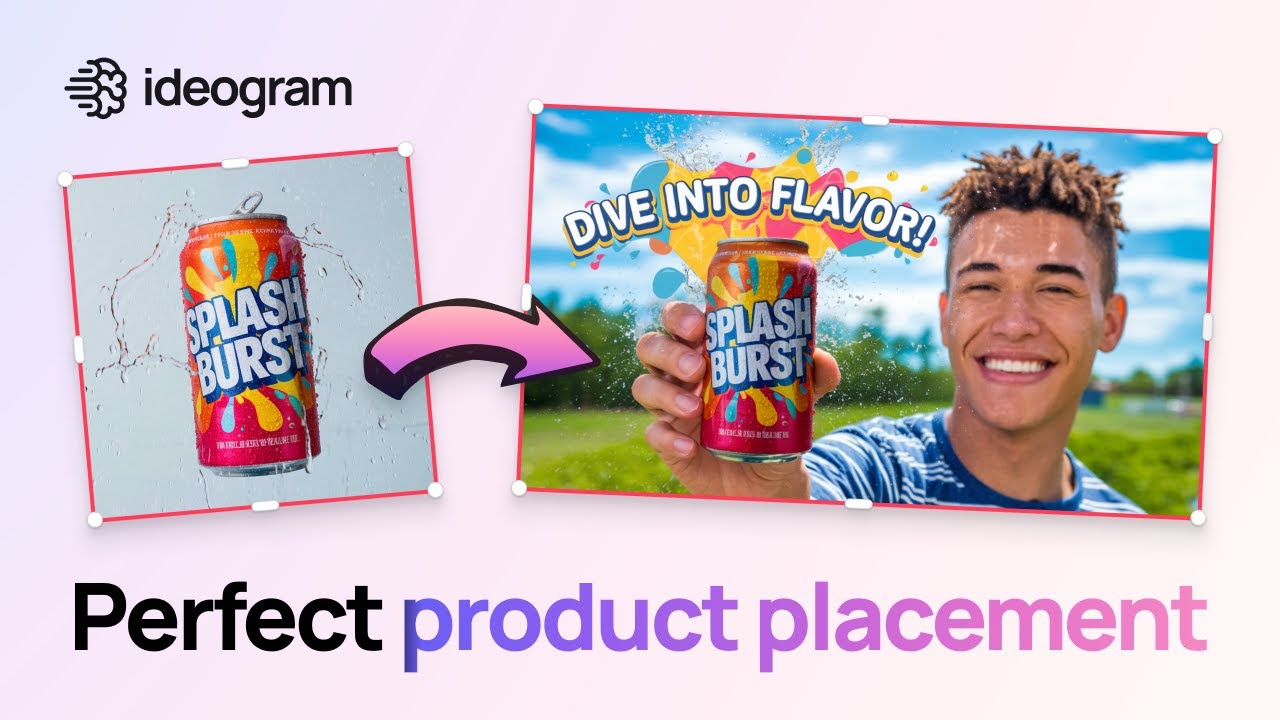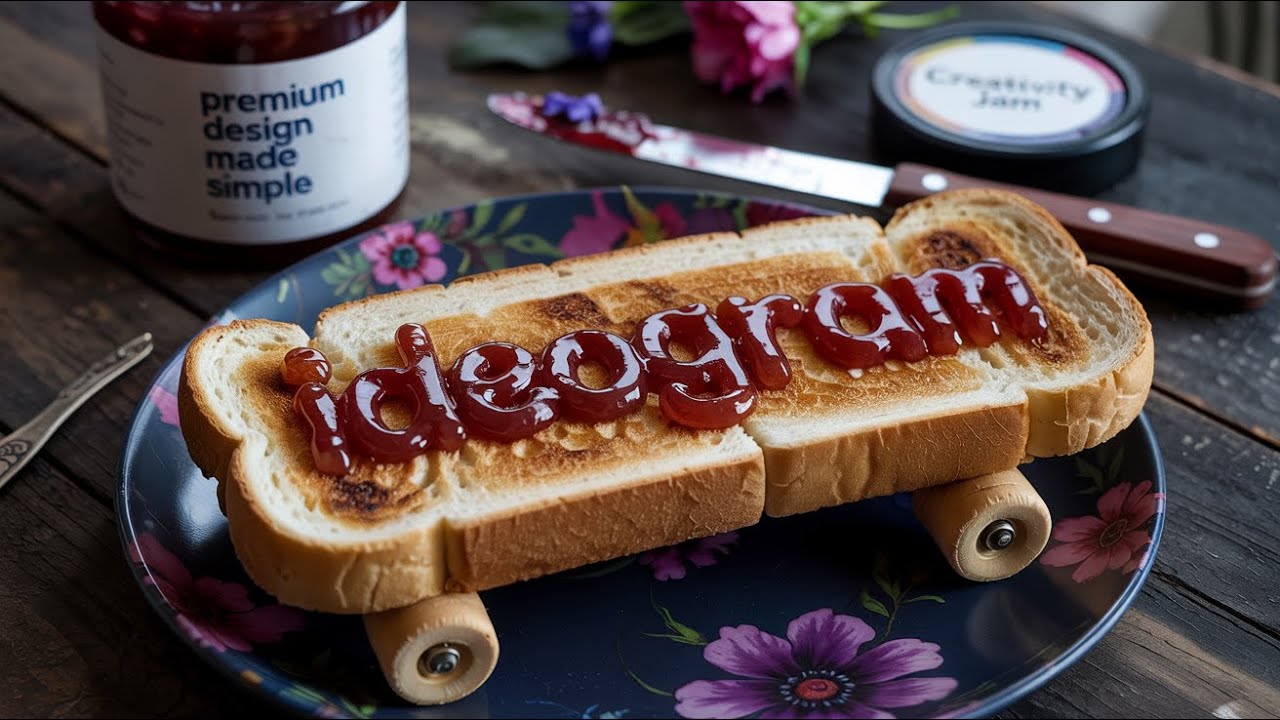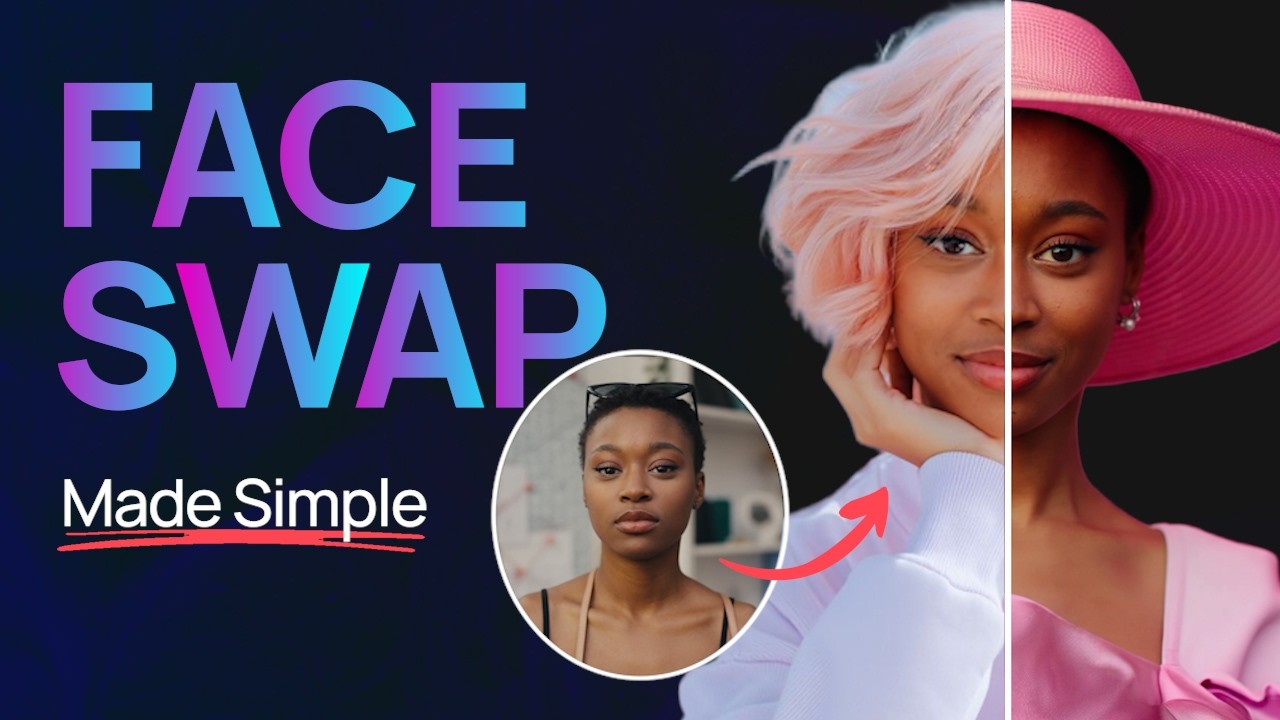
Ideogram is a powerful text-to-image AI developed by Ideogram, Inc., designed to generate visuals—especially graphic-design assets—that include legible text and high style consistency. 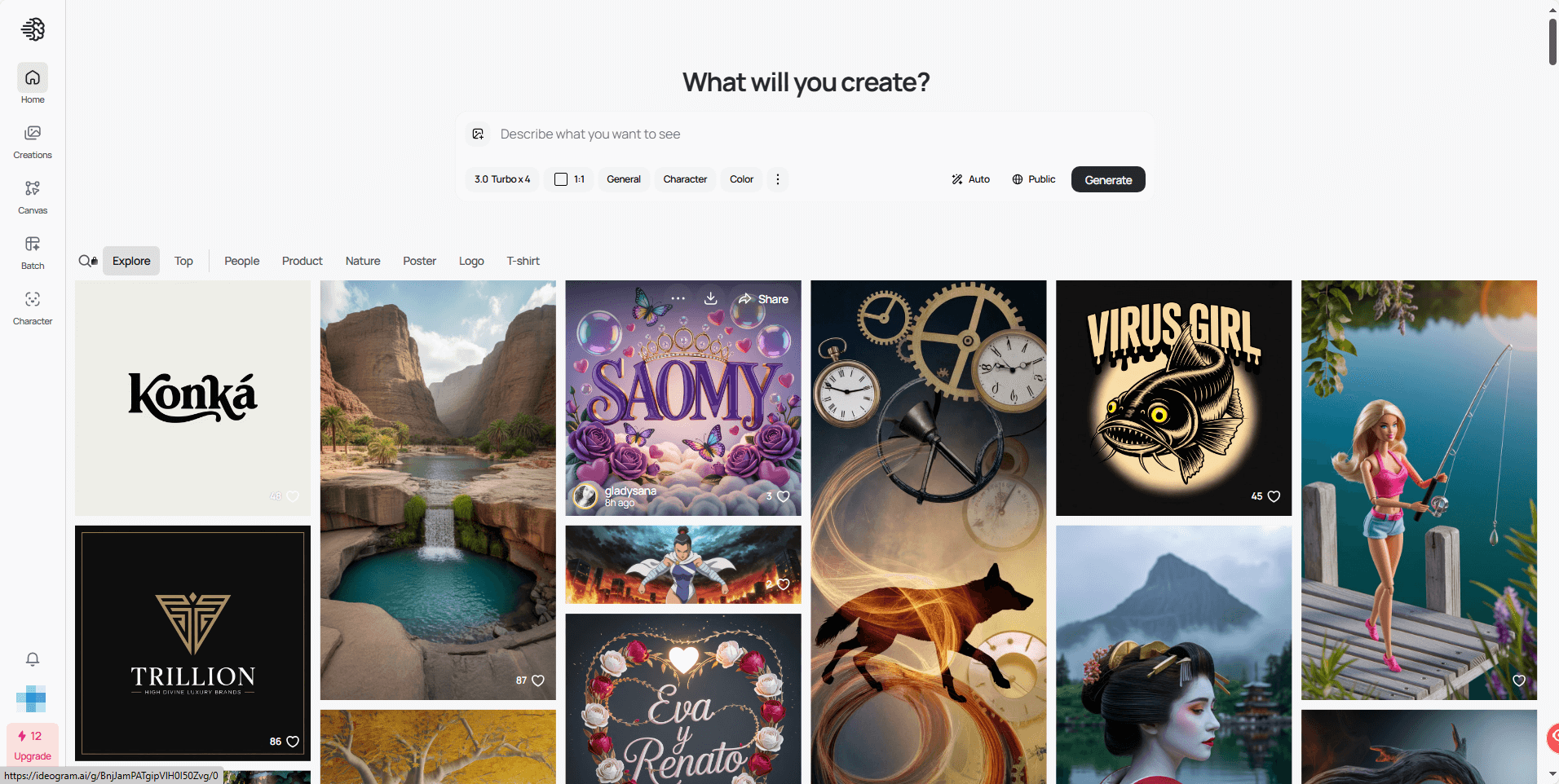
Key strengths:
It excels at embedding readable words within images (logos, posters, banners) where many other generators struggle.
Supports uploading style references (up to 3) so you can guide visual aesthetics.
Includes advanced tools for batch generation, remixing, replacing backgrounds, searching inspirational content, upscaling final images.
All Primary Functions & Features
Here’s a breakdown of the major functions of Ideogram, what they do, and how they benefit you.
| Function | Description | Why Use It |
|---|---|---|
| Text-to-Image Generation | Enter a prompt describing scene, style, and any text to appear in the image (e.g., “Movie poster: Midnight City, neon lights, bold headline”). | Ideal for creating visuals that combine imagery + typography—logos, posters, ad creatives. |
| Style References / Style Presets | Upload up to 3 reference images to guide style, or pick from a library of presets. The model matches aesthetic, color palette, and typographic feel. | Ensures visual consistency (e.g., brand identity) and reduces trial-and-error when you need a specific look. |
| Batch Generation | Generate multiple images at once (varying prompts, style tweaks) in one go. | Great for campaigns, exploring variations quickly, or testing multiple concepts. |
| Describe / Remix / Replace / Remove Background | • Describe: Analyze an existing image and produce a descriptive prompt. • Remix: Take an existing image and regenerate variations. • Replace/Remove Background: Change or remove background in an image. | Gives you flexibility beyond “just generate from scratch” — you can refine, reuse, and iterate. |
| Search (Community & Inspiration) | Explore previous generations, the public gallery, or search by keywords for ideas. | Helps you see what’s already possible, pick styles or compositions you like, avoid reinventing. |
| Upscale / Final Output Control | After generation, you can upscale images (higher resolution) and export in desired formats. | Ensures your final asset is usable for print, large formats, or commercial use. |
| Canvas and Editing Workspace | Inside the tool: you can further edit images (extend, crop, adjust layout) via a Canvas UI. | Makes Ideogram not just generator but a mini-editing environment — handy for polishing. |
| Prompting Helpers (e.g., Magic Prompt, Negative Prompt) | Features like “Magic Prompt” expand your short idea into a detailed prompt automatically; “Negative Prompt” excludes things you don’t want. | Makes prompt writing easier and more precise — reducing guesswork and undesired results. |
| API & Integration | Ideogram offers an API so developers or teams can integrate image generation into workflows or apps. | Useful for agencies, teams, automation pipelines where you want generation embedded in other tools. |
How to Use Ideogram
Here is a practical workflow you can follow to get the most out of Ideogram.
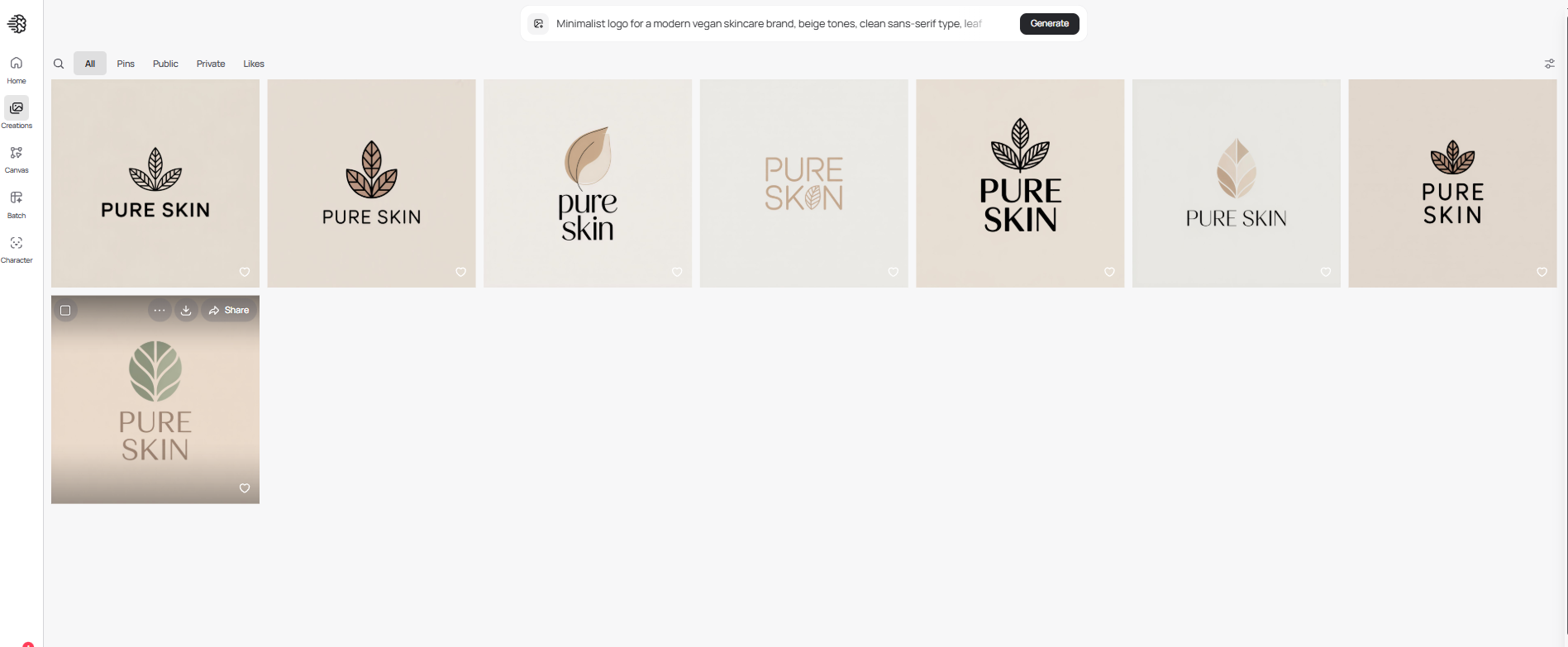
1. Generate — From Text to Image, Instantly
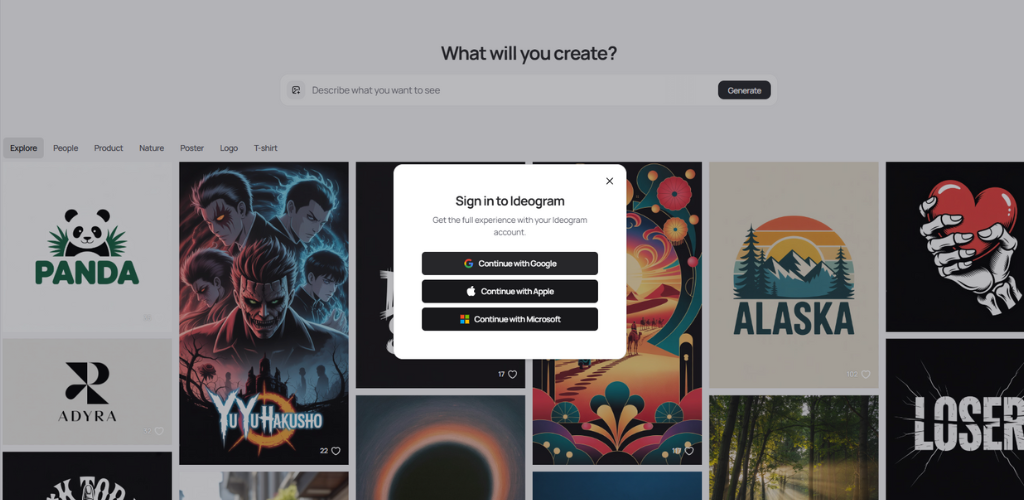 What it does: Converts a short text prompt into multiple image variations with one click.
How it feels to use:
Type in a simple description — for example, “Minimalist logo for a modern vegan skincare brand, beige tones, clean sans-serif type, leaf motif, include the brand name ‘Pure Skin’ in uppercase.” — and within seconds you’ll see several interpretations with different compositions and angles. The initial results are often remarkably close to your vision, and refining the prompt just a little (e.g., changing perspective, adding film grain, or adjusting aspect ratio) helps achieve perfection.
Every generation is saved in your history, making it easy to compare and refine ideas.
2. Remix & Edit — Transform Existing Images
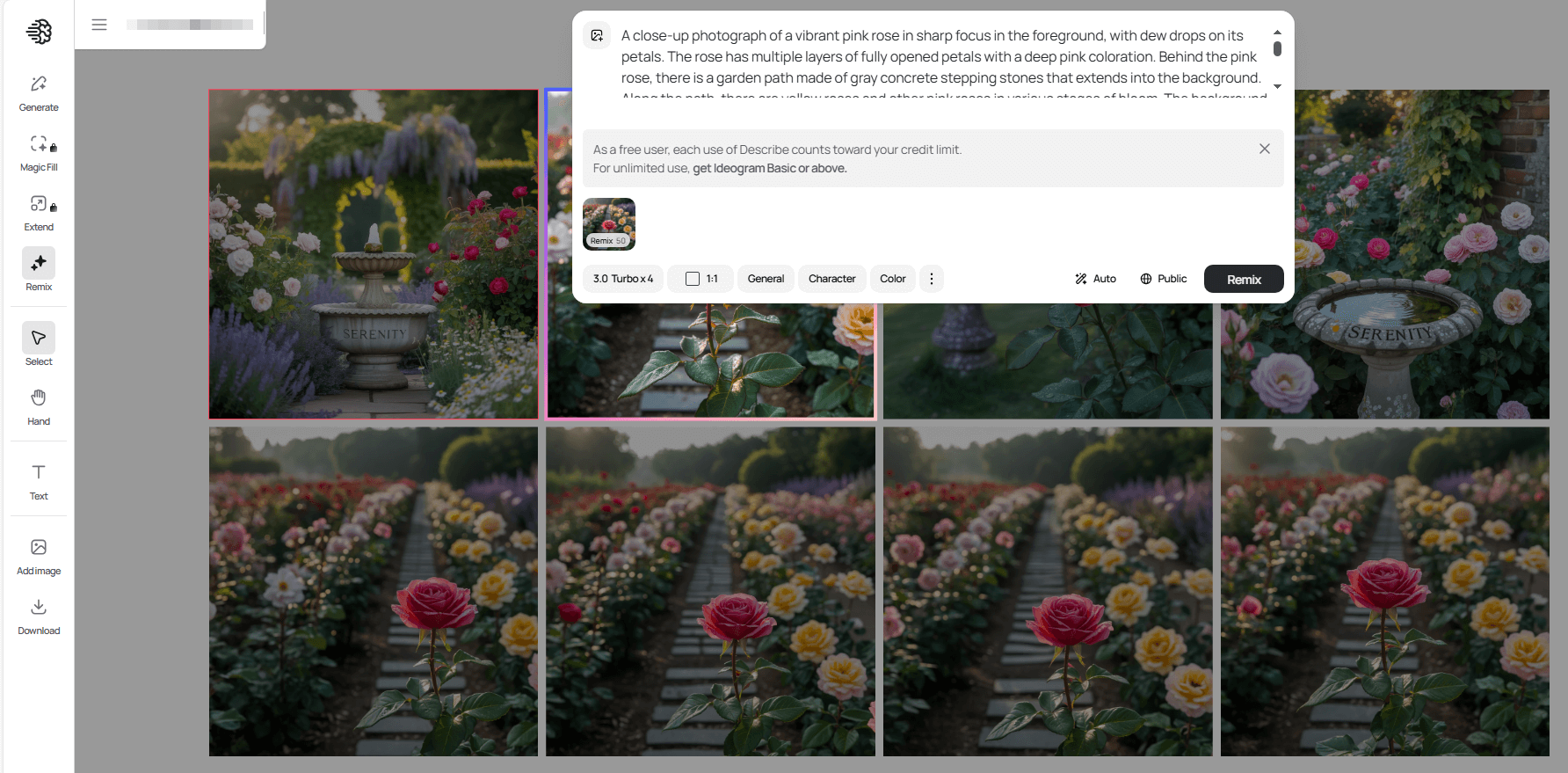
What it does: Generates new versions or style variations based on a reference image, preserving key features while adapting the setting, tone, or composition.
How it feels to use:
Upload a reference image, then describe what to change — for instance, “make the background more urban and add neon lights.” Ideogram intelligently keeps the subject’s defining features while offering variations that range from subtle edits to bold stylistic remixes.
This feature is especially handy for turning a single concept into a cohesive series of art pieces.
3. Canvas — A Built-In Visual Editor
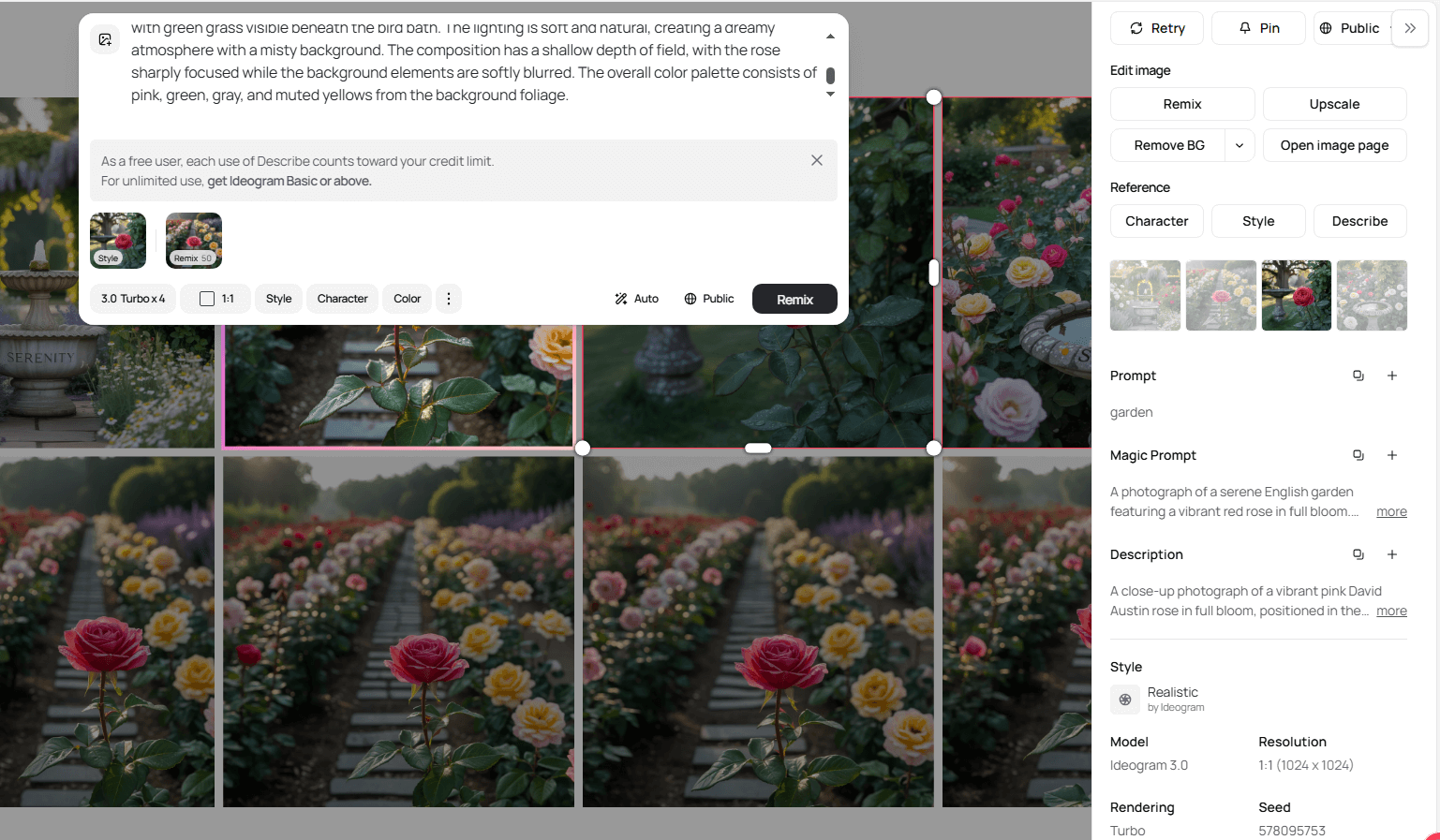
What it does: A full-featured, browser-based design workspace for arranging elements, adding text, and fine-tuning layouts.
How it feels to use:
Canvas isn’t just for viewing results — it’s a live editing environment. You can reposition elements, add or style text, adjust alignment, make backgrounds transparent, or swap them with a single click.
The integrated text tools handle typography beautifully, allowing for clean, accurate text placement without switching to Photoshop. It’s perfect for refining logos, posters, and promotional visuals directly within the app.
4. Text & Typography — Beautiful, Readable Lettering
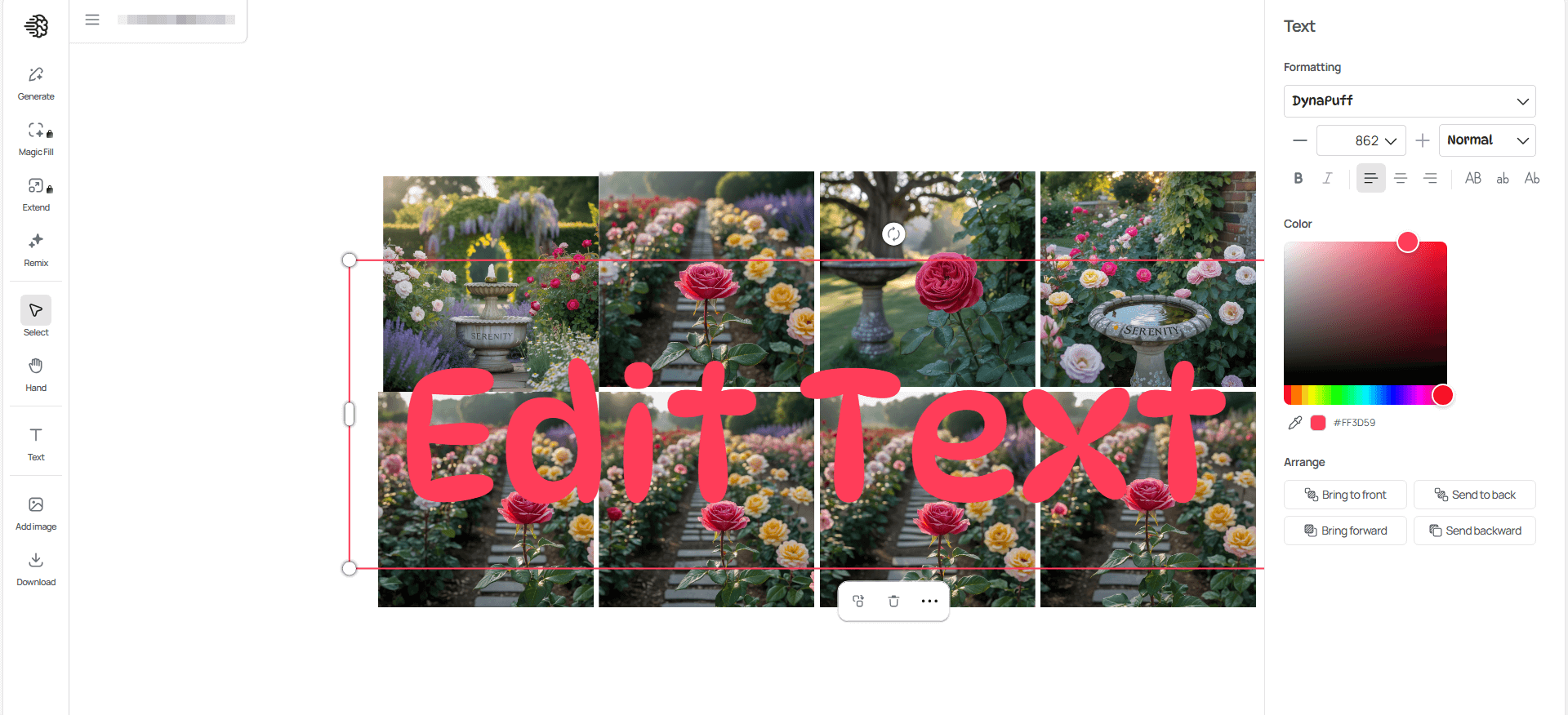
What it does: Renders text cleanly and accurately inside generated images — ideal for brand names, posters, product packaging, or headlines.
How it feels to use:
Unlike many image generators that struggle with legible text, Ideogram excels at typography. You can choose from styles such as retro, sans-serif, or handwritten, and the system produces balanced, readable text integrated seamlessly into your design — often on the first or second attempt.
This makes it an excellent choice for branded visuals, merch designs, and marketing assets.
5. Gallery & Community — Shared Inspiration
What it does: Offers a public feed where users share their creations, prompts, and remixes.
How it feels to use:
The gallery is a treasure trove of inspiration. You can explore what others are making, see which prompts yield which results, and even copy or adapt effective prompts for your own projects.
It’s a great way to learn, iterate, and discover new visual styles quickly.
Pro Tips for Best Results
● Start with a clear prompt: Mention the style, mood, lighting, and aspect ratio.
● Use reference images: Upload one or two examples and specify what should remain consistent (character, composition, etc.).
● Leverage Canvas for fine-tuning: Minor text or layout adjustments are often faster than re-generating.
● Upscale your final output: For clean results ready for print or social media.
● For consistent brand visuals: Consider API integration or enterprise options for custom models.
Common Use Cases
● Logo and brand asset generation
● Poster, flyer, event banner design
● Social media graphics with text + imagery
● Packaging mockups and product visuals
● Illustrations for articles or blogs
● Rapid ideation and variation exploration for design teams
Limitations to Consider
● While text handling is strong, extremely complex typography (ambigrams, very long paragraphs) may still struggle.
● Ultra-photorealistic human faces or extremely detailed natural scenes might still lag behind specialized models.
● Licensing and commercial usage vary by plan—check terms for your use case.
● Non-Latin text and some special characters can occasionally render improperly—test early.
Final Thoughts
Ideogram is a highly capable and specialised image-generation tool — especially if your visual assets must include clear, readable text or follow a consistent brand style. It gives you fast, high-quality output with ample controls via style references, batch workflows, and editing tools.
Whether you’re a designer, content creator, marketer, or brand owner, mastering Ideogram’s functions can significantly reduce the cost and time of creating visuals—making professional-looking results accessible even without traditional design skills.