


Winlator

Hot Novels






Install Tips
Mobile safety & integrity report for the latest package. We provide verifiable checksums and a timestamped scan summary. Latest package Winlator 10.1(25) scanned by multiple engines; no threats detectedas of Tue, 28 Jul 2026 12:16:23 GMT.
After downloading, use a system or third-party checksum tool to calculate the SHA256 and ensure it matches the value provided on this page (case-sensitive, without spaces).
Each engine uses different signature databases and heuristics, so results may vary slightly. We provide a timestamp and checksum to allow you to independently verify the package.
Winlator Review

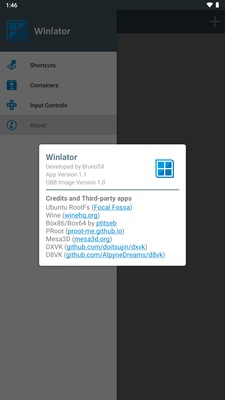
Winlator APK is a powerful Windows emulator for Android that enables you to run x86 and x64 Windows applications, including many PC games, directly on your mobile device. Designed with performance and flexibility in mind, Winlator combines Wine, Box86, and Box64 technologies to deliver advanced emulation on Android.
After installation, Winlator will automatically extract necessary content from the included OBB file, allowing you to get started within seconds. Once ready, you can create individual containers to emulate a full desktop environment or run Windows-based games and applications.
Key Features of Winlator APK:
● Windows Emulation on Android: Run Windows desktop programs and popular PC games right from your Android device.
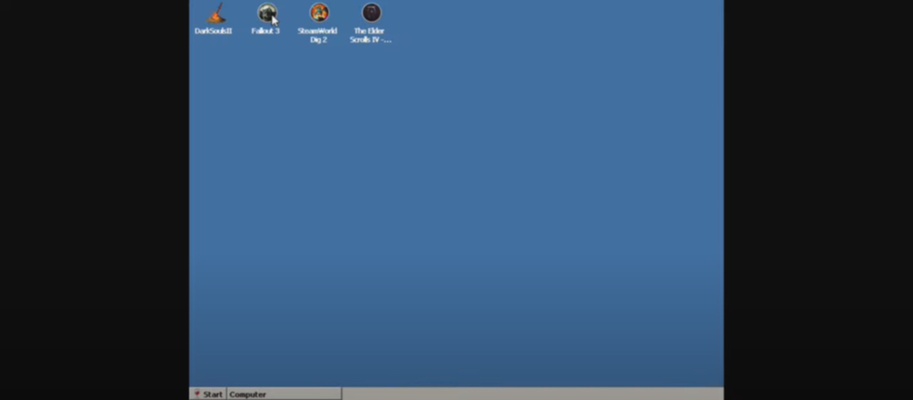
● Game Compatibility: Play titles like Fallout 3, Mass Effect 2, Deus Ex: Human Revolution, and The Elder Scrolls IV: Oblivion on the go.
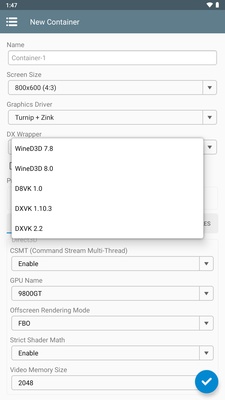
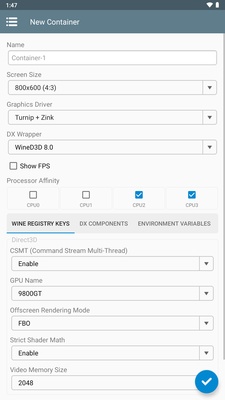
● Customizable Environment: Configure screen resolution, graphics driver, DX Wrapper version, virtual CPU cores, and emulated GPU settings for optimal performance.
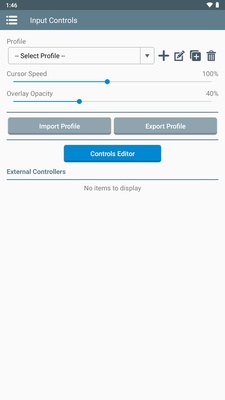
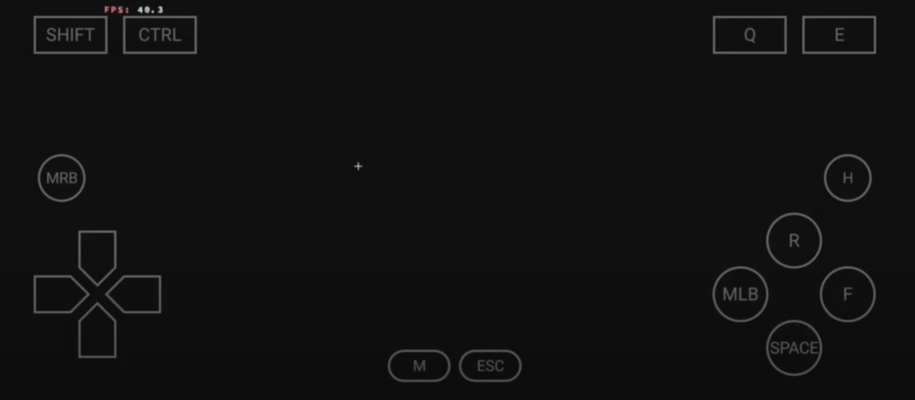
● Multiple Input Methods: Choose between touch screen controls, mouse, or keyboard for a tailored gaming or desktop experience.
● Performance Optimization: The smoother your device's processor, the better your emulation results. Experiment with container settings for the best outcome.
To get started, copy your preferred games or programs to your device's internal storage, and set them up within Winlator's container system.
Whether you're a gamer wanting to relive classic PC titles or a power user needing access to Windows software on the move, Winlator APK delivers a robust solution for bringing the Windows experience to Android.
Get Winlator APK from APKDock today and transform your Android device into a Windows gaming and productivity platform.
FAQ
Additional information
Screenshots
Reviews
Recommend Article







Similar Games
Rus Mobile: build a business, race cars and become the leader of the virtual world!

The Lost Life APK is an engaging mobile application that offers users a unique simulation experience, immersing them in the life of a school girl. This app provides players with an opportunity to delve into the daily routines and challenges faced by students, allowing them to navigate through various aspects of school life. From attending classes and completing assignments to interacting with classmates and teachers, this app aims to provide a realistic portrayal of what it’s like being a student.

A world-class game that offers the most realistic car simulation experience!
Ride and drive like a Pro

A simple but extremely interesting game.
Manage and explore a mysterious creature-themed park simulation game.