


Tikkurila Colour Master

Hot Novels





Install Tips
Tikkurila Colour Master Review
Tikkurila Colour Master helps you envision what different colours would look like on your interior or exterior walls.
Bring your colour design ideas to life with the Tikkurila Colour Master application and see your home in a new light. Try out and visualize our colours on your walls with an AR wall painter on interior or exterior.
Or find inspiration in our articles and the endless possibilities of colours around you.
Download now and unleash your creativity.
Features:
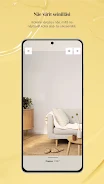
Try out colours on your walls
Change the colours of your rooms or house facade with a wall painter feature.
Colour palette creator
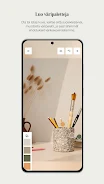
Let your surroundings inspire you to new colour combinations and save your colour memories.
Create unique colour palettes and get matching colour suggestions.
Get inspired
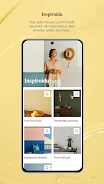
Find inspirational colour content about trends and styles.
Colour collections
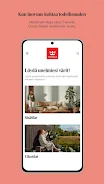
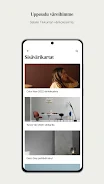
Browse all our colours in our virtual colour collection and fandecks.
Products
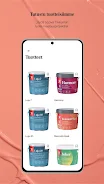
Get to know our products and learn how to choose the right paint.
Additional information
Screenshots
Reviews
Recommend Article








Similar Apps

Track rows, manage patterns, and organize your yarn stash easily.

Discover artists. Marketplace, gallery & auction for unique art & paintings.

Unleash your drawing and painting potential
Explore future self face age filter & remove background image for a unique look.

Have endless fun caring for your anime doll today.

How To Draw Art Lessons