

SG Weather

Hot Novels






Install Tips
Mobile safety & integrity report for the latest package. We provide verifiable checksums and a timestamped scan summary. Latest package SG Weather 4.37(4370) scanned by multiple engines; no threats detectedas of Tue, 28 Jul 2026 12:11:54 GMT.
After downloading, use a system or third-party checksum tool to calculate the SHA256 and ensure it matches the value provided on this page (case-sensitive, without spaces).
Each engine uses different signature databases and heuristics, so results may vary slightly. We provide a timestamp and checksum to allow you to independently verify the package.
SG Weather Review
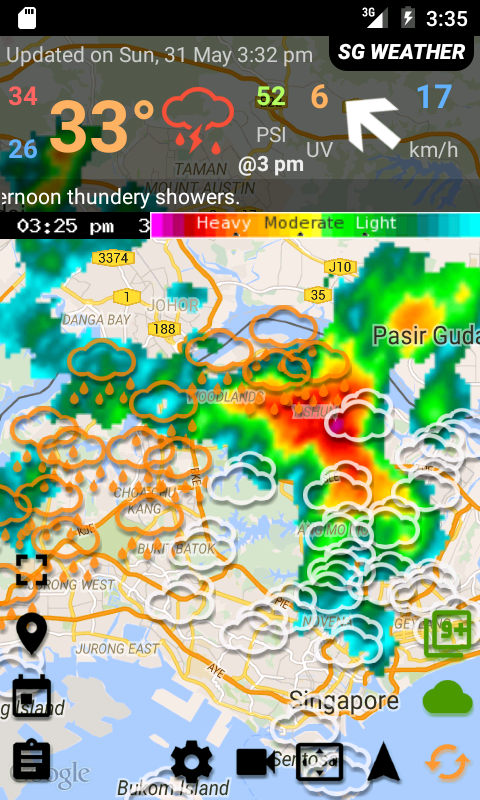
Singapore weather with radar map display, PSI alert and 24hrs Raining alert/Rain Stop Alert by any location in Singapore.
Features:
- Rain start & stop + PSI (hazy day only, psi > 90) + Sumatra hotspot(>120) alert
- Weather info like temperature, UV, PSI.
- Weather info on map: 1hr PSI , 1hr PM2.5, Visibility, wind direction, humidity, rain falls, temperature
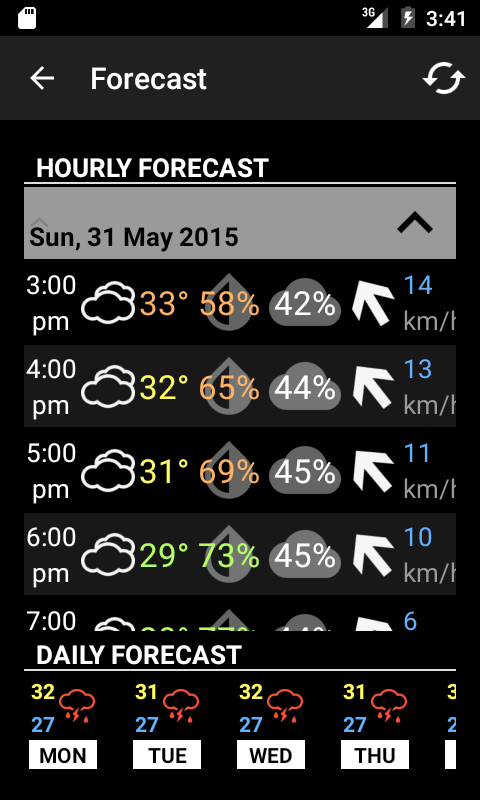
- 7 days forecast
- 1 Radar Map
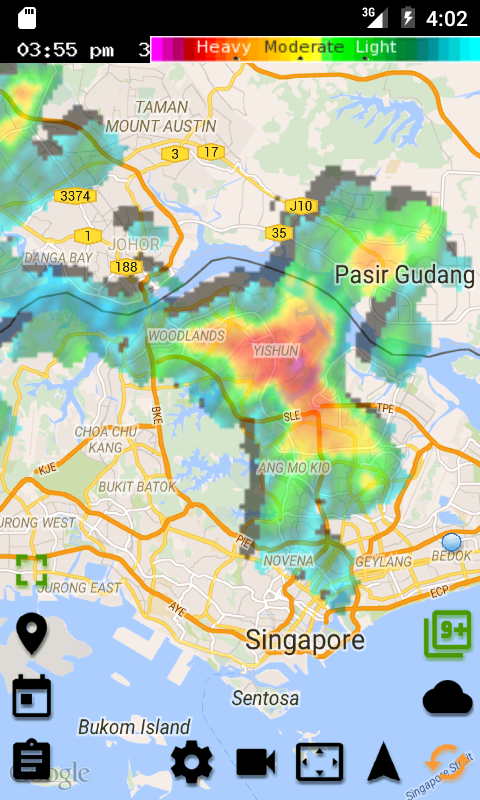
- Raining cloud radar map in animation
- raining cloud movement prediction
- Full screen map display
- 3 hours nowcast
- 1hr PSI , 1hr PM2.5, Visibility, wind direction, humidity, rain falls, temperature
- forecast data every 3 hours
- bookmark landmarks/locations
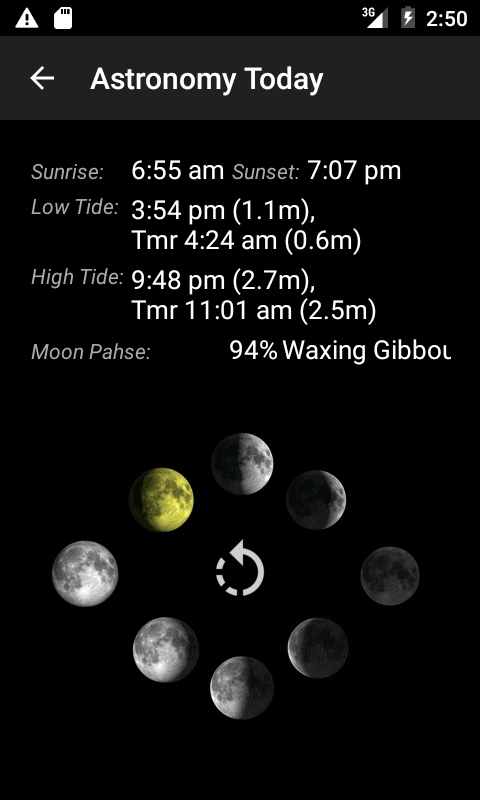
- Weather Today, additional weather info like humidity, wind, sunrise and sunset, moon phase and tide.
- text to speech for weather highlight
- Marquee text (Running text)
Widget:
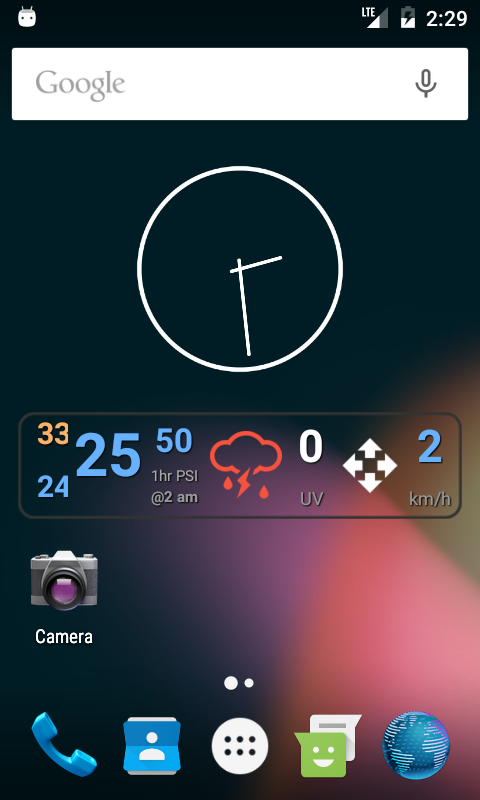
- weather now
VIP services:
- Remove Advertisement service (yearly ~US$2)
Map Button features:
Lets start from buttons on the left. First button can toggle fullscreen mode and
fullscreen ads will show, banner ads will hide. 2nd button can set your bookmark locations. You may
enable rain alert here. 3rd button is the 7days and every 3 hrs forecast. Last
button showing astronomy info.
1st button on the right will toggle the radar image on the map to be 10mins forecast
mode. You will see the raining cloud with shadow, the shadow is the NEXT 10mins
movement base on wind speed. 2nd button on the left will show NEA 2hrs nowcast as weather icon on the map.
For buttons at the bottom, 1st one from left is the Setting button, you can do some
setting and purchase our services here. 2nd button is radar animation, total six
images start from ~30mins ago. 3rd button will fit your map view focus on whole Singapore
land. 4th button will enable your GPS, your map will keep focus on your current
location, you may disable it by click the button again. The last button Refresh
button, it will refresh all data.
Changelog
Bug fixes. All wind direction arrows are now pointing toward where the wind is going.
Additional information
Screenshots
Reviews
Recommend Article







Similar Apps
Weather app, weather channel app to get latest news about forecast weather

Earthquake Tracker shows you all recent earthquakes from around the globe.

Golazo is an application for football fans.

Get tides and currents near you, fast.

Prepare for severe weather with notifications, future radar, and flood alerts.

The Weather Network TV App - Your weather when it really matters