

Remote for Smart Samsung TV

Hot Novels






Install Tips
Mobile safety & integrity report for the latest package. We provide verifiable checksums and a timestamped scan summary. Latest package Remote for Smart Samsung TV 1.7.0 scanned by multiple engines; no threats detectedas of Tue, 28 Jul 2026 12:11:05 GMT.
After downloading, use a system or third-party checksum tool to calculate the SHA256 and ensure it matches the value provided on this page (case-sensitive, without spaces).
Each engine uses different signature databases and heuristics, so results may vary slightly. We provide a timestamp and checksum to allow you to independently verify the package.
Remote for Smart Samsung TV Review
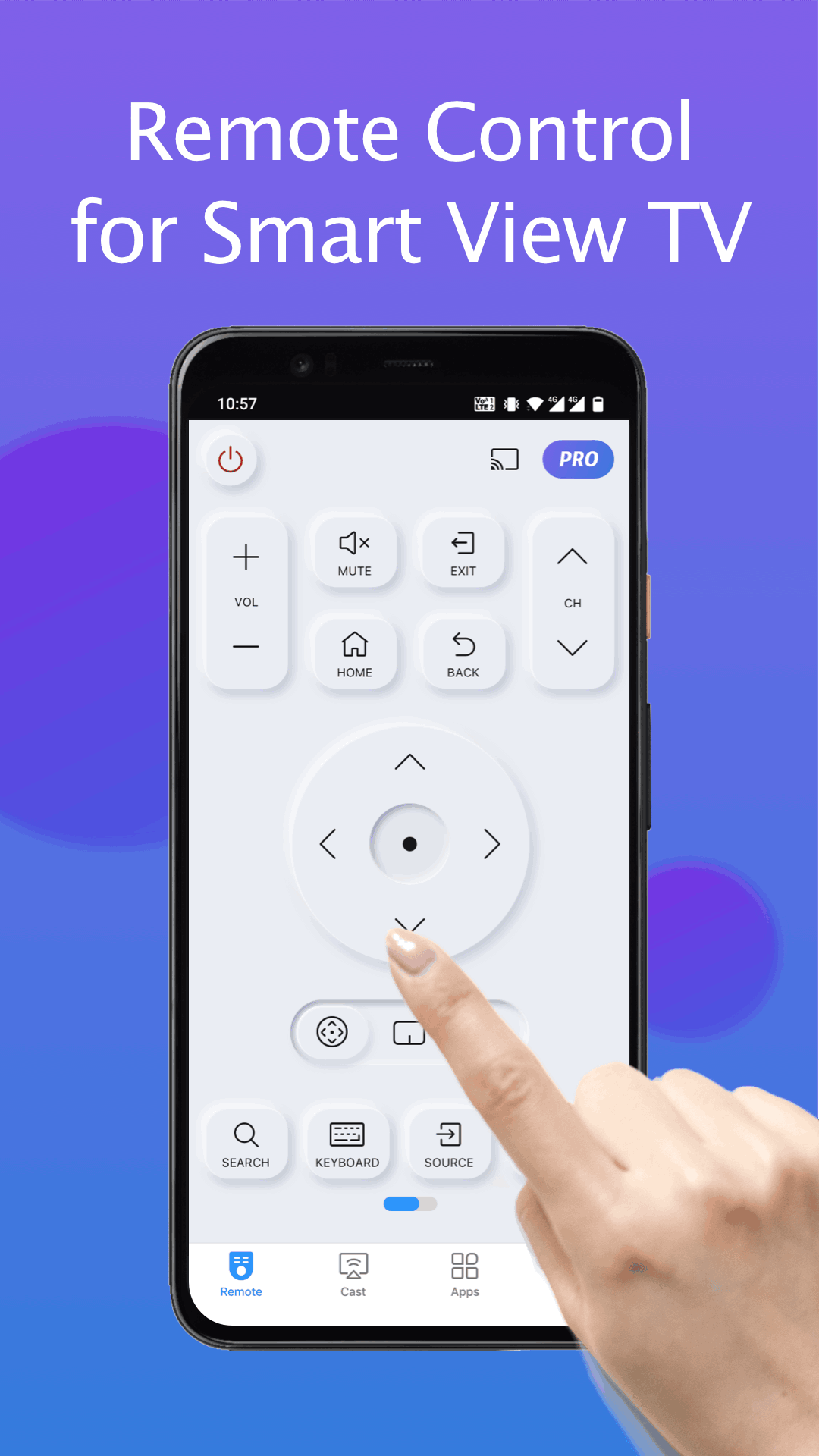
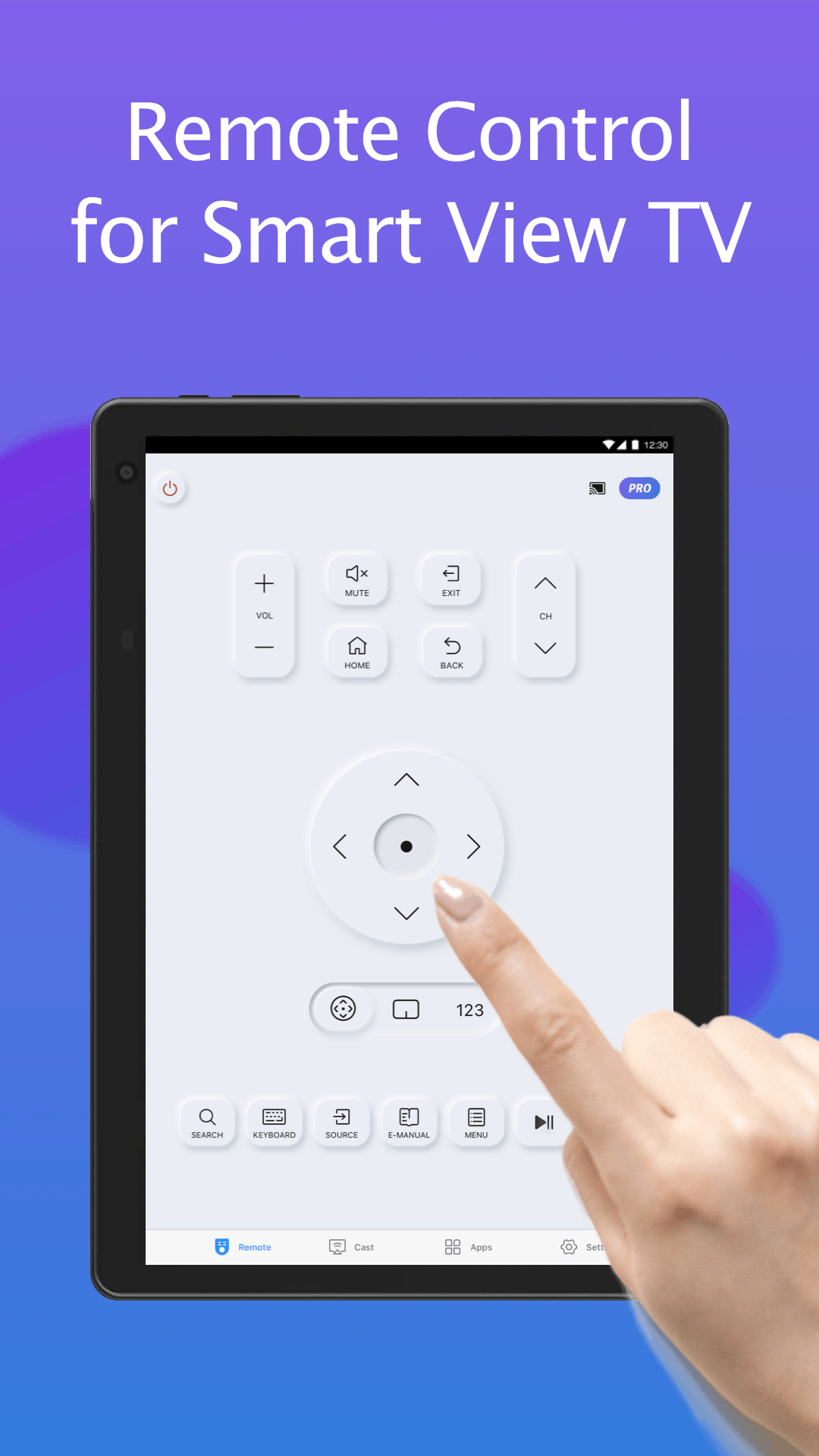
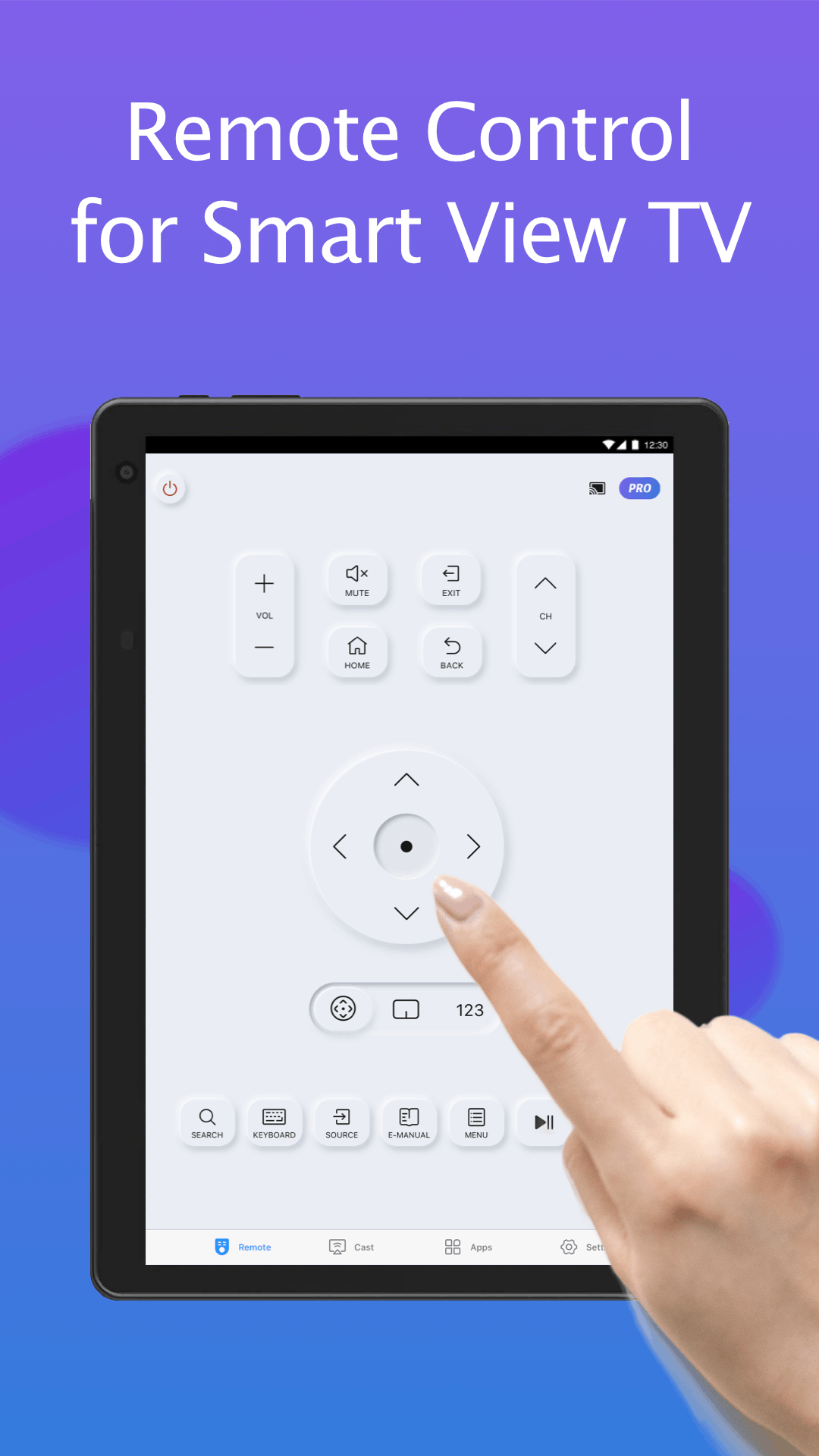
Fed up with endless searches for your Samsung TV remote? Dismayed by the hassle of outdated controller devices? Your answer is right here! TV Remote for Samsung Control is a free Samsung smartthings remote controller app for Samsung Smart TV. This fast and stable Samsung controller app works as a genuine Samsung TV remote and is compatible with the mainstream Samsung series smart TVs like Samsung 7 series TV, Samsung 6 series TV, Samsung Curved TV and K-Series (2016+) Samsung Tizen models etc.
With this fully functional Samsung replacement remote app, you never worry about a dead or malfunctioning physical controller, nor misplacing the Samsung TV original remote! Upgrade to our mobile Samsung remote app for effortless control and no more constant battery replacements. Simplify your life and go eco-friendly. Get the user-friendly Samsung smart remote by downloading TV Remote for Samsung Control today!
Features:
- Auto detect your Samsung smartthings TV on the same WIFI network
- Keyboard feature to simplify text input and search on Samsung Smart View TV
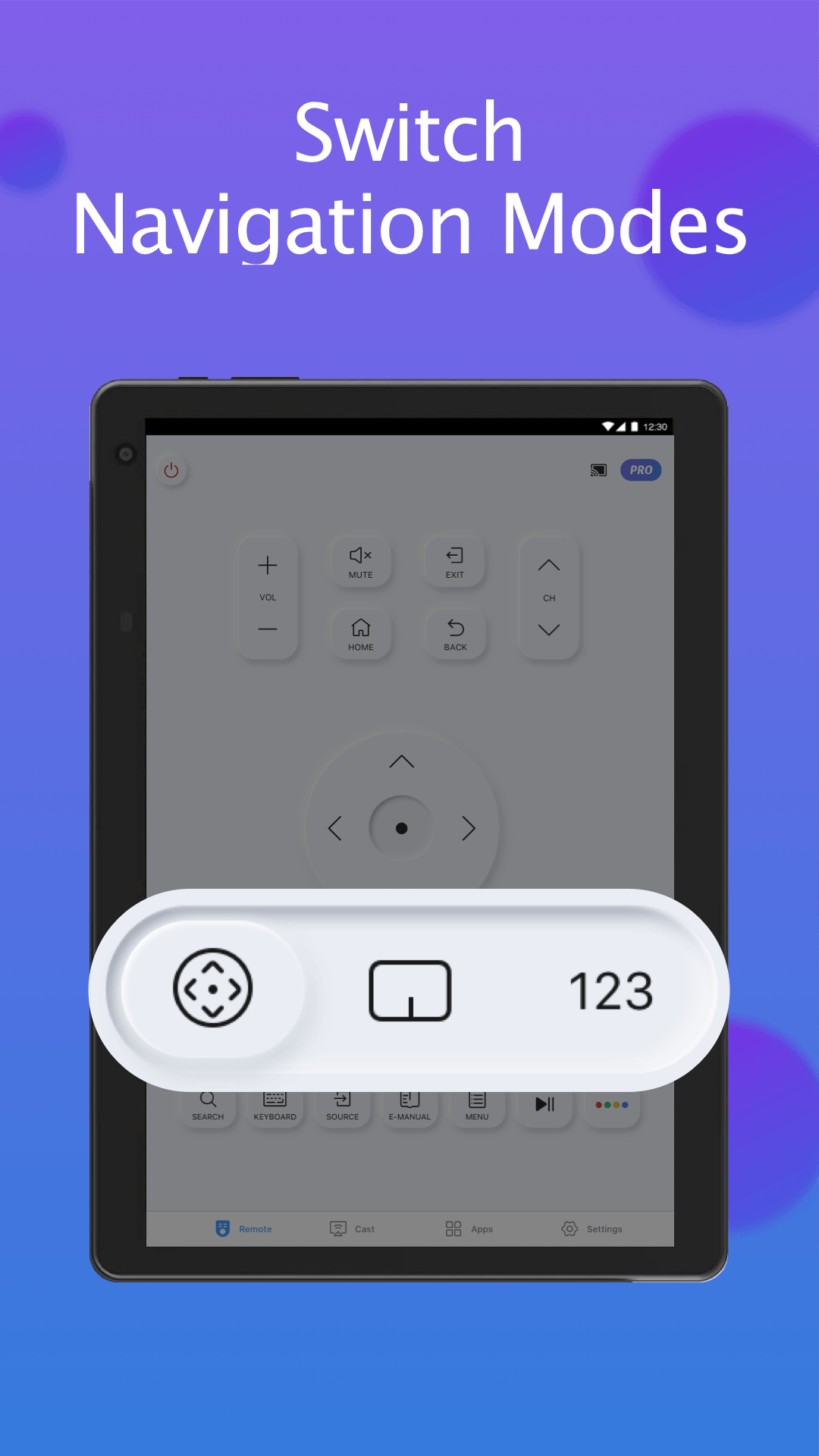
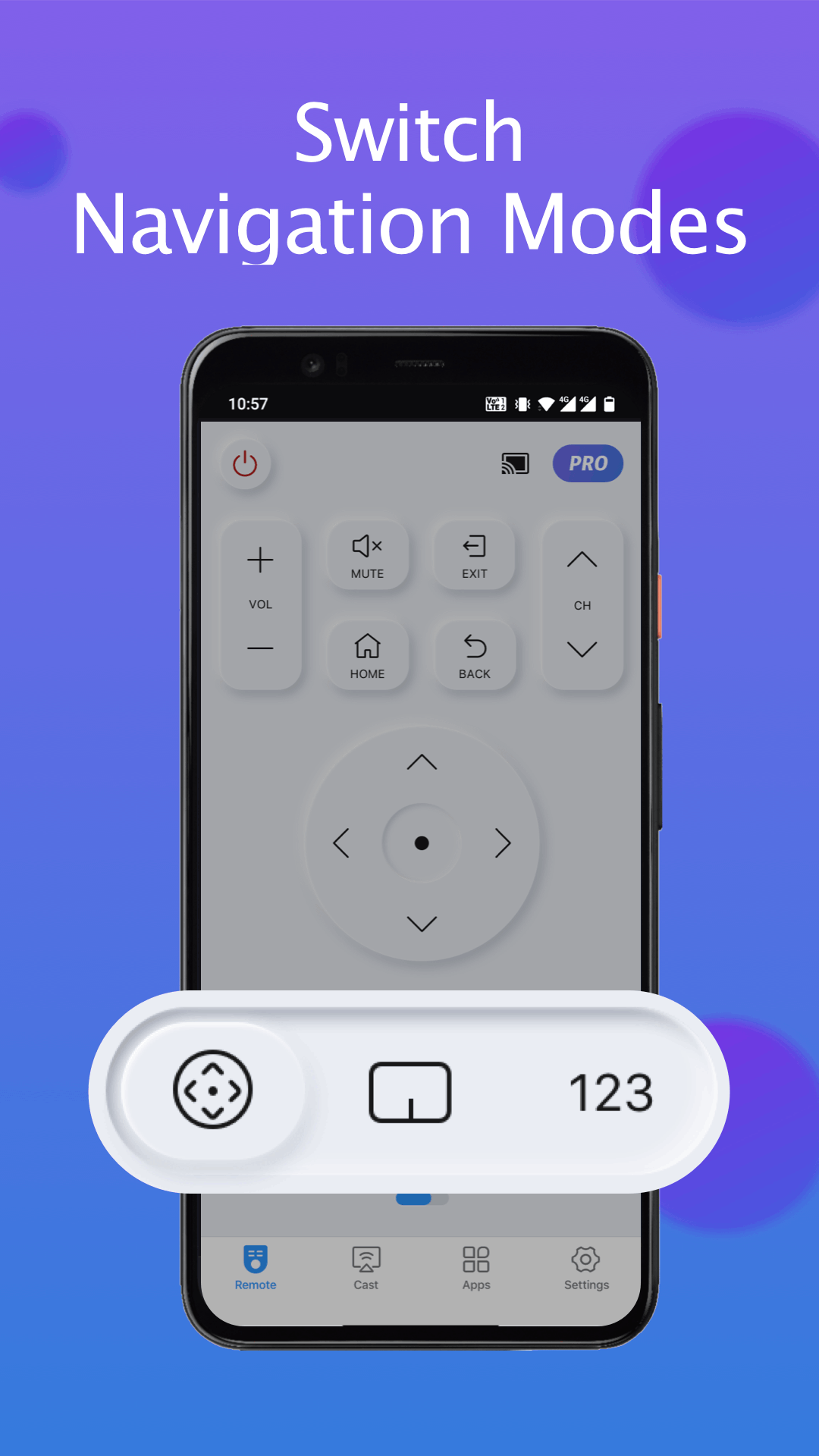
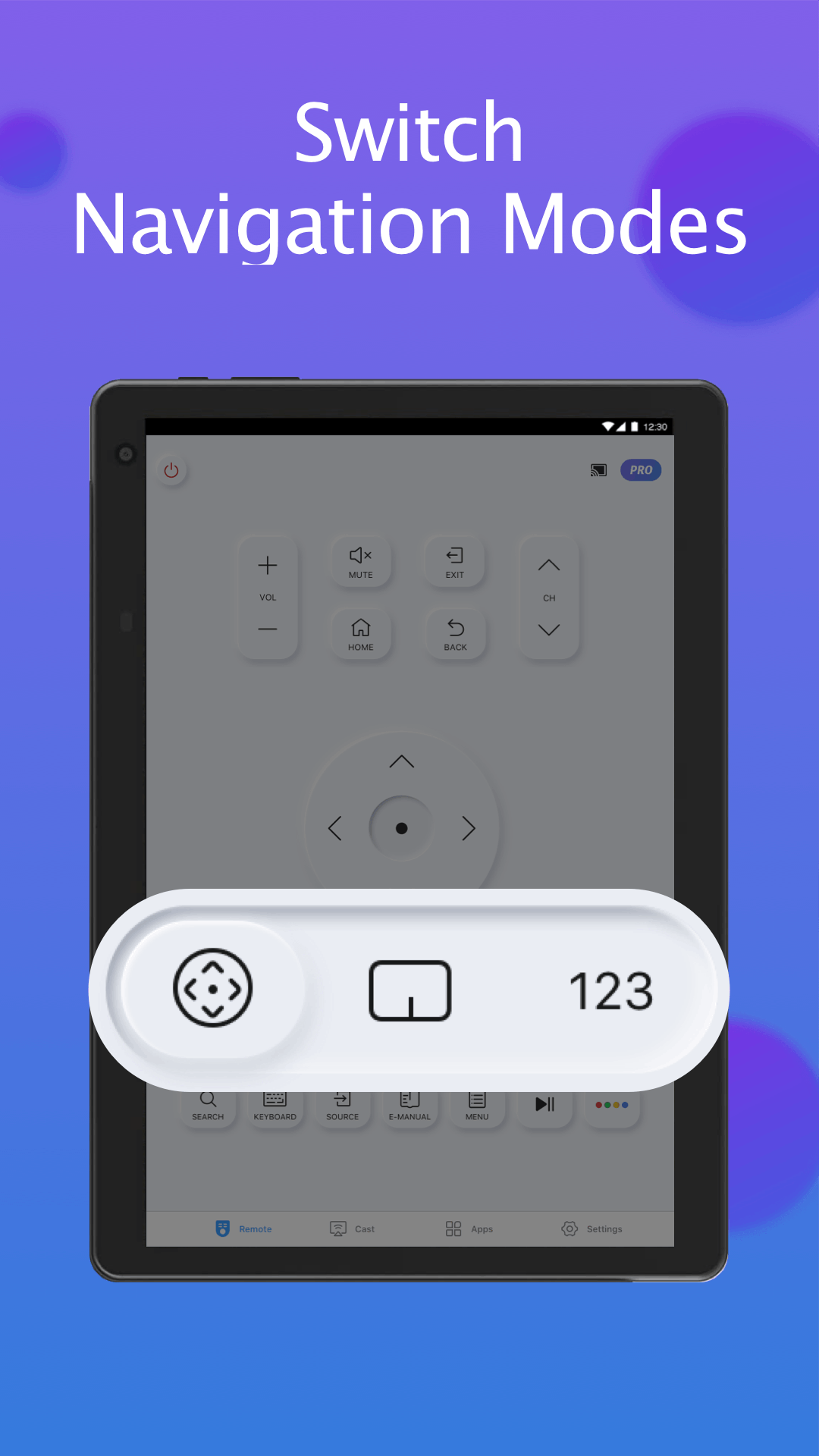
- Power on/off TV, adjust volume, control channels, change navigation mode, etc.
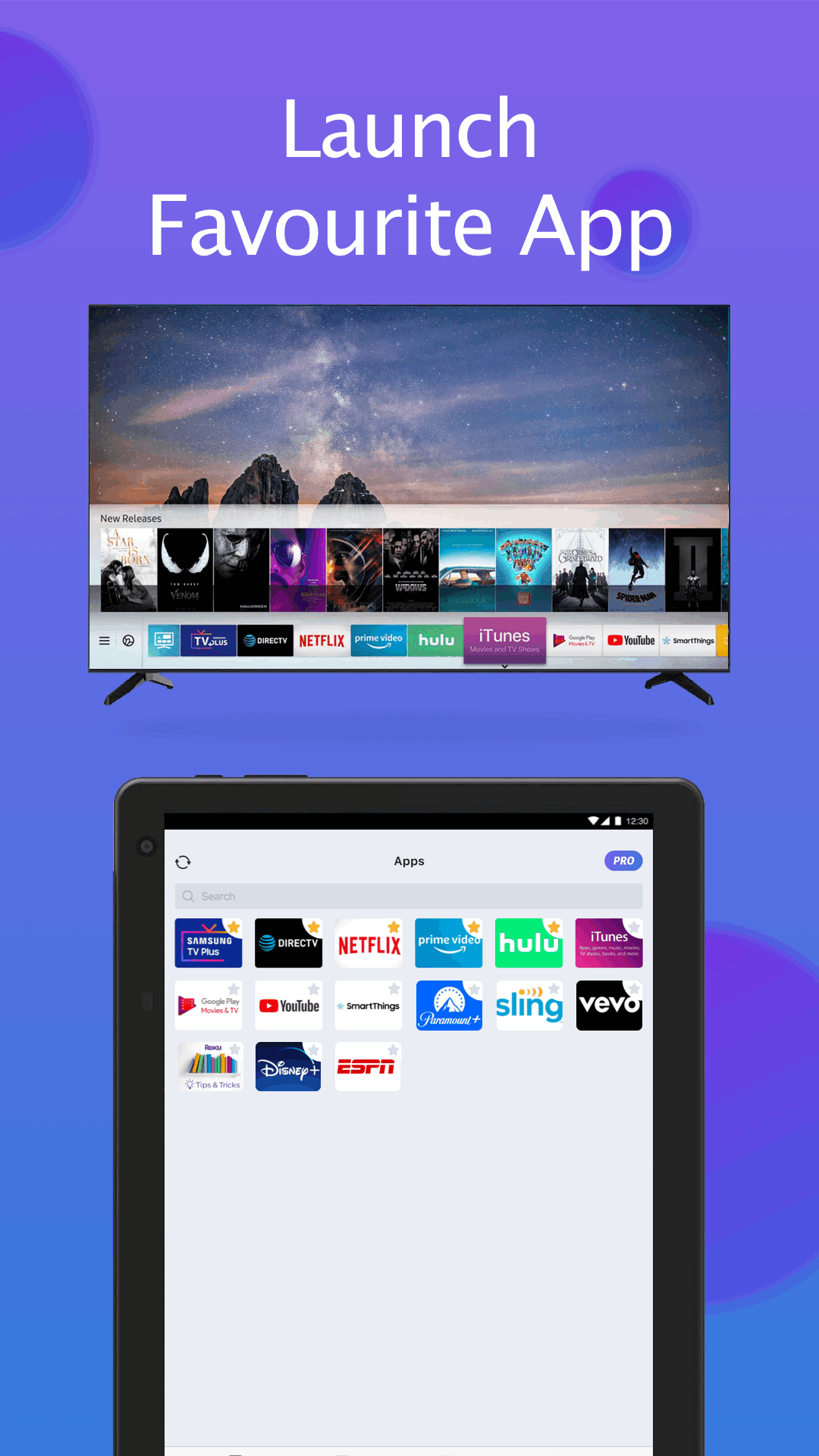
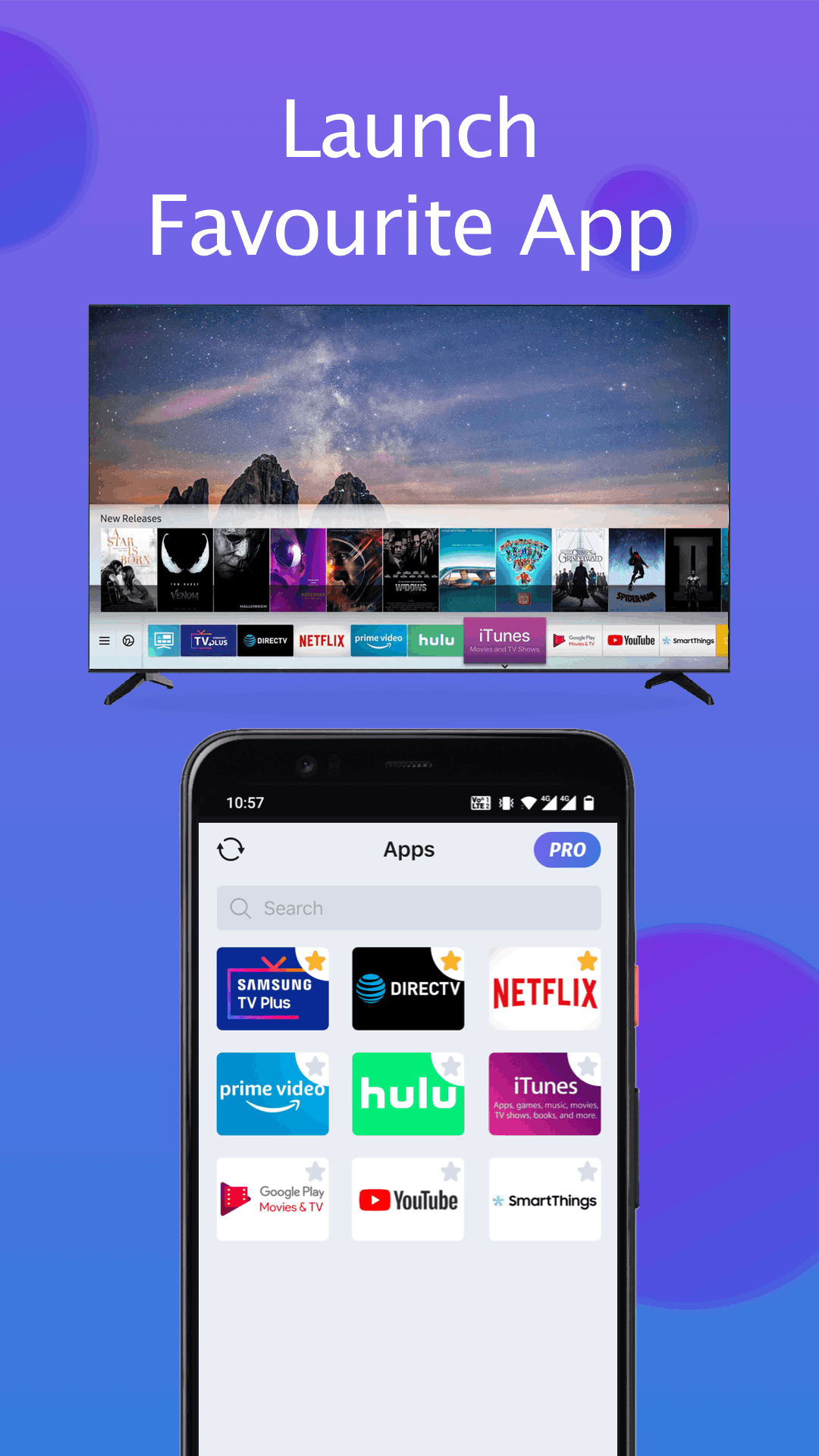
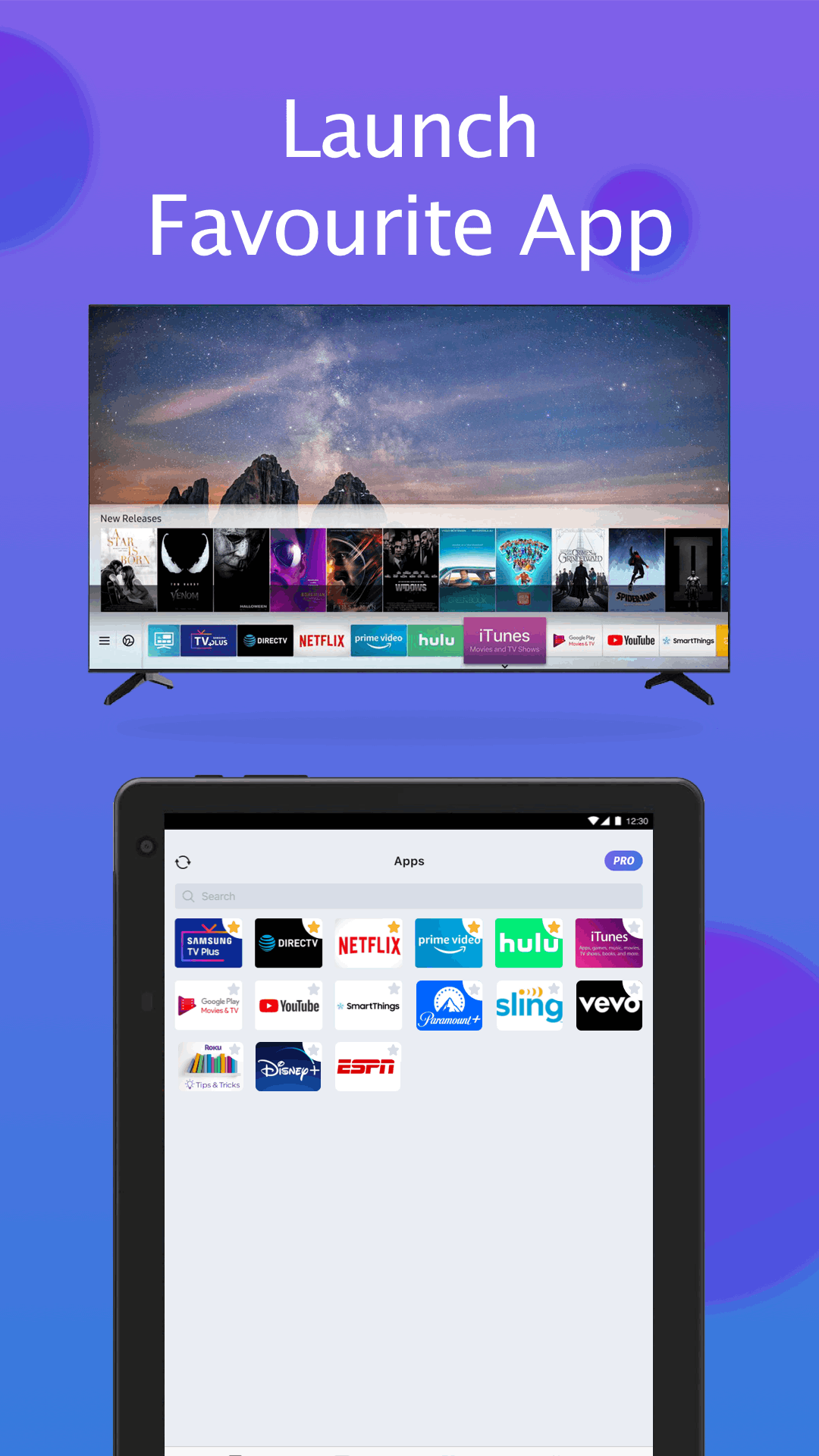
- Quick access to your favorite channels and apps on TV in a few taps
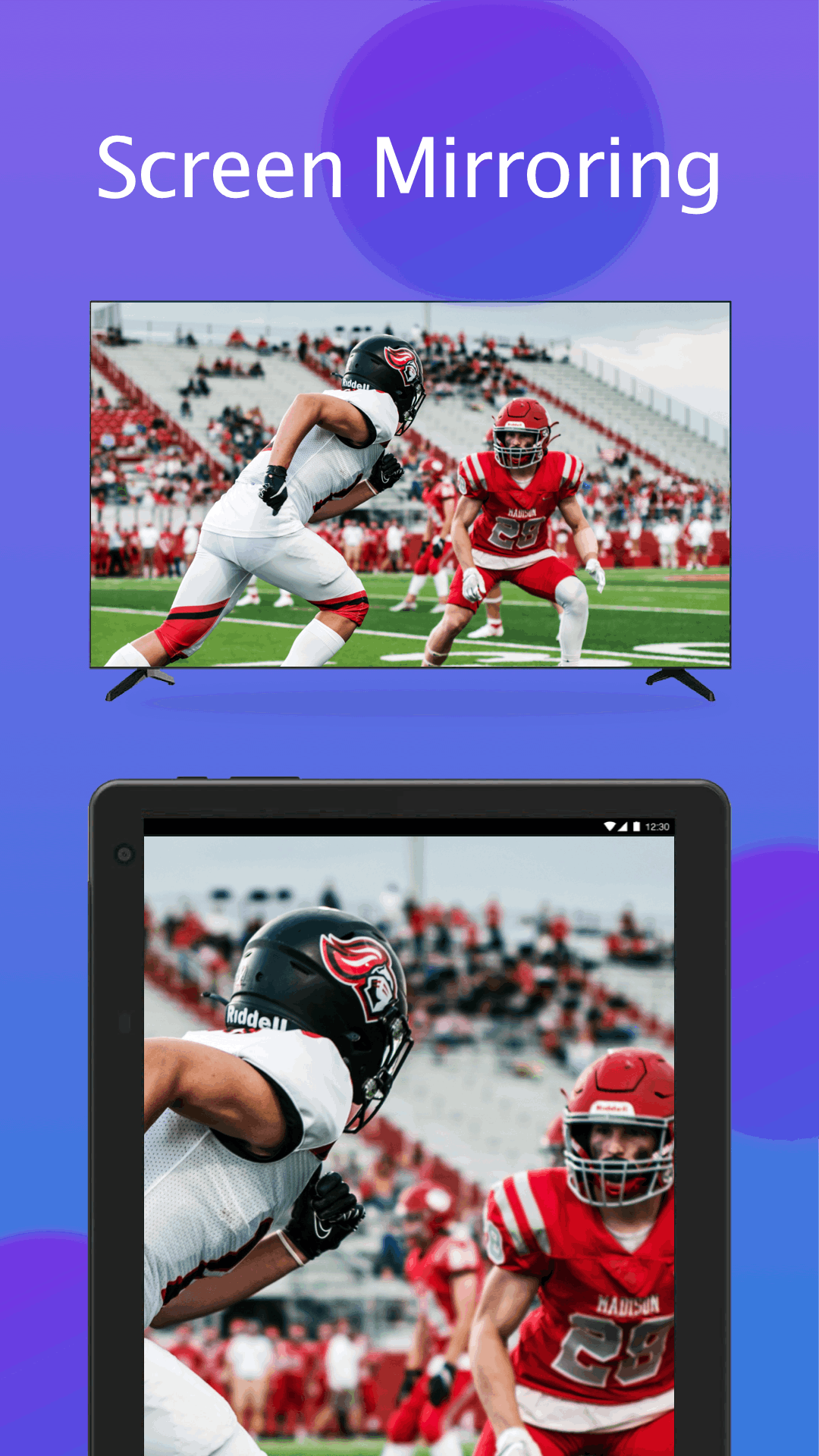
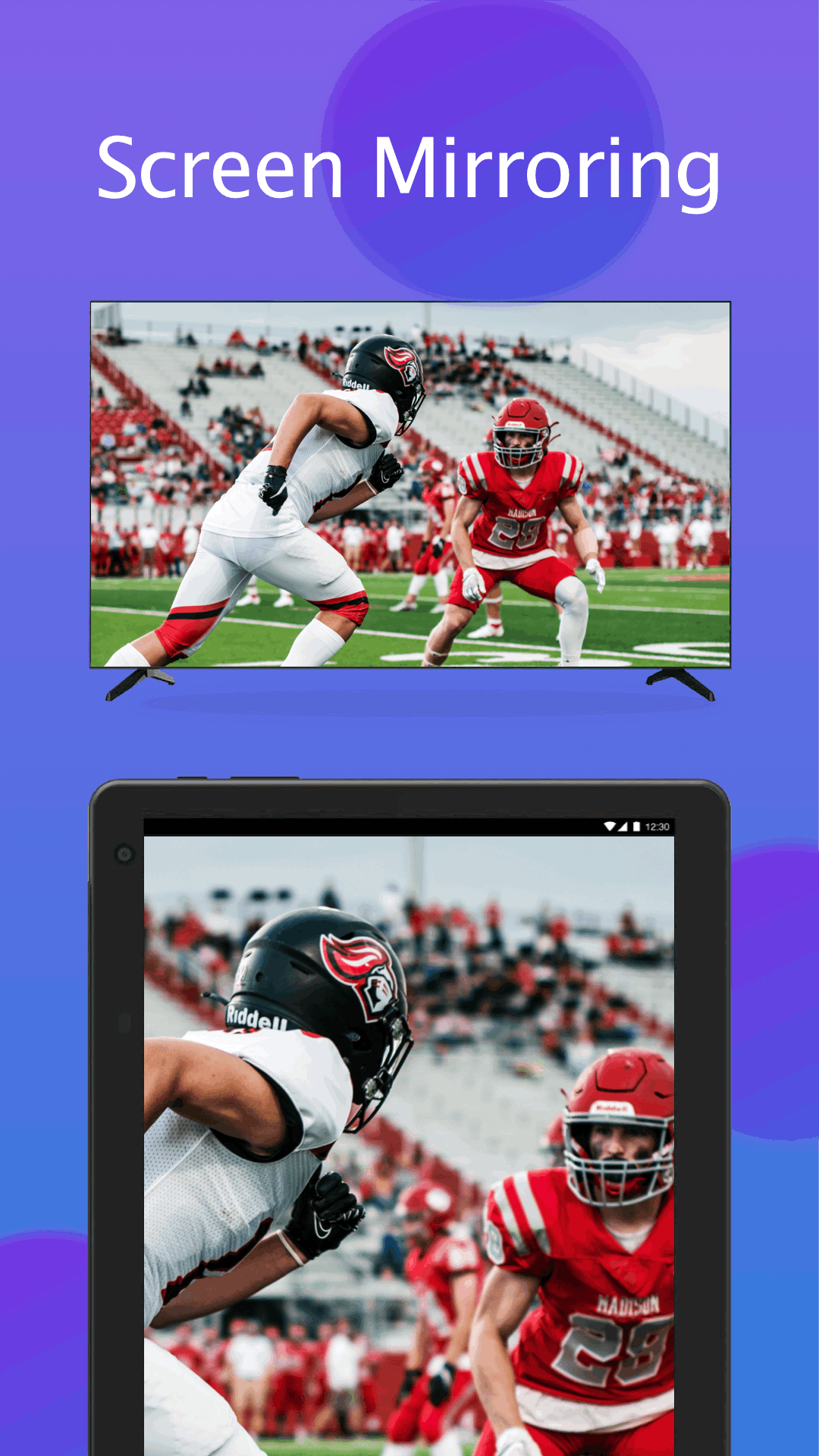
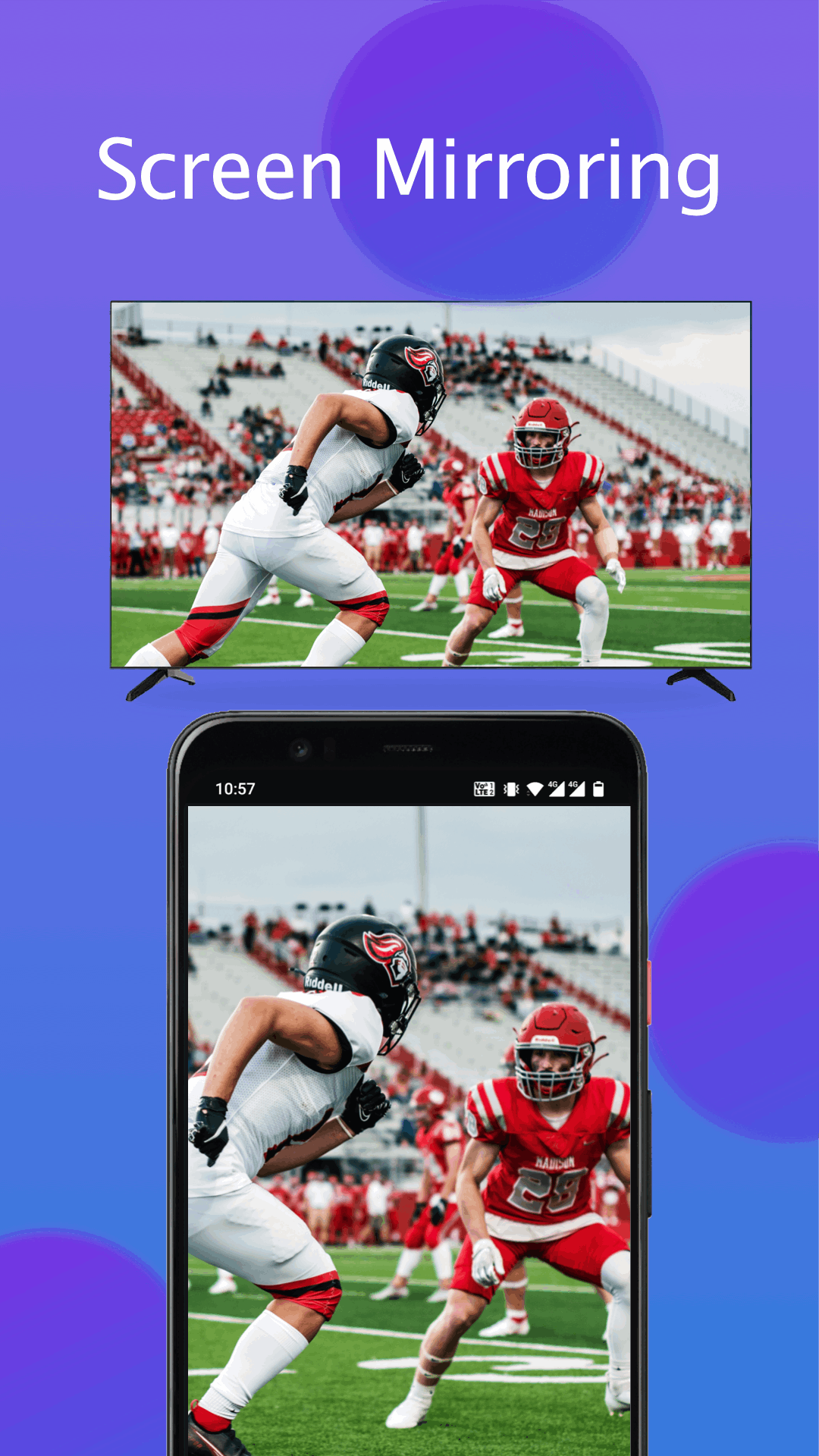
- Mirror phone/tablet screen to smart TV with Samsung remote control app in high resolution
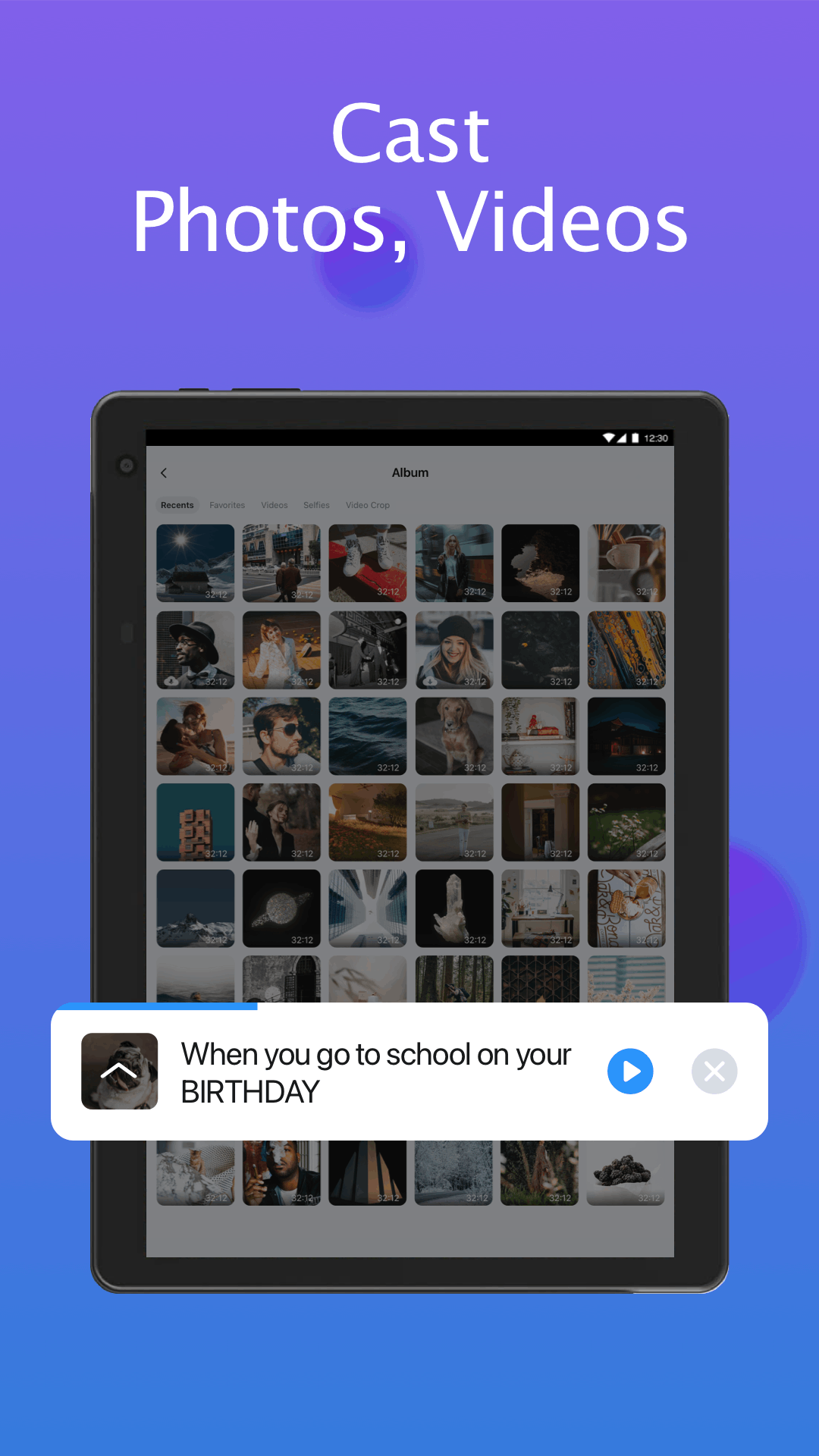
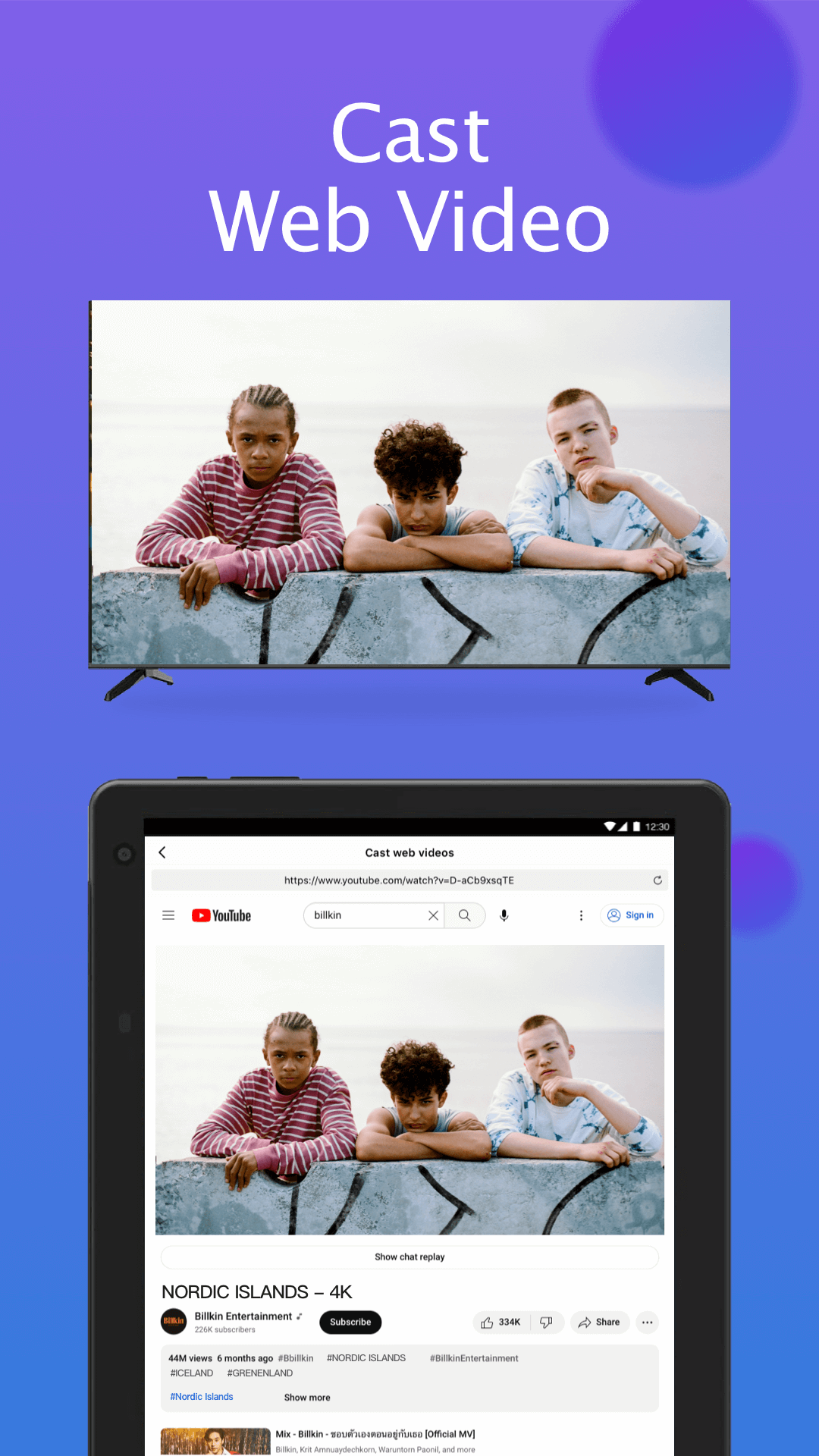
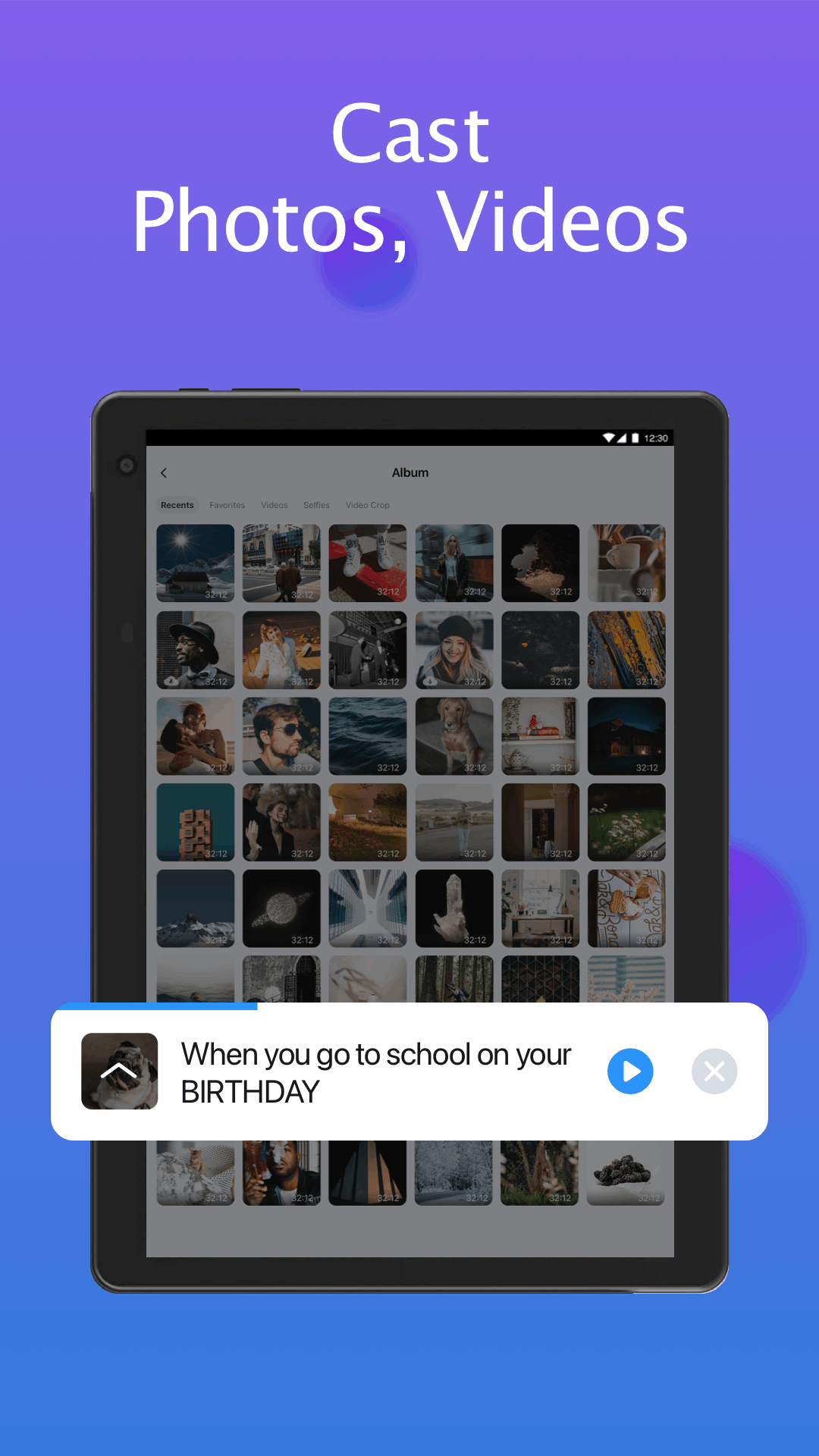
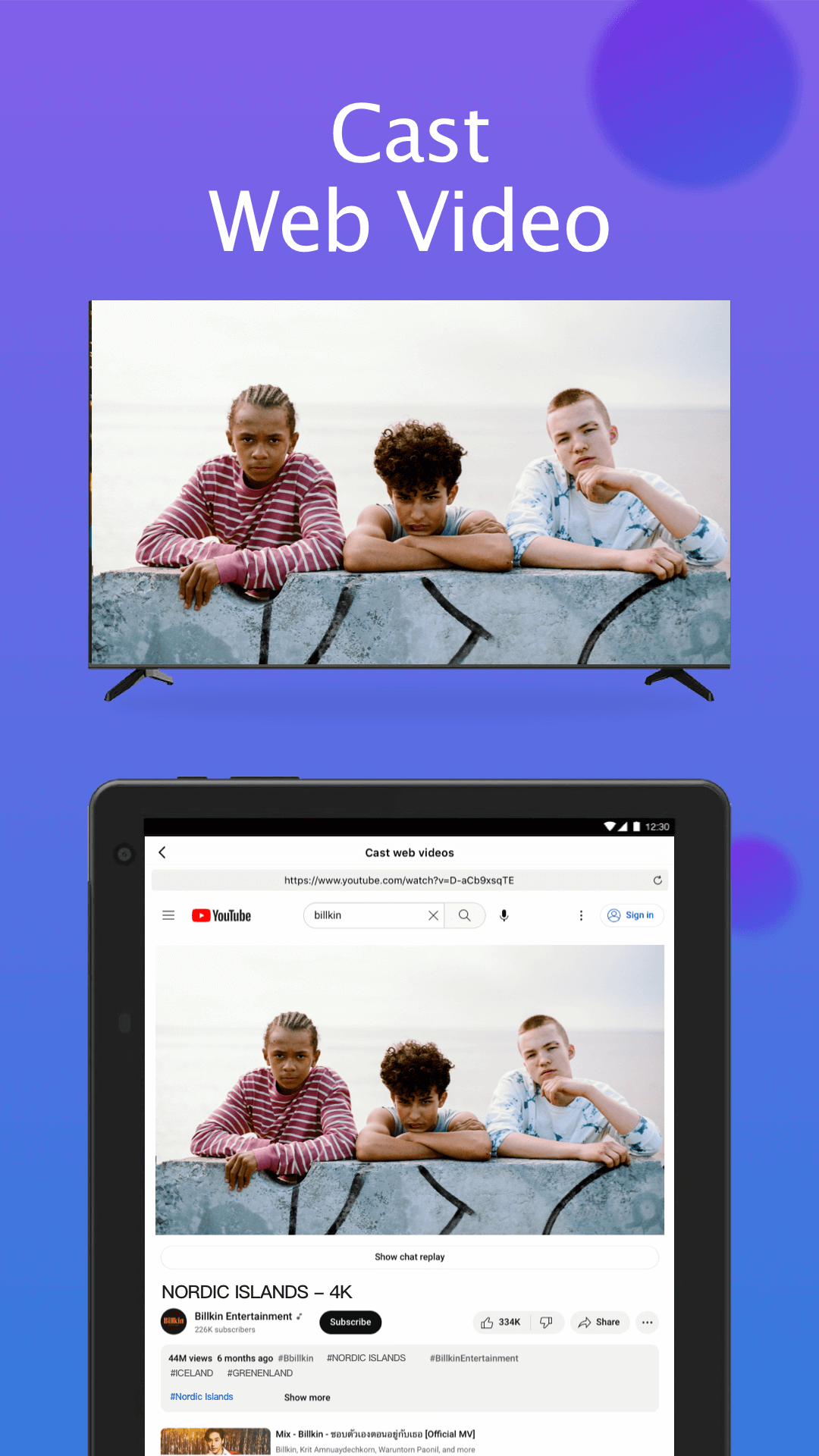
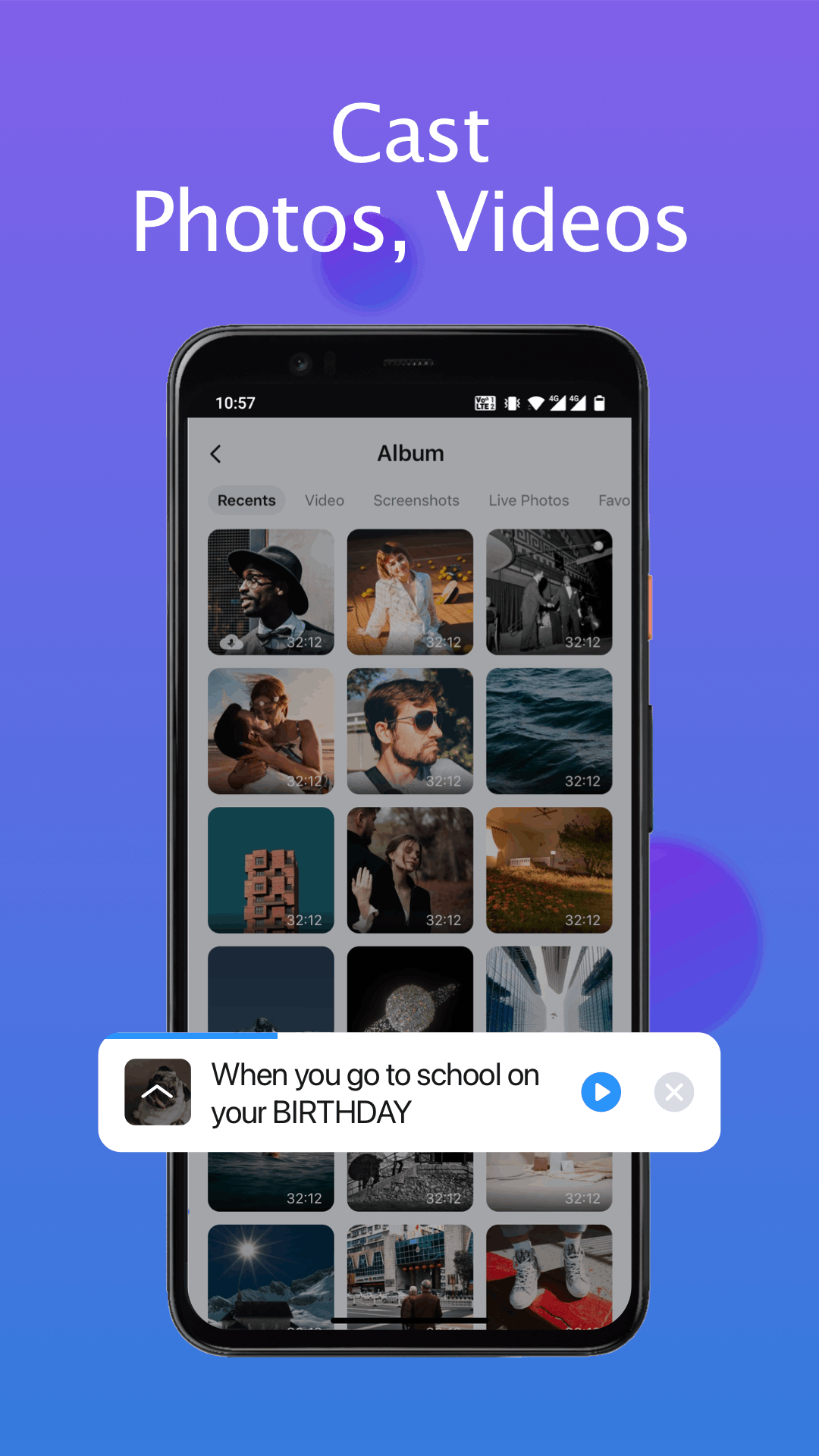
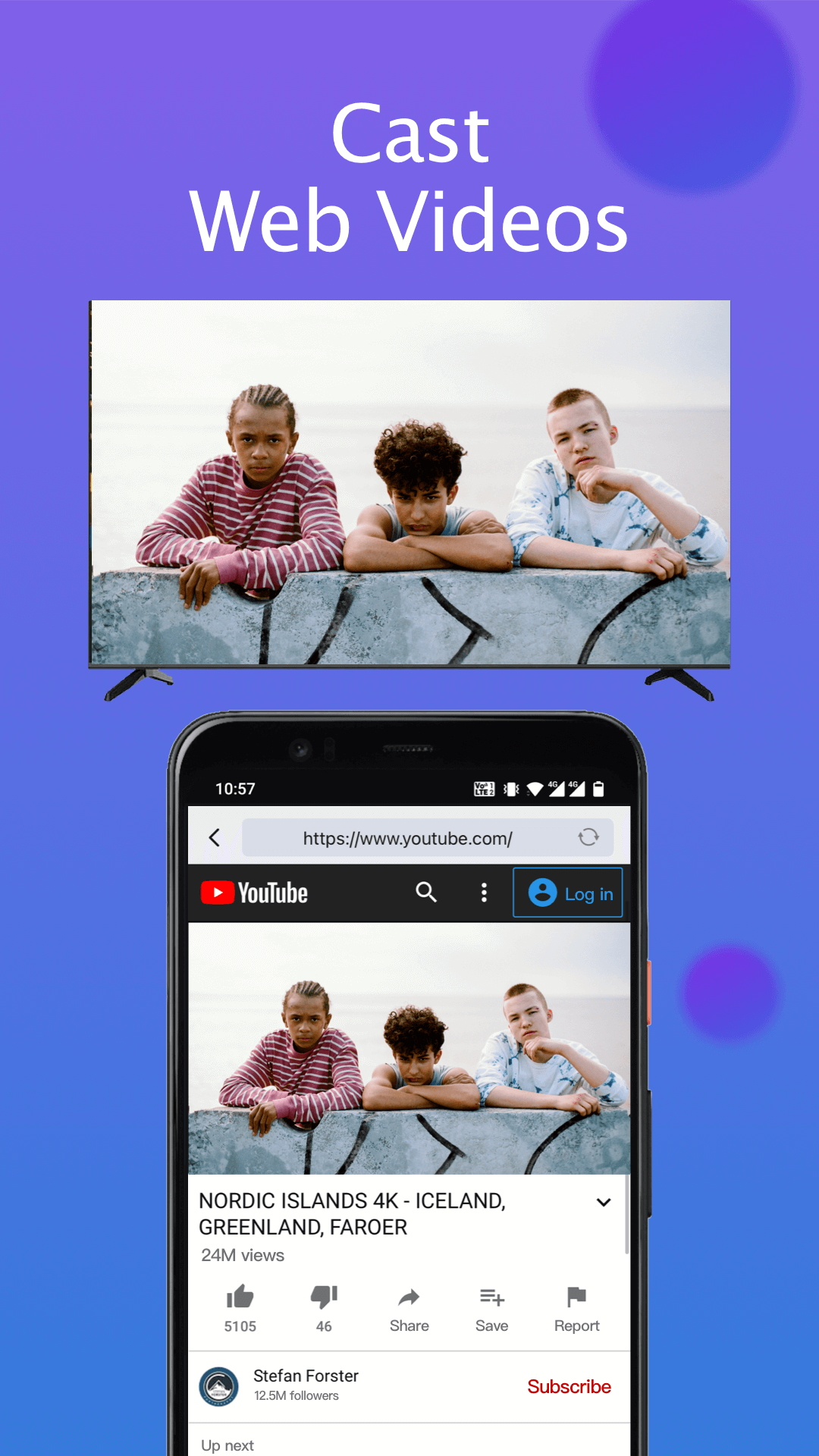
- Cast local photos/videos and web videos to Samsung smartthings TV
How to connect to TV with this Samsung universal remote:
1. Open and go to the main interface of this Samsung control app
2. Click the device button in the top right corner to get the device list
3. Choose the device you want to connect the smart remote to
4. Finish! Enjoy the all-in-one Samsung smart control now!
Now it’s time to turn your phone into a Samsung remote controller app and experience a smarter, more convenient way of controlling your Samsung televisions!
Troubleshoot:
• TV Remote for Samsung Control can only work when it is on the same WiFi as the smart view TV.
• Reinstalling this TV control app and rebooting the TV can fix most of the connecting issues.
• Upgrade the TV remote application to the latest version can solve some connection issues.
• For connection issues with mobile devices, try downloading the smartthings app to another device.
DISCLAIMER:
BoostVision is not an affiliated entity of Samsung Electronics. And the "TV Remote for Samsung Control" application is not an official product of Samsung or its affiliates. Due to the limited number of Samsung smart TV models we can test, our app can't be compatible with all TV models.
Terms of Use: https://www.boostvision.tv/terms-of-use
Privacy Policy: https://www.boostvision.tv/privacy-policy
Visit Our Page: https://www.boostvision.tv/app/samsung-tv-remote
Changelog
*For Android 16
*Improving Users Experience
Remote control & mirror phone screen to Samsung, manage TV apps and channels within seconds!
Cast web videos to Samsung TV
Additional information
Screenshots
Reviews
Recommend Article







Similar Apps

Map-based search app for apartments and homes for rent.
Roku Remote Control with private listening, unlock the versatile Roku TV Remote!

Society & office management solutions, and marketplace services at your doorstep

Search thousands of properties to buy or rent.

the app that everyone uses to search for property in Spain, Italy and Portugal
An application for full control of utilities!