


Qustodio Parental Control App

Hot Novels






Install Tips
Mobile safety & integrity report for the latest package. We provide verifiable checksums and a timestamped scan summary. Latest package Qustodio Parental Control App 182.32.0 scanned by multiple engines; no threats detectedas of Tue, 28 Jul 2026 12:10:42 GMT.
After downloading, use a system or third-party checksum tool to calculate the SHA256 and ensure it matches the value provided on this page (case-sensitive, without spaces).
Each engine uses different signature databases and heuristics, so results may vary slightly. We provide a timestamp and checksum to allow you to independently verify the package.
Qustodio Parental Control App Review
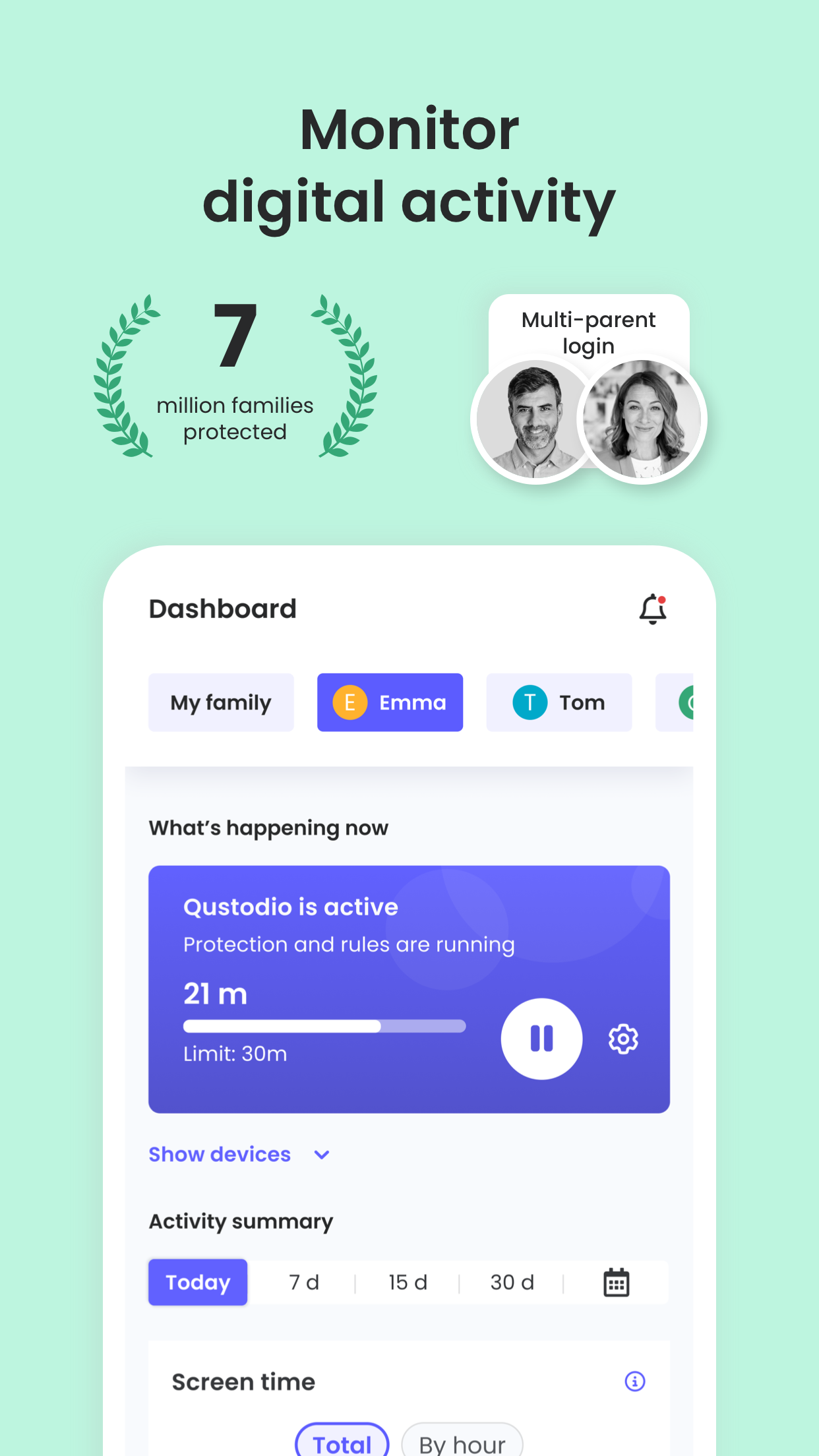
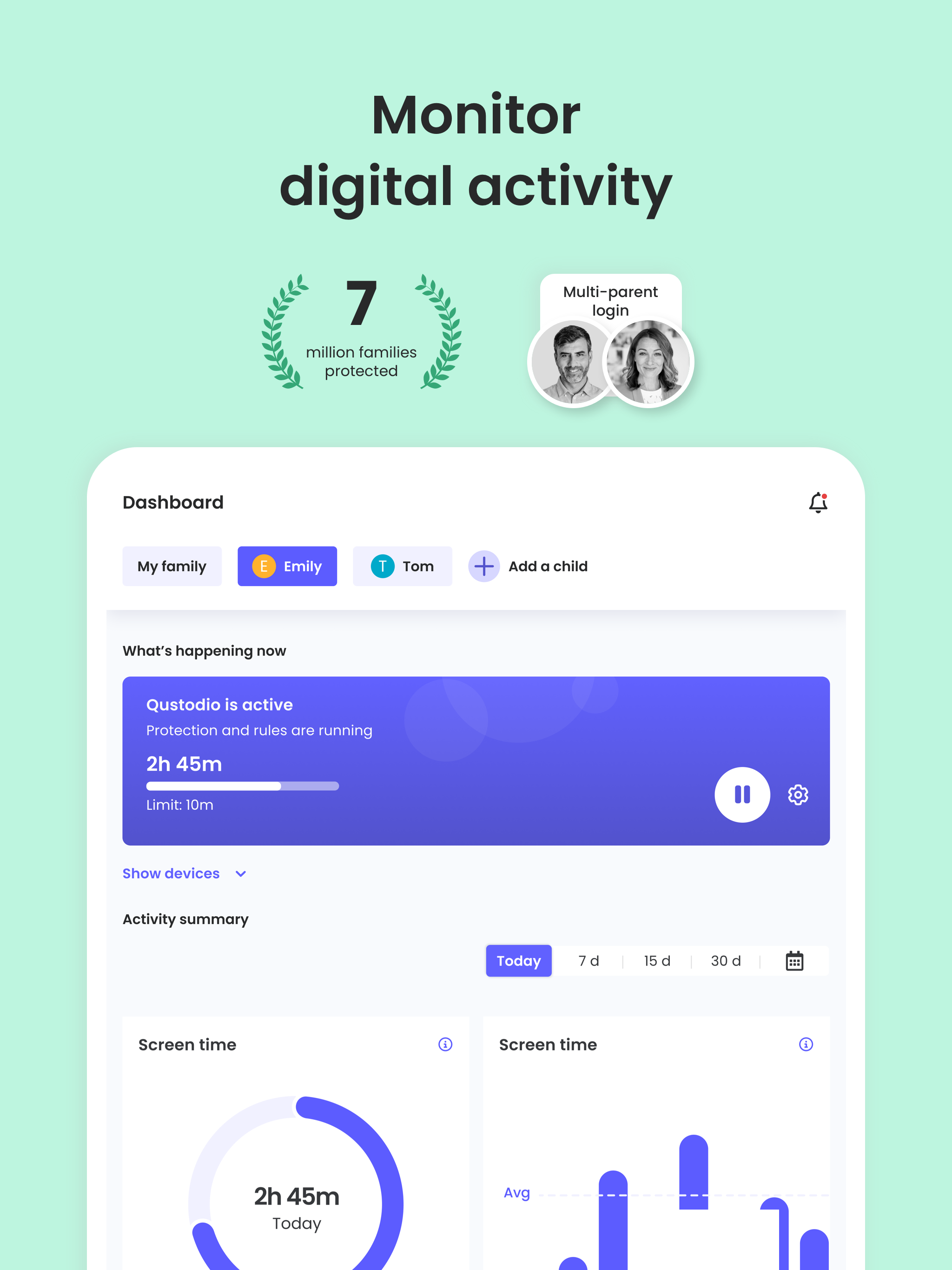
Awarded PC Mag’s Editors’ Choice, Qustodio Parental Control App makes parenting easier with daily screen time limits, app blocking, kid tracking, AI powered search and message alerts, social media monitoring, porn blocking and more.
-
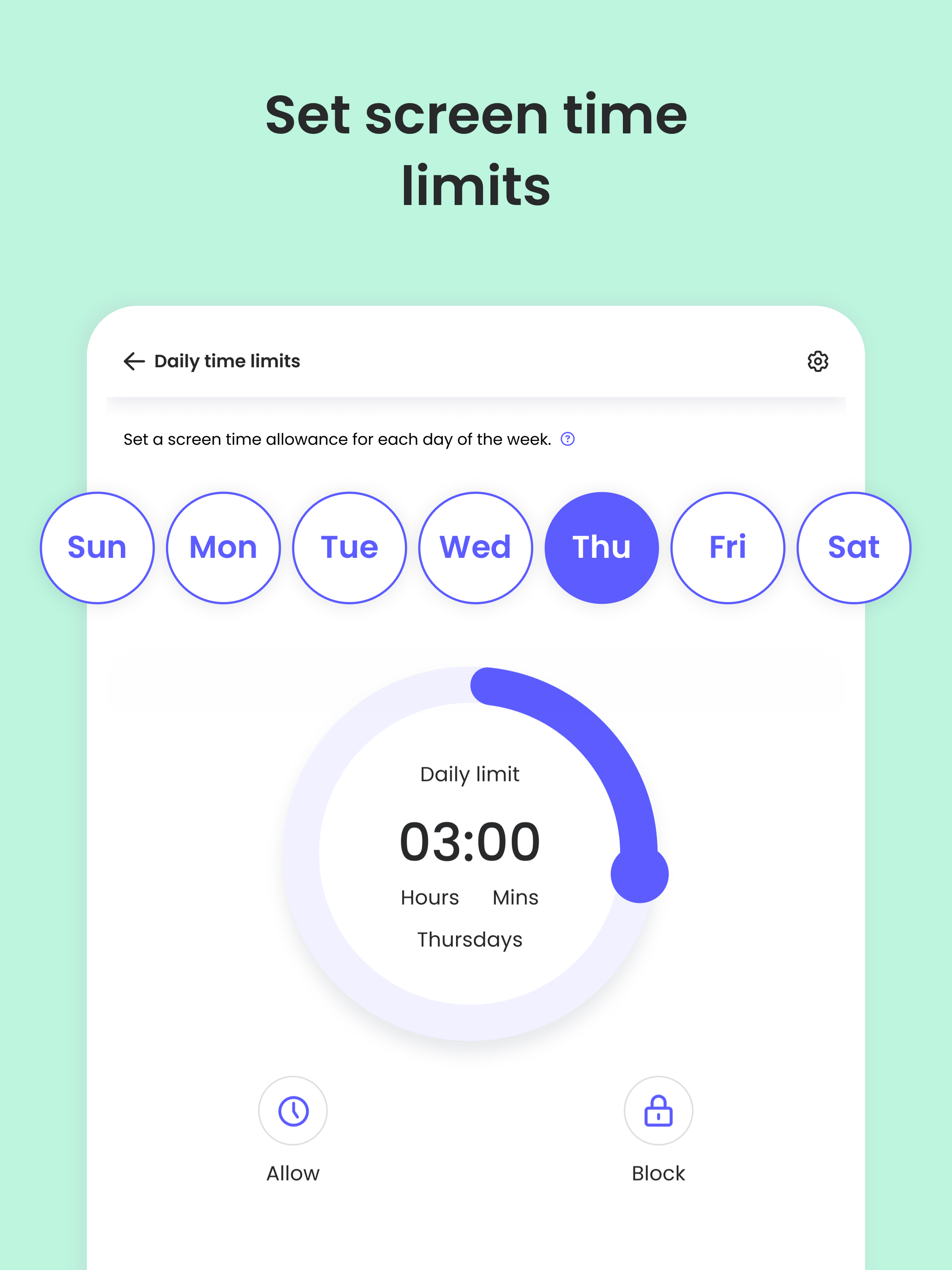
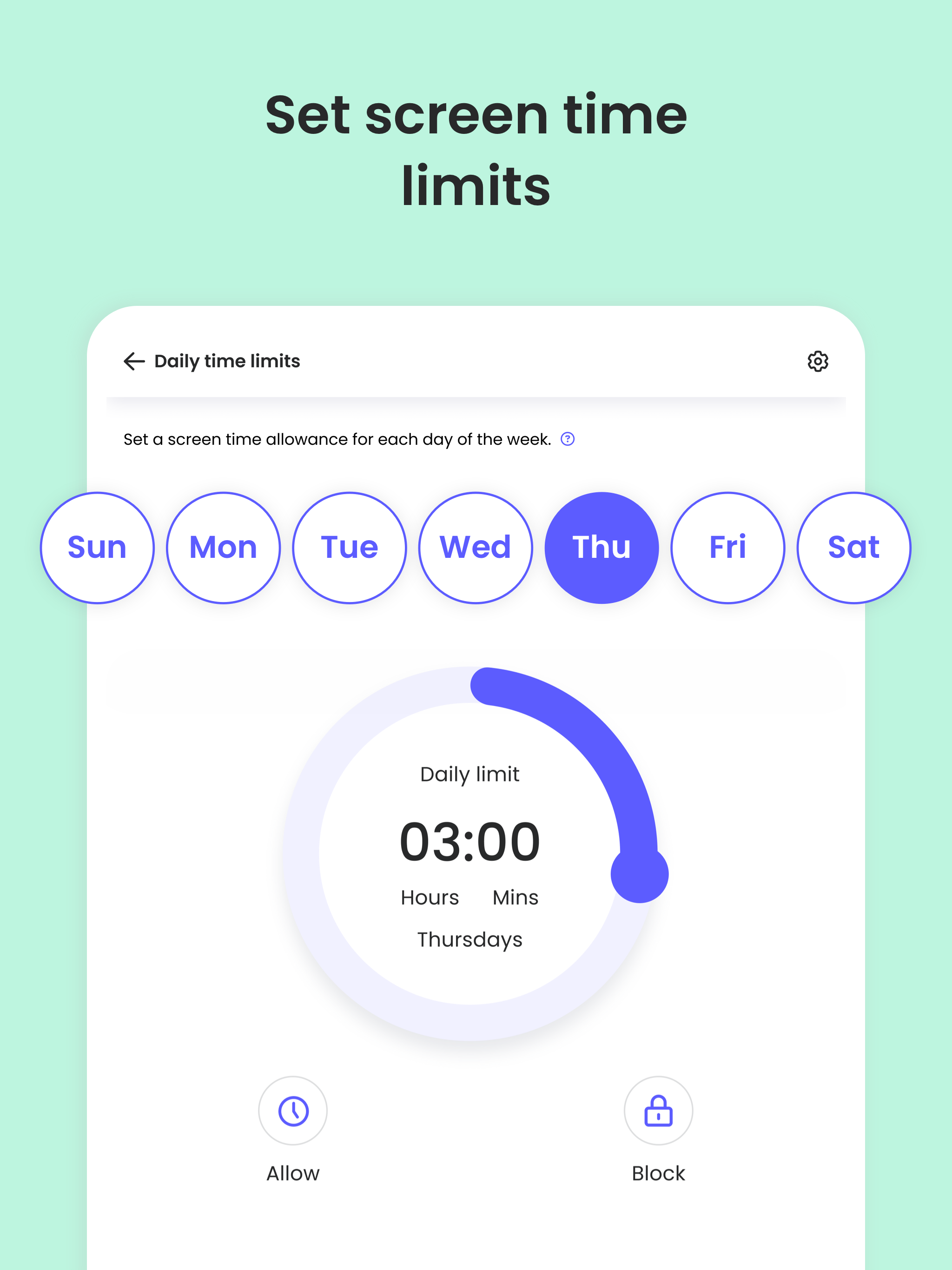
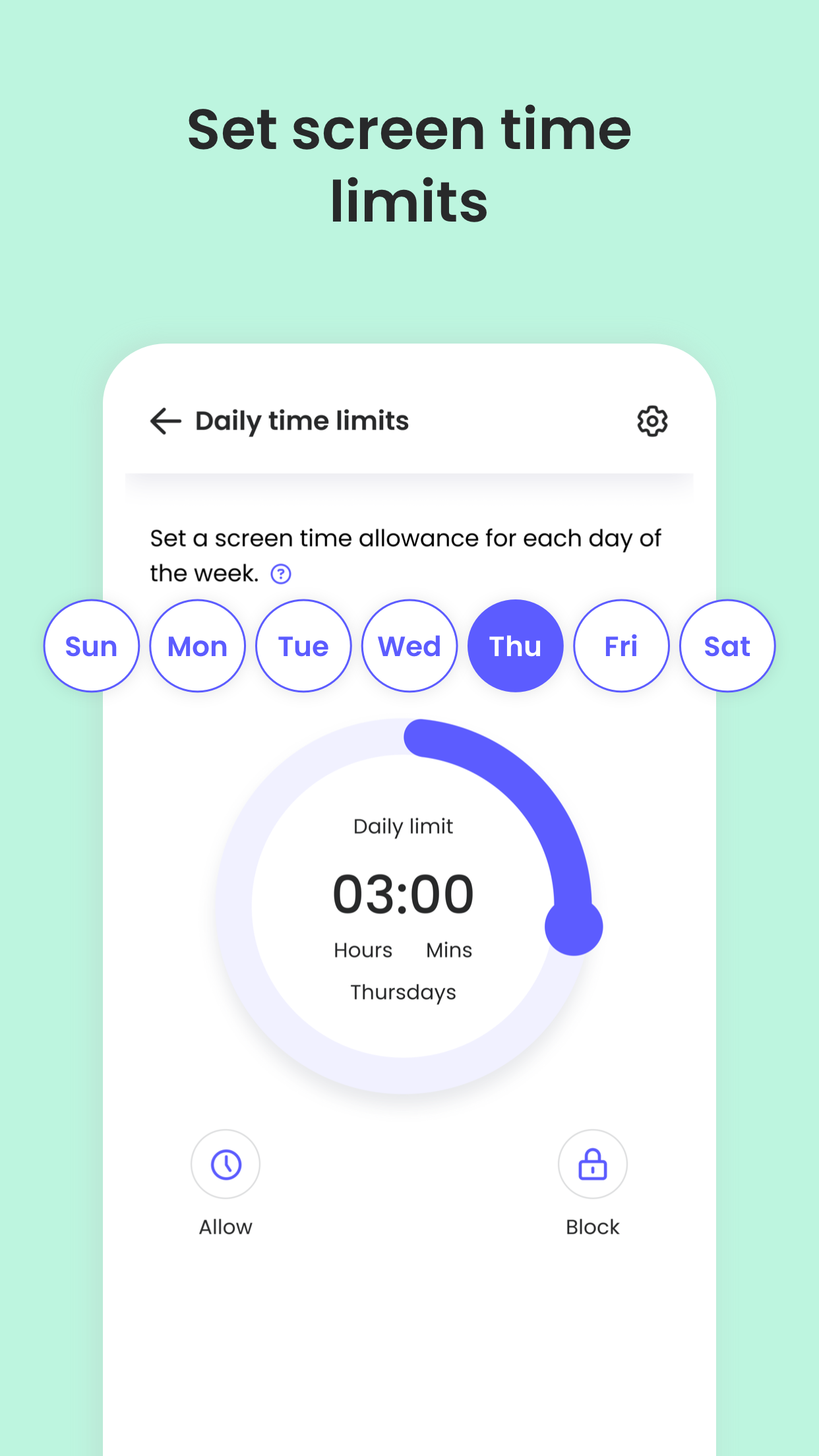
Screen time limits
: Automatically blocks the device after the set time has passed.
-
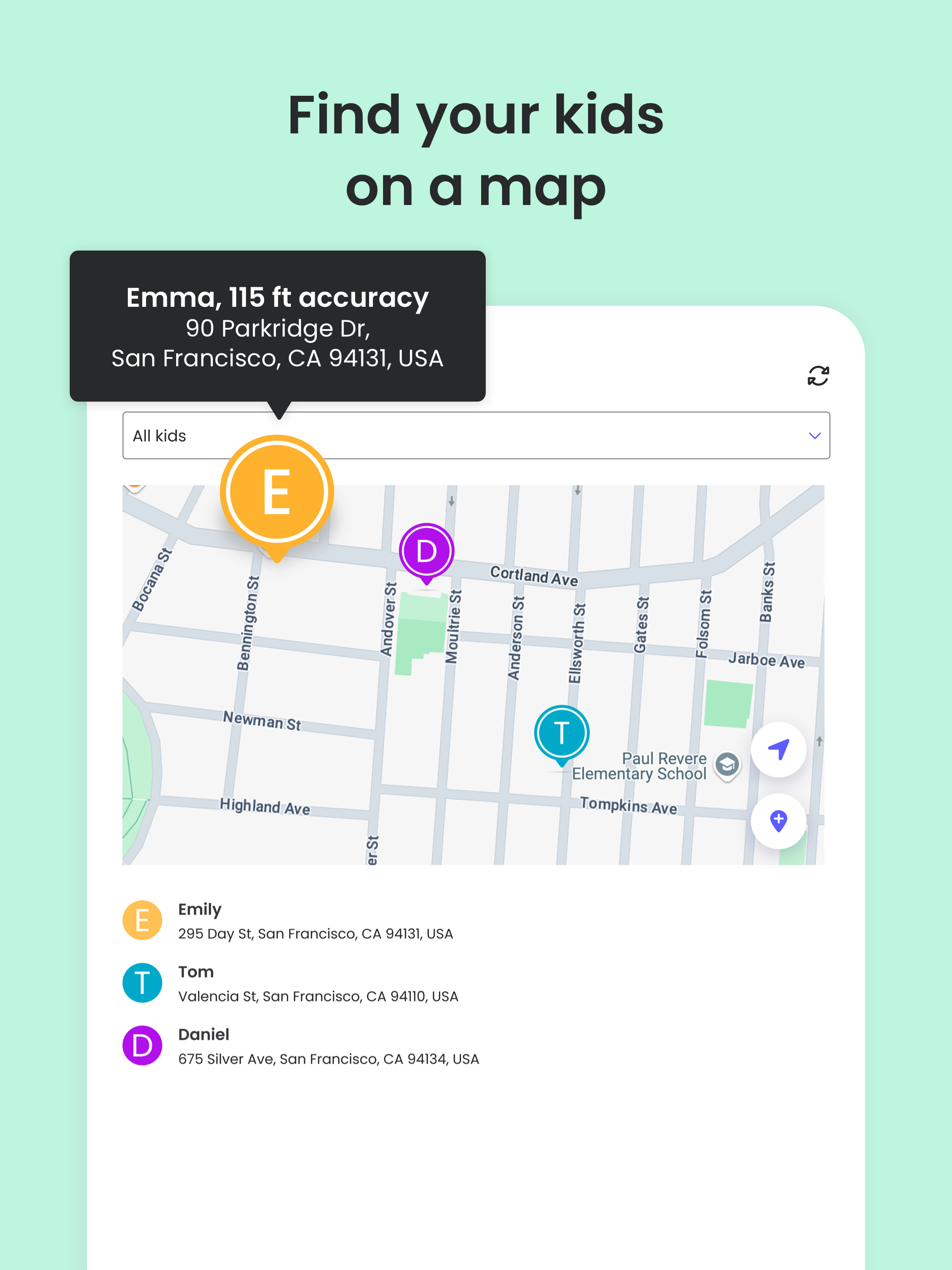
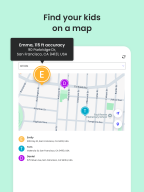
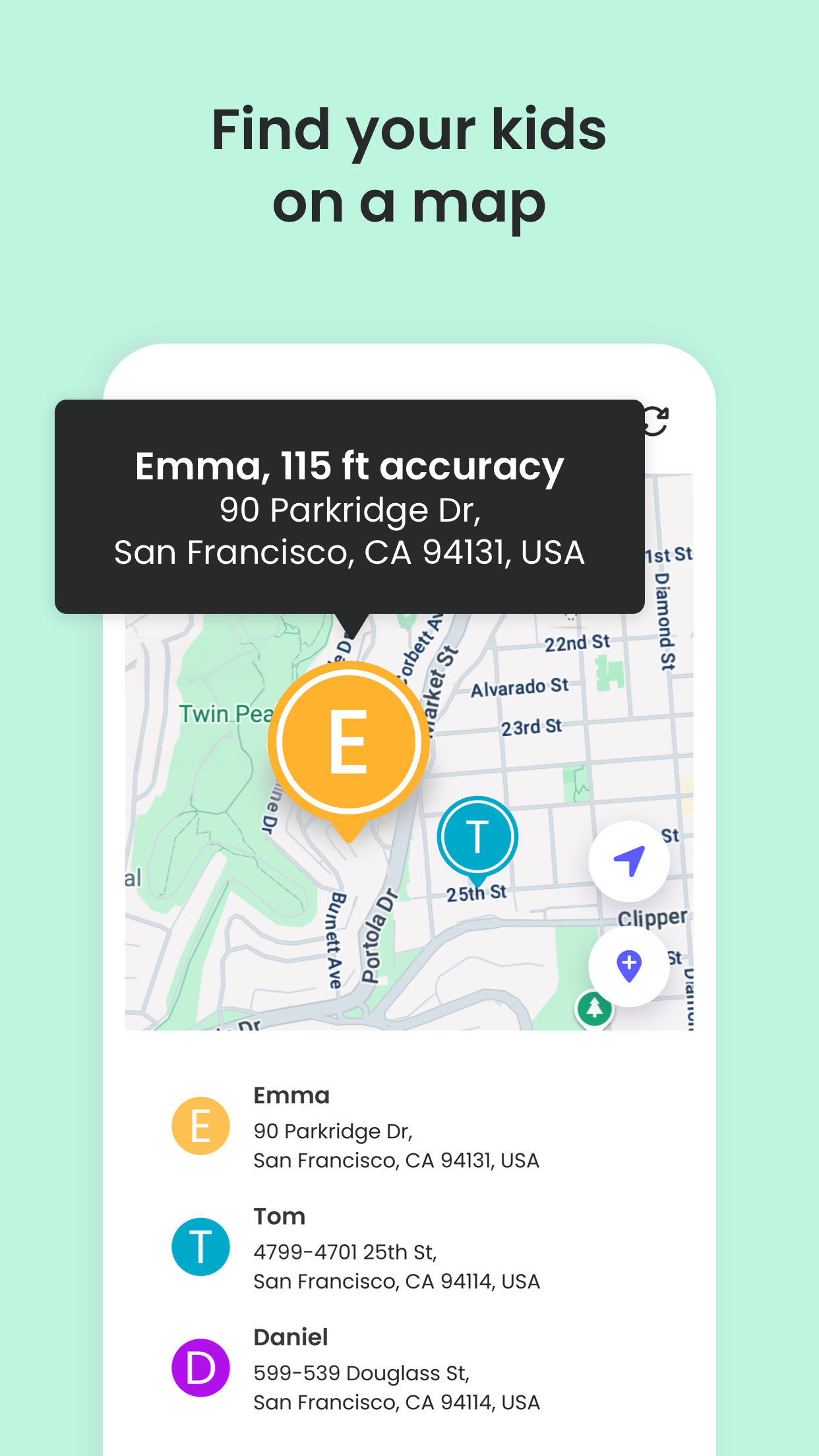
Family locator & GPS family tracker
: Tracks your kid's phone and sends you the GPS location
-
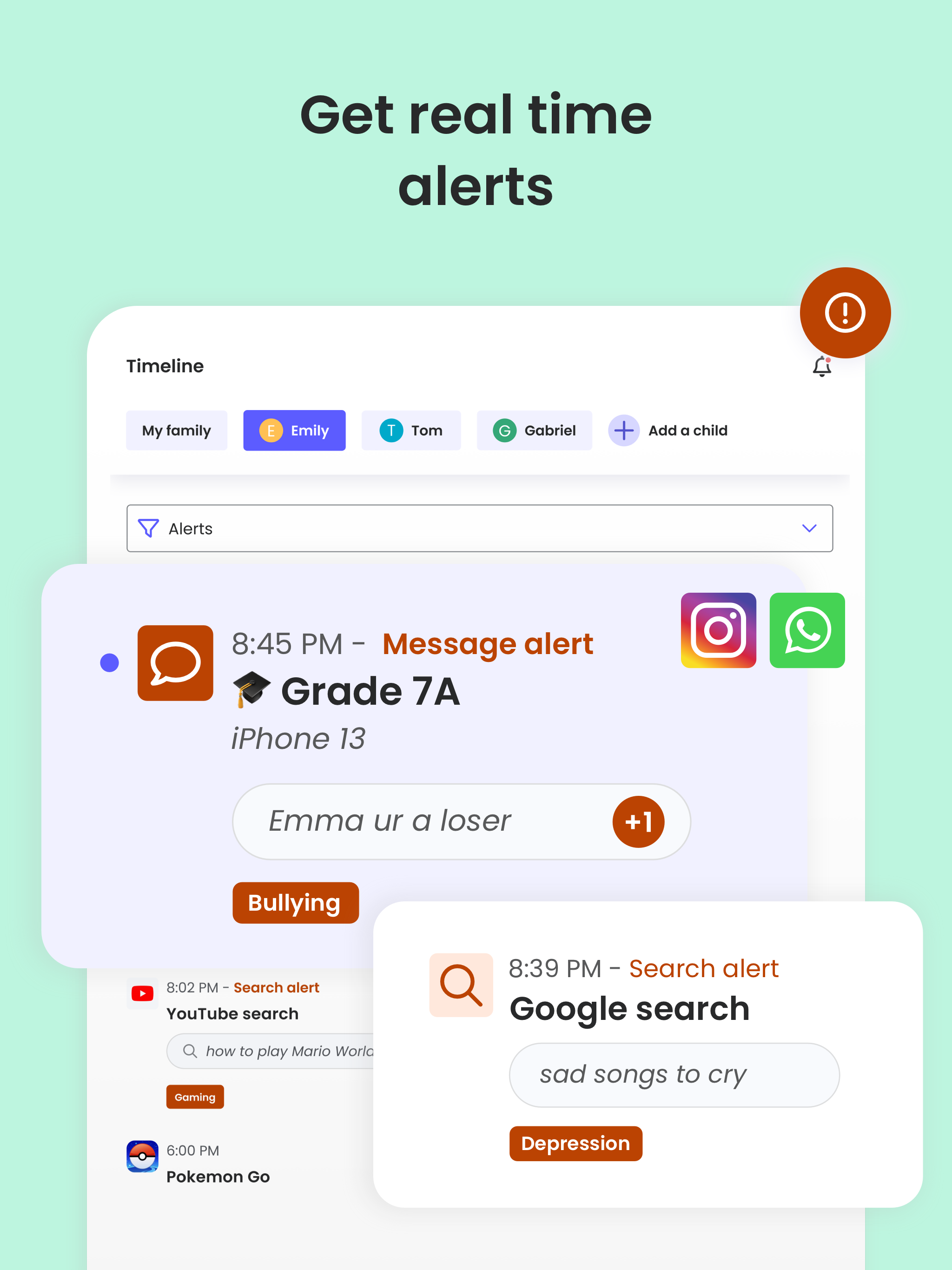
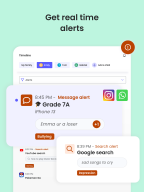
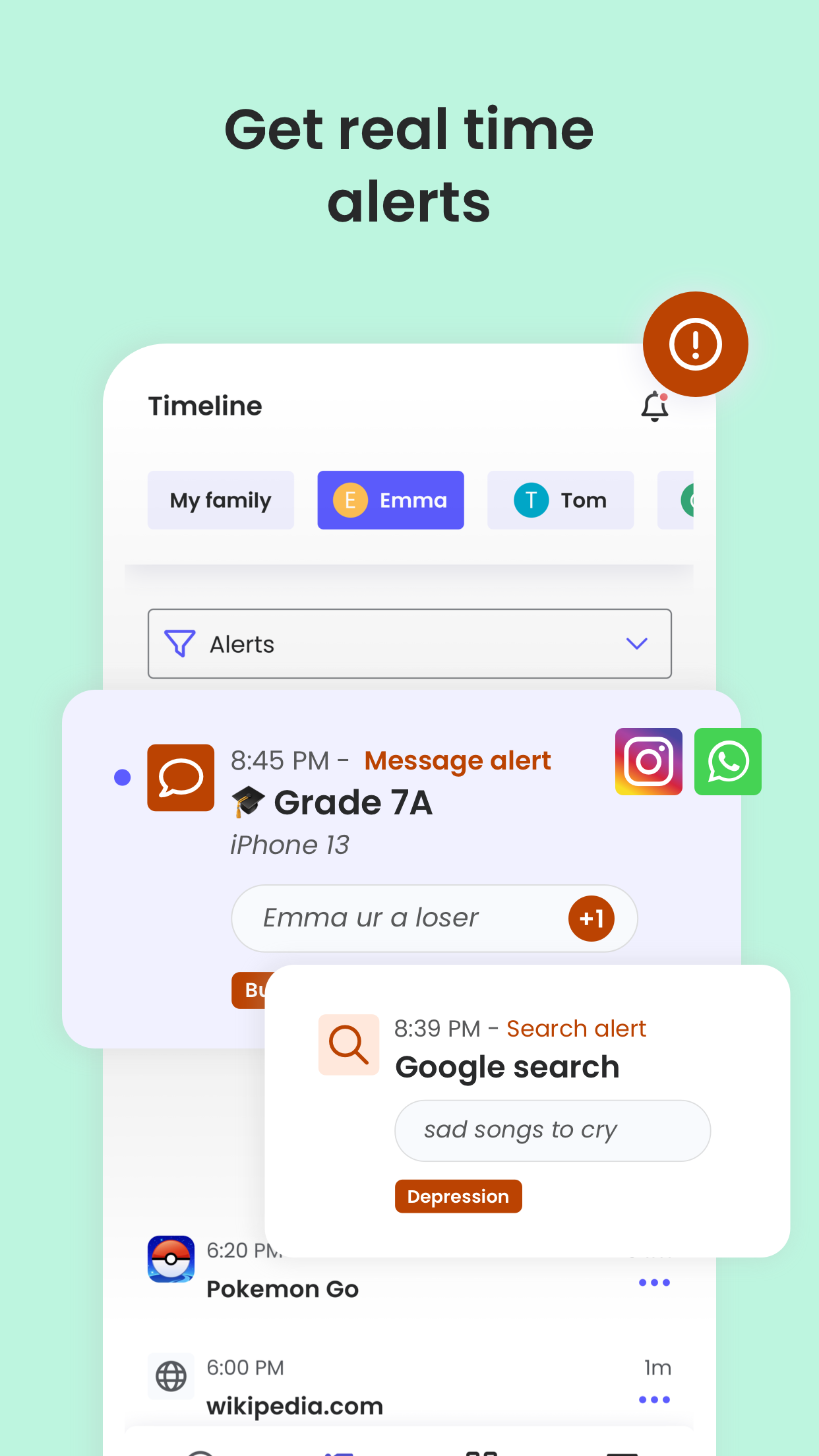
AI-powered message and search alerts
: Monitors and alerts for any suspicious browsing activity, or harmful SMS and social messages.
Start by downloading this
Qustodio Parental Control App
onto your device. Then download the
Kids App Qustodio
companion app onto your child’s devices. Together, the apps allow you to seamlessly manage your child’s daily screen time allowance on linked mobile, tablet or desktop devices across platforms including Android, iOS and other major operating systems.
Protect your child’s online safety
✓ Filter content (block games, websites, porn, gambling)
✓ Receive alerts about web activity and blocked websites
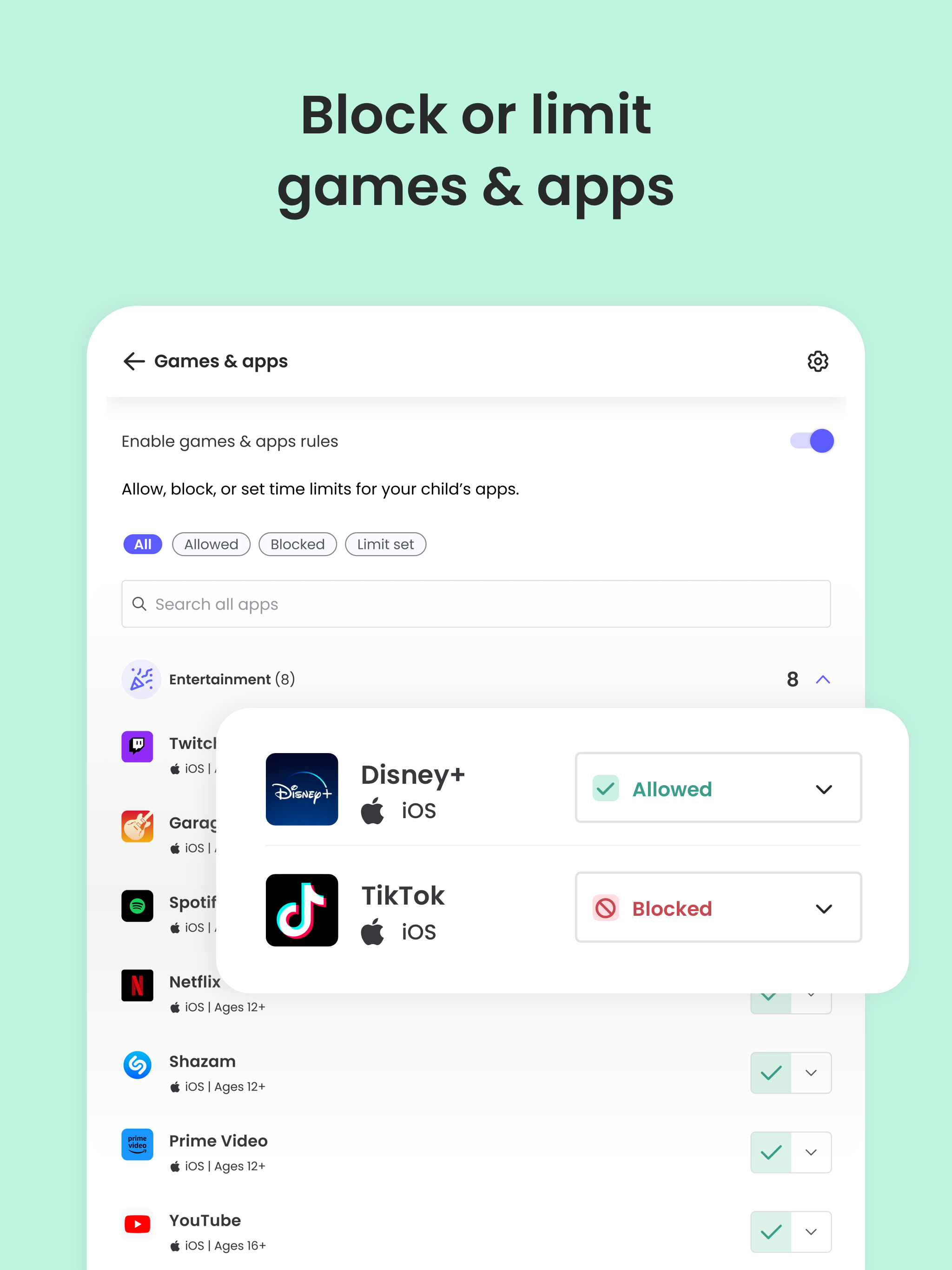
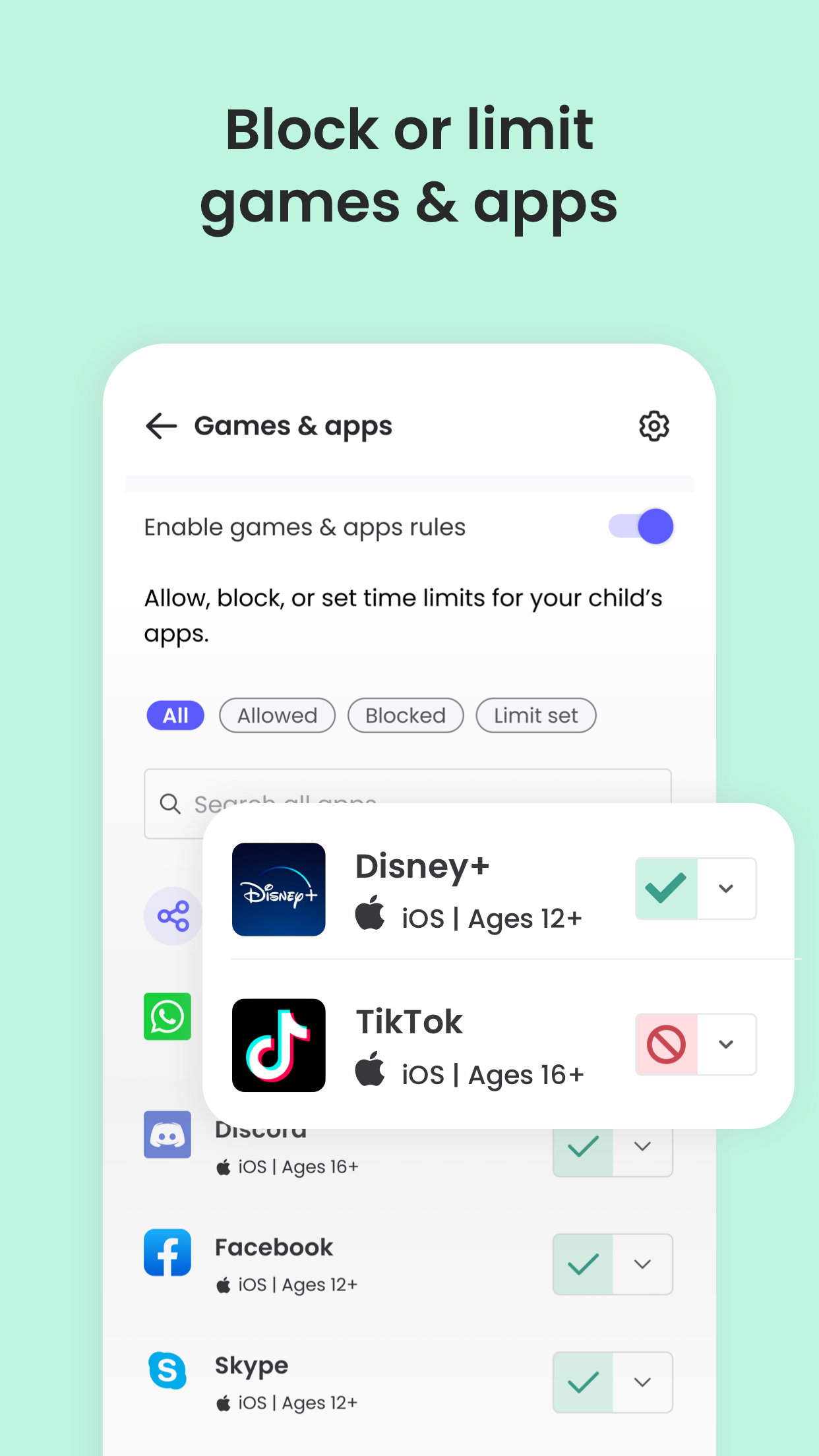
✓ Block games & apps
✓ Enforce safe search
Nurture healthy habits
✓ Set daily screen time limits on all content
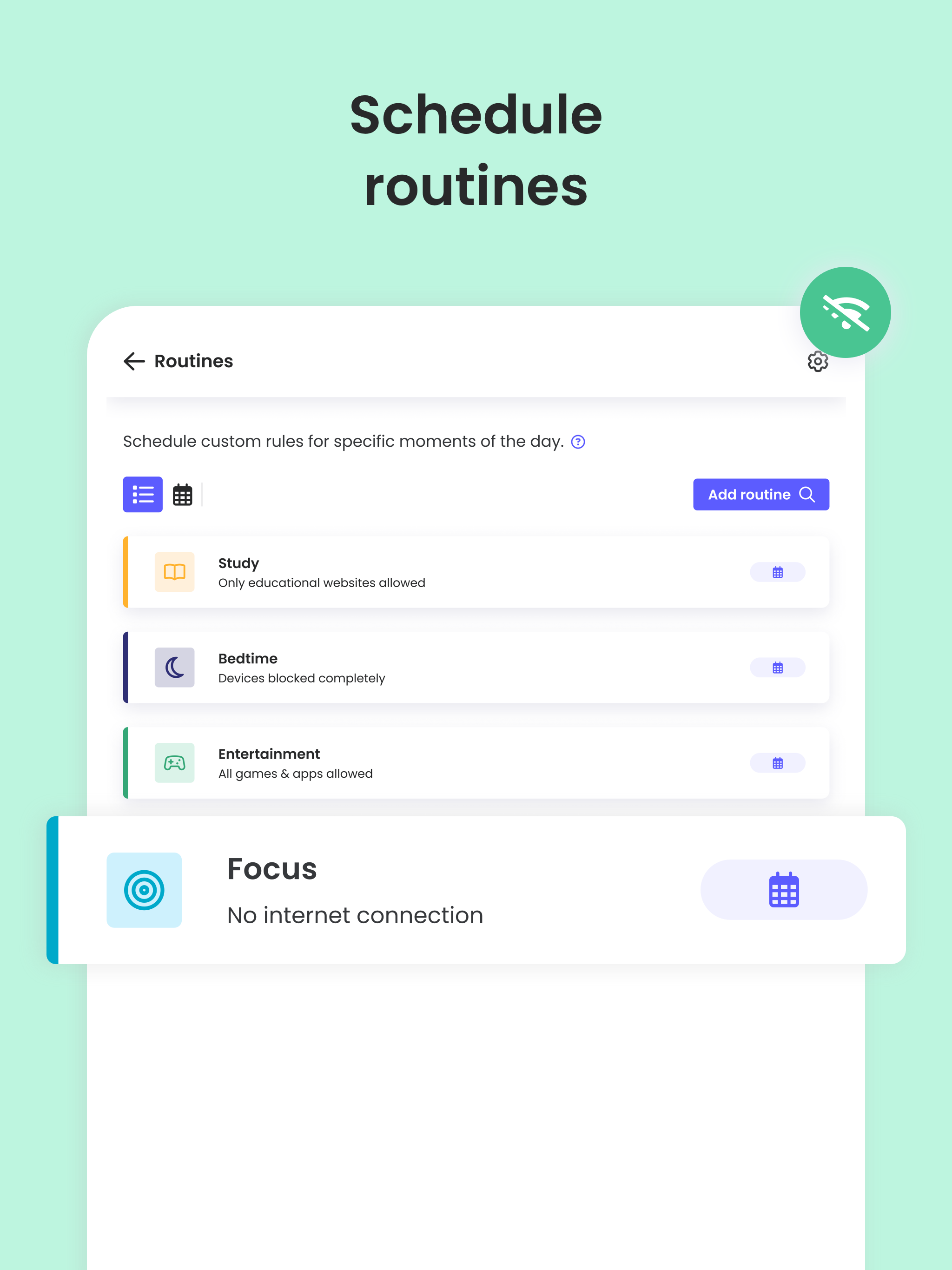
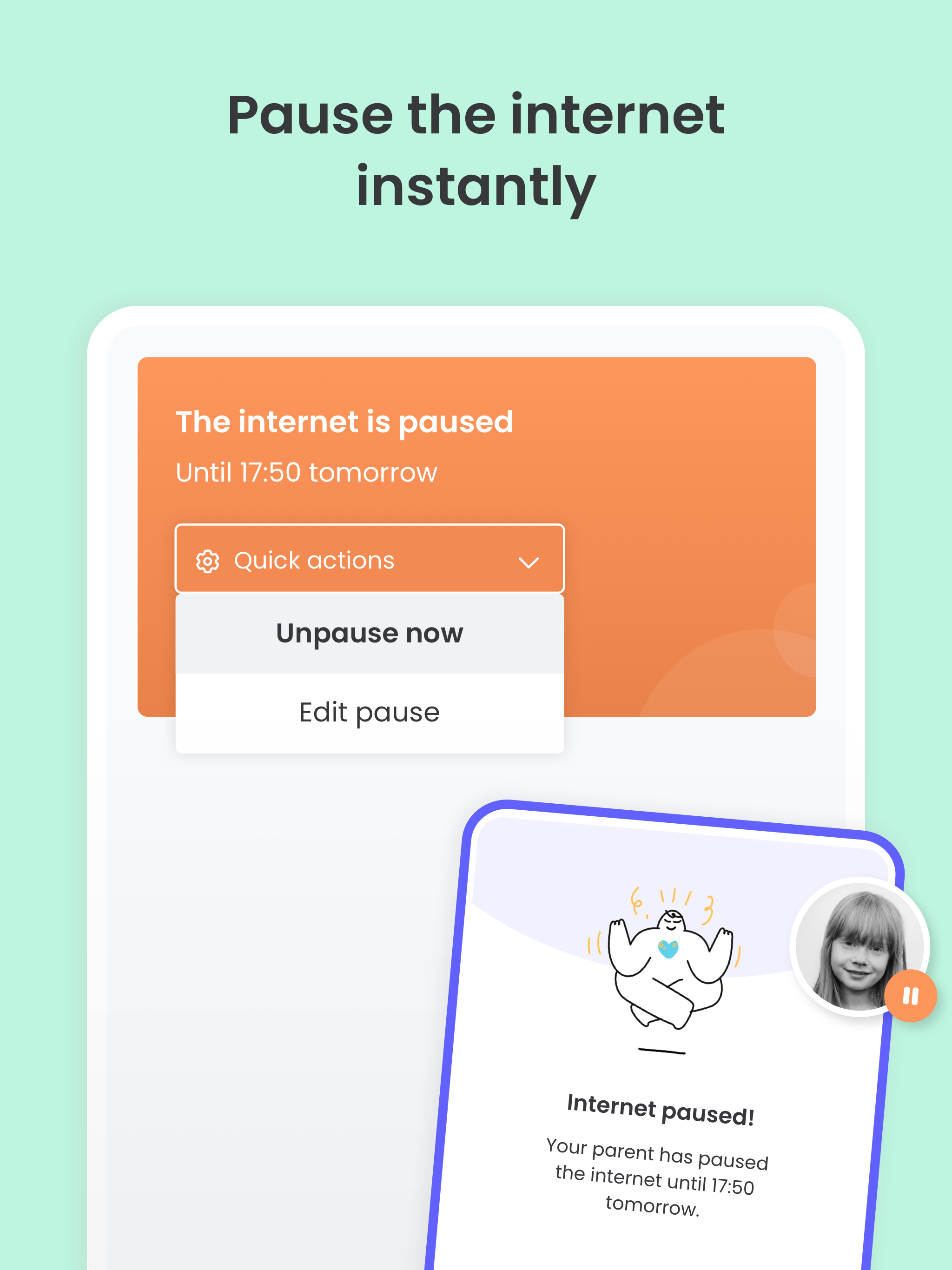
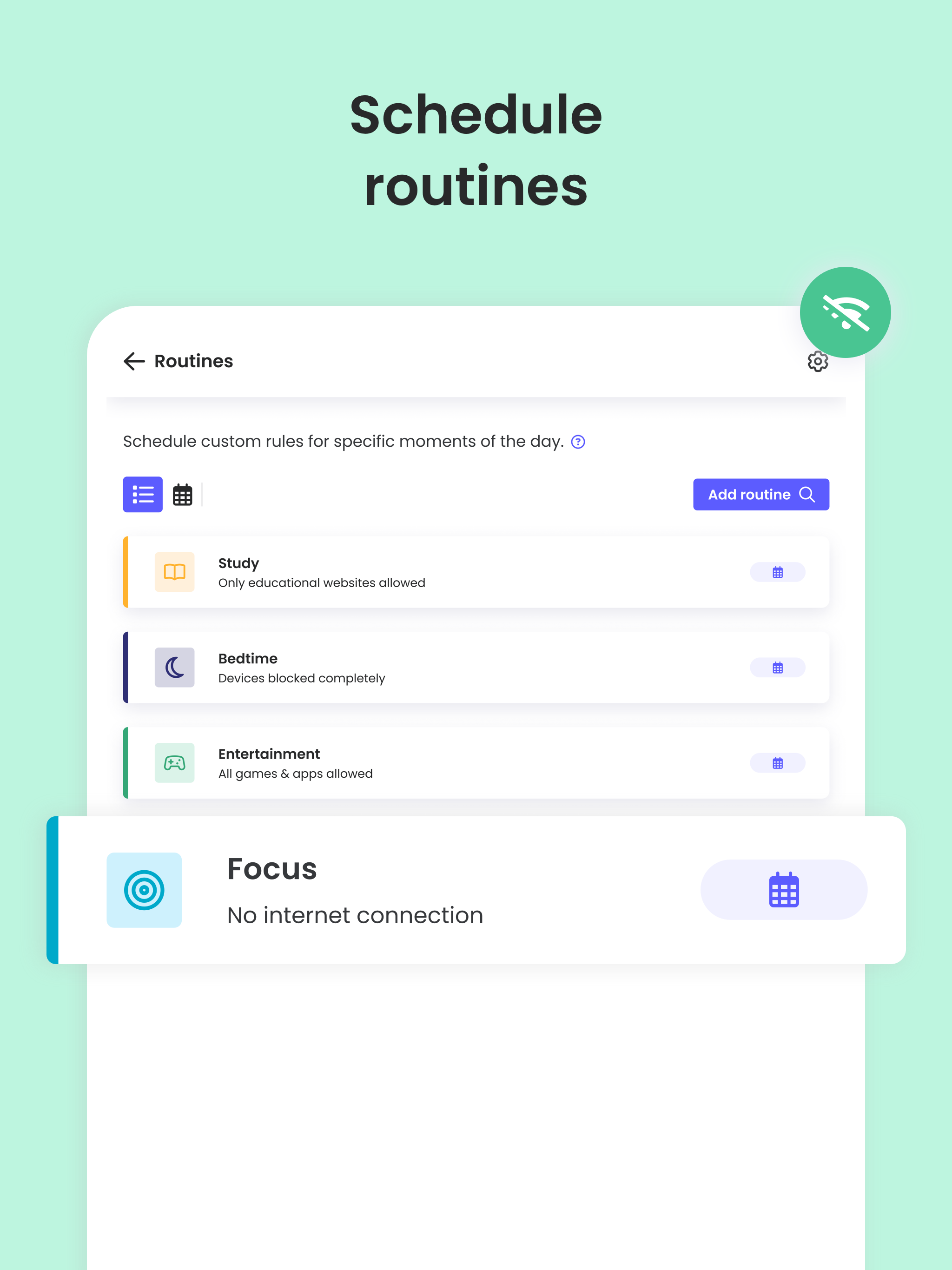
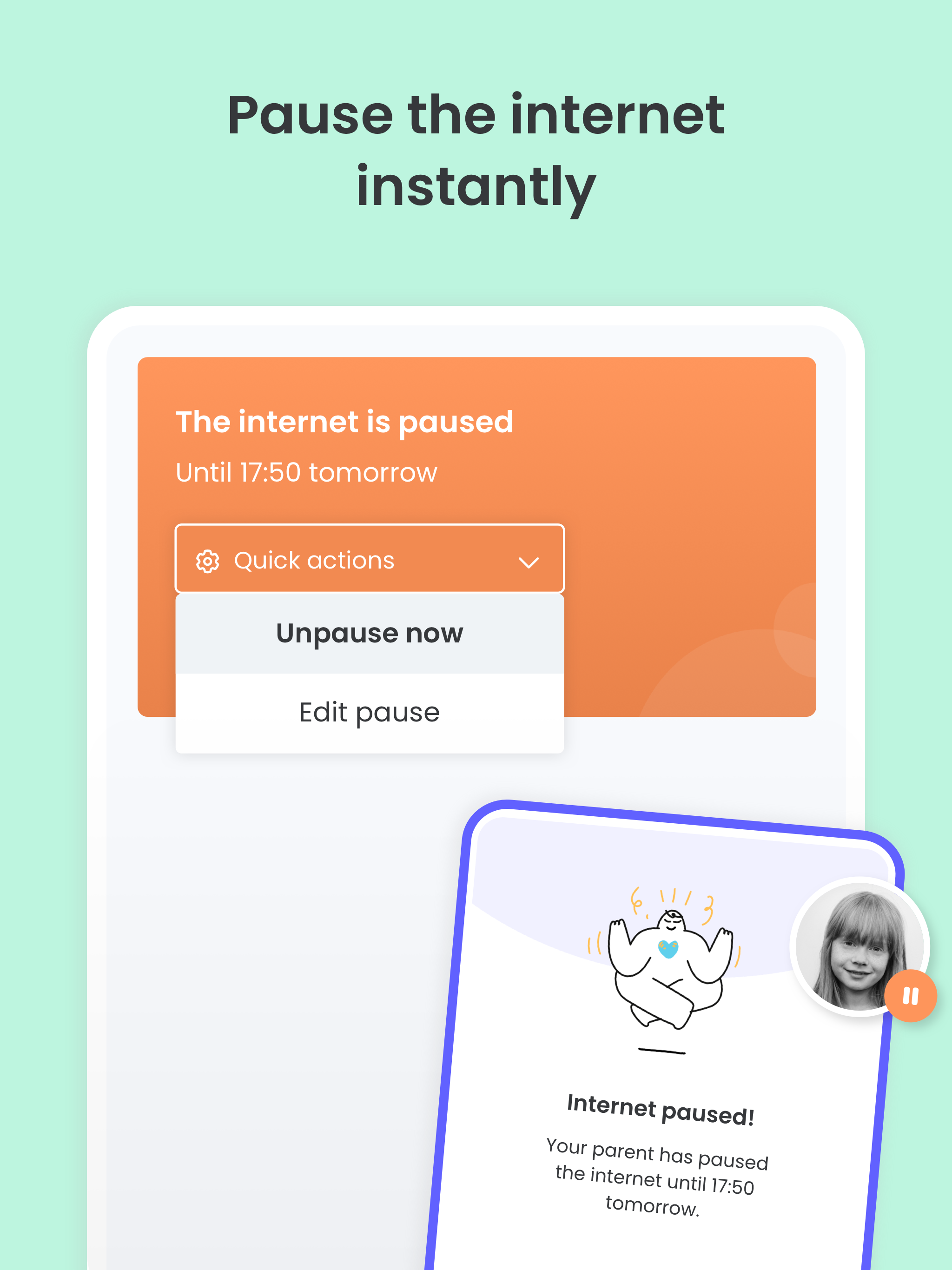
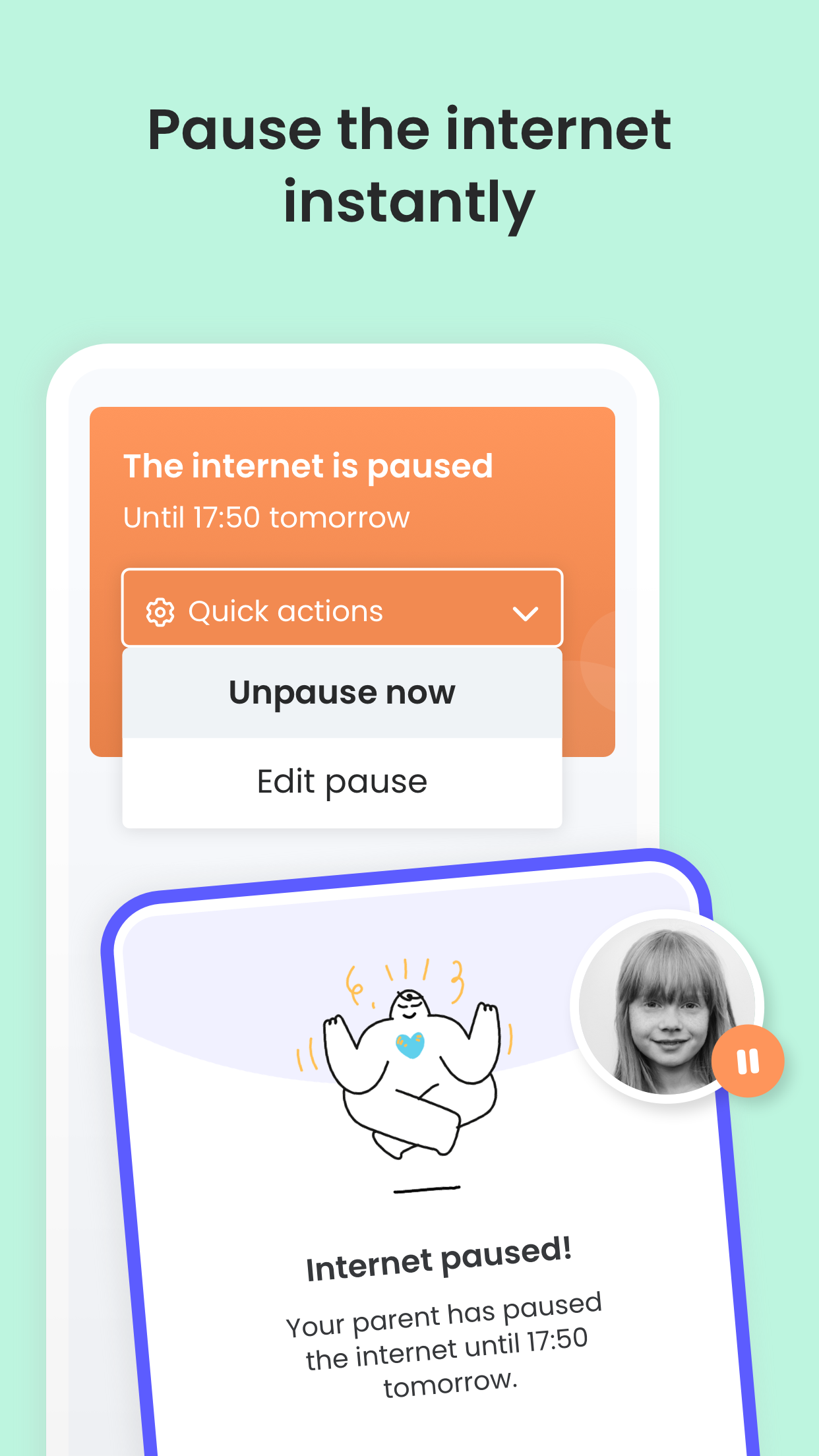
✓ Pause the internet at the touch of a button
✓ Set limits on games & apps
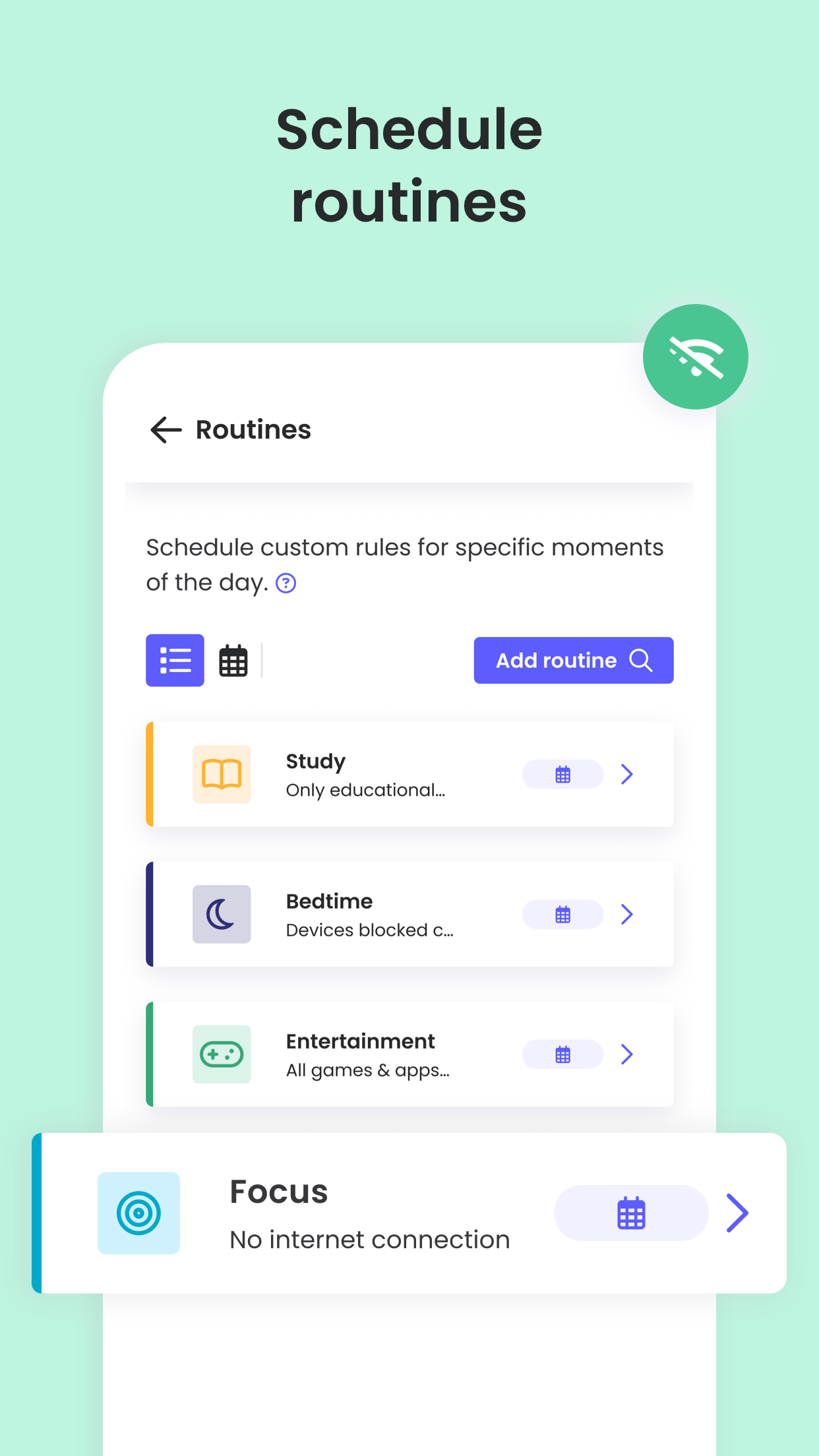
✓ Custom routines for apps and websites
Have full visibility
✓ Receive search alerts
✓ Receive SMS message alerts.
✓ Receive social monitoring alerts. (available WhatsApp, Instagram, and Line)
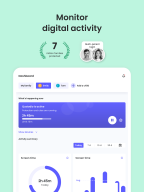
✓ 30-day online activity reports, as well as daily and weekly reports straight to your inbox
✓Receive app download alerts
✓ Monitor their Youtube activity
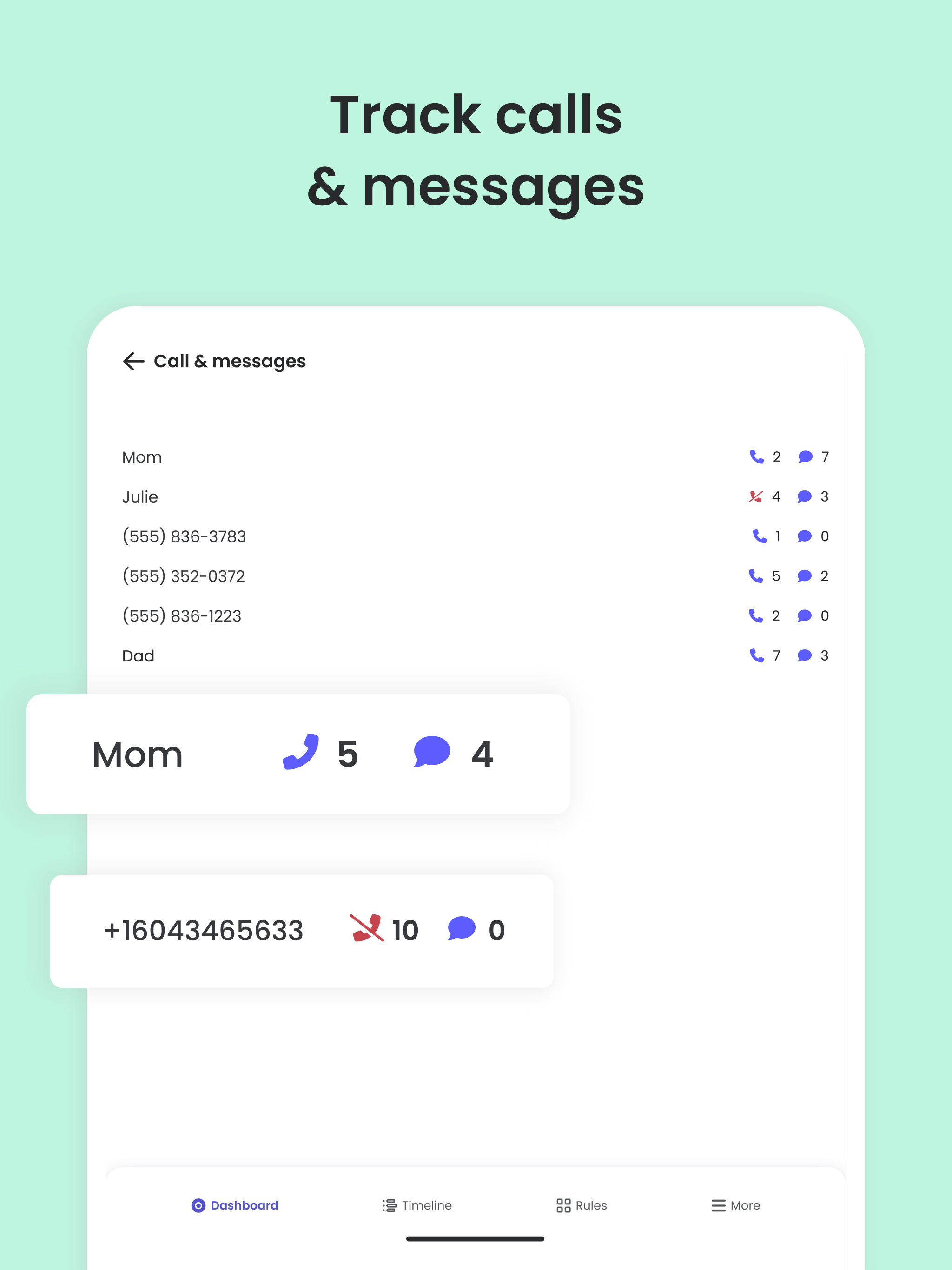
✓ Track and block unwanted calls and SMS messaging
✓ Supervise together: Invite another parent/guardian to monitor and set rules for your child (co-parent)
✓ Monitor on any iOS, Windows, Mac, Android or Kindle device
✓ Get up-to-date app insights
Locate your family
✓ GPS location monitoring (geolocation kid tracker)
✓ Find your child’s phone
✓ Locate kids on the move
✓ Share your location
✓ Save your favourite places
✓ Panic button for your child that can be installed on your child's device
Choose Qustodio’s basic parental control plan to access some of these features, or upgrade to the premium plan for full access to all features
How to protect, block, & monitor screen time with Qustodio Parental Control Apps:
1 – First download
Qustodio Parental Control App
onto your device (usually your mobile phone or laptop), create an account or log in
2 – Then install
Kids App Qustodio
on the device you want to supervise
3 – Log in and follow the quick setup instructions
4 – Once done, inappropriate websites will be blocked automatically
5 – To monitor activity and screen time use this Qustodio Parental Control App on a Parent’s device or log in to your online Qustodio Family Screen Time dashboard (https://family.qustodio.com)
Our FAQ:
• Does Qustodio Parental Control family screen time blocker app support Android 8 (Oreo):
Yes.
• Does Qustodio family screen time blocker app work on other platforms besides Android?
Qustodio can protect Windows, Mac, iOS, Kindle and Android.
• What languages do you support?
Qustodio is available in English, Spanish, French, Italian, Portuguese, Dutch, German, Japanese and Chinese.
For support. Contact us here: https://www.qustodio.com/help and support@qustodio.com
Notes:
This app uses the Device Administrator permission.
This will prevent a user from uninstalling Qustodio Family Screen Time App without your knowledge.
This app uses Accessibility services
to build an excellent device experience that helps users with behavioral disabilities set appropriate levels of access and monitoring of screen time, web content and apps, in order to limit their risks and enjoy life normally.
Troubleshooting notes:
Huawei devices owners:
Battery-saving mode needs to be disabled for Qustodio.
Changelog
Hi Parents!
We've made more improvements and fixed some minor bugs to make your Qustodio experience even better. As always, we recommend that you enable auto-updating in the Play Store so both your and your kids' apps are always up-to-date.
The Qustodio Team
Additional information
Screenshots
Reviews
Recommend Article










Similar Apps

Check your digital presence seamlessly with Voxlog!

Application for ordering meals in schools, kindergartens and more.

The cost of finding a babysitter with professional training that is right for you is 0 won!

Track your pregnancy, kick & contraction counter, baby & mom's heartrate monitor

Securly Home keeps you informed about what your children are doing online.

Predict what the baby will look like from the photo of mom and dad