


Photo Editor

Hot Novels






Install Tips
Mobile safety & integrity report for the latest package. We provide verifiable checksums and a timestamped scan summary. Latest package Photo Editor 12.1 scanned by multiple engines; no threats detectedas of Tue, 28 Jul 2026 12:09:36 GMT.
After downloading, use a system or third-party checksum tool to calculate the SHA256 and ensure it matches the value provided on this page (case-sensitive, without spaces).
Each engine uses different signature databases and heuristics, so results may vary slightly. We provide a timestamp and checksum to allow you to independently verify the package.
Photo Editor Review
If you have some knowledge of photography, you can do a lot with Photo Editor.
Now use Photo Editor to edit photos on your mobile phone just like you would on a PC.
Features
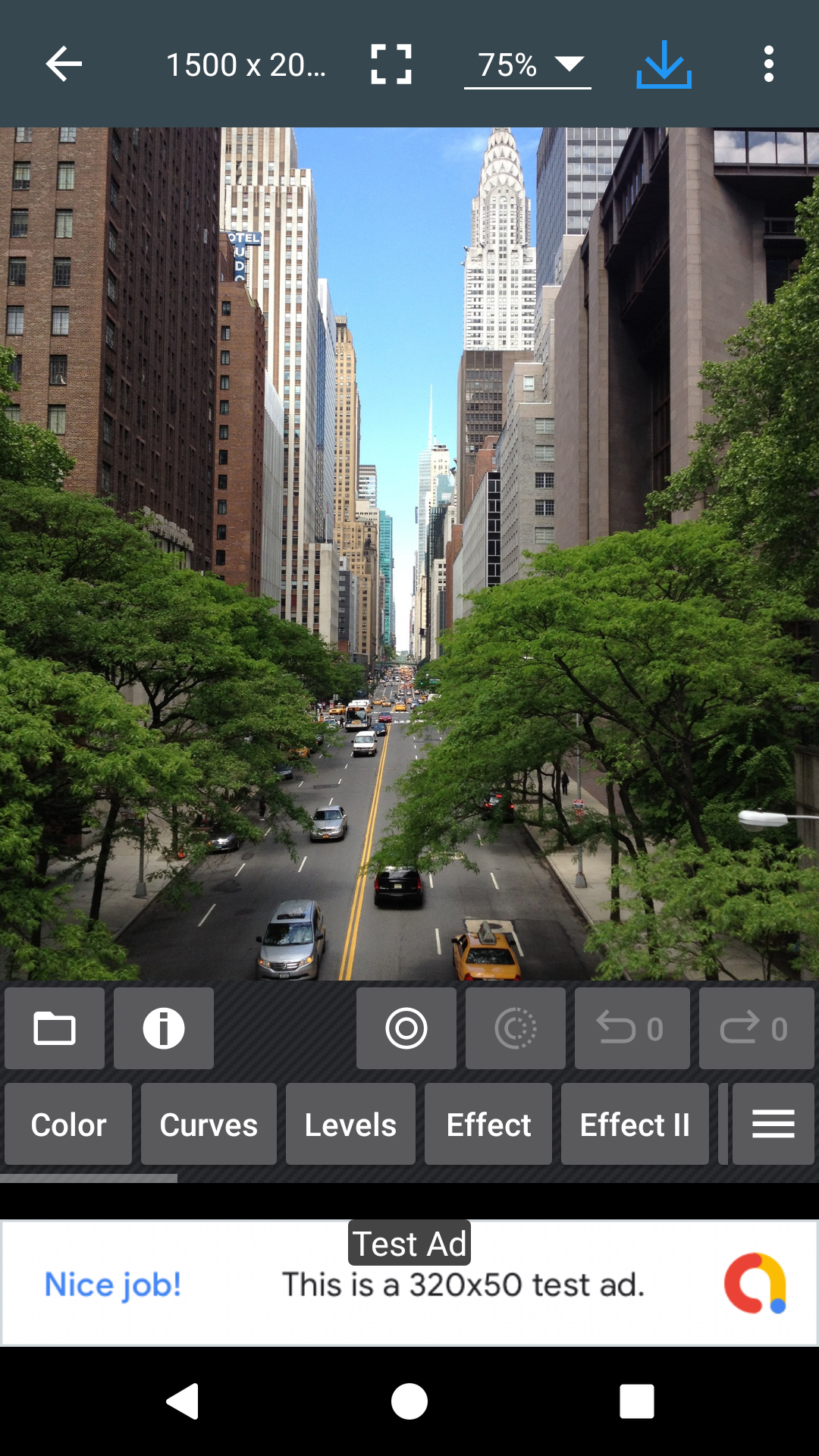
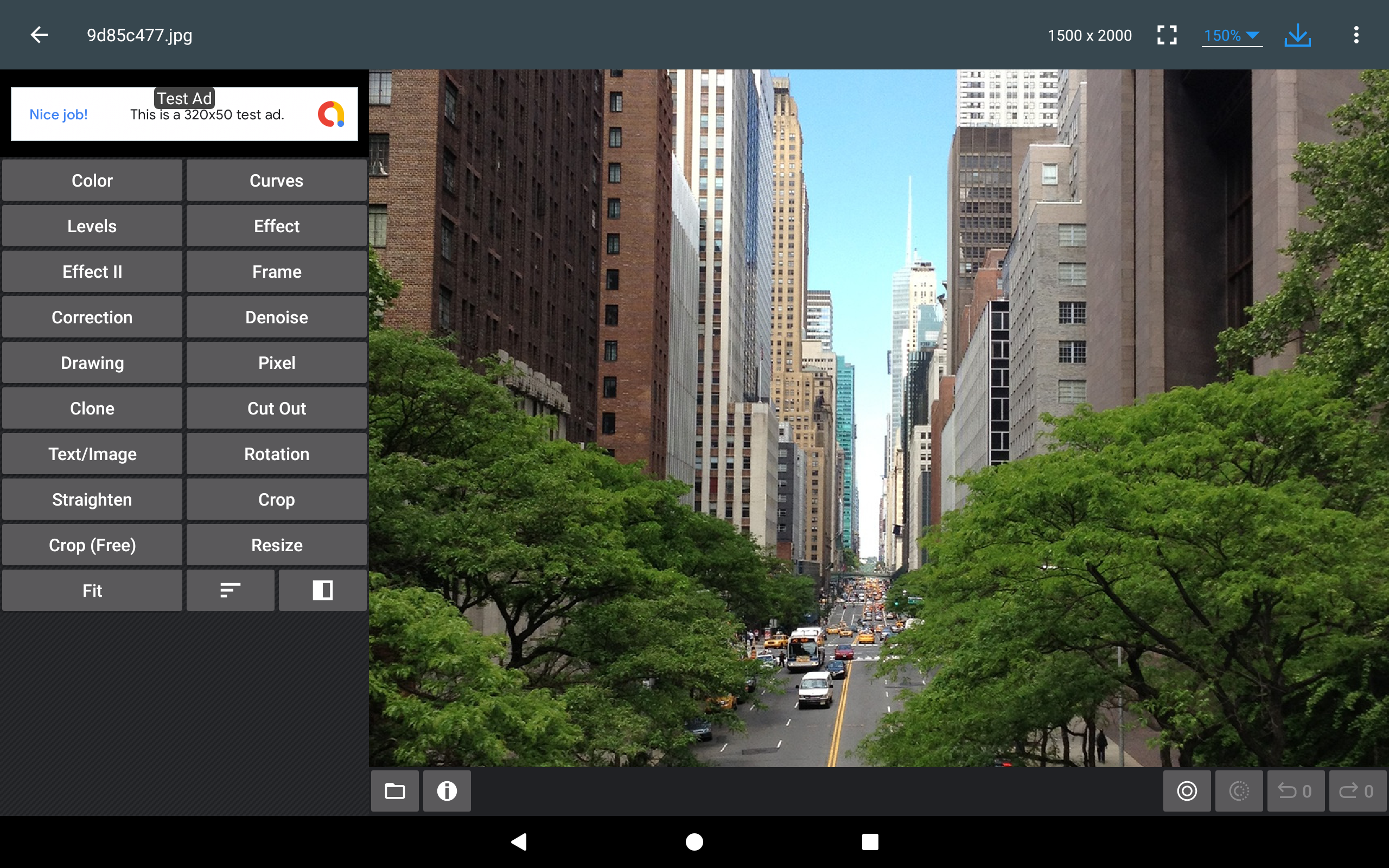
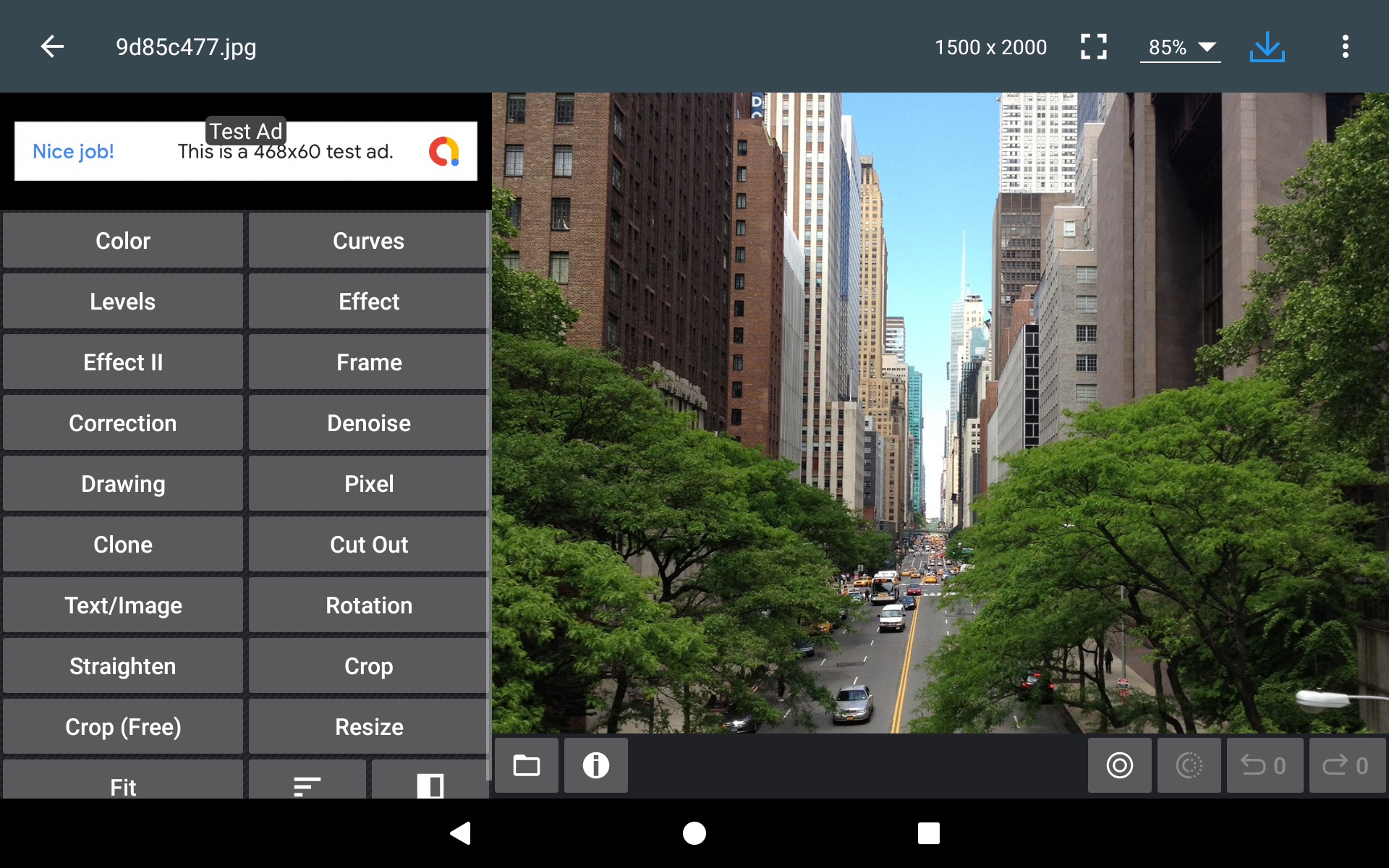
* Color : exposure, brightness, contrast, saturation, temperature, tint and hue
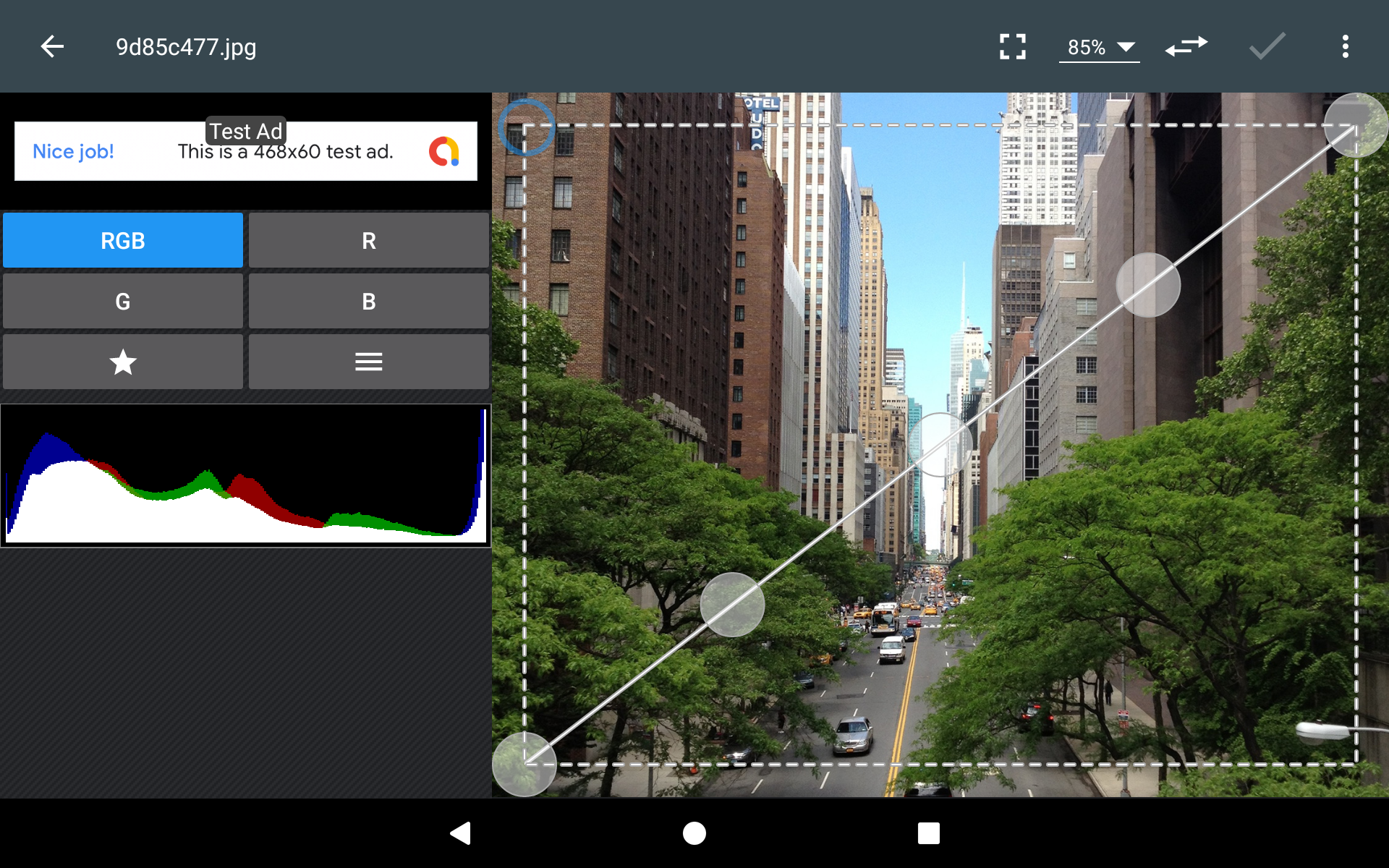
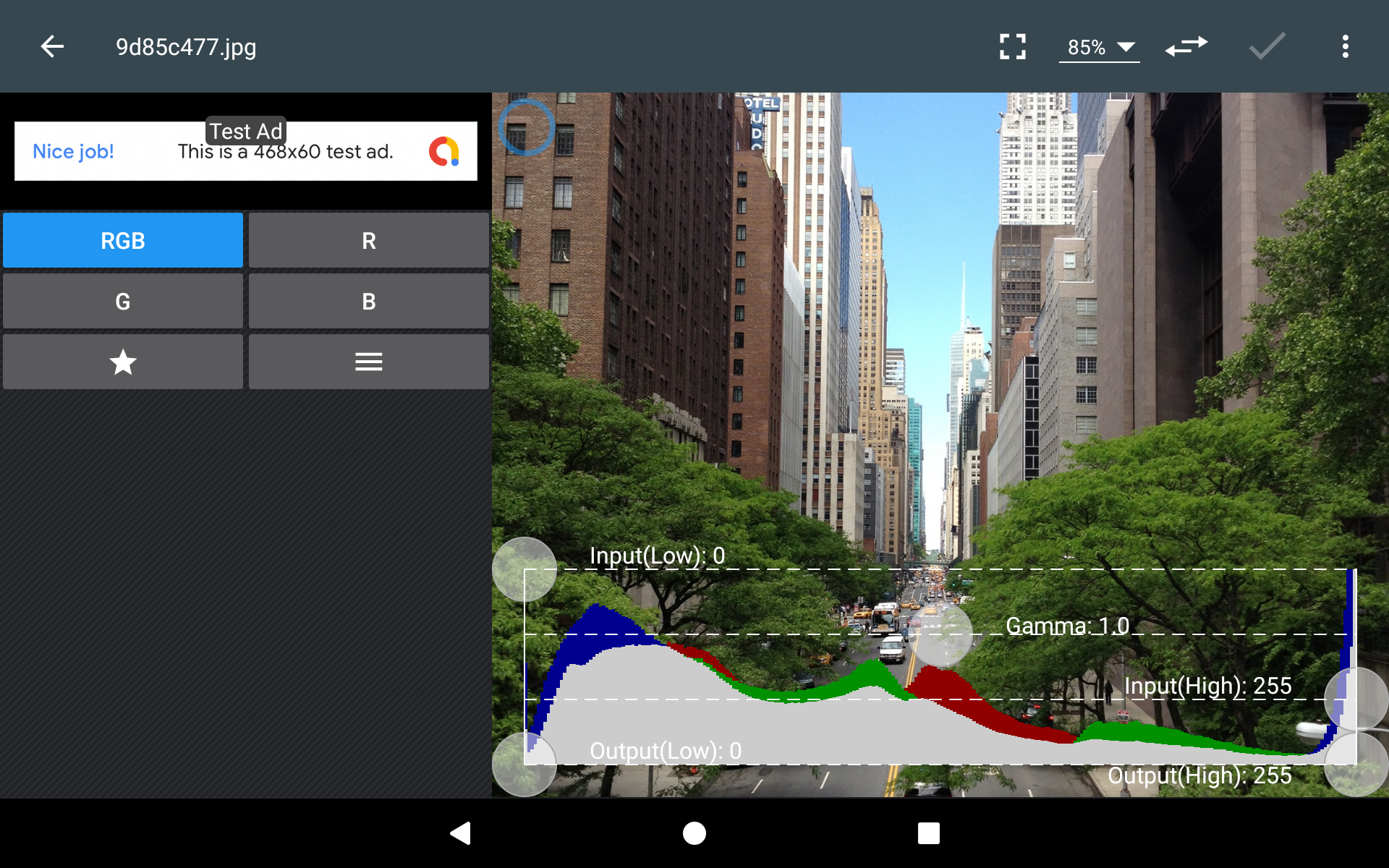
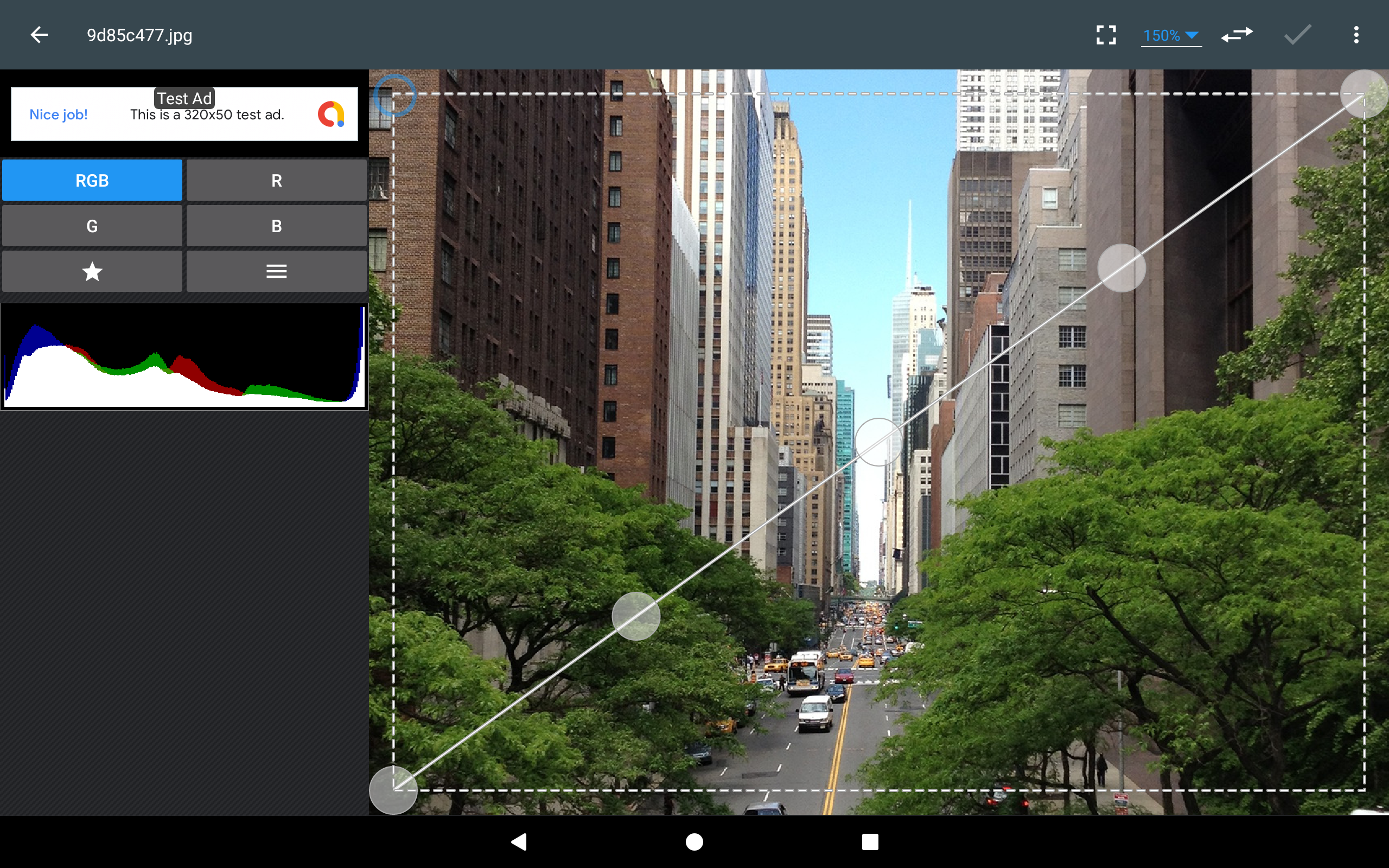
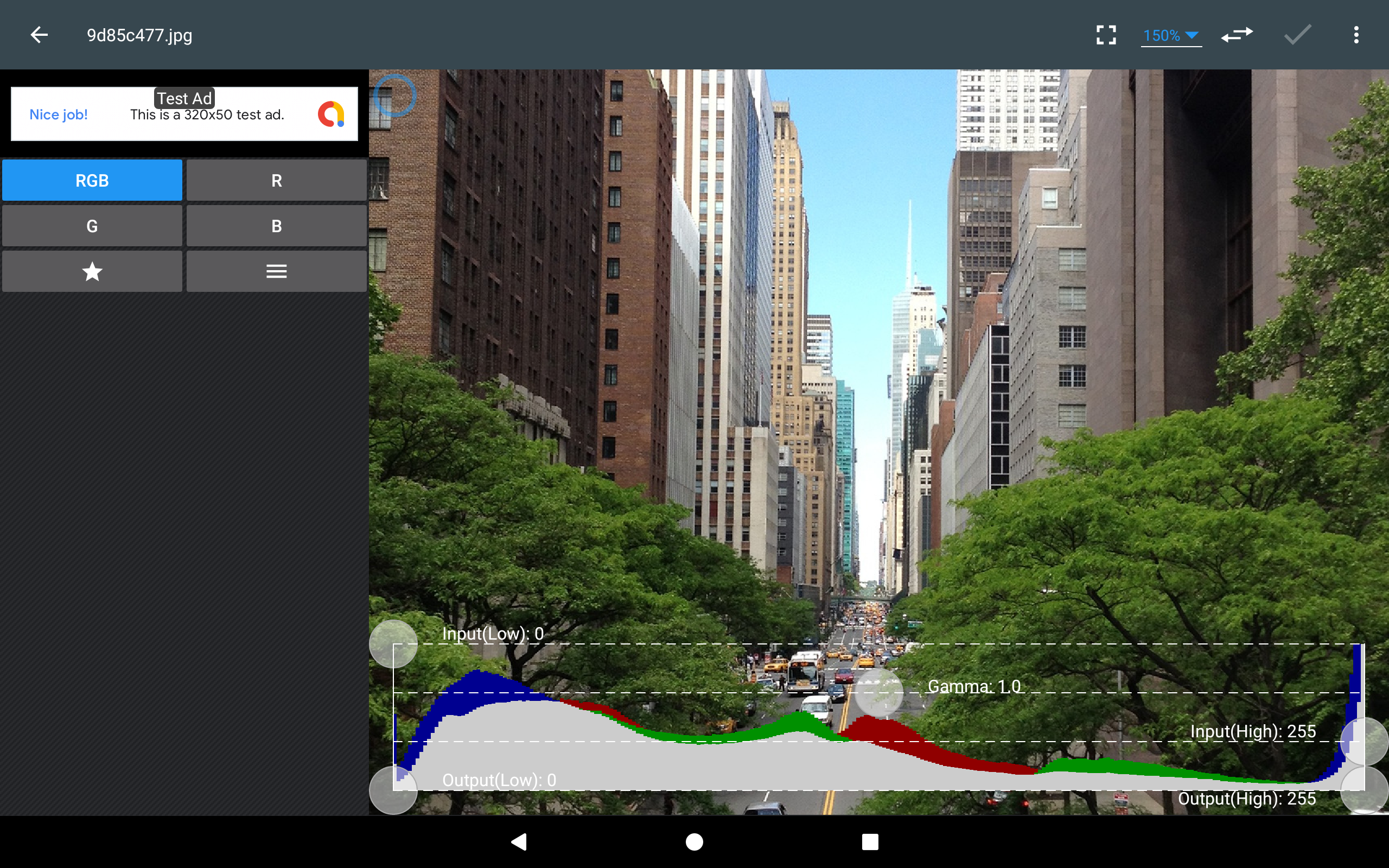
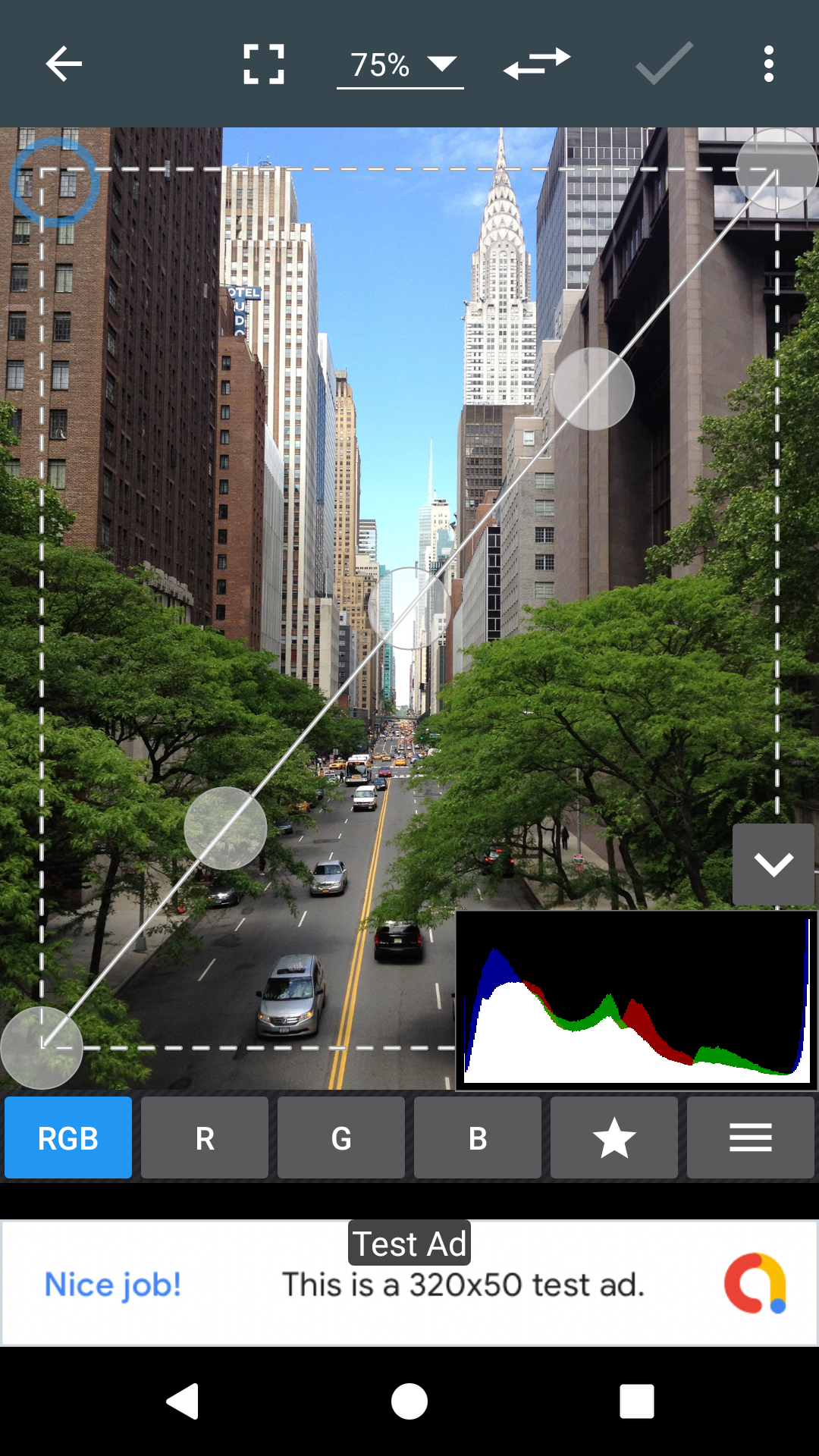
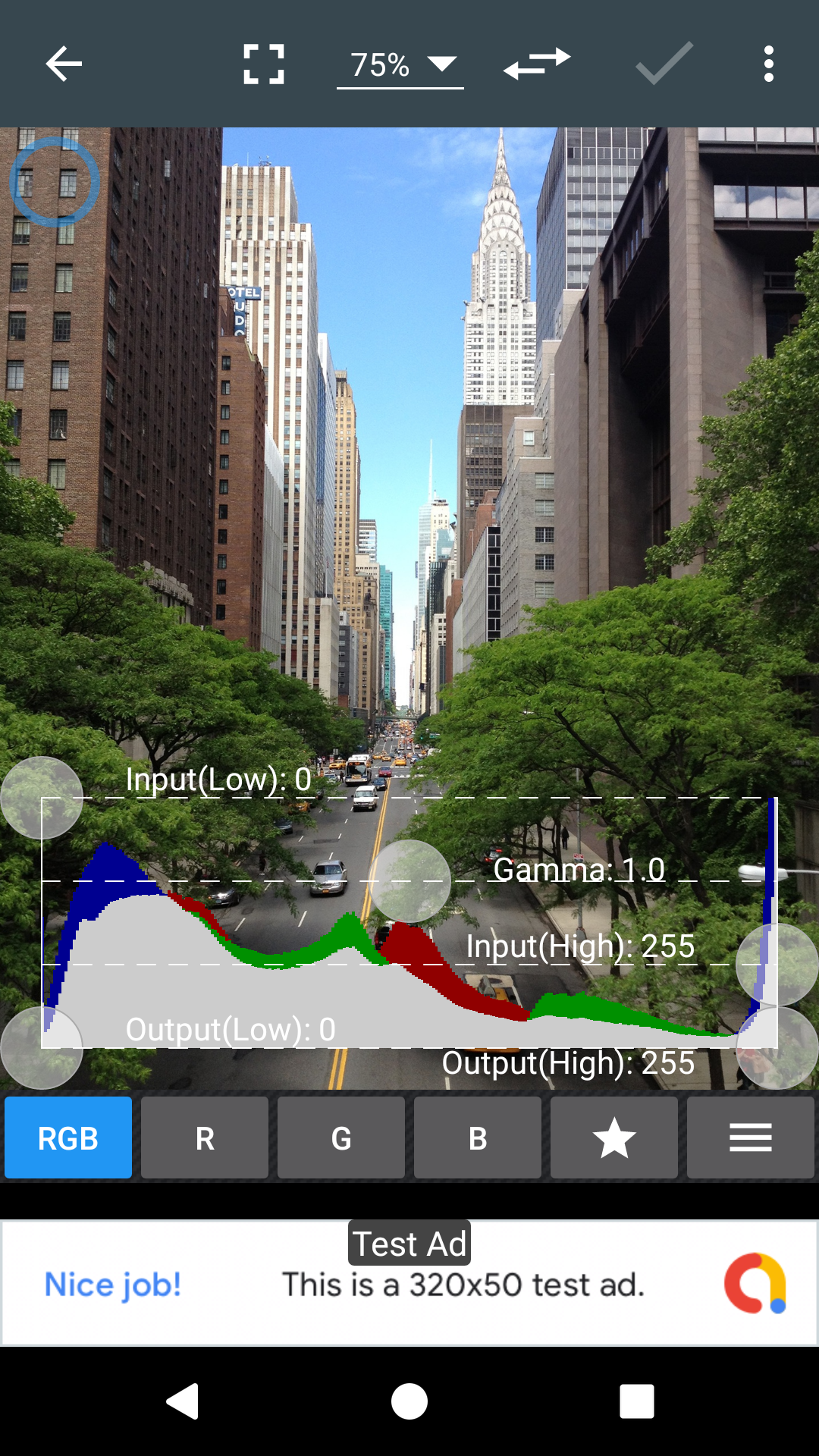
* Curves & Levels : fine-tuning of colors
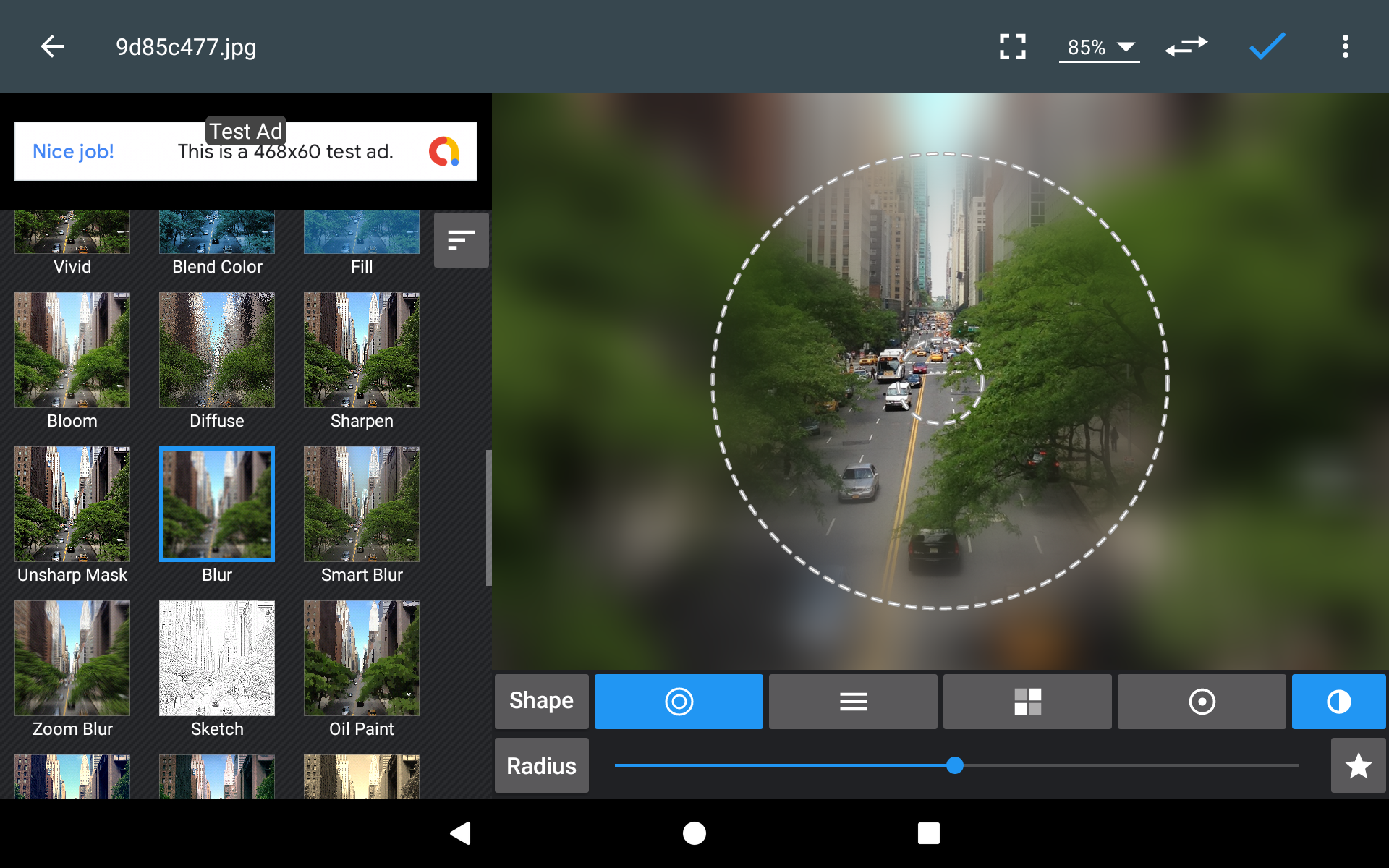
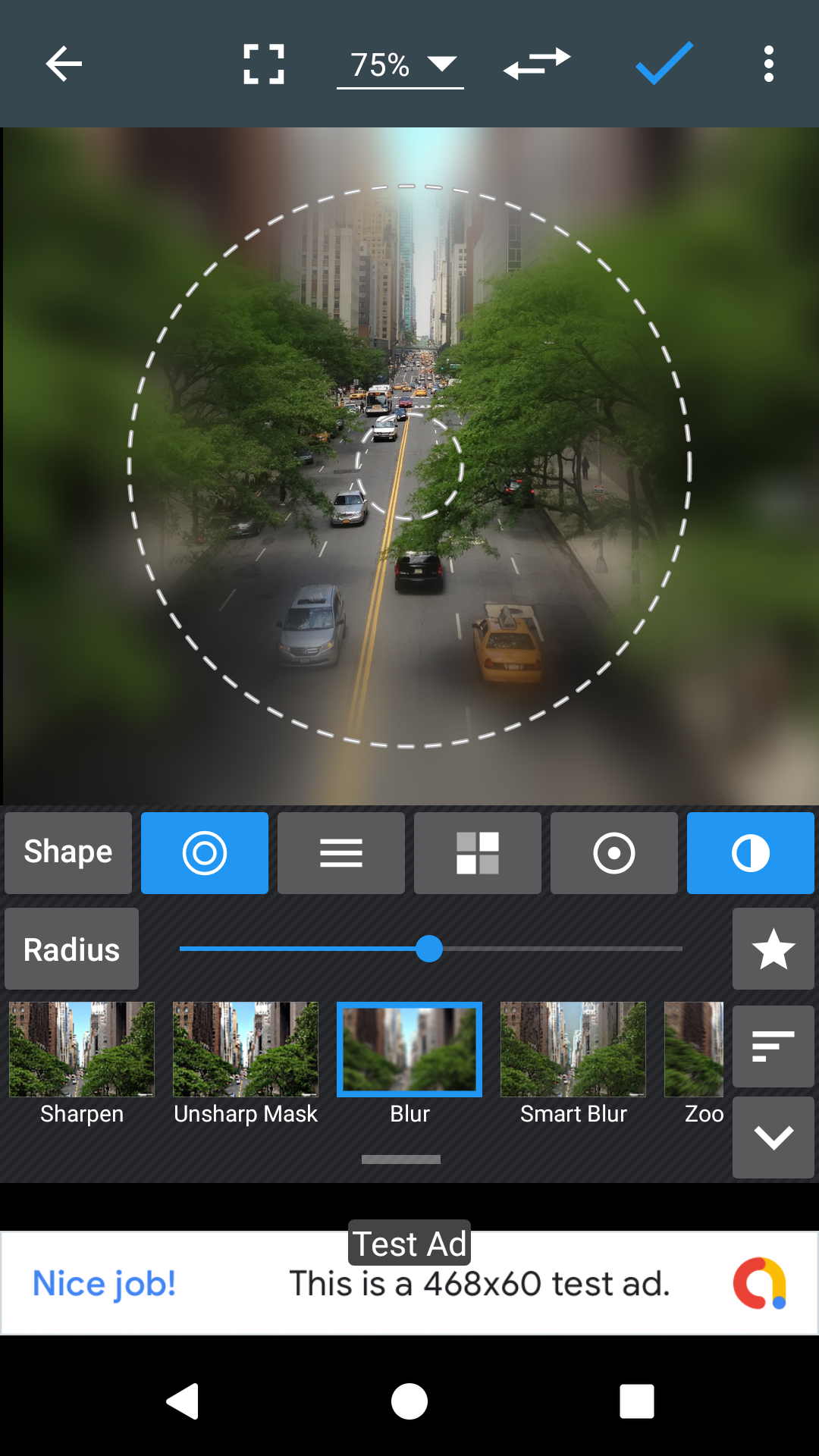
* Effects : gamma correction, auto contrast, auto tone, vibrance, blur, sharpen, oil paint, sketch, black & white high contrast, sepia, and more
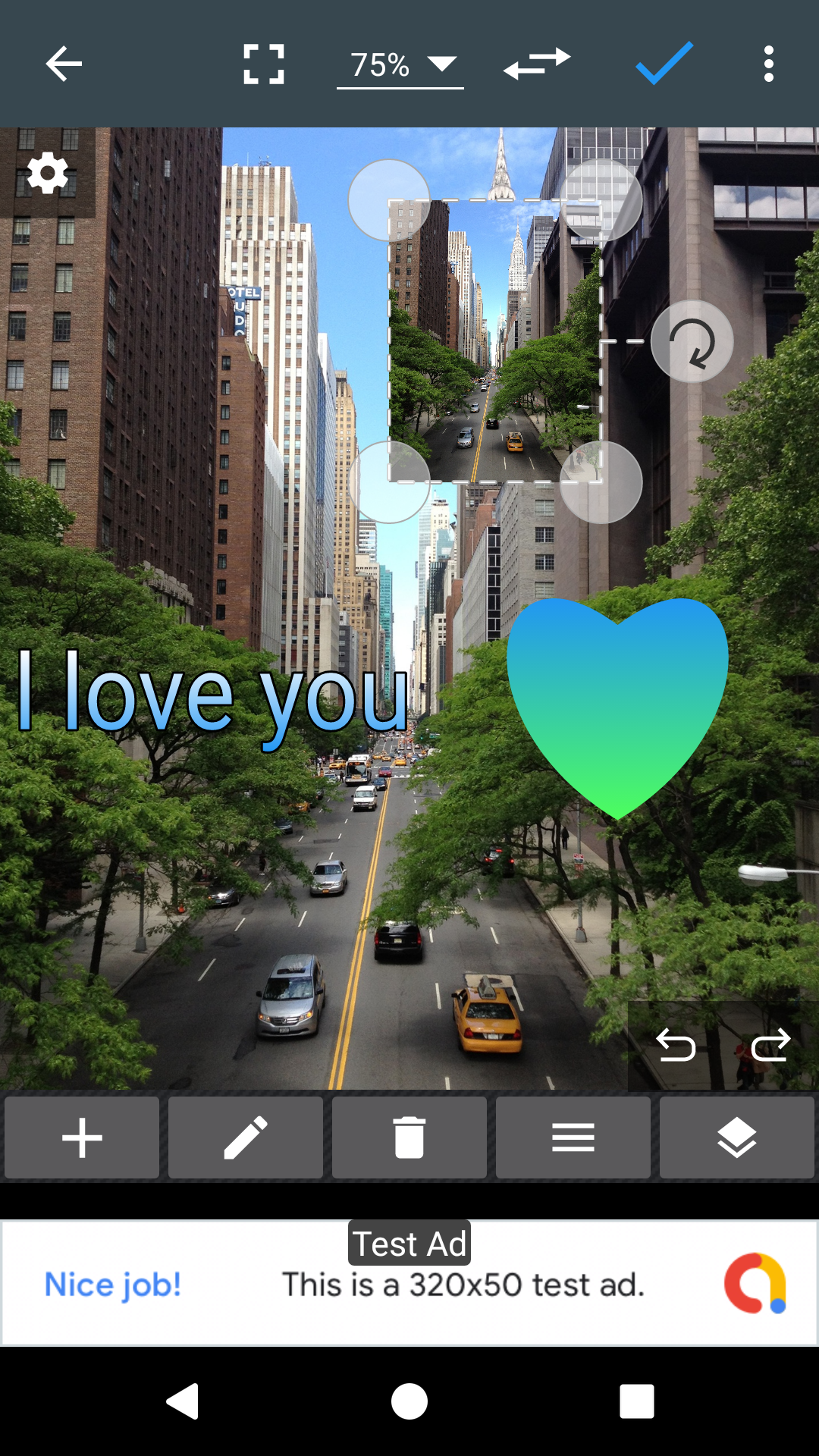
* Adding text, images or shapes
* Frame, Denoise, Drawing, Pixel, Clone, Cut Out
* Rotation, Straighten, Crop, Resize
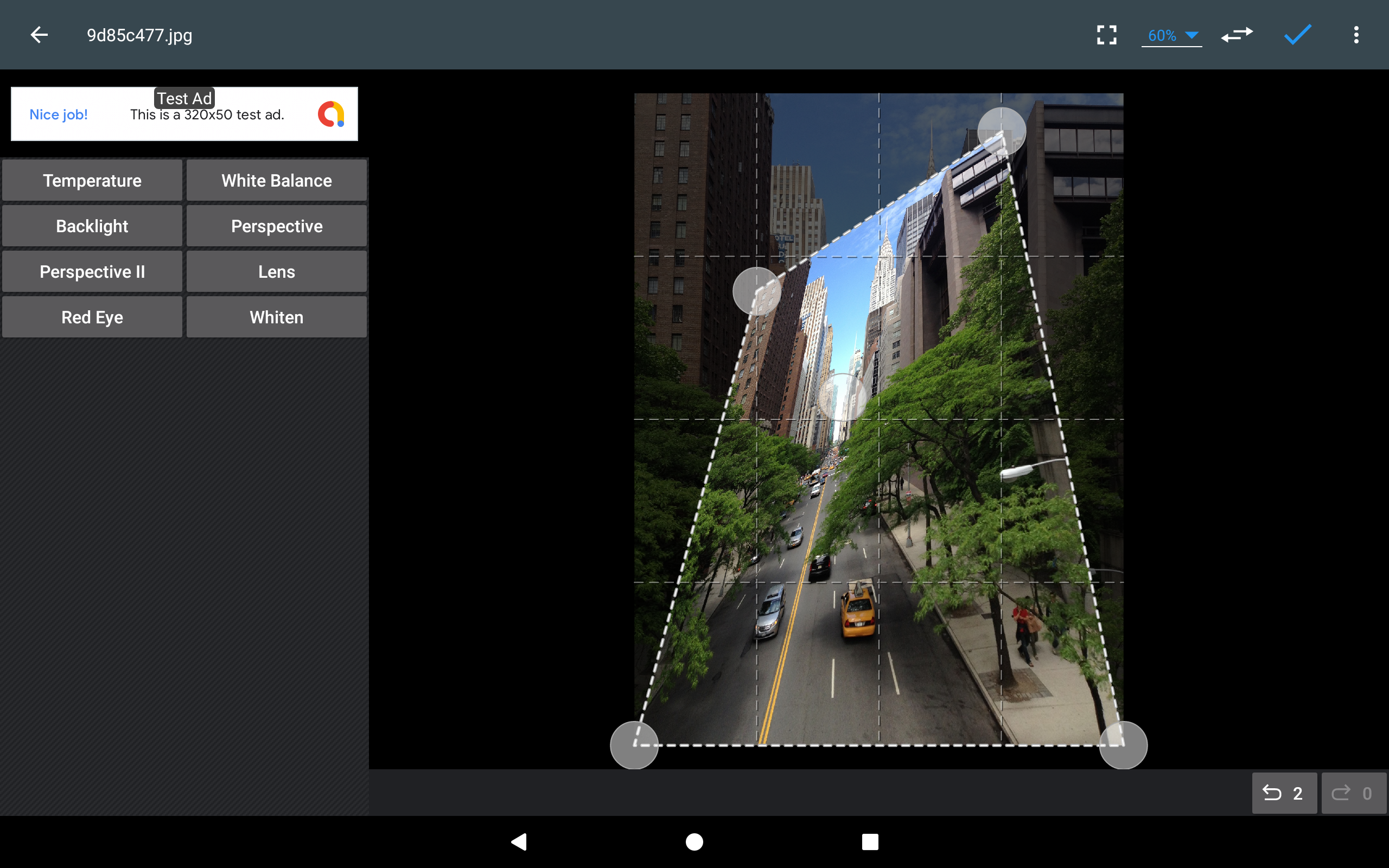
* Corrections : perspective, lens, red-eye, white balance and backlight
* Easily edit with the touch and pinch-to-zoom interface
* Save images in JPEG, PNG, GIF, WebP and PDF
* View, edit, or delete Metadata (EXIF, IPTC, XMP)
* Save your final result to your gallery, as wallpaper, or on your SD card
* Share photos via email, social media, and more
* Batch, Crop(Puzzle), Compress to ZIP, Create PDF, Animated GIF
* Webpage Capture, Video Capture, PDF Capture
* Compare Photos, GIF Frame Extractor, SVG Rasterizer
* Ad-free option is available (Settings > Purchase Items)
*** Links
Website: https://www.iudesk.com
Tutorials: https://www.iudesk.com/photoeditor/tutorial
*** PHOTO EDITOR IS NOT SPYWARE/VIRUS!!!
Photo Editor does not contain any viruses or malicious code.
https://www.iudesk.com/photoeditor/security
Changelog
Version 11.9
• Crash & Bug fixes
Additional information
Screenshots
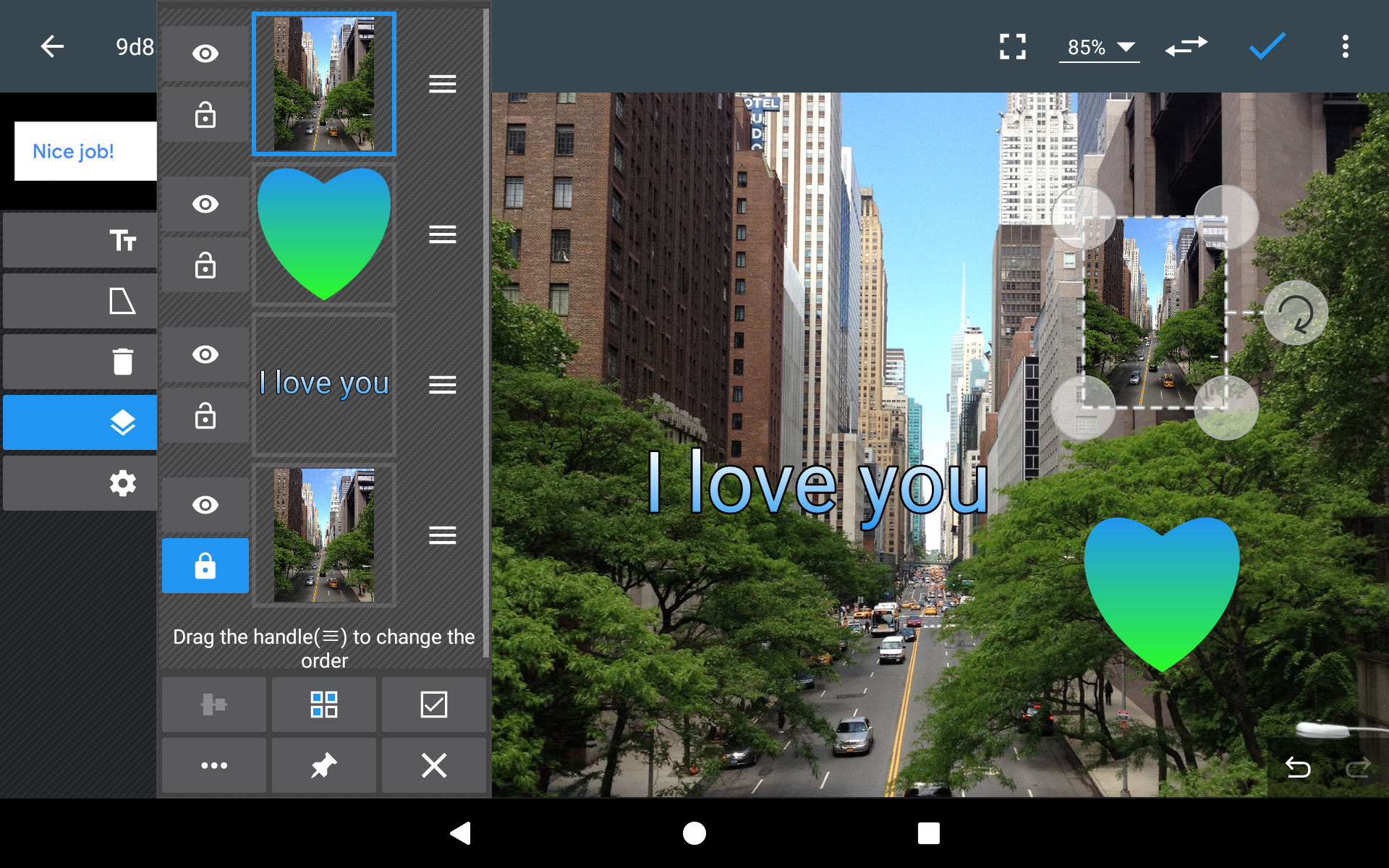
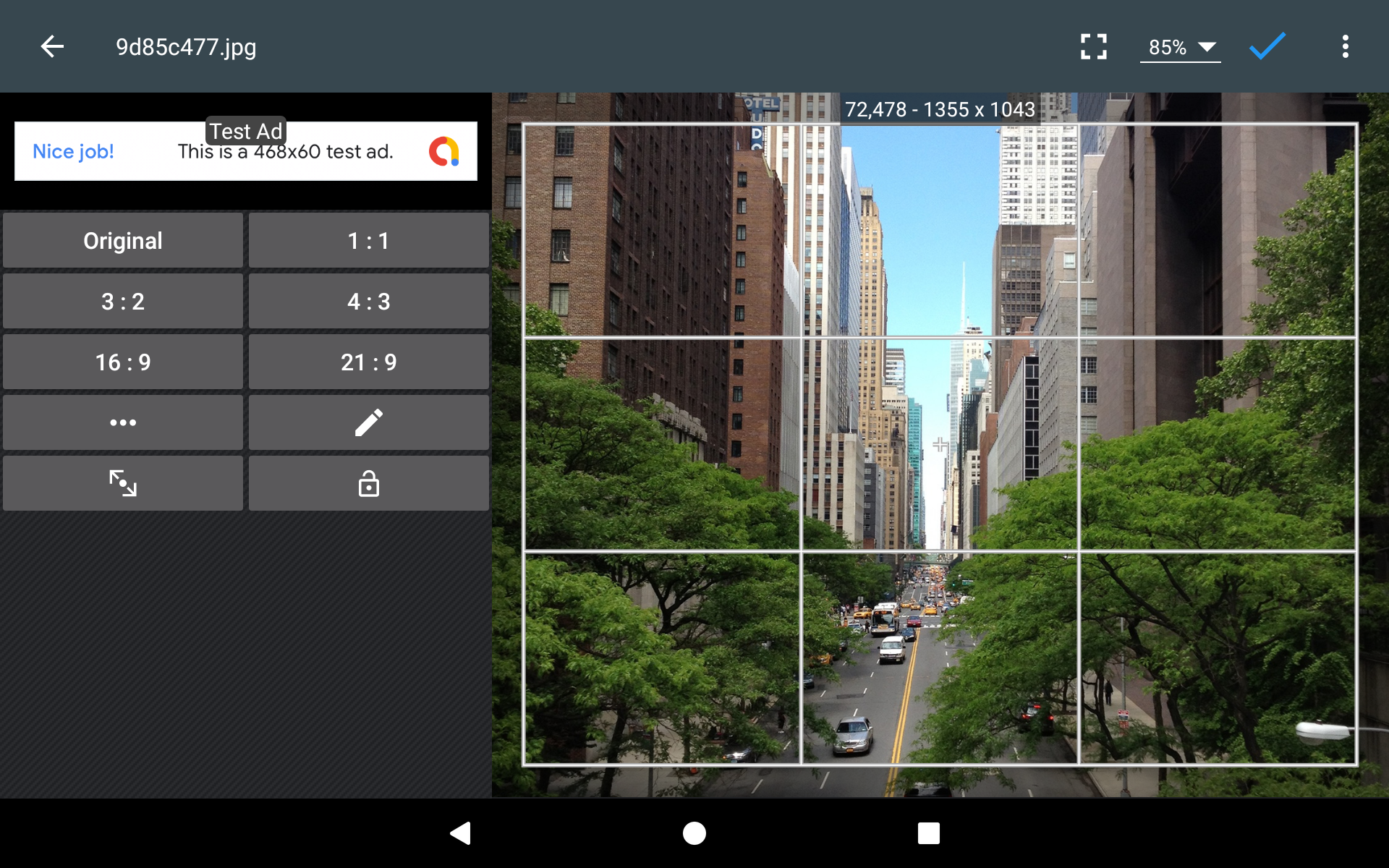
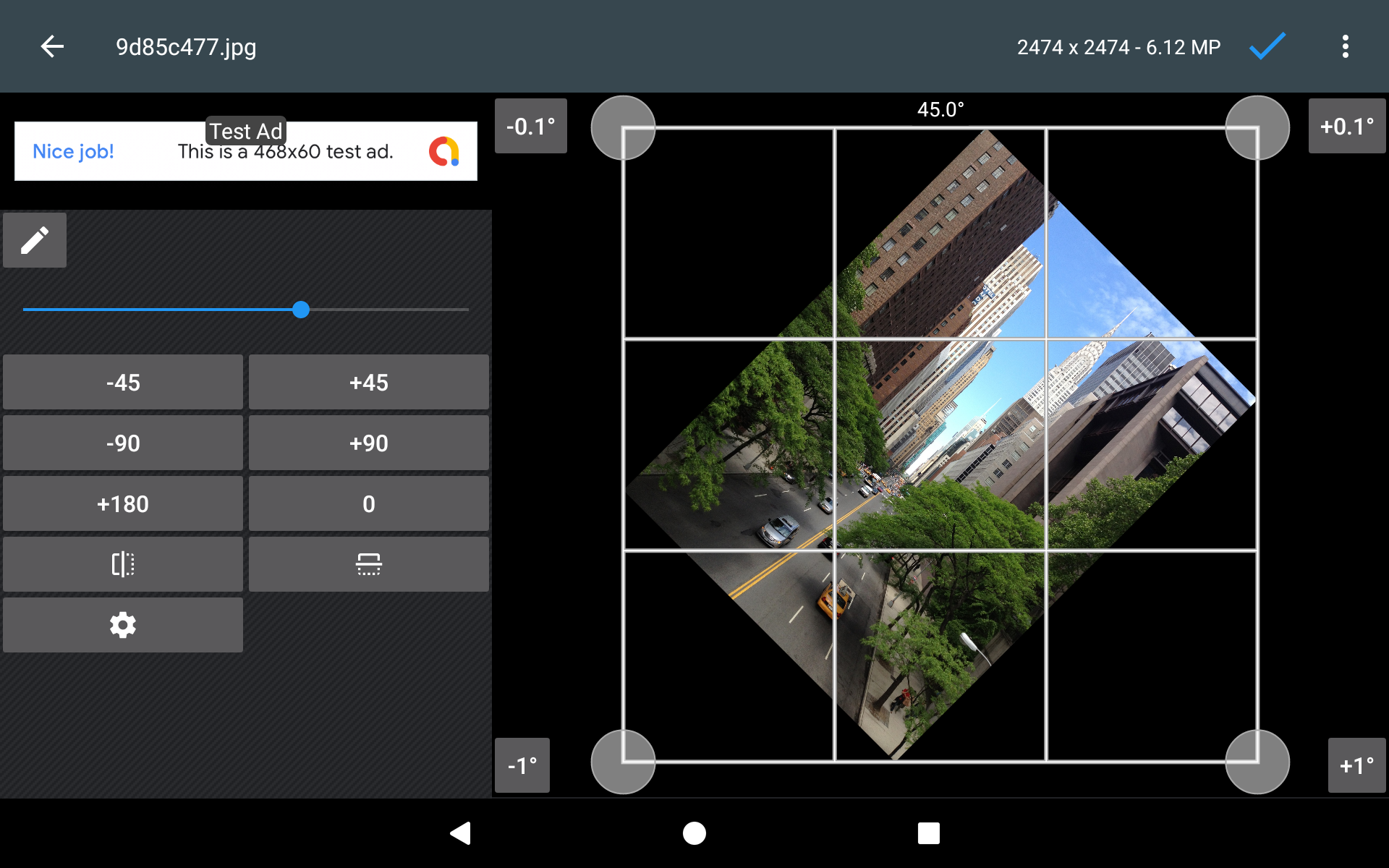
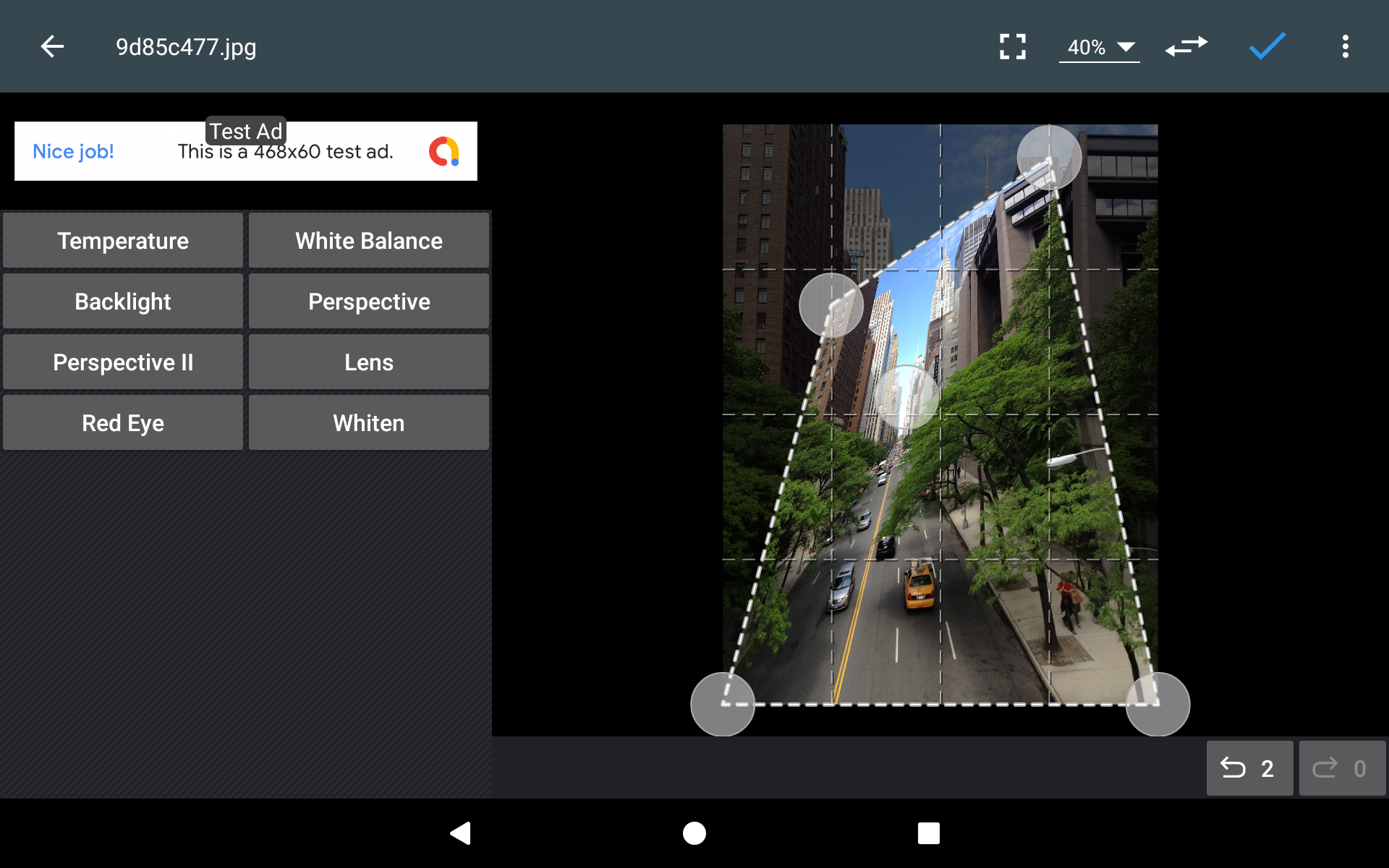
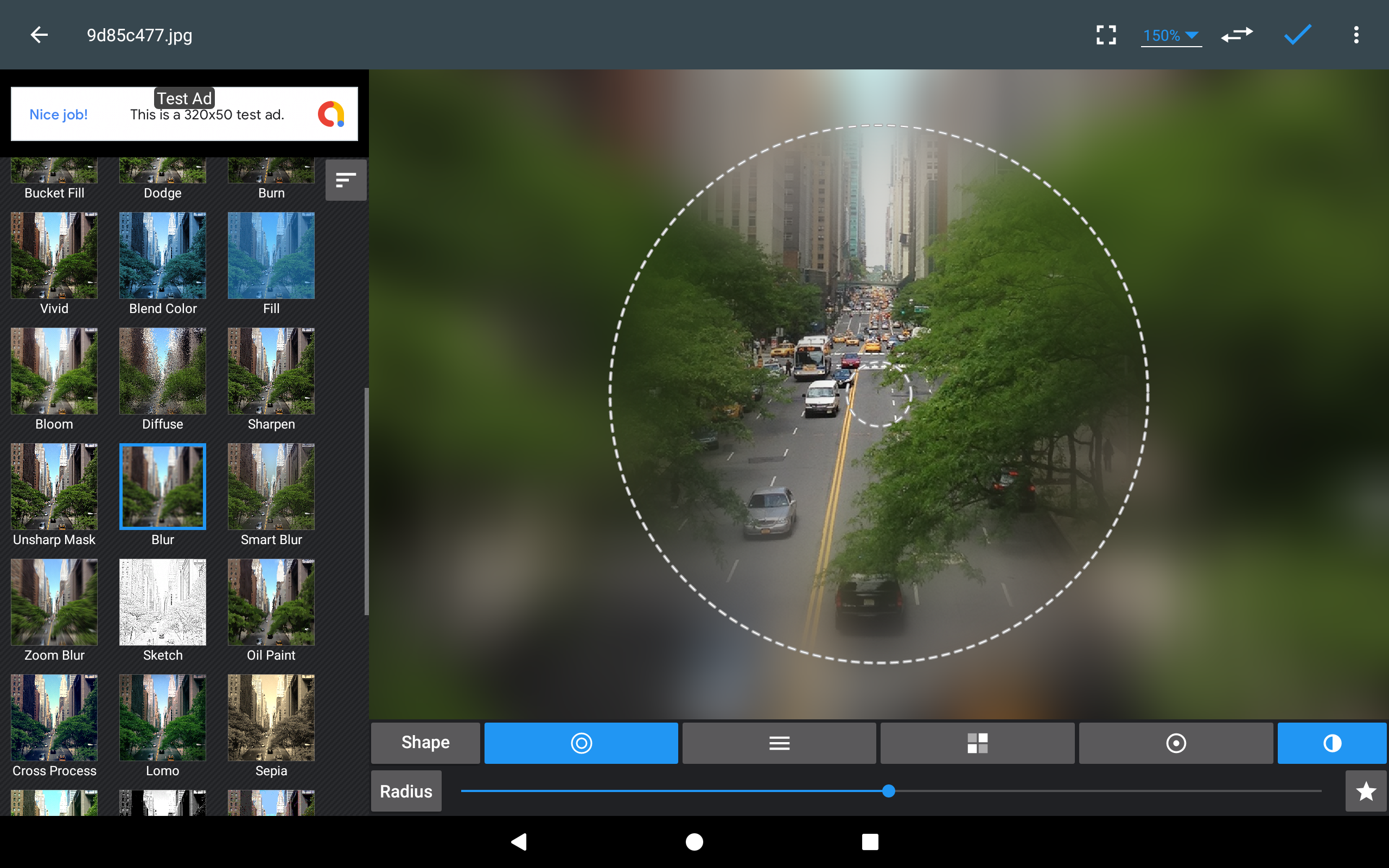
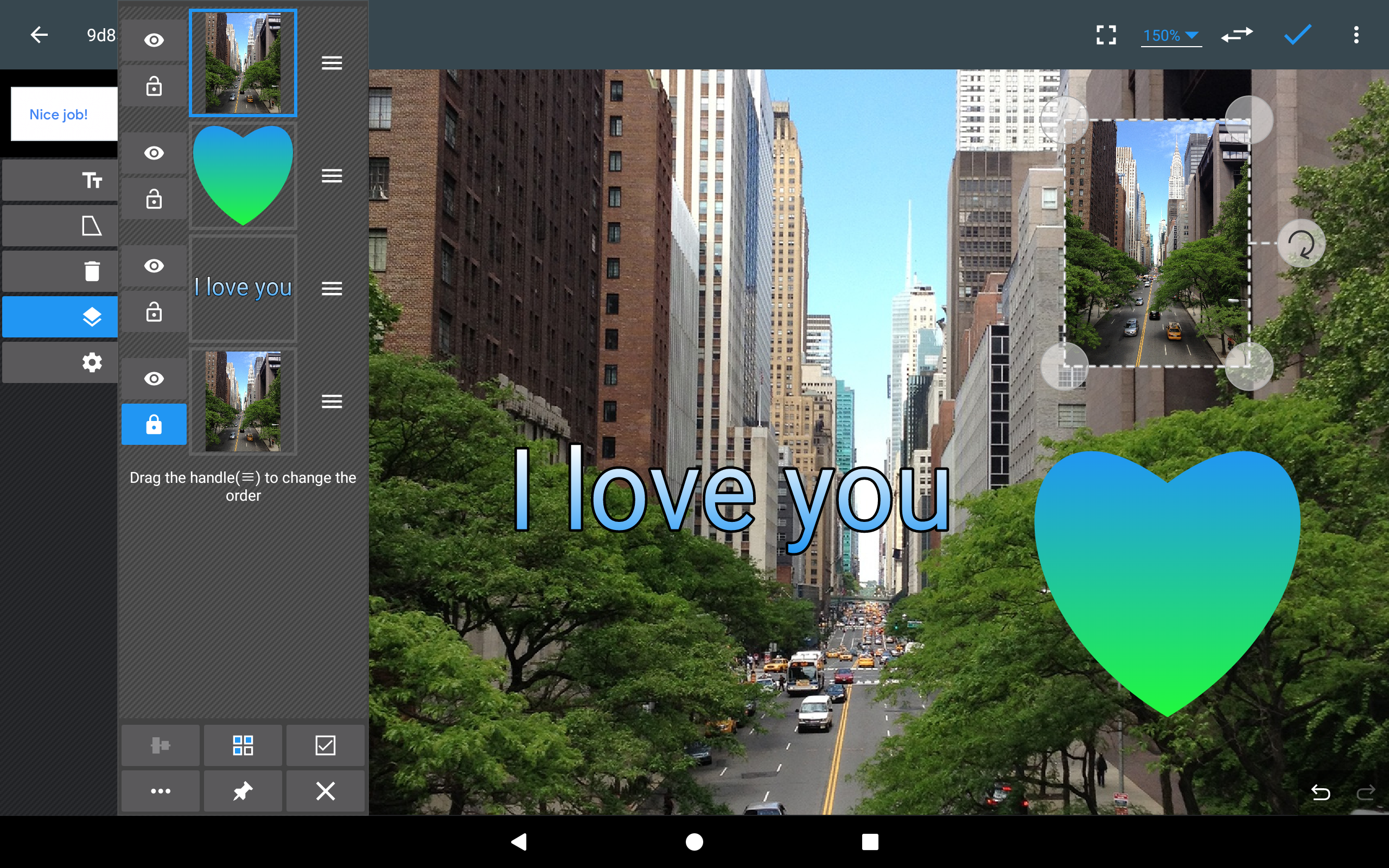
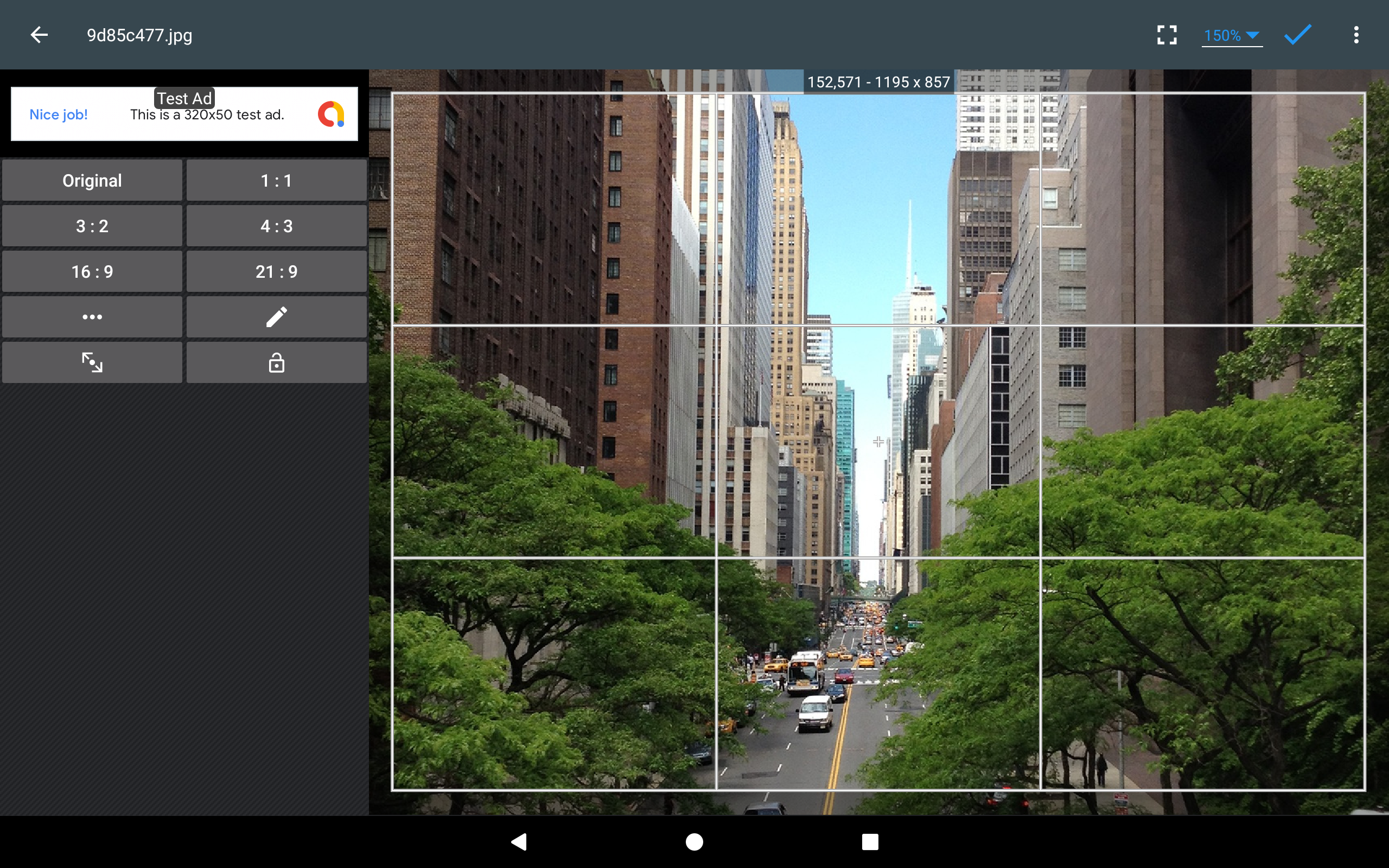
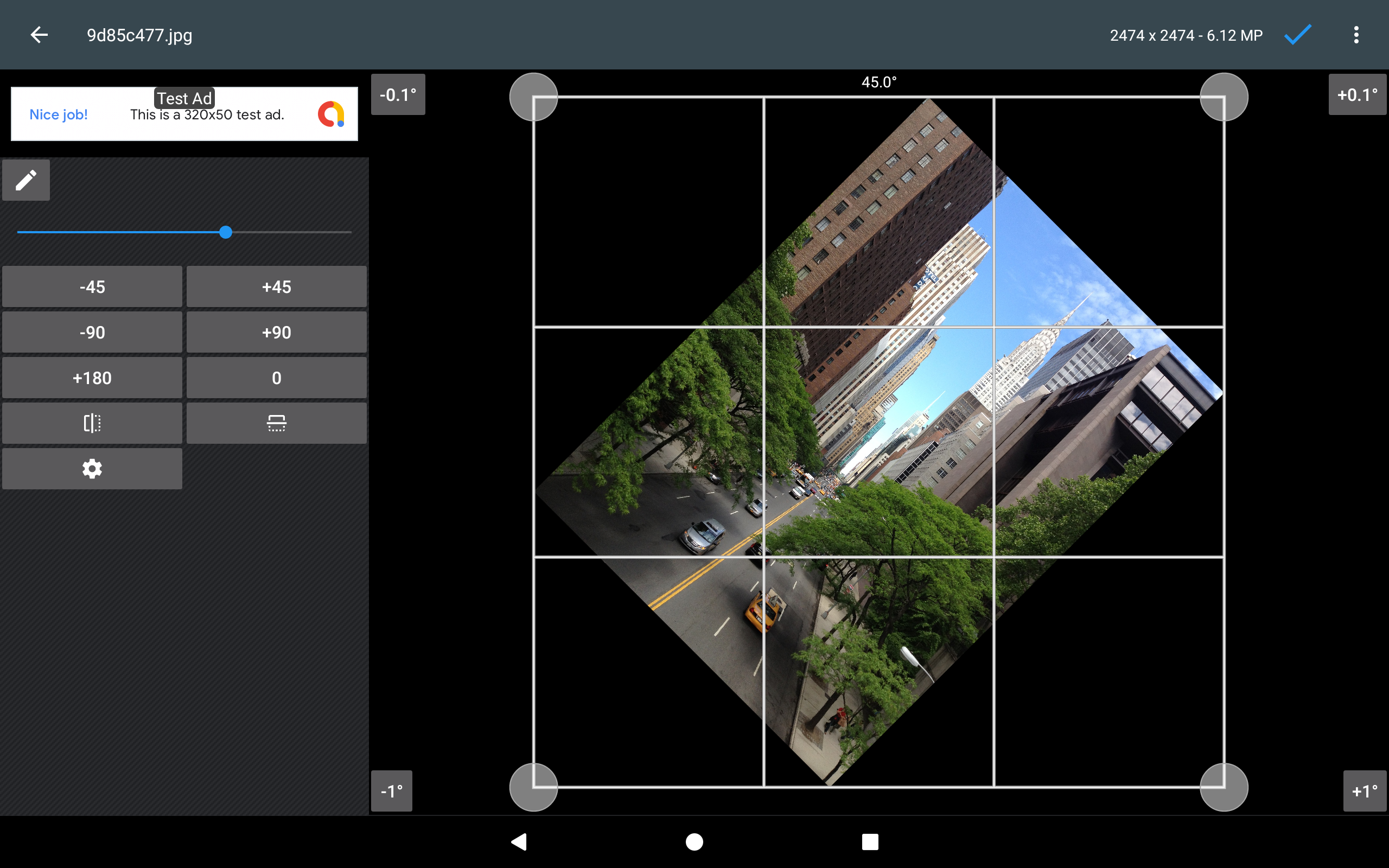
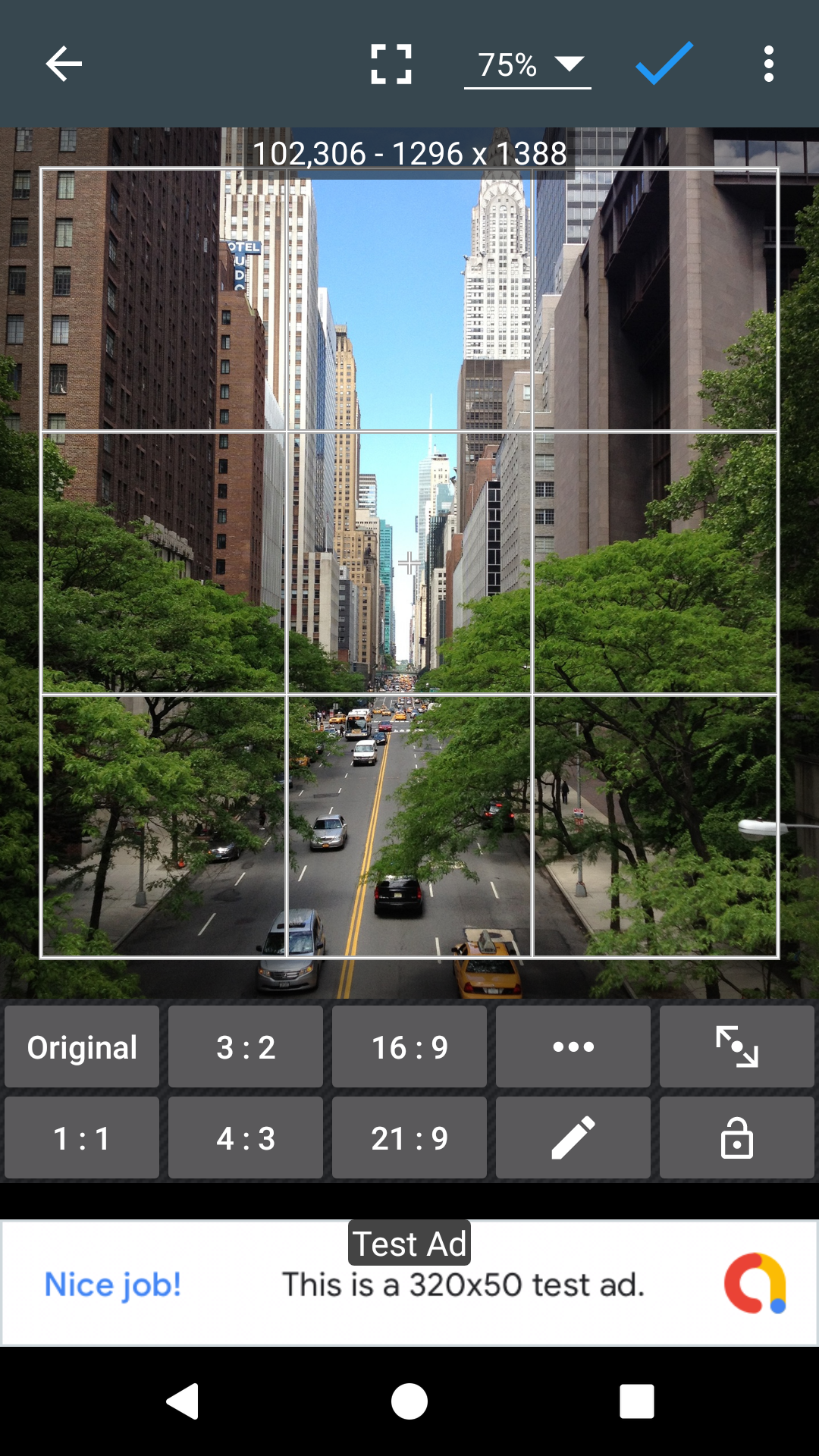
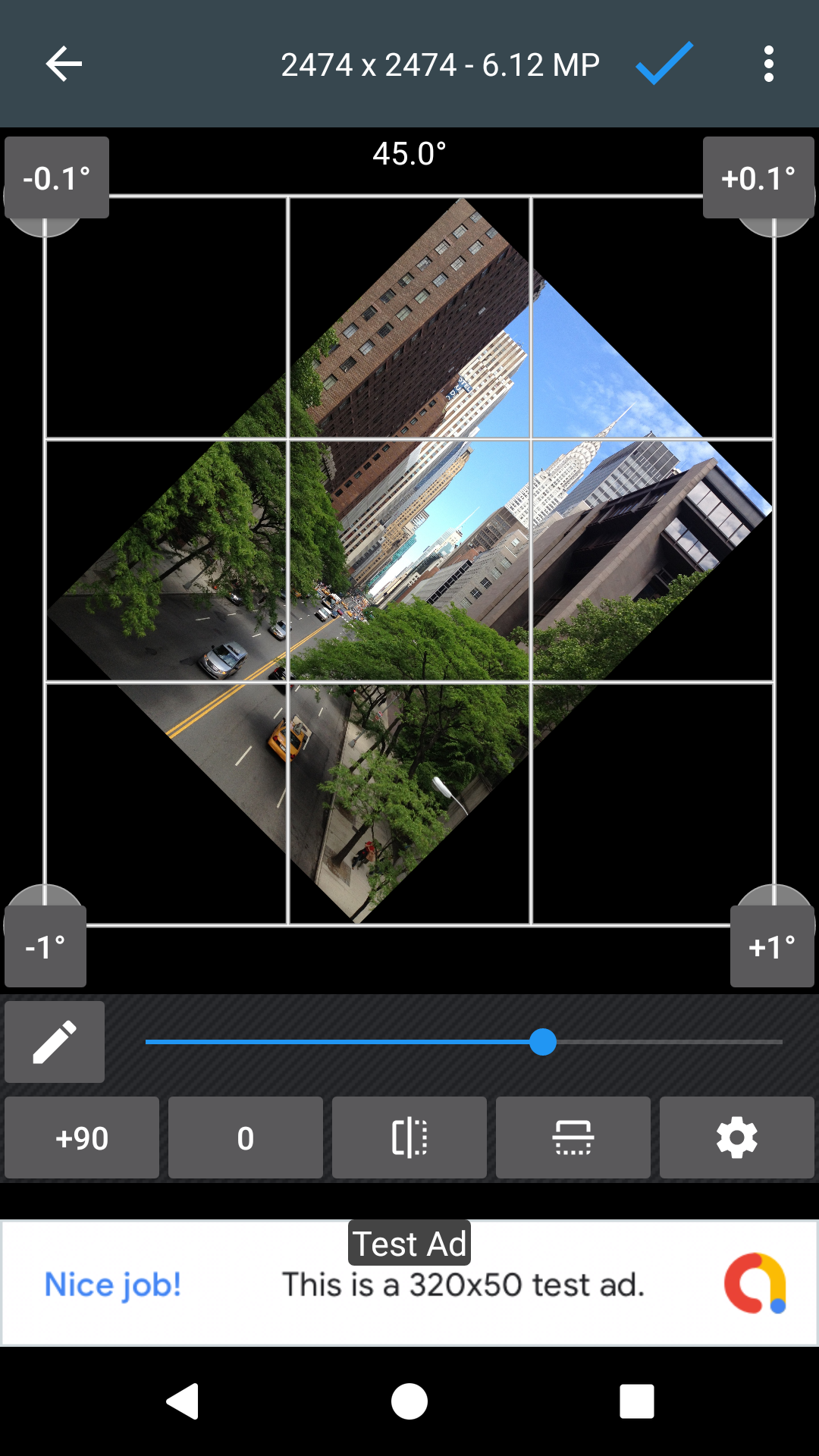
Reviews
Recommend Article








Similar Apps

Create Business Headshots, Travel Selfies, Profile Pics and Realistic AI Photos

Customize Face Changer & Funny Avatar Animator: merge your face with celebrities

AI Retouch & Photo Enhance

Create AI Photos, Improve and restore quality of blurry, old or damaged pics.

Cartoon Yourself with ai Cartoon Photo Editor, ghibli anime filter and toon app!
Create stunning digital art with GoPaint on Huawei devices.