


Kupola Parental Control App

Hot Novels






Install Tips
Mobile safety & integrity report for the latest package. We provide verifiable checksums and a timestamped scan summary. Latest package Kupola Parental Control App 1.4.6 scanned by multiple engines; no threats detectedas of Tue, 28 Jul 2026 12:02:54 GMT.
After downloading, use a system or third-party checksum tool to calculate the SHA256 and ensure it matches the value provided on this page (case-sensitive, without spaces).
Each engine uses different signature databases and heuristics, so results may vary slightly. We provide a timestamp and checksum to allow you to independently verify the package.
Kupola Parental Control App Review
Kupola – Free & Smart Parental Control for a Safer Digital Experience
Being a parent in the digital age is a challenging experience. Children are constantly connected—browsing social media, playing games, and surfing the internet. While technology offers benefits, it also poses risks, including excessive screen time, inappropriate content, and online distractions.
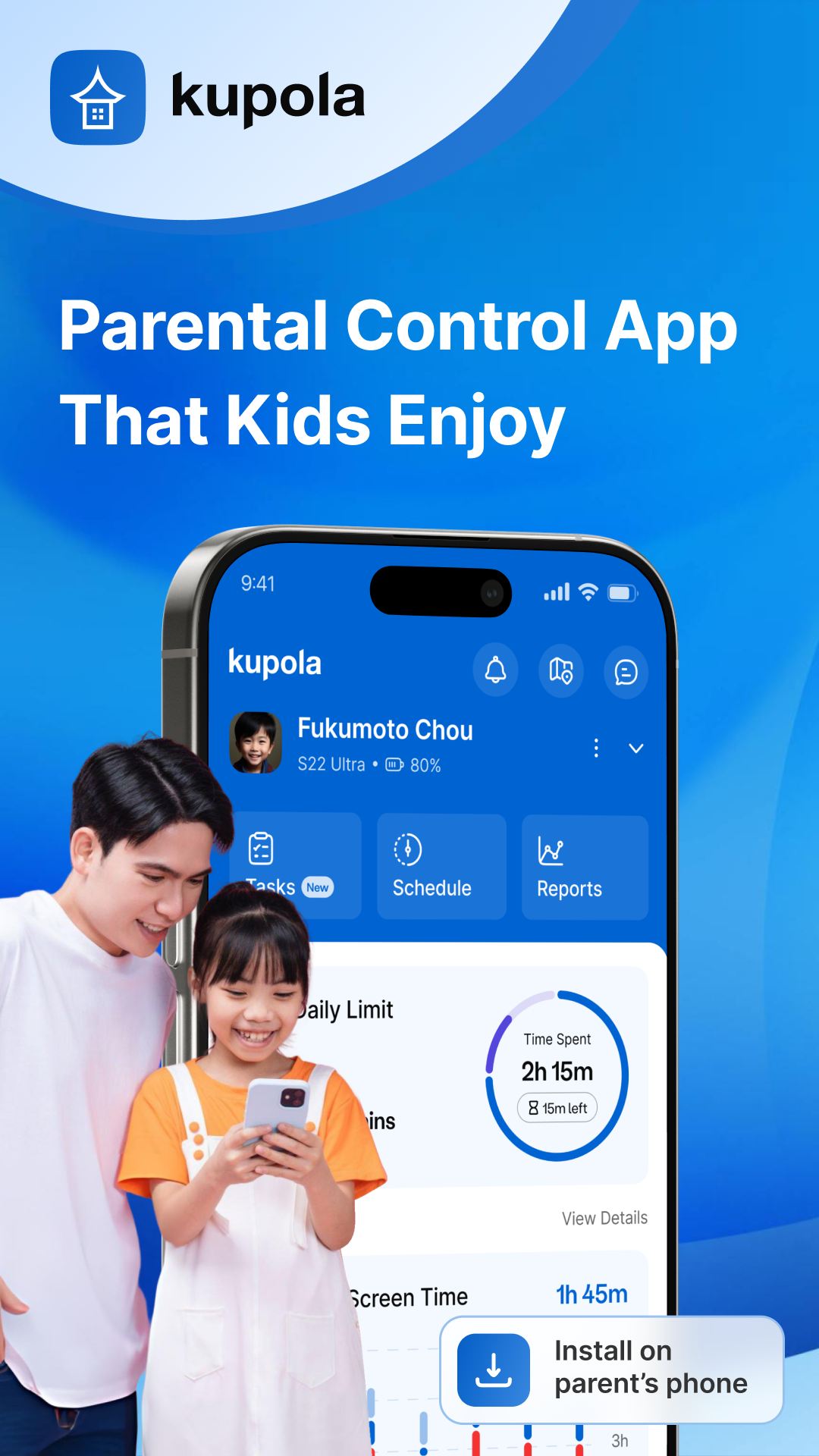
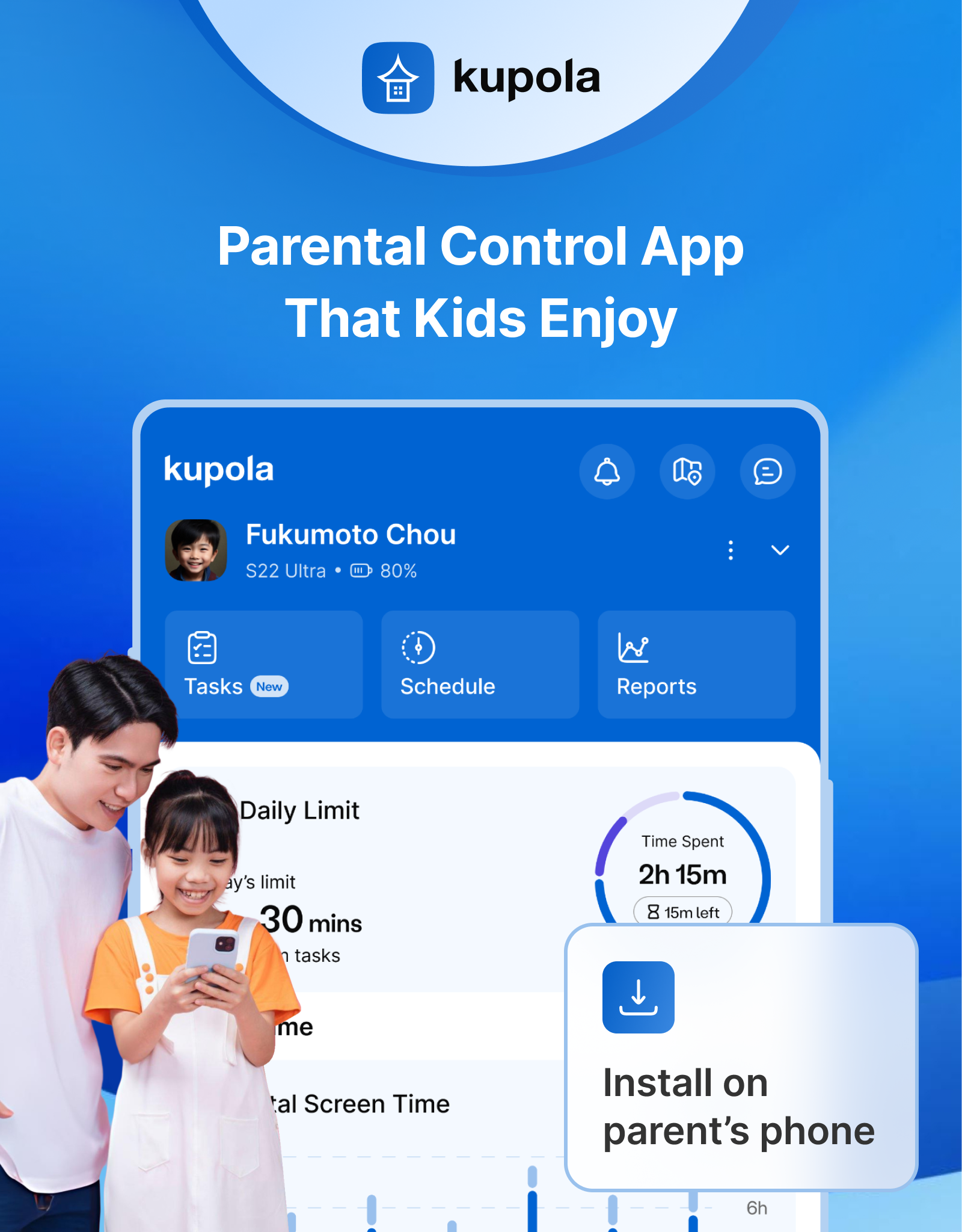
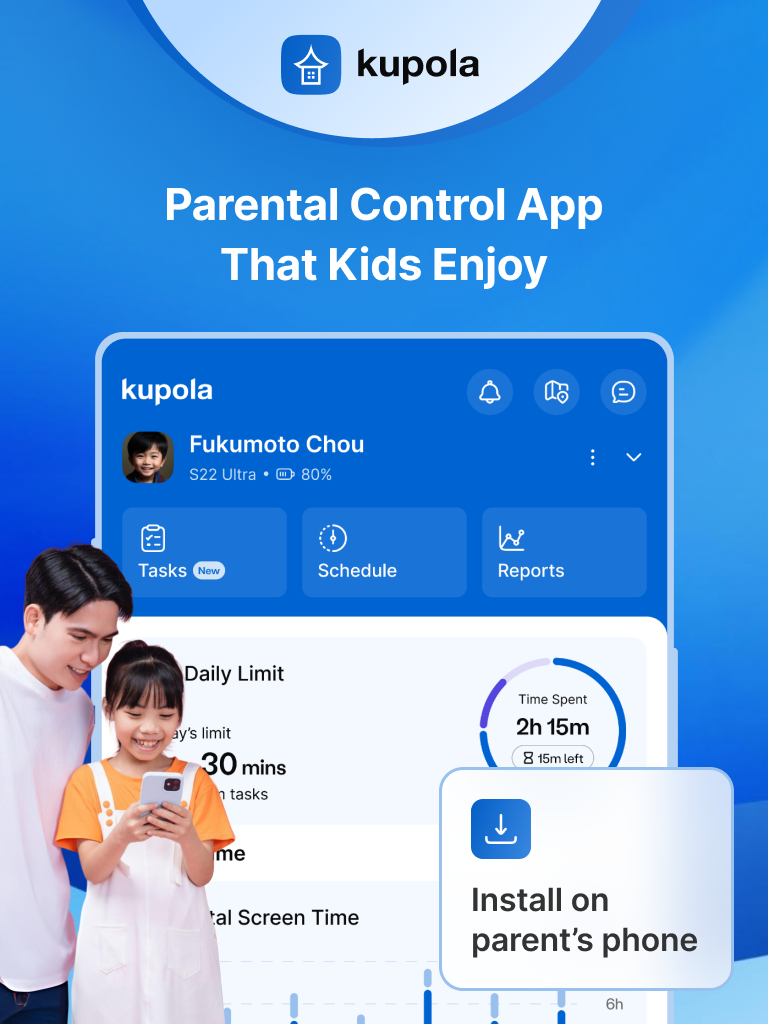
Kupola is a completely free parental control app that helps parents oversee their children’s digital activities with practical tools, including app blocking, screen scheduling, web filtering, and real-time safety alerts. Ensure your child can enjoy technology safely and securely. No hidden fees, no subscriptions—just powerful features to help your child use technology responsibly.
🔑 Key Features of Kupola – 100% Free
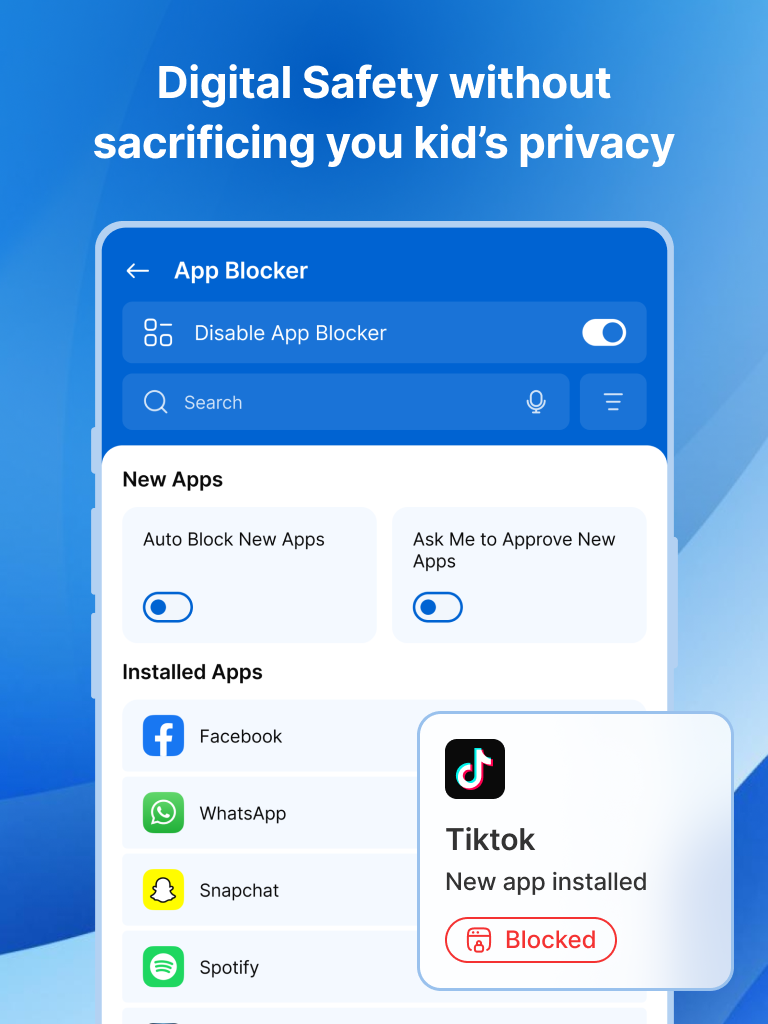
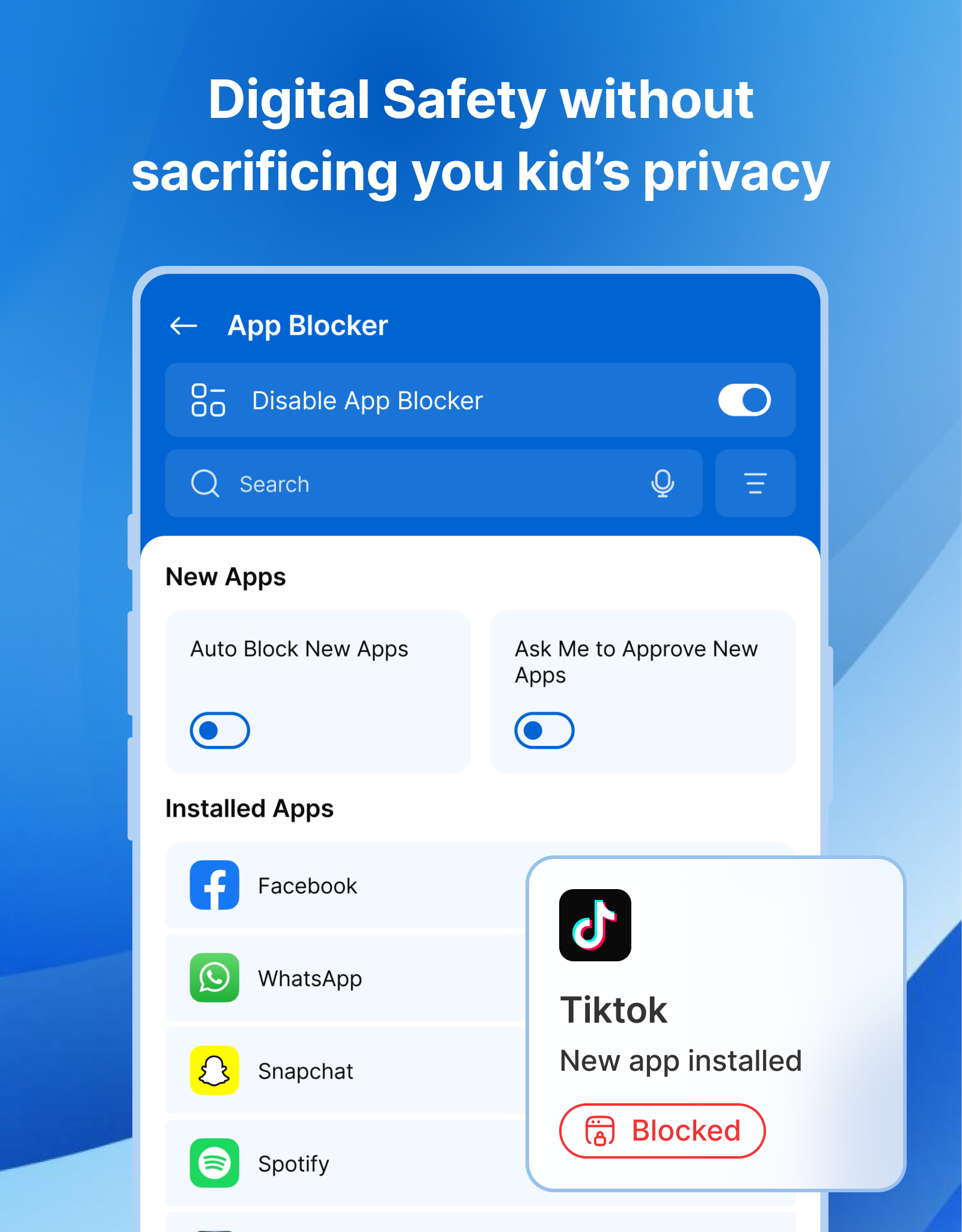
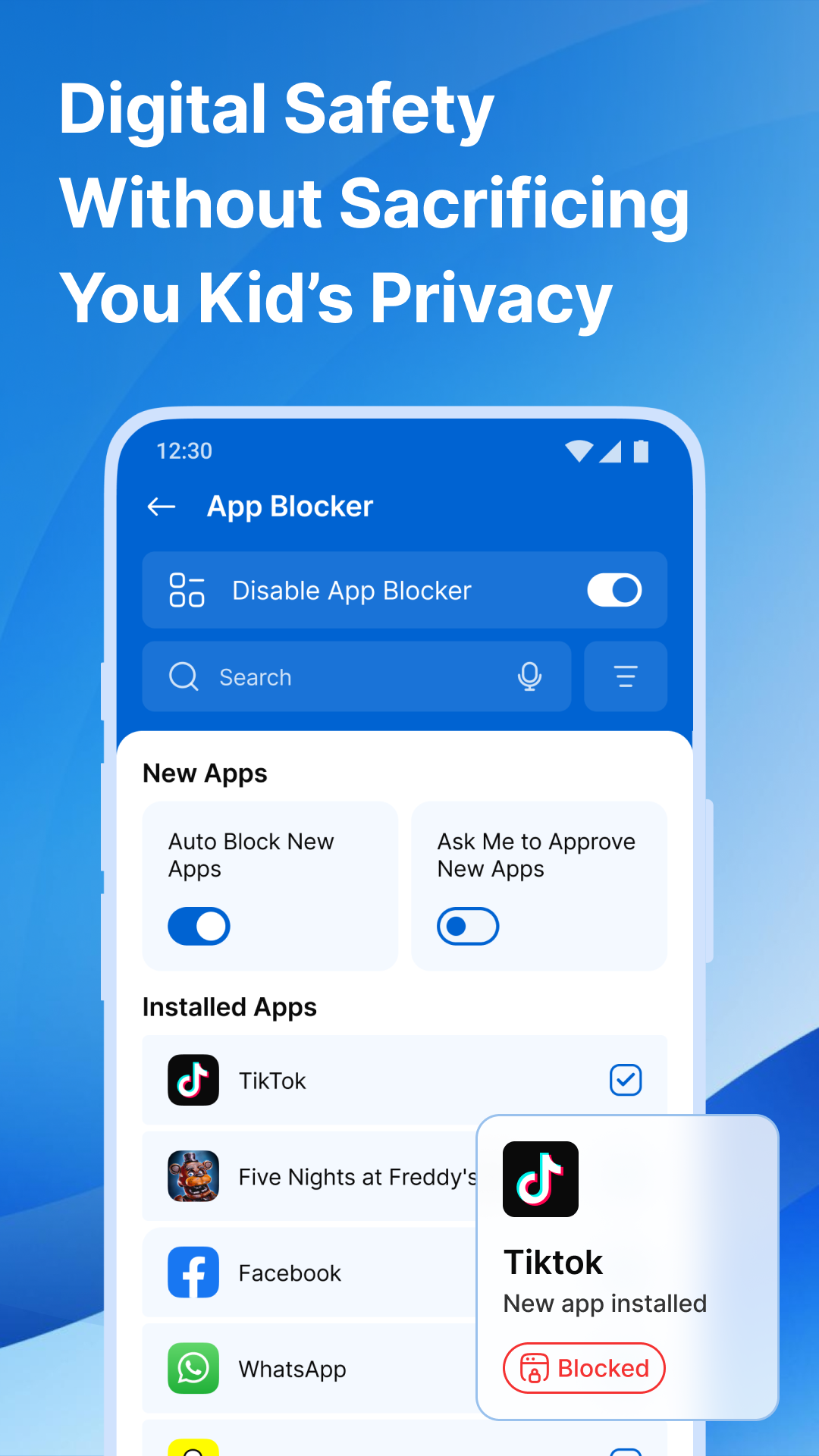
📵 App Blocker – Keep Distractions Away
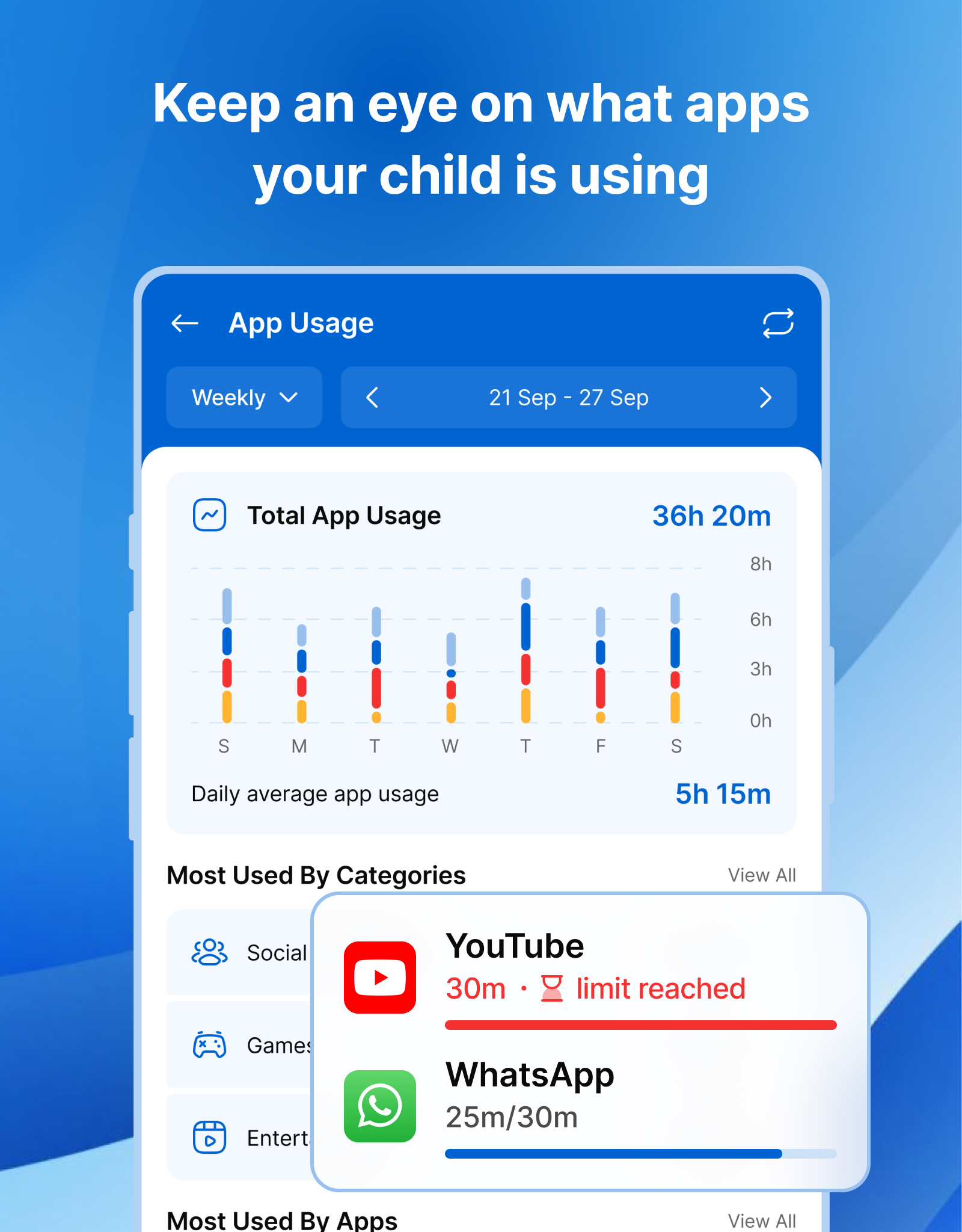
Prevent your child from wasting hours on addictive games or social media. With Kupola, you can block specific apps or categories to help them concentrate on school, family time, or sleep.
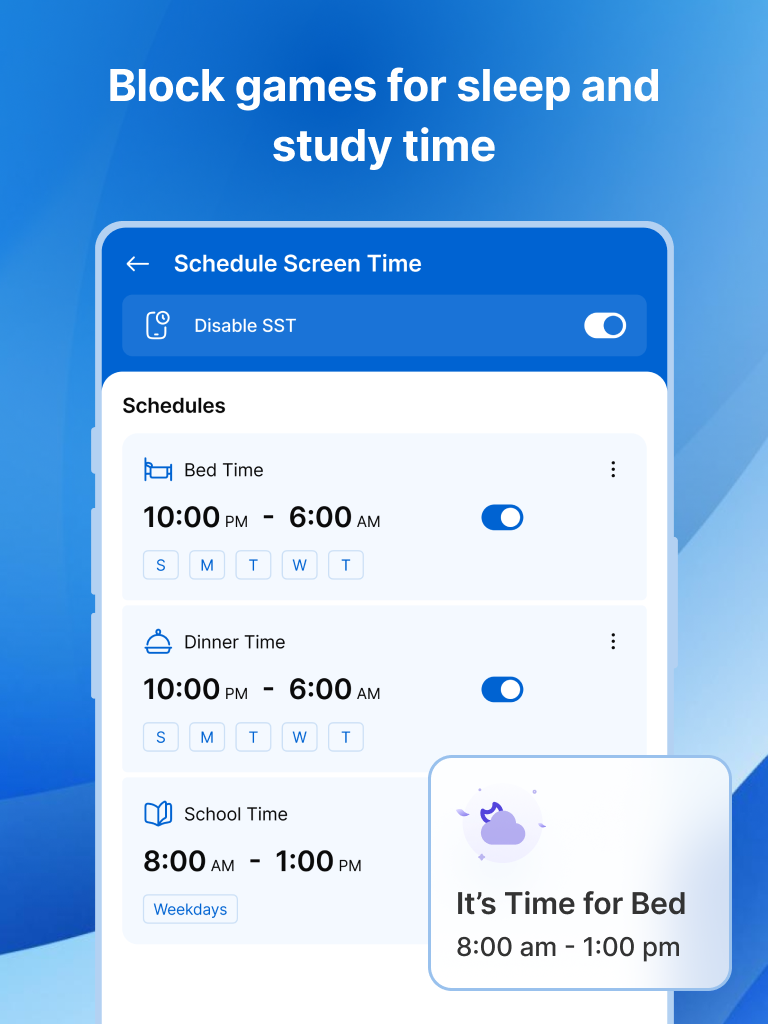
⏳ Screen Schedule – Set Healthy Routines
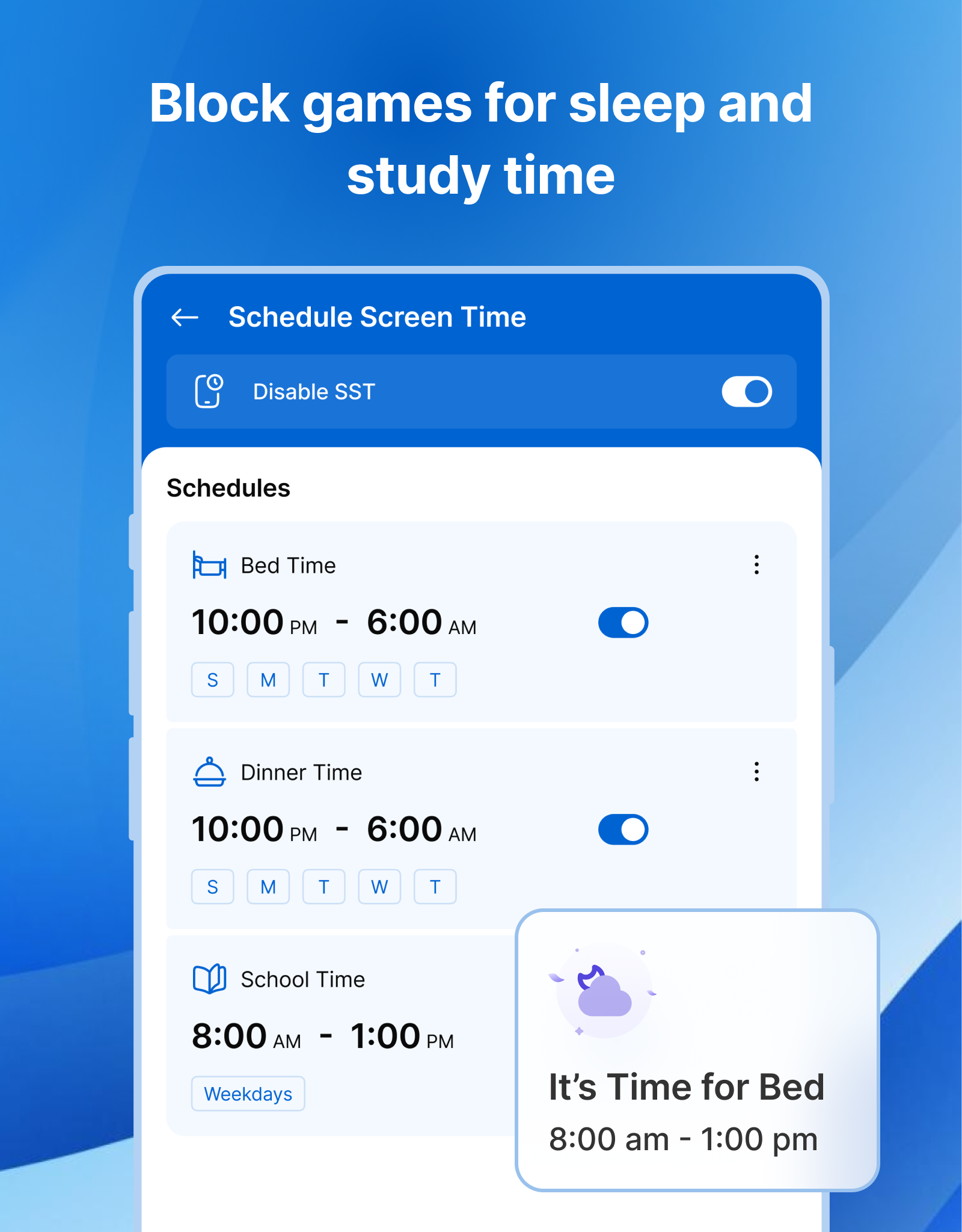
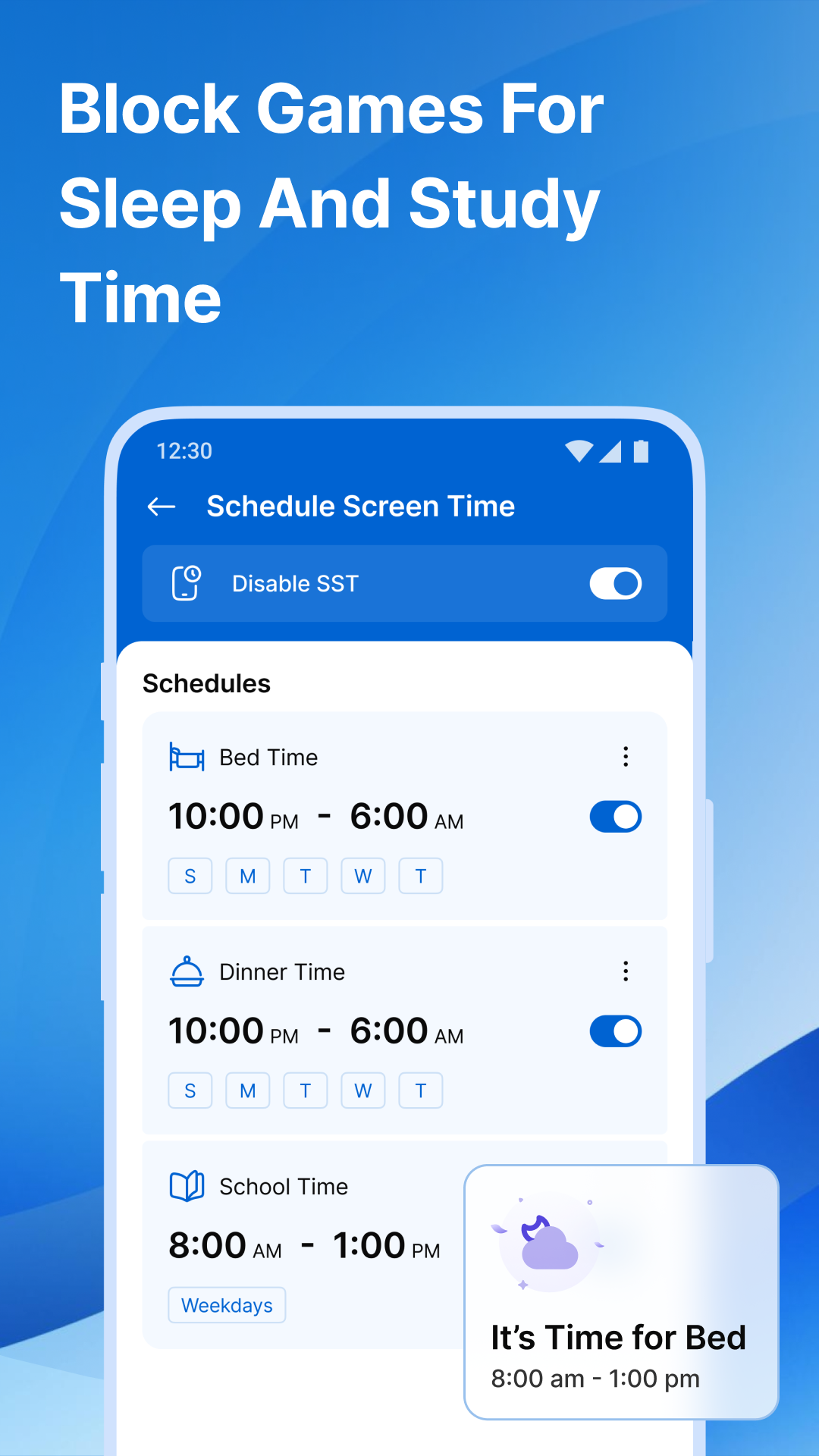
Set specific screen time schedules to help your child develop healthier digital habits. Limit phone use during school, bedtime, or meals so your child can focus on what matters most.
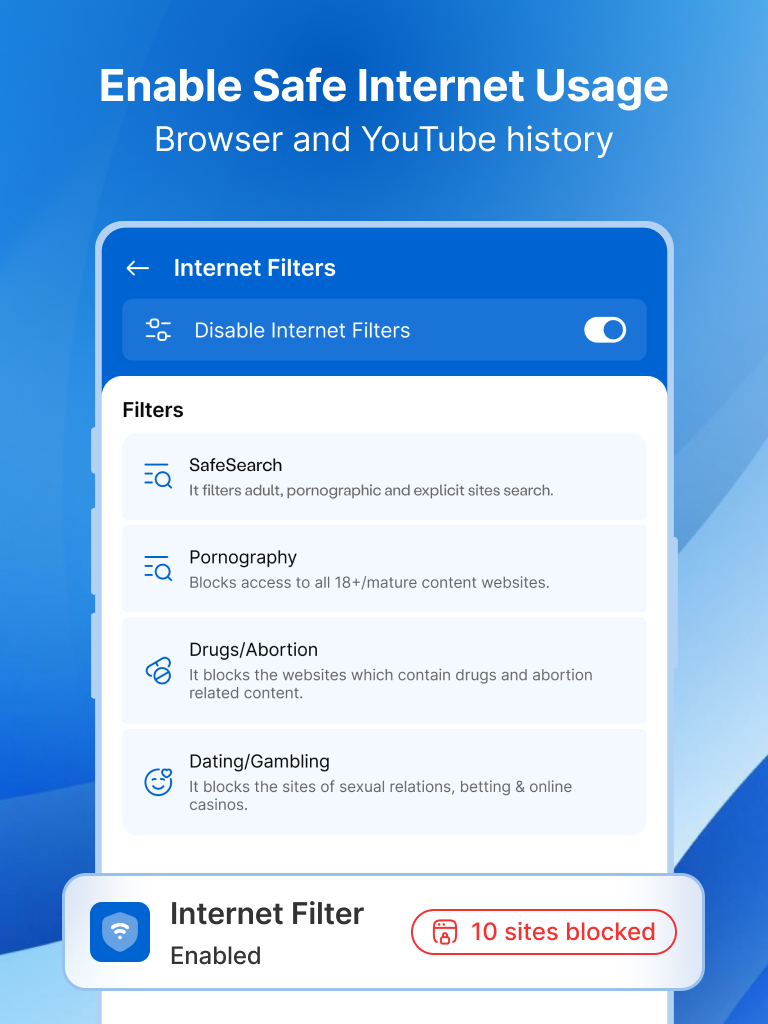
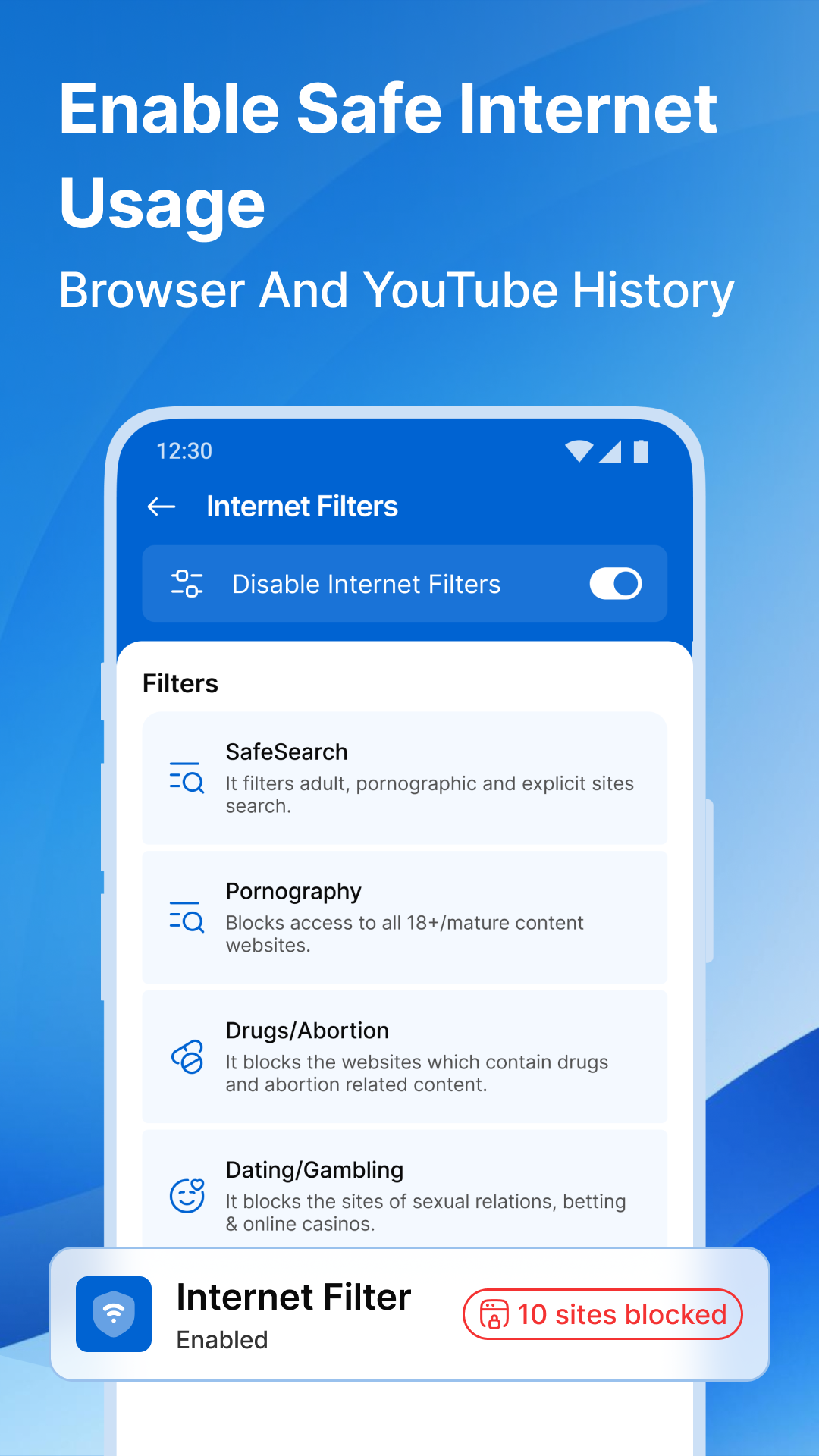
🌐 Web Blocker – Safe Browsing for Kids
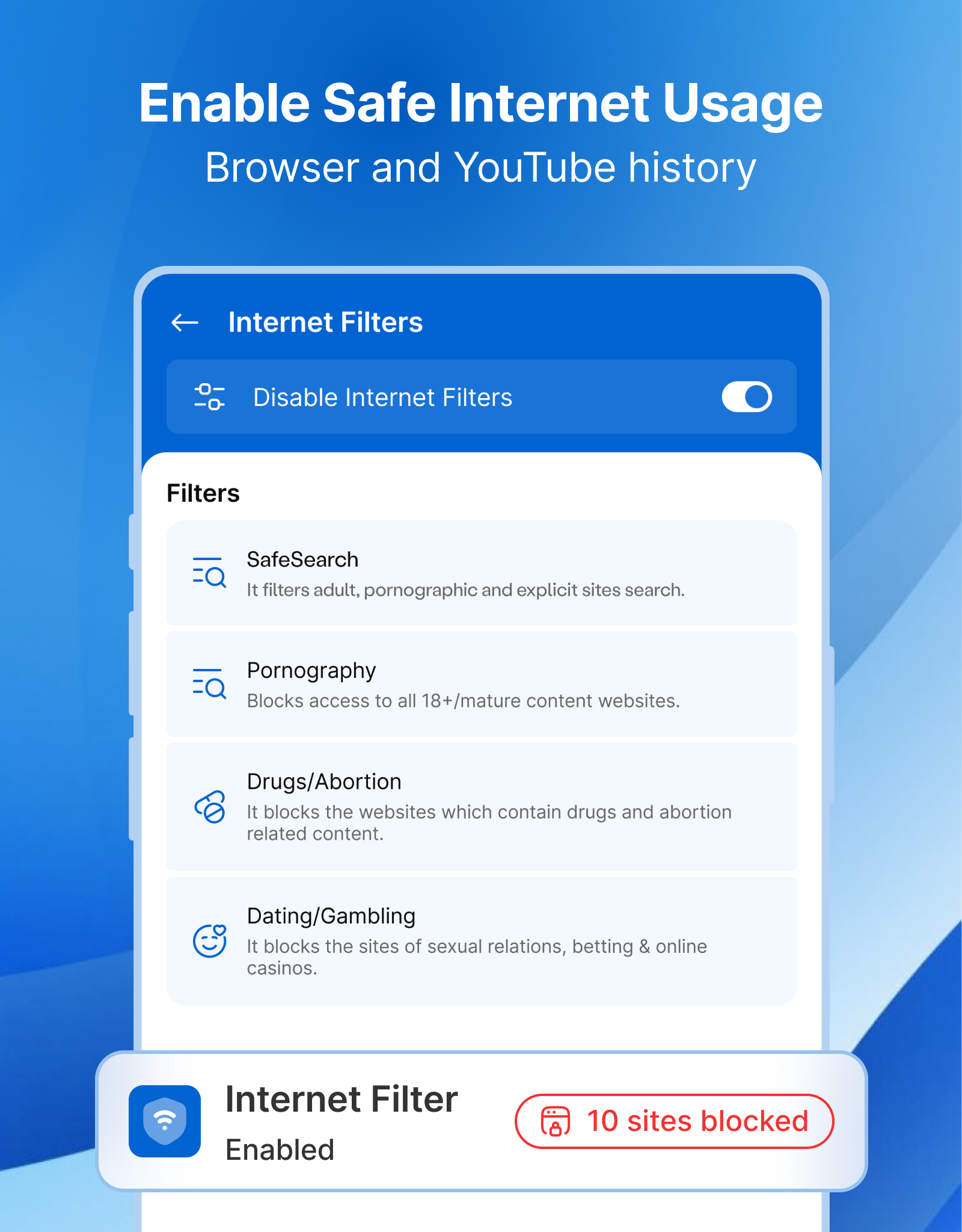
The internet is full of helpful information, but it also contains harmful content. Kupola allows you to block inappropriate websites and filter web content, ensuring your child only accesses safe, age-appropriate material.
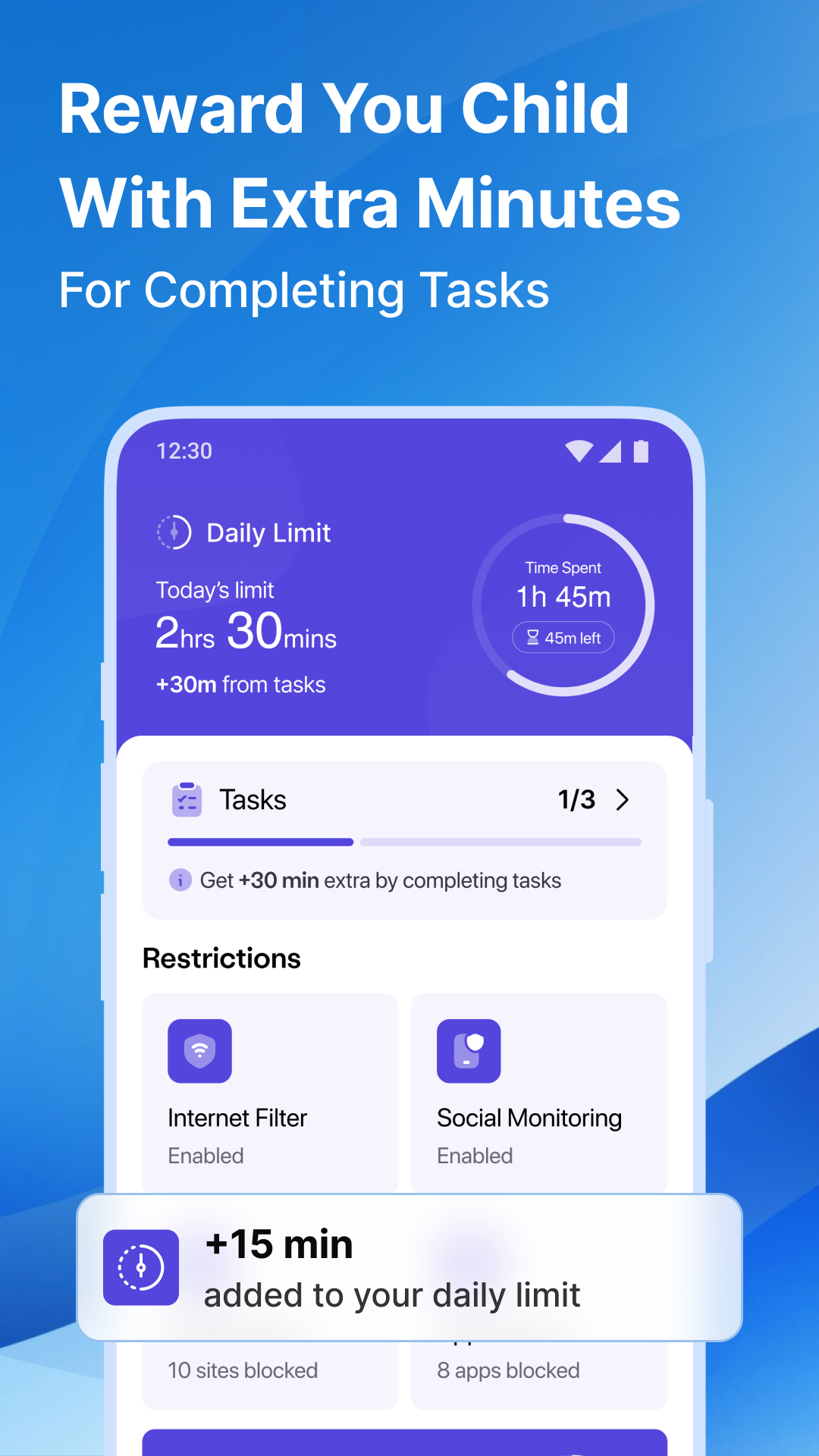
📆 Daily Limit – Set Usage Boundaries
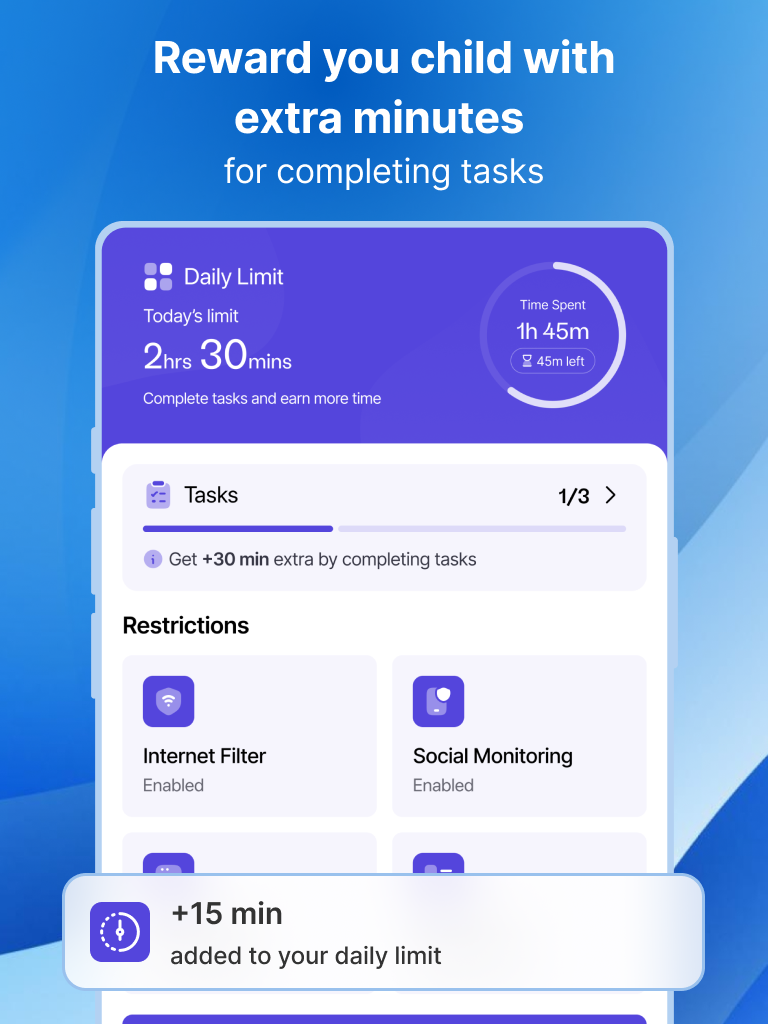
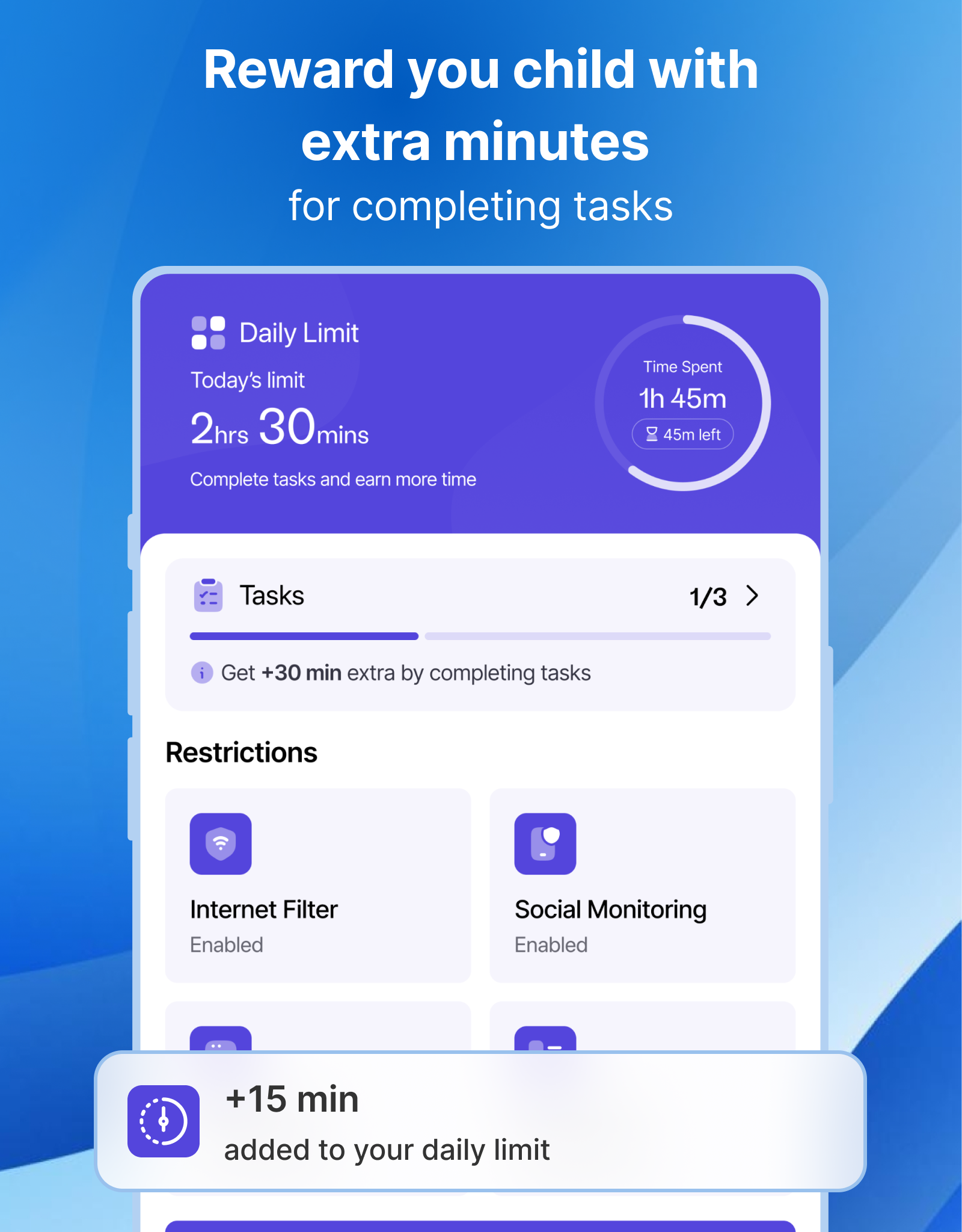
Promote responsible digital habits by establishing daily limits on screen time. Once the daily limit is reached, access to apps and websites is automatically restricted.
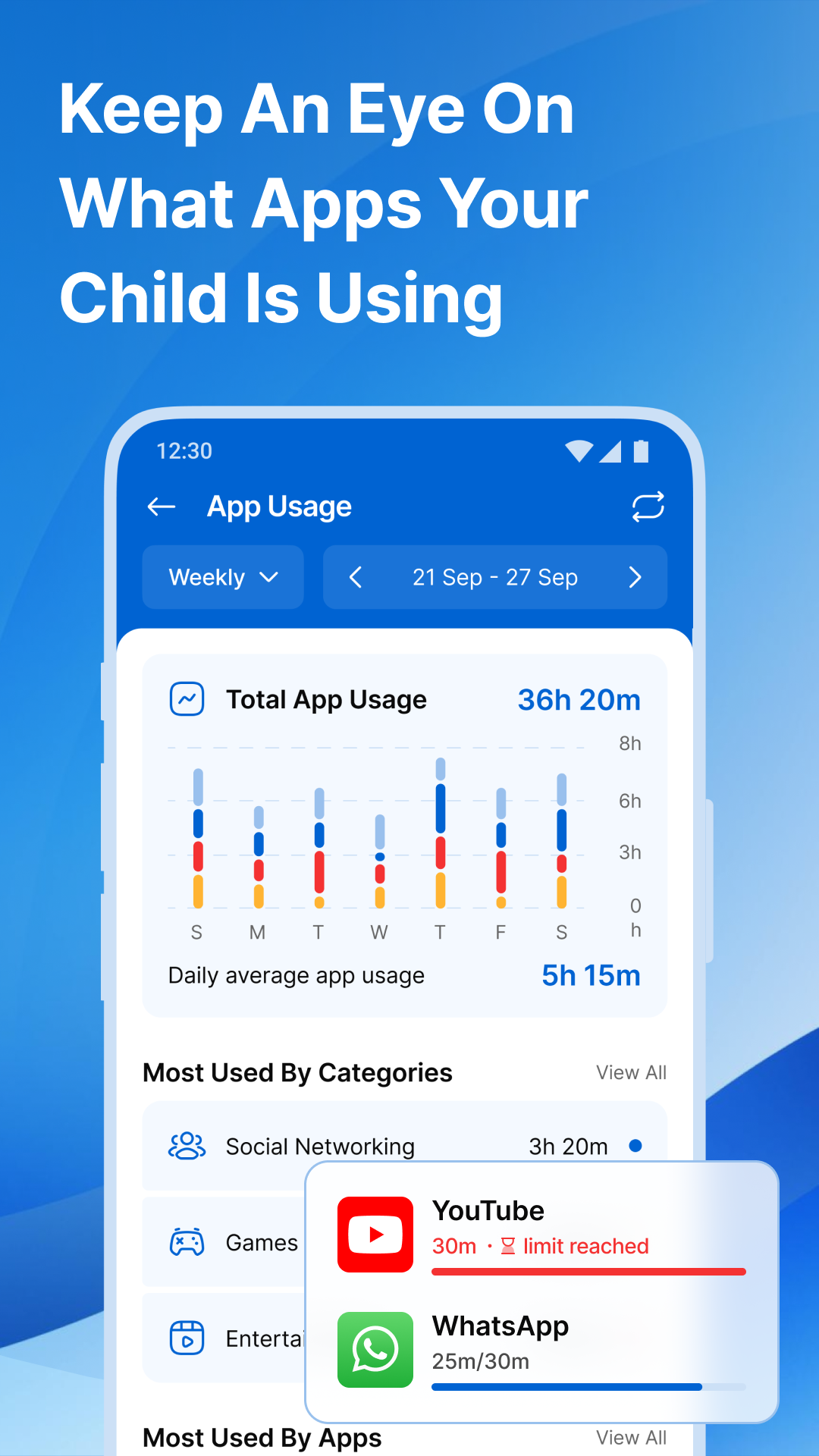
⏱ Screen Time Management – Find the Right Balance
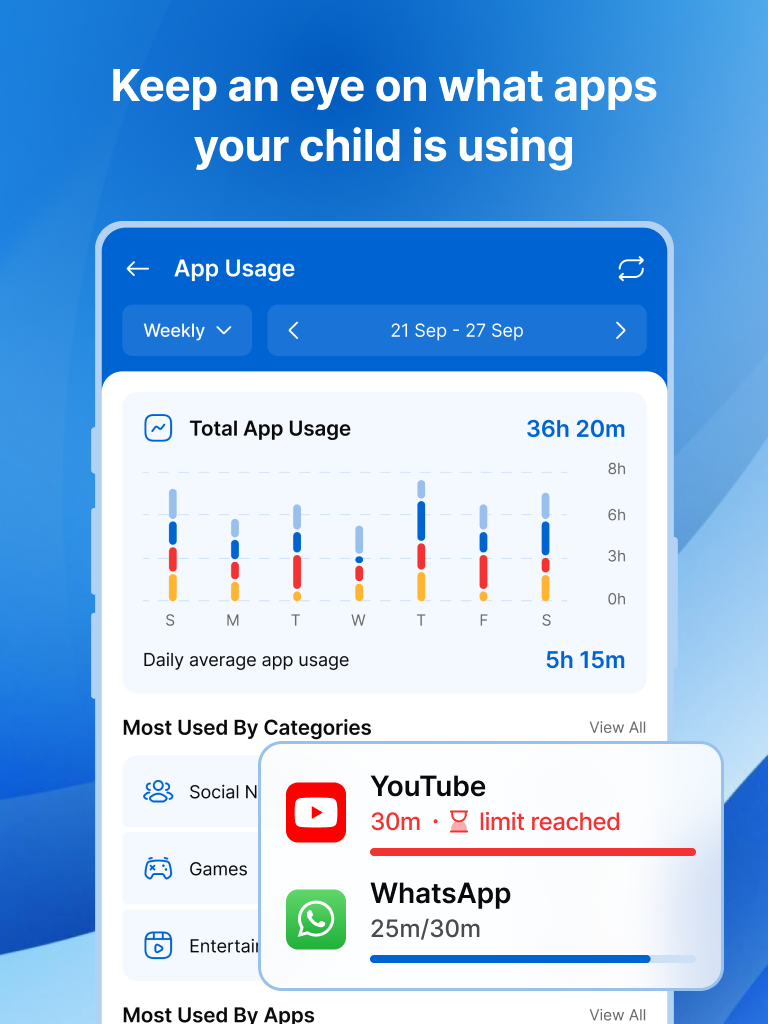
Monitor your child’s daily phone use and set limits to prevent excessive screen time. Adjust limits for weekdays, weekends, or particular activities.
🚨 SOS Button – Emergency Alerts
Your child's safety is our top priority! If your child ever feels unsafe, they can press the SOS button to send an instant alert with their real-time location so you can reach them quickly.
🔔 Notification Alerts – Stay Informed
Get instant alerts when your child attempts to access a blocked app, spends excessive time on their phone, or sends an SOS alert. Stay informed about their digital habits and safety.
🚀 Why Choose Kupola?
Unlike many other parental control apps, Kupola is completely free, with no premium upgrades, locked features, or surprise charges. You get full access to all powerful tools at no cost, making it easier for every family to protect their children online.
How to Get Started?
Setting up Kupola is quick and easy! Follow these simple steps:
1. Download Kupola on your phone.
2. Install Kupola Jr. on your child’s device.
3. Pair the devices using one of the following methods:
📧 Via Email – Enter your registered email to link the devices securely.
📸 Scan QR Code – Instantly pair your child's device by scanning the QR
code shown in the parent app.
4. Set your rules – Manage screen time, block apps, and ensure your child's safety in just a few taps.
Take charge of your child’s digital safety today. Download Kupola now! 🚀
Changelog
New
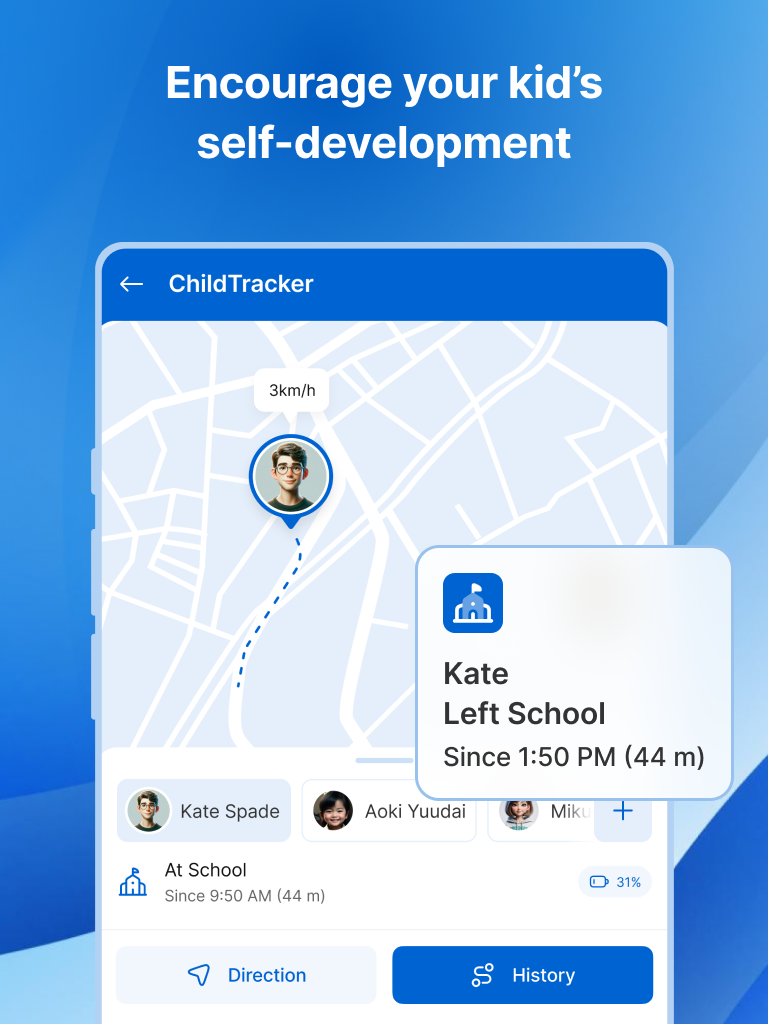
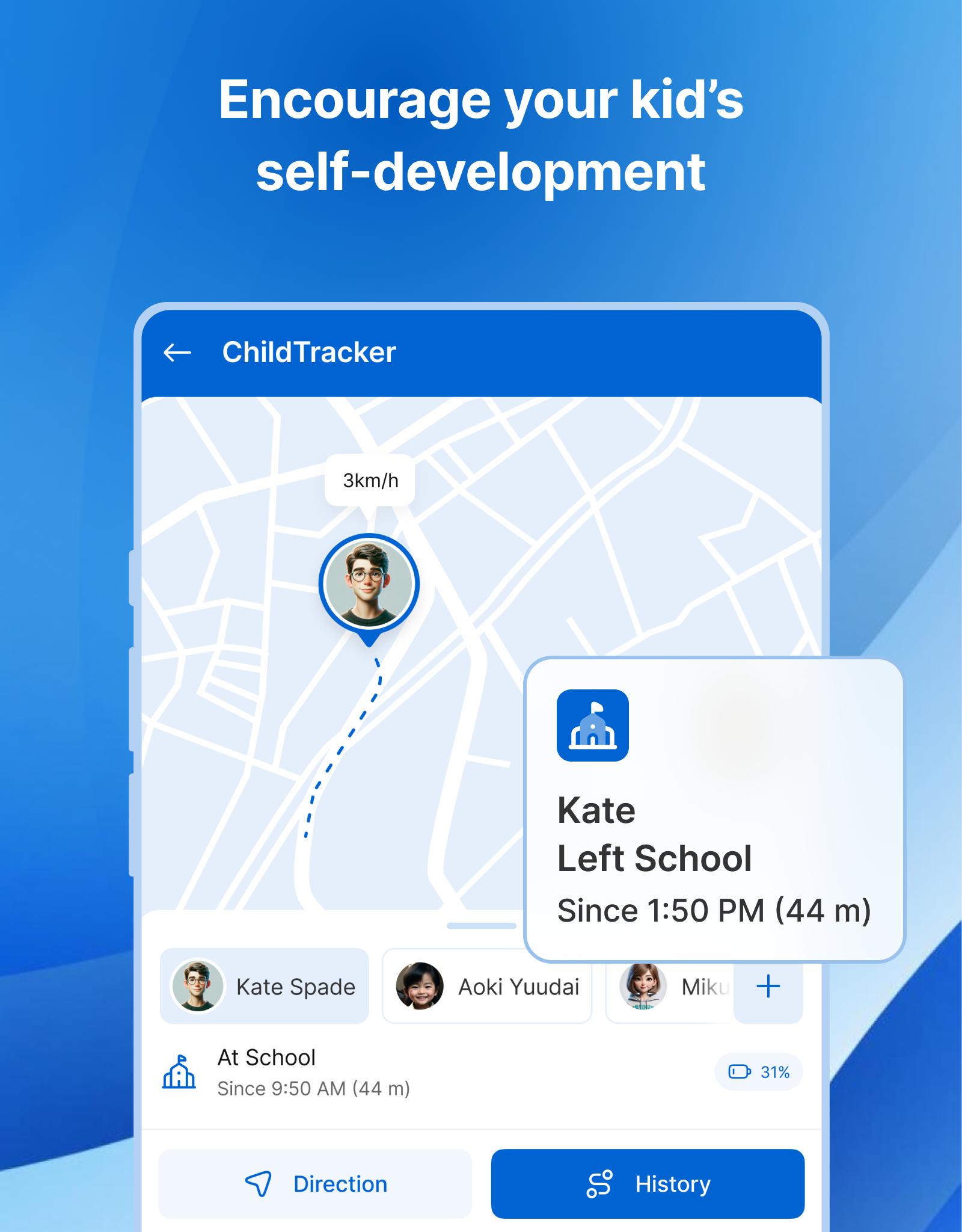
• Place alerts for entering/leaving saved locations
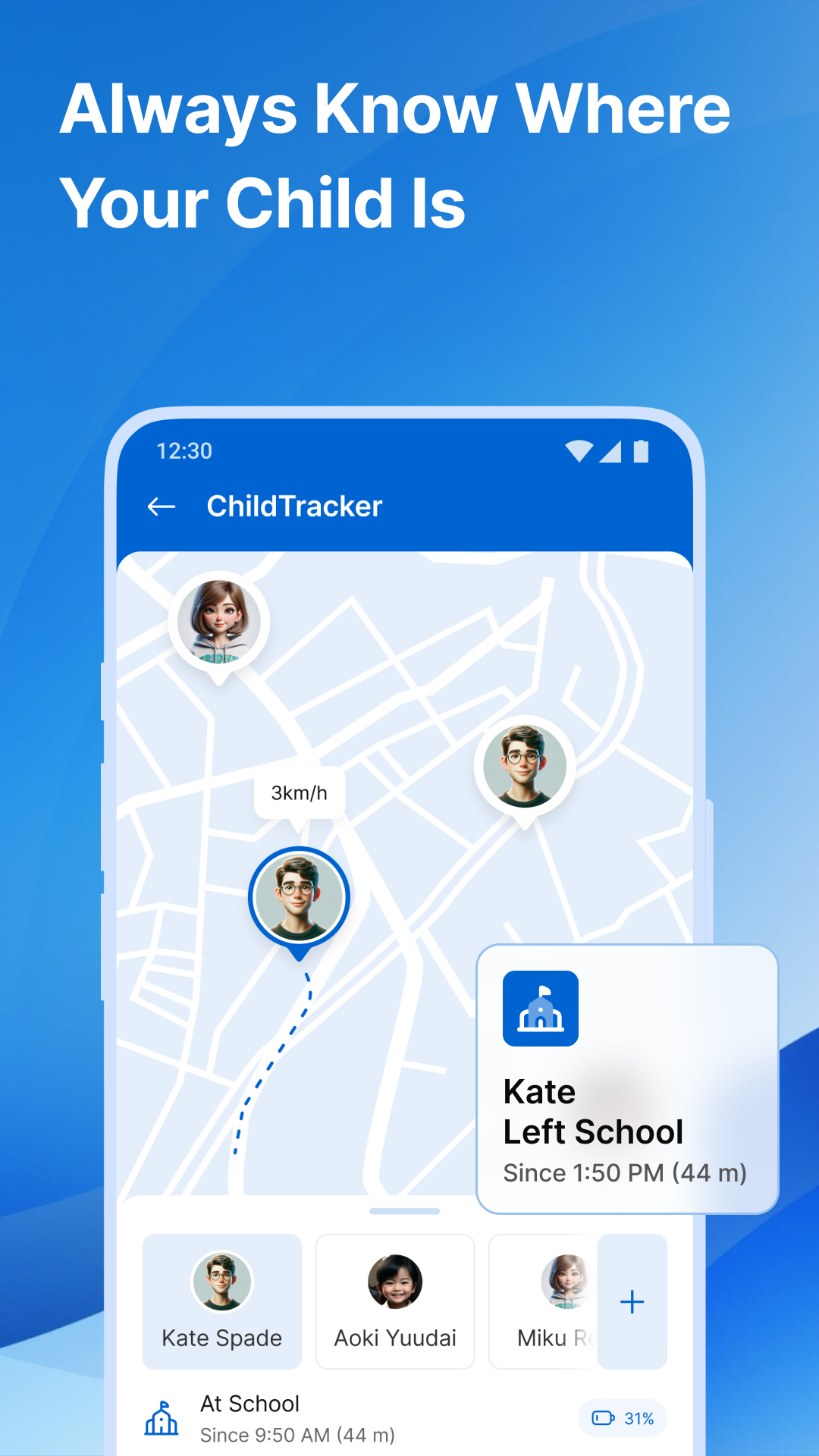
• Kid Tracker with live location
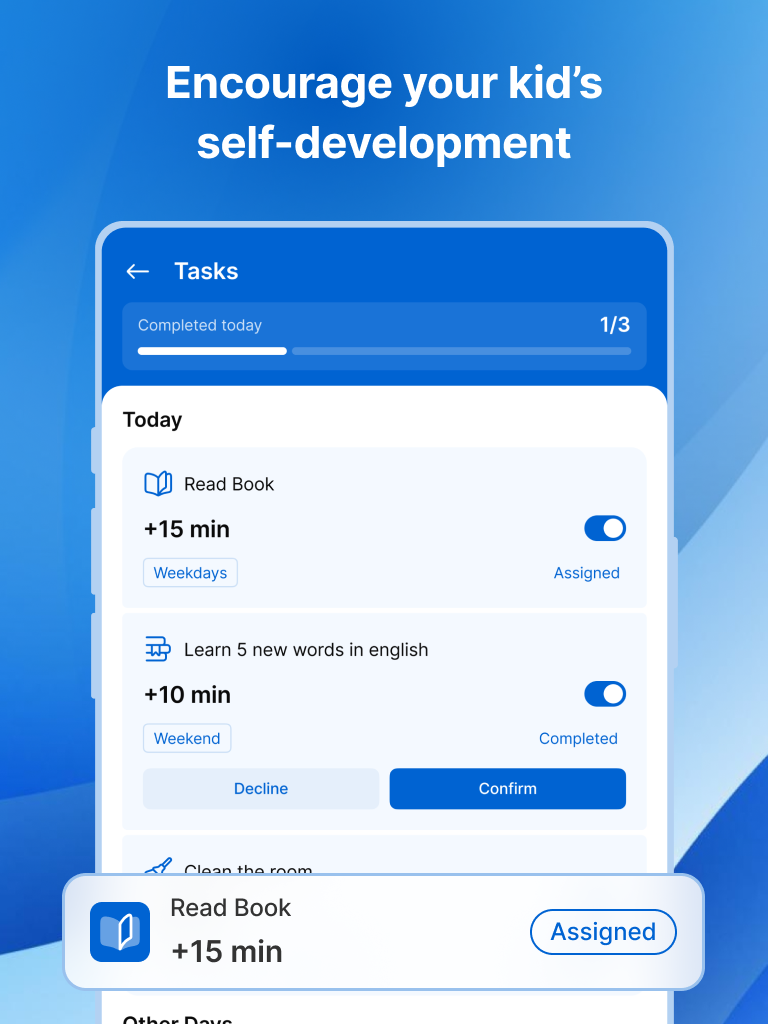
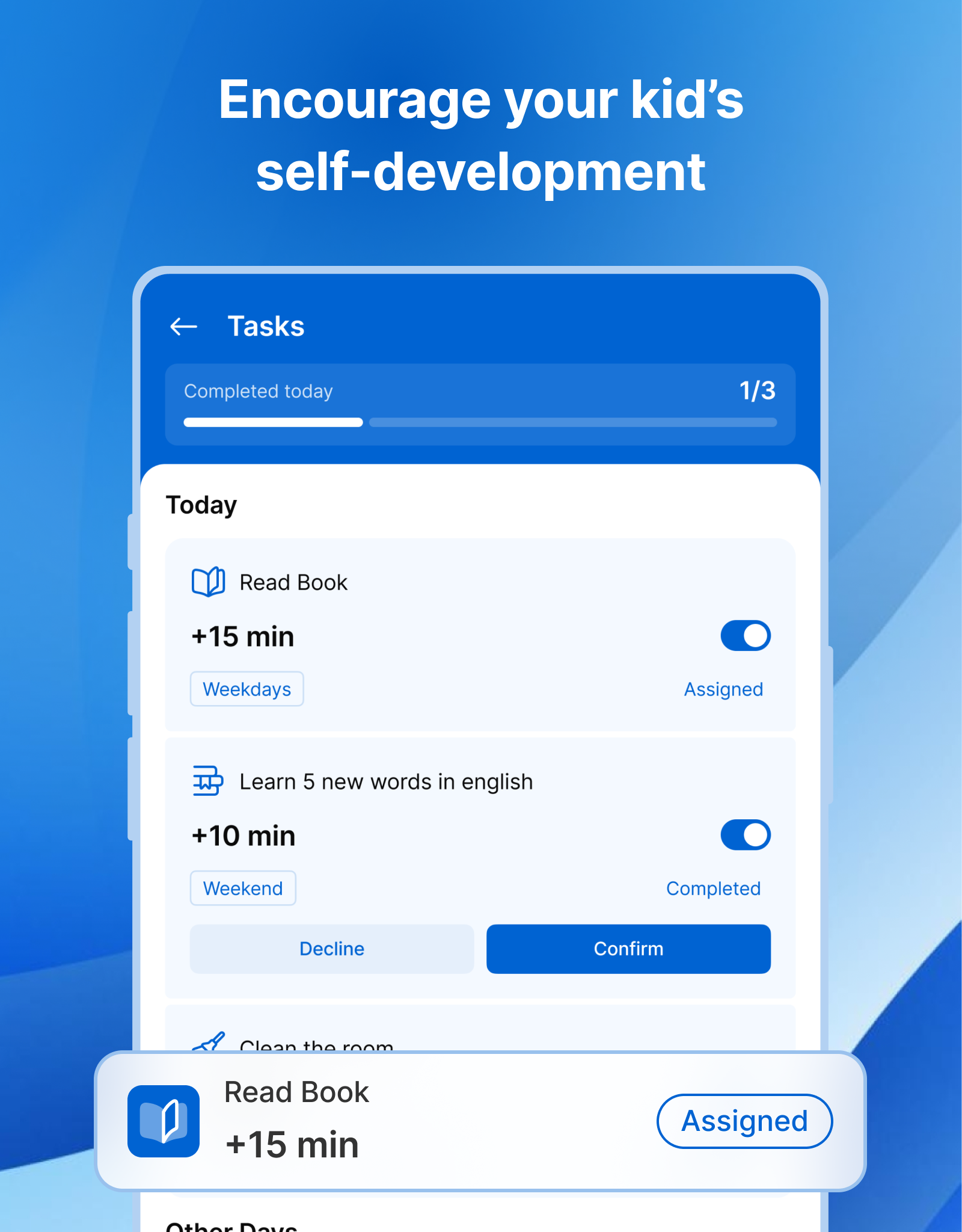
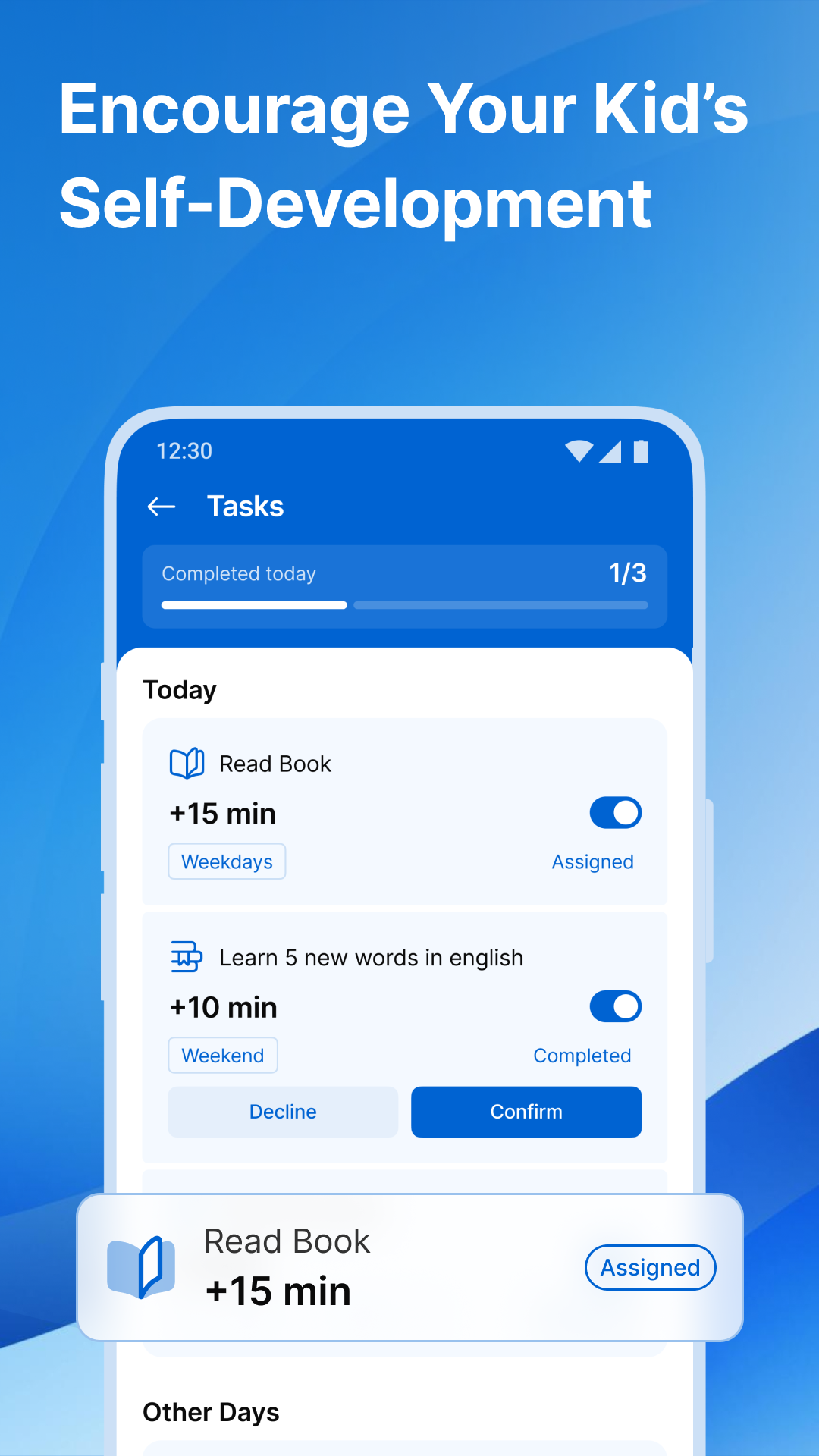
• Tasks & Rewards with logic challenges
• Invitations for co-parents and caretakers
Improved
• Faster pairing, setup, and app blocking
• More reliable notifications
Fixed
• Edge-to-edge layout issues and minor crashes
Additional information
Screenshots
Reviews
Recommend Article





Similar Apps

Cherish every beat - capture your baby's heart sounds with our app

Predict what the baby will look like from the photo of mom and dad

UNICEF’s app for parents with expert tips & tools for pregnancy and early years

Turn your child into a potty trained whiz in no time!

BLW Baby Feeding Experts

Parental control with notifications - Keep track of online / offline