

HiSense Smart TV Remote

Hot Novels






Install Tips
Mobile safety & integrity report for the latest package. We provide verifiable checksums and a timestamped scan summary. Latest package HiSense Smart TV Remote 7.0(7) scanned by multiple engines; no threats detectedas of Tue, 28 Jul 2026 12:01:28 GMT.
After downloading, use a system or third-party checksum tool to calculate the SHA256 and ensure it matches the value provided on this page (case-sensitive, without spaces).
Each engine uses different signature databases and heuristics, so results may vary slightly. We provide a timestamp and checksum to allow you to independently verify the package.
HiSense Smart TV Remote Review
Why HiSense Smart TV Remote Control
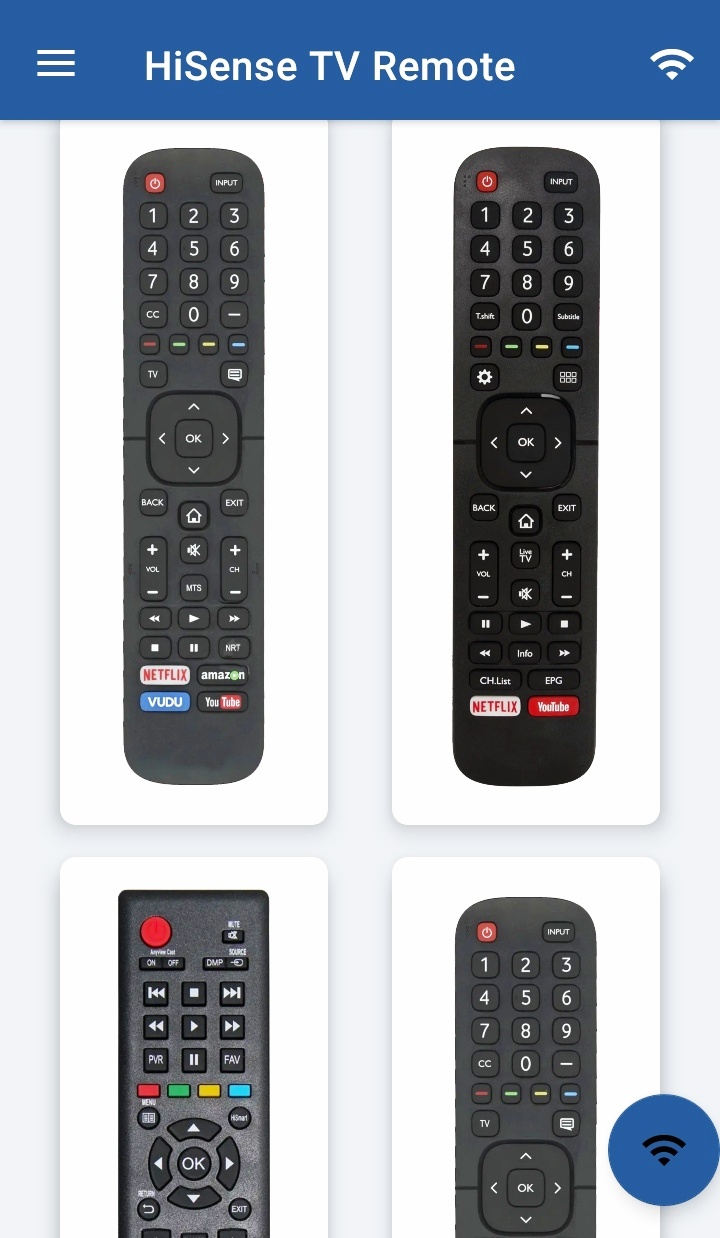
Convert your mobile device into HiSense Smart TV Remote and get rid of drained batteries and broken plastic remotes.
Supported Philips Smart TV's
- -
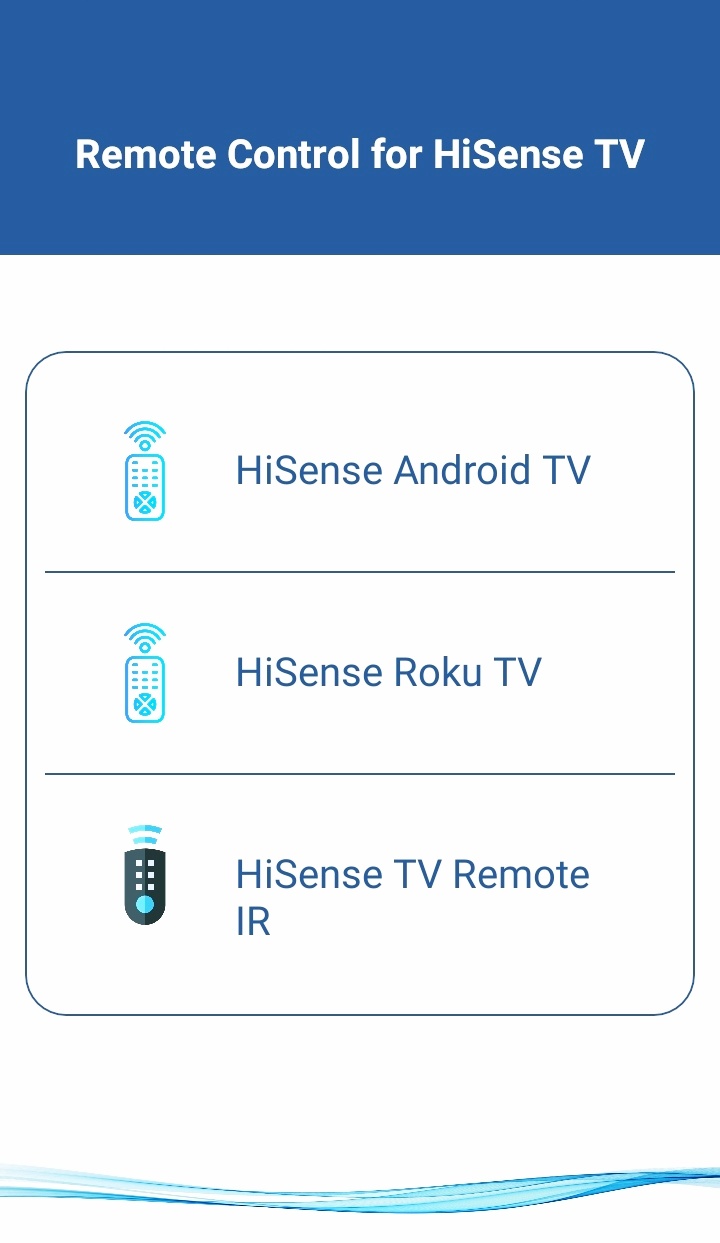
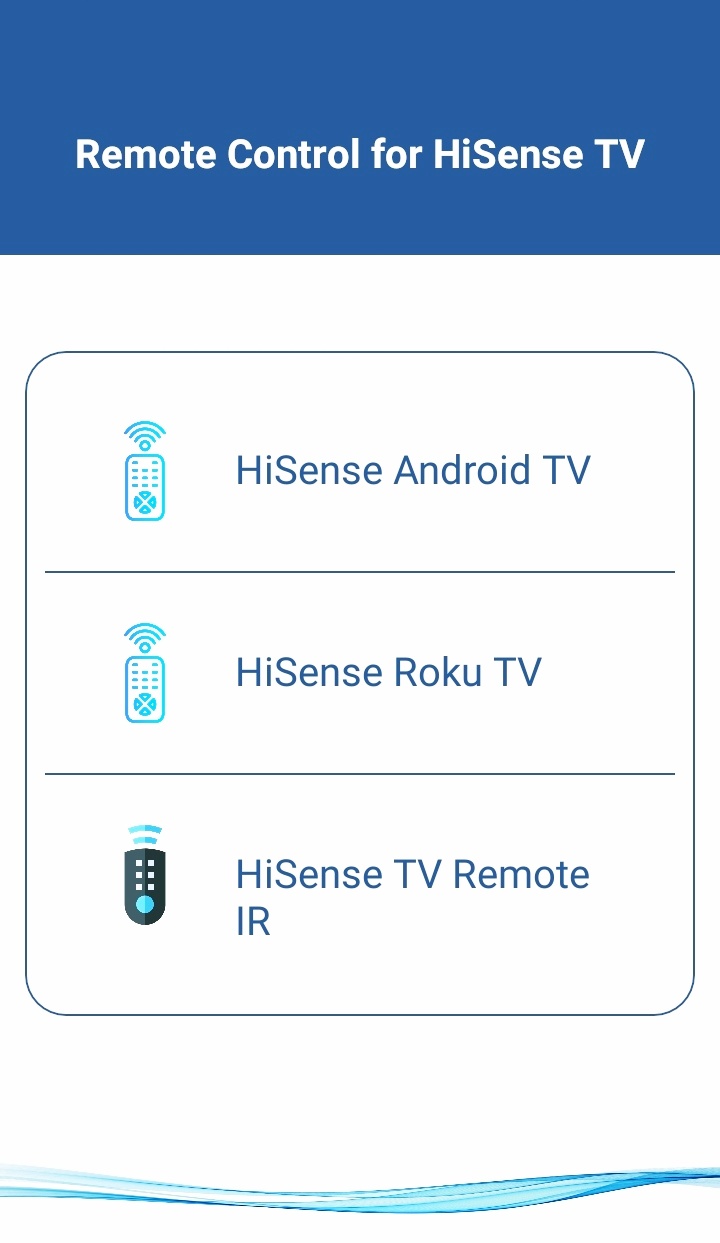
Supports All HiSense Smart TV with Android OS OR Android TV Remote
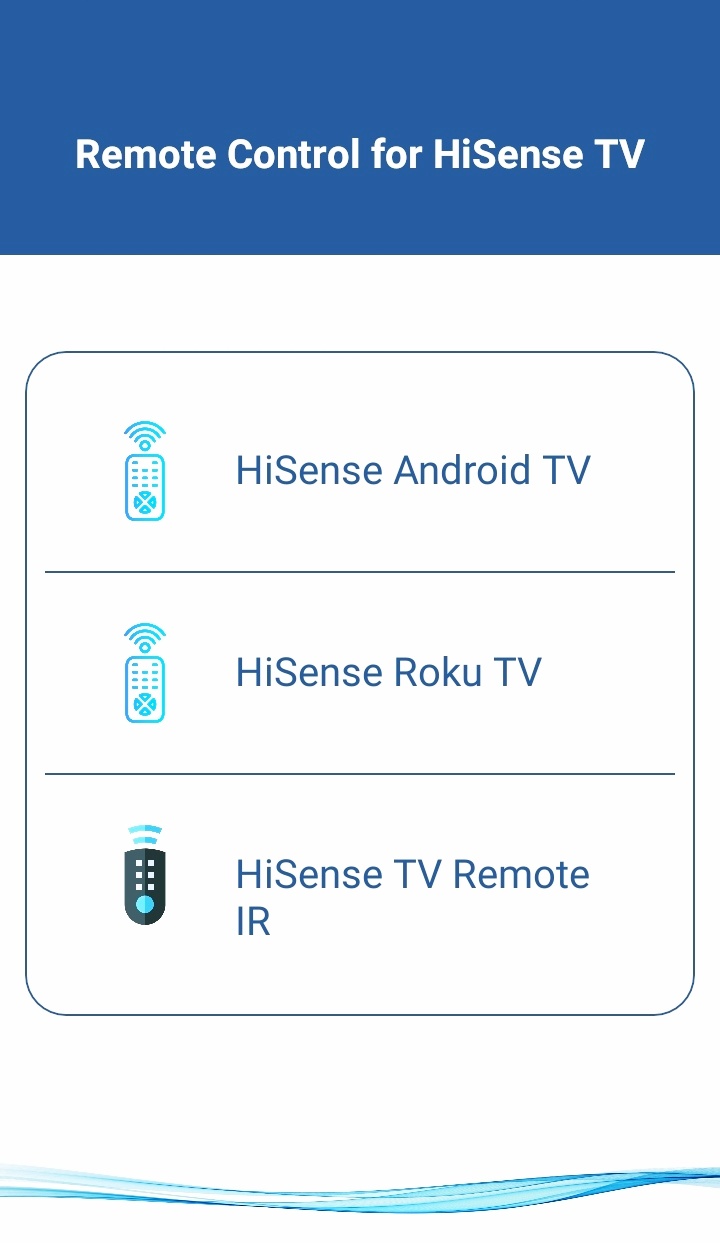
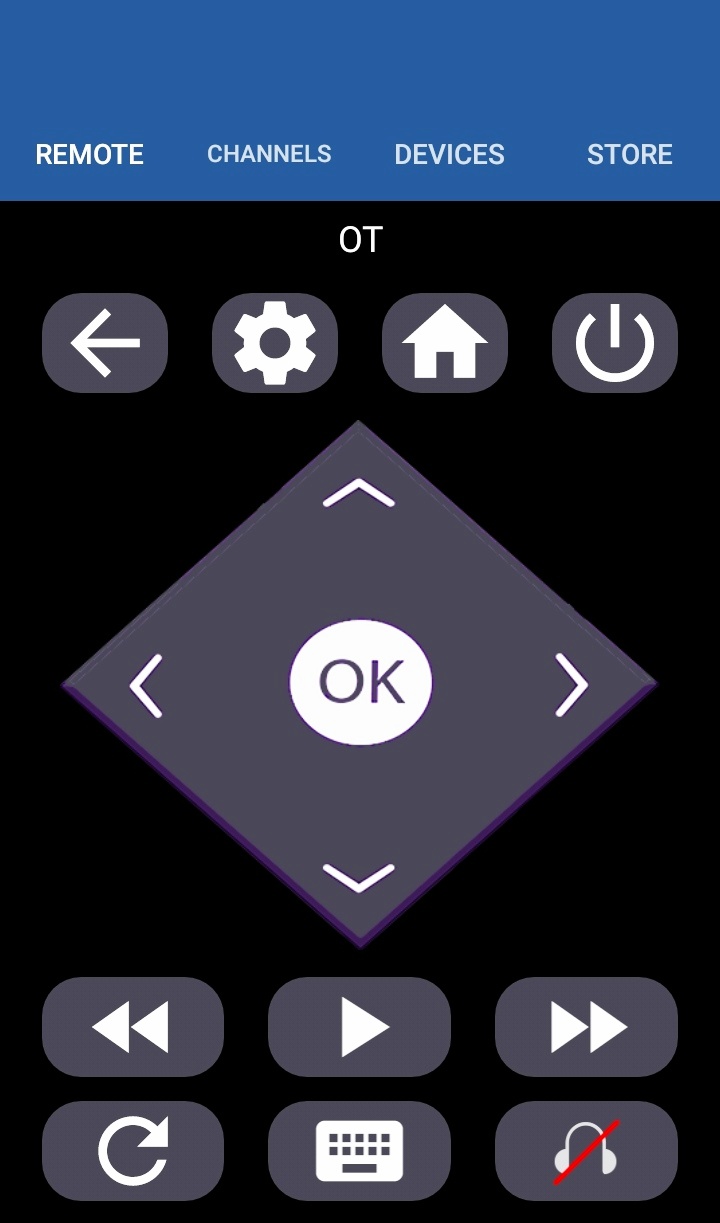
This remote control for HiSense Smart TV supports
Android OS
and Traditional
IR
devices.
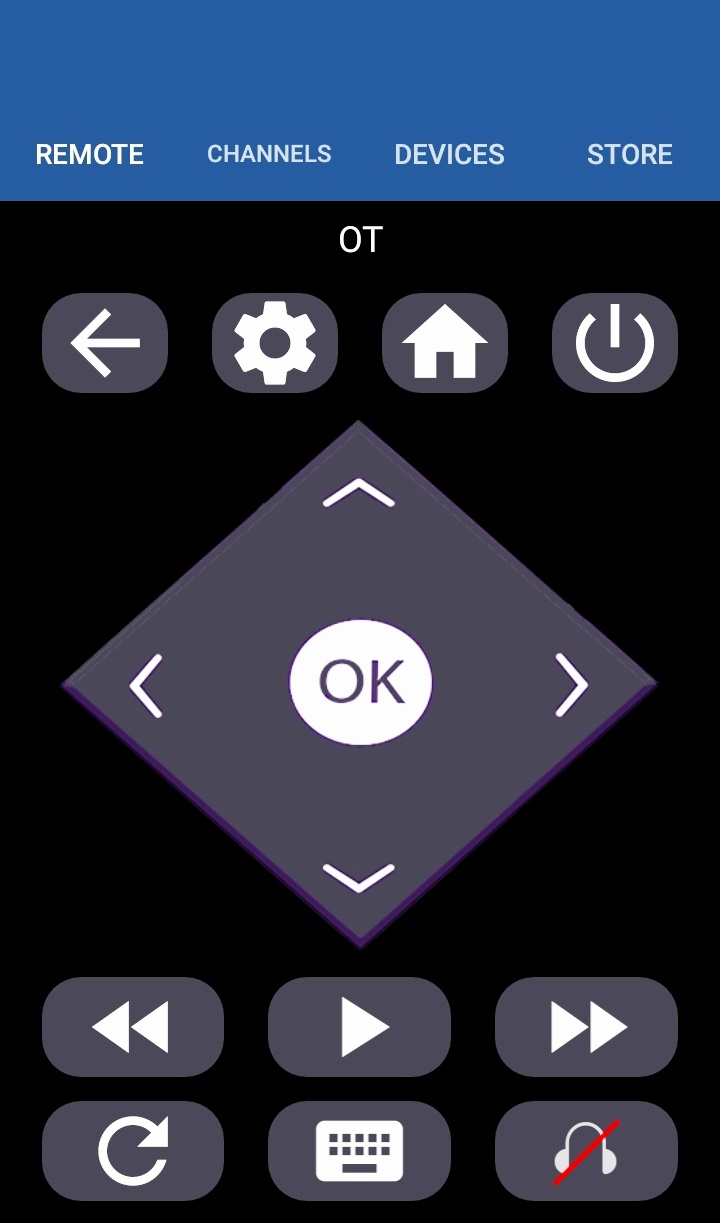
This remote control for HiSense Smart TV supports
Roku OS
and Traditional
IR
devices.
Network Compatibility
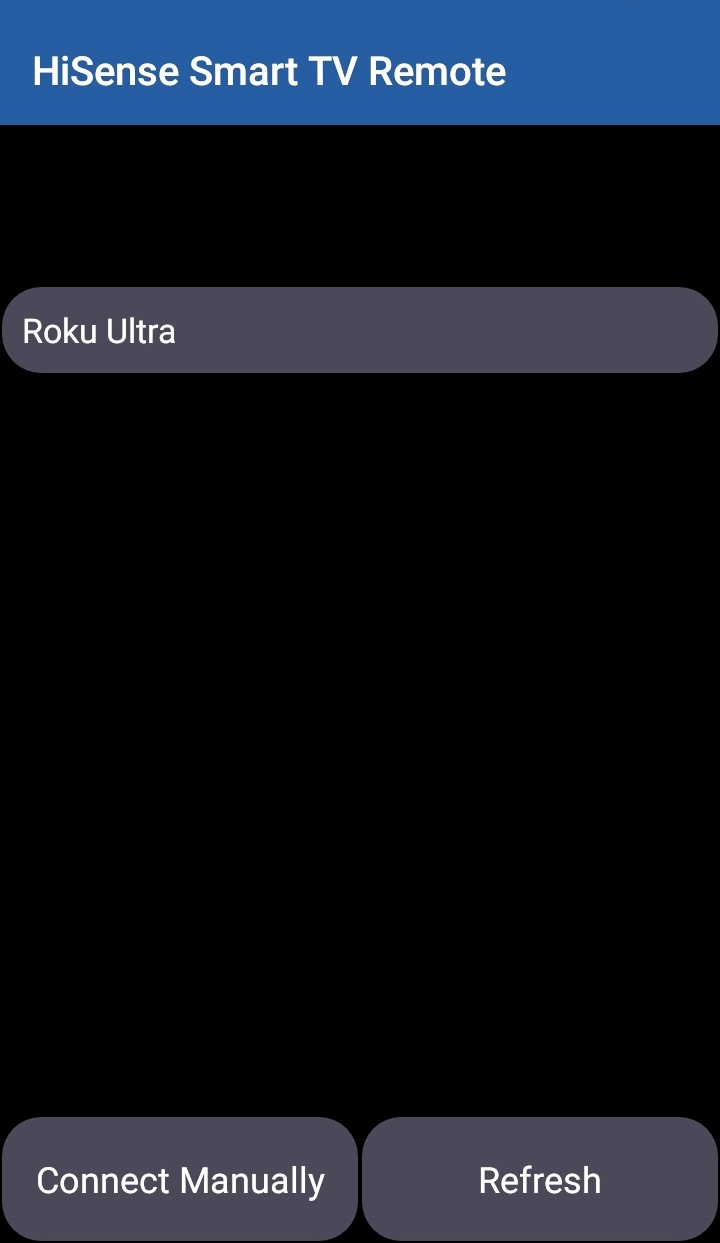
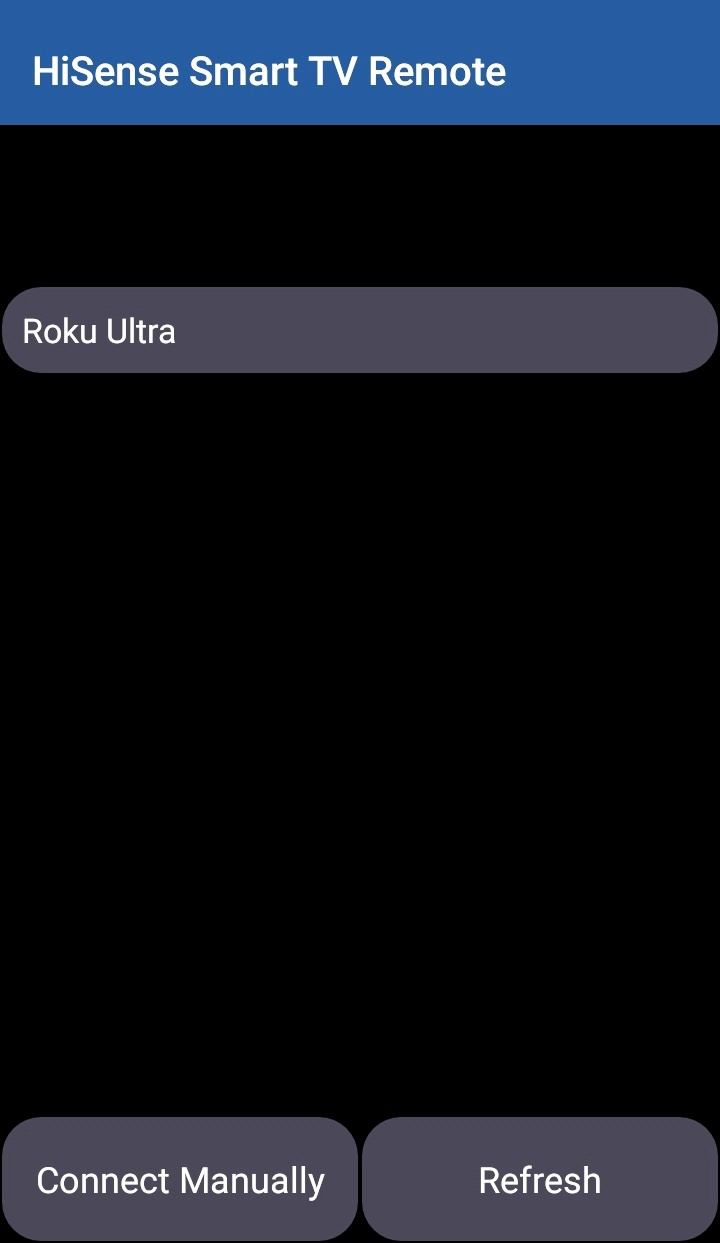
To use HiSense Smart TV Remote your HiSense Smart TV and your mobile device must be on the same Wi-Fi Network, once the Smart TV is detected then you will have to Enter the
PIN
shown on TV to start using HiSense Smart TV Remote.
Traditional IR Devices
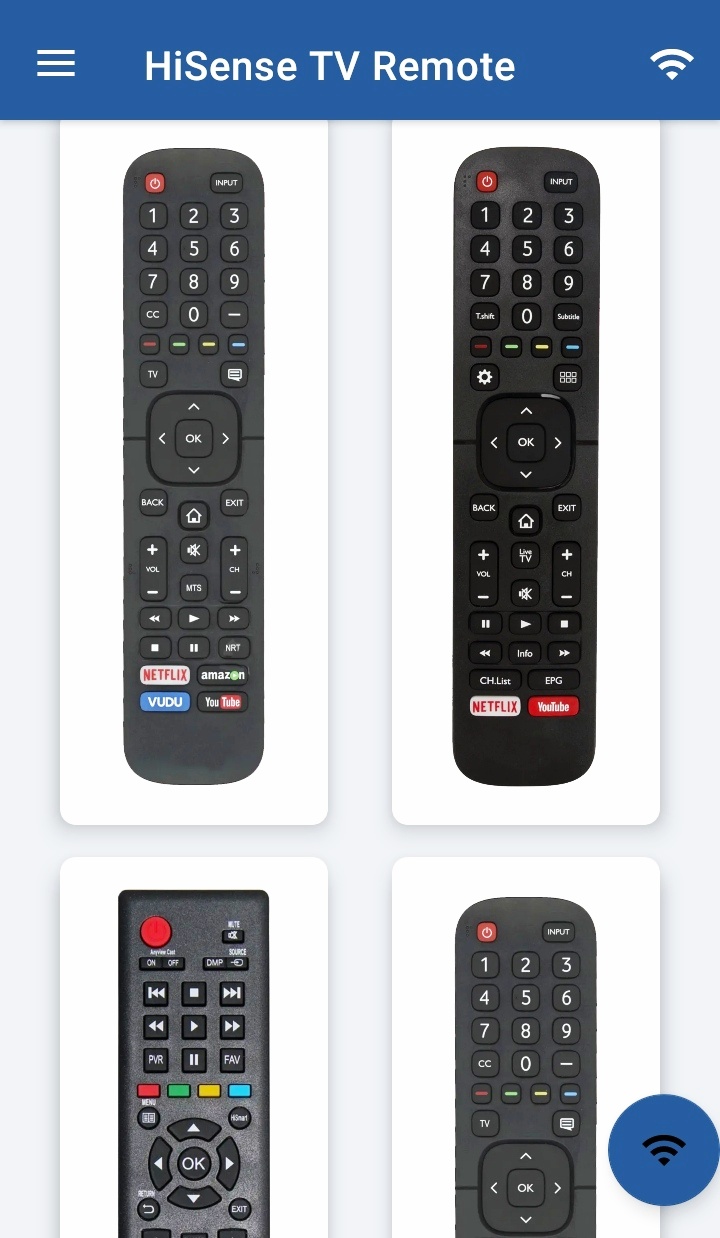
Supports all traditional Philips TV's, your phone must have IR blaster in it for using the HiSense TV Remote Control .
Functionality
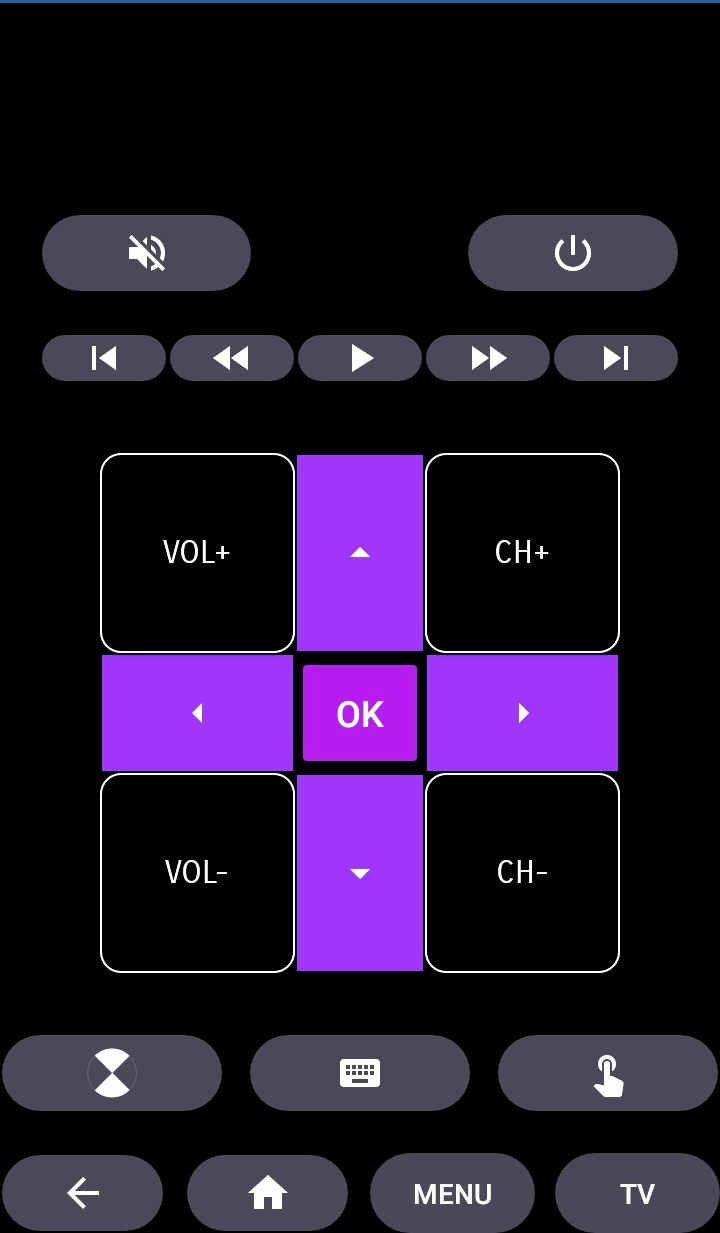
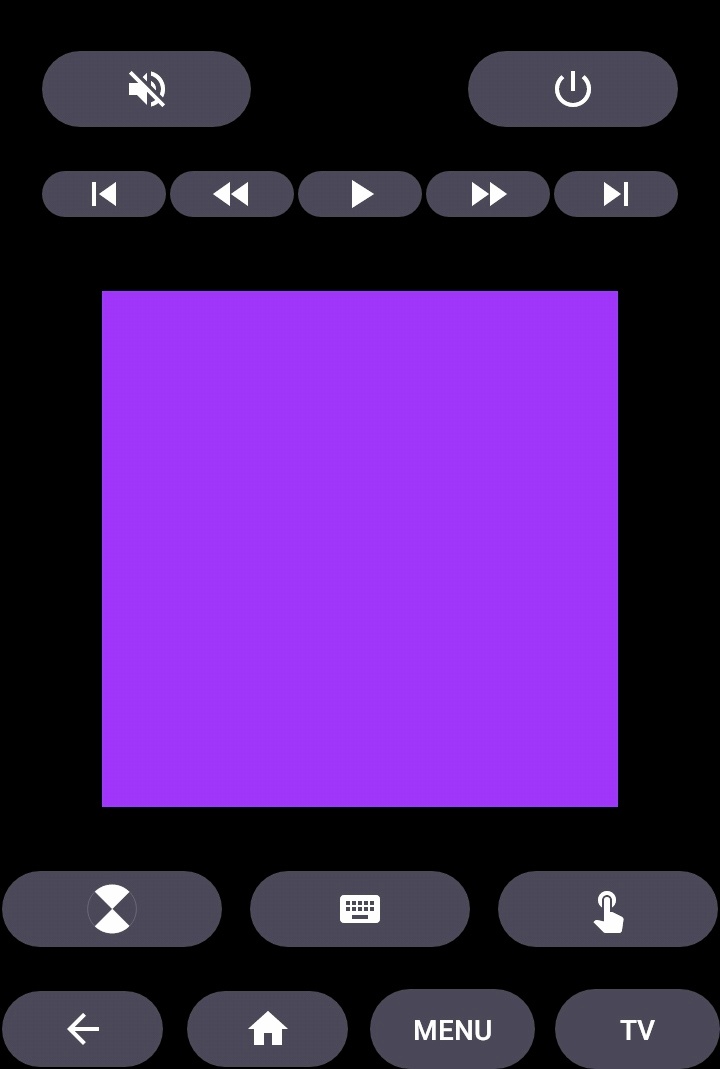
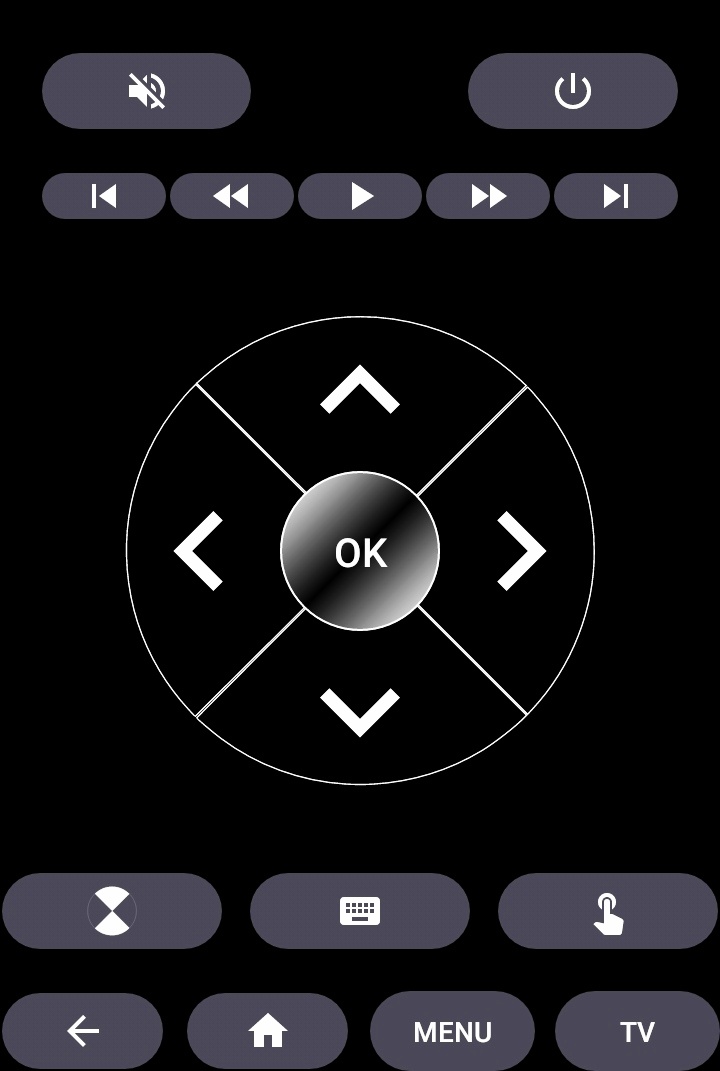
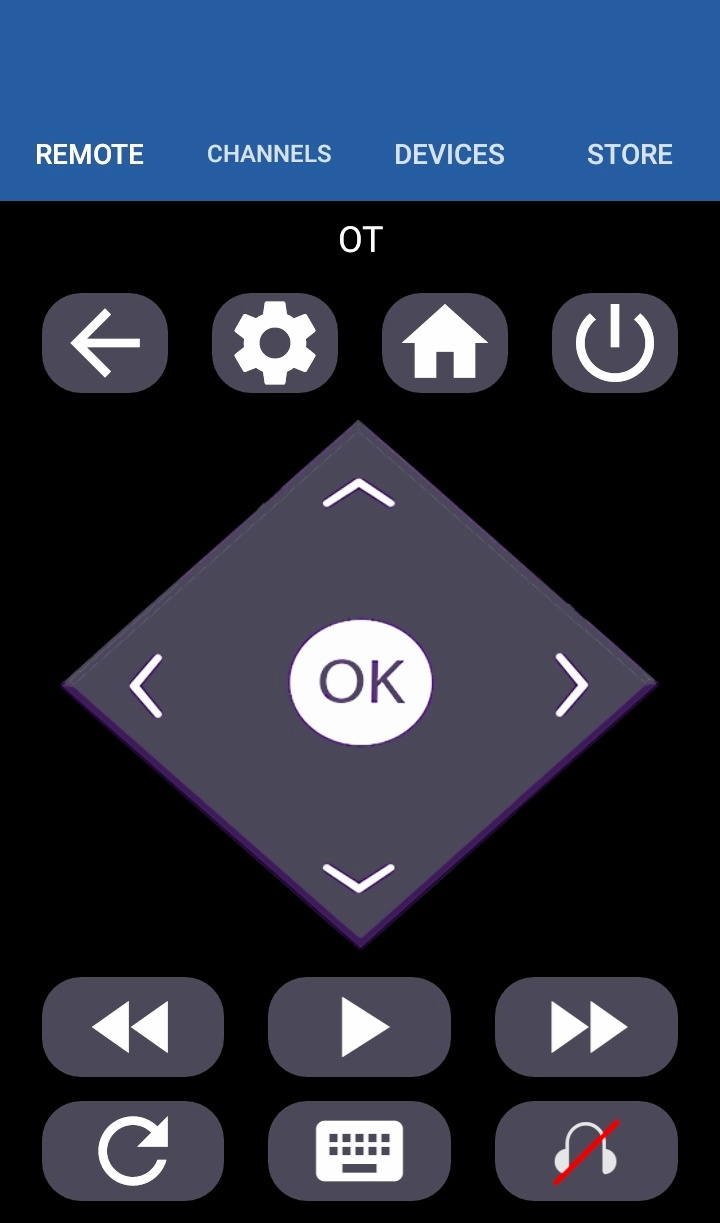
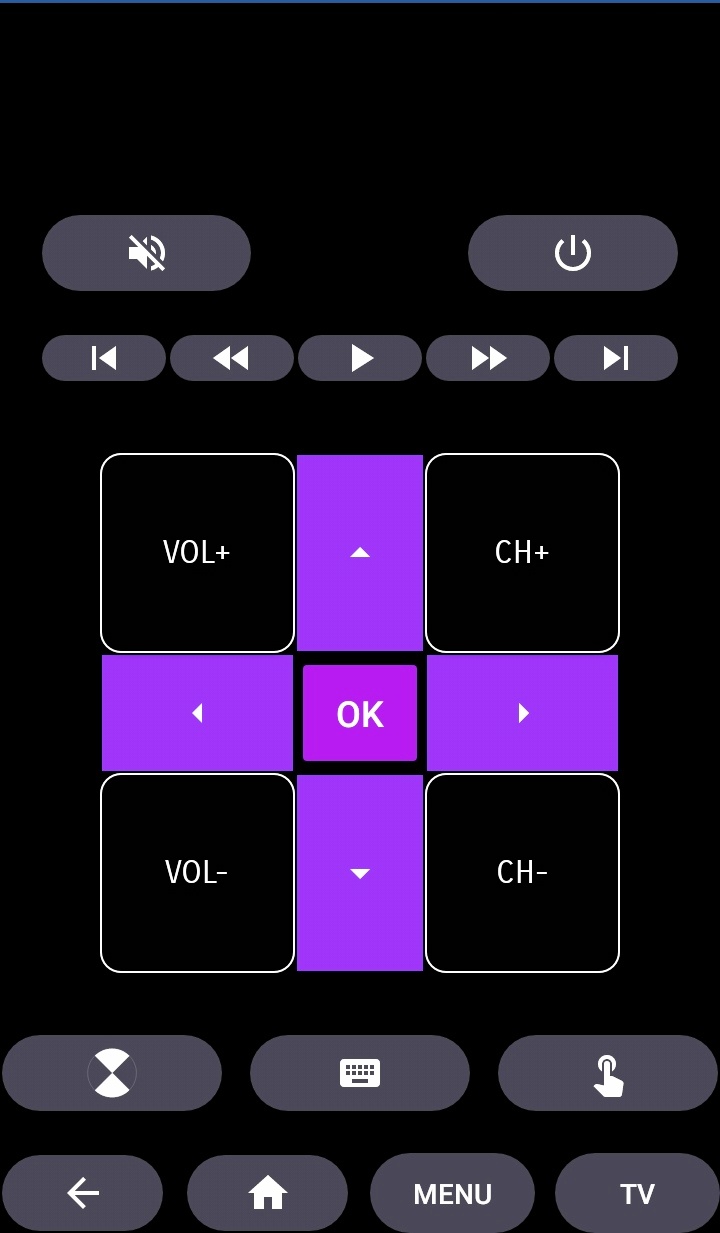
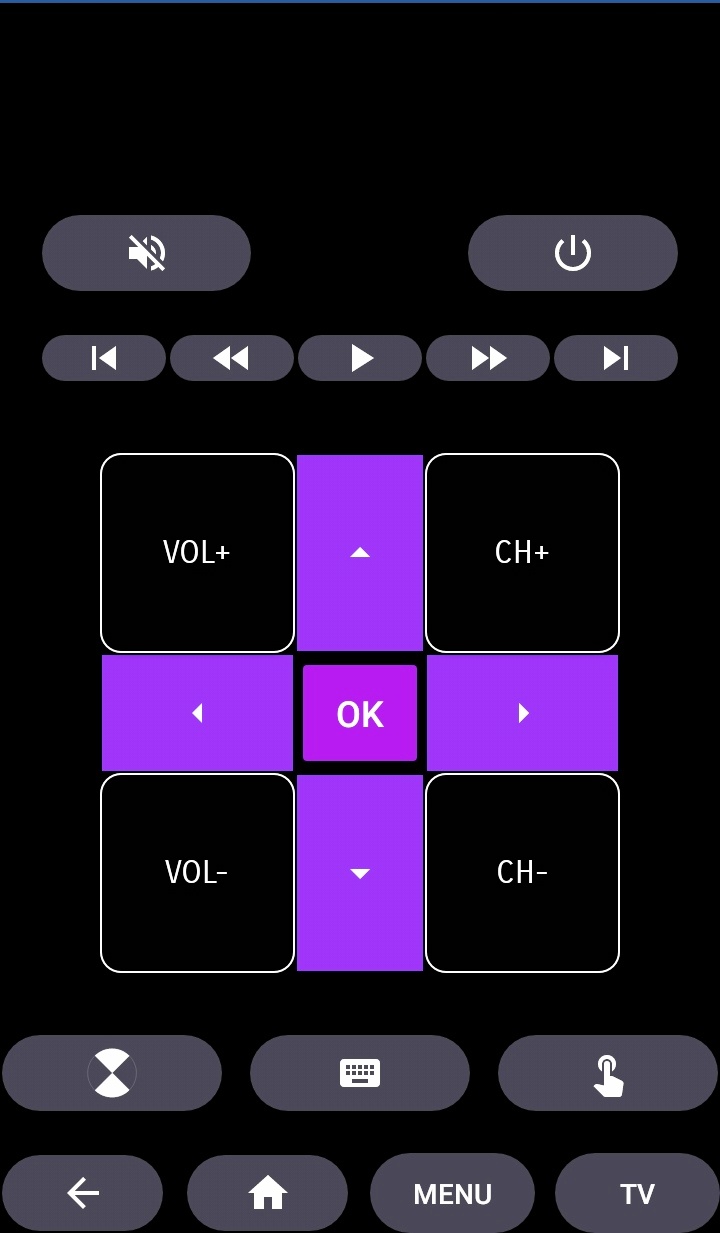
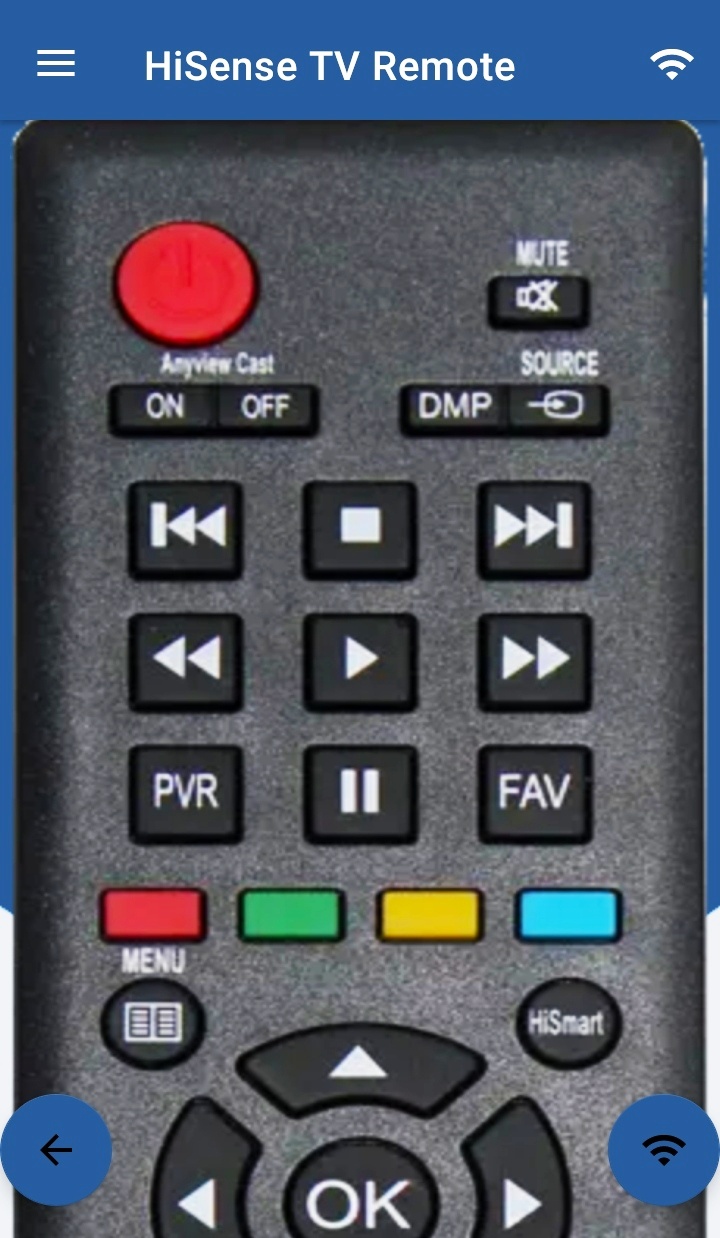
- ON / OFF
- Volume Control's
- Channel Control's
- Mute
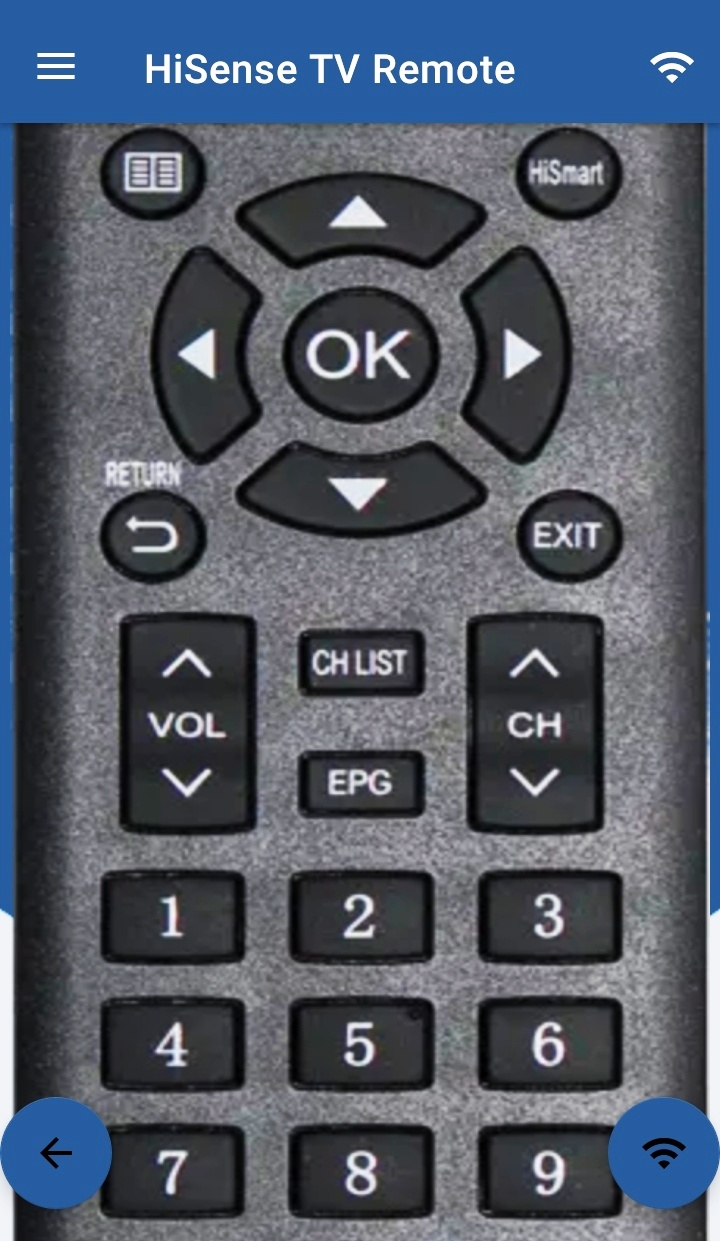
- Navigation Control's
- Multi Media Control's
- Home
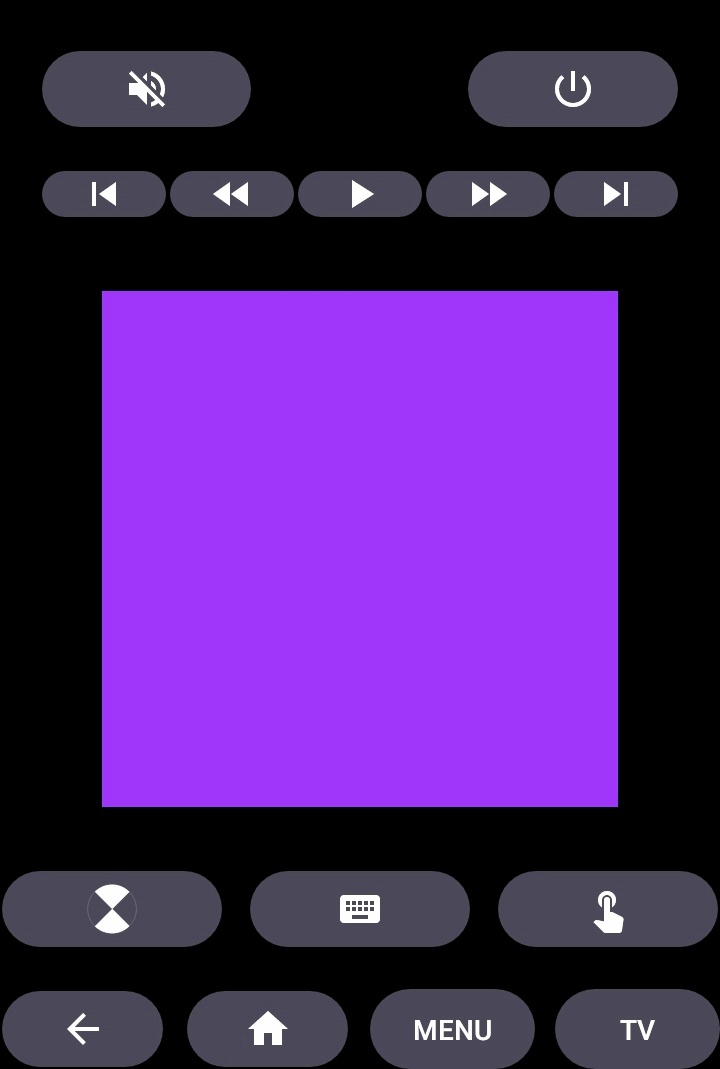
- Touch Pad
- Many More
- For Traditional Philips TV Remote, supports all the functions in the remote.
Android TV
In addition to HiSense Smart TV, our Remote Control for HiSense Smart TV Supports Android Chromecast OS.
Smart TV Remote Can be used
- HiSense Android TV Remote
- HiSense Remote Smart TV
- HiSense Roku TV Remote
Disclaimer
This app is not an official HiSense application. We are not affiliated with HiSense Electronics in any way, we have just presented it in a better way.
Reach Us
If in any case your HiSense Smart TV Remote is not getting connected please reach us at nabasmarttvremote@gmail.com. We are always working to improve our product.
Changelog
>>>>> Heap Size Increased
>>>>> Out Of Memory Issue Fixed
Additional information
Screenshots
Reviews
Recommend Article








Similar Apps

Control your Vivint Smart Home with the next generation Vivint App.

Zumper helps you find and apply to rent your dream house or apartment.

the app that everyone uses to search for property in Spain, Italy and Portugal
Real estate app to find apartments, houses, or individual rooms for rent.

Home Tasker: Chore Tracker & Chart, House Сhores Cleaning Schedule App

Houses or flats? Search and find your apartment or house to buy or rent