


Endoscope Camera Connector

Hot Novels






Install Tips
Mobile safety & integrity report for the latest package. We provide verifiable checksums and a timestamped scan summary. Latest package Endoscope Camera Connector 14.0(14) scanned by multiple engines; no threats detectedas of Tue, 28 Jul 2026 11:58:36 GMT.
After downloading, use a system or third-party checksum tool to calculate the SHA256 and ensure it matches the value provided on this page (case-sensitive, without spaces).
Each engine uses different signature databases and heuristics, so results may vary slightly. We provide a timestamp and checksum to allow you to independently verify the package.
Endoscope Camera Connector Review
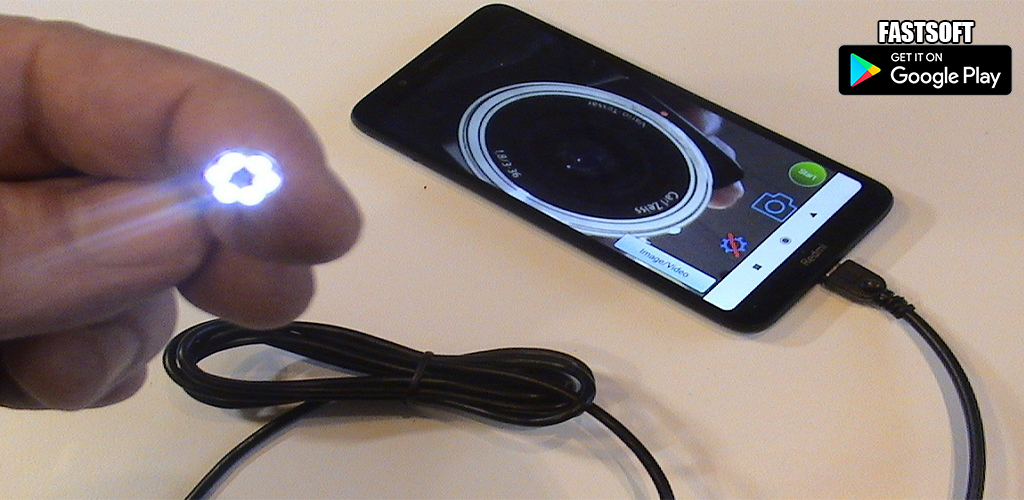
Endoscope Camera Connector an app connect your phone with endoscope cam or any device like a USB camera or Borescope camera depstech, sewer inspection camera there is many devices that use external cam like inspection camera sewer.
* How does it work Endoscope Camera Connector?
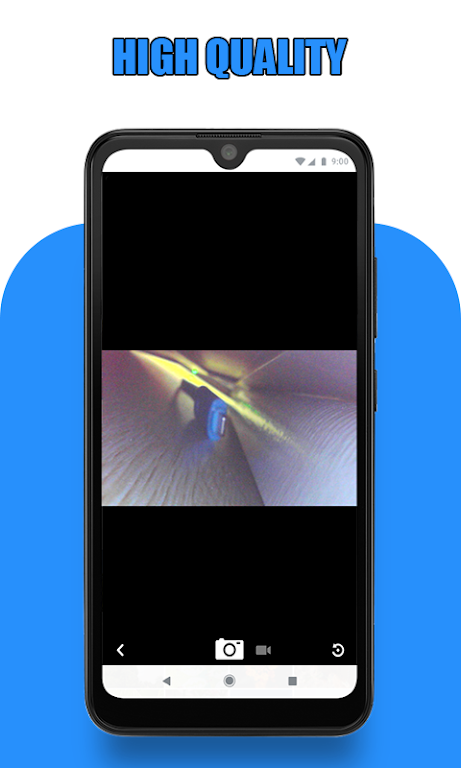
the endoscope camera connector app for android works like an otg view. open your external Borescope by USB otg or type-c and read it the endoscope app need to use micro just to record video with sounds and need to use the gallery to write and read it pictures and videos
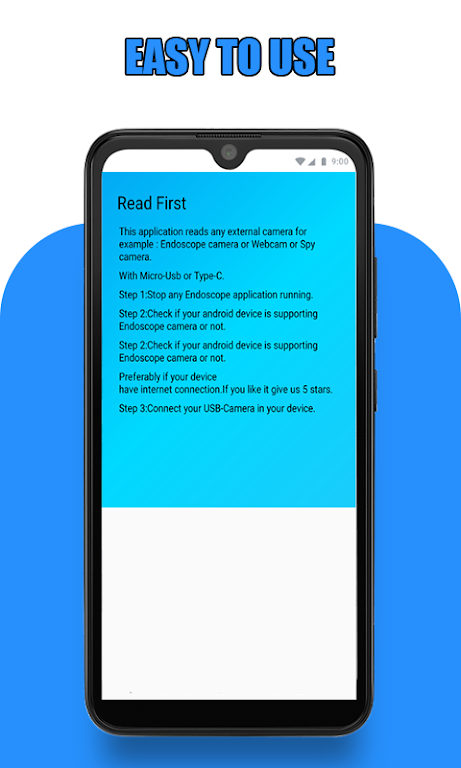
check that before using this endoscope app:
1- if your device supports USB otg technology after open the app, choose in the setting
USB otg checker to check if your device support otg or not
2- if Your USB camera is UVC-compatible
* How to use this Endoscope camera :
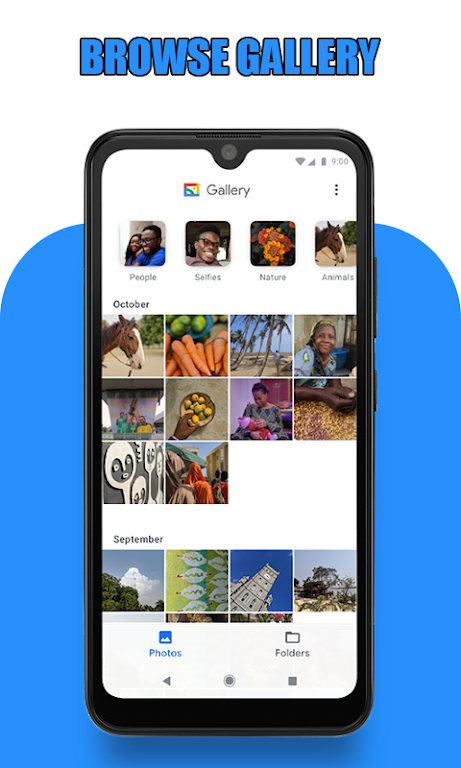
open the app and enter the USB of your endoscope camera in your phone click on the camera icon click on ok now you can see the endoscope camera is working. take photo and record video if you want to see his pictures and videos click on the gallery now you can see all your pictures Slide your finger to the left you can see now all videos click on anyone and choose your player click on always and watch your video. now how to delete pic and video on the endoscope app camera inside the gallery click long click on picture or video you can see the deletion icon that's all
In what you can use the endoscope camera device:
the Borescope or endoscope has many things to do like in blocked drains you can see what inside You will not need camera drain unblocker or plumbing cam repair anymore. it works like a sewer camera Borescope or you can use it with any external camera like a webcam.
Additional information
Screenshots
Reviews
Recommend Article








Similar Apps

USB OTG Reader helps you to to browse USB Connecteur

Android secret code for smart phone, mobile codes, with secret codes app

Wireless reverse charging using phone now is possible

Stream videos, music, or photos from Android to TV using Air Play.

Using App Cloner you can create & install multiple copies of your existing apps.

This is a security monitoring app.