


Dreamehome

Hot Novels






Install Tips
Mobile safety & integrity report for the latest package. We provide verifiable checksums and a timestamped scan summary. Latest package Dreamehome 2.2.8.13 scanned by multiple engines; no threats detectedas of Tue, 28 Jul 2026 11:58:04 GMT.
After downloading, use a system or third-party checksum tool to calculate the SHA256 and ensure it matches the value provided on this page (case-sensitive, without spaces).
Each engine uses different signature databases and heuristics, so results may vary slightly. We provide a timestamp and checksum to allow you to independently verify the package.
Dreamehome Review
Through the App , you may not only access to advanced functions of your robot for your daily home floor cleaning, but also set up preferred cleaning zones and time as you like. Now you could do your home floor cleaning at your hand with the help of Dreamehome.
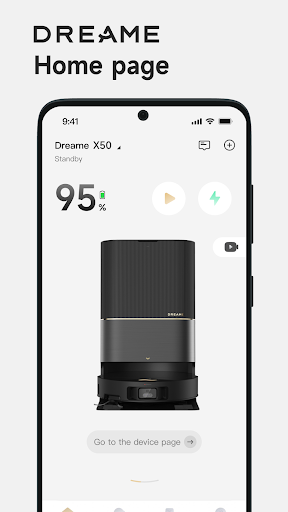
Remote Control: You could control and operate the robot like the machine staying with you, once the robot is connected to App. Whether you are outside home or far away from the robot at home, you would locate the robot in the map, adjust the parameters, check out the cleaning schedule etc.
Device Information: With the App, you could explore the full functions of your robot, learn about the working status, get error or task messages, check the usage data of accessories etc.
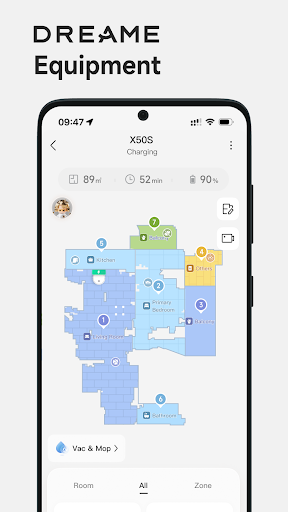
House Map: A cleaning map of your house will help your robot learn and understand the space of your home. By mapping, you could set up the cleaning task with the right rooms or areas for each cleaning task by Dreame robot.
Cleaning by special area: When only a special small area needs a quick cleaning right away, the function cleaning by special area is exactly the right thing for you.
No-Go Zone: If there is any area not to go for cleaning, a simple frame mark could give you a safe cleaning area.
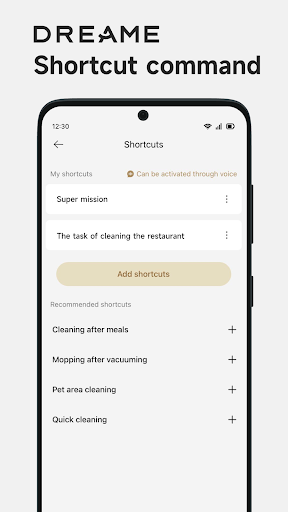
Cleaning Schedule: Set up the cleaning day and time, even the zones as you preferred so that your robot works at the right time for the right zone.
Firmware OTA: OTA (Over The Air) technology will help you upgrade your robot software to the latest version. You would not miss any update from our continuous improvement and new function release.
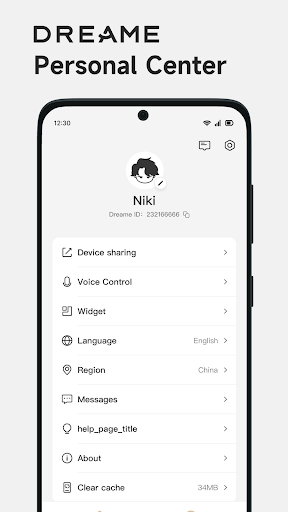
Voice control: After you finishing signing up the App and adding your robot, your device may work with Amazon Alexa and Google Assistant by an connecting operation.
User Manual: You could find the electronic user manual as well as the FAQ for your robot.
Device Sharing: One robot could be controlled among our family members by Device Sharing function via the App.
Contact us:
Email: aftersales@dreame.tech
Website: www.dreametech.com
Additional information
Screenshots

Reviews
Recommend Article









Similar Apps
Allows pensioner performing Life Verification and displays information

We believe in the power of love, hoping you find someone to share your life with

Gift jackpots
Watch the latest Korean dramas, Indonesian subtitles, complete HD collection on ngeDrakor!

Glow Up Guide, Ghibli AI Filter, Kiss & Hug Video, Color Analysis
Find Accurate Qibla Direction, azan prayer times with many features for Muslim