


Cosmetic Checker

Hot Novels






Install Tips
Mobile safety & integrity report for the latest package. We provide verifiable checksums and a timestamped scan summary. Latest package Cosmetic Checker 1.6.1 scanned by multiple engines; no threats detectedas of Tue, 28 Jul 2026 11:56:39 GMT.
After downloading, use a system or third-party checksum tool to calculate the SHA256 and ensure it matches the value provided on this page (case-sensitive, without spaces).
Each engine uses different signature databases and heuristics, so results may vary slightly. We provide a timestamp and checksum to allow you to independently verify the package.
Cosmetic Checker Review
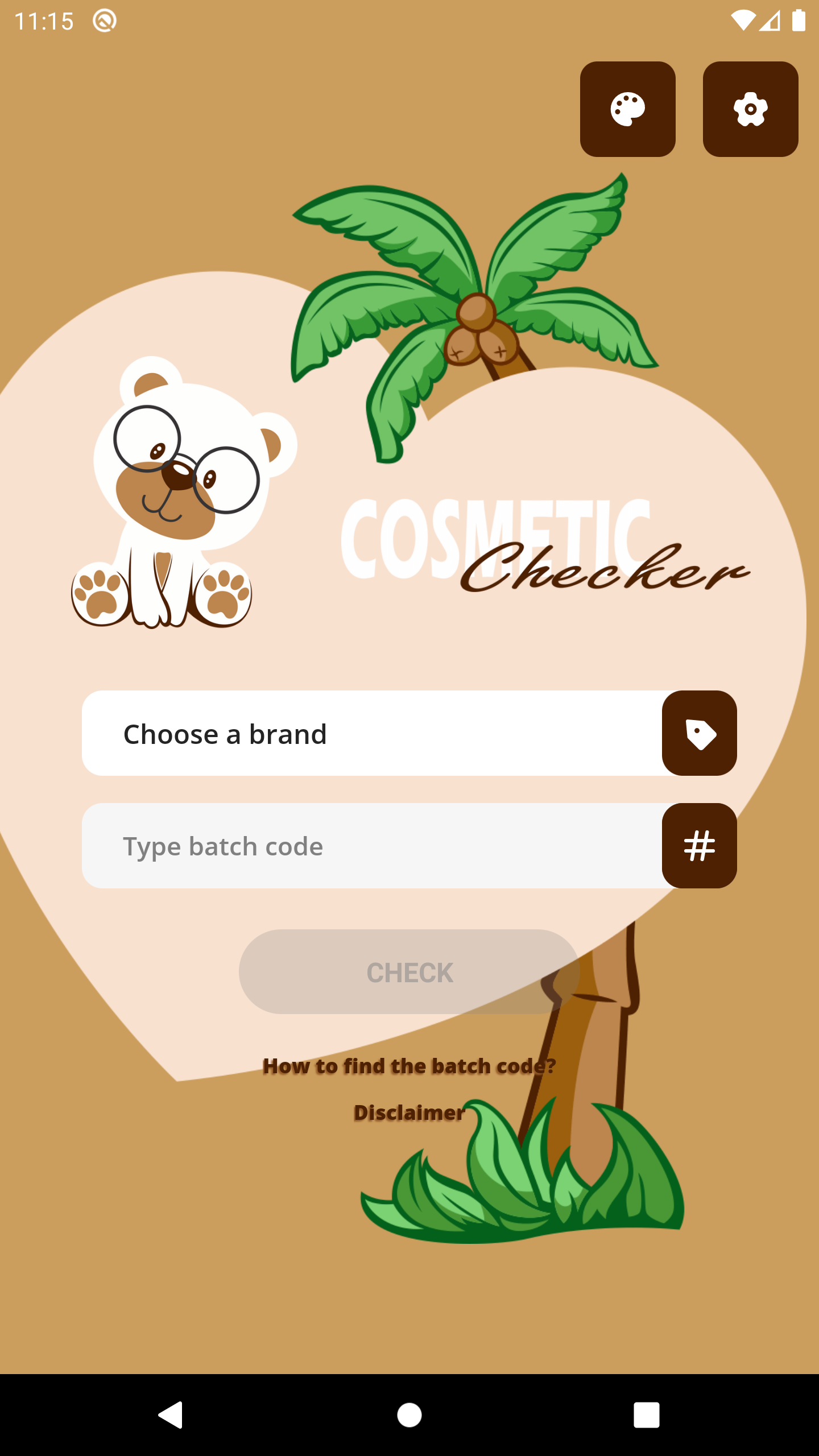
Cosmetic Checker is an easy-to-use application that helps to check the manufactured date, general shelf life, and calculating the approximate age of your beauty products, including makeup, skincare, and perfume by their batch code.
Cosmetic Checker is the best alternative app solution for those traditional websites:
- https://www.checkfresh.com
- http://checkcosmetic.net
- http://cosmeticswizard.net
because the application would save your favourite brand search time and your mobile data usage.
A batch code is a unique identification number (or set of letters and numbers) assigned to one product batch. For example, 40T500. The batch code may contain the manufactured date, manufacturer code, and manufacture place. In case of quality issues, the batch code can be used to find the root cause of the problem and potentially also to stop other faulty products from being sold.
The batch code is usually engraved or printed directly at the bottom of the product container or on the product packaging.
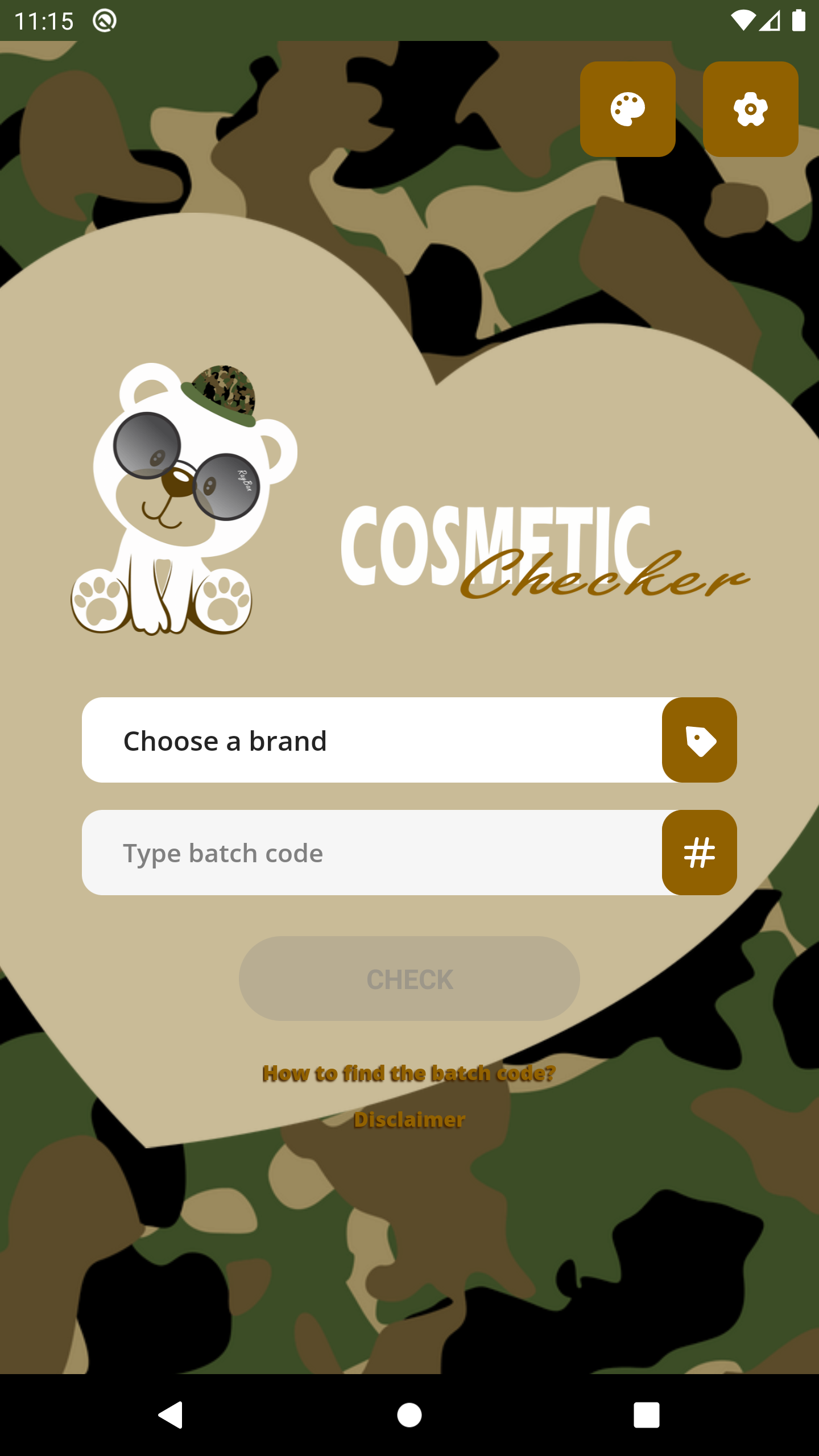
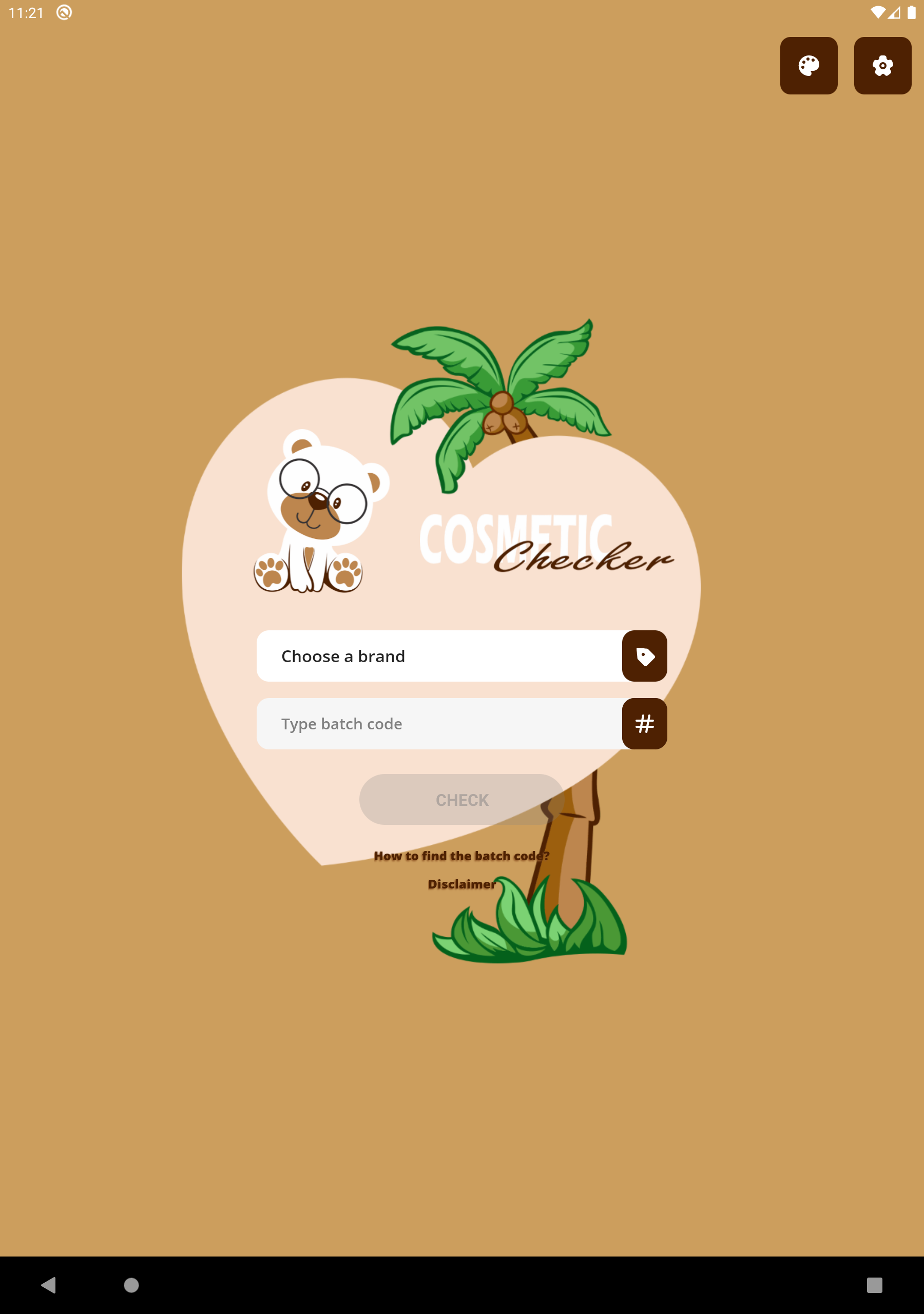
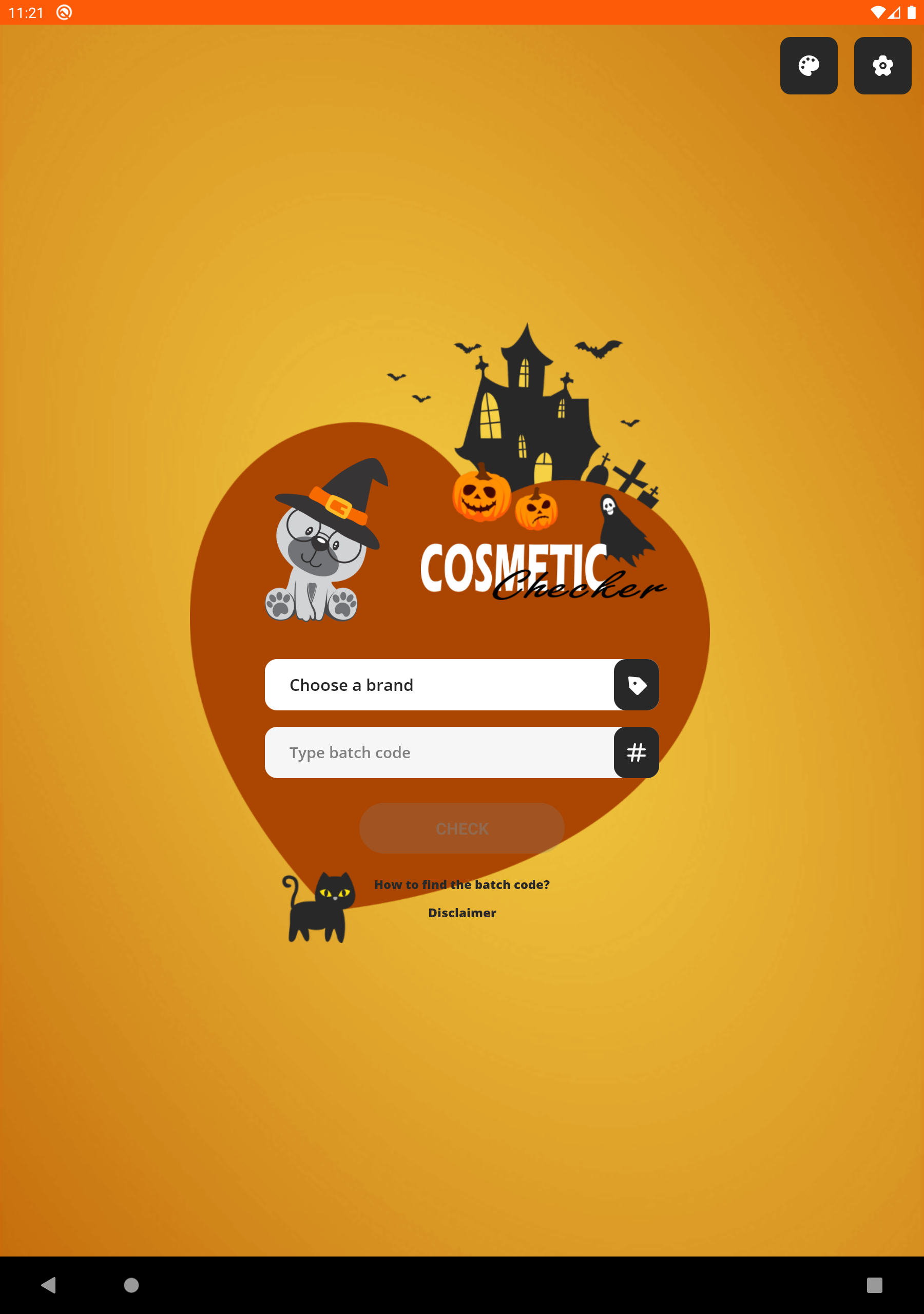
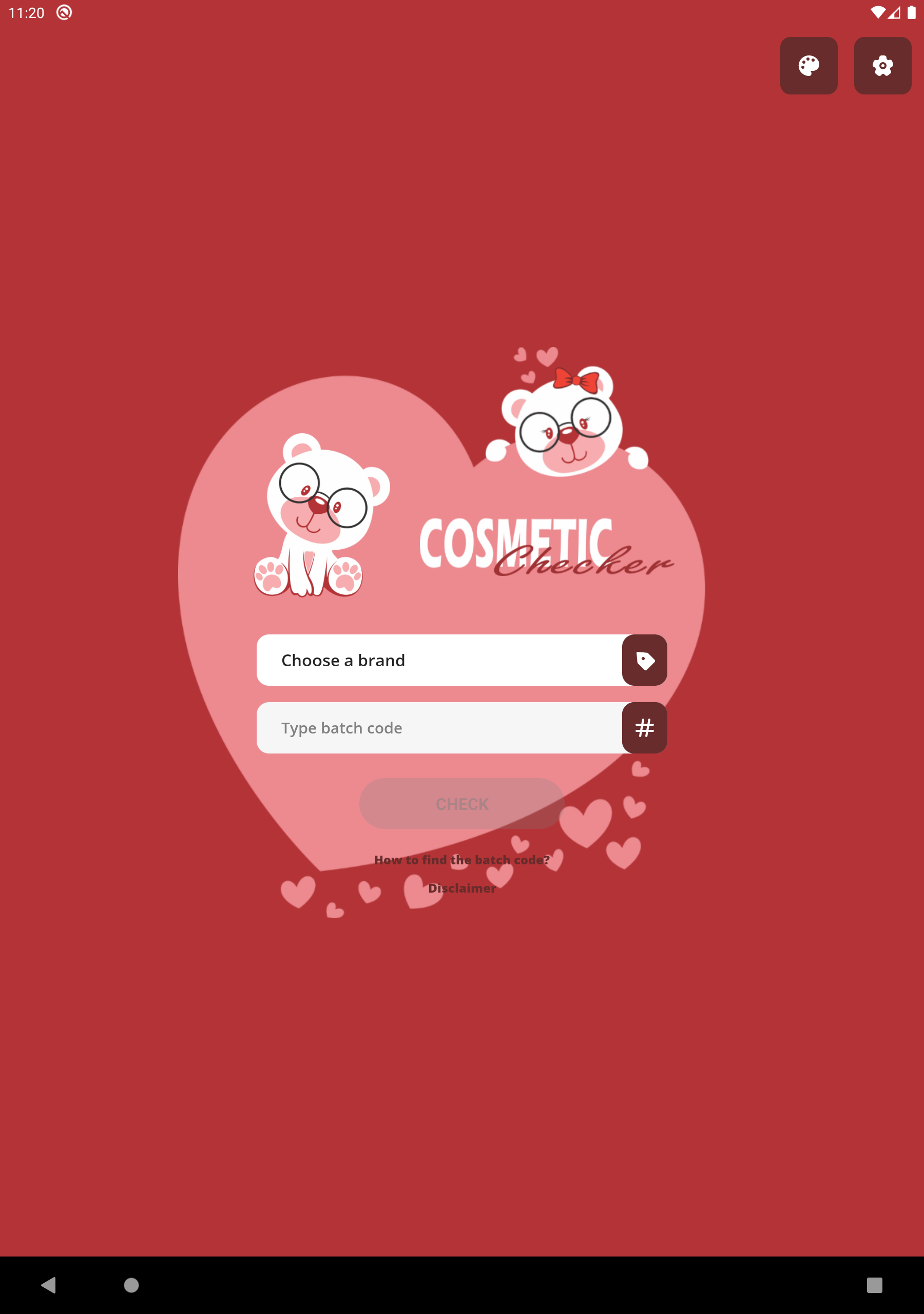
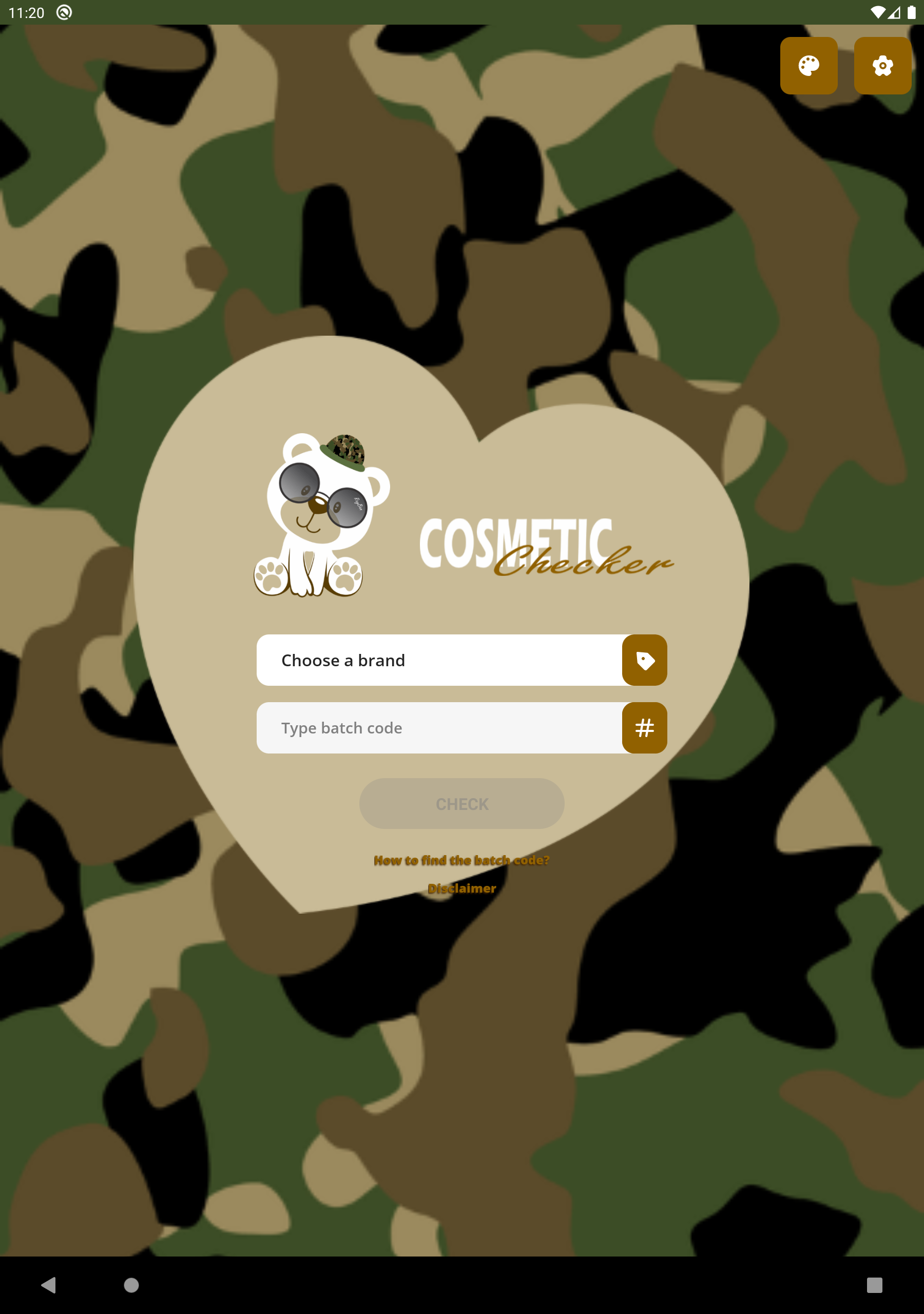
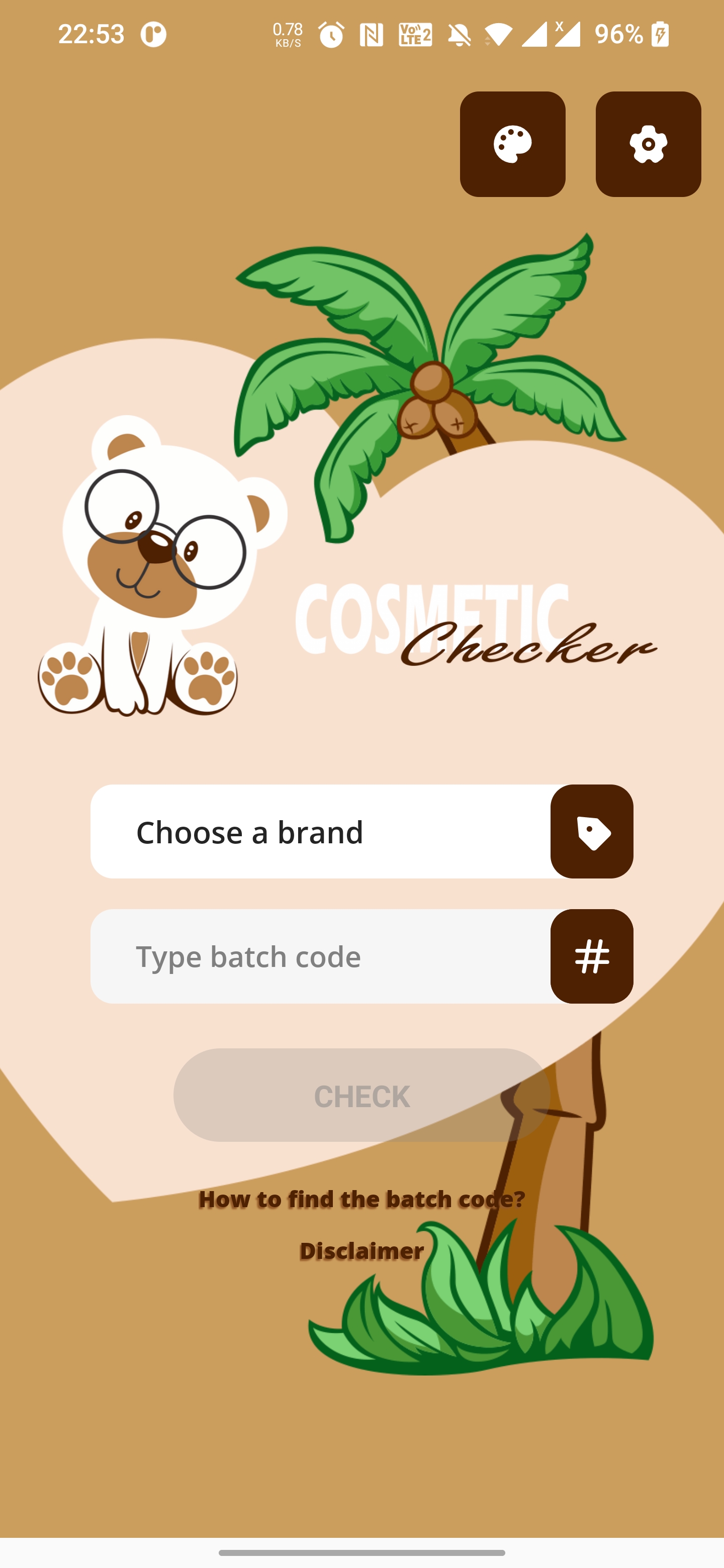
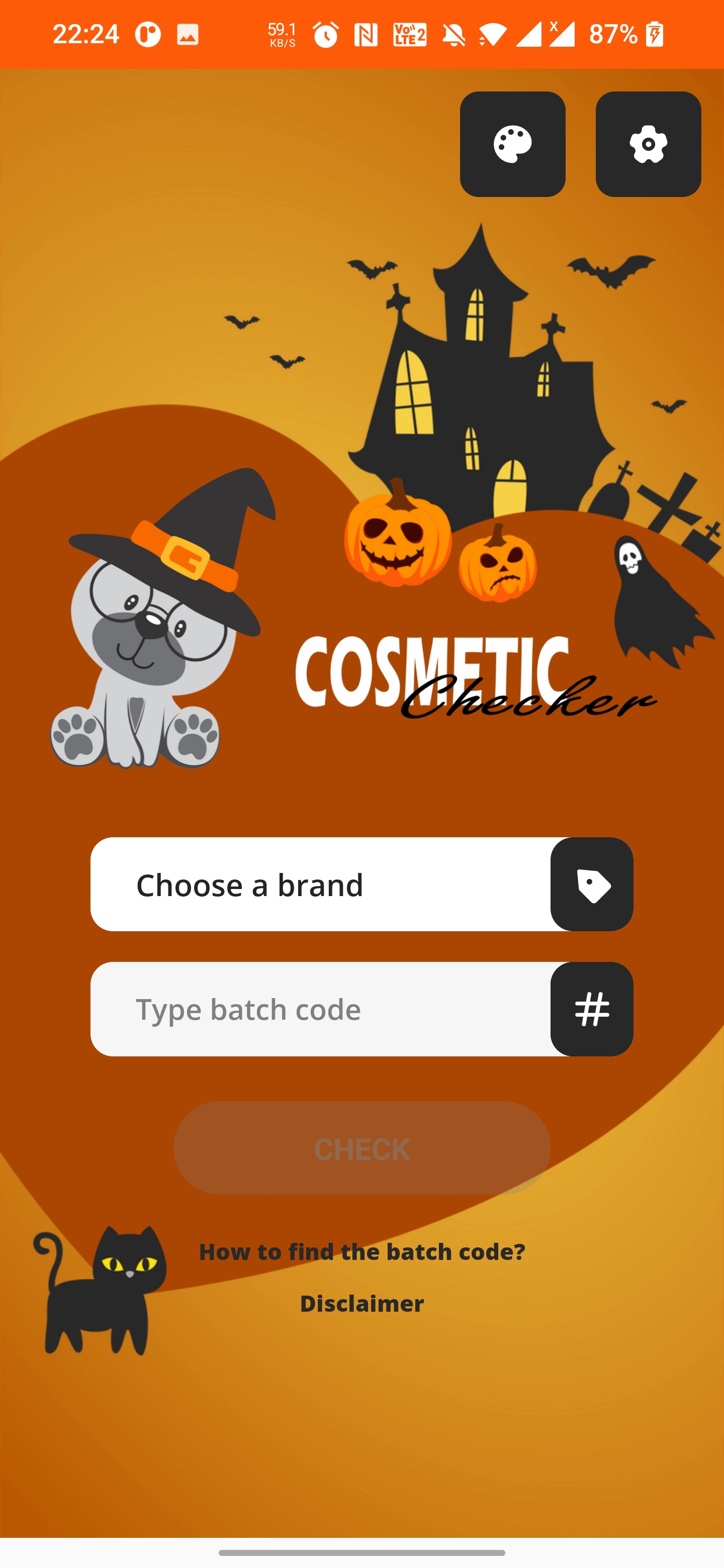
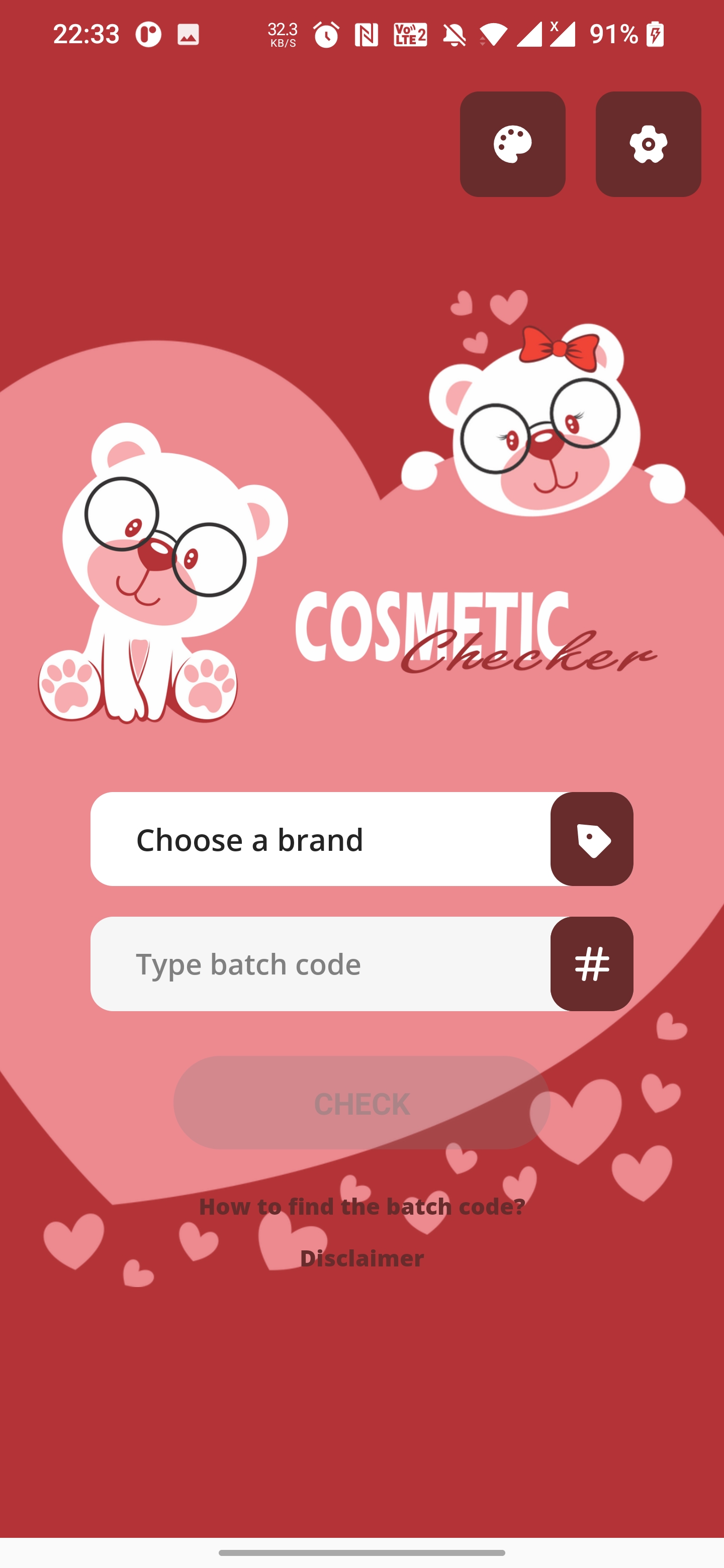
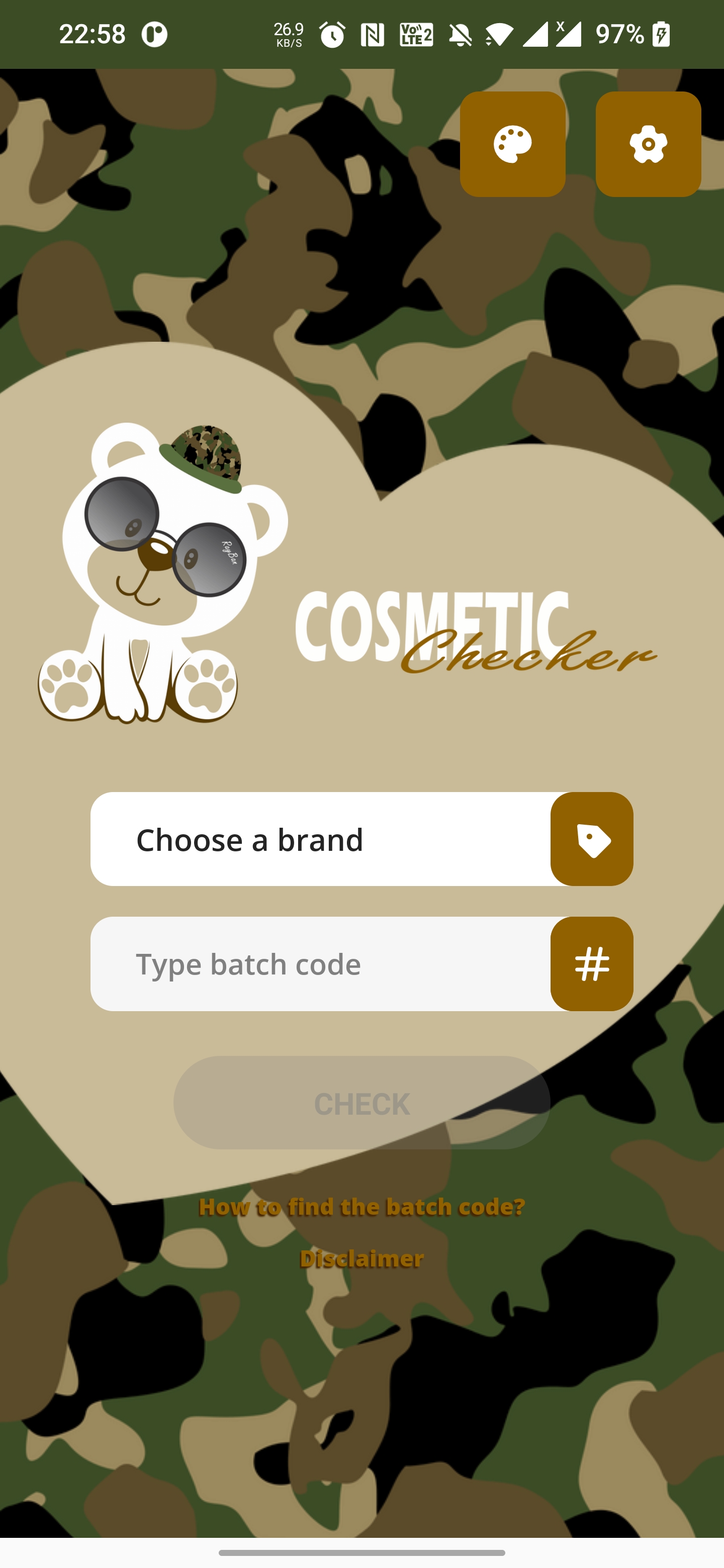
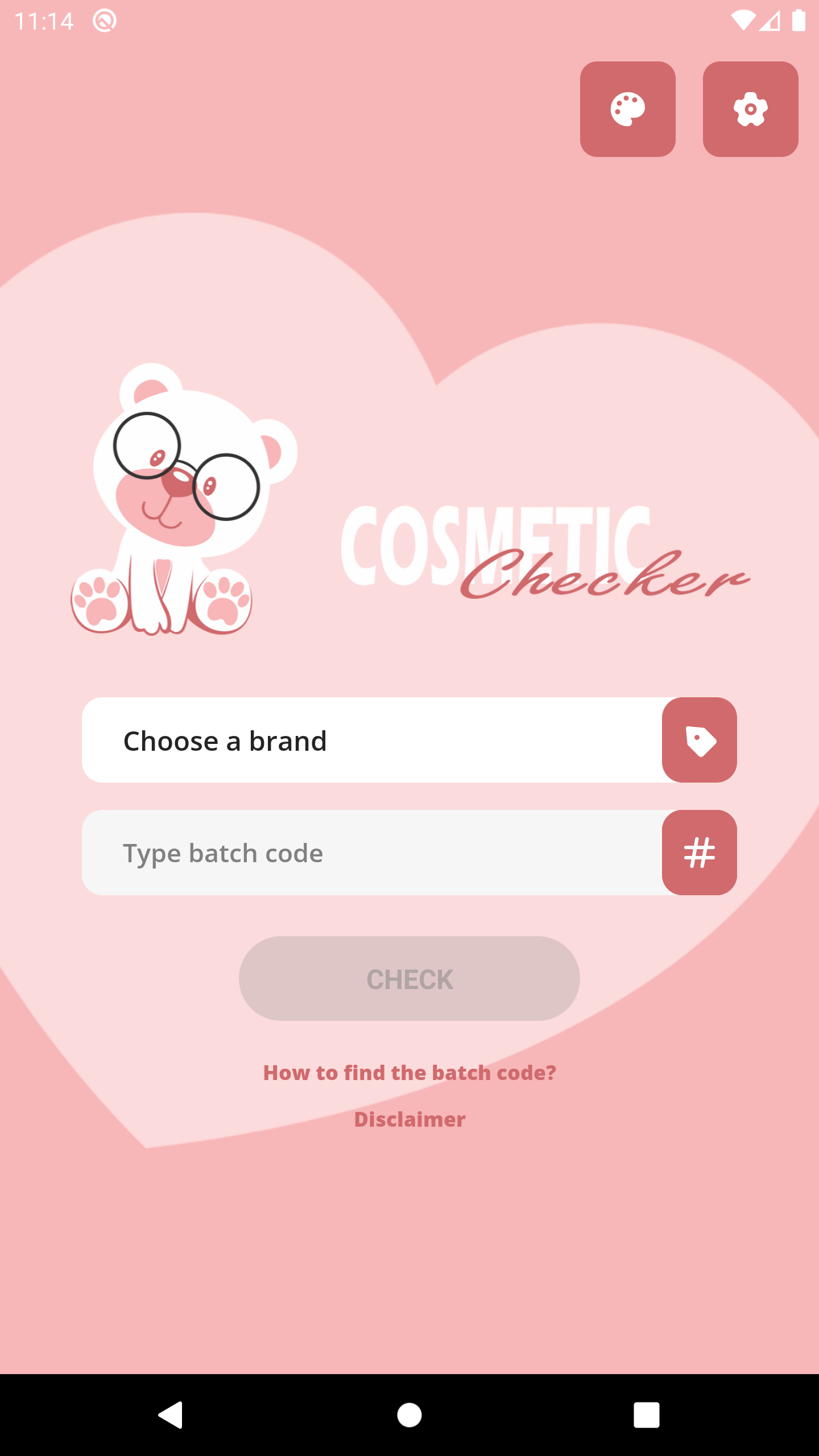
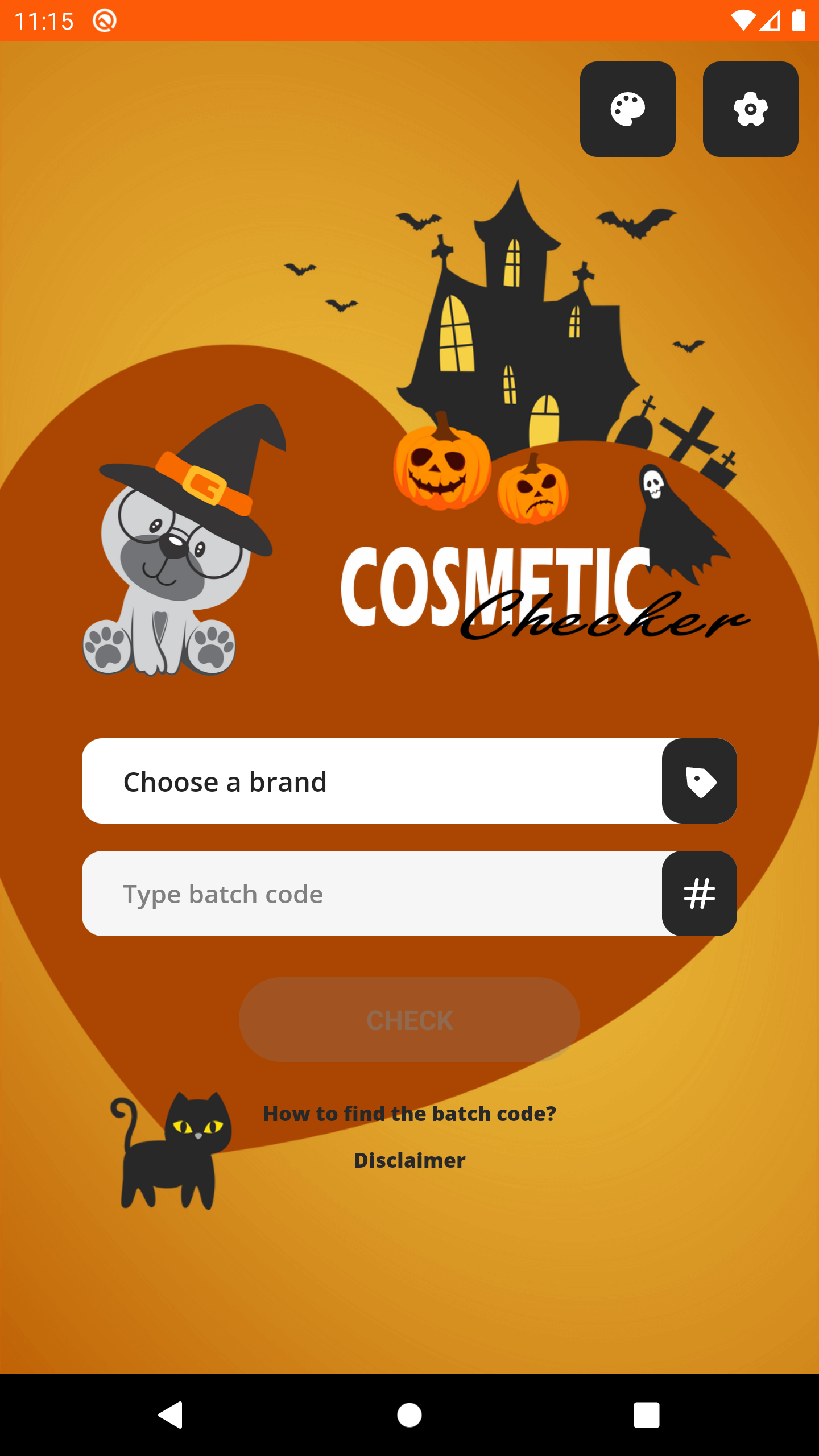
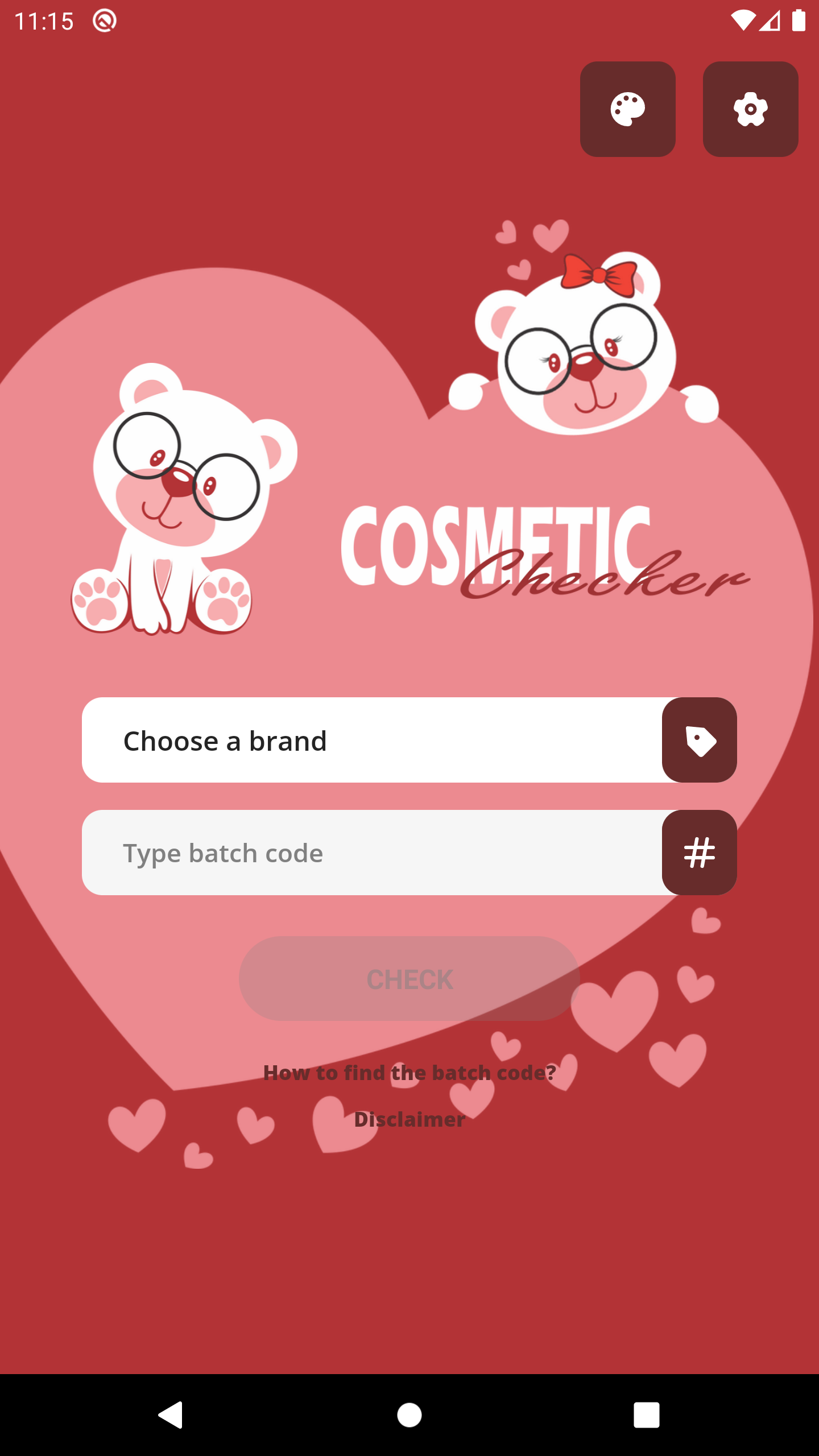
Additionally, there are plenty of well-designed themes for your preference and we hope those would increase your experience while using the application.
Guidance:
1. Download and install the Cosmetic Checker application for free.
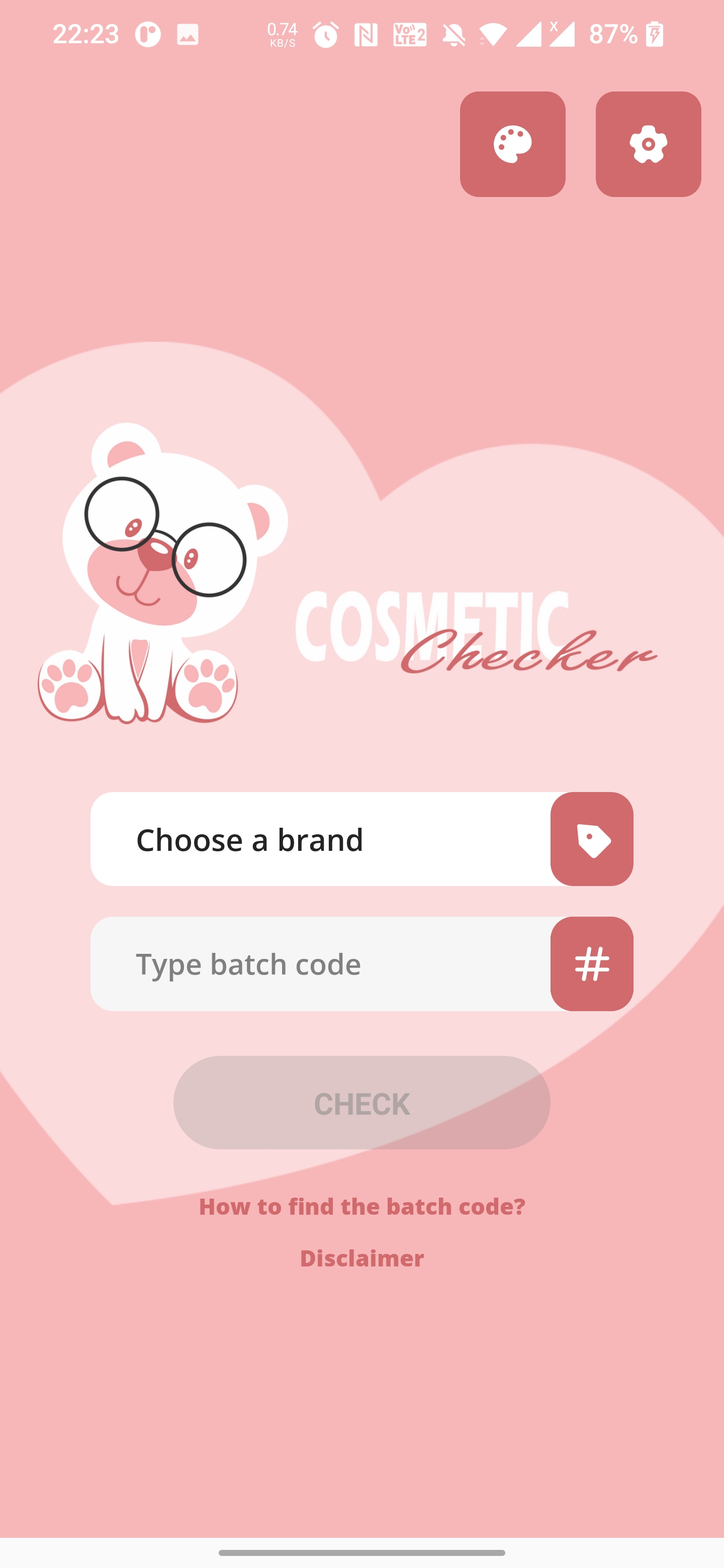
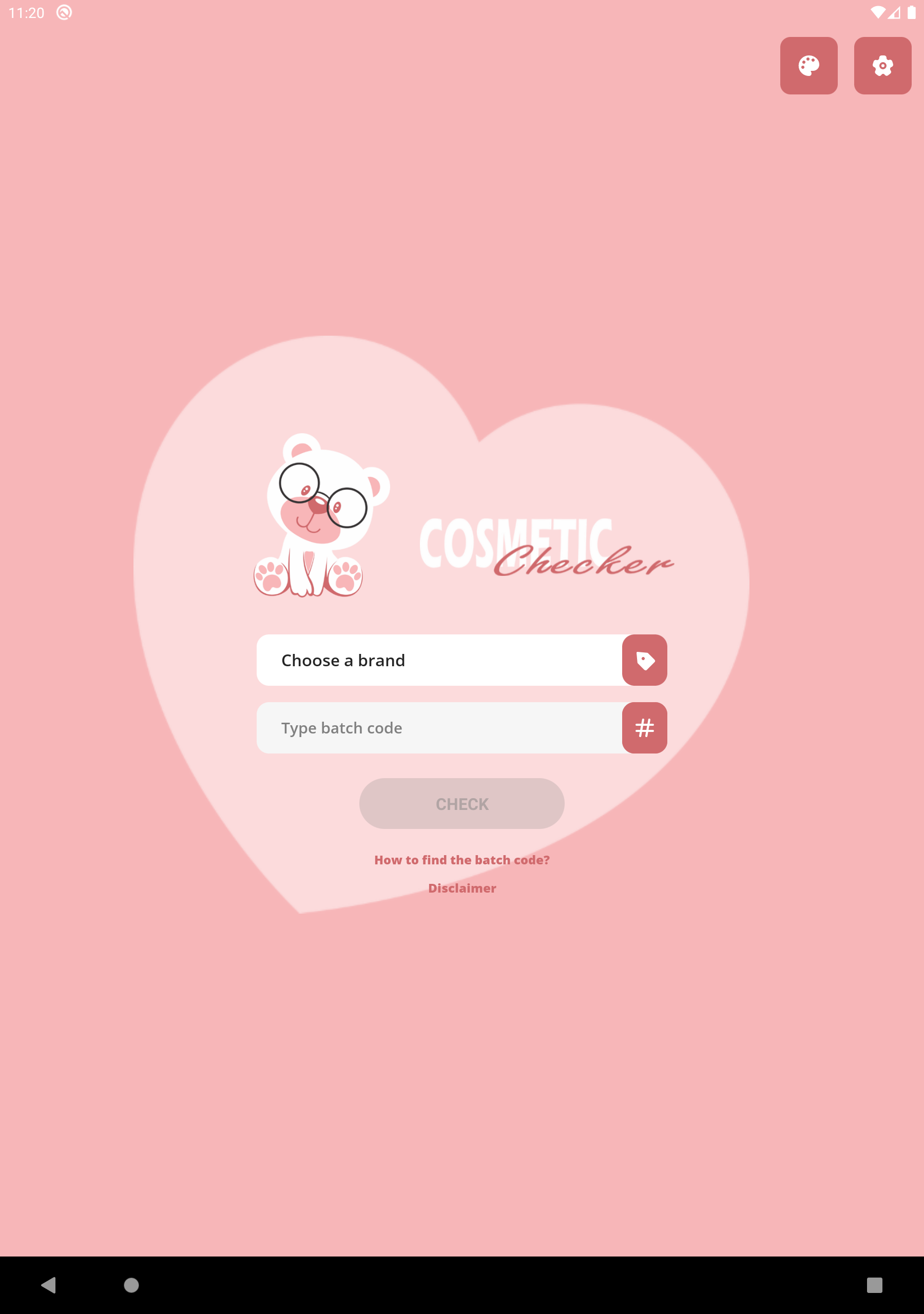
2. Open the application and choose the brand of your cosmetic product.
3. Find the product batch code on the product container or packaging and type it to the batch code text input. The guidance and examples for finding cosmetic batch code can be found in the application.
4. Finally, press the “CHECK” button and wait a moment for the cosmetic information to be fetched and shown on the screen.
Download Cosmetic Checker now! Try and share the app with your friends.
Changelog
- Improve the decoding performance of multiple cosmetic brands
- Bug fixes
Additional information
Screenshots
Reviews
Recommend Article










Similar Apps

Look at the compatibility of your skin and cosmetics to find life-saving products

Try AI face swap, celebrity look alike, cartoon, anime & funny photo sketches!

AI-Powered Skincare Routine

Perfumes and fragrances reviews, news and perfume lovers community.

Monthly Perfume Subscription

Master the Art of Asian Makeup: Learn How to Do Asian Makeup