


Contacts

Hot Novels






Install Tips
Mobile safety & integrity report for the latest package. We provide verifiable checksums and a timestamped scan summary. Latest package Contacts 4.0.1 scanned by multiple engines; no threats detectedas of Tue, 28 Jul 2026 11:56:33 GMT.
After downloading, use a system or third-party checksum tool to calculate the SHA256 and ensure it matches the value provided on this page (case-sensitive, without spaces).
Each engine uses different signature databases and heuristics, so results may vary slightly. We provide a timestamp and checksum to allow you to independently verify the package.
Contacts Review
Upgrade Your Calling Experience with Samsung's Phone Dialer & Contacts!
📲
Transform your phone experience with Samsung’s official Phone Dialer & Contacts app. Embrace speed, style, and simplicity in managing your contacts and making calls.
Effortless Contact & Call Management:
All-in-one contact tool:
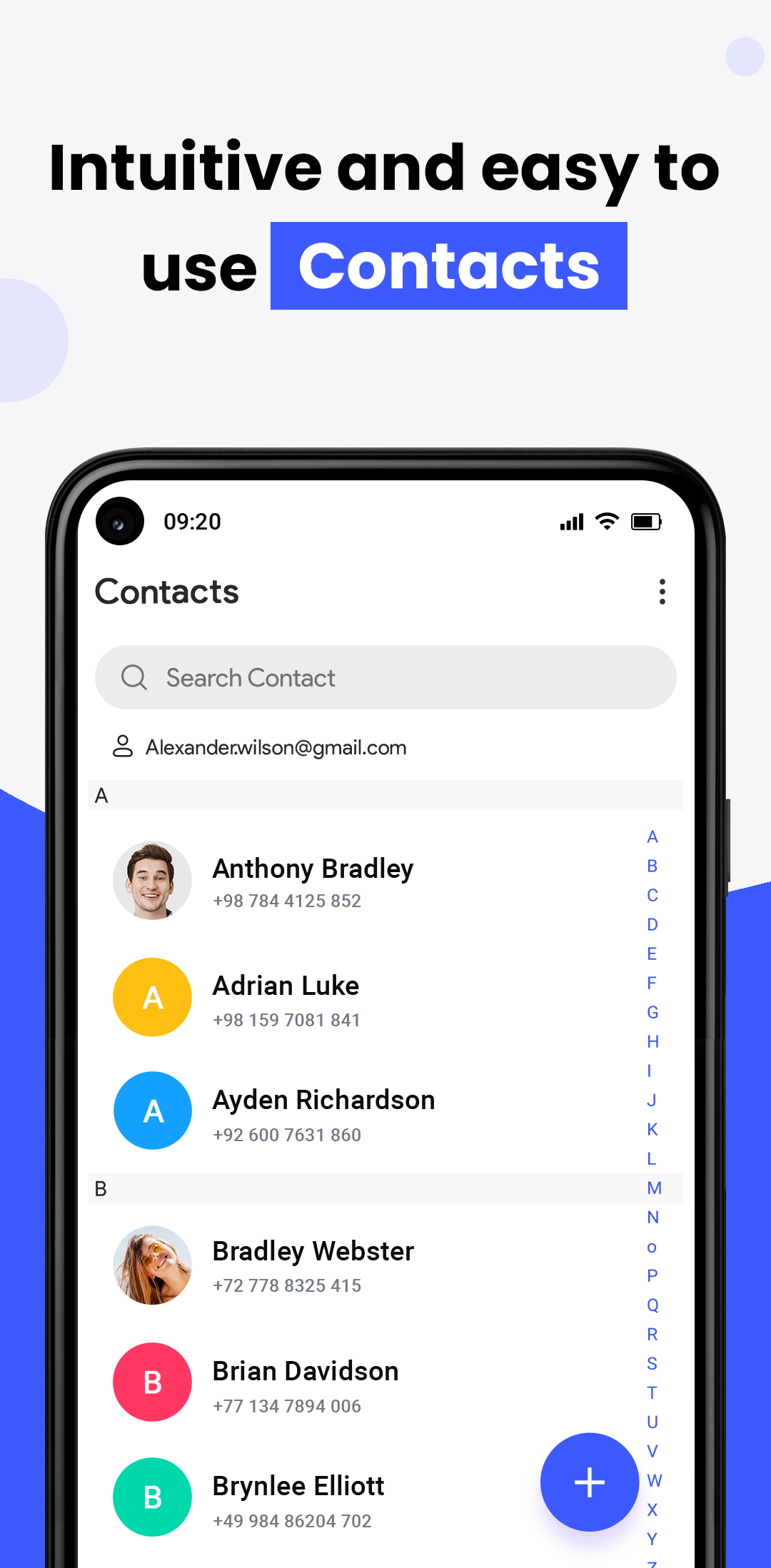
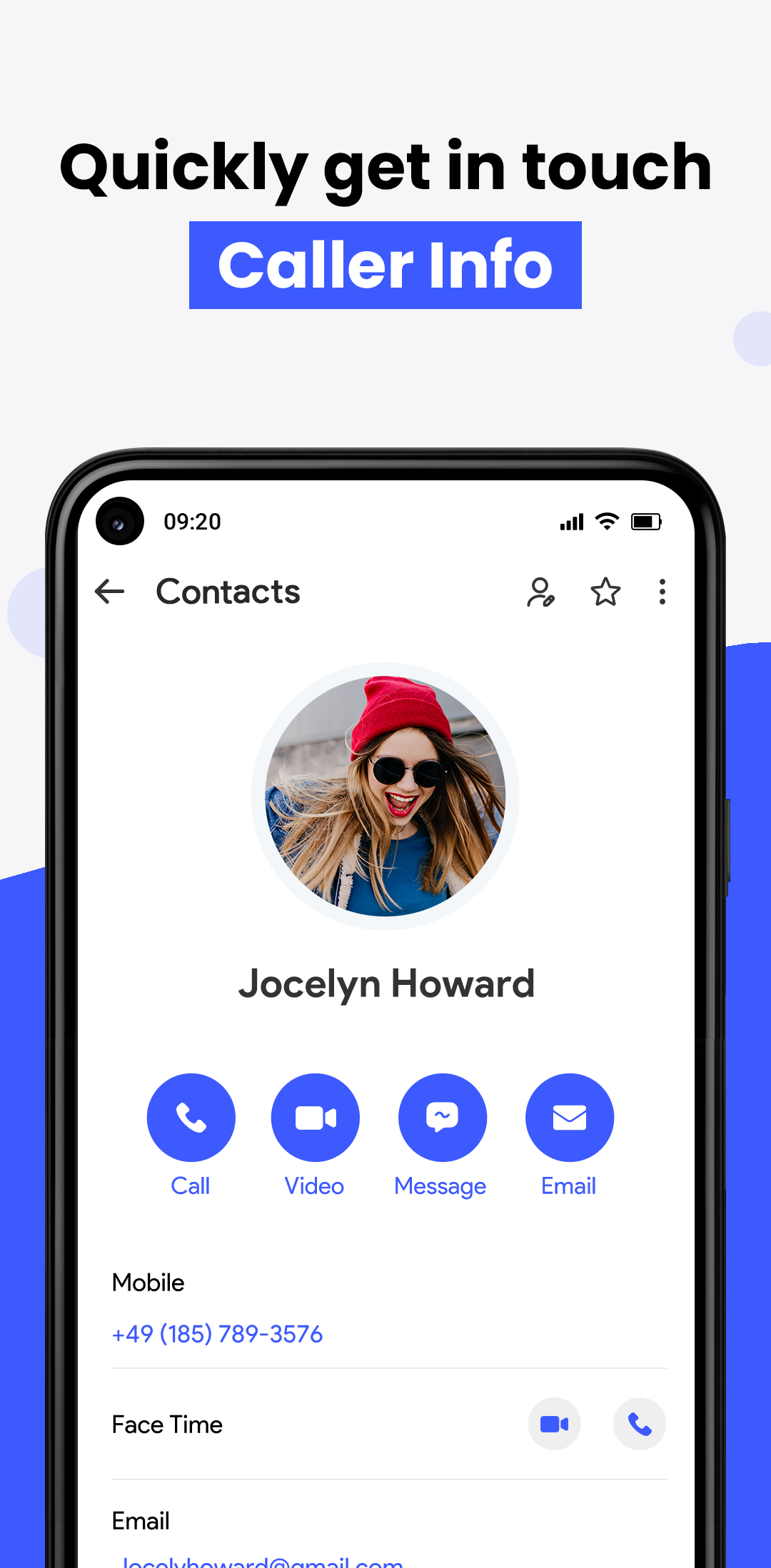
View, edit, call, and save contacts effortlessly within your dialer.
Smart suggestions:
Keep your contacts list clean and updated.
Seamless connection:
Connect and communicate with your phone contacts instantly.
Merge & clean:
Remove duplicate contacts and keep your call log tidy.
Backup & sync:
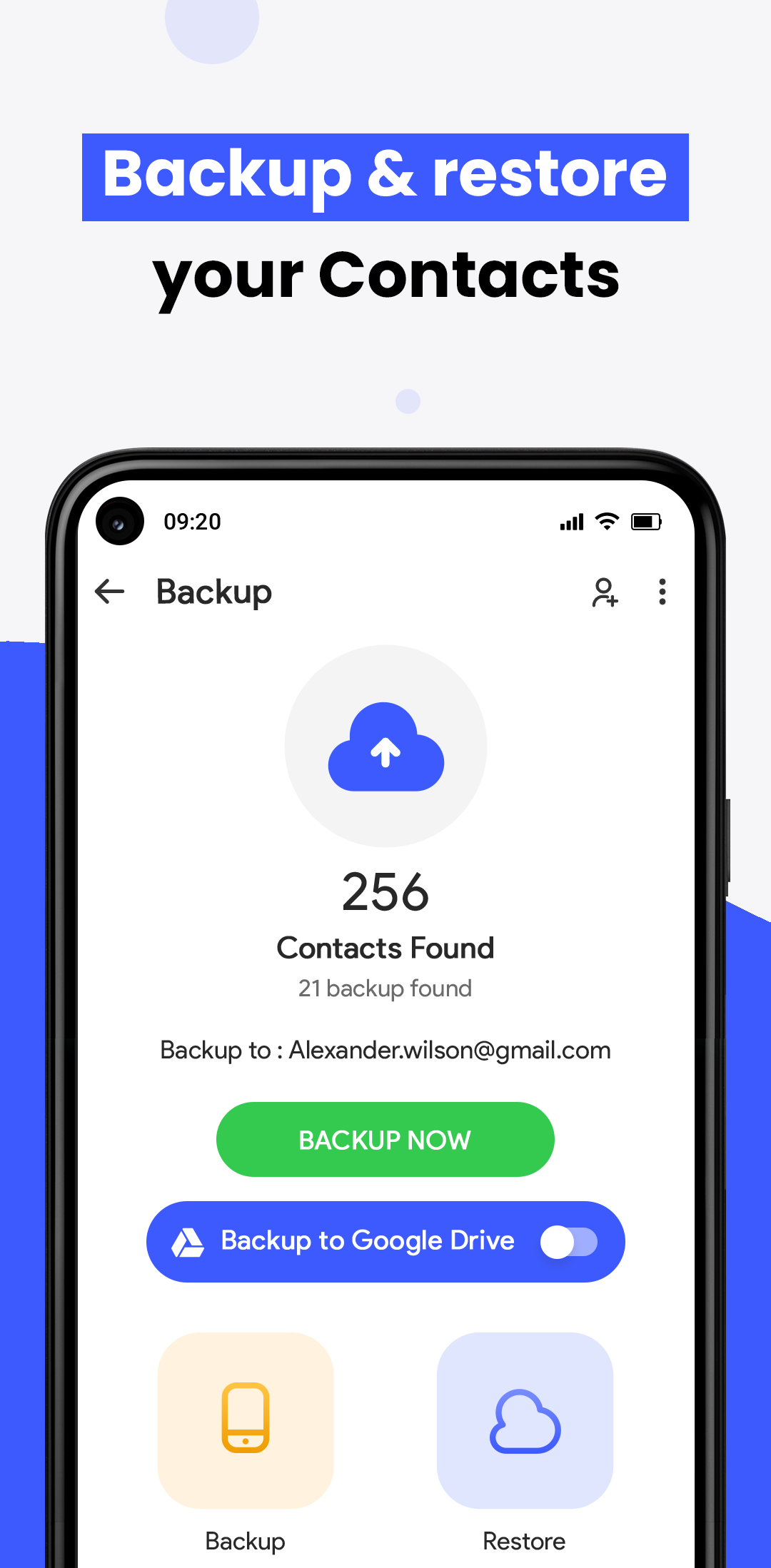
Protect your contacts with secure sync through your phone and Google account.
Easy transfer:
Import/export contacts across devices with ease.
Caller ID & Spam Protection:
Identify incoming calls, block spam numbers, and protect your phone privacy—online or offline.
Call History & Favorite Contacts:
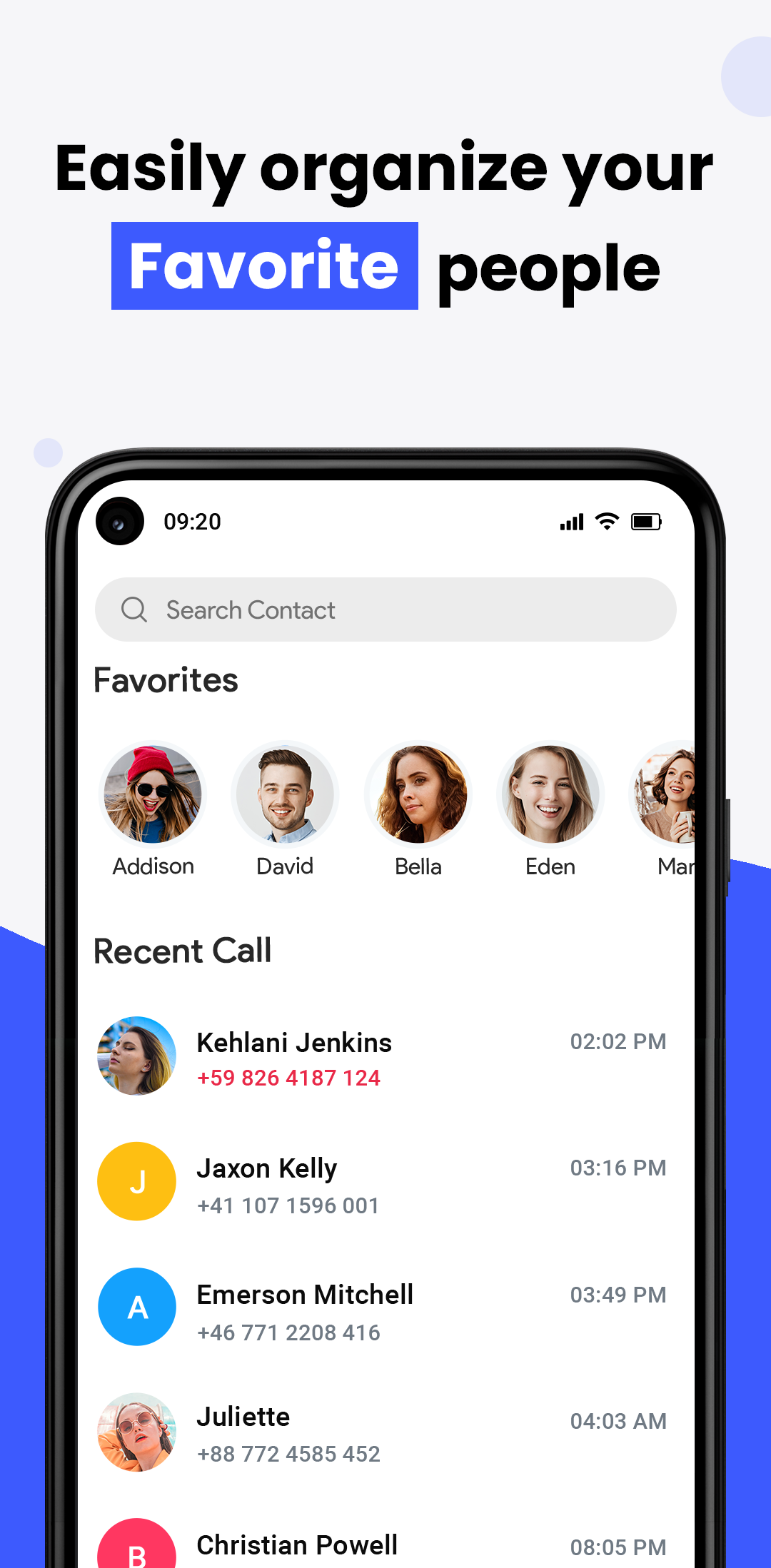
Speed dial: Tap once to call your top contacts.
Smart log: Access recent calls instantly, grouped and labeled.
Home screen widgets: Add contacts or a direct dialer to your main screen.
Next-Level T9 Dialer Experience:
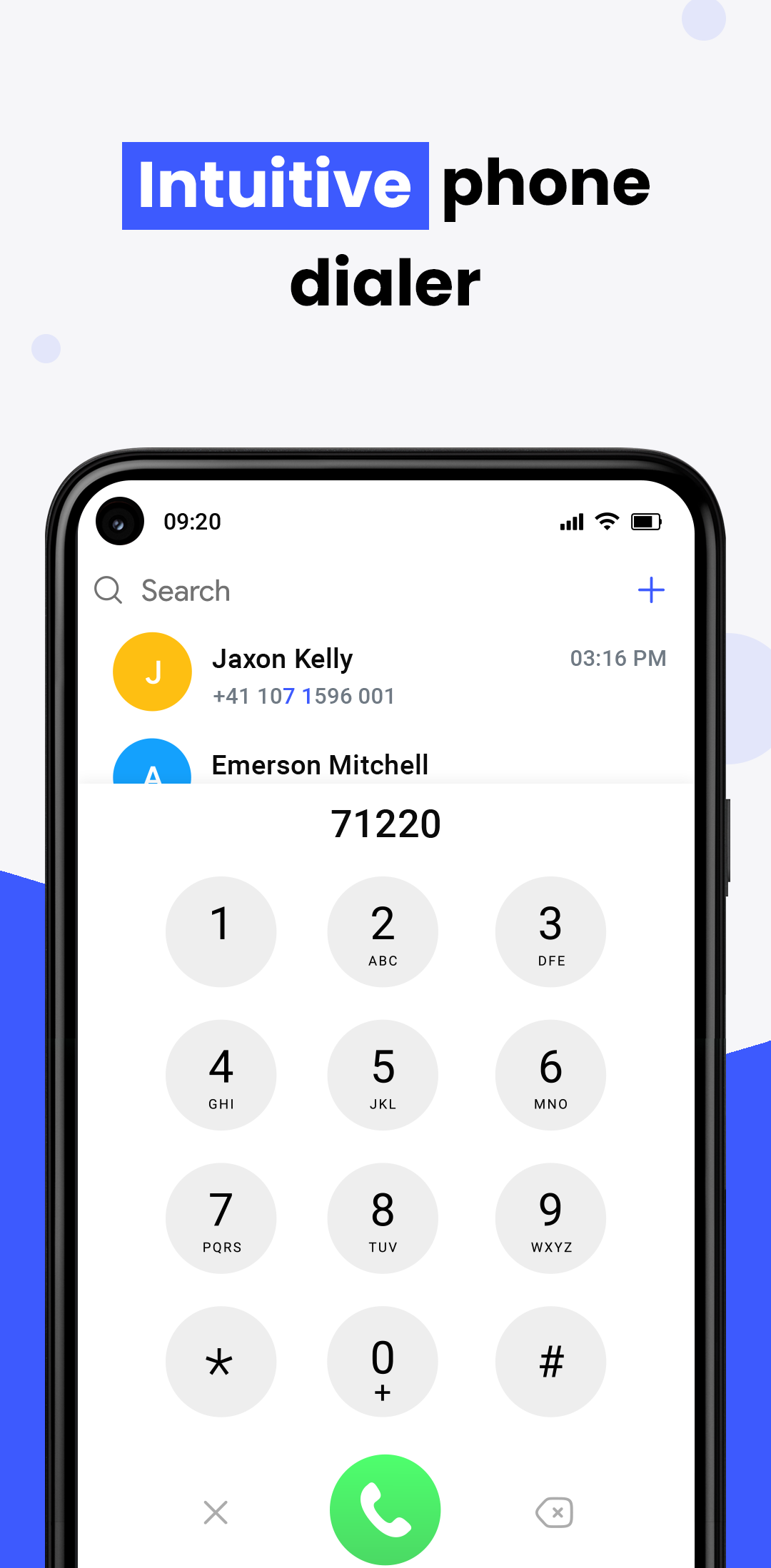
Search contacts fast using our intuitive T9 dialer.
Group calls and organize them by recency.
Supports multiple languages and smooth dialer navigation.
Modern, Customizable Design:
Clean interface focused on calls and contacts.
Personalize your dialer with vibrant themes.
Dual SIM support lets you manage two lines from one phone.
Key Features:
Smart Phone Dialer Manager: Create groups, delete duplicates, recover lost contacts.
Get Connect Call Screen: Customize the phone dialer look with iOS-inspired design.
Easy One-Handed Dialer: Access calls and contacts quickly with a modern theme engine.
Join the Revolution in Contact & Call Management:
Samsung's Phone Dialer & Contacts app isn’t just a tool—it's your ultimate mobile calling companion. Start managing your calls, contacts, and dialer with elegance and power. Download now and take full control of your phone!
Additional information
Screenshots
Reviews
Recommend Article









Similar Apps

Simple email client for your Android: Supports Mail.ru, Hotmail, Gmail and more!

Secure and private access to multiple WhatsApp Web and WeChat Web accounts.

Application to recharge Telcel balance
Efficient open-source email client with privacy-focused features for Android.

Global call- Secure,simple,stable chat app & SMS messaging app
imo Lite for 2024 NEW, just 14MB app size, no-ads, superfast & smooth calls.