


Concepts: Sketch, Note, Draw

Hot Novels






Install Tips
Mobile safety & integrity report for the latest package. We provide verifiable checksums and a timestamped scan summary. Latest package Concepts: Sketch, Note, Draw 2025.10.1 scanned by multiple engines; no threats detectedas of Tue, 28 Jul 2026 11:56:31 GMT.
After downloading, use a system or third-party checksum tool to calculate the SHA256 and ensure it matches the value provided on this page (case-sensitive, without spaces).
Each engine uses different signature databases and heuristics, so results may vary slightly. We provide a timestamp and checksum to allow you to independently verify the package.
Concepts: Sketch, Note, Draw Review

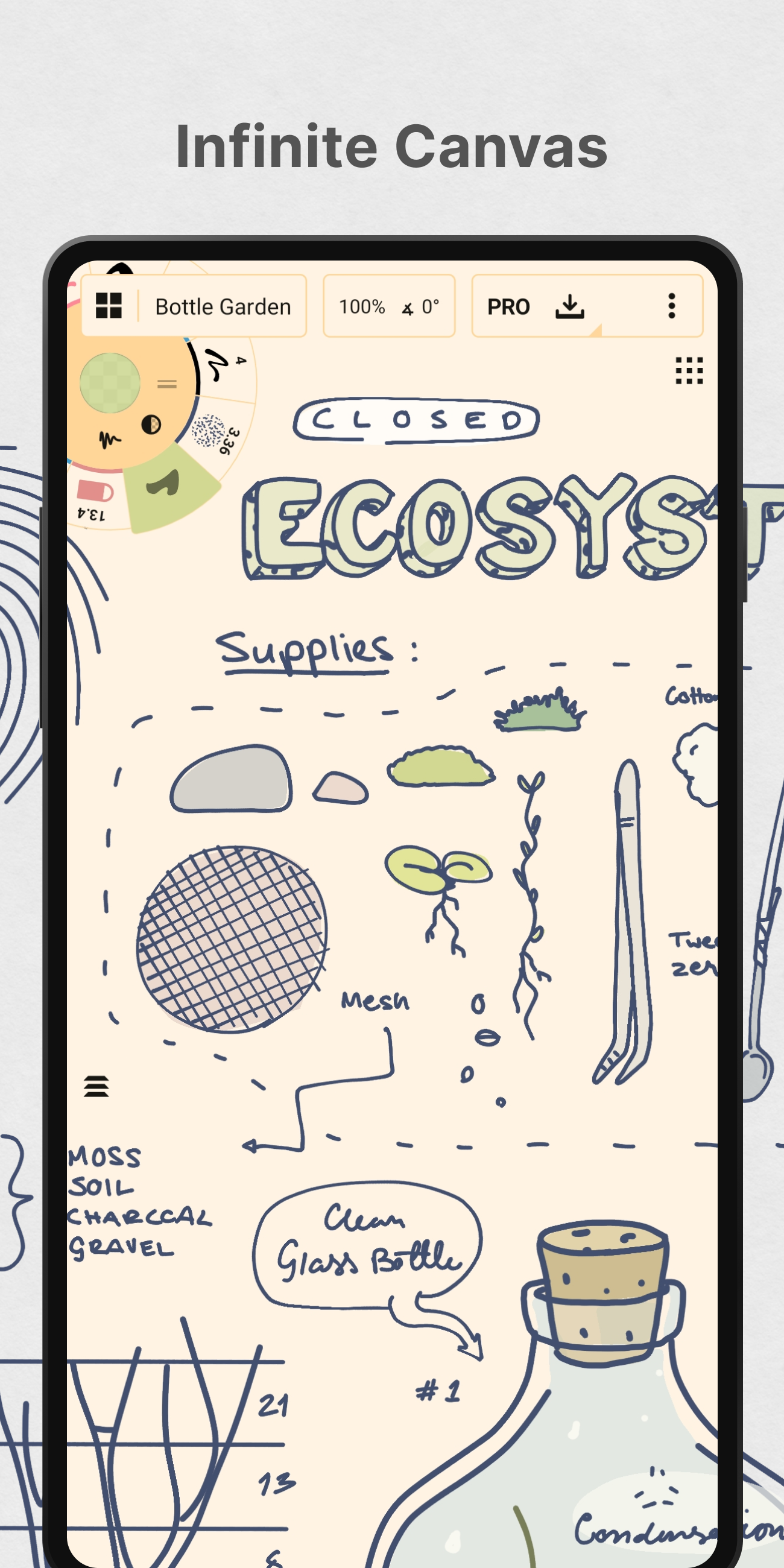
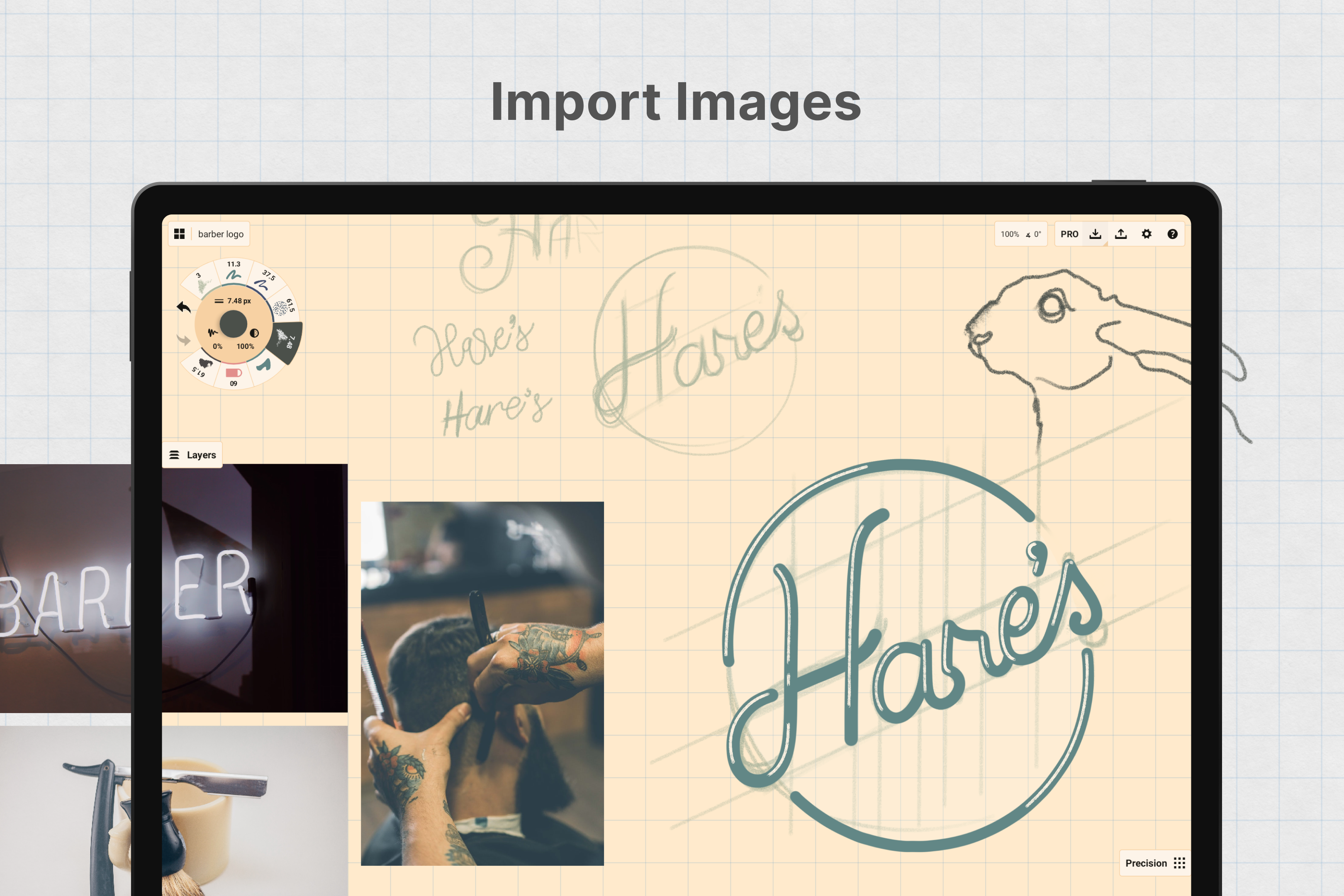
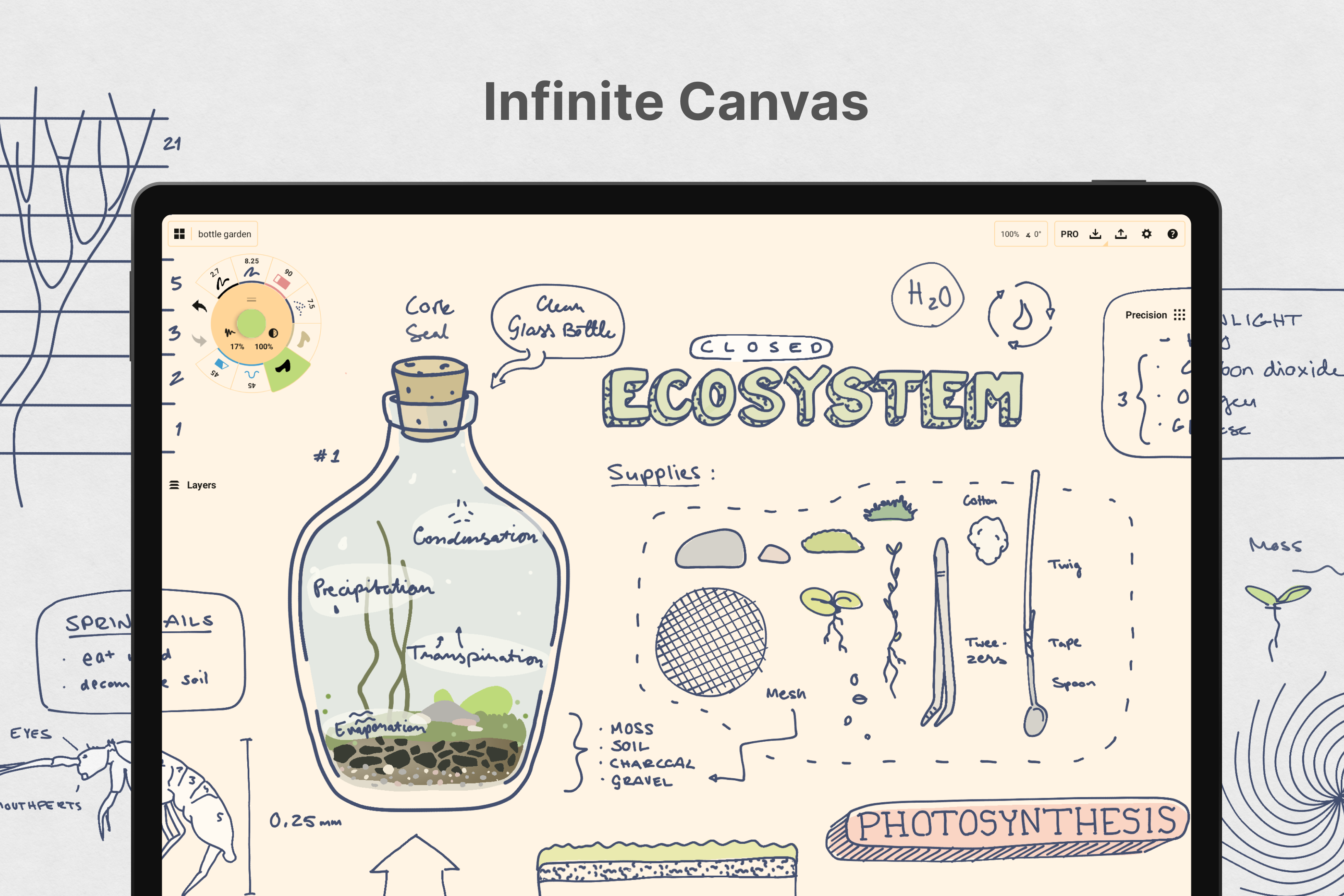
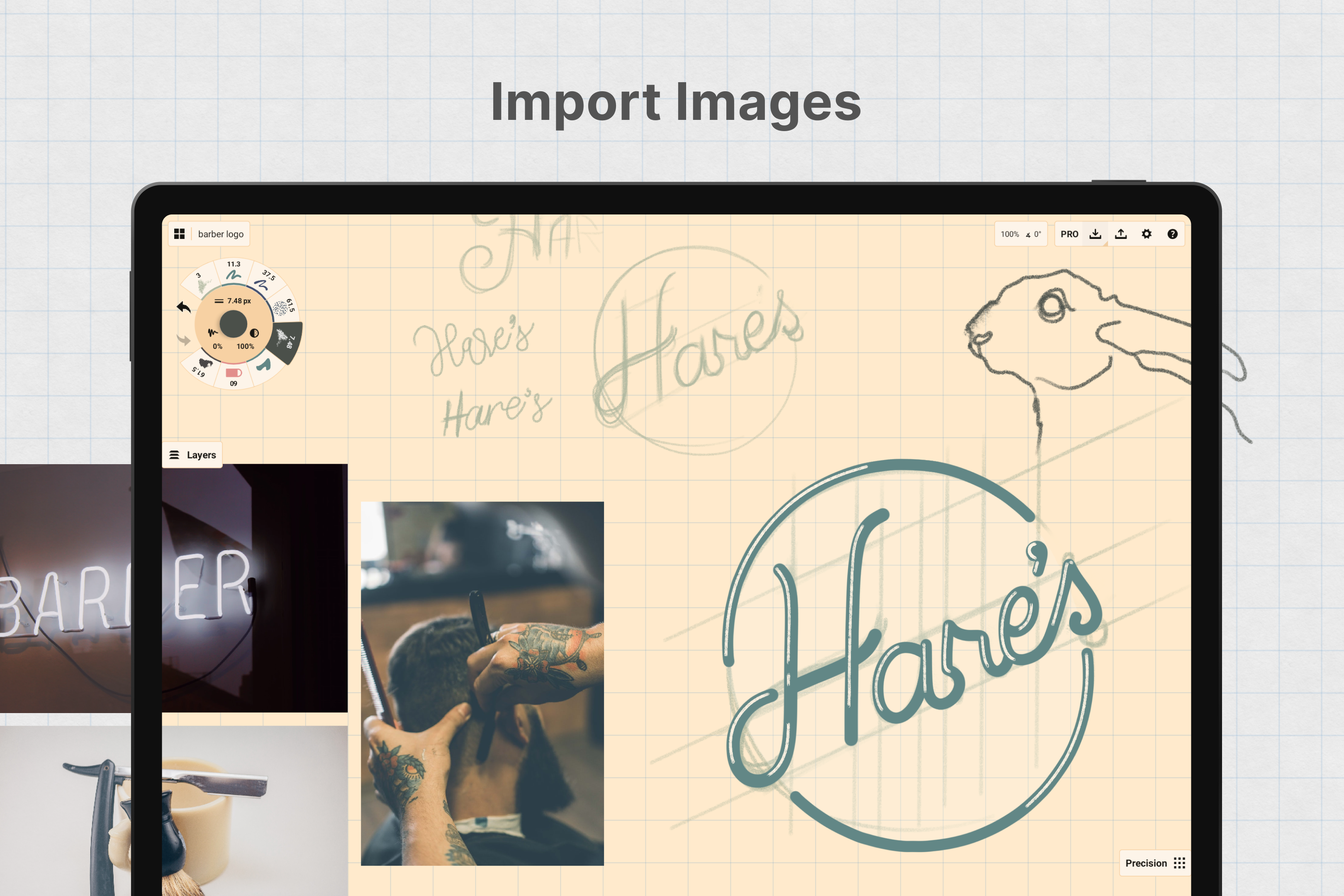
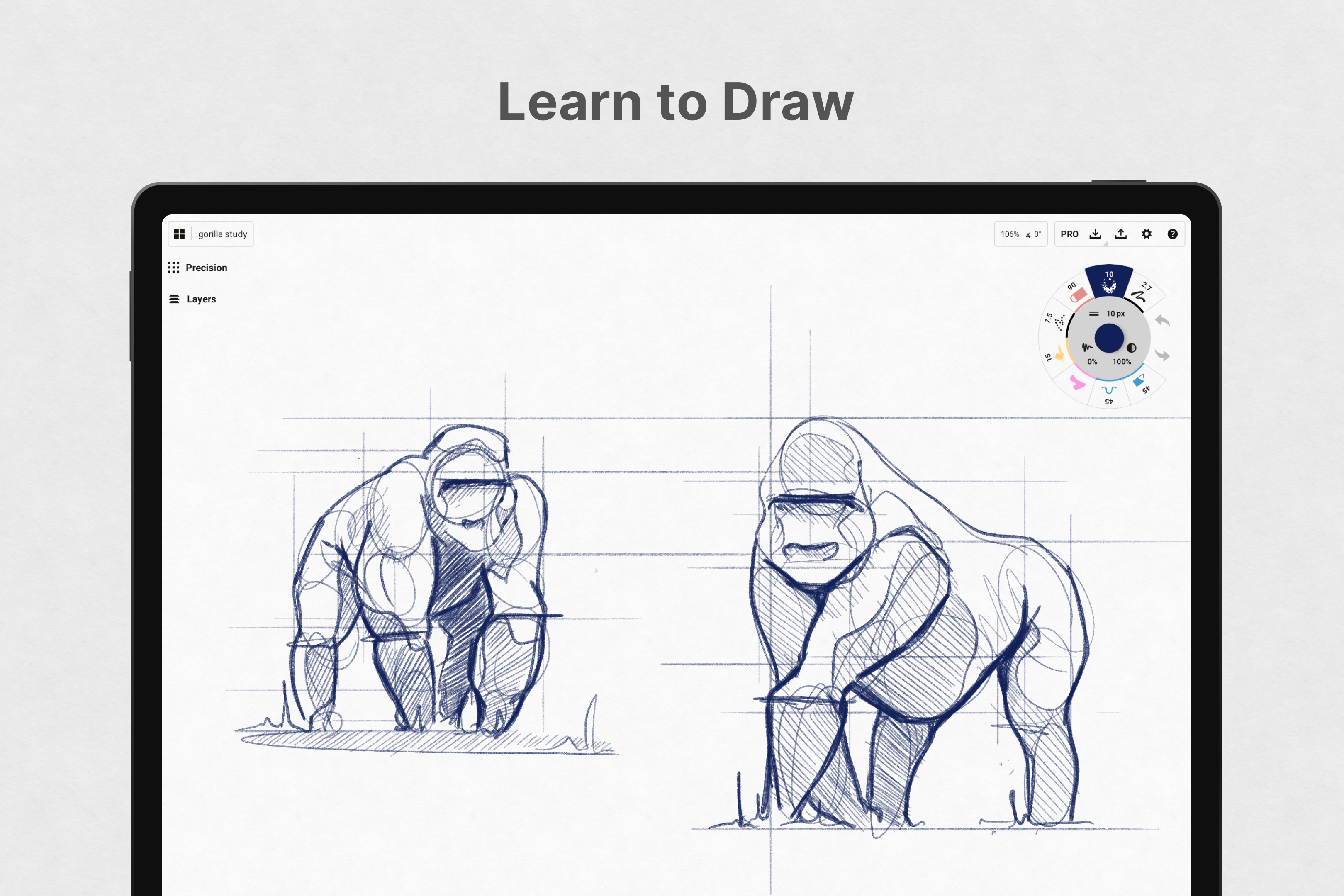
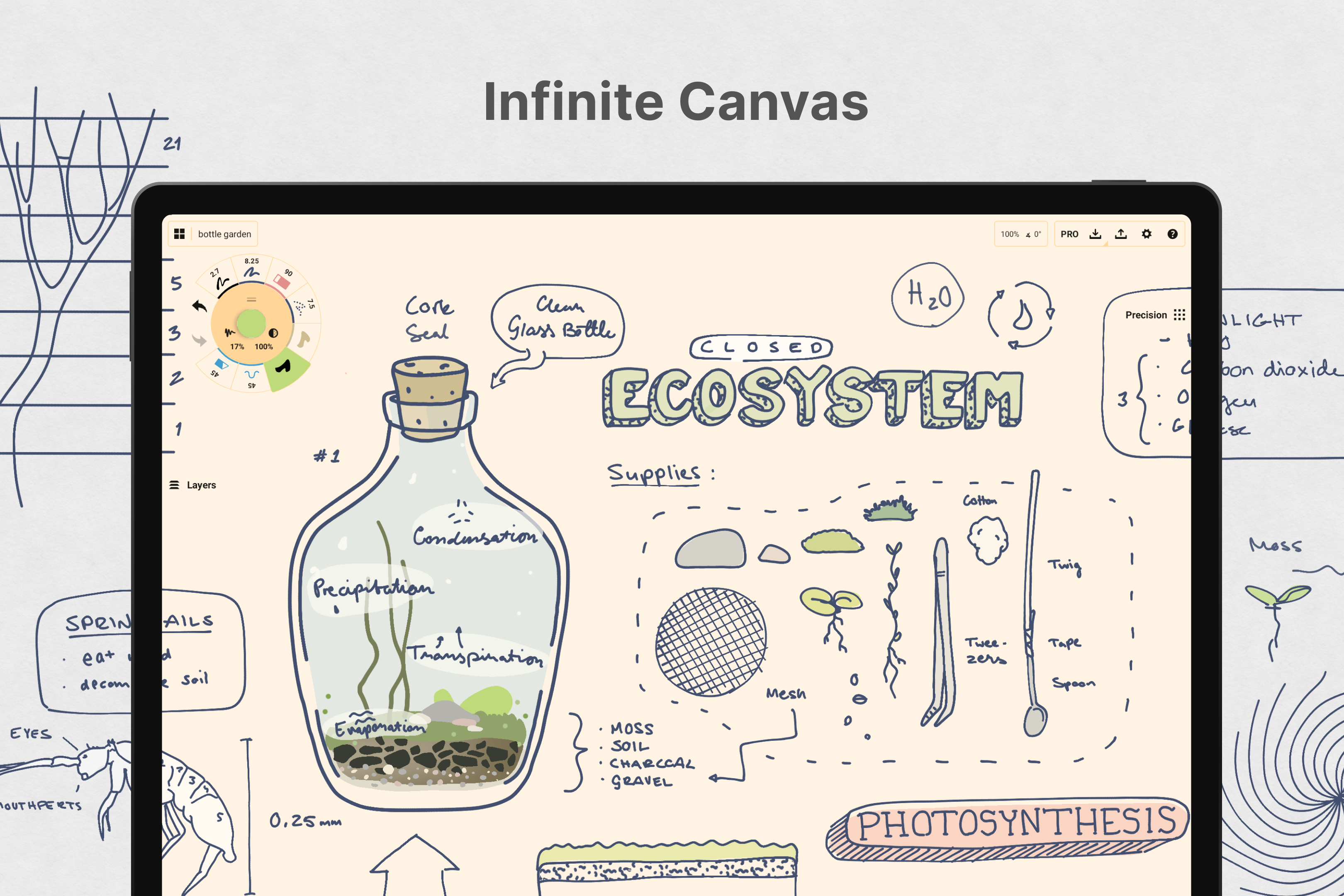
Concepts: Sketch, Note, Draw APK is a versatile app designed for artists, designers, and creative thinkers who value flexibility in their workflows. Developed by TopHatch, Inc., this app combines the functionalities of sketching, note-taking, and illustrating into a single platform. Its standout feature is the infinite canvas, which allows users to create without spatial limitations. Whether you're drafting ideas for a project or crafting detailed illustrations, Concepts adapts to your needs seamlessly.
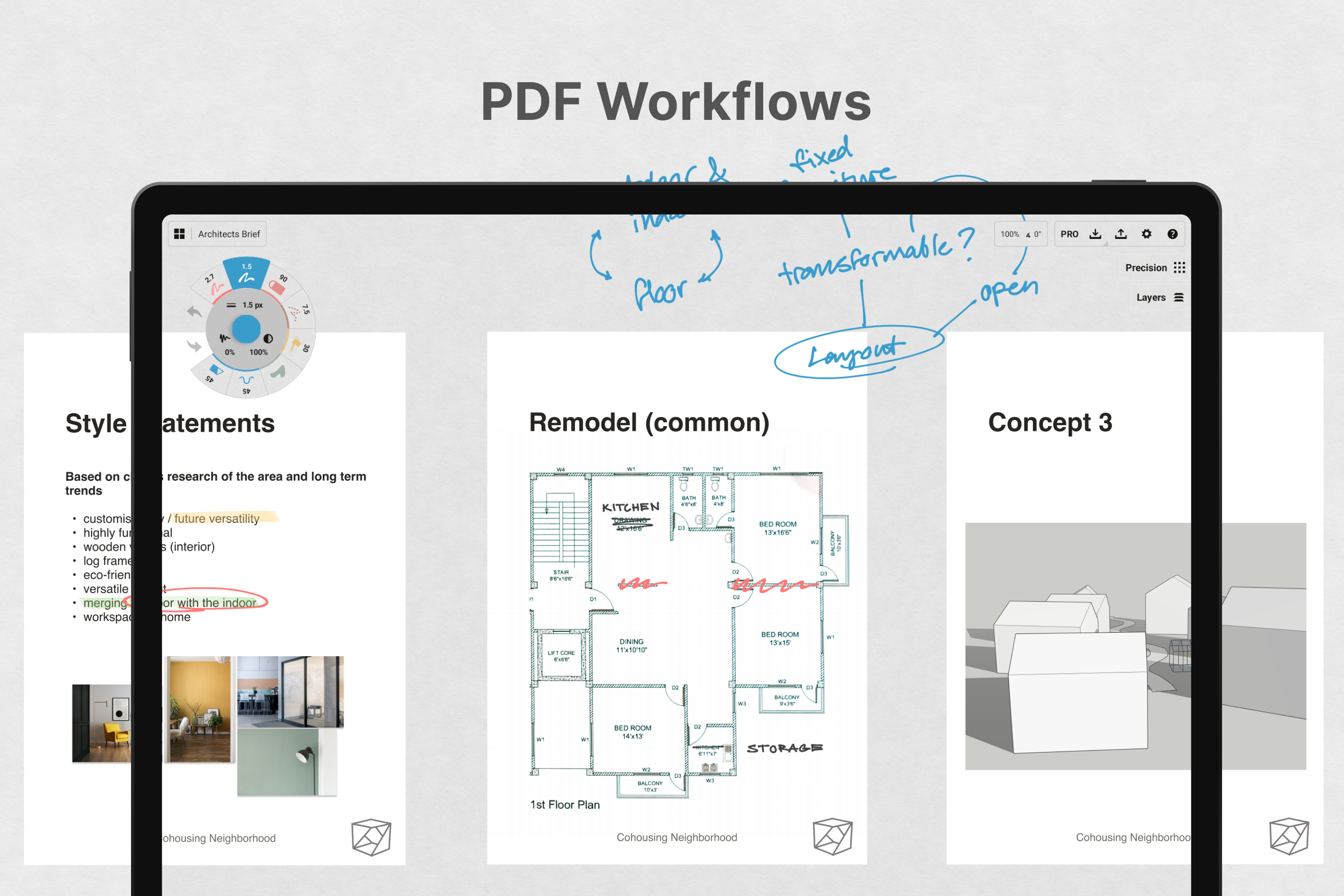
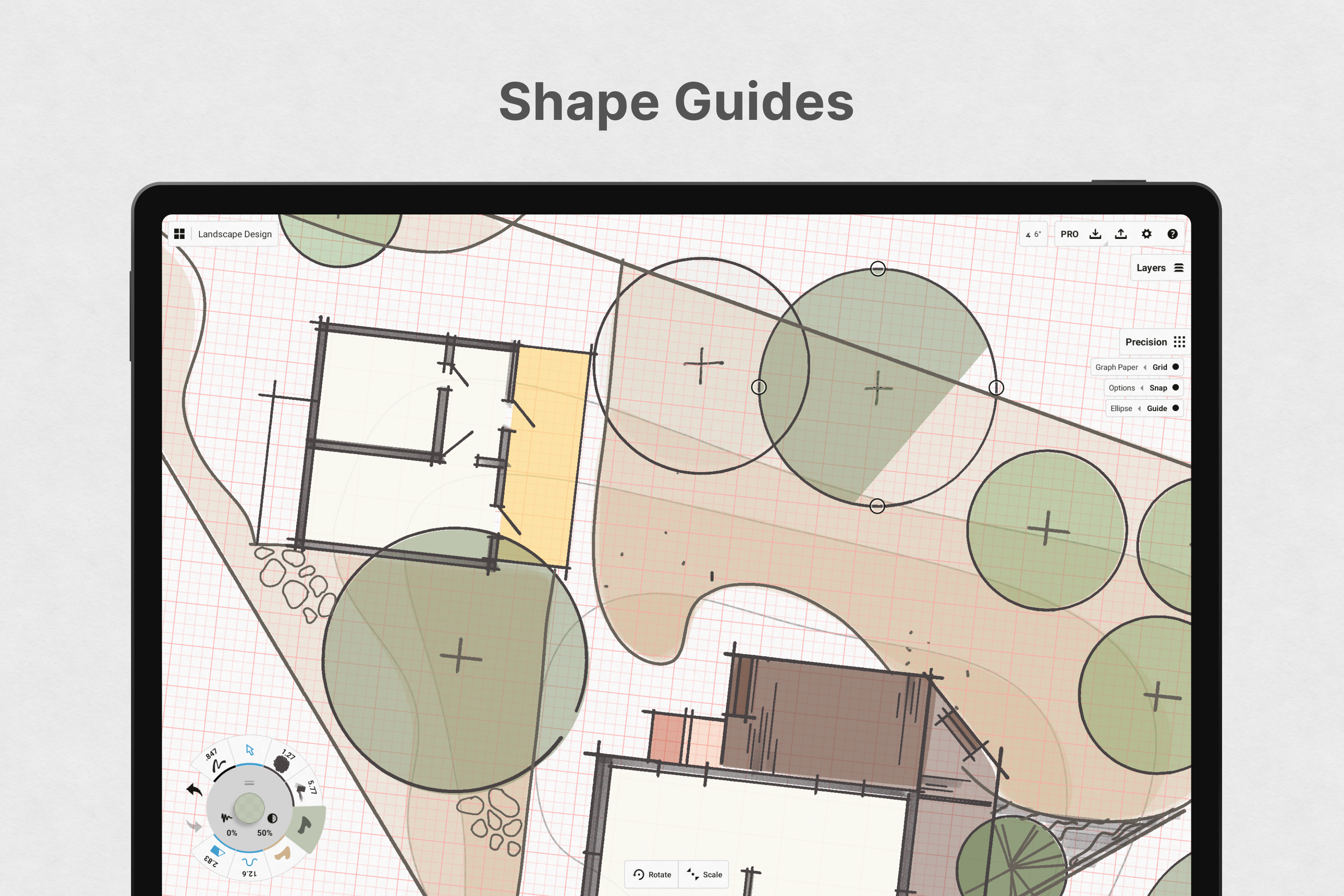
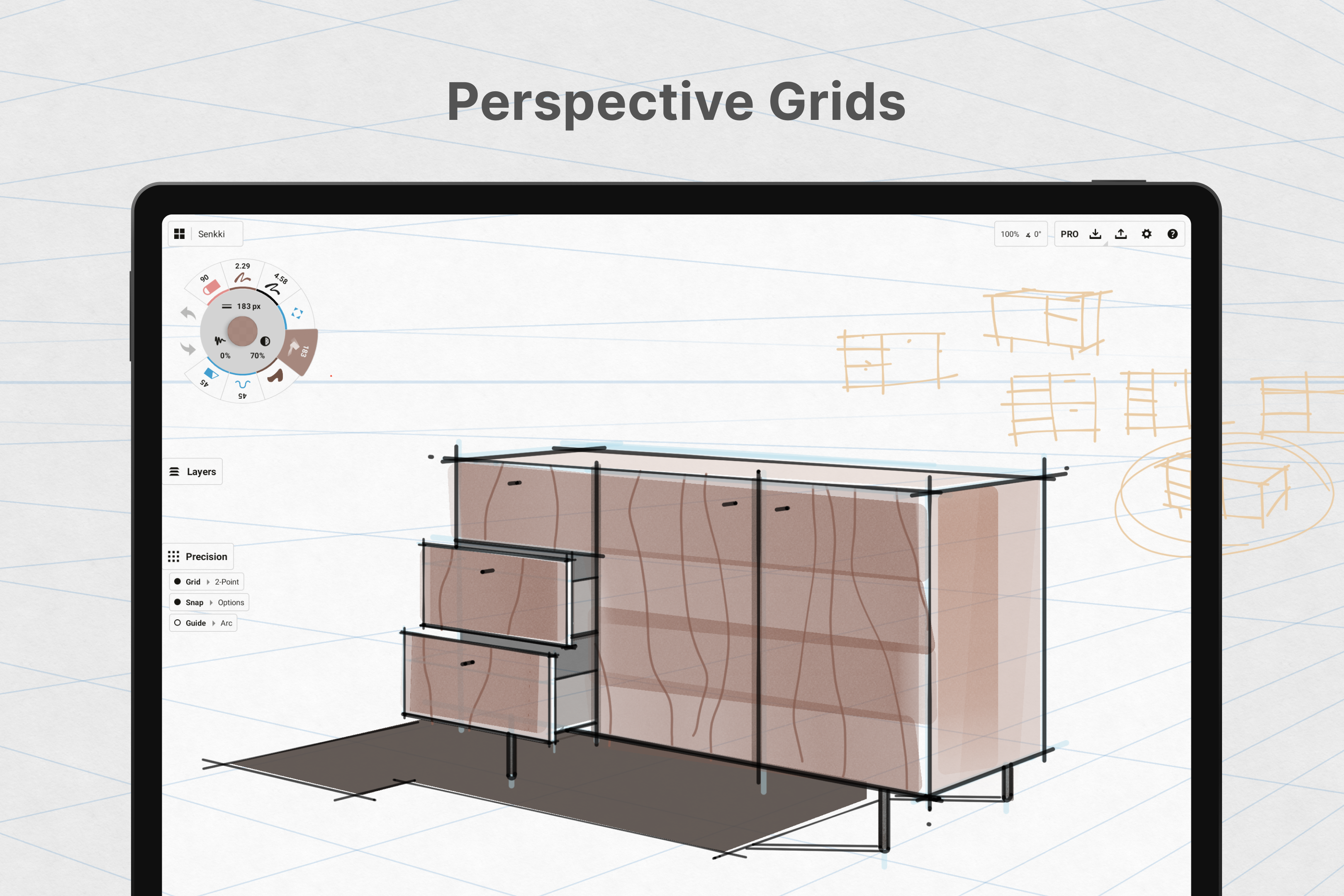
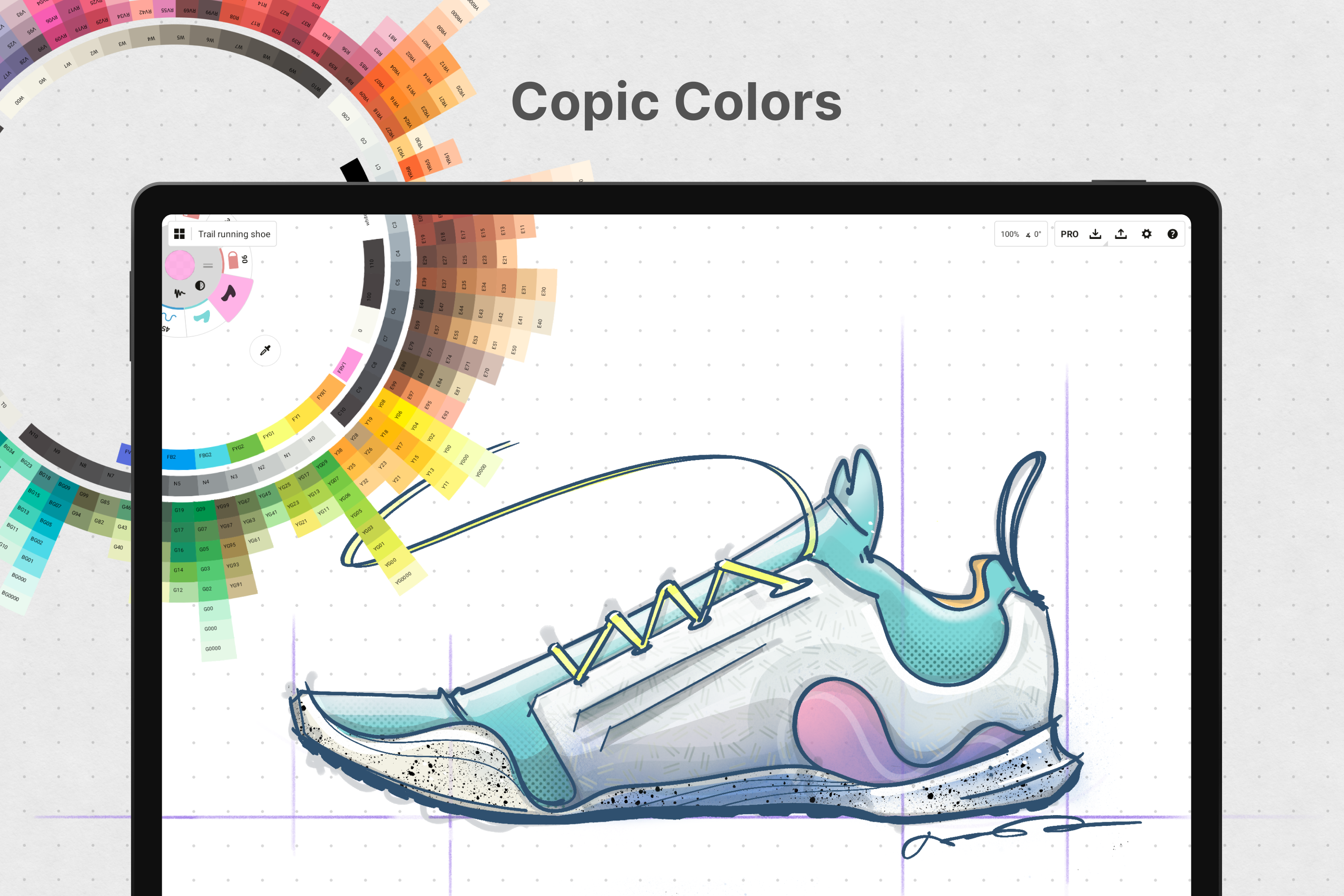
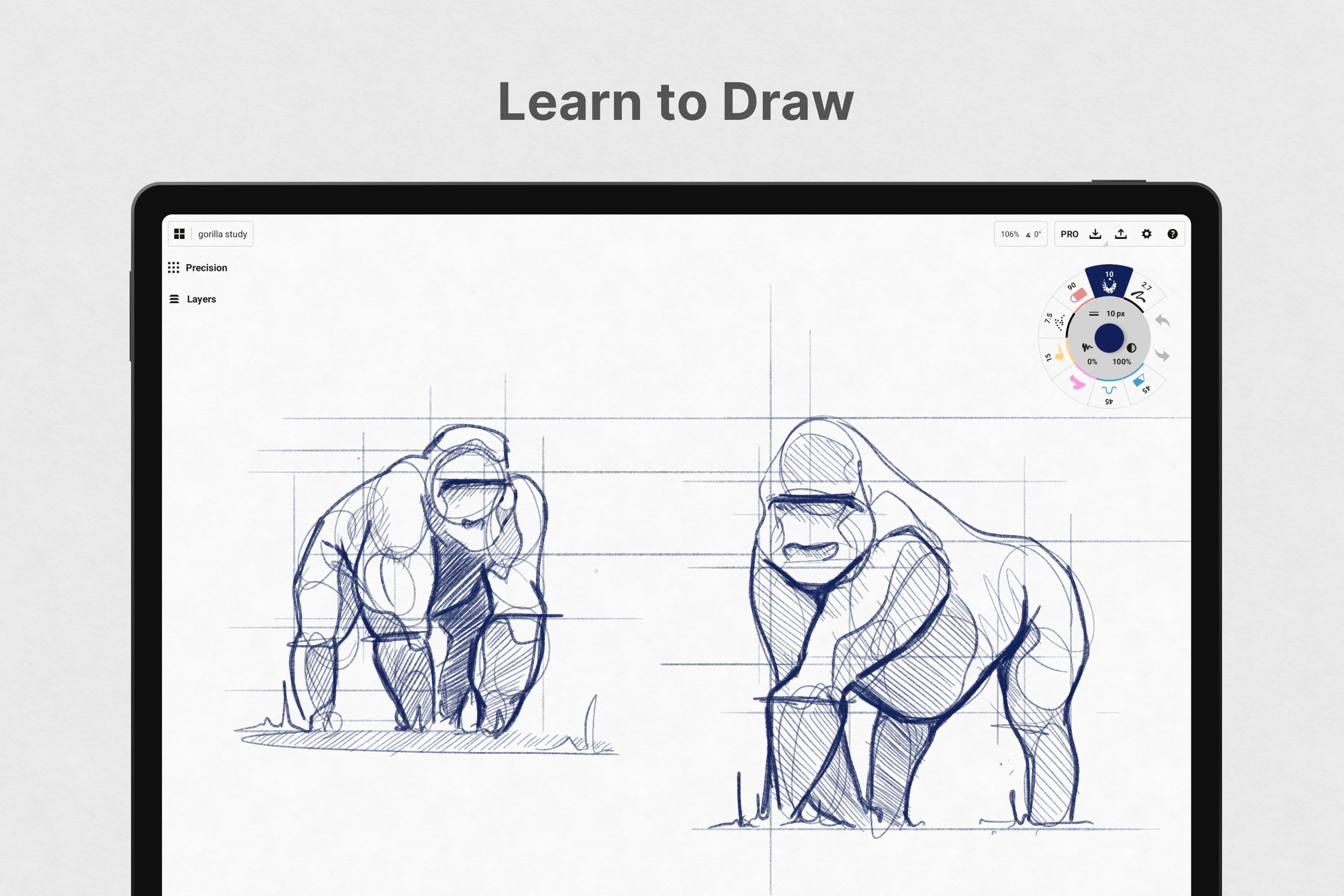
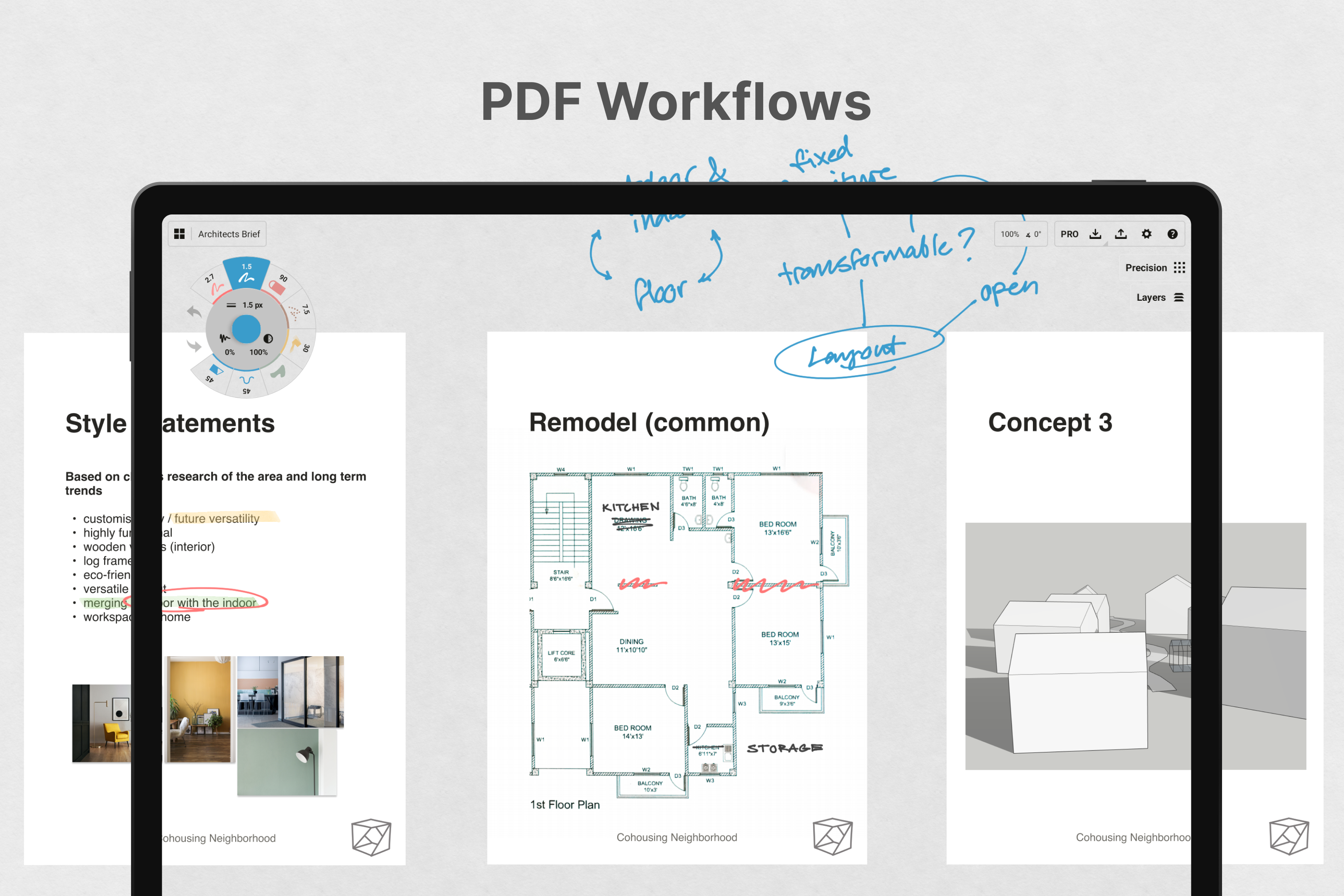
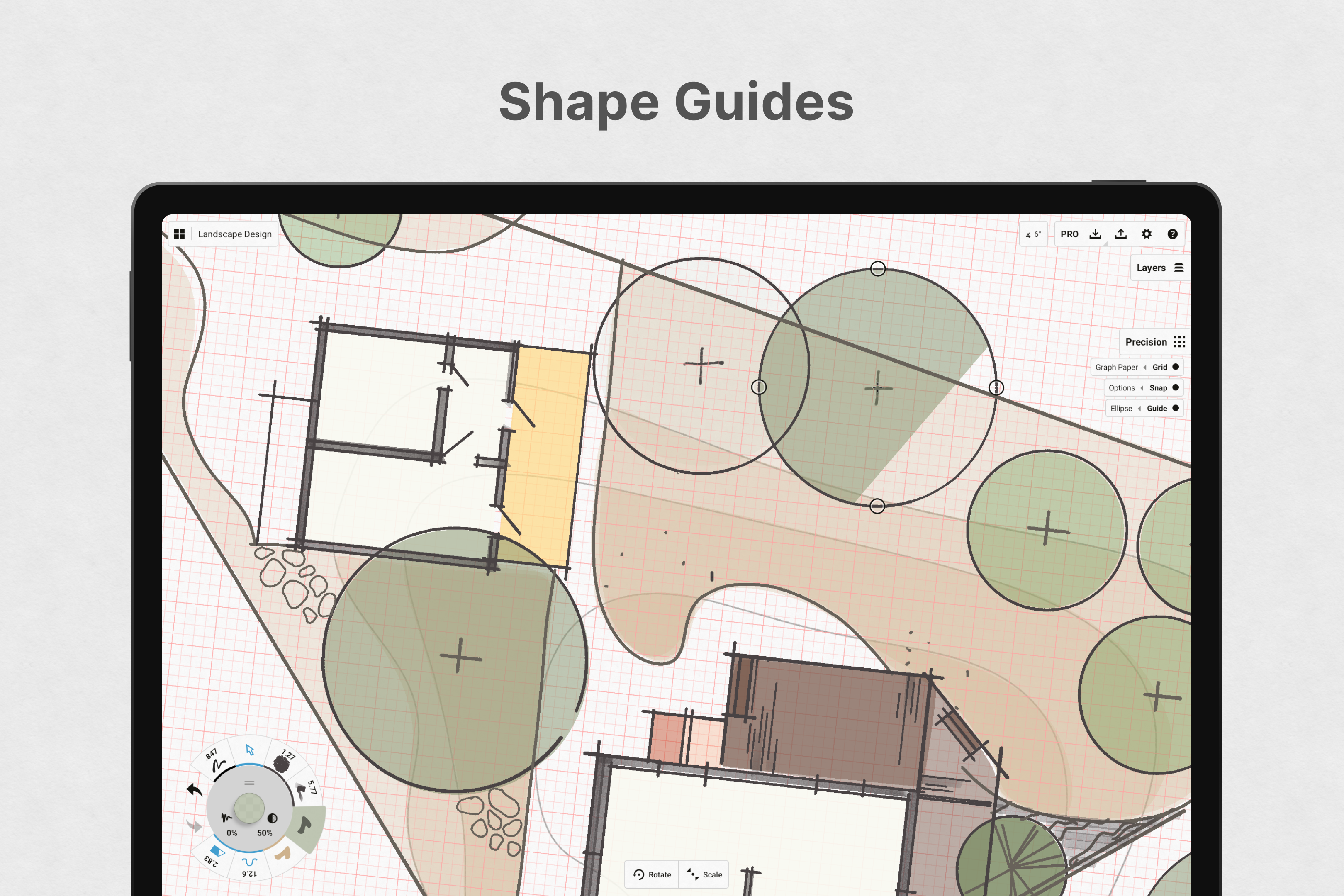
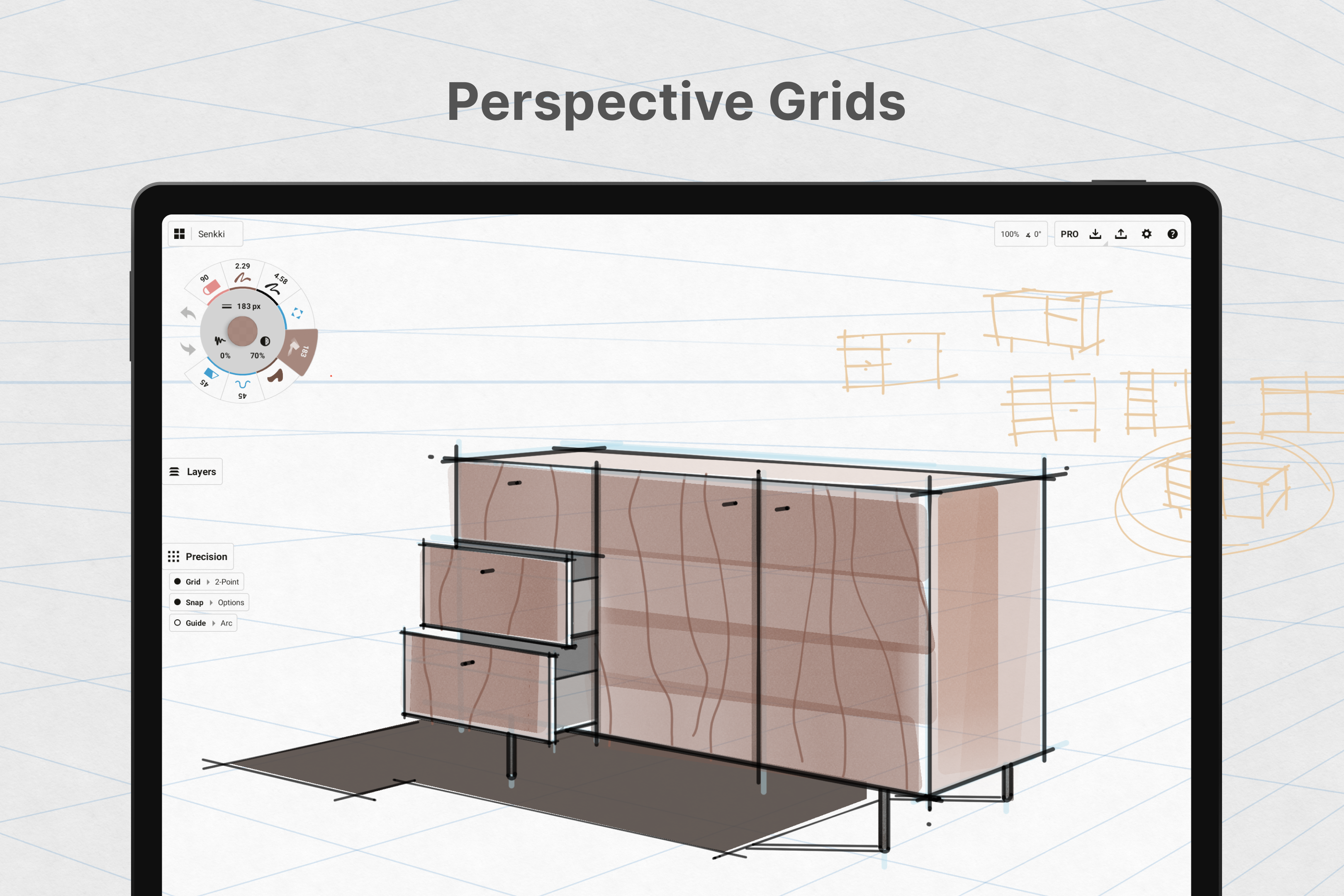
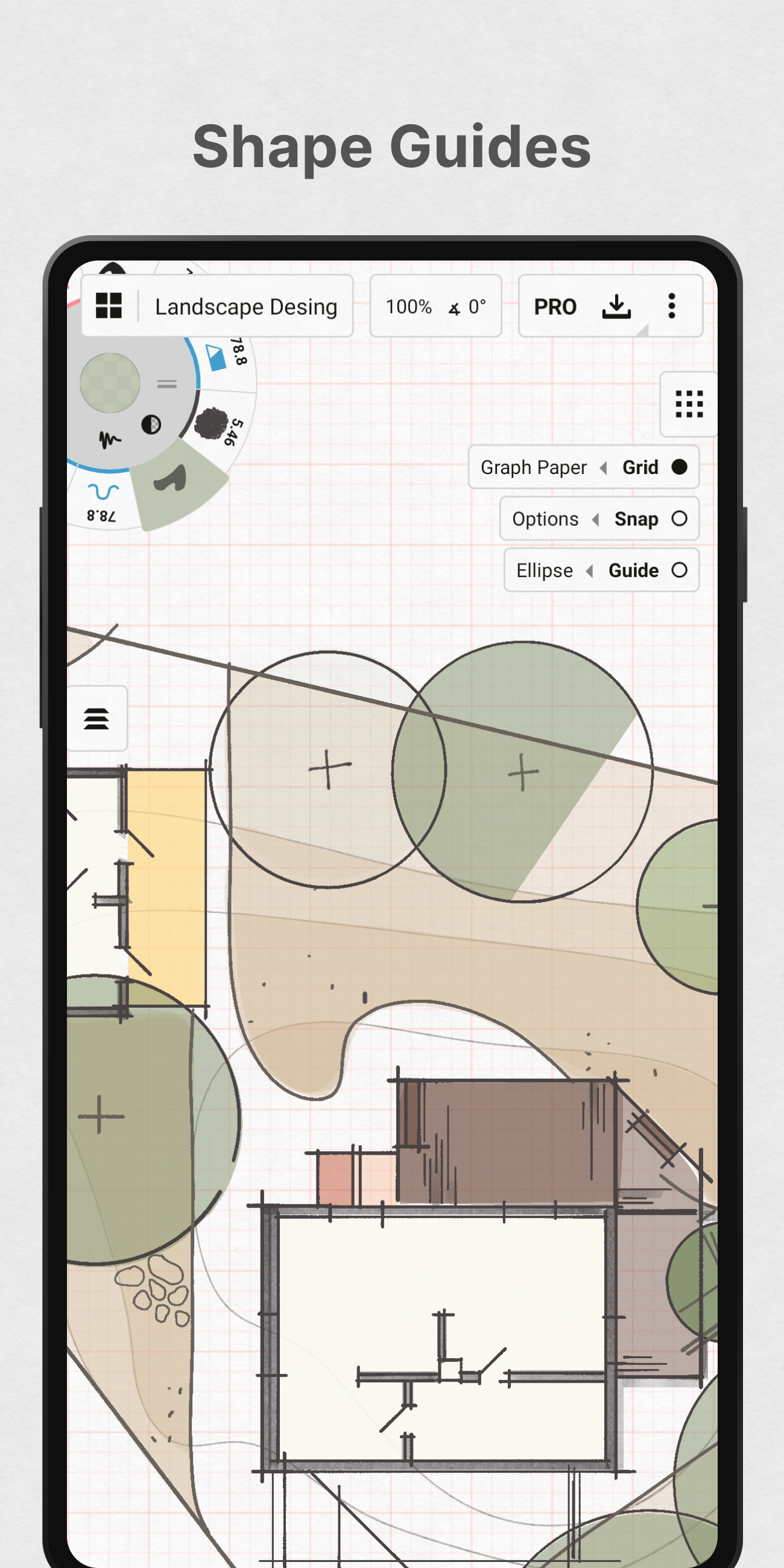
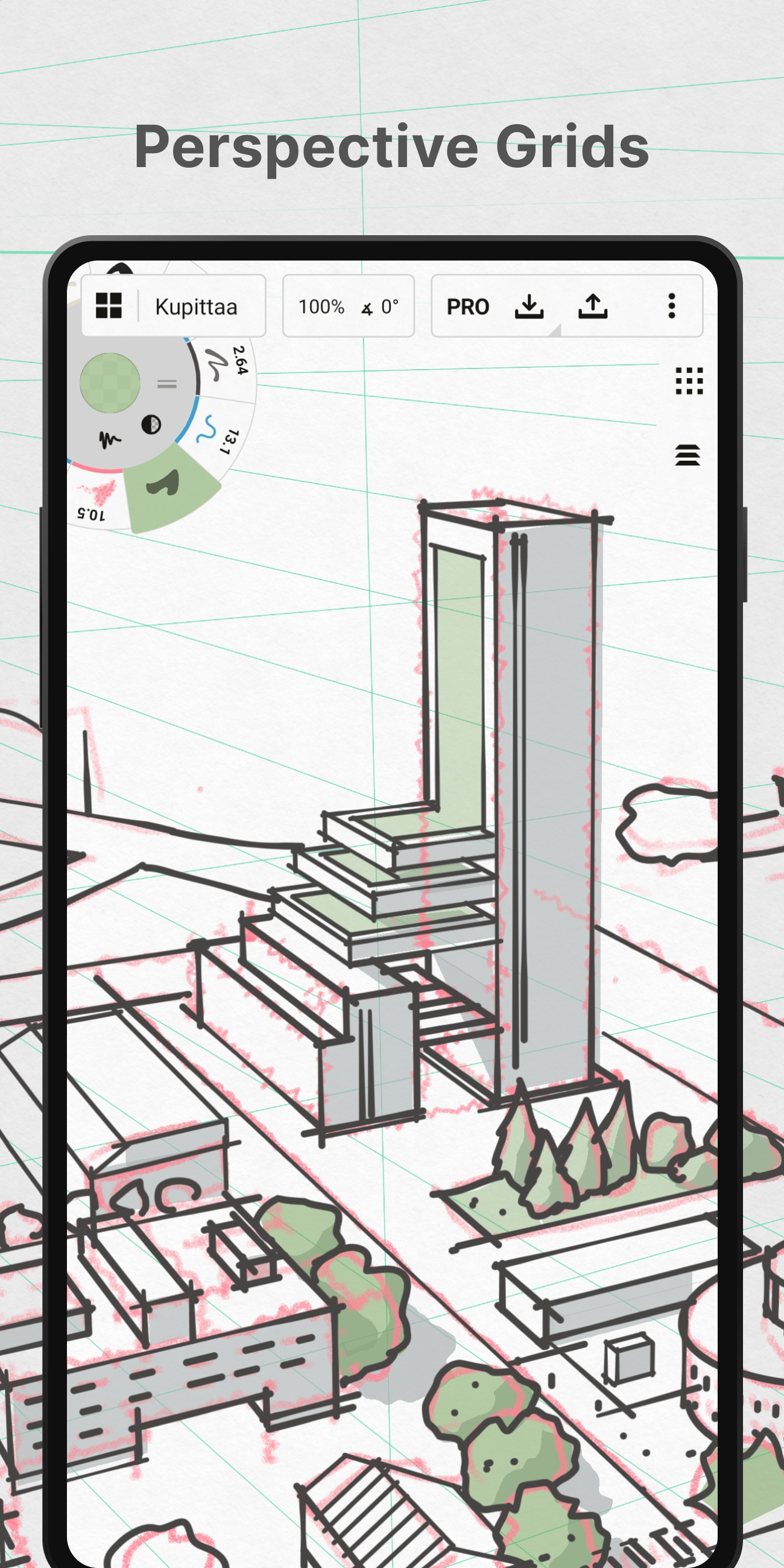
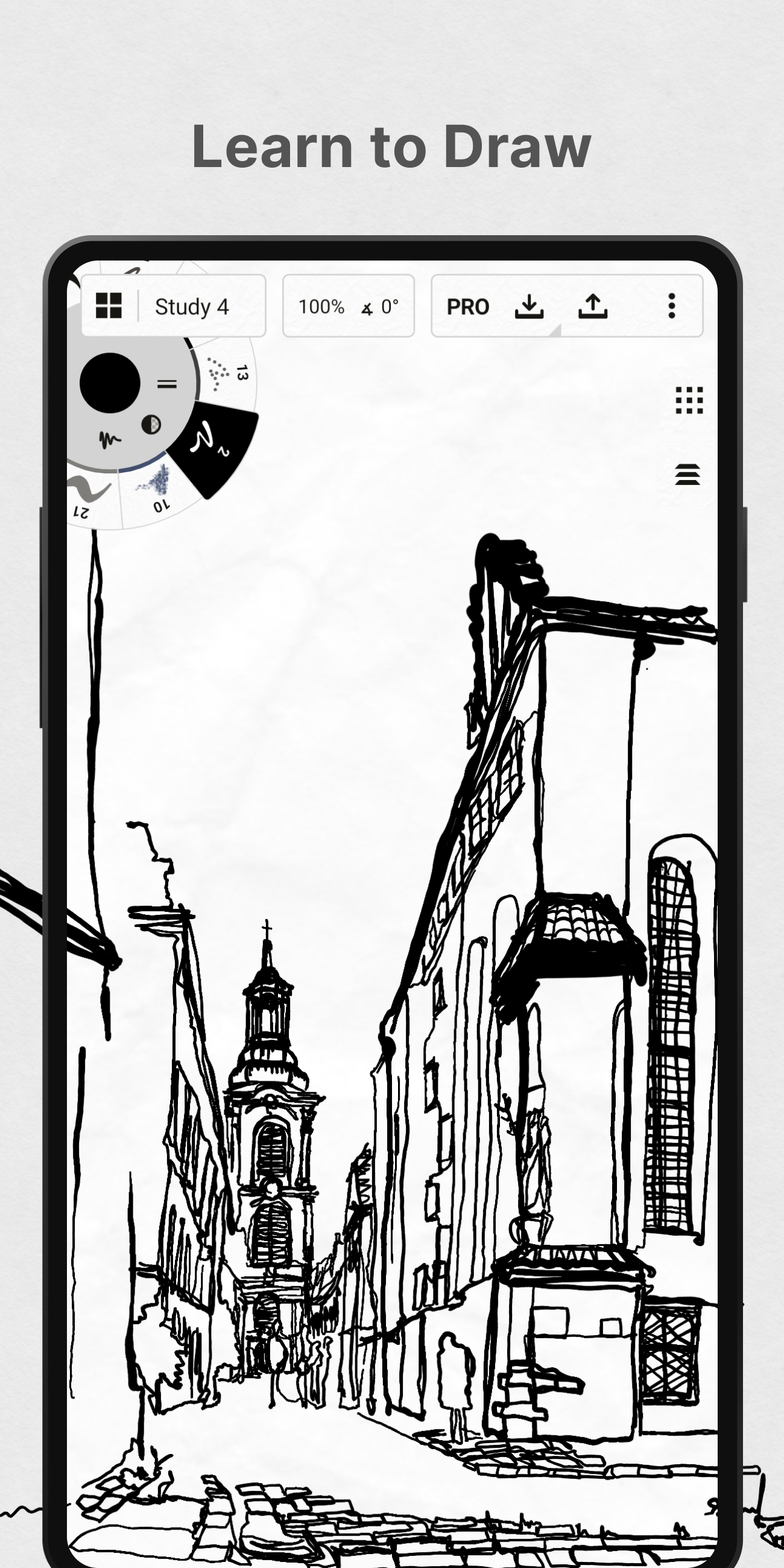
The app supports a variety of brush types and tools that mimic real-world drawing instruments such as pencils, pens, and markers. Its vector-based design ensures that all creations are scalable without loss of quality—ideal for professional designs or large-scale projects. Additionally, the precision tools make it easy to create accurate plans or diagrams.
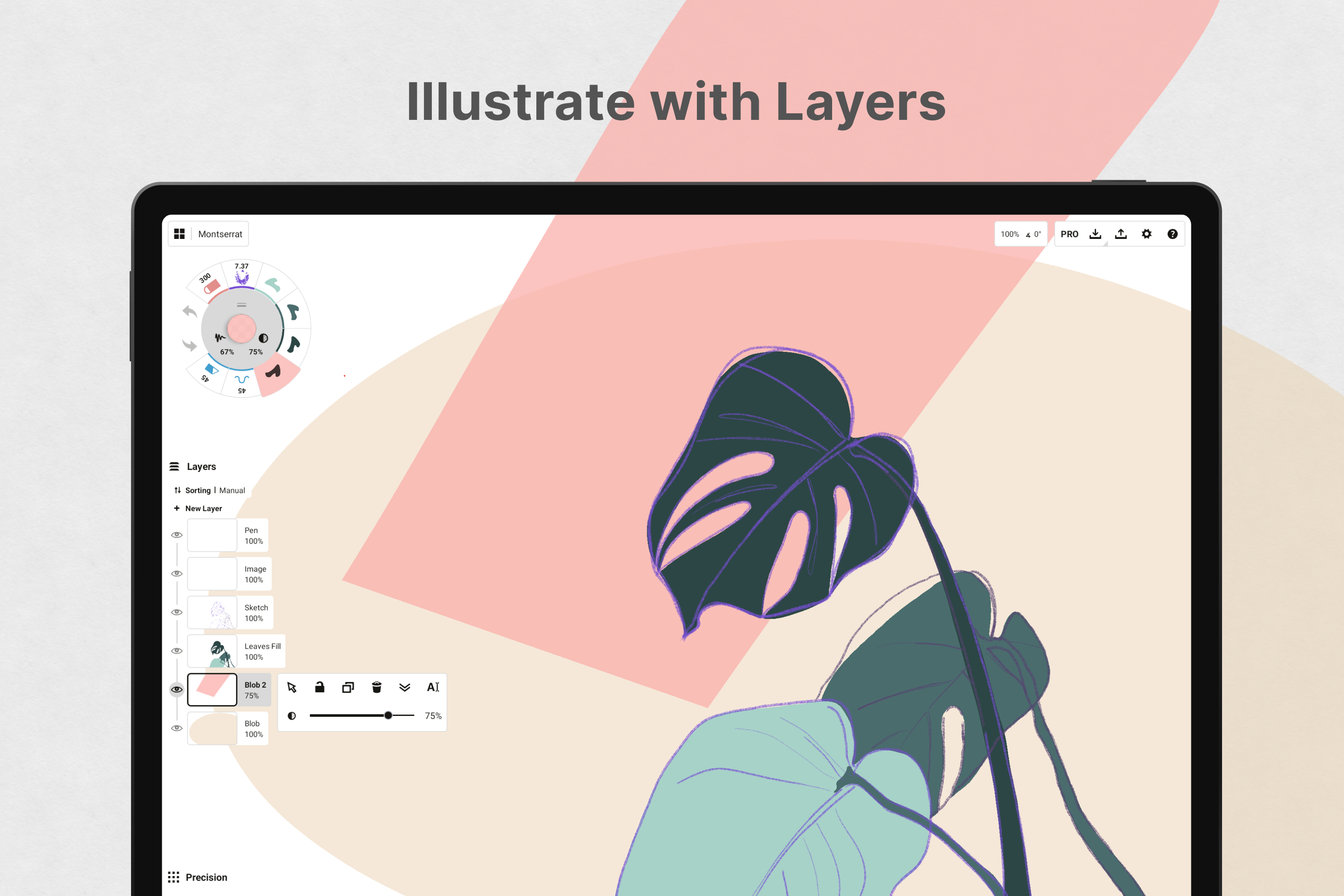
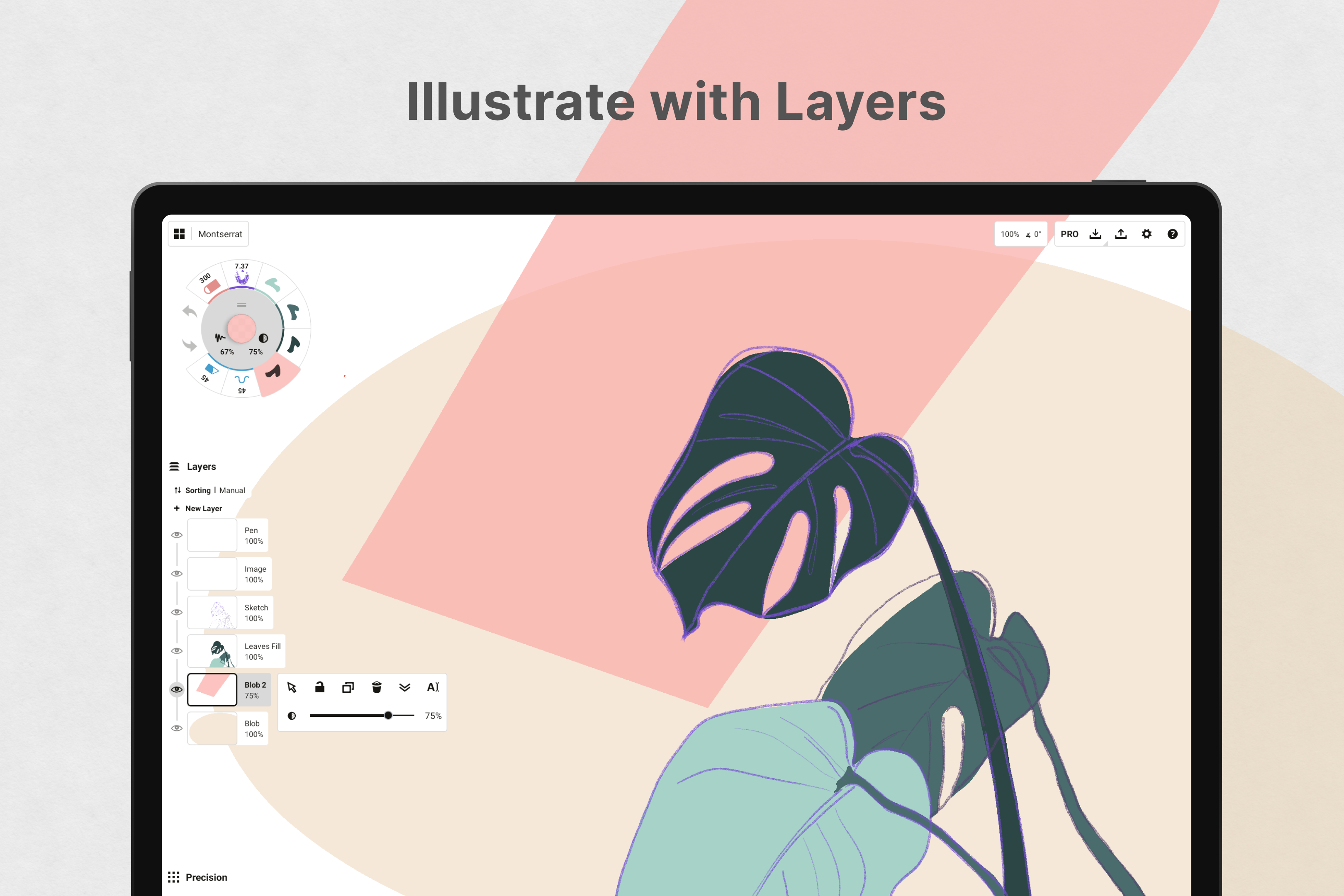
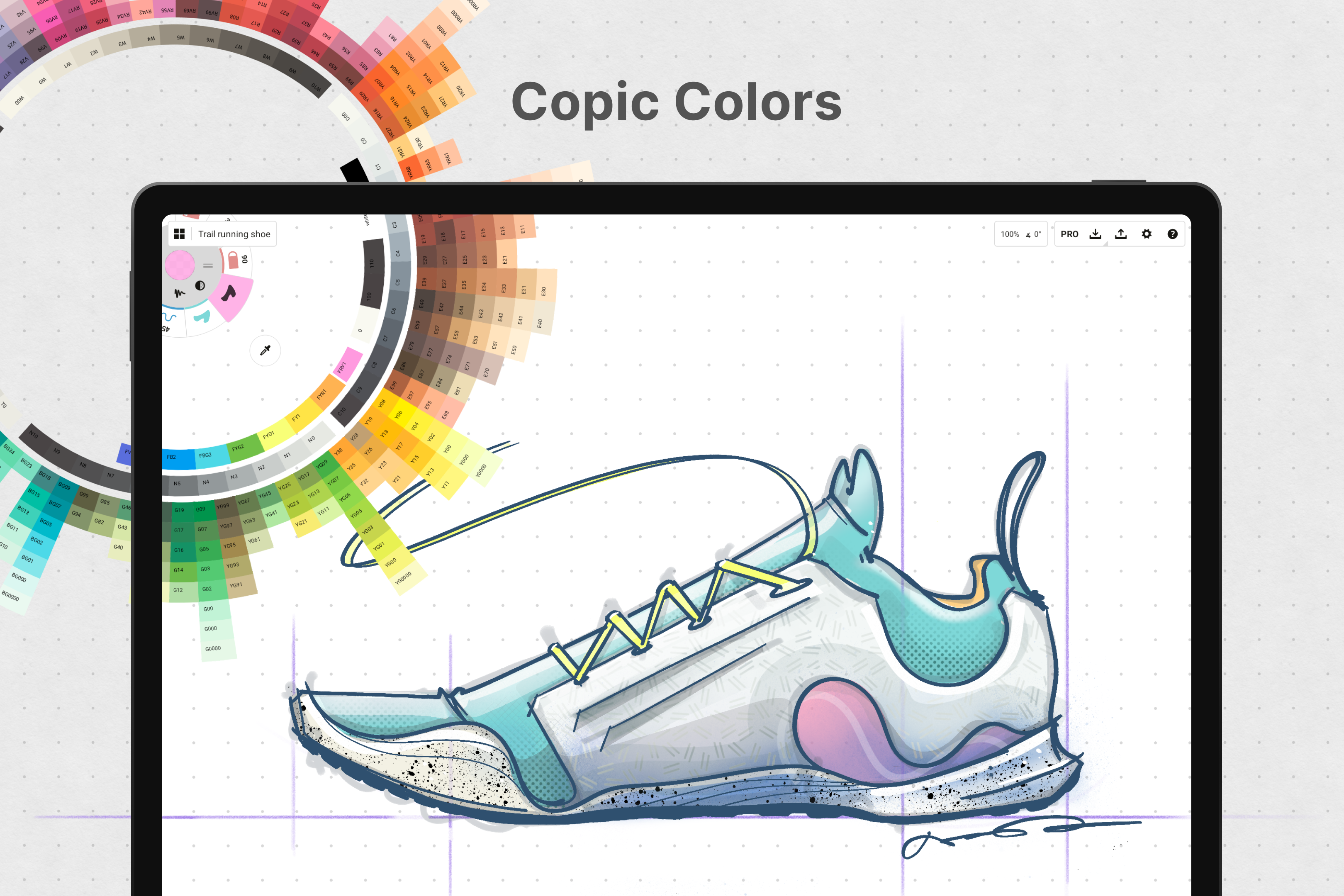
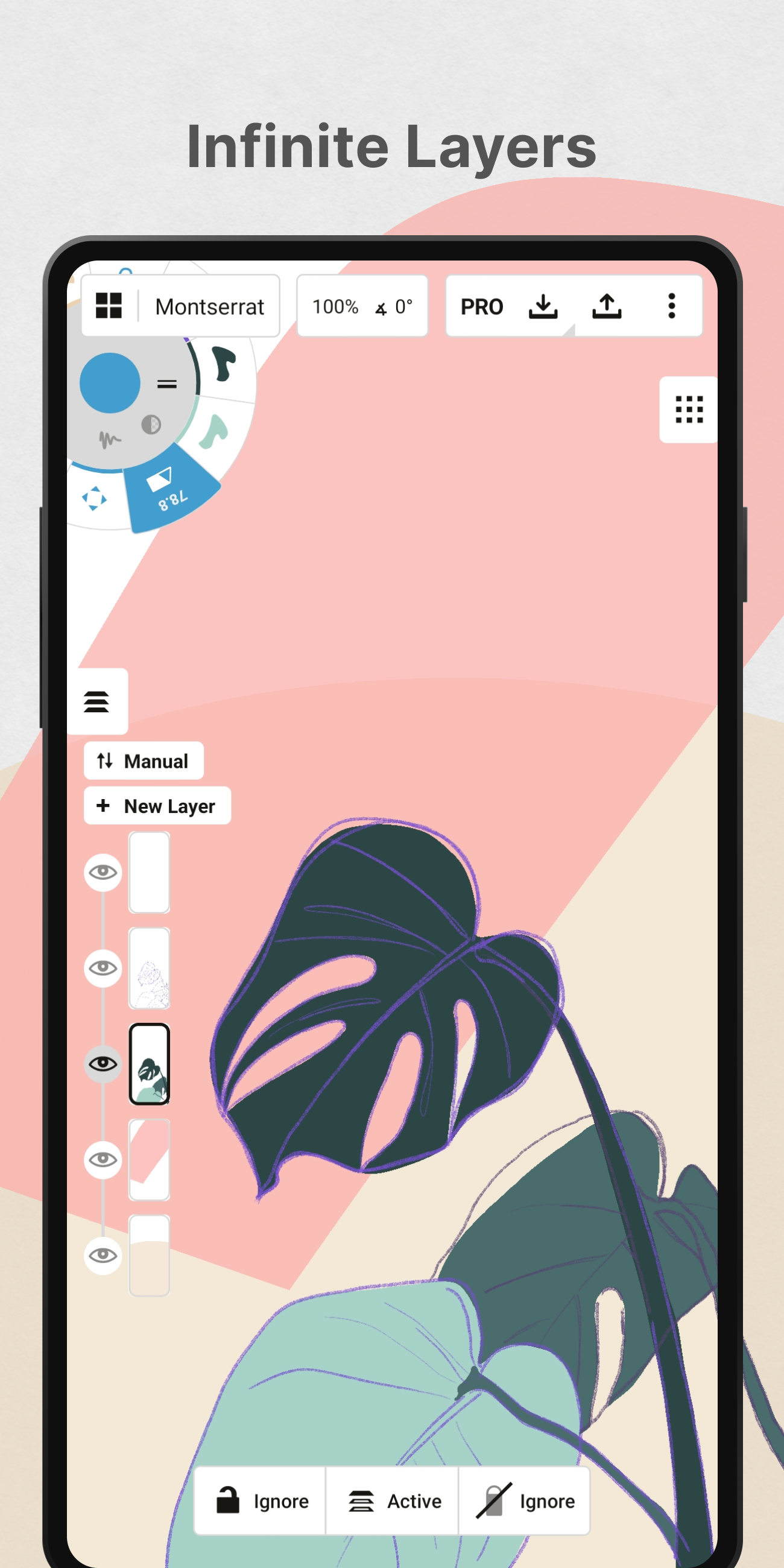
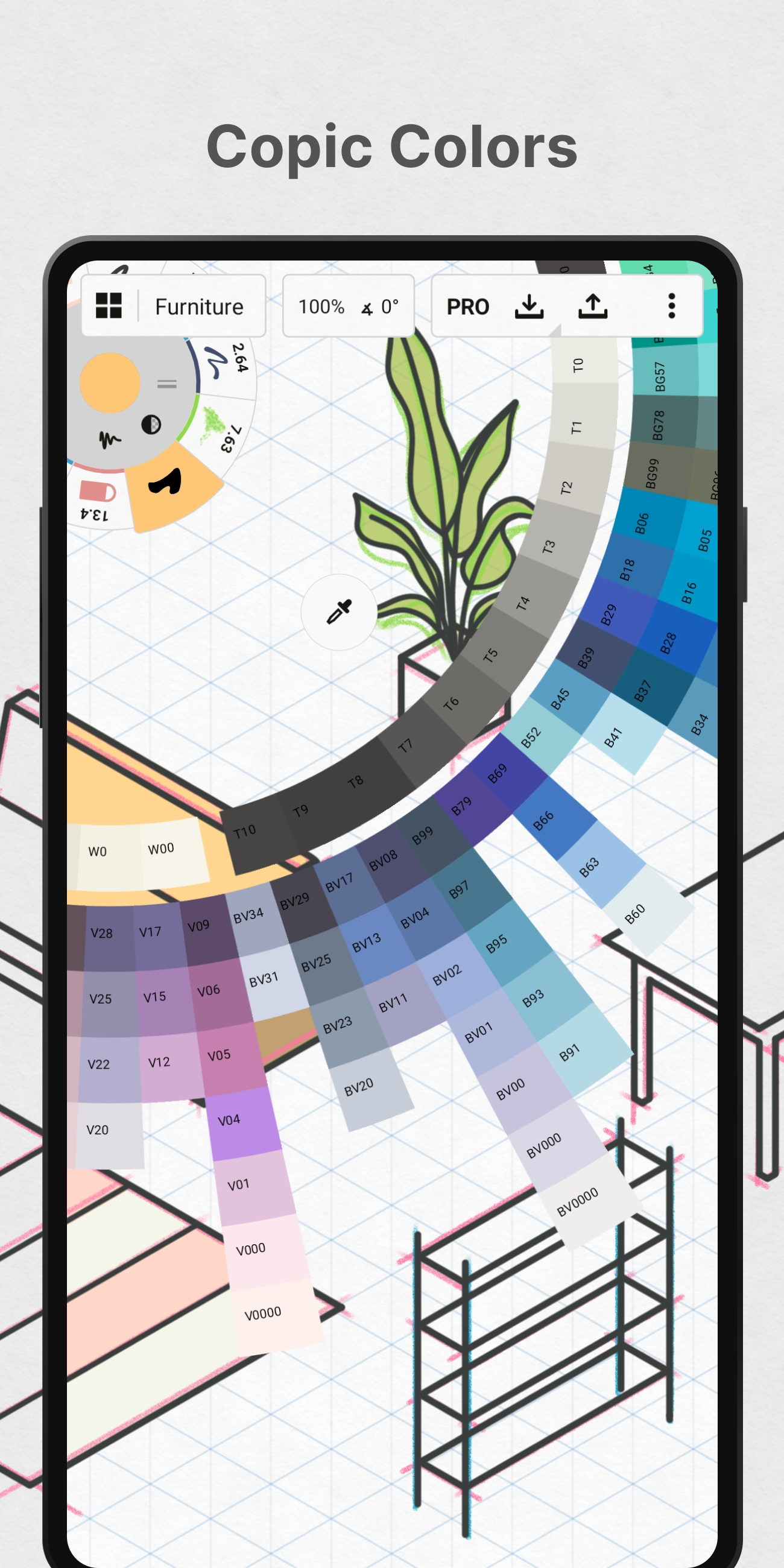
Unlike many traditional art apps that confine users to fixed paper sizes or templates, Concepts encourages freeform creativity with its open-ended canvas. This makes it particularly useful for brainstorming sessions or mind mapping. The application also supports layering techniques and adjustable color palettes to give users full control over their compositions.
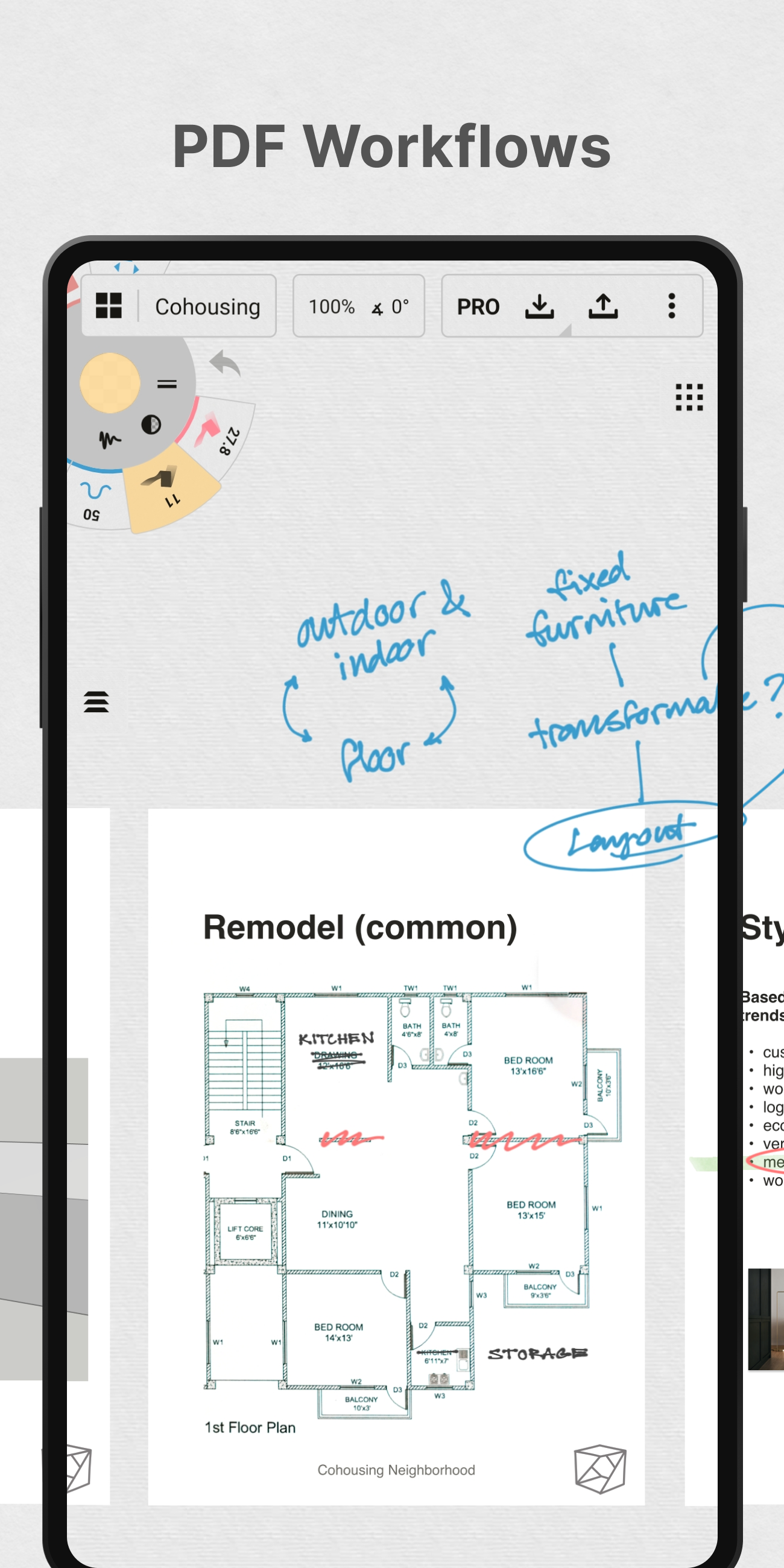
For those in the art-and-design category looking for alternatives to standard digital drawing tools like Adobe Fresco or Autodesk SketchBook, Concepts stands out due to its unique interface and customizable toolset. It is compatible with devices running Android 8.0 or later and works smoothly with styluses for enhanced precision.
Whether you’re a professional designer crafting client presentations or a hobbyist exploring creative ideas, Concepts offers the flexibility needed to bring your vision to life.
FAQ
Additional information
Screenshots
Reviews
Recommend Article










Similar Apps
Unleash creativity with AR tech-trace, sketch, and bring ideas to life

Augmented reality app that lets you draw, sketch, and trace effortlessly.

Bedroom Drawing, Coloring For Children & Learn Furnitures

Arabic, English, animated, organized, free stickers for WhatsApp!

A simple paint app. Unleash Your Inner Artist!

Vidu is an AI video generator made for creators and aspiring makers.