
Rytr is an AI-powered writing assistant designed to help you produce high-quality content in seconds — whether you’re a blogger, marketer, freelancer or content-creator. According to its website, you can “craft high-quality content faster than ever before.” 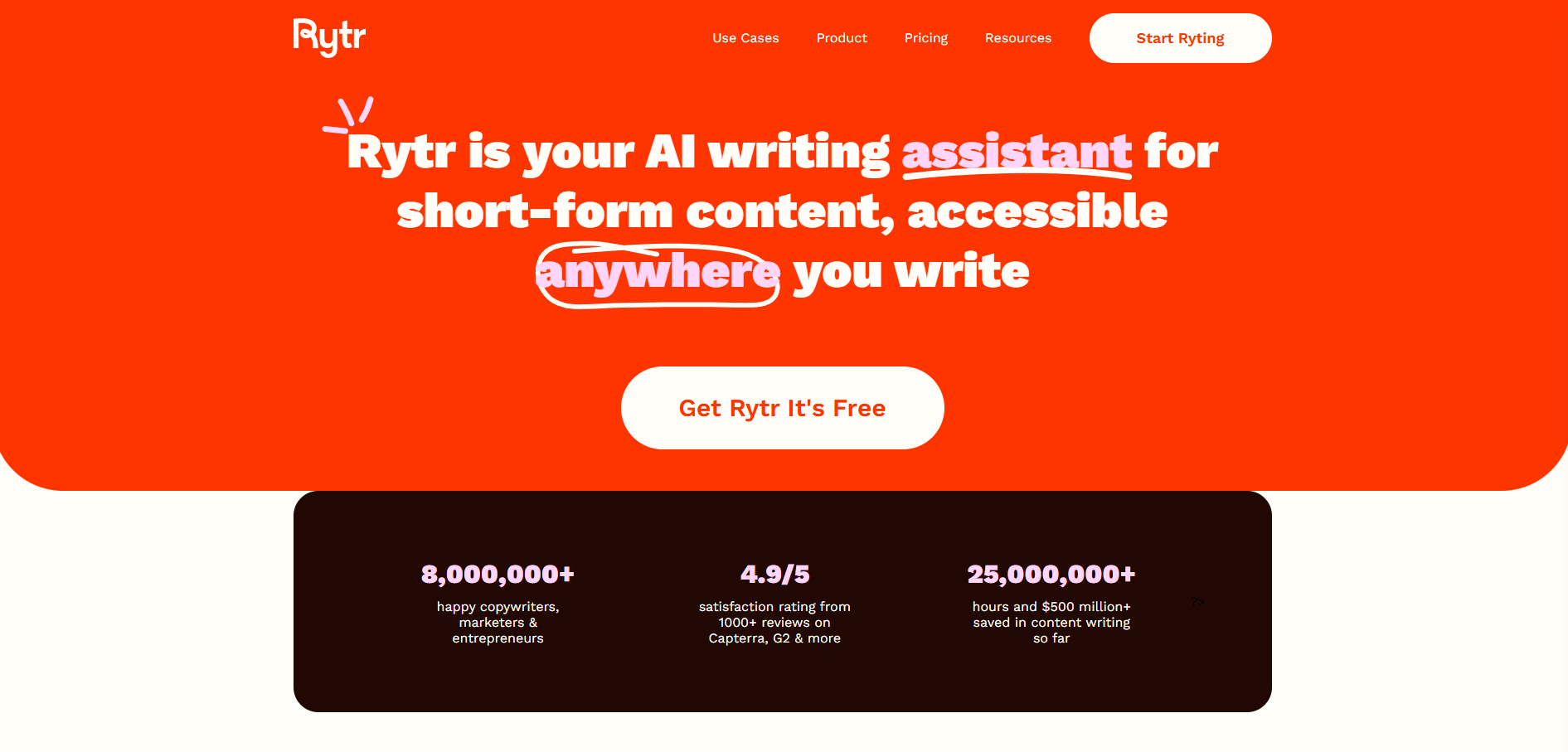
The core promise: you don’t need to be a professional copywriter to generate compelling text — just provide context, choose tone/language and let the AI do the heavy lifting.
Templates, Use Cases & Customization
Rytr offers a wide variety of preset use-cases and templates to help streamline the writing process. For instance: blog outlines, emails, product descriptions, social-media posts and more — over 40+ built-in use-cases.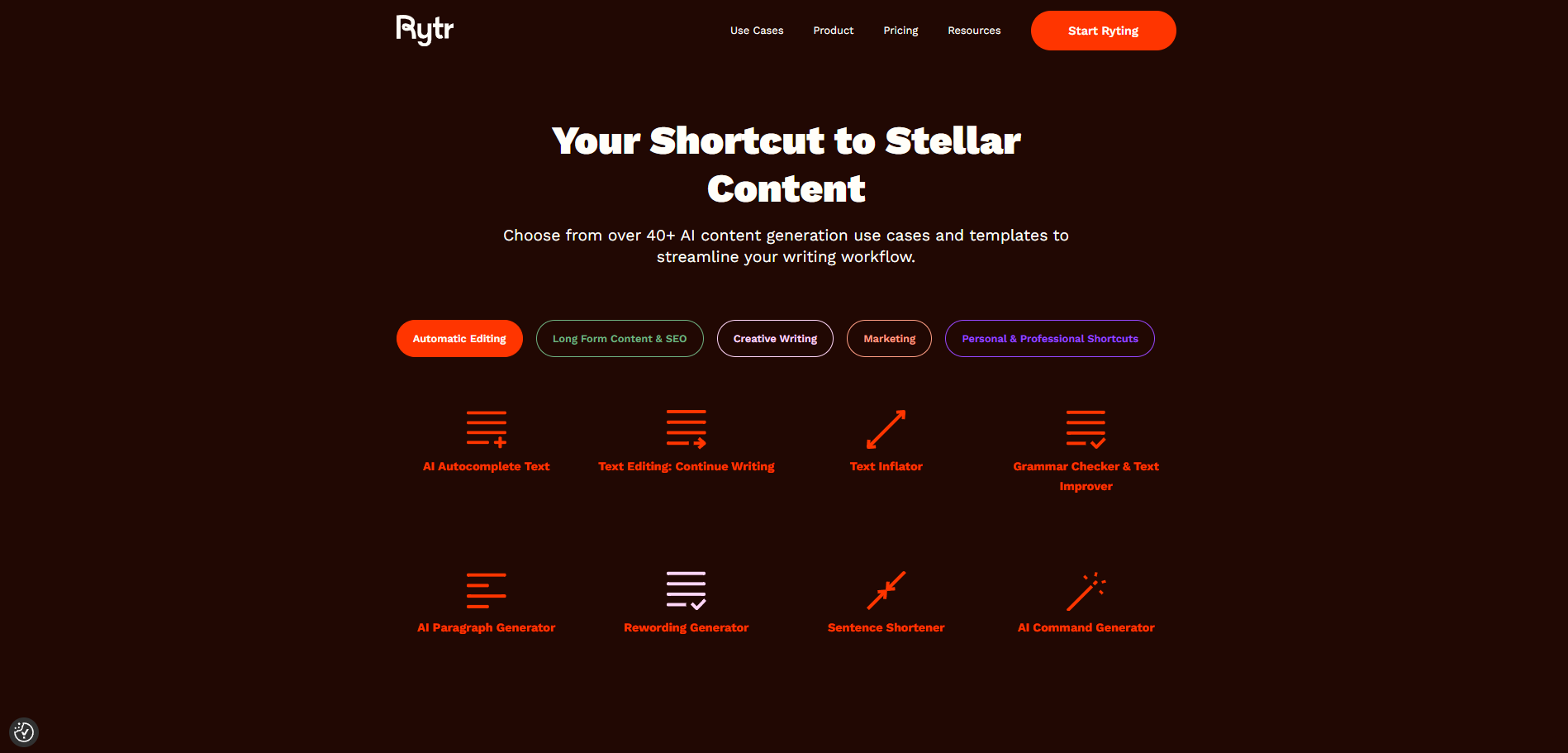
In addition, you can select language (30+ languages supported), tone of voice (20+ preset tones) and creativity level to match your brand or voice.
These features make Rytr accessible for non-writers, yet sufficiently flexible to adjust for brand alignment.
Getting Started: Account, Project Setup & Workflow
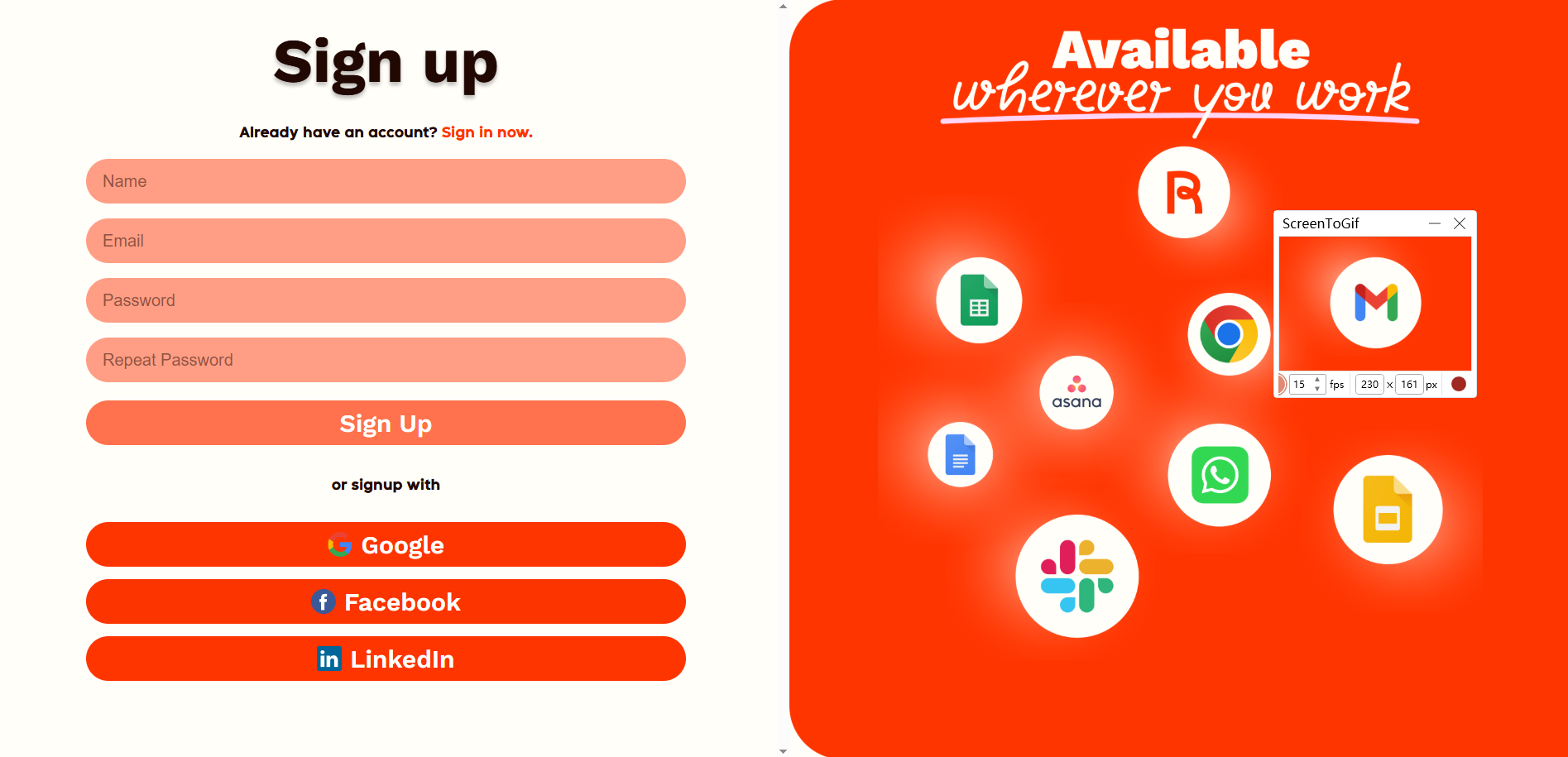
1. Register an account — You can sign up for free on the Rytr website.
2. Select a use-case — From the dashboard pick what kind of content you want (blog post, email, etc.).
3. Set your parameters — Choose language, tone of voice, creativity level, number of variants.
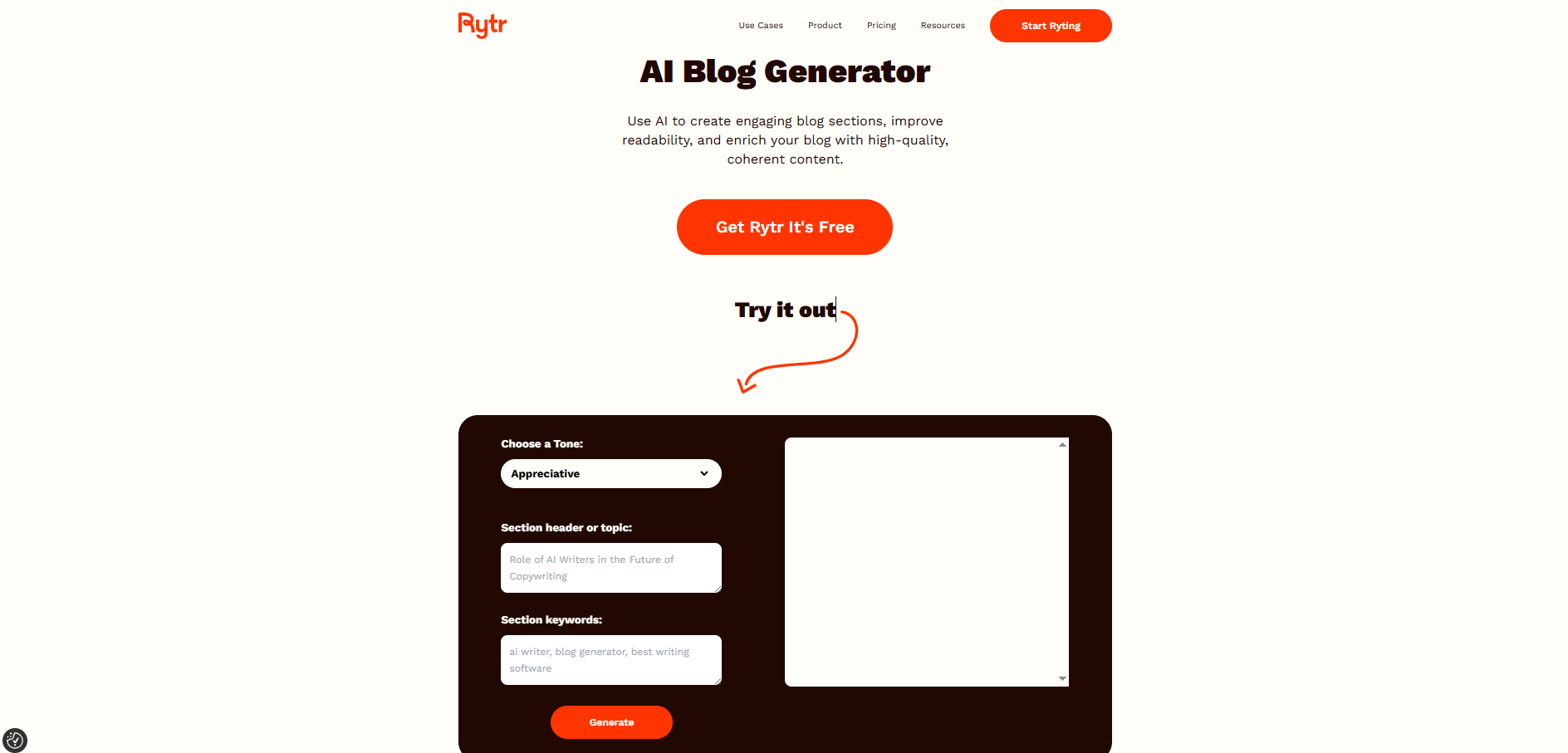
4. Input your prompt — Provide a title, keyword, phrase or context.
5. Generate and refine — Rytr produces content; you can then edit inline, shorten/expand, change tone or re-word.
6. Save/export — Use the generated copy in your workflow (blog, email, ad, etc.).
Note: While Rytr has a free plan and paid upgrades, making sure you pick the right plan for your usage is wise.
Example Workflow: From Idea to Final Copy
Imagine you want to create an email campaign announcing a new service. Using Rytr you would:
● Choose the “Email Generator” use-case. 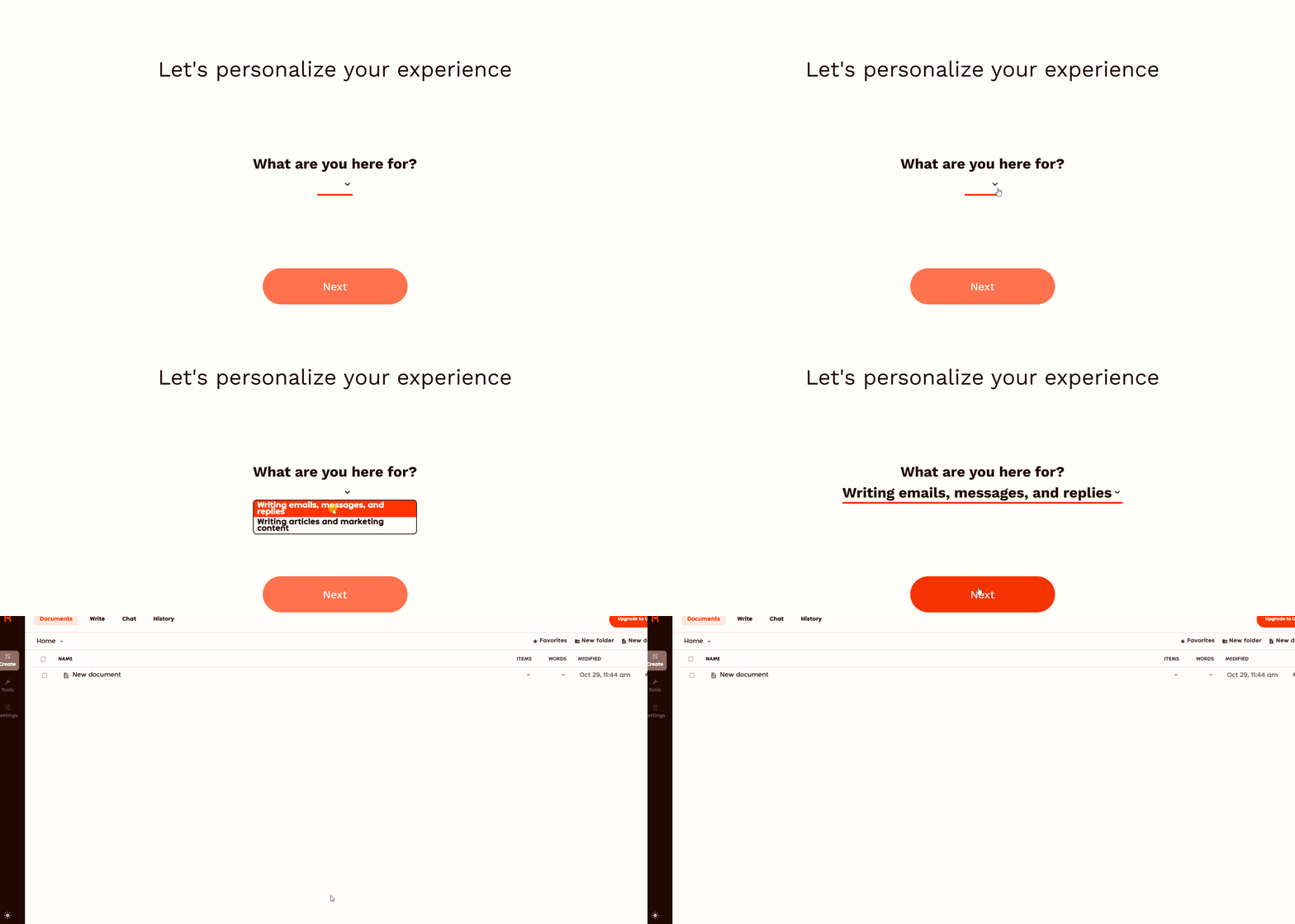
● Select your language (say: English) and tone (say: Friendly & Professional).
● Input a brief: “Announce our new premium service package for existing customers with a discount.”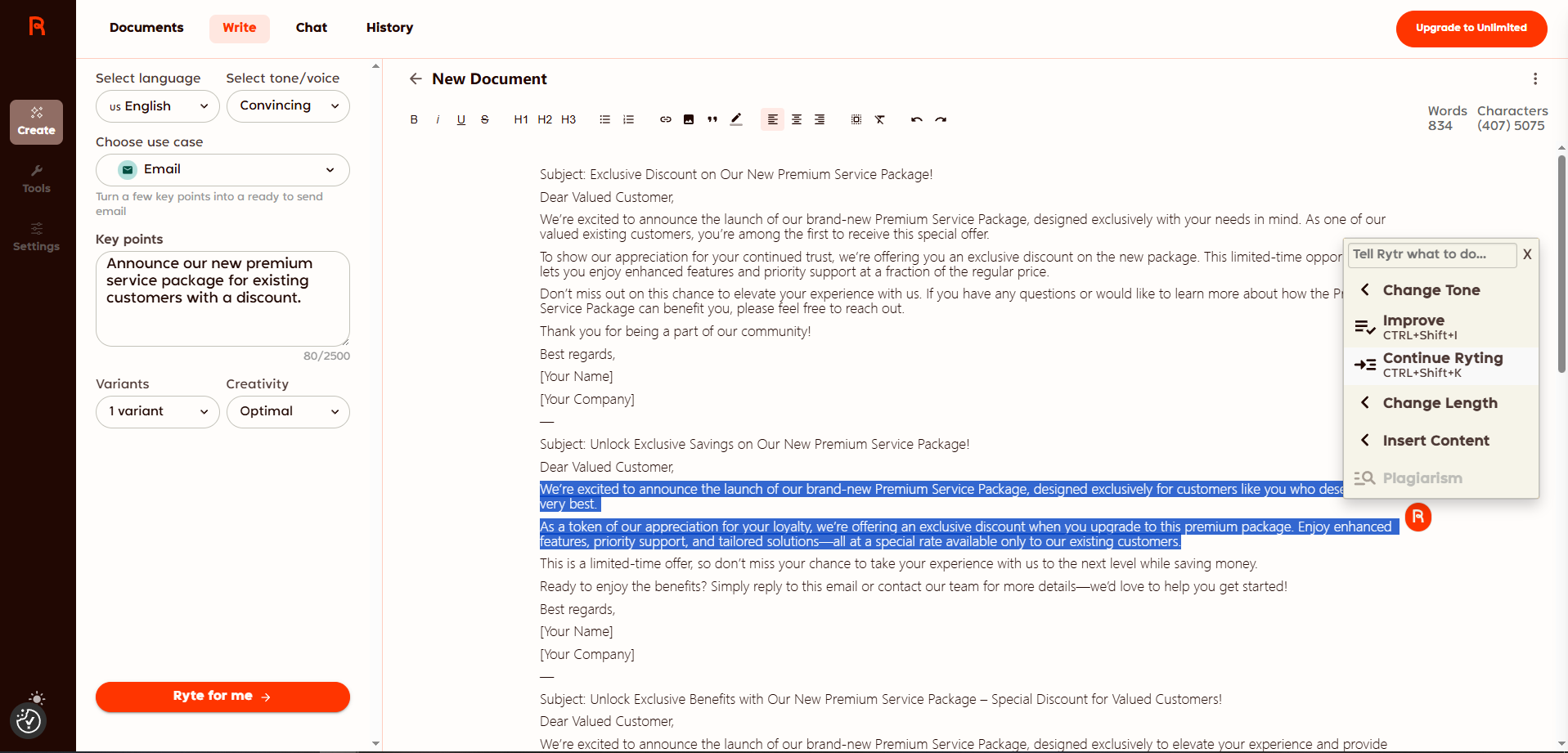
● Click “Generate” — you’ll get multiple variants.
● Review: adjust phrasing, ensure branding fits, tweak CTA.
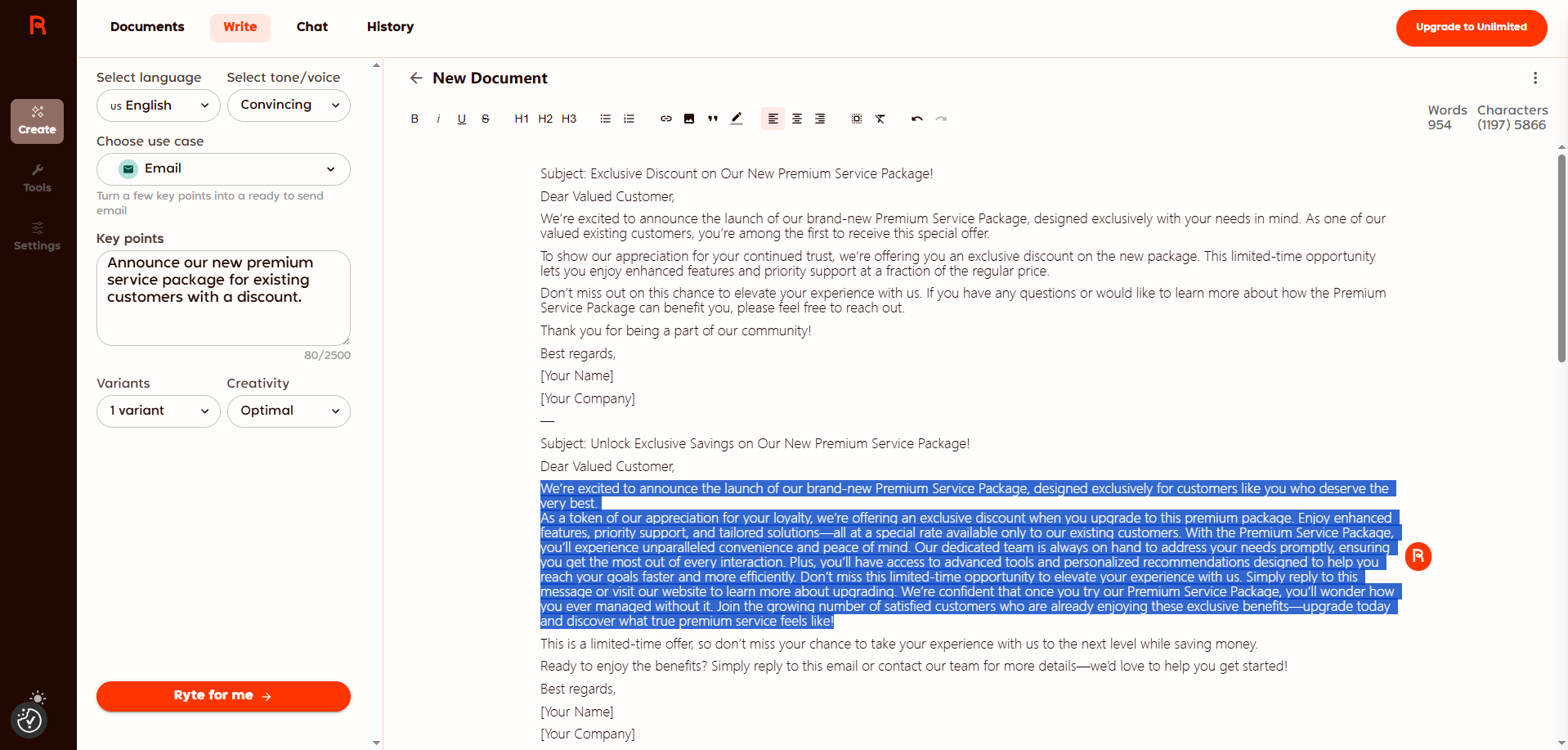
● Export the email copy, paste into your mailer, send.
Within minutes, you’ve produced a professional-looking email without writing from scratch.
Key Features At a Glance
● Supports 30+ languages and 20+ tones for flexible localization and voice.
● Over 40 predefined use-cases/templates for blog posts, ads, product copy, etc.
● Inline editor: ability to rephrase, expand, shorten content after generation.
● Browser extension available — allowing generation of copy in Gmail, WordPress, etc.
●Tone-matching (“My Voice” feature) helps content align with your brand/personality.
Benefits for Users
● Speeds up writing workflows: instead of drafting from scratch you start with AI-generated copy, then refine.
● Lowers barrier for non-writers: you don’t need advanced writing skills to produce decent copy.
● Multilingual support enables reaching global or diverse audiences.
● Suitable for a range of needs: marketers, bloggers, freelancers, small businesses.
Considerations / Limitations
● While very good for short-form content (ads, emails, product descriptions), some reviews suggest long-form articles may require more human editing to ensure coherence and brand voice.
● The output quality still depends on input prompt specificity: clearer instructions yield better results.
● AI-generated content should always be reviewed for factual accuracy, brand tone, uniqueness.
Who It’s For & Ideal Use-Cases
Rytr is ideal for:
● Freelancers or solo creators who need to produce a lot of content quickly.
● Small businesses with limited writing staff but content demands (emails, social posts, websites).
● Marketers or agencies drafting multiple variants of copy (landing pages, ads, product descriptions).
● Bloggers or content teams looking for assistance with ideas, outlines and drafts.
Less ideal if:
● You need deeply technical long-form articles with heavy research and brand-specific nuance (you’ll still need a human writer/refiner).
● You require very high-stakes writing (legal, medical, critical communications) without human oversight.
Final Evaluation
Rytr stands out as a practical, accessible AI-writing assistant that helps bridge the gap between concept and copy. With its robust language/tone support, template library and editing tools, it enables faster content creation and is particularly strong for short-to-mid-form writing tasks. While it’s not a full substitute for expert human writing in all cases, it significantly lowers the barrier for generating decent drafts, outlines and marketing copy.
If you’re looking to accelerate your writing workflow and reduce effort on repetitive copy tasks, Rytr is very much worth a try — beginning with its free plan and testing how well the AI aligns with your brand voice and workflow.