
Mage.Space is a web-based AI platform that enables you to generate images and short animated visuals from text prompts, remix existing images, and explore a variety of artistic styles — without needing complex software or advanced skills. It’s designed for creators, marketers, designers and anyone who wants to visualize ideas quickly and creatively.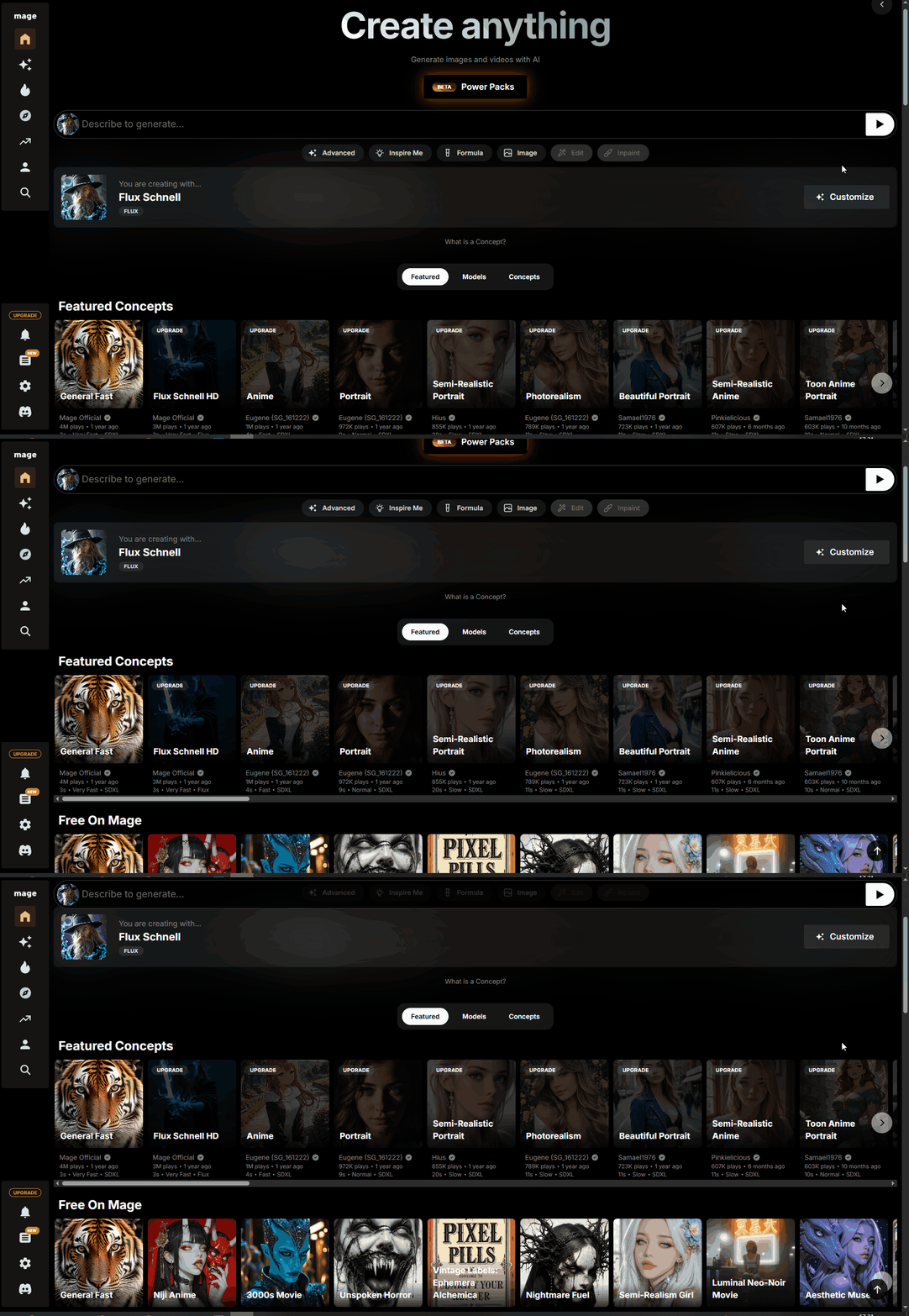
Why Mage.Space Is Worth Trying
Here are the key strengths that users frequently mention:
● Generous Free Usage – Access to unlimited image generation even on the free plan.
● Wide Model & Style Variety – Dozens of AI models (including many custom styles) for different visual outcomes (realistic, anime, stylized) giving you creative flexibility.
● Intuitive Web Interface – No installation needed; just open a browser and start creating.
● Animation Support – Beyond images, Mage.Space supports generation of animated or motion visual content (“text-to-video” or “image-to-video” style) in certain models.
● Scalable for Many Use-Cases – From social media content to concept art to marketing materials, Mage.Space adapts to a variety of creative workflows.
How to Get Started: Step-by-Step
1. Sign Up – Visit mage and create a free account.
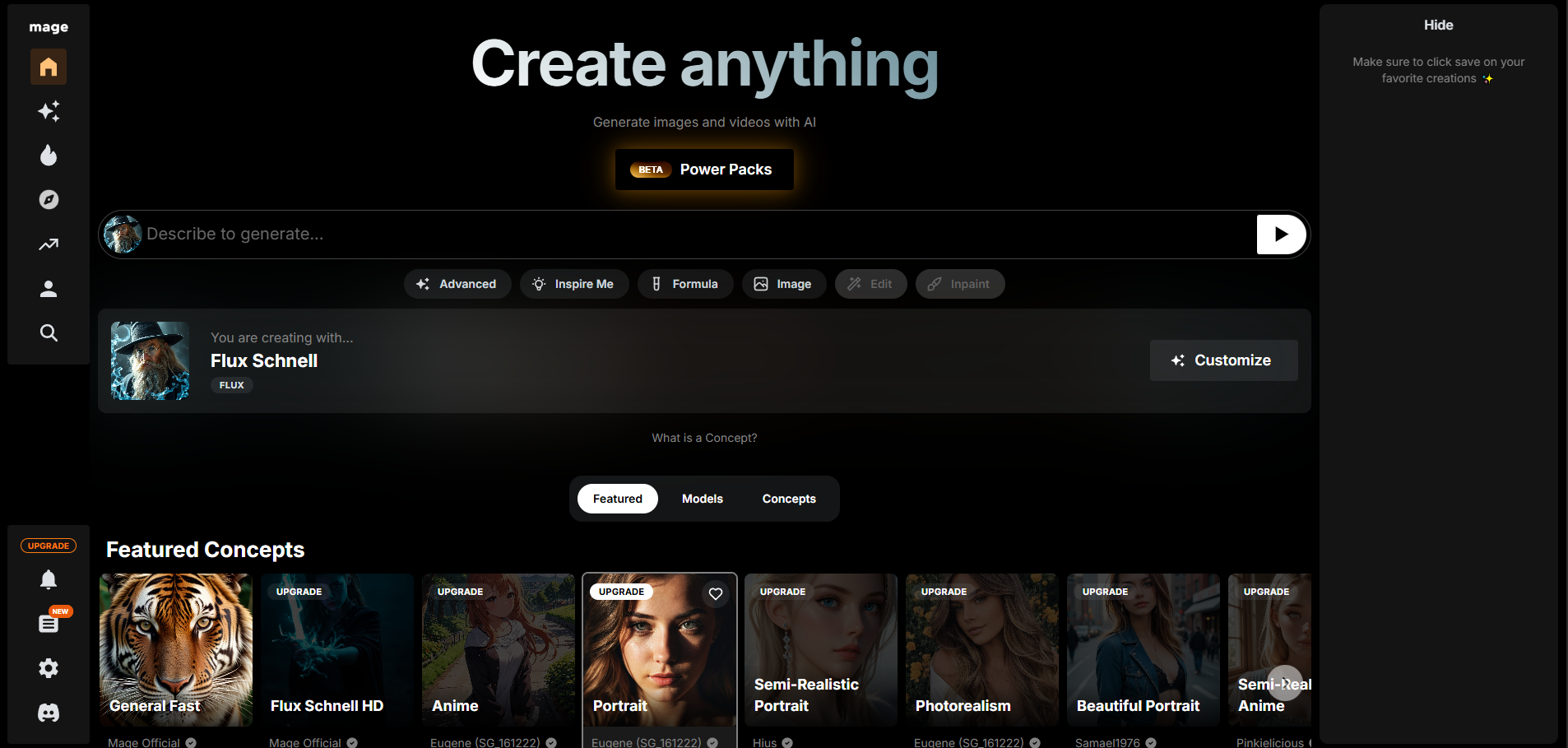
2. Enter a Text Prompt – Describe the image you want. Example:
“A cozy home office setup with a wooden desk, laptop, candle, and plants near a sunny window, soft-focus aesthetic, designed for Instagram feed”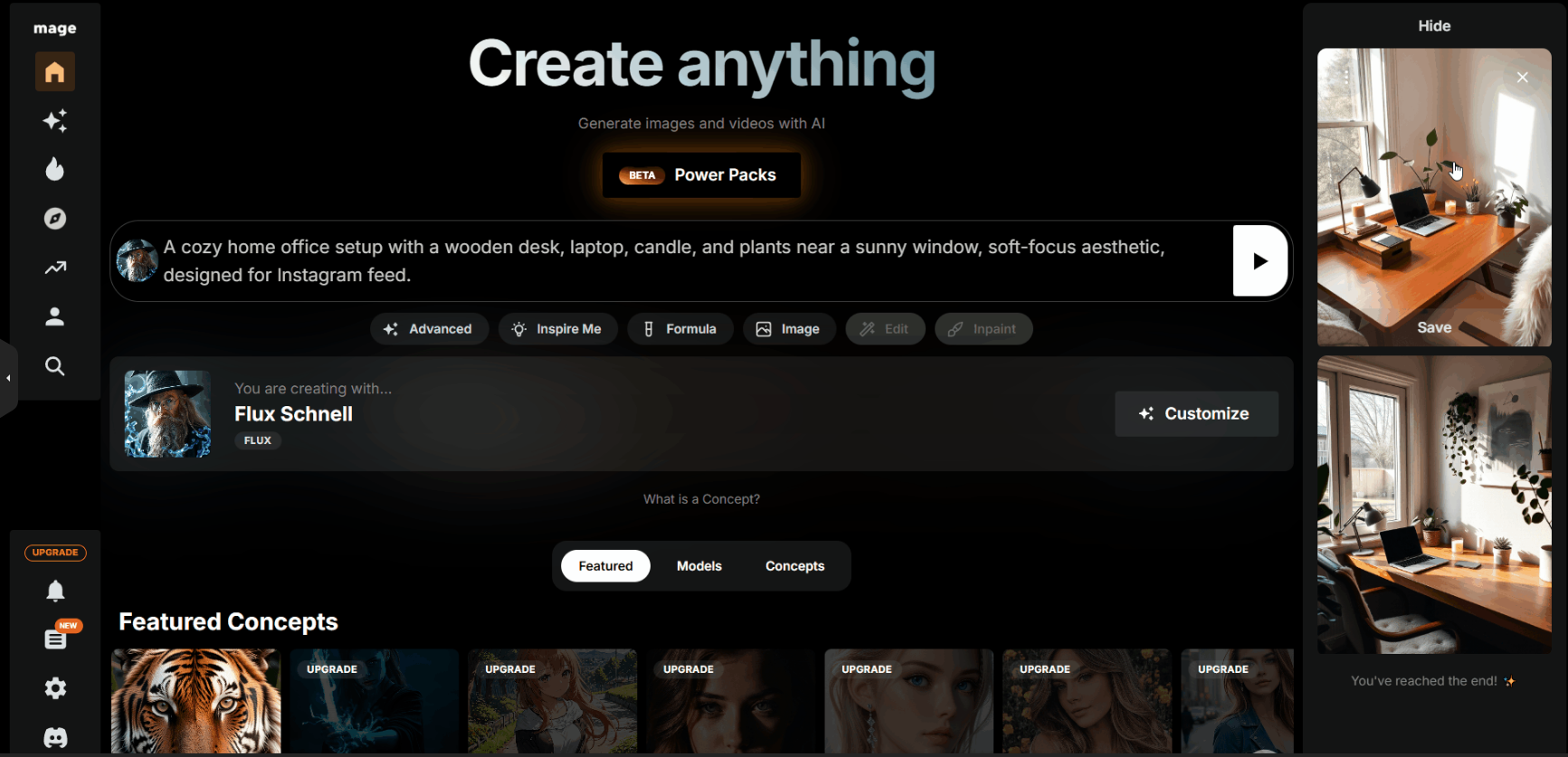
3. Select a Model / Style – Pick from available AI models/styles (realistic, anime, concept art, etc.).
4. Adjust Settings (Optional) – Change aspect ratio, number of steps, guidance scale, seed value or use “Advanced Mode” settings.
5. Generate Your Visual – Click generate and wait a few seconds; the image(s) will appear.
6. Refine or Remix – Use “Remix” or upload an image for further transformation (image-to-image).
7. Download or Export – Save the image or animation in your preferred format; use it in your project or share.
Practical Prompt Examples You Can Try
Here are some highly specific and practical prompts you can try in Mage.Space, each tailored to a different creative need:
E-Commerce & Product Visualization:
“High-end stainless steel water bottle on a reflective white surface, softbox studio lighting, minimal shadows, 4K ultra-detailed product photo.”
Creative & Concept Art:
“Post-apocalyptic desert landscape with ruined skyscrapers, sandstorm in background, dramatic lighting, epic panorama, realistic environment render.”
Marketing & Social Media:
“Fitness brand promotional poster: athletic woman running on a beach at sunrise, motion blur, vibrant warm colors, inspirational mood, magazine-style layout.”
Animation & Storytelling:
“Medieval marketplace bustling with villagers, colorful tents, soft early morning light, birds-eye perspective, painterly concept art style, ultra-detailed.”
Interior & Lifestyle Photography:
“Modern Scandinavian living room, natural daylight through large windows, minimal furniture, warm wood accents, high-resolution interior photography style.”
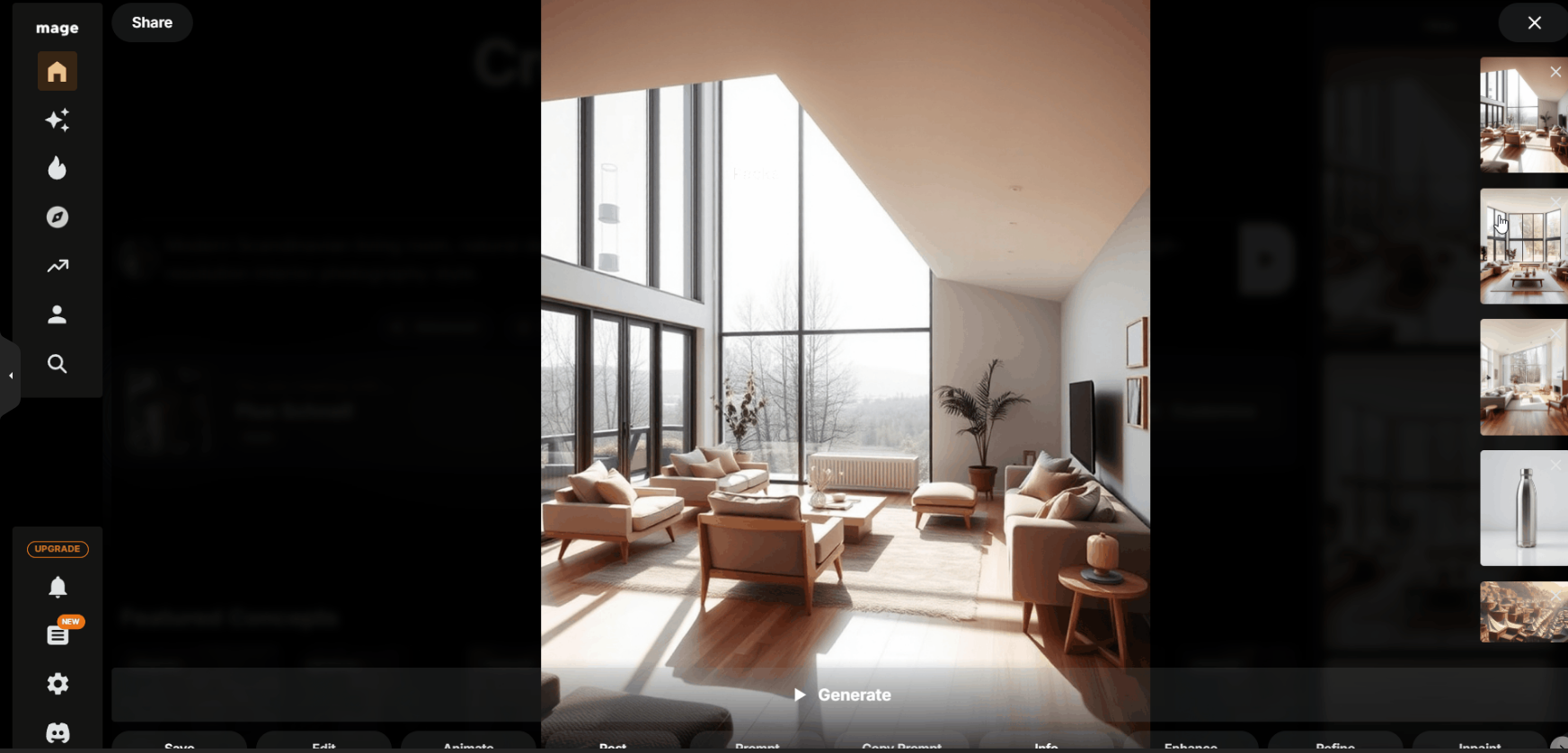
Use these as starting points and tweak lighting, style, or composition to match your specific vision.
Advanced Tools & Tips for Better Results
● Seed Value – Fixing the seed generates consistent structure; change prompts but reuse seed for variation.
● Negative Prompts – Specify what you don’t want (e.g., “no watermark”, “no blur”, “no extra limbs”). This helps when outputs include unwanted elements.
● Remix / Image-to-Image – Upload a base image and ask for style transformation or element change (e.g., change background, rerender in a new art style).
● Explore Models – Each AI model behaves differently; try realistic vs stylized to see which fits your project.
● Animation Features – Use video- or GIF-capable models if you need motion visuals. Prompt accordingly (e.g., “slow camera pan”, “looping animation”).
● Community Gallery & Inspiration – Browse other user creations for prompts, settings and styles to inform your own.
Final Thoughts
Mage.Space gives you instant access to high-quality, AI-generated visuals with minimal barrier to entry. Whether you’re crafting marketing assets, experimenting with concept art, or just exploring creative ideas — it offers flexibility, variety, and power.
For best results: be specific in your prompts, iterate through models, use advanced settings when needed, and download high-resolution output.
Your ideas no longer need to wait — with Mage.Space, you can see them come to life within moments.