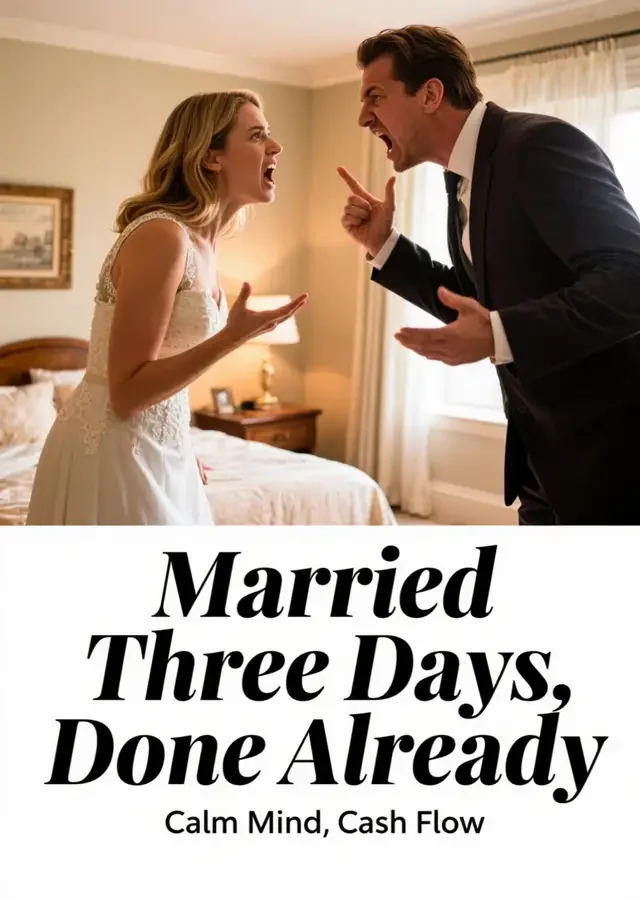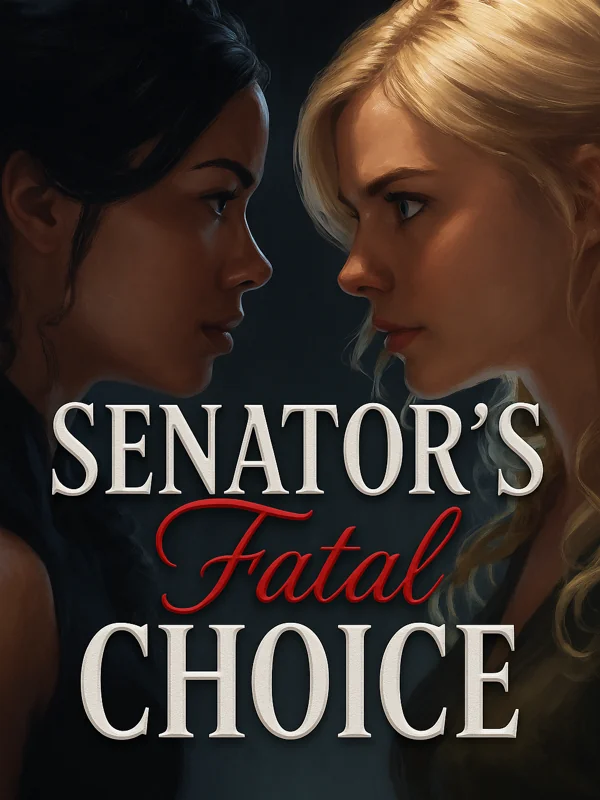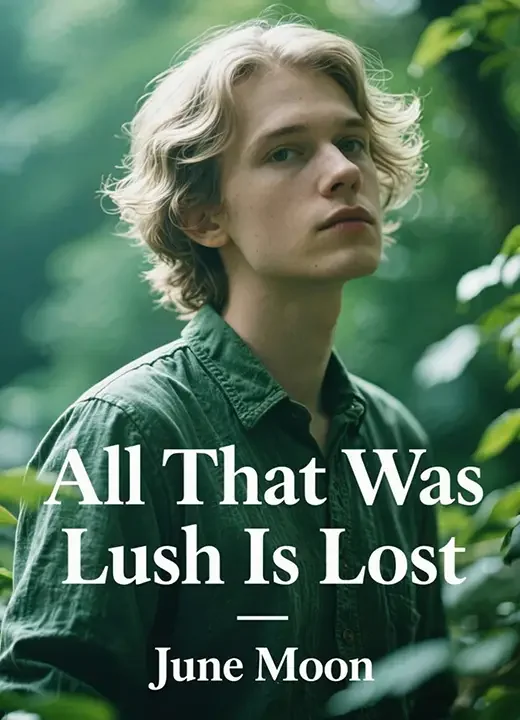
Getimg.ai is a next-generation AI platform that empowers anyone to create, edit, and enhance images or videos with ease. From generating visuals based on simple text prompts to editing, refining, and even training custom AI models — Getimg.ai combines all the essential creative tools in one accessible space.
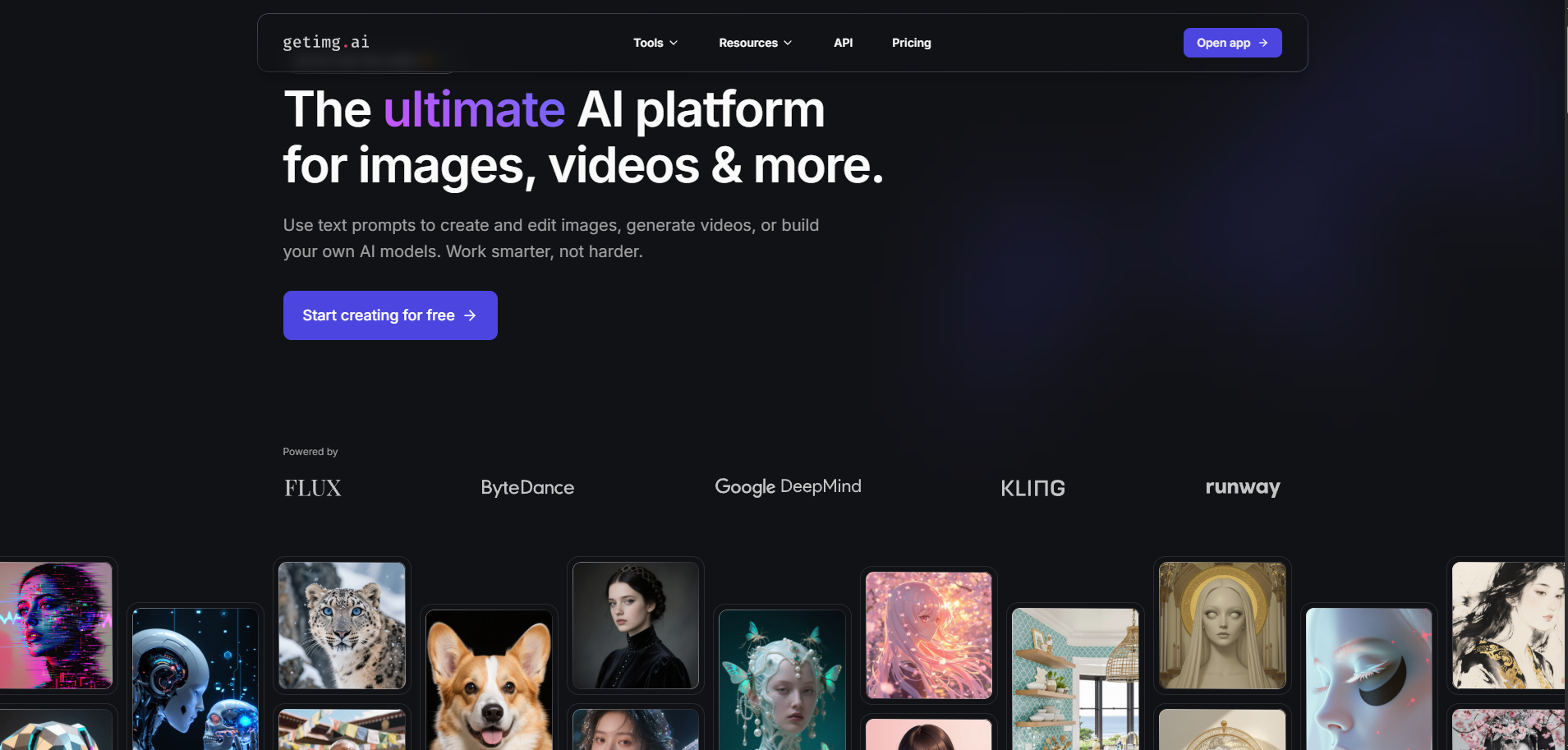
The platform is designed for creators, marketers, designers, and developers who want fast, high-quality, and scalable visual production. No advanced design background is required — just bring your ideas, type a description, and let Getimg.ai turn it into professional-grade visuals within seconds.
A Quick Look at What Makes Getimg.ai Powerful
Getimg.ai transforms the creative process by combining multiple AI tools into a single intuitive platform. Here’s how it stands apart:
● Text-to-Image Creation – Generate professional visuals directly from words using advanced diffusion models.
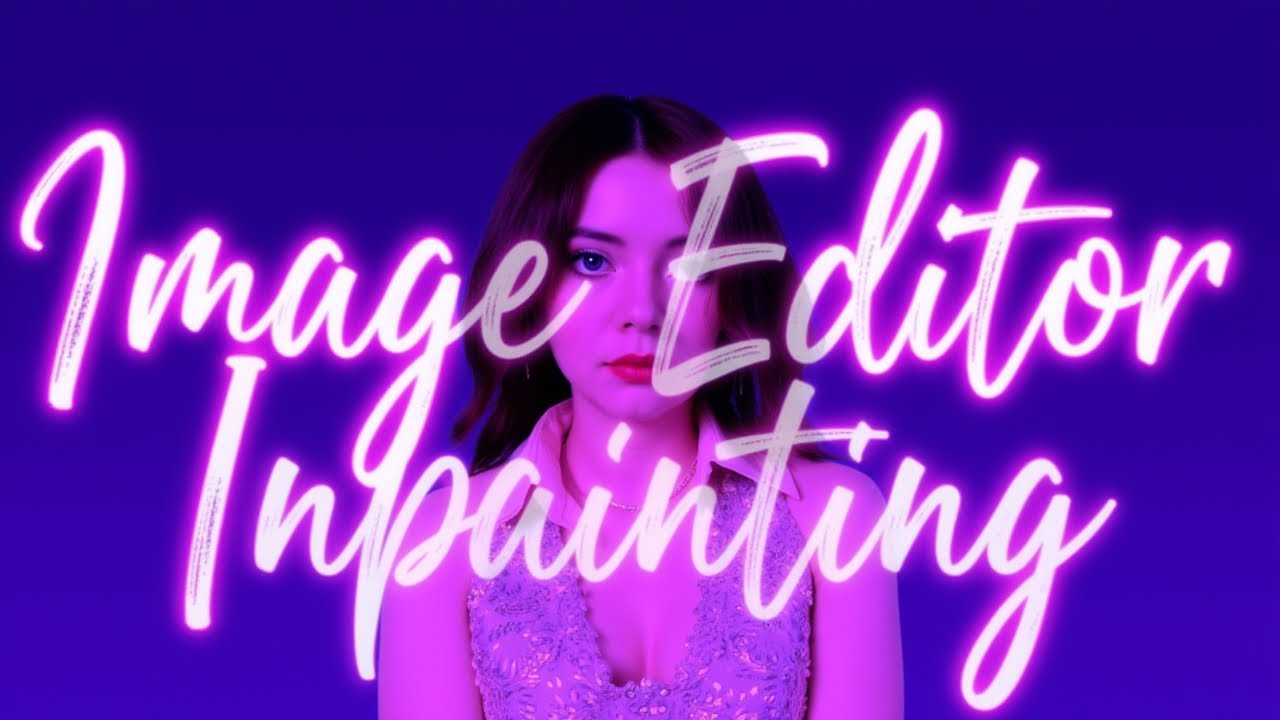
● AI Editor (Inpainting) – Remove, replace, or reimagine any part of your image with simple brush strokes.
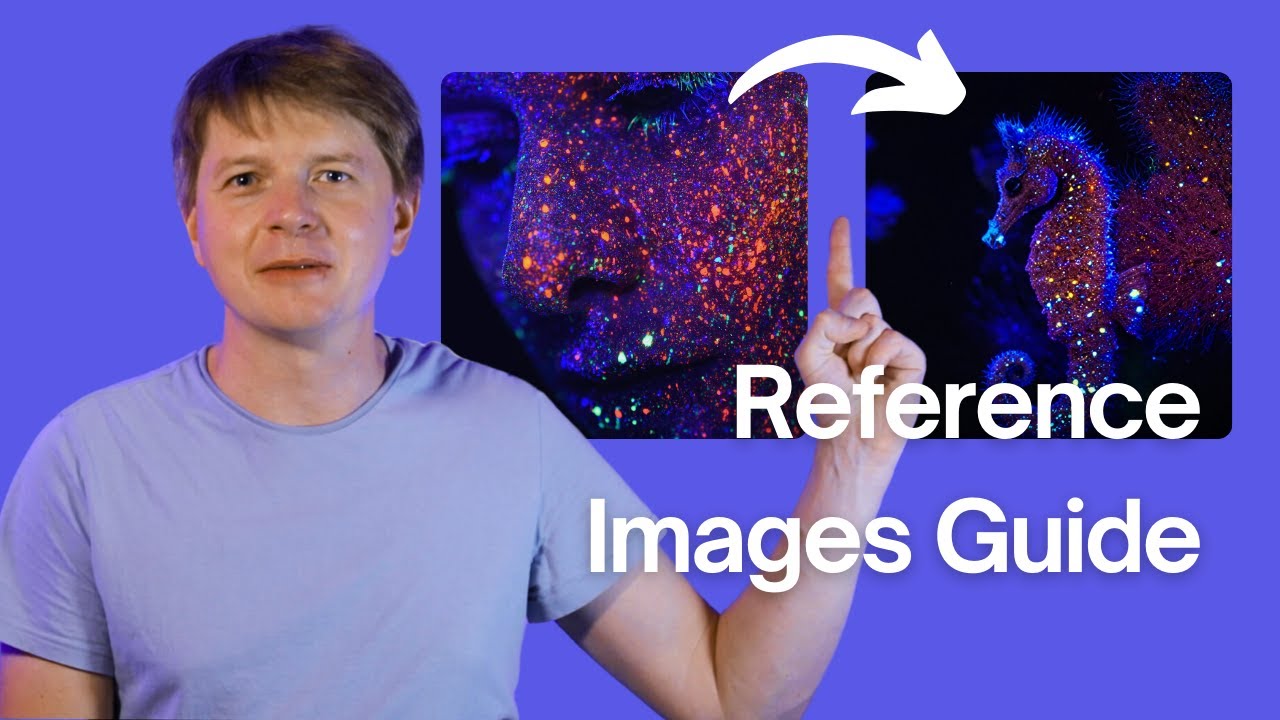
● Image-to-Image Conversion – Transform an existing photo into a new style or concept while preserving structure.
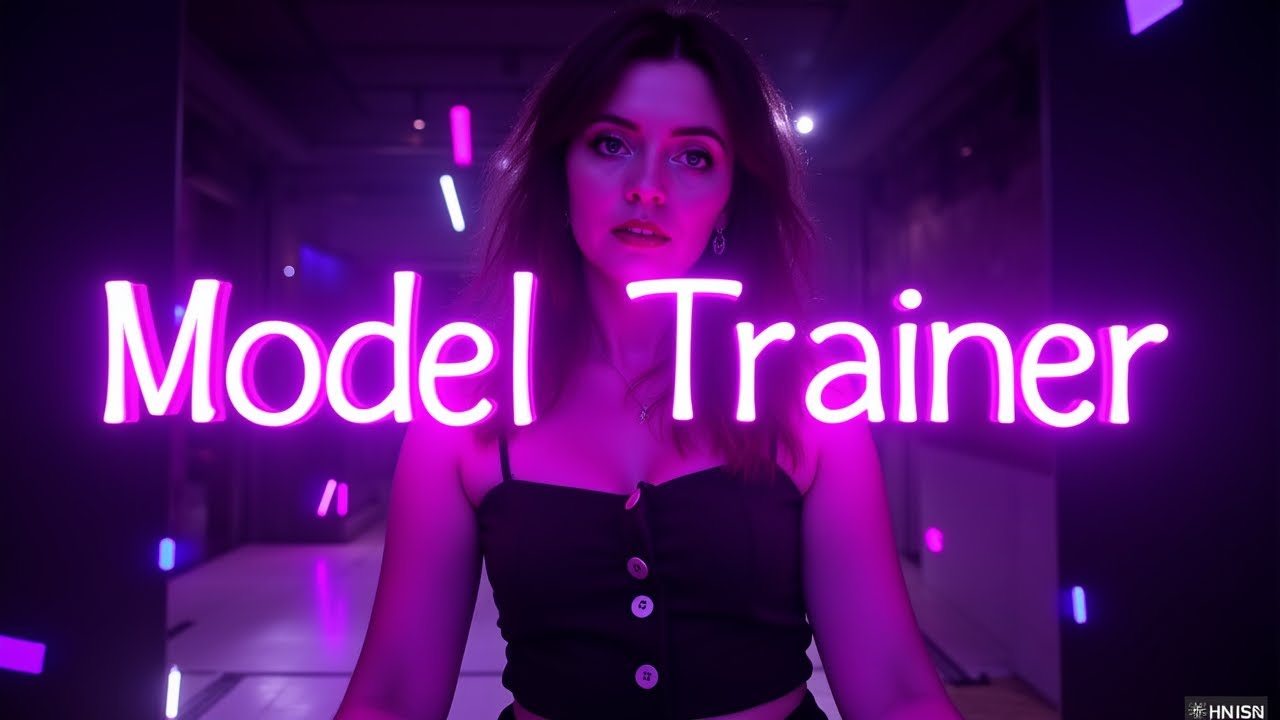
● Custom Model Training – Upload your own data and teach the AI your unique style for consistent branding.
● AI Video Generation – Animate still images or create motion sequences from text prompts.
● Developer API – Seamlessly integrate image generation into your apps or creative workflows.
Each feature is designed for real-world creativity — from concept art and marketing visuals to branded assets and AI-assisted content production.
Getting Started with Getimg.ai
Creating your first project takes just a few steps:
1. Sign Up – Go to Getimg.ai and create a free account. You’ll get a starter quota of free generations.
2. Select a Tool – Choose from Text-to-Image, AI Editor, Image-to-Image, or Custom Models.
3. Describe Your Vision – Type your idea in the prompt box. For instance:
“An elegant product photo of a perfume bottle surrounded by rose petals, soft lighting, 4K detail.”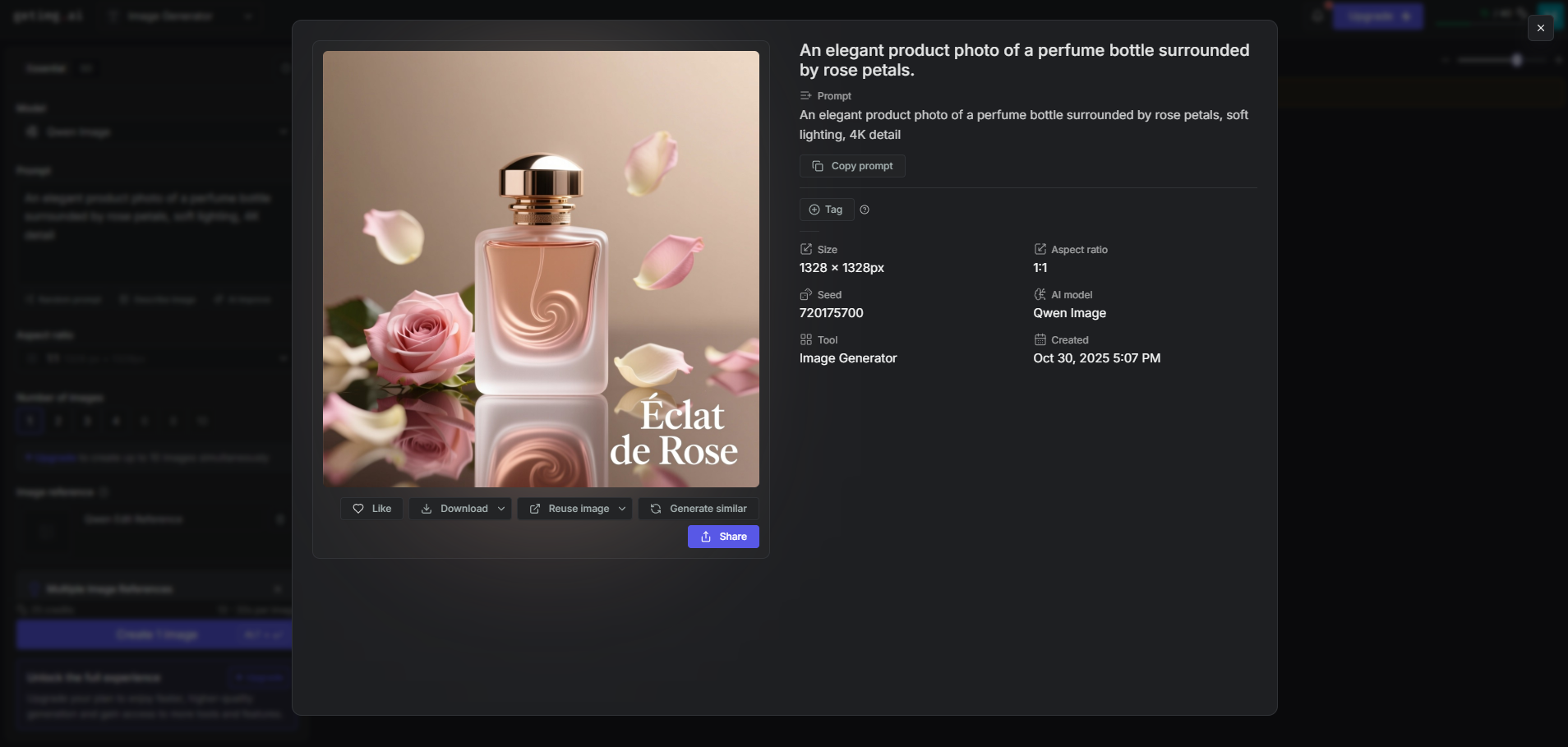
4. Generate & Review – Click “Generate” and see your image appear within seconds.
5. Edit & Enhance – Use the AI Editor to refine specific details, or upscale for higher resolution.
6. Download & Share – Export the final image for your social posts, websites, or creative projects.
Exploring Getimg.ai’s Core Creative Tools
1. Text-to-Image
Turn text prompts into striking visuals instantly.
Try this example:
“A floating castle above clouds, sunrise light rays breaking through mist, epic fantasy art, ultra-detailed, concept art style, volumetric lighting, majestic mood.”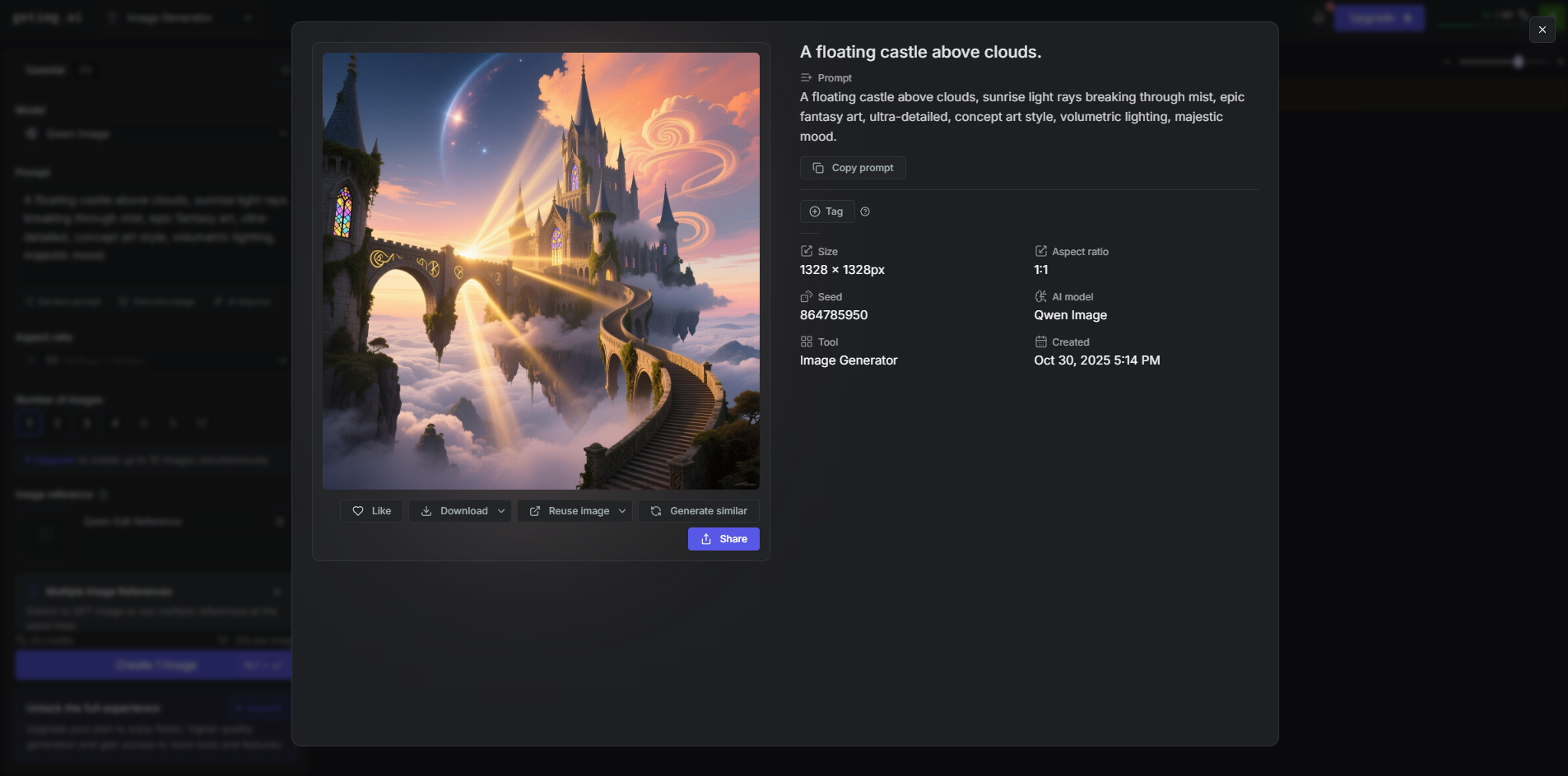
The AI will generate multiple high-resolution options for you to choose from or refine further.
2. AI Editor (Inpainting)
Perfect for small fixes or major changes. You can erase unwanted objects, modify lighting, or replace backgrounds with simple instructions.
Example:
“Replace the plain background with a modern office interior.”
3. Image-to-Image
Use this to restyle or reimagine existing visuals.
Example:
“Transform this hand-drawn sketch into a hyper-realistic 3D render.”
4. Custom Model Training
Ideal for brands and artists who need consistency. Train your model with examples of your work, and the AI will replicate that style in new creations — a powerful way to maintain a unified visual identity.
5. AI Video Generation
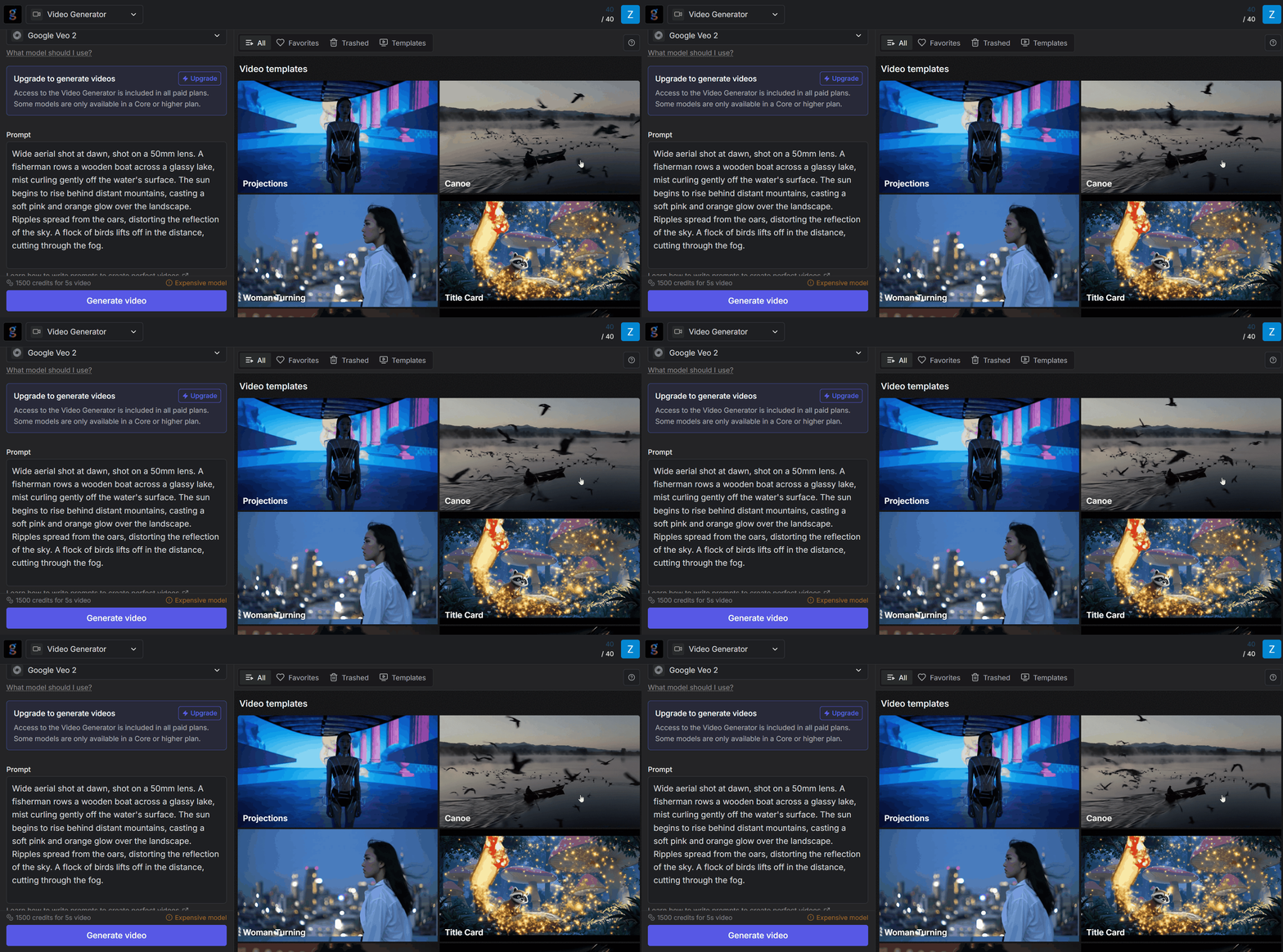
Generate short, animated scenes directly from prompts or static images.
Example Prompt:
“Wide aerial shot at dawn, shot on a 50mm lens. A fisherman rows a wooden boat across a glassy lake, mist curling gently off the water's surface. The sun begins to rise behind distant mountains, casting a soft pink and orange glow over the landscape. Ripples spread from the oars, distorting the reflection of the sky. A flock of birds lifts off in the distance, cutting through the fog.”
Prompting Like a Pro: How to Get Better Results
The key to high-quality results is in how you describe your vision.
Here’s how to write more effective prompts:
Start with clarity: Focus on one subject and describe its setting.
“An astronaut sitting at a café table, sipping coffee, surreal atmosphere.”
Add style cues: Include terms like “digital art,” “studio photography,” or “oil painting.”
Specify lighting & mood: Mention “soft morning light,” “dramatic contrast,” or “neon reflections.”
Use negative prompts: Filter out unwanted elements like “no blur, no distortion, no watermark.”
Iterate: Use Remix and seed values to adjust composition while keeping a consistent tone or layout.
How Getimg.ai Fits into Real-World Workflows
● Marketing Teams: Instantly design ad banners, product shots, or campaign imagery.
● Design Studios: Prototype new concepts or refine ideas faster than manual workflows.
● Developers: Integrate Getimg.ai’s API to power creative automation or visual generation features.
● Content Creators: Produce thumbnails, visual effects, or story illustrations for videos and blogs.
● Educators & Trainers: Use AI visuals to enrich presentations or learning materials.
Realistic Example Prompts to Try
Marketing Design:
“A minimalist ad for eco-friendly shampoo, clean design, green palette, white background, text space on top.”
Illustration & Art:
“Cyberpunk street market with glowing signs, rainy night, reflective puddles, cinematic shot.”
Interior Concept:
“Luxury living room with Scandinavian furniture, natural sunlight, wooden textures, high realism.”
Fantasy Storytelling:
“Dragon flying over medieval castle at sunrise, epic atmosphere, detailed environment.”
What Sets Getimg.ai Apart
Getimg.ai shines through its flexibility and depth. It gives creators both the simplicity of one-click image generation and the depth of professional customization.
It’s not just a “generate and go” tool — it’s a platform where you can refine, experiment, and build your own creative systems.With continuous updates, expanding model libraries, and accessible pricing, Getimg.ai is positioning itself as one of the most complete AI creative platforms available today.
Final Thoughts
Getimg.ai brings your imagination closer to reality — transforming a few words into stunning, ready-to-use visuals.
It’s intuitive enough for beginners and powerful enough for professional creators looking to speed up their workflow without losing control or quality.If you’re looking to push your creative boundaries or streamline your visual production, https://getimg.ai/ is the perfect AI partner to help your ideas take shape.
Start with a single prompt, and see where your imagination leads next.